Nero Lens
Nero Lens is an all-in-one AI-powered photo enhancer app that instantly upscales, restores, colorizes, and denoises images. It …
Nero Lens is an all-in-one AI-powered photo enhancer app that instantly upscales, restores, colorizes, and denoises images. It also features an AI avatar and headshot generator, turning your selfies into stunning, stylized photos for social media, dating profiles, or professional use.
aiphotorestorer
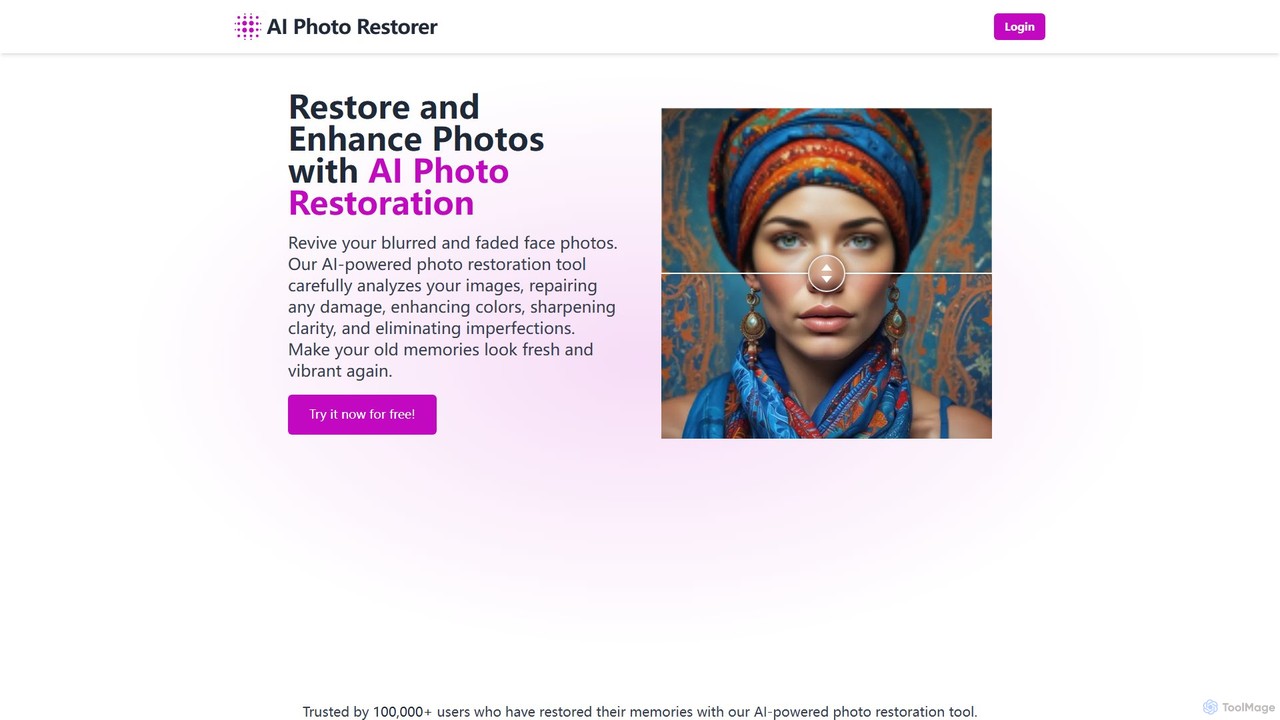
An AI-powered online tool that automatically restores, enhances, and upscales old, blurry, or damaged photos. It effectively removes …
An AI-powered online tool that automatically restores, enhances, and upscales old, blurry, or damaged photos. It effectively removes scratches, corrects colors, and sharpens details to bring your cherished memories back to life with stunning clarity. Ideal for both personal and professional use.
colorizethis
An advanced AI tool that breathes new life into black-and-white photos by colorizing them into stunning 8K resolution …
An advanced AI tool that breathes new life into black-and-white photos by colorizing them into stunning 8K resolution images. It leverages sophisticated AI models for both personal photo restoration and highly precise technical applications, such as industrial material analysis.
Media.io Img Sharpener
An AI-powered online tool that instantly sharpens blurry photos, enhances details, and improves overall image quality. It effectively …
An AI-powered online tool that instantly sharpens blurry photos, enhances details, and improves overall image quality. It effectively fixes out-of-focus portraits, removes noise from low-light images, and restores clarity to pixelated pictures with a single click, no editing skills required.
About Image Restoration
AI Image Restoration tools are specialized applications that use artificial intelligence to repair and enhance old, damaged, or low-quality photographs. They leverage deep learning models to intelligently remove scratches, reduce noise, correct colors, and sharpen blurry details. These tools are valuable for bringing cherished memories back to life, preserving historical archives, and improving the clarity of imperfect images for professional use. The process automatically reconstructs missing or degraded information, achieving results that were once only possible through extensive manual retouching.
Core Features
- Scratch & Blemish Removal: Automatically detects and seamlessly fills in cracks, dust, spots, and other physical damage.
- AI Colorization: Intelligently adds realistic and context-aware colors to black and white or faded photographs.
- Noise and Grain Reduction: Cleans up digital noise from low-light shots and film grain from scanned images without losing detail.
- Face Restoration: Specifically enhances and reconstructs facial features in blurry or low-resolution portraits with high fidelity.
- Deblurring & Sharpening: Corrects motion blur and out-of-focus issues, significantly improving overall image clarity.
Use Cases
These tools are widely used by individuals for restoring old family albums, as well as by professionals in archival institutions, museums, and libraries for preserving historical records. Photographers and real estate agents use them to salvage imperfect shots, while forensic analysts may use them to clarify details in evidence photos.
How to Choose
When selecting an Image Restoration tool, consider the specific type of damage you need to fix (e.g., scratches vs. blur). Evaluate the tool's output quality and resolution limits. For large projects, check for batch processing capabilities. Also, compare the user interface's simplicity against the need for fine-tuning controls, and consider the pricing model, such as per-image credits versus a monthly subscription.

Image RestorationUse Cases
Revitalizing Old Family Photographs
Individuals and genealogists use AI image restoration to breathe new life into faded, scratched, or torn family portraits. By uploading a scanned old photo, the tool can automatically remove creases, fix water damage, and colorize black-and-white images. This process helps preserve precious family memories for future generations, making them shareable on social media or suitable for printing in high quality, all without requiring professional photo editing skills.
Preserving Historical and Archival Images
Museums, libraries, and historical societies employ these tools to digitize and restore their collections. AI can efficiently process thousands of archival photographs, removing the effects of aging like yellowing, fading, and physical damage. This not only preserves the visual information for academic and public use but also makes historical content more engaging and accessible for online exhibits and publications.
Enhancing Real Estate Photography
Real estate agents and photographers often face challenges with poorly lit or slightly blurry property photos. AI restoration tools can quickly deblur images taken in haste, reduce digital noise from indoor shots, and enhance details in shadows. This results in clearer, more appealing property listings that attract more potential buyers, saving time and costs associated with reshoots.
Clarifying Forensic and Security Footage
Law enforcement and security professionals use image restoration techniques to enhance low-quality evidence. AI can sharpen blurry faces from surveillance cameras, reduce noise from grainy footage, and clarify license plate numbers. This can provide critical details for investigations, turning an unusable image into a valuable piece of evidence.
Repairing Damaged Scans for Publication
Publishers and content creators who work with scanned materials, such as old book illustrations or magazine photos, use AI to clean up imperfections. The tools can remove dust, scratches, and moiré patterns that often appear during the scanning process. This ensures the final published material, whether digital or in print, is of the highest visual quality.
Improving E-commerce Product Photos
E-commerce businesses can use AI restoration to fix minor flaws in product photography without a full reshoot. This includes removing dust or small scratches from product surfaces, sharpening details to highlight texture, and correcting minor color fading. The result is a cleaner, more professional-looking product catalog that can improve customer trust and conversion rates.