ToolMage
Sign in

Best 3 Rendering AI tools for Image

Popular Rendering AI tools in Image include ReRender AI, Architect AI, and SketchPro, helping you work more efficiently.

SketchPro

SketchPro

SketchPro is an AI-powered design copilot for architects, interior designers, and real estate developers. It transforms sketches, 3D models, or photos into high-quality, realistic renders in seconds. Users can apply style references, give text-based instructions for edits, and instantly change materials to accelerate their design workflow and visualize concepts with unprecedented speed and flexibility.

Architectural Visualization
Visits 4.1KFavorites 110Likes 112
Architect AI
Freemium

Architect AI

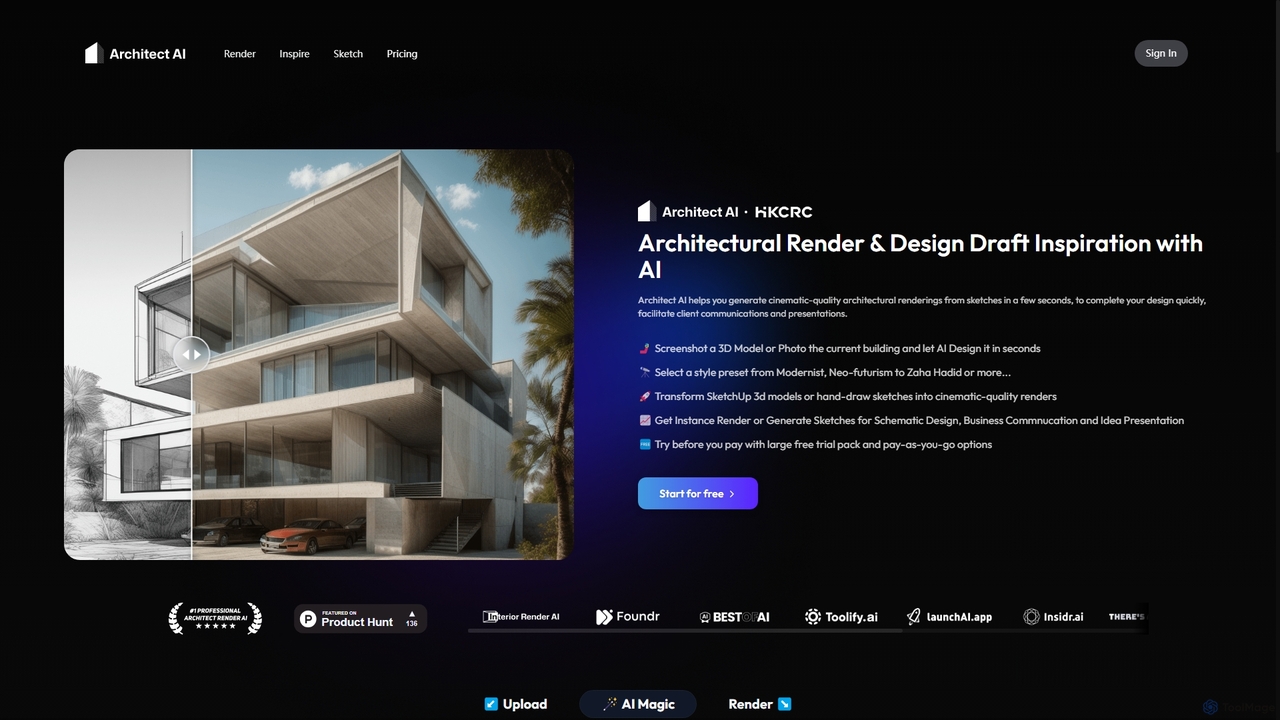
Architect AI is a powerful tool for architects and designers, transforming sketches, 3D models, and photos into cinematic-quality architectural renderings in seconds. It offers a vast library of styles, environments, and materials, enabling rapid visualization and idea exploration. Ideal for client presentations, portfolio building, and accelerating the design workflow from concept to photorealistic image.

Architecture
Visits 23.8KFavorites 91Likes 90
ReRender AI
Freemium

ReRender AI

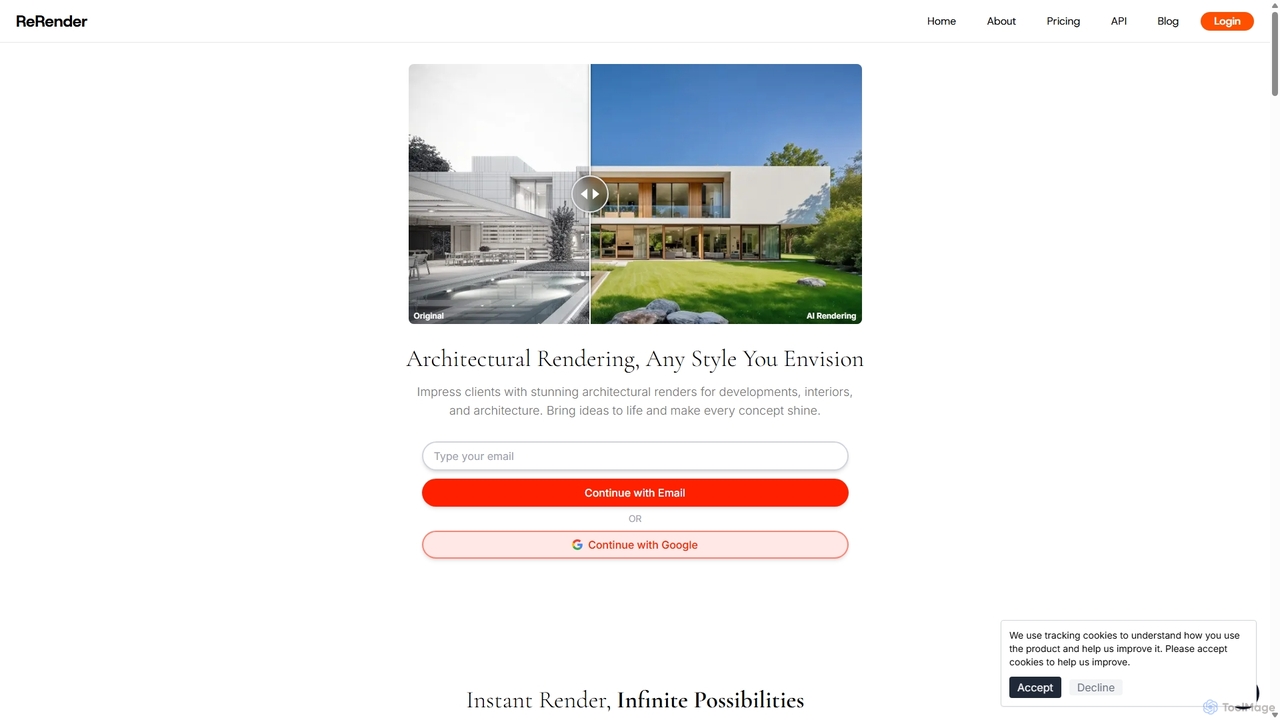
ReRender AI is a powerful AI-driven platform that transforms architectural sketches, 3D models, and photos into stunning, photorealistic renderings in seconds. Designed for architects, interior designers, and real estate developers, it streamlines the design visualization process with customizable styles, detailed environmental controls, and rapid generation speeds.

Architecture
Visits 396.5KFavorites 133Likes 122

About Rendering

AI Rendering tools are a specialized category within AI Image tools that leverage artificial intelligence to generate high-quality, often photorealistic, visual representations from 3D models or abstract data. These tools utilize advanced algorithms to simulate light, materials, and textures, significantly accelerating the creation of complex scenes and visual effects. They empower designers, artists, and engineers to produce stunning visuals with unprecedented speed and realism, transforming workflows in various creative and industrial sectors.

Core Features

  • Photorealistic Output: Generates images with lifelike detail, accurate lighting, and material properties.
  • Real-time Visualization: Enables instant feedback and interactive exploration of 3D scenes during design.
  • Automated Scene Optimization: Intelligently adjusts rendering settings for optimal quality and speed.
  • Material and Texture Synthesis: Creates realistic surface properties and textures from simple inputs or descriptions.
  • Style Transfer for Rendering: Applies artistic styles or specific visual aesthetics to rendered outputs.

Applicable Scenarios

AI rendering tools are indispensable in fields requiring high-fidelity visual content. Architectural firms use them for realistic building visualizations, allowing clients to experience designs before construction. Product designers leverage AI rendering to create compelling marketing visuals and prototypes without physical production. Game developers integrate these tools for efficient asset creation and dynamic in-game lighting, enhancing player immersion.

How to Choose

When selecting an AI rendering tool, consider its compatibility with your existing 3D software and asset pipelines. Evaluate the quality and realism of its output, especially for specific material types or lighting conditions. Assess its rendering speed and whether it supports real-time capabilities for interactive workflows. Finally, review its pricing model, scalability for large projects, and the availability of cloud rendering options.

Featured tool rankings

Rendering use cases

1

Accelerate Architectural Visualization

Architectural designers can utilize AI rendering tools to rapidly transform 3D building models into photorealistic images and walkthroughs. By automating complex lighting calculations and material applications, these tools allow designers to generate multiple design iterations and client presentations in a fraction of the time, significantly reducing project timelines and enhancing client understanding of proposed structures.

2

Enhance Product Design & Marketing

Product designers and marketing teams employ AI rendering to create high-quality visual prototypes and marketing assets for new products. Instead of costly physical prototypes or traditional photography, AI tools can render products with various materials, lighting, and environments, enabling quick design validation and the production of diverse promotional content before manufacturing begins, saving both time and resources.

3

Streamline Game Asset Creation

Game developers leverage AI rendering for efficient creation and integration of 3D assets and environments. These tools can quickly render complex character models, environmental props, and intricate textures, often with real-time feedback. This accelerates the asset pipeline, allows for dynamic lighting adjustments, and helps achieve consistent visual quality across diverse game scenes, improving development speed and visual fidelity.

4

Produce High-Quality Animation Frames

Animation studios use AI rendering to speed up the computationally intensive process of rendering individual frames for animated films and series. AI algorithms can optimize render times, denoise images, and even upscale resolutions, allowing artists to focus more on creative aspects. This significantly reduces the overall production time and costs associated with generating high-resolution animated sequences.

5

Create Immersive Virtual Reality Environments

VR content creators utilize AI rendering to build highly detailed and immersive virtual reality environments. By efficiently rendering complex 3D scenes with accurate depth and perspective, these tools enable the creation of realistic virtual worlds for training simulations, interactive experiences, or virtual tours. This enhances user immersion and reduces the performance overhead typically associated with high-fidelity VR graphics.

6

Generate Scientific & Medical Visualizations

Researchers and medical professionals apply AI rendering to visualize complex scientific data, molecular structures, or anatomical models. These tools can transform abstract datasets into clear, interpretable 3D renderings, aiding in discovery, education, and surgical planning. The ability to quickly generate accurate and detailed visualizations helps in communicating complex information effectively and supports advanced analytical processes.

Rendering FAQ

What are AI Rendering tools?

AI Rendering tools are software applications that use artificial intelligence algorithms to generate visual representations from 3D models or data. They simulate light, materials, and textures to create photorealistic or stylized images and animations. Their core purpose is to automate and accelerate the traditionally time-consuming rendering process, producing high-quality visuals with greater efficiency and often superior realism compared to conventional methods.

How do AI Rendering tools differ from traditional rendering software?

AI Rendering tools differ from traditional rendering software primarily in their use of machine learning. While traditional renderers rely on explicit physical simulations (like ray tracing), AI tools can learn from vast datasets to predict optimal lighting, denoise images, or even generate textures, often achieving faster results with less manual configuration. This leads to quicker iterations, reduced computational load, and sometimes more creative outputs, especially in real-time applications.

What are the main benefits of using AI for rendering?

The main benefits of using AI for rendering include significantly increased speed and efficiency, allowing for faster iteration cycles in design and animation. AI can also enhance realism by intelligently optimizing lighting and material properties, and reduce the computational resources required, especially for complex scenes. Furthermore, AI rendering can automate repetitive tasks, free up artists for more creative work, and enable real-time visualization capabilities that were previously challenging.

Can AI Rendering tools create real-time visualizations?

Yes, many AI Rendering tools are specifically designed to facilitate real-time visualizations. They leverage AI-powered denoising, upscaling, and predictive rendering techniques to generate high-quality images almost instantly. This capability is crucial for interactive applications like game development, virtual reality, and architectural walkthroughs, where immediate feedback and dynamic scene exploration are essential for an immersive user experience and efficient workflow.

What should I consider when choosing an AI Rendering tool for my project?

When choosing an AI Rendering tool, consider its compatibility with your existing 3D modeling software and asset formats. Evaluate the specific features it offers, such as photorealism, real-time capabilities, or specialized material handling, to ensure they align with your project's needs. Also, assess its performance on your hardware or its cloud rendering options, pricing structure, and the learning curve involved. Finally, check for community support and integration with other tools in your workflow.