
ToolMage
Sign in

Best 1 Itsm AI tools for It

Popular Itsm AI tools in It include SmartSuite, helping you work more efficiently.

SmartSuite
Freemium

SmartSuite

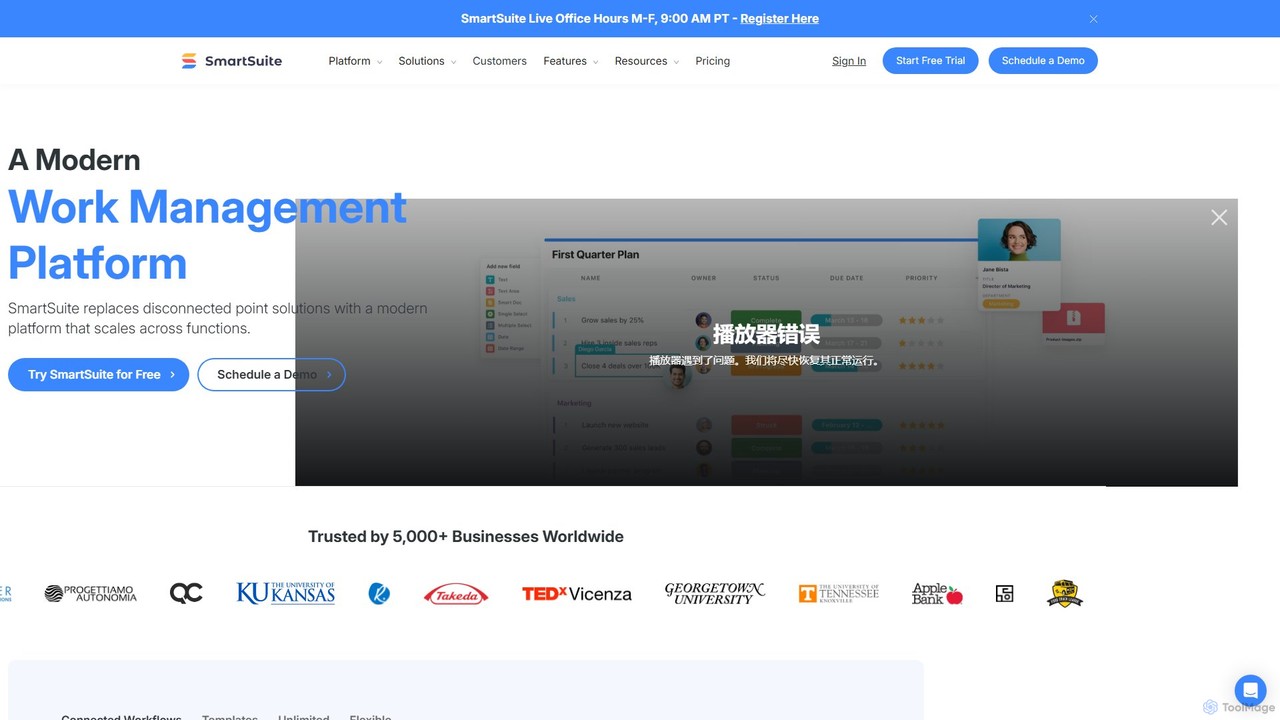
SmartSuite is a powerful, all-in-one work management platform that unifies all your business processes, from project management and CRM to ITSM and HR. SmartSuite replaces scattered spreadsheets and apps with a single, customizable no-code solution. It features integrated AI, robust reporting, workflow automation, and numerous data views to help teams collaborate and work smarter.

Crm
Visits 370.4KFavorites 97Likes 95

About Itsm

AI ITSM tools are platforms that leverage artificial intelligence to automate and optimize IT Service Management processes. They use machine learning and natural language processing to streamline incident resolution, manage service requests, and predict potential IT issues. This approach transforms traditional IT support from a reactive model to a proactive, data-driven service delivery framework, enhancing both operational efficiency and end-user satisfaction. These tools are a specialized subset of IT solutions focused on service lifecycle management.

Core Features

  • AI-Powered Ticketing: Automatically categorizes, prioritizes, and routes support tickets based on content and urgency.
  • Predictive Analytics: Identifies potential system failures or performance bottlenecks before they impact users.
  • Intelligent Virtual Agents: Provides instant, 24/7 support for common user queries and automates service request fulfillment.
  • Automated Root Cause Analysis: Analyzes incident data to quickly identify the underlying cause of recurring problems.
  • Change Risk Assessment: Uses AI to predict the potential impact and risk of proposed IT changes on the infrastructure.

Use Cases

AI ITSM tools are primarily used by corporate IT departments, Managed Service Providers (MSPs), and enterprise support teams. For example, a large corporation can automate the onboarding process for new employees, from account creation to hardware provisioning. An MSP can leverage predictive analytics to proactively address client issues, improving service level agreement (SLA) compliance.

How to Choose

When selecting an AI ITSM tool, evaluate its integration capabilities with existing systems like CRM and HRIS. Assess the sophistication of its AI features—does it offer true predictive analytics or just basic automation? Also, consider the platform's scalability to support business growth and the total cost of ownership, including implementation and training fees.

Itsm use cases

1

Automated Incident Management and Resolution

An IT support engineer in a large enterprise receives a high volume of tickets daily. When a critical 'system down' alert is triggered, the AI ITSM tool automatically categorizes it, analyzes historical data from similar incidents, and suggests a root cause and a resolution script from its knowledge base. The engineer applies the recommended fix, reducing the mean time to resolution (MTTR) from hours to minutes and significantly minimizing business impact.

2

Proactive Problem Management with Predictive Analytics

An IT operations manager uses the tool's predictive analytics dashboard. The AI identifies a recurring pattern of minor performance degradations across several servers, predicting a major failure within the next 48 hours. The system automatically creates a problem ticket, allowing the team to investigate and resolve the underlying issue before it causes a widespread outage. This shifts the team's focus from reactive firefighting to proactive, preventative maintenance.

3

Intelligent Employee Self-Service Portal

A new employee needs access to specific software. Instead of emailing IT, they interact with an AI-powered virtual agent via a self-service portal. The chatbot understands the request, verifies the employee's role-based permissions, automatically triggers the software deployment workflow, and notifies the user upon completion. This provides an instant, positive onboarding experience and frees up IT staff from handling repetitive, low-level tasks.

4

AI-Assisted Change Management and Risk Assessment

A change manager is planning a major server upgrade. They input the change plan into the AI ITSM tool. The AI analyzes dependencies, historical change data, and potential conflicts with other systems. It provides a risk score and highlights potential points of failure, enabling the manager to adjust the plan to minimize downtime and ensure a smoother, more successful transition with a lower change failure rate.

5

Automated IT Asset Discovery and Compliance

An IT asset manager needs to conduct a software license audit. The AI ITSM tool continuously scans the network to discover all hardware and software assets in real-time. It automatically reconciles installed software against purchased licenses, flagging any compliance gaps or unused 'shelfware'. This provides an accurate, up-to-date inventory, helps optimize software spending, and ensures the organization is always prepared for an audit.

6

Personalized Knowledge Base Recommendations

A remote employee is facing a VPN connection issue. As they type their problem into the support portal's search bar, the AI ITSM tool uses NLP to understand the context and proactively suggests relevant knowledge base articles and step-by-step guides. This contextual search empowers the user to solve the problem themselves instantly, reducing the number of tickets submitted and improving overall user autonomy and satisfaction.

Itsm FAQ

What are AI ITSM tools?

AI ITSM tools are software platforms that apply artificial intelligence to IT Service Management. They go beyond traditional ITSM by using technologies like machine learning and NLP to automate ticket routing, predict system issues, provide intelligent chatbot support, and analyze the root cause of problems. Their main goal is to make IT support more proactive, efficient, and data-driven, shifting focus from manual process execution to automated service delivery.

How to choose the right AI ITSM tool?

To choose the right tool, consider these key factors:

  • AI Capabilities: Evaluate the depth of AI features. Does it offer true predictive analytics and root cause analysis, or just basic automation and keyword-based chatbots?
  • Integration: Ensure it can connect seamlessly with your existing IT infrastructure and business applications (e.g., Slack, Jira, HR systems).
  • Scalability: Select a platform that can grow with your organization's needs in terms of users, assets, and ticket volume.
  • User Experience: The interface should be intuitive for both IT staff who manage it and the end-users who request services.
What's the difference between AI ITSM and traditional ITSM?

The key difference is the shift from reactive to proactive and from manual to automated. Traditional ITSM focuses on structured processes and requires significant manual intervention for tasks like ticket classification and routing. AI ITSM enhances these processes with intelligence. It automates routine tasks, uses data to predict future issues, and provides instant, 24/7 self-service options through virtual agents, making the entire service delivery model more efficient and user-centric.

Who should use AI ITSM tools?

AI ITSM tools are ideal for medium to large enterprises with complex IT environments and high volumes of support requests. They are particularly beneficial for:

  • Corporate IT Departments: To improve service delivery efficiency and reduce operational costs.
  • Managed Service Providers (MSPs): To proactively manage client infrastructure and meet SLAs more effectively.
  • Enterprise Service Management (ESM): For other internal departments like HR or Facilities to automate their own service request processes.
What are the main benefits of using AI in ITSM?

The main benefits of integrating AI into ITSM include:

  • Increased Efficiency: Automating routine tasks like ticket categorization and password resets frees up IT staff for more strategic work.
  • Faster Resolution Times: AI can quickly identify root causes and suggest solutions, significantly reducing system downtime.
  • Proactive Support: Predictive analytics help prevent issues before they impact users, improving system reliability.
  • Improved User Satisfaction: 24/7 chatbot support and intelligent self-service portals provide instant assistance, enhancing the end-user experience.