ToolMage
Sign in

Best 2 Cloud Computing AI tools for It

Popular Cloud Computing AI tools in It include K8sGPT and KubeHA, helping you work more efficiently.

KubeHA
Paid

KubeHA

KubeHA is a GenAI-powered SaaS platform for Kubernetes, offering an all-in-one solution for Monitoring, Observability, Remediation, and Exploration (MORE). It unifies logs, metrics, traces, and events to provide AI-driven root cause analysis, smart fix suggestions, and 1-click remediation, eliminating tool sprawl and simplifying complex operations for SRE and DevOps teams.

Devops
Visits 5.9KFavorites 117Likes 125
K8sGPT
Free

K8sGPT

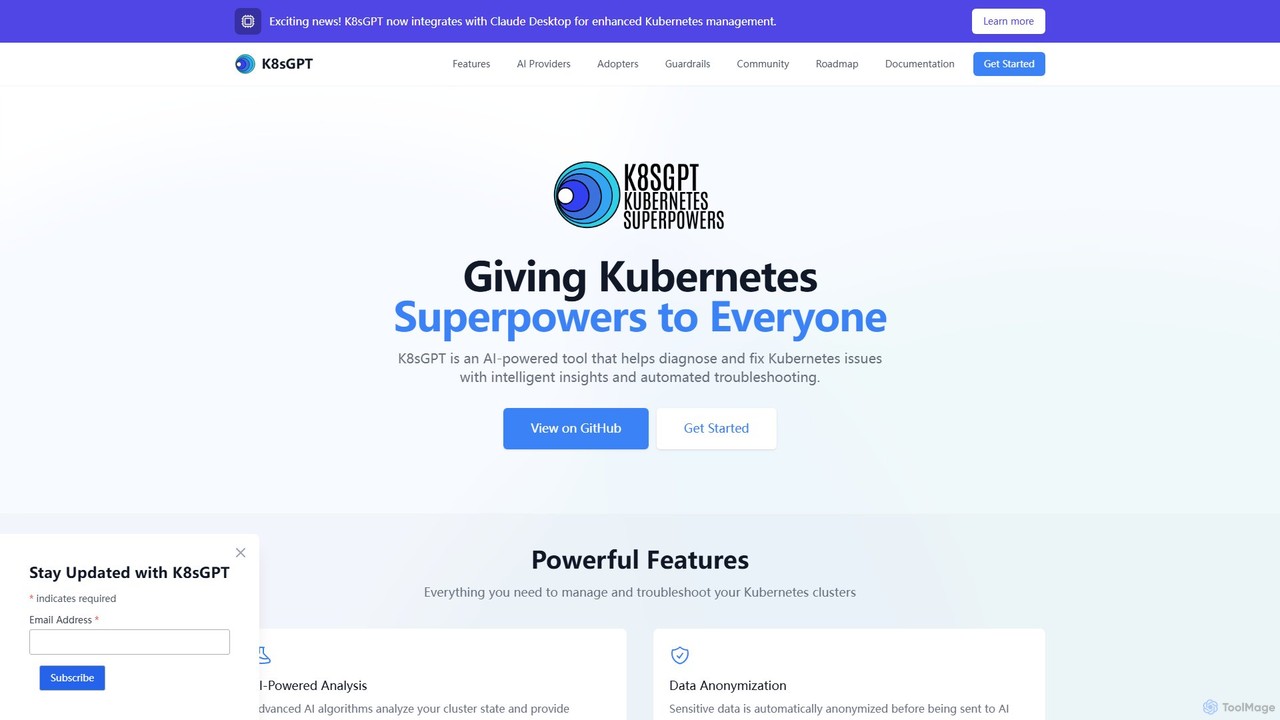
K8sGPT is an AI-powered tool designed to supercharge Kubernetes (K8s) troubleshooting. It scans your clusters, diagnoses issues, and provides intelligent, context-aware insights and solutions. By integrating with various AI providers, including local models, it helps SREs, DevOps engineers, and developers to quickly identify and resolve complex problems, significantly reducing downtime and manual effort.

Devops
Visits 12.2KFavorites 81Likes 76

About Cloud Computing

AI Cloud Computing tools are a category of software that leverages artificial intelligence to automate and optimize cloud infrastructure and services. They utilize machine learning algorithms to analyze vast amounts of operational data, predict resource needs, and detect security threats in real-time. These tools empower organizations to enhance cloud performance, reduce operational costs, and improve security posture by transforming manual processes into intelligent, automated workflows. Their key advantage lies in providing predictive insights and proactive management for complex, dynamic cloud environments.

Core Features

  • AIOps (AI for IT Operations): Automates cloud monitoring, incident response, and root cause analysis using machine learning.
  • Cloud Cost Optimization: Uses predictive analytics to forecast spending, identify waste, and recommend resource adjustments.
  • AI-Powered Security: Detects anomalies, predicts threats, and automates security policy enforcement in the cloud.
  • Resource & Workload Automation: Intelligently scales resources up or down based on real-time demand and predictive models.
  • Cloud Governance & Compliance: Employs AI to continuously monitor configurations and ensure adherence to compliance standards.

Use Cases

These tools are primarily used by DevOps engineers, IT administrators, FinOps specialists, and security teams managing multi-cloud or hybrid cloud environments. Common scenarios include automating the response to performance bottlenecks in a production application, dynamically adjusting storage tiers to minimize costs without manual intervention, or identifying sophisticated security threats by correlating events across different cloud services.

How to Choose

When selecting an AI Cloud Computing tool, consider its integration capabilities with your existing cloud providers (e.g., AWS, Azure, GCP) and monitoring stack. Evaluate the scope of its automation, from simple alerting to fully autonomous remediation. Assess the sophistication of its AI models for prediction and anomaly detection, and consider the technical expertise required for implementation and maintenance.

Featured tool rankings

Cloud Computing use cases

1

Proactive Anomaly Detection in Cloud Applications

A DevOps team for a SaaS company uses an AIOps tool to monitor their application's performance on AWS. Instead of relying on static thresholds, the AI model learns the application's normal behavior patterns. During a minor release, the tool detects a subtle memory leak pattern that traditional alerts would miss. It automatically correlates this with the recent code deployment and raises a high-priority incident with detailed context, allowing developers to fix the issue before it causes a major outage and impacts customers, thus preserving service uptime and reliability.

2

Automated Cloud Cost Reduction for Startups

A startup's FinOps manager uses an AI-powered cost optimization tool to analyze their Azure spending. The tool's AI engine continuously scans resource utilization and identifies that several virtual machines for development are oversized and are left running overnight. It provides a concrete recommendation to resize the VMs and implement an automated shutdown schedule. By applying these AI-driven suggestions with a single click, the startup reduces its monthly cloud bill by 30%, freeing up crucial capital for product development.

3

Intelligent Threat Hunting in a Multi-Cloud Environment

A security analyst at a financial institution is tasked with protecting assets across both GCP and Azure. They use an AI-powered security tool that ingests and normalizes logs from both clouds. The AI model identifies a low-and-slow data exfiltration attempt: a user account with unusual access patterns is downloading small, encrypted files from a database in GCP and uploading them to a storage account in Azure over several weeks. This sophisticated attack pattern, invisible to single-cloud security tools, is flagged by the AI, enabling the security team to intervene and prevent a major data breach.

4

Dynamic Resource Scaling for E-commerce Platforms

An e-commerce site uses an AI workload automation tool to manage its infrastructure during a major holiday sale. The tool's predictive model analyzes historical sales data, current marketing campaigns, and real-time traffic patterns. It forecasts a massive traffic spike 30 minutes before it occurs and proactively scales up web servers and database read replicas. This prevents the site from crashing under load, ensuring a smooth customer experience and maximizing sales. After the peak, it automatically scales resources back down to avoid unnecessary costs.

5

Automating Cloud Compliance & Governance

A healthcare company uses an AI governance tool to continuously scan its cloud environment against HIPAA standards. The tool automatically detects a misconfigured S3 bucket with public access containing sensitive patient data. Instead of just sending an alert, it automatically applies a more restrictive policy to the bucket, logs the event for audit purposes, and creates a high-priority remediation ticket for the IT team with a full report. This automated enforcement prevents potential data breaches and ensures continuous compliance without manual oversight.

6

Optimizing Kubernetes Cluster Management

A platform engineering team manages large Kubernetes clusters for their organization's microservices. They use an AI tool that analyzes pod scheduling patterns, resource requests versus actual usage, and node utilization. The AI recommends consolidating workloads onto fewer, more appropriately sized nodes, predicting a 20% cost saving. It also identifies 'noisy neighbor' pods that intermittently consume high CPU, and suggests applying resource quotas to prevent them from impacting other critical services, thereby improving overall cluster stability and efficiency.

Cloud Computing FAQ

What are AI Cloud Computing tools?

AI Cloud Computing tools are specialized software that use artificial intelligence and machine learning to manage, optimize, and secure cloud infrastructure. Unlike traditional management tools that rely on manual rules and scripts, these AI-powered tools can analyze vast datasets to learn normal operational patterns, predict future needs, detect subtle anomalies, and automate complex decision-making processes. Their primary goal is to enhance efficiency, reduce costs, and improve the reliability and security of cloud environments through intelligent automation.

How do I choose the right AI Cloud Computing tool?

Choosing the right tool depends on your specific needs. Consider the following factors:

  • Problem Area: Identify your primary goal. Is it cost optimization, security threat detection, operational efficiency (AIOps), or compliance? Choose a tool that specializes in that area.
  • Cloud Provider Integration: Ensure the tool seamlessly integrates with your cloud platforms (AWS, Azure, GCP, etc.) and existing monitoring or security tools.
  • Level of Automation: Decide if you need a tool for recommendations and insights, or one that can take autonomous actions like resizing instances or blocking threats.
  • Model Transparency: Evaluate how well the tool explains its AI-driven recommendations. A 'black box' approach can be difficult to trust and troubleshoot.
What's the difference between AIOps and traditional cloud monitoring?

The key difference lies in intelligence and automation. Traditional cloud monitoring relies on static, pre-defined thresholds (e.g., alert when CPU is >90%). It generates many alerts that require manual investigation to find the root cause. AIOps, on the other hand, uses machine learning to establish a dynamic baseline of normal behavior. It can detect complex anomalies that don't breach static thresholds, correlate alerts from multiple sources to pinpoint the root cause automatically, and even predict potential issues before they occur. This significantly reduces alert noise and manual effort for IT teams.

Who benefits most from using AI Cloud Computing tools?

Organizations with large, complex, or dynamic cloud environments see the most significant benefits. Key users include:

  • DevOps and SRE Teams: To automate incident response, improve reliability, and proactively manage performance.
  • FinOps Professionals: To gain deep visibility into cloud spending, identify waste, and automate cost-saving measures.
  • Security Operations (SecOps) Teams: To detect sophisticated threats across multi-cloud environments and automate security enforcement.
  • IT Administrators: To reduce the manual workload of managing and maintaining cloud infrastructure, allowing them to focus on strategic initiatives.
Can these tools really reduce cloud costs?

Yes, significantly. AI Cloud Computing tools reduce costs in several ways. They can identify idle or oversized resources (like VMs and databases) that are wasting money and recommend rightsizing. They use predictive analytics to optimize purchasing of Reserved Instances or Savings Plans, ensuring you commit to the right level of usage. Furthermore, they can automate the scheduling of non-production resources, such as shutting down development environments overnight and on weekends, which can lead to substantial savings on compute costs.