It Best in category 3 results Automation AI Tool

Popular AI tools in the Automation field of It include Swantide、furl、robotika.ai, etc., helping you quickly improve efficiency.

robotika.ai

robotika.ai

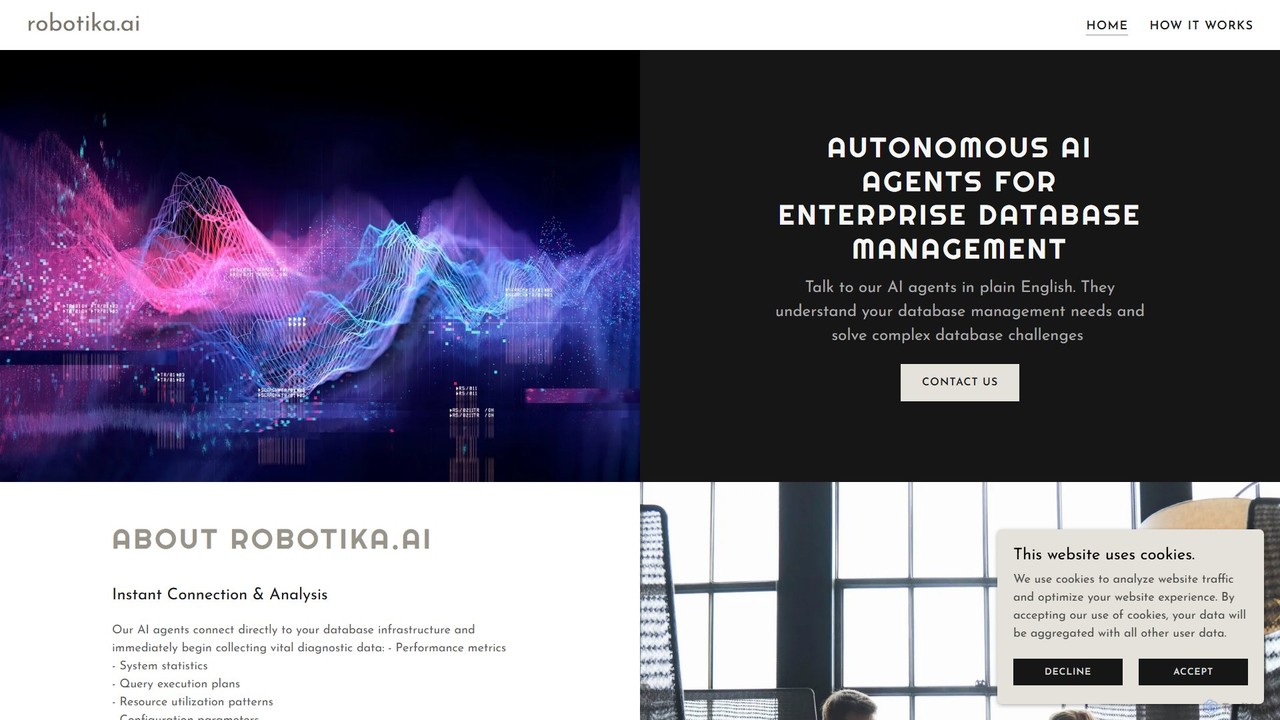
robotika.ai provides autonomous AI agents for enterprise database management. Interact with your database using plain English to diagnose …

2.6K
furl

furl

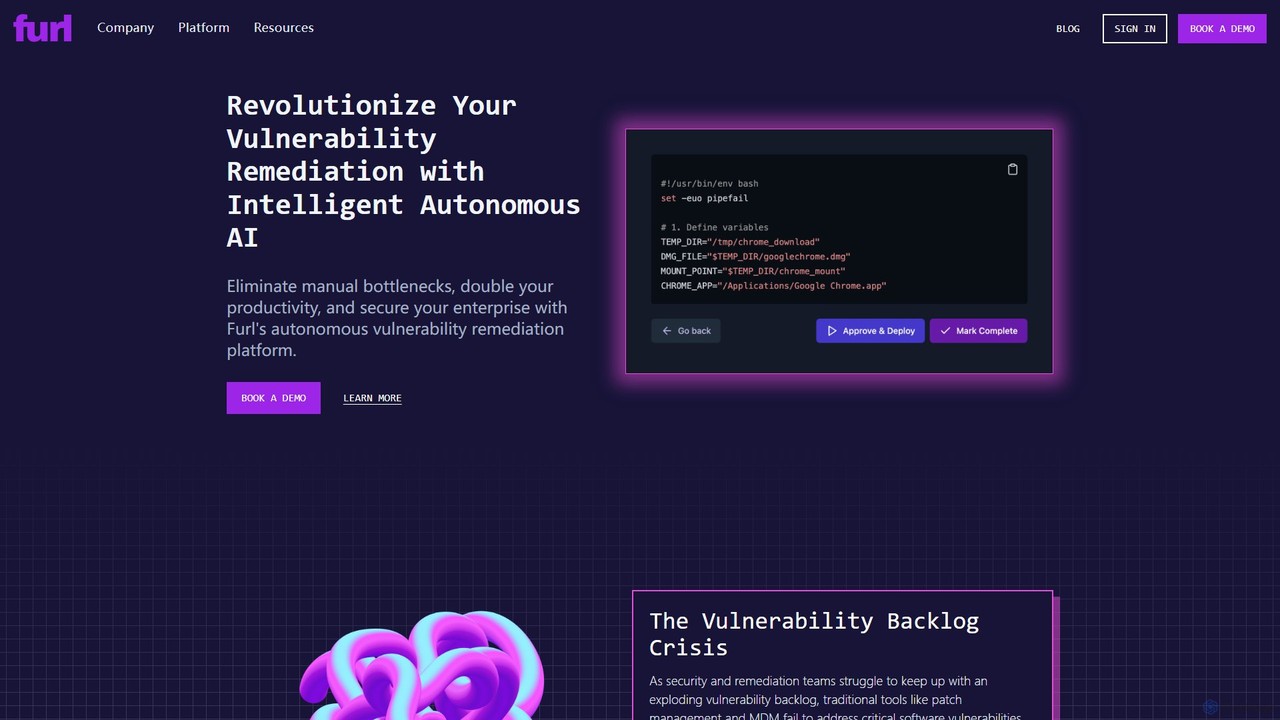
Furl is an AI-powered autonomous remediation platform designed to help security and IT teams tackle the growing backlog …

5.4K
Swantide

Swantide

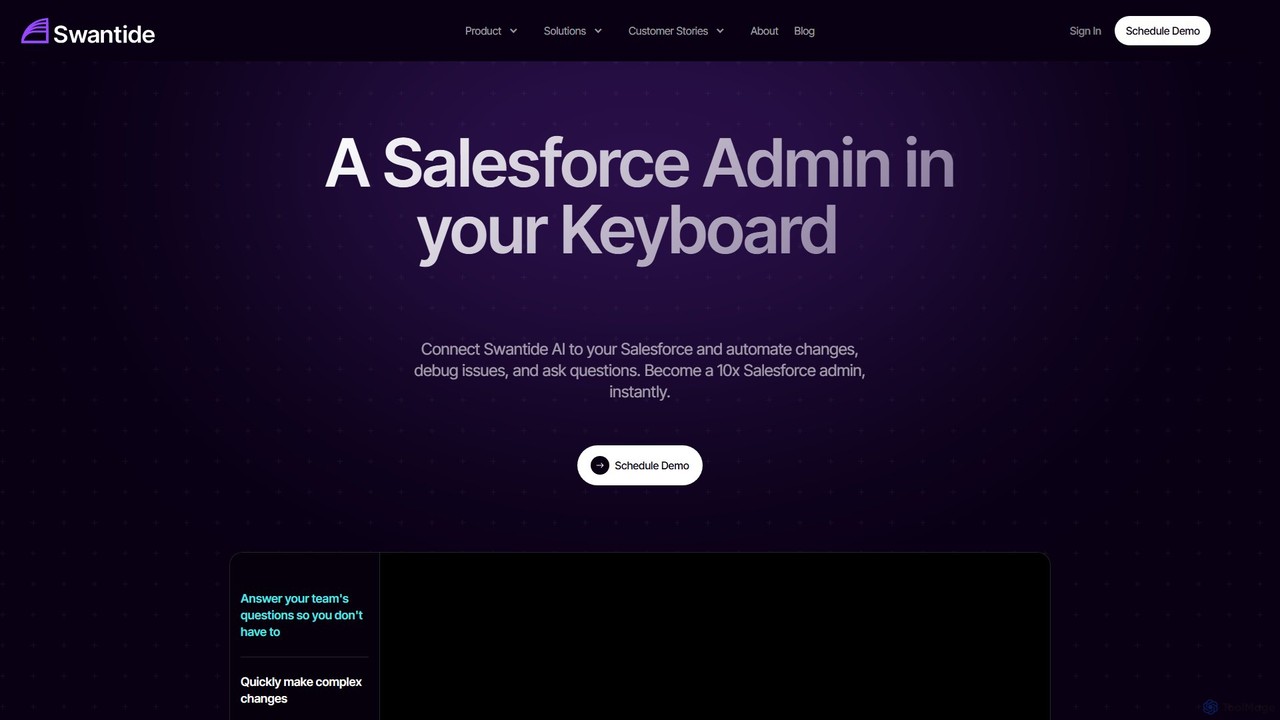
Swantide is an AI-powered platform that acts as a Salesforce administrator in your keyboard. It automates complex changes, …

6.0K

About Automation

AI Automation tools are a class of software that uses artificial intelligence to execute complex tasks and orchestrate workflows without direct human intervention. Unlike traditional rule-based systems, these tools leverage machine learning (ML) and natural language processing (NLP) to interpret unstructured data, adapt to process variations, and make intelligent decisions. Their primary value lies in streamlining end-to-end business processes, from data entry and customer service to complex IT operations. This enables organizations to automate tasks that were previously too dynamic or cognitive-heavy for conventional automation.

Core Features

  • Workflow Orchestration: Visually design, build, and manage multi-step processes that connect various applications and services via APIs.
  • Intelligent Data Processing: Automatically extract and structure information from documents, emails, and images using AI-powered OCR and NLP.
  • Adaptive Learning: The system learns from user corrections and new data to improve accuracy and handle exceptions over time.
  • No-Code/Low-Code Interface: Empowers non-technical users to create and deploy sophisticated automation flows through drag-and-drop builders.
  • Process Discovery: AI algorithms analyze user activities to identify repetitive tasks and recommend processes suitable for automation.

Use Cases

AI Automation tools are widely adopted across various industries. In finance, they are used for automated invoice processing and compliance checks. Human resources departments leverage them for employee onboarding and payroll automation. Marketing and sales teams use them to automate lead nurturing sequences, social media management, and customer data synchronization between CRM and marketing platforms.

How to Choose

When selecting an AI Automation tool, first evaluate its integration capabilities; ensure it has robust, pre-built connectors for your critical applications (e.g., Salesforce, SAP, Google Workspace). Assess the platform's scalability to handle your expected task volume. Consider the user interface—a no-code or low-code platform is better for business users. Finally, examine the specific AI features offered, such as document understanding or sentiment analysis, to ensure they match your process requirements.

AutomationUse Cases

1

Automated Invoice Data Entry

An accounts payable specialist in a mid-sized company receives dozens of PDF invoices via email daily. Using an AI automation tool, they create a workflow that monitors the inbox, downloads invoice attachments, and uses AI-powered Optical Character Recognition (OCR) to extract key data like invoice number, vendor name, amount due, and date. The tool then validates this data against purchase orders in the ERP system and, upon successful validation, enters the information into the accounting software for payment processing. This eliminates hours of manual data entry, reduces errors, and accelerates the payment cycle.

2

Triage and Route Customer Support Tickets

A customer support manager for an e-commerce brand needs to efficiently handle hundreds of daily support emails. They set up an automation that connects to their support inbox. The AI uses Natural Language Processing (NLP) to analyze the content of each new email, identifying the topic (e.g., 'refund request', 'shipping status', 'technical issue') and sentiment (e.g., 'urgent', 'neutral'). Based on this analysis, the workflow automatically assigns the ticket to the appropriate support agent or department in their helpdesk software (like Zendesk or Freshdesk) and applies a priority tag. This ensures that urgent issues are addressed quickly and tickets reach the right person without manual sorting.

3

Automate Social Media Content Publishing

A content marketer manages multiple social media accounts for different clients. They use an automation platform to connect a content source, such as a Google Sheet or an RSS feed from a blog. A workflow is set to trigger whenever a new row is added or a new blog post is published. The tool automatically takes the title, link, and a summary, generates a relevant image using an integrated AI image generator, and then schedules posts across LinkedIn, Twitter, and Facebook at pre-determined optimal times. This allows the marketer to maintain a consistent posting schedule across all channels without manually creating and scheduling each post individually.

4

New Employee Onboarding Workflow

An HR manager uses an automation platform to streamline the onboarding process for new hires. When a candidate's status is changed to 'Hired' in the Applicant Tracking System (ATS), a workflow is triggered. The automation tool automatically creates a user account in Google Workspace, sends a welcome email with first-day instructions, adds the new employee to relevant Slack channels, and creates tasks in a project management tool (like Asana) for the IT and HR teams to set up equipment and complete paperwork. This ensures a consistent, timely, and error-free onboarding experience for every new employee.

5

Sync Customer Data Between CRM and Email Marketing Tools

A marketing operations manager needs to ensure customer data is consistent across their CRM (e.g., Salesforce) and email marketing platform (e.g., Mailchimp). They build an automation that triggers whenever a new contact is created or updated in the CRM. The workflow instantly syncs the new or updated information—such as name, email, company, and custom tags—to the corresponding contact in the email marketing platform. A reverse workflow also updates the CRM when a user unsubscribes in Mailchimp. This two-way sync ensures data accuracy, improves segmentation for marketing campaigns, and maintains compliance with communication preferences.

6

Generate and Distribute Daily Reports

A business analyst needs to create a daily sales performance report for the management team. They use an automation tool to set up a scheduled workflow that runs every morning. The workflow connects to multiple data sources, such as the company's database and Google Analytics, to pull the latest sales figures, website traffic, and conversion rates. It then compiles this data into a formatted report within a Google Sheet template and automatically sends it as a PDF attachment via email to a predefined list of stakeholders. This process ensures timely and consistent reporting without any manual intervention.

AutomationFrequently Asked Questions