ToolMage
Sign in

Best 1 Saas Management AI tools for It

Popular Saas Management AI tools in It include Forescribe, helping you work more efficiently.

Forescribe
Freemium

Forescribe

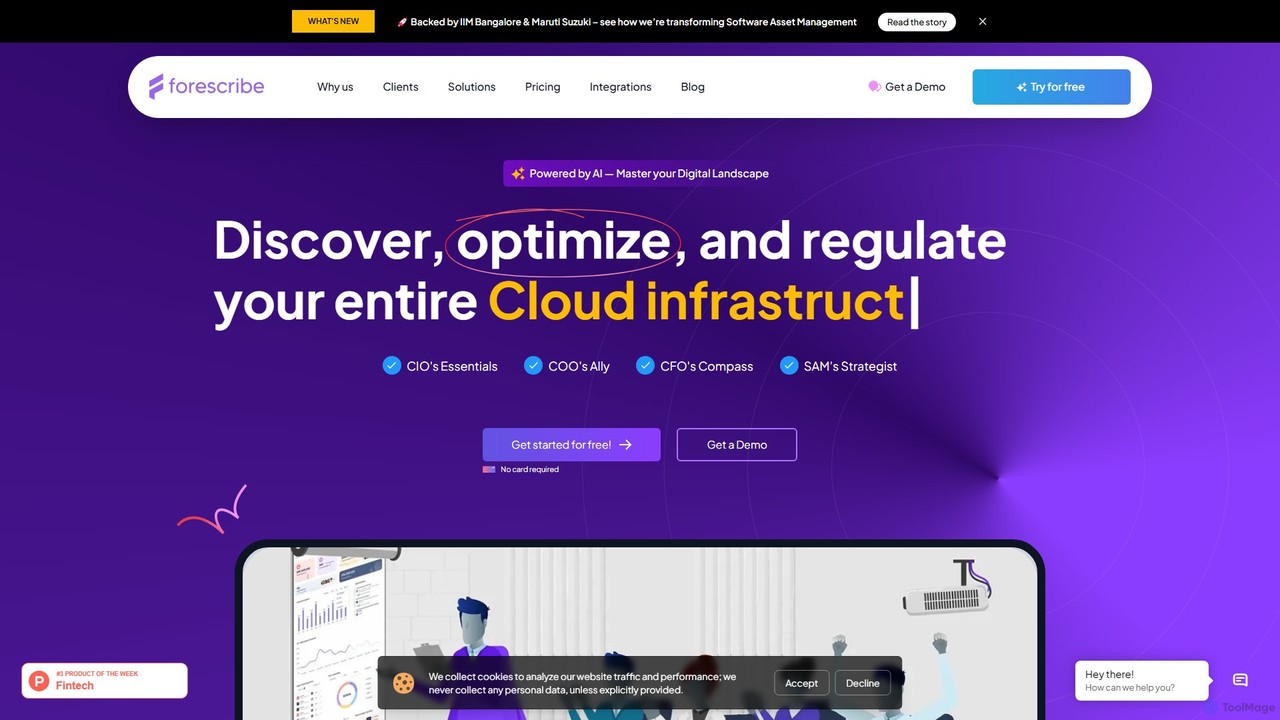
Forescribe is an AI-powered SaaS Management Platform (SMP) designed to help businesses master their digital landscape. It enables organizations to discover all their SaaS applications, optimize software spending by identifying redundant or underused licenses, and ensure security and compliance. By providing a centralized dashboard with real-time insights, Forescribe empowers IT, Finance, and Operations teams to control costs, mitigate risks, and maximize the value of their software investments.

Expense Management
Visits 6.2KFavorites 136Likes 149

About Saas Management

SaaS Management tools are a specialized category within IT management designed to help organizations efficiently oversee and optimize their cloud-based software subscriptions. These platforms centralize the tracking of all SaaS applications, monitor usage patterns, and manage licenses to ensure cost efficiency, security, and compliance. By providing a comprehensive view of an organization's entire SaaS ecosystem, they enable better decision-making, streamline operations, and reduce shadow IT.

Core Features

  • Subscription Tracking: Centralized dashboard for all SaaS subscriptions, renewal dates, and associated costs.
  • Usage Monitoring: Provides insights into application adoption and active usage to identify underutilized licenses.
  • Cost Optimization: Tools to identify savings opportunities, negotiate renewals, and right-size licenses based on actual needs.
  • License Management: Automates provisioning, de-provisioning, and reharvesting of software licenses across the organization.
  • Security & Compliance: Enforces security policies, manages user access, and ensures adherence to regulatory standards.

Applicable Scenarios

These tools are essential for IT departments, finance teams, and procurement managers to gain control over sprawling SaaS portfolios. They are used to prevent overspending on unused subscriptions, ensure data security across various applications, and streamline the onboarding and offboarding processes for employees, ultimately enhancing operational efficiency and strategic resource allocation.

How to Choose

When selecting a SaaS Management tool, consider its integration capabilities with your existing identity providers and financial systems. Evaluate its reporting and analytics features for actionable insights into usage and spend, as well as its automation capabilities for license provisioning and de-provisioning. Scalability, robust security protocols, and an intuitive user interface are also critical for growing organizations.

Saas Management use cases

1

Optimize SaaS Spending and Reduce Unnecessary Costs

Finance and procurement teams leverage SaaS Management tools to gain a clear overview of all software subscriptions, including renewal dates and actual usage. By identifying underutilized licenses or redundant applications, they can proactively negotiate better terms with vendors, reallocate licenses, or cancel unnecessary subscriptions, leading to significant cost savings and improved budget allocation.

2

Enhance Security and Compliance Across SaaS Applications

IT security teams utilize these platforms to enforce consistent security policies and manage user access across a multitude of SaaS applications. They can monitor for suspicious activities, ensure compliance with industry regulations (like GDPR or SOC 2), and conduct regular audits of access permissions, thereby reducing the risk of data breaches and maintaining a strong security posture.

3

Streamline Employee Onboarding and Offboarding Processes

HR and IT departments use SaaS Management solutions to automate the provisioning and de-provisioning of software access for employees. During onboarding, new hires quickly gain access to necessary tools; during offboarding, access is revoked instantly, preventing security risks and ensuring compliance. This automation significantly reduces manual effort and improves operational efficiency.

4

Discover and Control Shadow IT Instances

IT managers employ SaaS Management tools to detect and bring under control 'shadow IT' – unauthorized applications used by employees without IT department approval. These tools scan networks and integrate with financial systems to identify unmanaged SaaS subscriptions, allowing IT to assess risks, consolidate tools, and ensure all software usage aligns with company policies.

5

Centralize SaaS Vendor Relationship and Contract Management

Procurement and IT teams use these tools to centralize all vendor contracts, service level agreements (SLAs), and performance data for SaaS providers. This consolidation simplifies vendor relationship management, ensures timely renewals, and provides critical data for negotiating favorable terms, ultimately improving vendor accountability and service quality.

6

Improve SaaS Budgeting and Financial Forecasting Accuracy

Financial analysts and IT leaders utilize the detailed spending and usage data from SaaS Management platforms to create more accurate budgets and financial forecasts. By understanding historical spend, projected growth, and actual consumption, organizations can make informed decisions about future software investments, avoiding unexpected costs and optimizing resource allocation.

Saas Management FAQ

What are SaaS Management tools?

SaaS Management tools are software solutions designed to help organizations discover, manage, and optimize their cloud-based software subscriptions. They provide a centralized platform to track all SaaS applications, monitor usage, manage licenses, and control spending. These tools are crucial for gaining visibility and control over the growing number of SaaS applications used within a business, ensuring efficiency, security, and compliance across the IT ecosystem.

How do SaaS Management tools help reduce costs?

SaaS Management tools reduce costs by providing insights into application usage and spending. They identify underutilized or unused licenses, allowing organizations to reallocate or cancel subscriptions. By centralizing renewal dates and contract terms, they also enable proactive negotiation with vendors for better deals. Furthermore, they help prevent 'shadow IT' and redundant purchases, ensuring every dollar spent on SaaS delivers value and optimizes resource allocation.

What is the difference between SaaS Management and IT Asset Management (ITAM)?

While both manage IT resources, SaaS Management specifically focuses on cloud-based software subscriptions, tracking usage, costs, and compliance for these services. IT Asset Management (ITAM) has a broader scope, encompassing all IT assets, including hardware, on-premise software, and cloud resources. SaaS Management is often a specialized component or extension of a comprehensive ITAM strategy, providing deeper insights into the unique challenges of cloud software.

Who typically uses SaaS Management platforms?

SaaS Management platforms are primarily used by IT departments, finance teams, procurement managers, and security officers. IT teams leverage them for application discovery, access management, and security enforcement. Finance and procurement use them for cost optimization, budgeting, and vendor negotiations. Security officers rely on them to ensure compliance and mitigate risks associated with scattered SaaS usage, providing a holistic approach to software governance.

What are the key features to look for in a SaaS Management solution?

When evaluating a SaaS Management solution, look for robust features such as comprehensive SaaS discovery and inventory, detailed usage monitoring and analytics, and automated license provisioning and de-provisioning. Strong integration capabilities with identity providers (like Okta or Azure AD) and financial systems are also crucial. Additionally, prioritize solutions with advanced security controls, compliance reporting, and intuitive dashboards for ease of use and effective decision-making.