ToolMage
Sign in

Best 59 No Code AI tools

Popular No Code AI tools include Tally, Readdy, Browser Use, WebWave, Wegic, CodeDesign.ai, Adaptive, excelmatic, Superapp, and Parabola, helping you work more efficiently.

Browser Use
Freemium

Browser Use

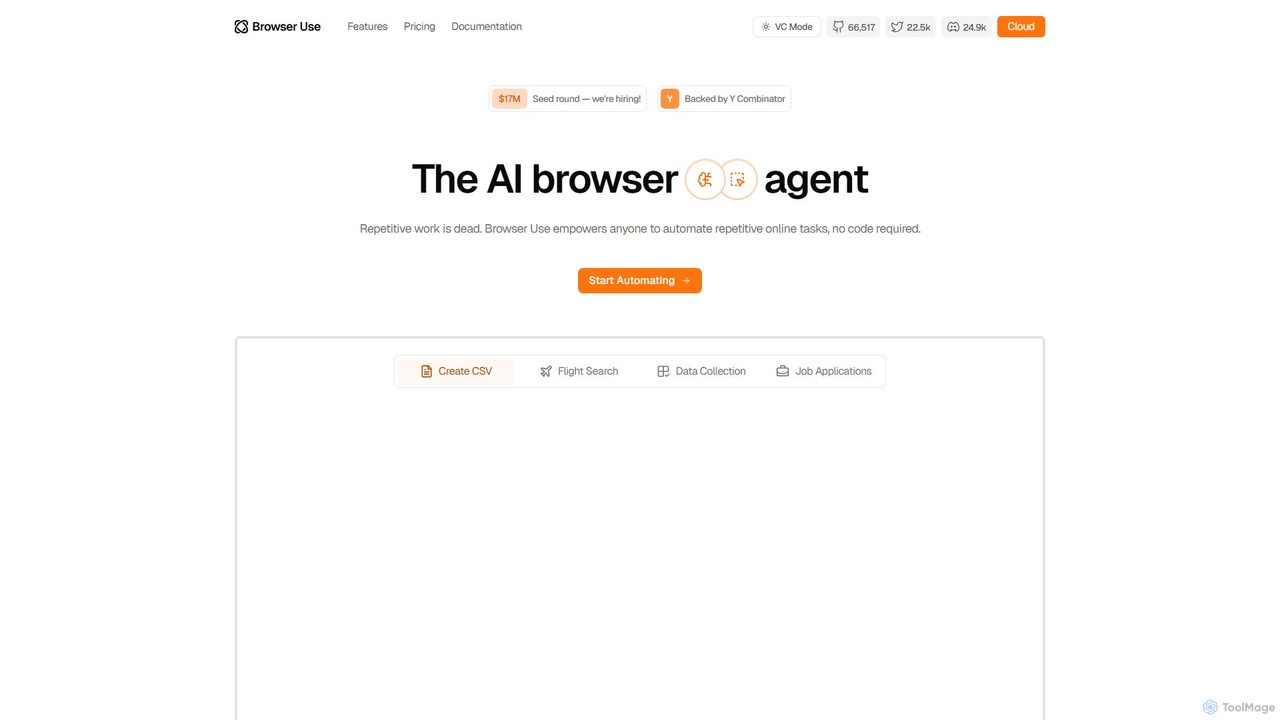
Browser Use is an AI-powered browser agent that automates repetitive online tasks without requiring any code. It can handle complex data scraping, form filling, and other web-based workflows. Backed by Y Combinator, it offers a simple chat interface for users and a powerful API for developers to streamline their online activities.

Data Extraction
Visits 544.5KFavorites 123Likes 115
TaskMagic
Freemium

TaskMagic

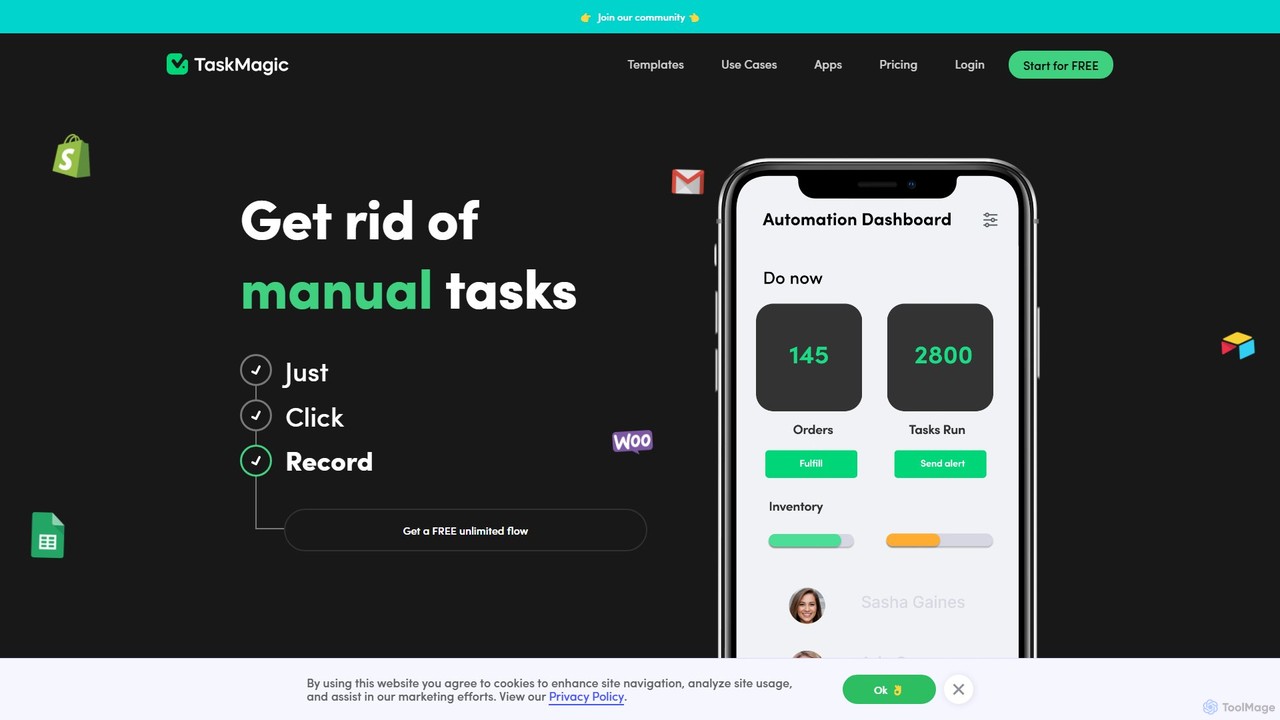
TaskMagic is a no-code automation tool that records your web actions like clicks, typing, and scraping to create powerful workflows. It acts as a virtual assistant, automating repetitive tasks that traditional tools like Zapier can't handle due to API limitations. Simply record a task once, and let TaskMagic run it for you forever.

Web Scraping
Visits 29.9KFavorites 126Likes 125
Nunchi

Nunchi

Nunchi is an AI-powered platform that transforms your ideas into custom workflow automations in minutes. By simply describing your desired process in natural language, you can connect apps and automate repetitive tasks without any coding. It's designed to be intuitive, fast, and powerful, streamlining operations for individuals and teams.

Api & Integration
Visits 4.7KFavorites 123Likes 124
Goless
Freemium

Goless

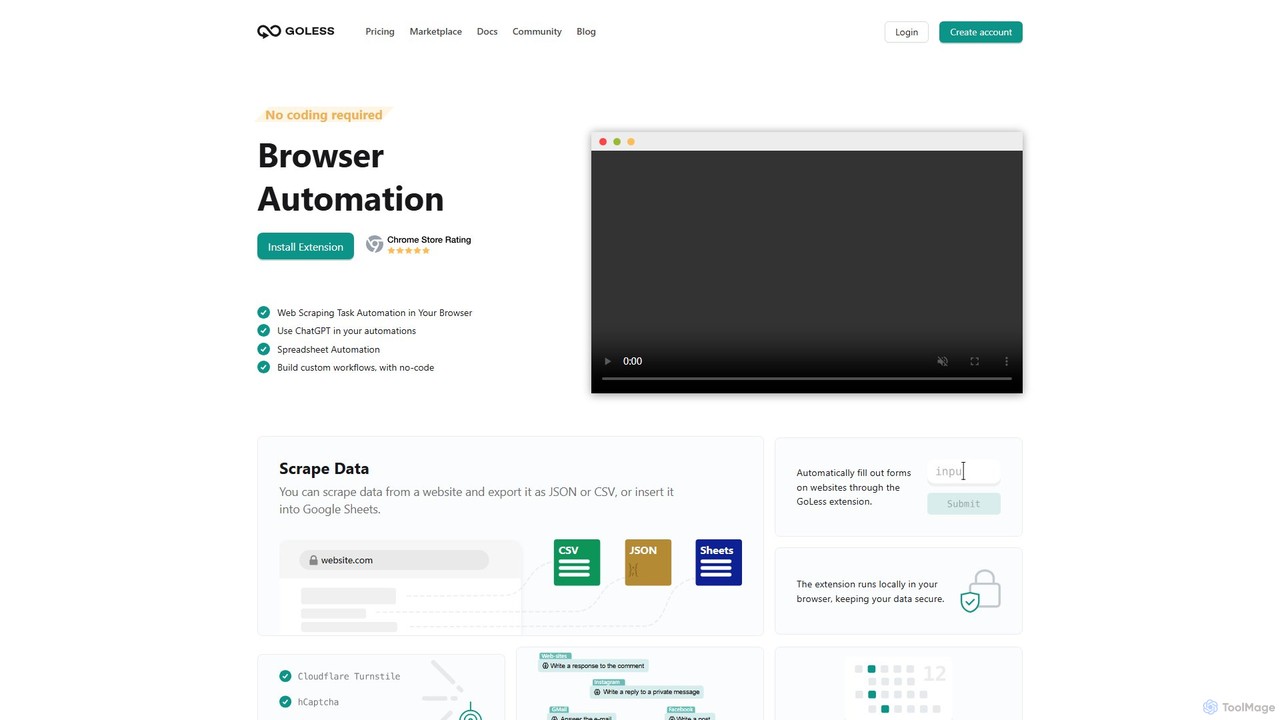
Goless is a no-code browser automation tool that allows you to automate repetitive tasks, scrape data, and create custom workflows directly in your browser. With a visual drag-and-drop interface and ChatGPT integration, it simplifies complex web operations like data entry, social media management, and website testing without any programming knowledge.

Web Scraping
Visits 10.4KFavorites 125Likes 126
PredictEasy
Freemium

PredictEasy

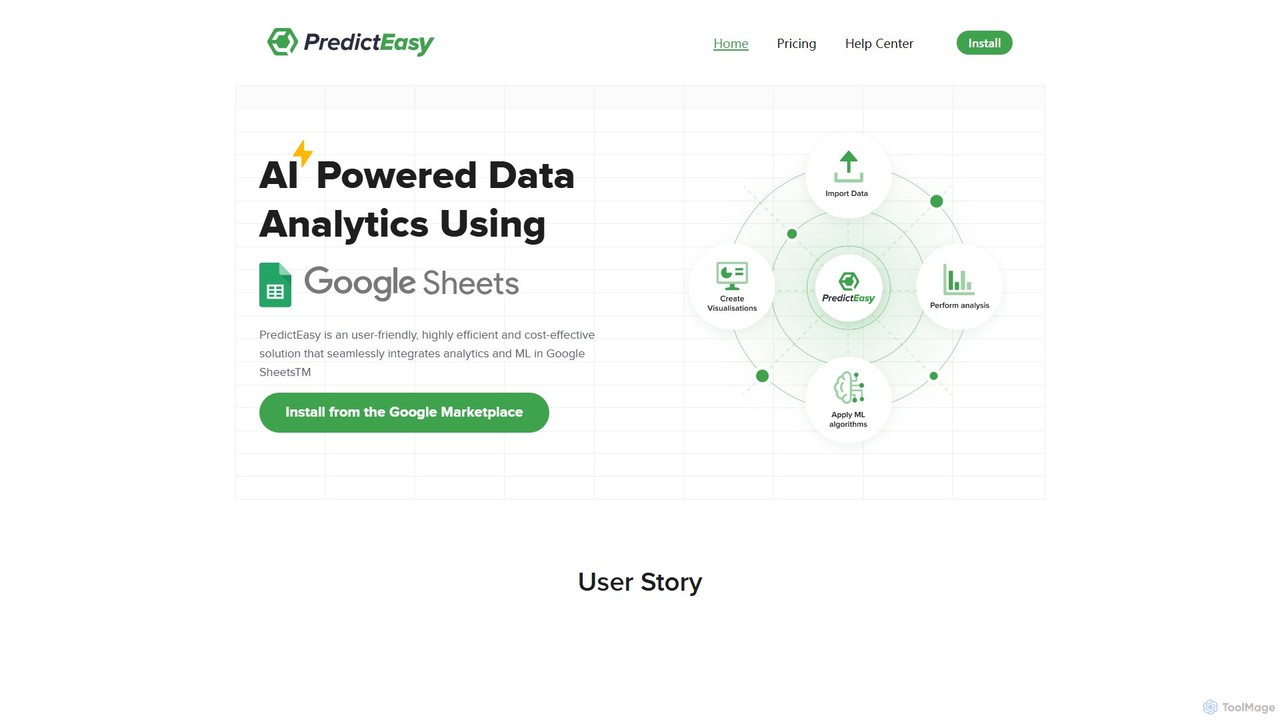
PredictEasy is a powerful no-code AI add-on for Google Sheets that democratizes data analytics. It allows users to perform advanced tasks like predictive modeling, time-series forecasting, NLP, and statistical analysis with just a few clicks. Ideal for business professionals, researchers, and data analysts, it transforms your spreadsheet into a sophisticated data science tool, enabling data-driven decisions without writing any code.

Business Intelligence
Visits 4.5KFavorites 118Likes 131
uncody
Freemium

uncody

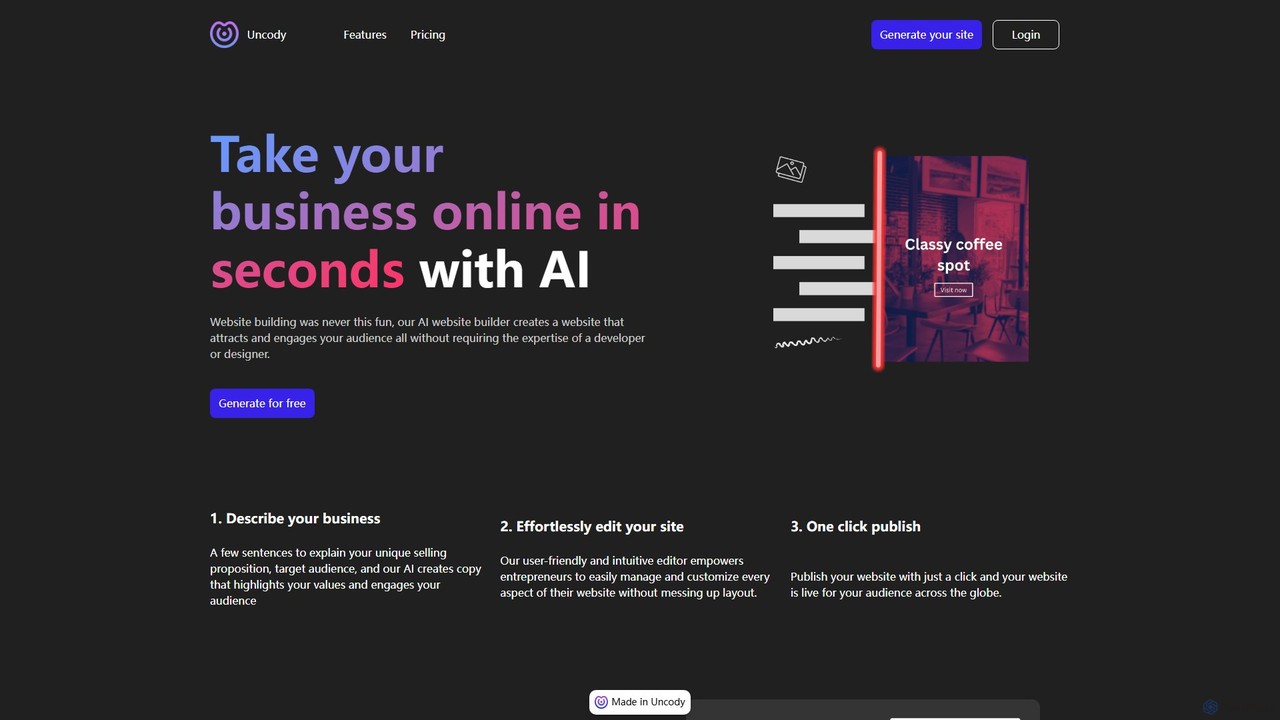
uncody is an AI-powered website builder that enables users to create stunning, professional websites in seconds without any coding or design skills. It's designed for small businesses and solopreneurs, offering an all-in-one solution with AI content generation, an intuitive editor, hosting, SEO, and security.

Landing Page Builder
Visits 8.1KFavorites 146Likes 151
Yappir
Freemium

Yappir

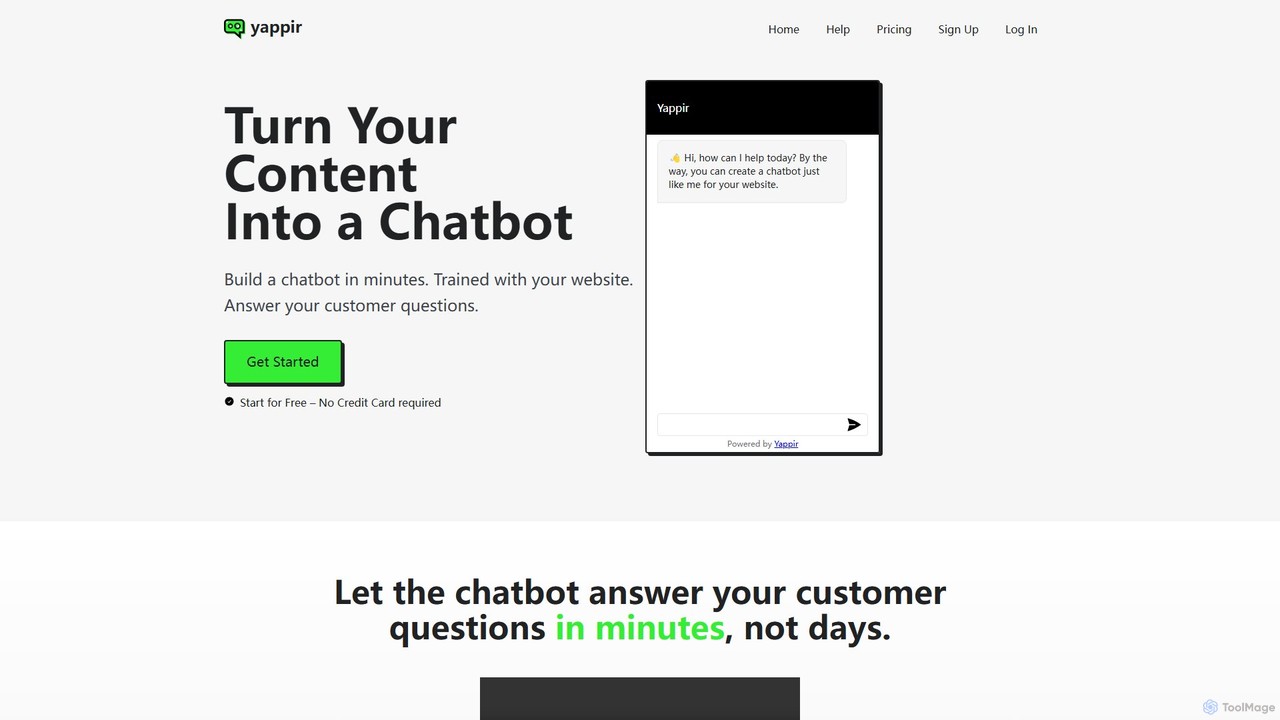
Yappir is an AI-powered platform that allows you to build a custom chatbot in minutes using your existing website content. It automatically scans your site to create a knowledge base, enabling the chatbot to answer customer questions 24/7, improve user engagement, and reduce support workload. It supports 95 languages and offers extensive customization options.

Chatbot
Visits 4.6KFavorites 125Likes 134
lecca.io
Freemium

lecca.io

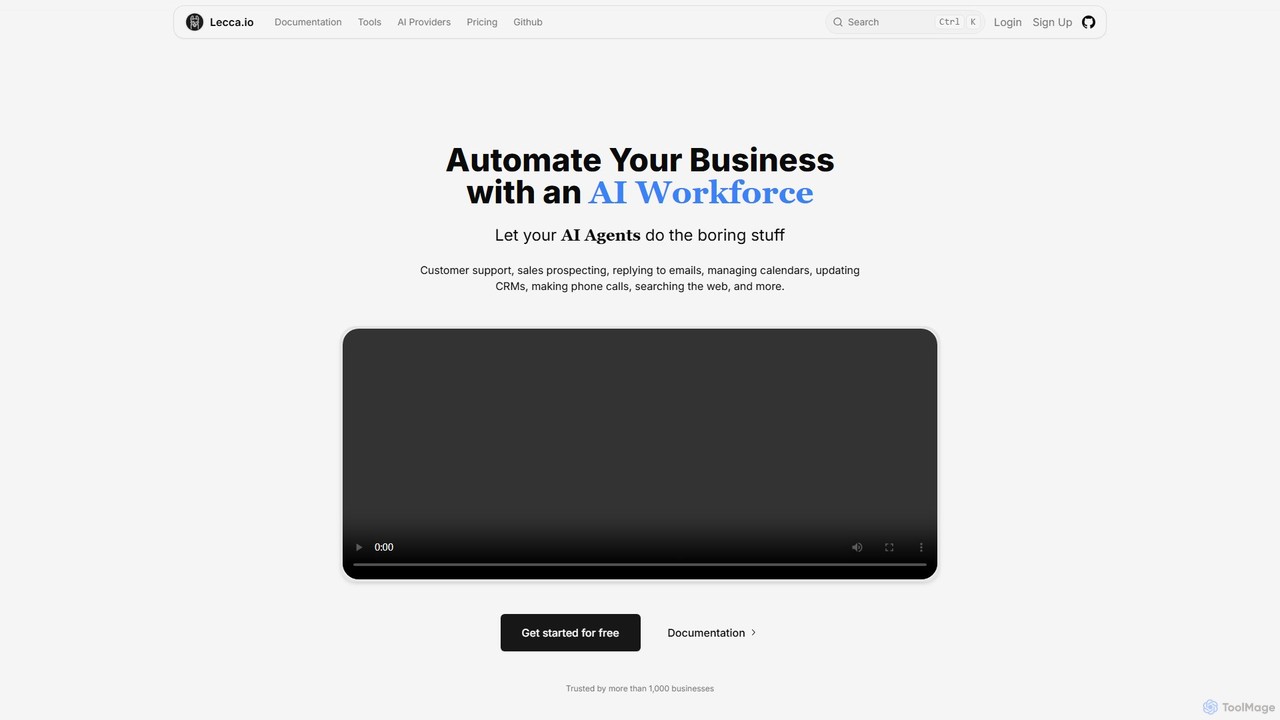
lecca.io is a no-code AI agent and automation platform designed to build an AI workforce for your business. It allows you to create intelligent agents that can handle repetitive tasks such as customer support, sales prospecting, email management, and CRM updates by integrating with your existing tools and workflows.

Chatbot
Visits 6.8KFavorites 122Likes 106
Scade.pro
Freemium

Scade.pro

Scade.pro is a unified AI integration platform that simplifies access to various AI models through a single API. It empowers developers and no-coders to rapidly build and deploy AI features without managing multiple APIs, keys, or billing systems.

Api
Visits 19.4KFavorites 110Likes 111
Embed
Freemium

Embed

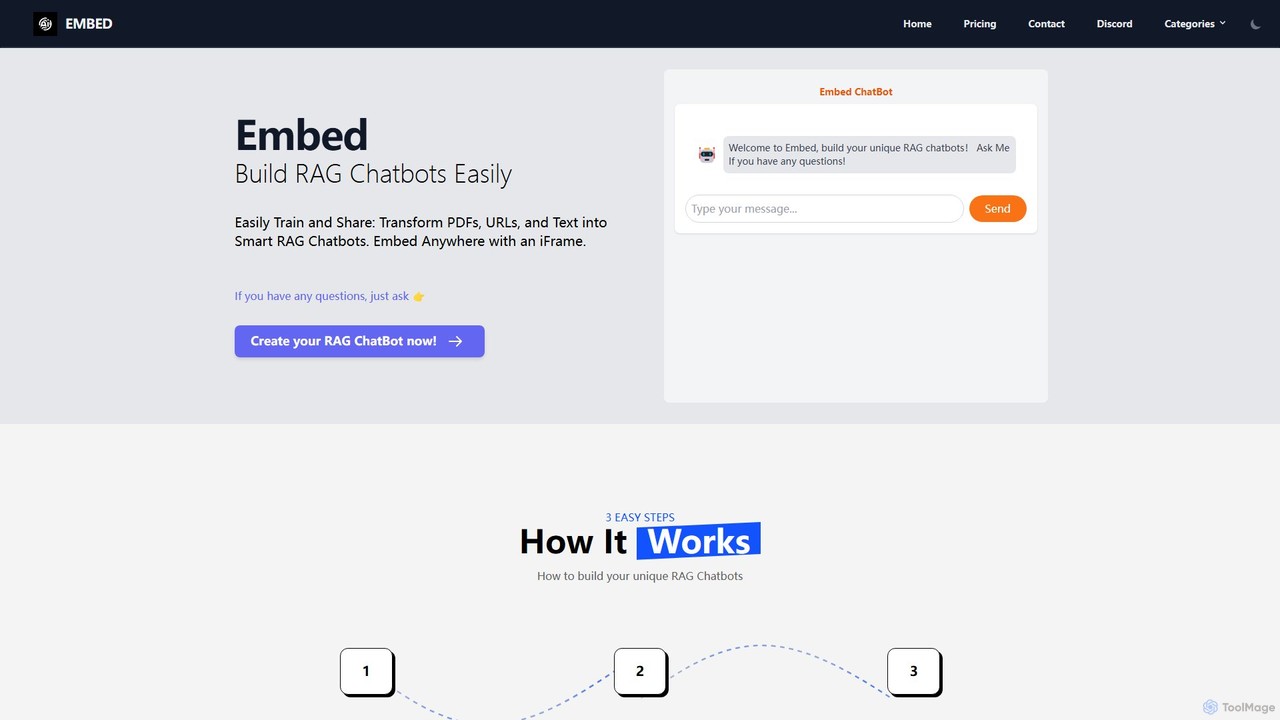
A no-code platform to easily build and train custom RAG (Retrieval-Augmented Generation) chatbots. Transform your PDFs, URLs, and text into intelligent chatbots, select from models like GPT, Gemini, or Llama3, and embed them anywhere on your website using a simple iFrame.

Automation
Visits 4.5KFavorites 114Likes 128
AI web designer
Freemium

AI web designer

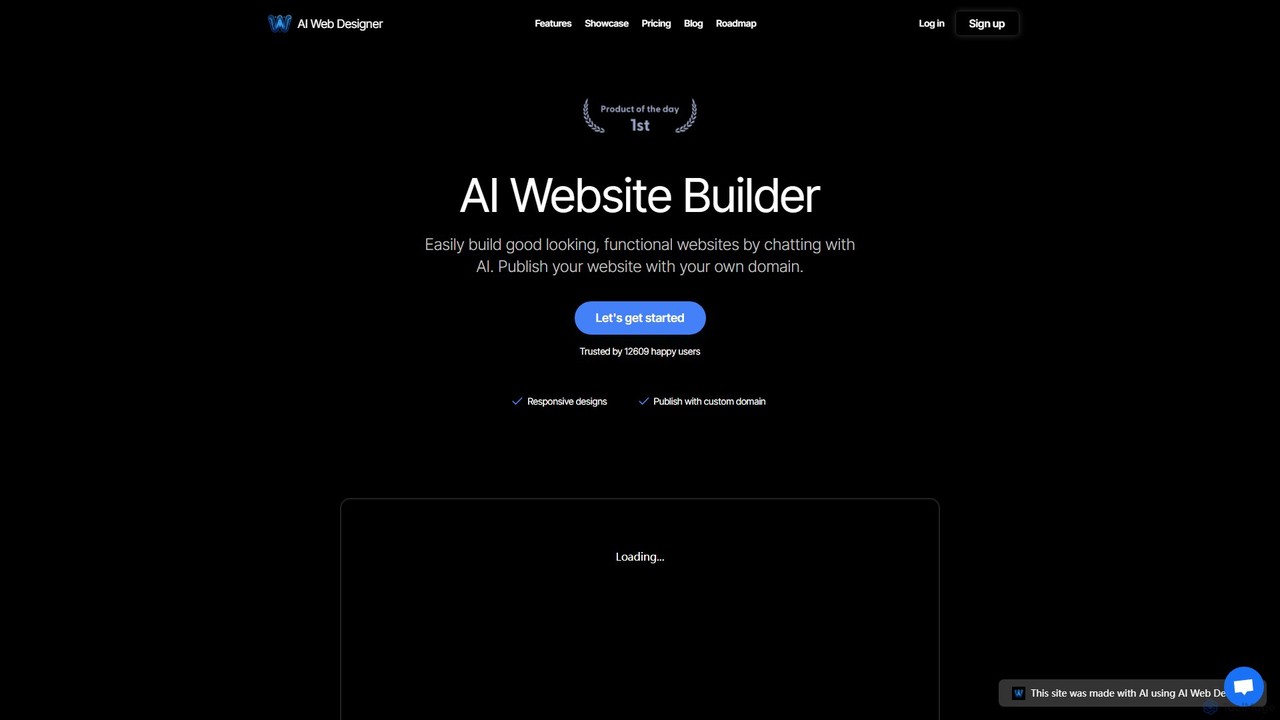
AI Web Designer is a revolutionary AI-powered website builder that allows you to create stunning, functional websites in minutes simply by chatting with an AI. No coding or design experience is needed. Just describe your ideal website, and the AI, powered by Claude 3.5 Sonnet, will generate it for you. Easily edit elements, add sections, and publish with your own custom domain.

Web Design
Visits 4.6KFavorites 138Likes 158

About No Code

No Code tools are platforms that enable users to build applications, websites, and automate workflows without writing traditional programming code. These tools leverage visual development interfaces, often featuring drag-and-drop functionality and pre-built components, to empower individuals and businesses to create digital solutions rapidly. They democratize technology by making app and web development accessible to non-technical users, significantly accelerating innovation and digital transformation.

Core Features

  • Visual Development Interface: Provides intuitive drag-and-drop editors for designing user interfaces and logic flows.
  • Pre-built Templates & Components: Offers a library of ready-to-use elements and templates for common functionalities and designs.
  • Workflow Automation: Enables the creation of automated processes by connecting different applications and services.
  • Data Management & Integration: Facilitates the handling of databases, user data, and integration with external APIs and services.
  • Scalability & Deployment: Supports deploying applications to various environments and scaling them as user needs grow.

Applicable Scenarios

No Code tools are ideal for entrepreneurs launching new ventures, small to medium-sized businesses developing internal tools, and marketing teams automating campaigns. They are also widely used by individuals creating personal websites or portfolios, and by product managers for rapid prototyping and validating new ideas without extensive technical resources.

How to Choose

When selecting a No Code platform, consider the complexity and scalability requirements of your project, the range of integrations with other services, and the platform's learning curve. Evaluate the pricing model, community support, and the level of customization offered to ensure it aligns with your specific business needs and future growth plans.

Featured tool rankings

No Code use cases

1

Building a Custom CRM or Project Management Tool

Small businesses or teams often struggle with generic software that doesn't fit their unique workflows. No Code platforms allow a business analyst or team lead to design and deploy a tailored CRM or project management system, integrating specific data fields, custom dashboards, and automated task assignments, saving significant development costs and time.

2

Launching an E-commerce Store or Online Marketplace

Entrepreneurs can quickly establish an online presence without needing to hire developers. Using No Code tools, they can build a fully functional e-commerce store with product listings, shopping carts, secure payment gateways, and inventory management. This enables rapid market entry and testing of business models with minimal upfront investment.

3

Automating Marketing and Sales Workflows

Marketing and sales teams can leverage No Code tools to streamline repetitive tasks. This includes setting up automated lead capture forms, integrating them with email marketing platforms for drip campaigns, and updating CRM records based on customer interactions. This frees up personnel to focus on strategy and customer engagement, improving efficiency by up to 60%.

4

Creating Interactive Web Applications or Customer Portals

Departments or non-technical founders can develop interactive web applications, such as customer self-service portals, internal dashboards, or event registration sites. These tools allow for visual design and logic building, enabling users to access information, submit requests, or manage their accounts without requiring custom coding, enhancing user experience and operational efficiency.

5

Developing Mobile Apps for Events or Internal Use

Event organizers or HR departments can quickly create simple mobile applications for specific purposes, like event schedules, internal communication hubs, or employee directories. No Code mobile app builders provide templates and visual editors to design interfaces and integrate features, allowing for rapid deployment and updates without complex native development.

6

Rapid Prototyping and Minimum Viable Product (MVP) Development

Startups and product managers can use No Code platforms to quickly build and test prototypes or MVPs. This allows them to validate business ideas, gather user feedback, and iterate on features without significant investment in traditional development. The speed of development enables faster market validation and reduces the risk associated with new product launches.

No Code FAQ

What are No Code tools?

No Code tools are software platforms that enable users to create applications, websites, and automated workflows using visual interfaces and pre-built components, without writing any programming code. They democratize software development, making it accessible to individuals without technical backgrounds, and significantly accelerate the process of bringing digital ideas to life.

How do No Code tools differ from traditional coding?

The primary difference lies in the method of creation. No Code tools use graphical user interfaces, drag-and-drop elements, and pre-configured logic to build solutions, focusing on visual assembly. Traditional coding involves writing text-based instructions in programming languages, offering ultimate flexibility and control but requiring specialized technical skills and more time for development.

What are the main benefits of using No Code platforms?

No Code platforms offer several key benefits: rapid development, significantly reducing time-to-market; cost-effectiveness, as they often eliminate the need for expensive developers; increased accessibility, empowering non-technical users to build solutions; and enhanced agility, allowing for quick iterations and adjustments based on feedback. They enable a focus on business logic rather than technical implementation.

Who can benefit most from using No Code tools?

A wide range of users can benefit, including entrepreneurs and startups looking to launch MVPs quickly, small to medium-sized businesses needing custom internal tools, marketing and sales teams automating processes, and individuals creating personal projects. Product managers, designers, and citizen developers also leverage No Code to bring their ideas to fruition without relying on IT departments.

What should I consider when choosing a No Code platform?

When selecting a No Code platform, evaluate your project's specific needs, including its complexity, required integrations with existing systems, and future scalability. Consider the platform's ease of use, the availability of templates and components, pricing structure, and the level of community support or documentation. Security features and data handling capabilities are also crucial considerations.