ToolMage
Sign in

Best 3 Team Collaboration AI tools for Project Management

Popular Team Collaboration AI tools in Project Management include Actual, Vectal, and Flexable, helping you work more efficiently.

Actual
Paid

Actual

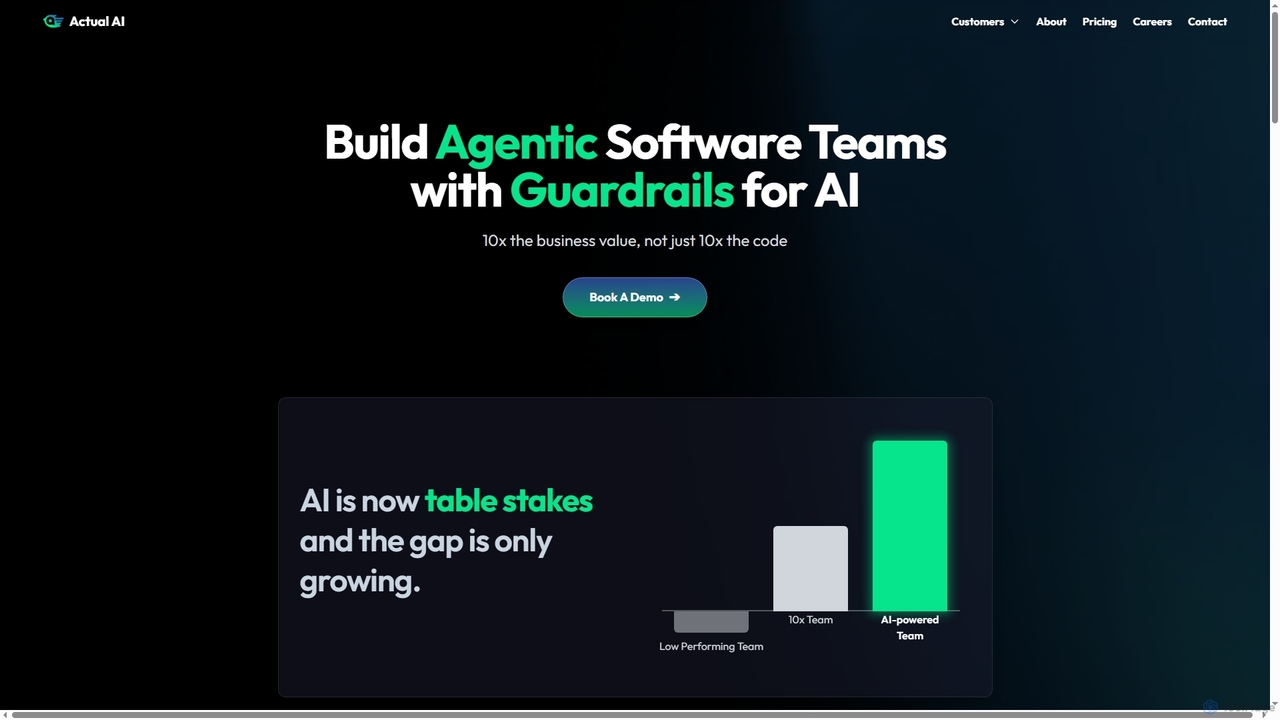
Actual is an AI-powered platform designed to empower engineering managers and software teams by providing guardrails for AI development, automating workflows, and ensuring architectural consistency across codebases. It enhances team performance and streamlines development processes.

Ai Governance
Visits 13.2KFavorites 144Likes 133
Vectal
Freemium

Vectal

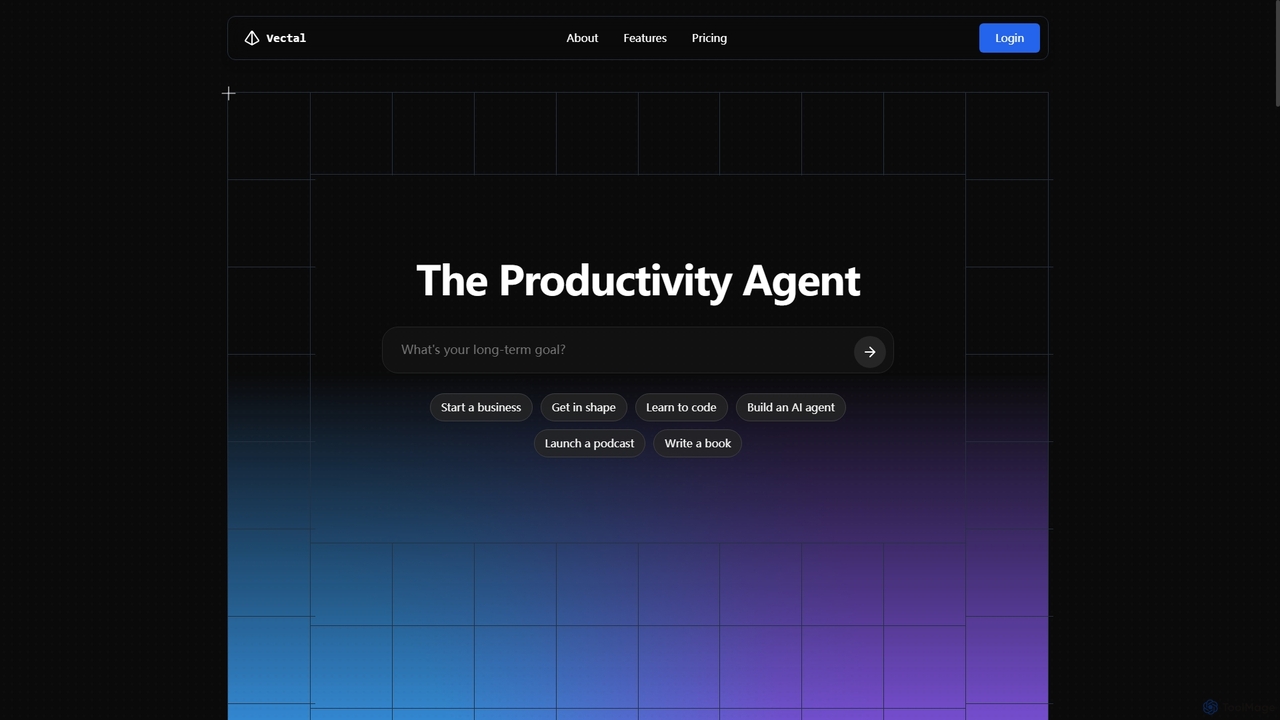
Vectal is an AI-powered productivity agent that unifies tasks, notes, projects, and calendar events into a single, real-time synced workflow. It automates organization, prioritizes work, schedules intelligently, and facilitates team collaboration, enhancing overall efficiency and focus.

Ide Integration
Visits 10.8KFavorites 121Likes 116
Flexable
Paid

Flexable

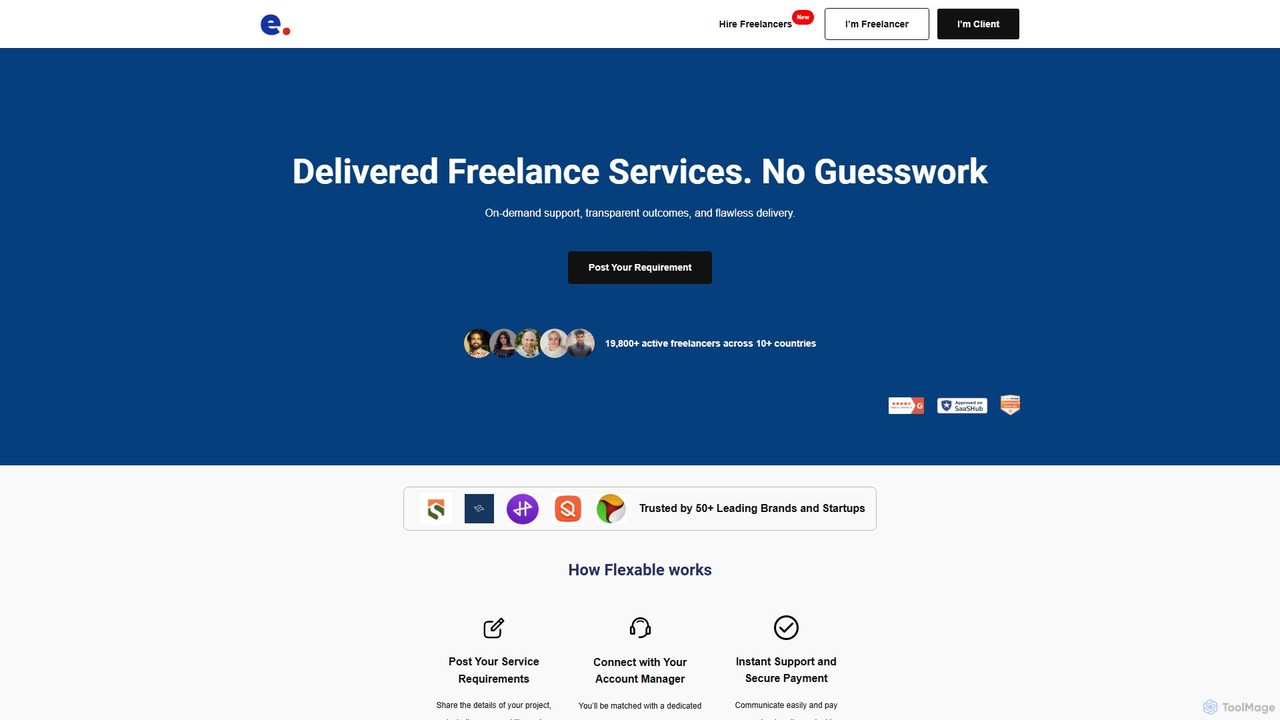
Flexable is a fully managed freelance platform that connects businesses with a network of over 19,800 vetted professionals. It goes beyond a simple marketplace by providing dedicated account managers who oversee project execution from start to finish, ensuring quality, transparency, and on-time delivery without the client's need to micromanage.

Freelance Platforms
Visits 10.4KFavorites 133Likes 128

About Team Collaboration

Team Collaboration AI tools are designed to streamline communication, task management, and shared work among team members, serving as a vital component within broader project management frameworks. These platforms leverage artificial intelligence to enhance productivity by automating routine tasks, providing intelligent insights, and fostering seamless interaction. They enable distributed teams to work cohesively, ensuring everyone is aligned and informed, regardless of location.

Core Features

  • Real-time Communication: Facilitates instant messaging, video conferencing, and voice calls for immediate team interaction.
  • Shared Document Editing: Allows multiple users to co-create and revise documents simultaneously with version control.
  • AI-powered Insights: Analyzes communication patterns, meeting transcripts, and task progress to offer actionable recommendations.
  • Task & Workflow Automation: Automates repetitive tasks, sets reminders, and streamlines approval processes to boost efficiency.
  • Centralized Knowledge Base: Provides a single source of truth for project files, discussions, and decisions, improving information accessibility.

Applicable Scenarios

These tools are indispensable for remote and hybrid work environments, enabling teams to maintain productivity and connection across geographical boundaries. They are also crucial for agile software development teams needing rapid iteration and constant communication, and for cross-departmental marketing campaigns requiring synchronized efforts from diverse specialists.

How to Choose

When selecting a Team Collaboration AI tool, consider its integration capabilities with your existing software ecosystem (e.g., CRM, project management tools). Evaluate the breadth and depth of its AI features, such as automated summaries or sentiment analysis. Scalability to accommodate team growth and robust security protocols for data protection are also critical. Finally, assess its user-friendliness and customization options to ensure it fits your team's unique workflow.

Team Collaboration use cases

1

Streamlining Remote Meeting Management

For remote teams, AI collaboration tools can transform meeting efficiency. An AI assistant automatically transcribes discussions, summarizes key decisions, and extracts actionable items, assigning them to relevant team members. This saves hours of manual note-taking and ensures everyone is clear on next steps, significantly boosting post-meeting productivity and accountability.

2

Accelerating Content Creation Workflows

Content creation teams, from marketing to editorial, benefit immensely from AI collaboration. Tools enable real-time co-editing of articles, marketing copy, or scripts, with AI suggesting grammatical improvements, style consistency, and even generating alternative phrasing. Version control ensures seamless revisions, allowing teams to produce high-quality content faster and with fewer errors.

3

Enhancing Cross-Functional Project Coordination

For complex projects involving multiple departments (e.g., product development, sales, marketing), AI collaboration tools provide a centralized hub. Teams can share updates, track progress on interdependent tasks, and resolve blockers efficiently. AI can flag potential delays or resource conflicts, allowing project managers to proactively address issues and keep the project on track, improving overall coordination by up to 30%.

4

Automating Daily Stand-up Summaries

Agile development teams often conduct daily stand-up meetings. AI collaboration tools can automate the summarization of these meetings. Team members log their progress, blockers, and plans into the system, and the AI compiles a concise daily report. This ensures everyone is up-to-date without needing to attend every meeting, saving time and improving information dissemination, especially for large or distributed teams.

5

Facilitating Onboarding for New Team Members

Onboarding new hires can be time-consuming. AI collaboration tools streamline this process by providing a centralized knowledge base with all necessary documents, training materials, and FAQs. Automated task assignments guide new members through their initial weeks, ensuring they quickly integrate into the team and understand their roles and responsibilities, reducing the ramp-up time by up to 40%.

6

Optimizing Client Communication & Feedback

Agencies and service-based businesses can use AI collaboration tools to create secure client portals. These portals facilitate sharing deliverables, collecting feedback, and managing client interactions efficiently. AI can analyze client sentiment from communications, helping teams proactively address concerns and improve client satisfaction, leading to stronger relationships and reduced project revision cycles.

Team Collaboration FAQ

What are AI Team Collaboration tools?

AI Team Collaboration tools are software platforms that integrate artificial intelligence to enhance how teams communicate, manage tasks, and share resources. They go beyond basic collaboration by automating routine processes, providing intelligent insights from team interactions, and streamlining workflows. These tools aim to boost productivity, improve decision-making, and foster more efficient teamwork, especially in remote or hybrid work environments.

How do AI Team Collaboration tools differ from traditional project management software?

While traditional project management software focuses on the overall project lifecycle (planning, scheduling, resource allocation), AI Team Collaboration tools specifically emphasize enhancing the *interaction and shared work* among team members. The key differentiator is the integration of AI, which automates communication summaries, provides sentiment analysis, suggests task optimizations, and offers predictive insights into team dynamics, features typically absent in conventional project management platforms.

What are the key benefits of using AI in team collaboration?

Integrating AI into team collaboration offers several key benefits. It significantly enhances communication by providing automated summaries of discussions and identifying key action items. AI boosts productivity through task automation, intelligent scheduling, and proactive identification of potential bottlenecks. Furthermore, it improves decision-making by offering data-driven insights into team performance and sentiment, fostering a more efficient, informed, and harmonious work environment.

What features should I look for in an AI Team Collaboration tool?

When evaluating AI Team Collaboration tools, prioritize features like real-time communication (chat, video), shared document editing with version control, and robust task management capabilities. Essential AI-powered features include automated meeting summaries, action item extraction, and sentiment analysis. Also, consider integration with your existing tech stack, scalability for future growth, strong security protocols, and an intuitive user interface to ensure seamless adoption and maximum team efficiency.

Can AI Team Collaboration tools integrate with existing business applications?

Yes, most modern AI Team Collaboration tools are designed with integration capabilities in mind. They often provide APIs (Application Programming Interfaces) or native connectors that allow seamless integration with a wide range of existing business applications, such as CRM systems (e.g., Salesforce), project management platforms (e.g., Jira), communication apps (e.g., Slack, Microsoft Teams), and cloud storage services (e.g., Google Drive, Dropbox). This ensures a unified workflow and avoids data silos.

Who benefits most from using AI Team Collaboration tools?

AI Team Collaboration tools offer significant benefits to a wide range of users. Remote and hybrid teams gain improved communication and coordination regardless of location. Project managers and team leads can leverage AI for better oversight, automated reporting, and proactive issue resolution. Content creators, marketers, and developers find value in streamlined workflows and enhanced creative processes. Ultimately, any team seeking to boost productivity, foster better communication, and make data-driven decisions will benefit from these advanced tools.