ToolMage
Sign in

Best 2 Automation AI tools for Research

Popular Automation AI tools in Research include MyReport by alaba a.i. and Yugong, helping you work more efficiently.

Yugong
Free

Yugong

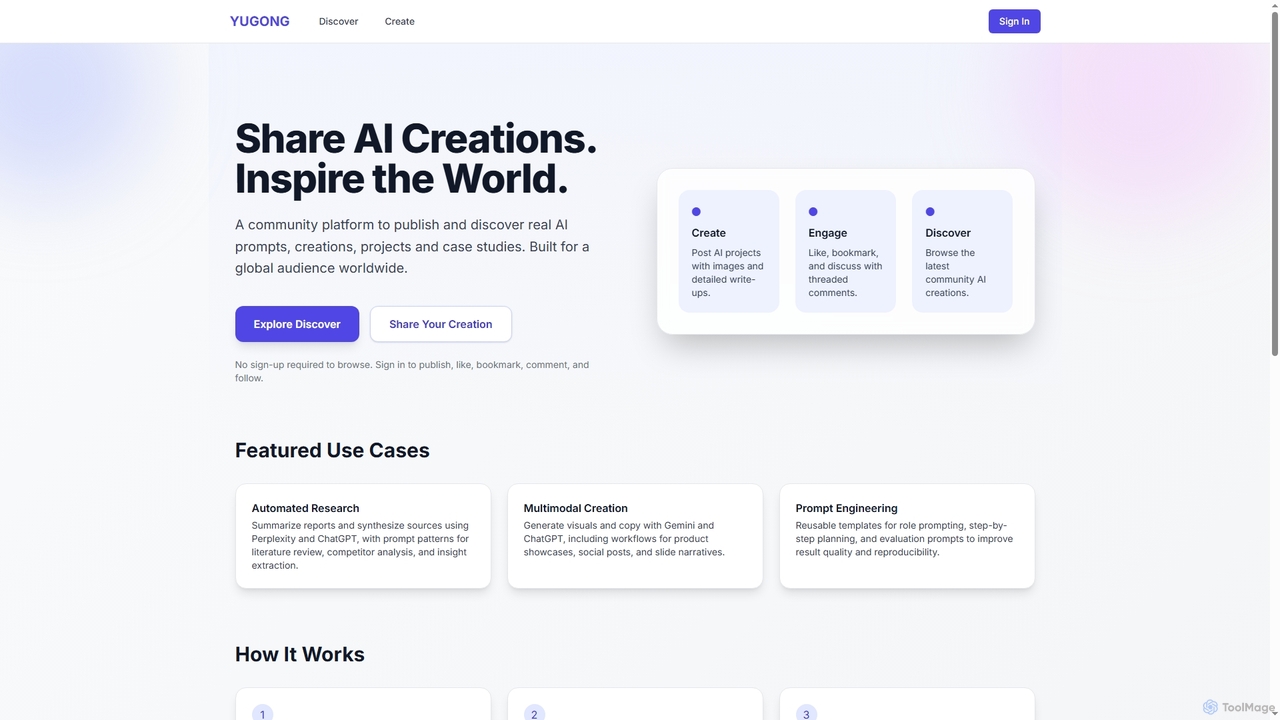
Yugong is a global community platform for discovering and sharing AI creations, prompts, projects, and case studies. It enables users to publish detailed AI workflows, engage with a worldwide audience, and explore innovative applications of AI tools like ChatGPT, Gemini, and Perplexity.

Prompt Sharing
Visits 5.3KFavorites 127Likes 126
MyReport by alaba a.i.
Freemium

MyReport by alaba a.i.

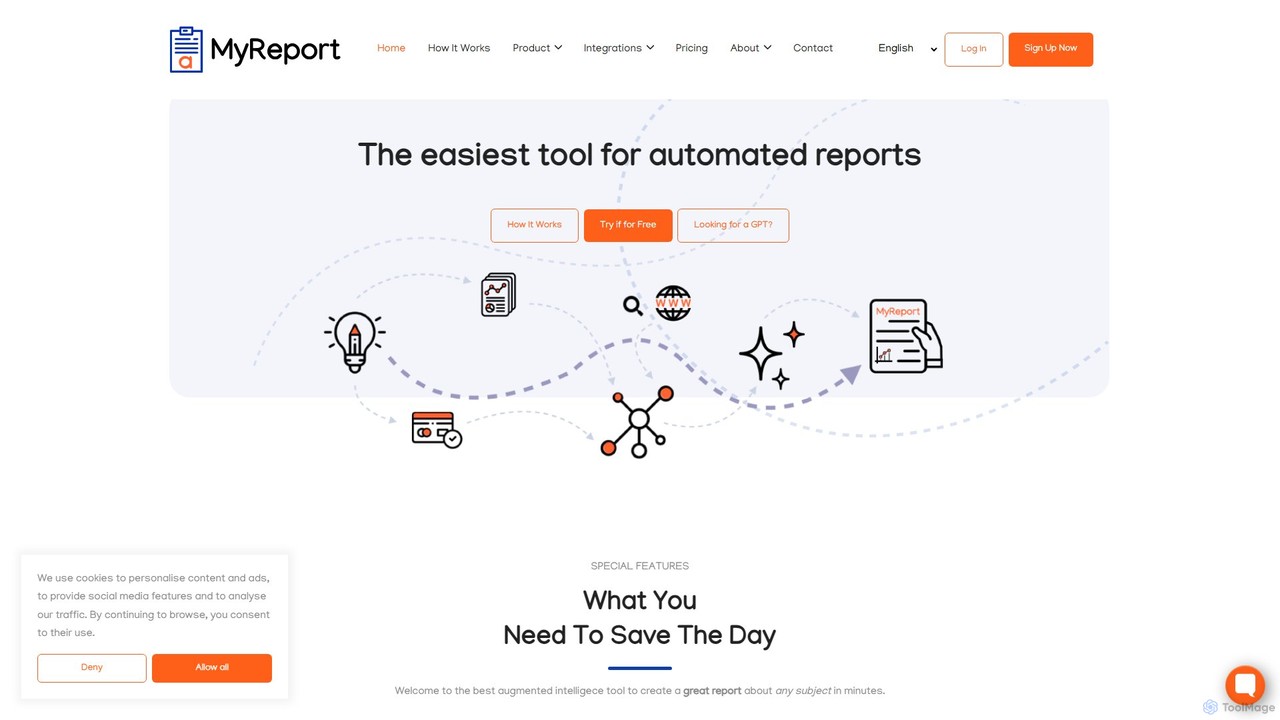
MyReport is an AI-powered tool that automates the creation of comprehensive, well-structured reports on any subject in minutes. Simply provide a topic, and it scours the web or your private documents to generate a complete report with images, graphs, tables, and proper citations, saving you hours of research and writing.

Student Tools
Visits 12.2KFavorites 132Likes 135

About Automation

AI Automation tools for research are specialized solutions designed to streamline and accelerate data collection, analysis, and monitoring. These tools employ algorithms and bots to perform repetitive research tasks, such as scraping websites, tracking data points, and summarizing information from multiple sources. By automating these manual processes, they enable researchers, analysts, and strategists to dedicate more time to critical thinking, interpretation, and deriving insights. This approach not only enhances efficiency but also improves the scale and consistency of data gathering for academic, market, or competitive research.

Core Features

  • Automated Data Scraping: Extracts structured and unstructured data from websites, social media, and online databases without manual intervention.
  • Workflow Automation: Allows users to build custom, multi-step research processes that run on a schedule or are triggered by specific events.
  • Data Monitoring & Alerts: Continuously tracks specific data points, keywords, or metrics and sends notifications when changes or predefined thresholds are detected.
  • Content Aggregation & Summarization: Gathers information from various sources on a topic and uses AI to generate concise summaries or reports.

Use Cases

These tools are widely used by market research analysts for competitor tracking, academic researchers for systematic literature reviews, and business intelligence teams for monitoring industry trends. For example, a financial analyst might automate the collection of quarterly earnings data, while a journalist could track mentions of a specific topic across news outlets.

How to Choose

When selecting a research automation tool, consider the specific data sources you need to access (e.g., public websites, academic journals, APIs). Evaluate the tool's ease of use—whether it offers a no-code, visual interface or requires programming skills. Also, assess its integration capabilities with other analysis tools, the scalability for large-volume data tasks, and the flexibility of its pricing model.

Automation use cases

1

Automating Competitor Intelligence Gathering

A market intelligence analyst for a tech company needs to continuously monitor key competitors. Using a research automation tool, they build a workflow that scrapes competitors' websites for new product announcements, scans their career pages for hiring trends, and aggregates their press mentions daily. The tool then compiles this information into a summarized email digest sent to the strategy team each morning. This process replaces hours of manual browsing and ensures no critical update is missed, providing timely data for strategic decision-making.

2

Streamlining Systematic Literature Reviews

A postgraduate researcher in medicine is conducting a systematic review, a process that requires screening thousands of academic papers. They use an automation tool to connect to databases like PubMed and Scopus. The tool automatically runs predefined search queries, filters articles based on inclusion/exclusion criteria (e.g., publication date, study type), and removes duplicates. It then presents a clean list of relevant papers, significantly reducing the manual screening time from weeks to days and minimizing human error.

3

Monitoring Regulatory and Policy Changes

A compliance officer at a financial institution is responsible for tracking regulatory updates from multiple government agencies. They set up an automation tool to monitor specific government websites and legal portals for new documents or changes related to their industry. When a new policy is published or a keyword like "financial compliance" is mentioned, the tool captures the document, extracts key paragraphs, and sends an alert to the legal team for immediate review. This ensures the organization remains compliant with the latest regulations.

4

Tracking Public Opinion on Social Media

A brand manager wants to understand public sentiment around a new product launch. They use a research automation tool to collect public posts mentioning the product name from platforms like Twitter and Reddit. The workflow is set to run hourly, gathering new mentions and feeding them into a sentiment analysis model. The results are visualized on a dashboard, allowing the manager to track sentiment trends in near real-time, identify potential issues, and measure the campaign's impact without manually searching social media.

5

Automating Real Estate Market Analysis

A real estate investment firm needs to identify undervalued properties in specific neighborhoods. They deploy an automation tool to scrape data from multiple real estate listing websites, public property record databases, and local demographic data sources. The tool collects information on property prices, time on market, rental yields, and neighborhood amenities. This aggregated data is then fed into an internal analysis model, helping analysts quickly spot investment opportunities that meet their criteria.

6

Aggregating News for Industry Reports

A consultant is tasked with creating a weekly industry report for a client in the renewable energy sector. They configure an automation tool to scan over 50 industry news sites, blogs, and government publications for keywords like "solar power," "wind energy," and "battery storage." The tool aggregates all relevant articles, removes duplicates, and generates a summary for each piece. This provides the consultant with a comprehensive and curated list of the week's most important developments, saving significant research time.

Automation FAQ

What are AI research automation tools?

AI research automation tools are software applications that use artificial intelligence to perform tasks related to data gathering, processing, and monitoring for research purposes. Unlike general automation, they are specifically designed to interact with complex data sources like academic journals, news sites, and public databases. Key functions include automated web scraping, data extraction, content summarization, and change detection, enabling users to conduct research more efficiently and at a larger scale.

How do I choose the right research automation tool?

To choose the right tool, consider these factors:

  • Data Sources: Ensure the tool can connect to and extract data from the specific websites, APIs, or databases you need.
  • Ease of Use: Decide if you need a user-friendly, no-code interface or if your team has the technical skills for a more powerful, code-based solution.
  • Scalability: Assess if the tool can handle the volume of data and the frequency of tasks your research requires.
  • Customization: Check how much control you have over building and modifying automation workflows to fit your unique research process.
What is the difference between research automation and general workflow automation (e.g., Zapier)?

The primary difference lies in their core purpose. General workflow automation tools like Zapier or Make are designed to connect different apps and services (e.g., "when I receive a new email in Gmail, add a row to Google Sheets"). Research automation tools, however, are focused on data acquisition and analysis. They are built to interact with the web at a deeper level, scraping unstructured data from websites, monitoring content for changes, and processing information specifically for research and intelligence gathering.

What types of research tasks can be automated?

A wide range of repetitive research tasks can be automated. Common examples include:

  • Competitor Monitoring: Tracking competitors' pricing, products, and news mentions.
  • Literature Review: Searching and filtering academic papers from multiple databases.
  • Market Research: Collecting customer reviews, social media sentiment, and industry trends.
  • Lead Generation: Scraping professional networks or directories for contact information.
  • Financial Data Collection: Aggregating stock prices, company reports, and economic indicators.
Is programming knowledge required to use these tools?

Not necessarily. The field of research automation offers a spectrum of tools. Many modern platforms are "no-code" or "low-code," providing visual interfaces where you can build automation workflows by dragging and dropping components. These are accessible to non-technical users like marketers and analysts. However, some advanced tools and platforms are designed for developers and data scientists, offering greater flexibility and power through programming languages like Python.