ToolMage
Sign in

Best 74 Search AI tools

Popular Search AI tools include Baidu, Bing, Duck.ai, Microsoft Copilot, Quark, metaso, FaceCheck.id, Nami AI, Zhida, and Neeva, helping you work more efficiently.

ChatGPT Everywhere
Freemium

ChatGPT Everywhere

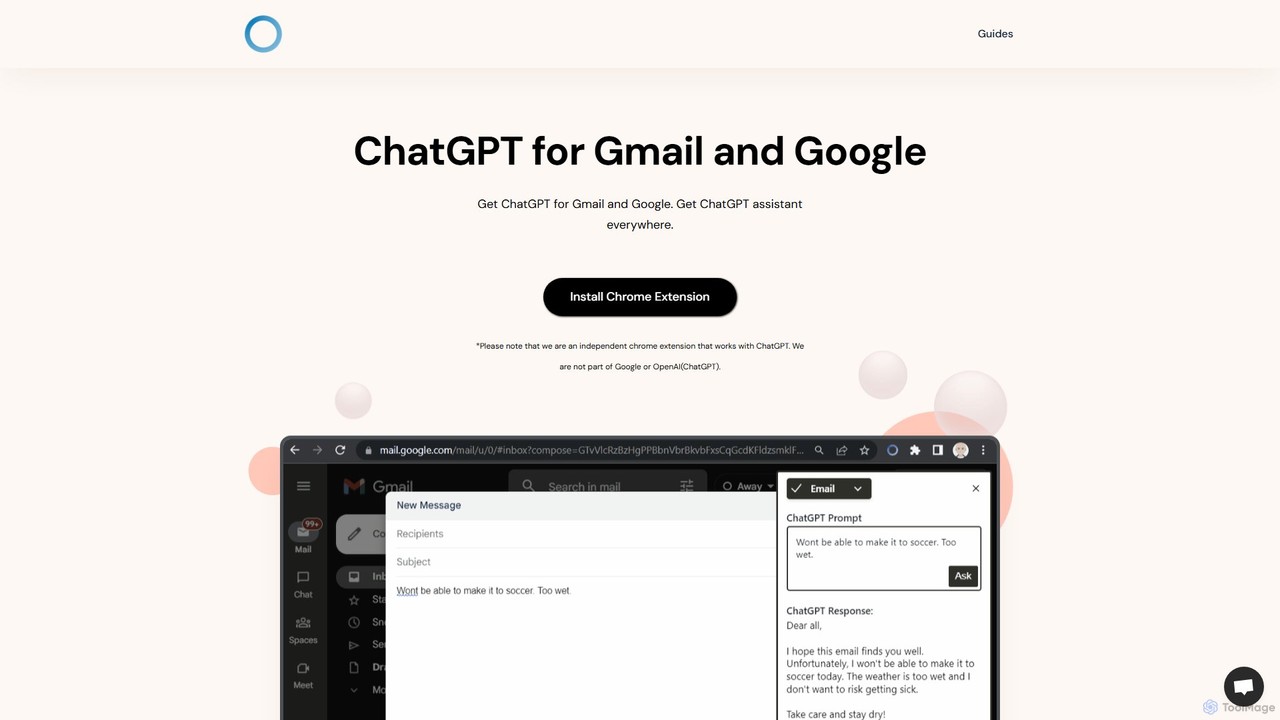
ChatGPT Everywhere is a powerful browser extension that integrates ChatGPT into your daily workflow. Get instant AI-powered answers alongside your Google search results, compose professional emails in Gmail, and access a versatile AI assistant via a sidebar on any website. Boost your productivity by summarizing text, generating content, and getting information without switching tabs.

Browser Extension
Visits 5.9KFavorites 131Likes 135
DeepTab
Freemium

DeepTab

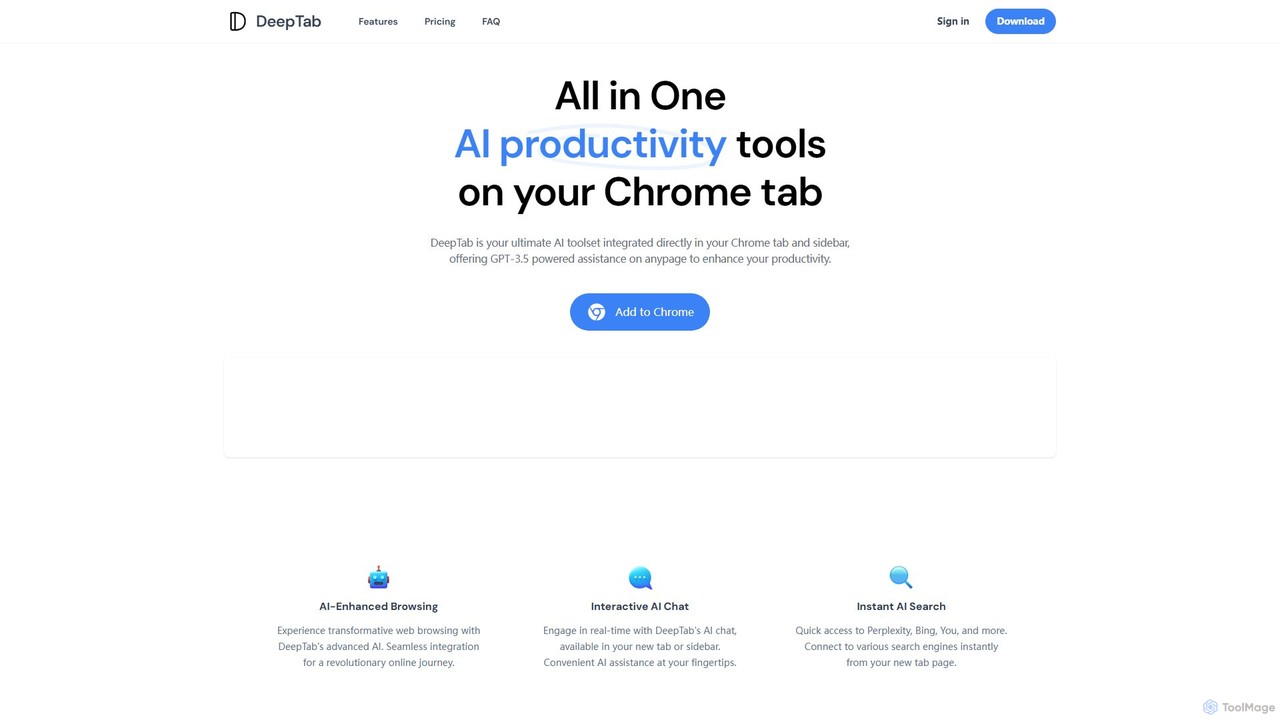
DeepTab is an all-in-one AI productivity toolkit integrated into your Chrome new tab and sidebar. It offers GPT-3.5/GPT-4 powered assistance, an interactive AI chat, instant access to multiple AI search engines, and a directory of AI websites to supercharge your browsing experience.

Chatbot
Visits 5.5KFavorites 148Likes 148
GPTSidePanel
Free

GPTSidePanel

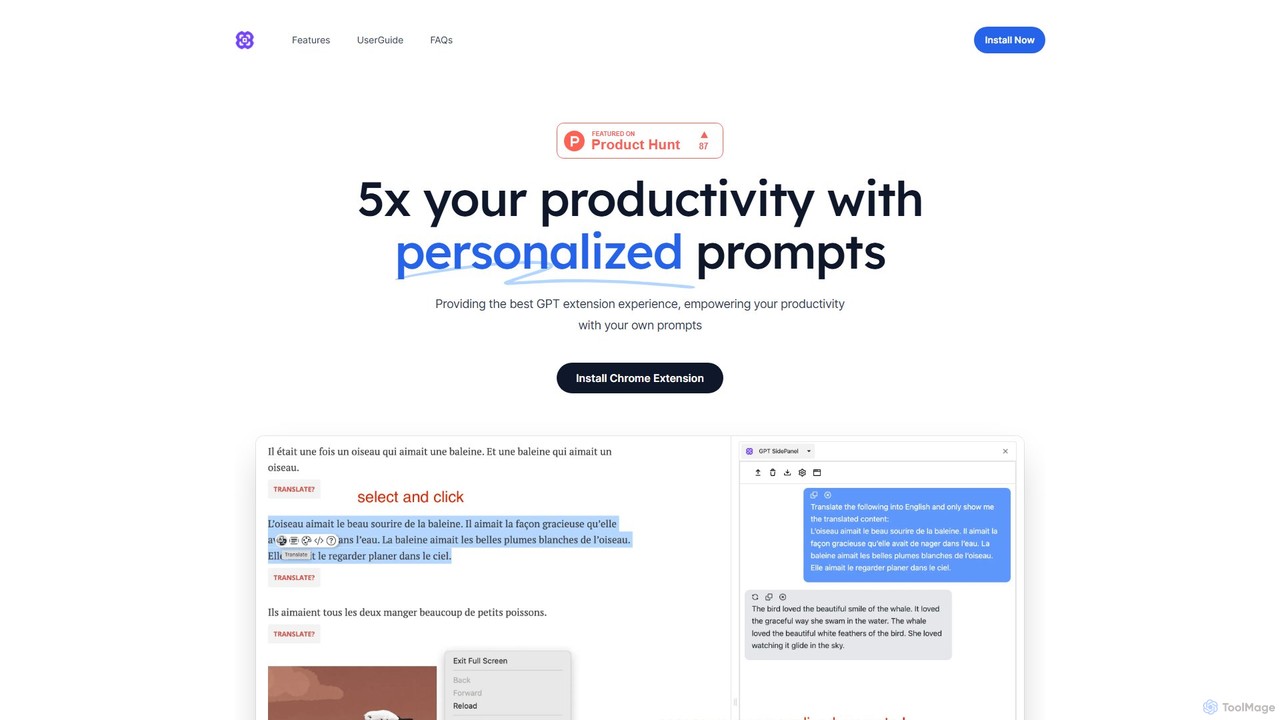
GPTSidePanel is a powerful AI browser extension that integrates a GPT-powered sidebar into your browsing experience. Boost your productivity by summarizing articles, translating text, polishing writing, and using custom prompts directly on any webpage. Eliminate tab-switching and keep your workflow seamless with this intuitive AI assistant.

Browser Extension
Visits 6.1KFavorites 143Likes 129
MaxFocus
Freemium

MaxFocus

MaxFocus is a powerful browser extension that enhances productivity by allowing users to preview links without opening new tabs. It offers customizable previews, a distraction-free reader mode, and a dedicated video mode. With its integrated AI assistant, users can get summaries, ask questions about page content, and dive deeper into subjects instantly. It prioritizes user privacy by not tracking browsing history and blocking trackers, providing a secure and focused browsing experience.

Browser Extensions
Visits 40.1KFavorites 120Likes 141
duckduckgpt
Free

duckduckgpt

A free, open-source browser extension that enhances DuckDuckGo search with AI-powered chat and summaries. It integrates seamlessly, providing instant answers and concise summaries from the latest LLMs like GPT-4o, right alongside your search results.

Browser Extension
Visits 58KFavorites 123Likes 126
Glimpse
Free

Glimpse

Glimpse is an intelligent AI browser extension designed to make web browsing smarter. It offers contextual chat with any website and an aggregated search engine for direct answers. Note: Glimpse has now evolved into Atlas, a free AI assistant specifically for students.

Research Assistant
Visits 5.6KFavorites 116Likes 142
TinaMind
Freemium

TinaMind

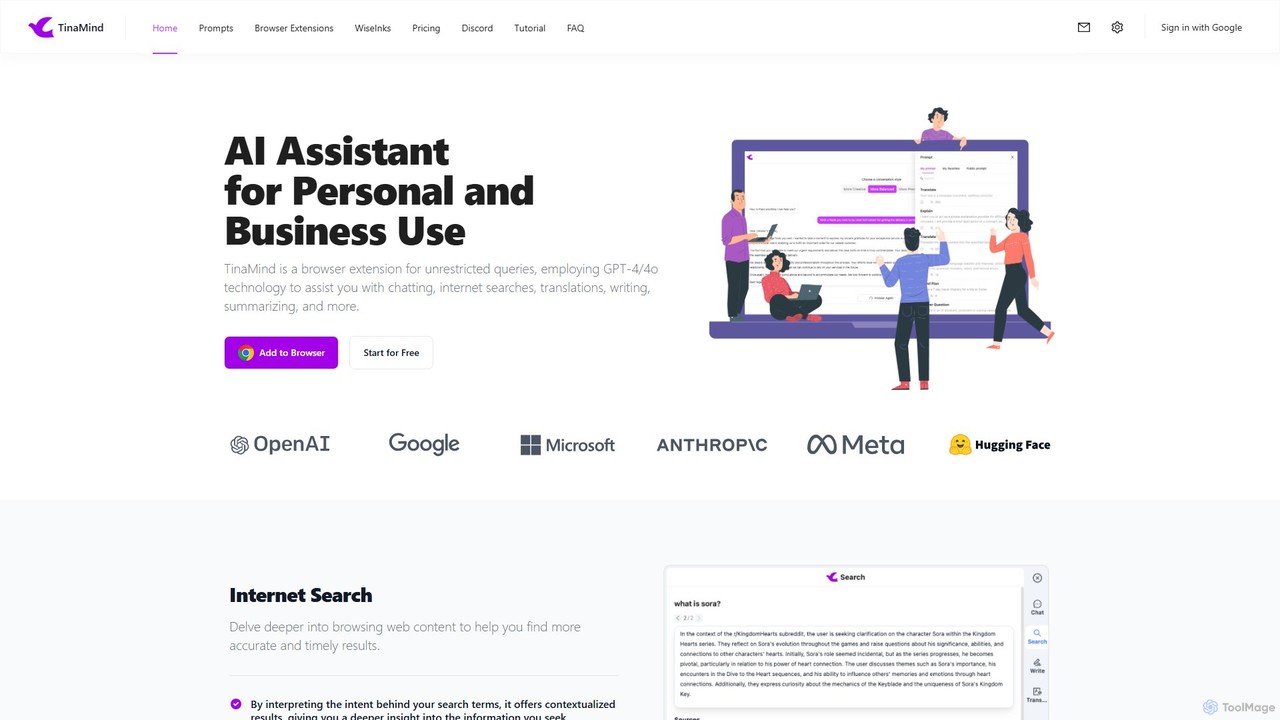
TinaMind is an AI-powered browser extension that enhances your productivity with GPT-4/4o. It acts as an all-in-one assistant for intelligent web search, document and YouTube summarization, content writing, high-quality translation, and efficient prompt management. Seamlessly integrated into your browser, it streamlines your workflow for both personal and business use.

Browser Extension
Visits 38.5KFavorites 121Likes 112
ChatGPT EVO
Free

ChatGPT EVO

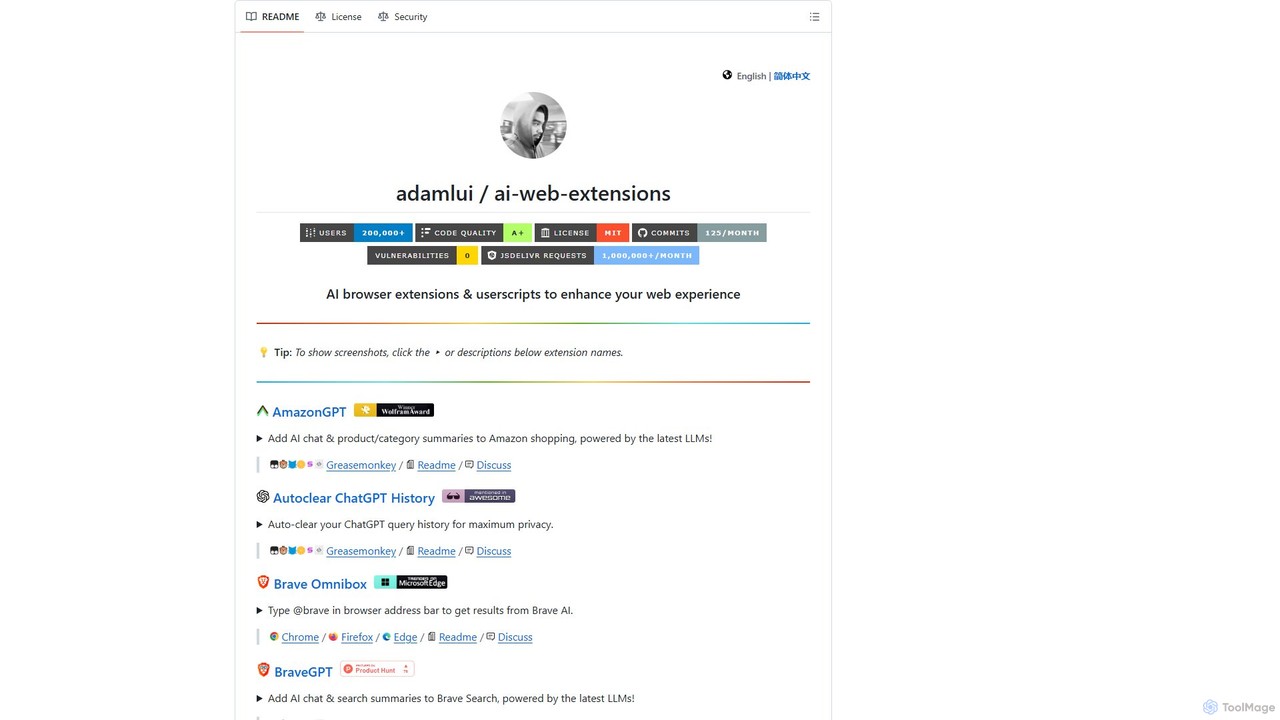
ChatGPT EVO is a powerful suite of open-source browser extensions and userscripts designed to augment your web experience. It seamlessly integrates AI functionalities from models like ChatGPT into your daily browsing, including search engines, e-commerce sites, and the browser's address bar, boosting productivity and providing instant information.

Code Assistant
Visits 58.3KFavorites 122Likes 136
Torq
Freemium

Torq

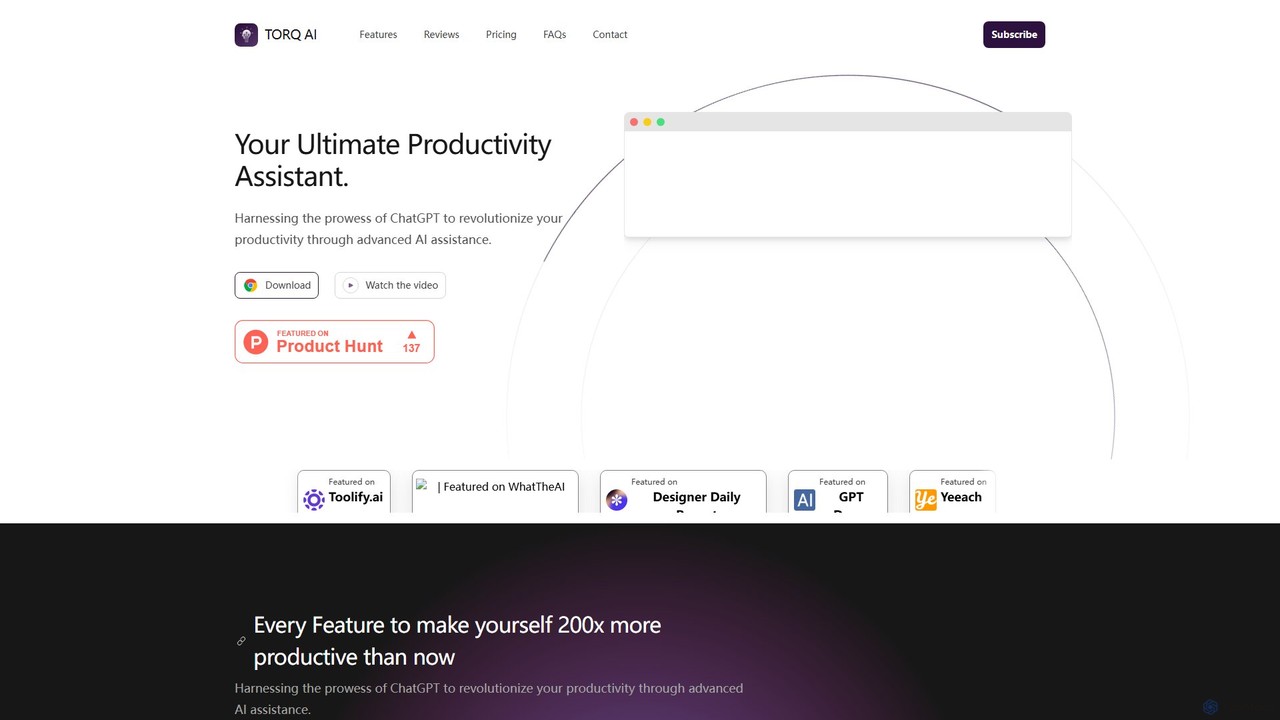
Torq is an AI-powered Chrome extension that supercharges your productivity. Leveraging ChatGPT, it offers one-click email generation, instant text summarization and translation, and integrates AI responses directly into your Google search results, streamlining your daily workflow.

Browser Extension
Visits 9.1KFavorites 119Likes 125

About Search

"Search" AI tools are advanced platforms that leverage artificial intelligence to enhance the process of finding and retrieving information. These tools go beyond traditional keyword matching, employing natural language processing (NLP) and machine learning to understand user intent, context, and semantic relationships. They deliver more relevant, personalized, and comprehensive results from vast datasets, transforming how individuals and organizations access knowledge.

Core Features

  • Semantic Understanding: Interprets the meaning and context of queries, not just keywords.
  • Personalized Results: Adapts search outcomes based on user history, preferences, and roles.
  • Federated Search: Unifies search across multiple disparate data sources and platforms.
  • Natural Language Querying: Allows users to ask questions in conversational language.
  • Intelligent Ranking: Uses AI algorithms to prioritize and present the most relevant information.

Use Cases

Organizations needing to quickly access internal documents, researchers sifting through academic papers, customer support teams finding solutions, or individuals exploring vast web content. These tools are crucial for efficient information retrieval in data-rich environments.

How to Choose

Consider the types and volume of data sources, the complexity of queries, required integration capabilities with existing systems, the level of personalization needed, and the tool's ability to handle various data formats. Evaluate the accuracy of results and the user interface for ease of use and configuration.

Featured tool rankings

Search use cases

1

Enhancing Enterprise Knowledge Management

For large enterprises, AI search tools enable employees to quickly find specific documents, reports, and data across internal databases, cloud storage, and shared drives. This reduces time spent searching, improves decision-making, and ensures consistent access to the latest information, boosting overall operational efficiency by providing instant access to critical knowledge.

2

Streamlining Customer Support Operations

Customer service agents use AI search to instantly retrieve relevant answers, troubleshooting guides, and product information from extensive knowledge bases. This empowers agents to provide faster, more accurate support, reducing resolution times and improving customer satisfaction by offering precise solutions on demand, leading to a more efficient support ecosystem.

3

Accelerating Research and Development

Researchers and developers leverage AI search to rapidly sift through vast amounts of scientific literature, patents, and technical documentation. The tools identify key concepts, connections, and emerging trends, significantly speeding up literature reviews, competitive analysis, and the discovery phase of new projects, thereby fostering innovation and reducing time-to-market.

4

Personalizing E-commerce Product Discovery

E-commerce platforms integrate AI search to offer highly personalized product recommendations and search results based on user behavior, preferences, and past purchases. This enhances the shopping experience, increases conversion rates, and helps customers discover products they are more likely to buy, leading to higher sales and customer loyalty.

5

Optimizing Legal Document Review

Legal professionals utilize AI search to efficiently review and analyze large volumes of legal documents, contracts, and case files. The tools can identify specific clauses, precedents, and relevant information, drastically reducing manual review time and improving accuracy in legal research and e-discovery processes, ensuring compliance and mitigating risks.

6

Improving Content Discovery for Media & Publishing

Media companies and publishers employ AI search to help users find relevant articles, videos, and multimedia content across their archives. By understanding user interests and content semantics, these tools provide more engaging content recommendations, increasing user engagement and time spent on the platform, ultimately driving traffic and subscription growth.

Search FAQ

What are AI Search tools?

AI Search tools are intelligent systems that use artificial intelligence, primarily natural language processing and machine learning, to understand search queries and retrieve highly relevant information. Unlike traditional search, they interpret context and meaning, providing more accurate and personalized results from various data sources, enhancing overall information discovery.

How do AI Search tools differ from traditional search engines?

Traditional search engines primarily rely on keyword matching and indexing. AI Search tools, however, understand the semantic meaning and intent behind queries, consider context, and learn from user interactions. This allows them to deliver more precise, context-aware, and often personalized results, even for complex or ambiguous questions, offering a richer information retrieval experience.

What are the key benefits of using AI Search in an enterprise setting?

In an enterprise setting, AI Search significantly improves knowledge discovery, reduces information silos, and boosts employee productivity. It enables faster access to critical data, enhances decision-making, streamlines internal operations, and can be integrated across diverse internal systems for a unified search experience, leading to better operational efficiency and innovation.

Can AI Search tools be customized for specific industries or data types?

Yes, many AI Search tools offer extensive customization options. They can be trained on industry-specific jargon, integrated with proprietary databases, and configured to prioritize certain types of information or sources. This allows them to deliver highly specialized and accurate results tailored to unique business needs, making them versatile for various applications.

What factors should I consider when choosing an AI Search solution?

When selecting an AI Search solution, consider its ability to integrate with your existing data sources, the accuracy and relevance of its search results, its scalability to handle growing data volumes, customization options for your specific needs, and the user-friendliness of its interface. Also, evaluate its security features, pricing model, and the vendor's support and update policies.