Team Collaboration Best in category 3 results Workflow Management AI Tool

Popular AI tools in the Workflow Management field of Team Collaboration include Runbear、PromptPanda、Perspective, etc., helping you quickly improve efficiency.

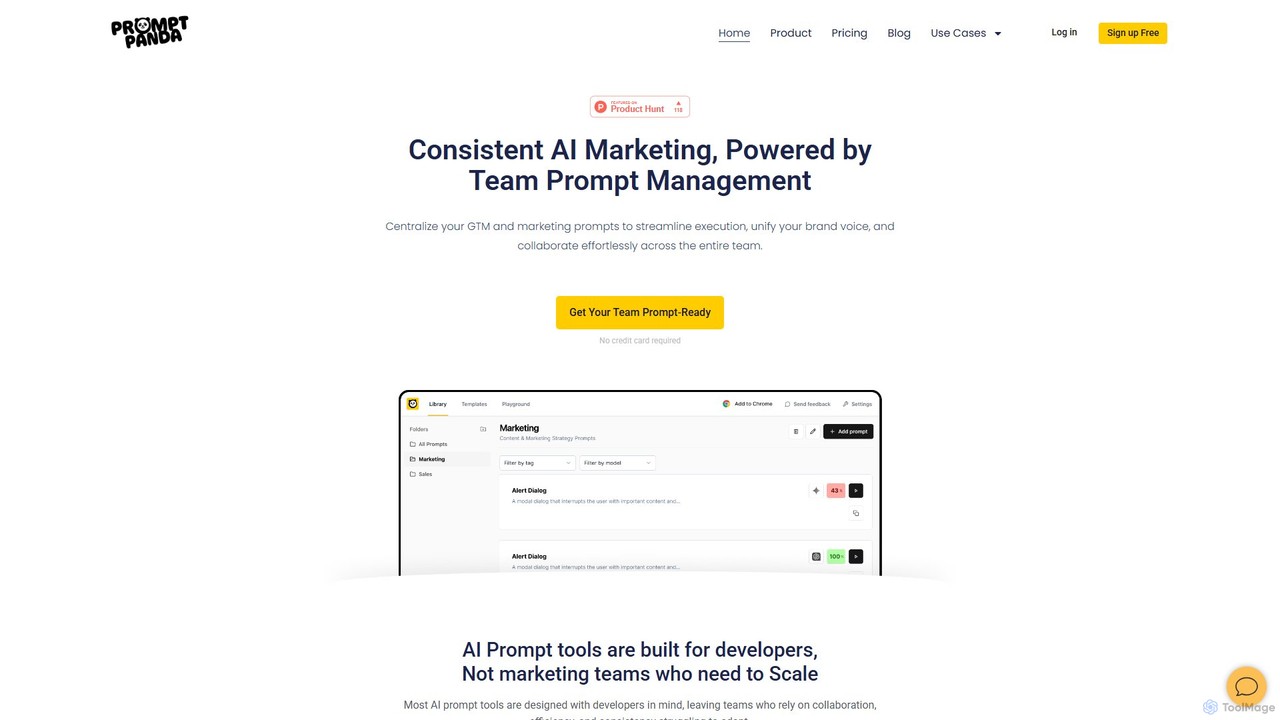
PromptPanda

PromptPanda

PromptPanda is a collaborative AI prompt management system designed for marketing teams. It helps centralize, organize, and optimize …

11.8K
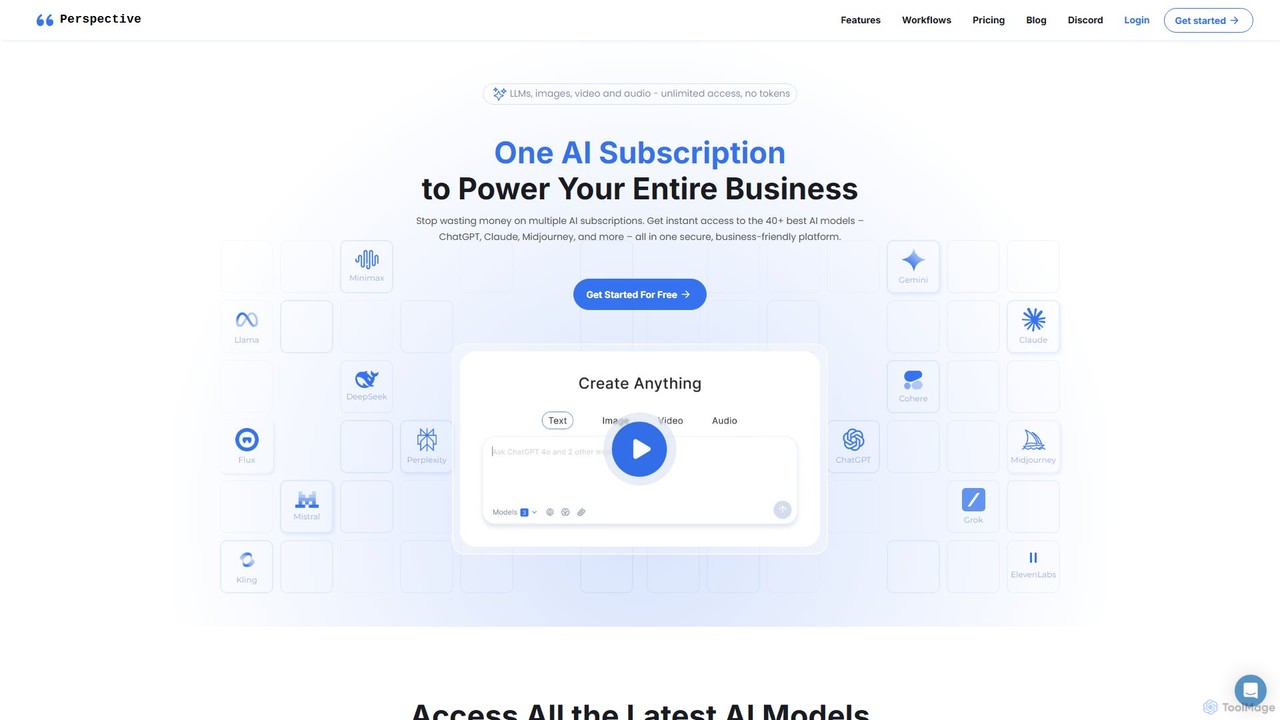
Perspective

Perspective

Perspective is an all-in-one AI platform for teams, providing unified access to over 60 top AI models like …

4.3K
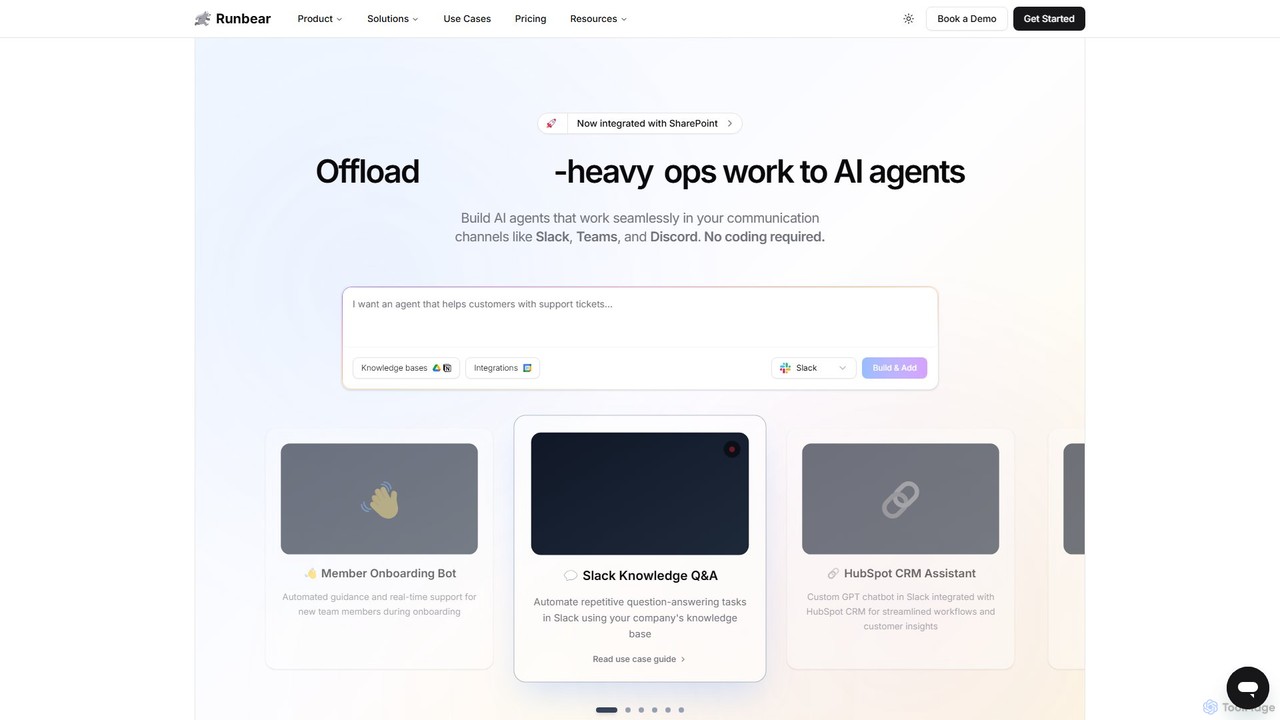
Runbear

Runbear

Runbear is a no-code platform for building and deploying custom AI agents directly into your team's communication tools …

69.4K

About Workflow Management

Workflow Management tools are a specialized category of team collaboration software designed to automate and structure repetitive business processes. These platforms use AI to map, execute, and monitor sequences of tasks, ensuring that work moves seamlessly between people and systems according to predefined rules. Their primary value lies in increasing operational efficiency, reducing human error, and providing clear visibility into process performance. Unlike general task managers, they focus on the flow of work itself, not just the individual tasks.

Core Features

  • Visual Process Builder: Design and modify workflows using a drag-and-drop interface, mapping out each step, condition, and dependency.
  • Rule-Based Automation: Automatically trigger actions, assign tasks, and send notifications based on specific events or data inputs.
  • Integration Capabilities: Connect with other business applications (like CRM, ERP, and email) to create a unified, automated system.
  • Process Analytics & Reporting: Monitor key performance indicators (KPIs) such as cycle time, bottlenecks, and task completion rates to optimize workflows.

Use Cases

These tools are essential for departments with structured, repeatable processes, such as Human Resources for employee onboarding, Finance for invoice approvals, and Operations for supply chain management. Marketing teams use them to manage content pipelines, while IT departments automate service requests and incident responses.

How to Choose

When selecting a Workflow Management tool, first evaluate its process modeling flexibility and the complexity of automation rules it can handle. Assess its integration library to ensure it connects with your existing software stack. Consider the user interface's ease of use for both technical and non-technical users. Finally, analyze its reporting capabilities to ensure you can track the metrics that matter for process improvement.

Workflow ManagementUse Cases

1

Automating Employee Onboarding Process

An HR department uses a workflow management tool to standardize the onboarding of new hires. When a candidate accepts an offer, a workflow is automatically triggered. The system assigns tasks sequentially to different departments: IT receives a request to set up accounts and hardware, HR is prompted to complete paperwork, and the hiring manager gets a task to schedule orientation. This ensures no steps are missed, reduces manual coordination, and provides a consistent, positive experience for every new employee, while giving HR full visibility into the status of each onboarding.

2

Managing a Content Publishing Pipeline

A marketing team uses a workflow management tool to streamline their content creation process. A writer submits a draft, which automatically triggers a task for an editor to review. Once the editor approves, the draft moves to the next stage, creating a task for a graphic designer to create visuals. After final approval from the marketing manager, the system automatically schedules the post on social media platforms via an integration. This structured process eliminates communication bottlenecks, provides a clear overview of where each piece of content is, and accelerates the time from idea to publication.

3

Streamlining Financial Approval Processes

A finance department implements a workflow management system for expense claims and purchase orders. An employee submits a request through a standardized form. The system automatically routes the request to the appropriate manager for approval based on the amount and department code. If approved, it moves to the finance team for processing. If rejected, it's returned to the employee with comments. This automation ensures compliance with company policy, creates a clear audit trail for every transaction, and significantly reduces the time it takes to get approvals, preventing payment delays.

4

Automating IT Service and Helpdesk Requests

An IT department uses a workflow management tool to handle internal support tickets. When an employee submits a request, AI categorizes the ticket (e.g., hardware issue, software access, password reset) and assigns it to the correct specialist. For common requests like password resets, the workflow can trigger a fully automated resolution process, sending instructions to the user without human intervention. This system prioritizes urgent issues, ensures equitable workload distribution among IT staff, and provides employees with real-time status updates on their requests, improving overall service quality.

5

Standardizing Client Project Intake

A creative agency uses a workflow management tool to handle new client inquiries. A potential client fills out a detailed form on the agency's website. This submission automatically creates a new lead in the system, assigns it to a sales representative, and schedules a follow-up task. Once the client signs a contract, the workflow transitions the lead into a project, creating a project folder, assigning a project manager, and notifying the finance team to issue the first invoice. This ensures a smooth and professional transition from sales to project execution, capturing all necessary information upfront.

6

Managing Software Development Bug Triage

A software development team integrates their workflow management tool with their bug tracking system. When a new bug is reported, a workflow is initiated. The system uses AI to analyze the bug report's text, automatically assigning a priority level (e.g., Critical, High, Low) and categorizing it by software component. It then assigns the bug to the appropriate developer or QA engineer based on current workload and expertise. This automated triage process ensures that critical bugs are addressed immediately and reduces the manual effort required from a lead developer to sort and assign incoming issues.

Workflow ManagementFrequently Asked Questions