ToolMage
Sign in

Best 4 Image Translation AI tools for Translation

Popular Image Translation AI tools in Translation include Imagetranslate, mangatranslator, AIImageTranslator, and Manga Translate, helping you work more efficiently.

AIImageTranslator
Free

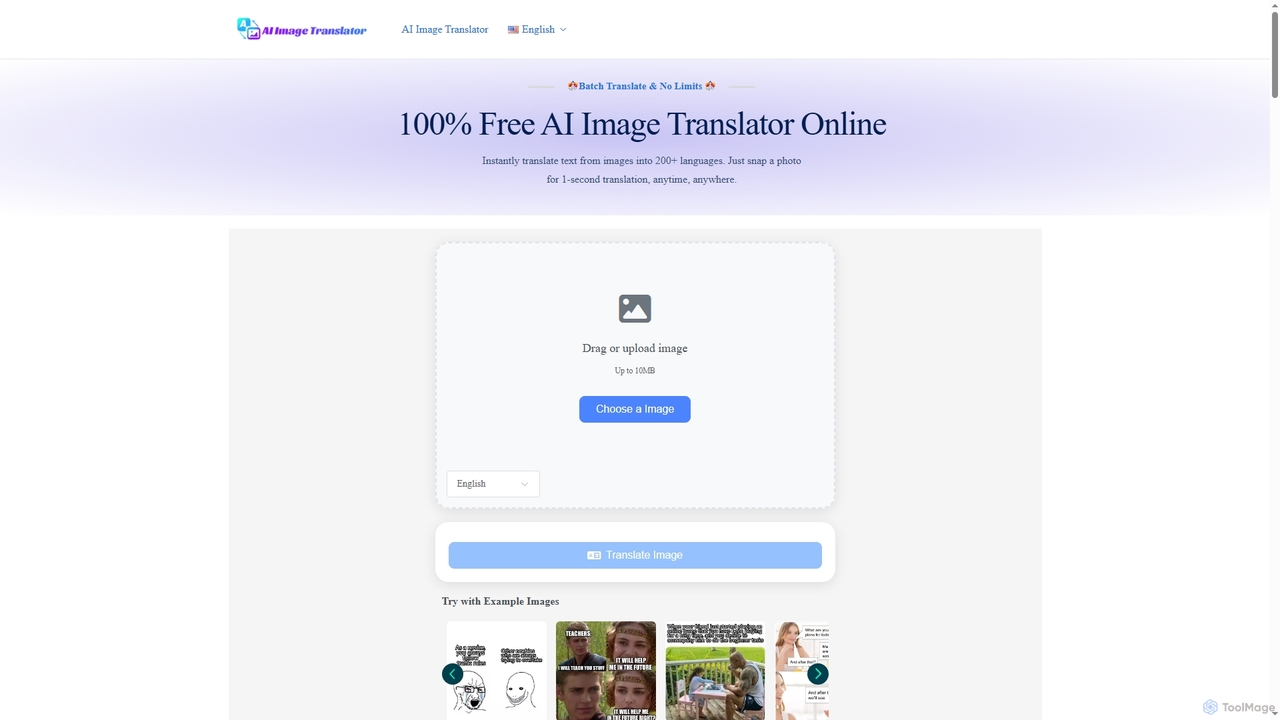
AIImageTranslator

AIImageTranslator is a free online tool that instantly translates text from images into over 200 languages. It offers high accuracy, preserves original layouts, and requires no sign-up or app downloads, making it ideal for travelers, students, and professionals.

Global Communication
Visits 25.1KFavorites 117Likes 139
Imagetranslate
Freemium

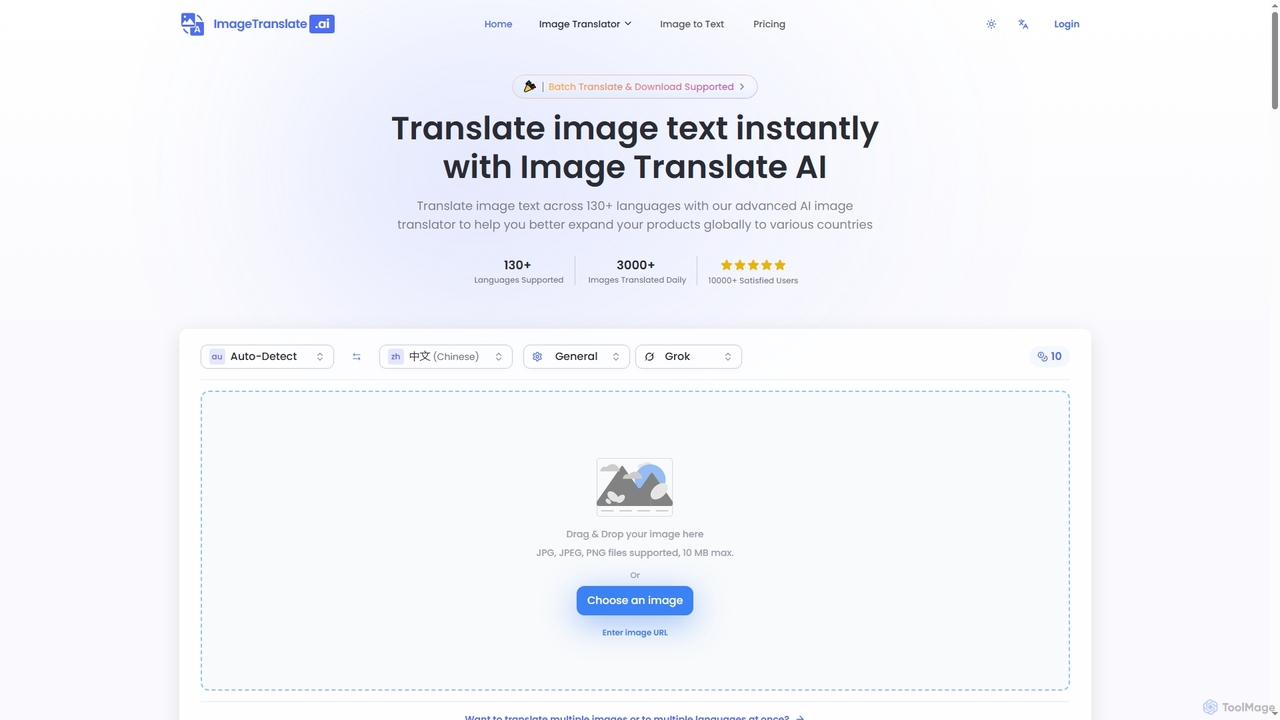
Imagetranslate

Imagetranslate is an advanced AI-powered image translator that instantly translates text within images across over 130 languages. It preserves original layouts and styles, supports batch processing, and offers specialized modes for e-commerce, manga, and light novels, making global content accessible for personal and professional use.

E Commerce Tools
Visits 257KFavorites 130Likes 117
Manga Translate
Freemium

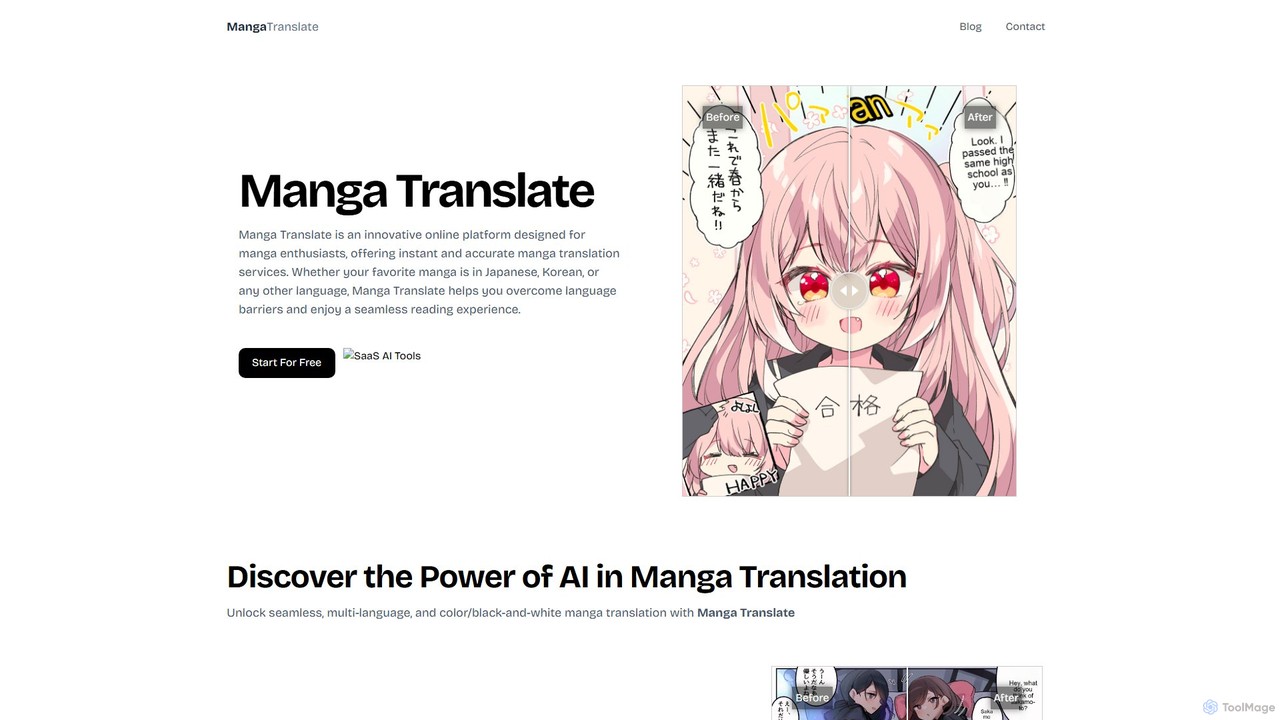
Manga Translate

An AI-powered platform for instant and accurate translation of manga, manhua, and manhwa. Supports multiple languages, color and black-and-white images, and preserves the original artwork, making comics accessible to a global audience.

Comics
Visits 6KFavorites 101Likes 114
mangatranslator
Freemium

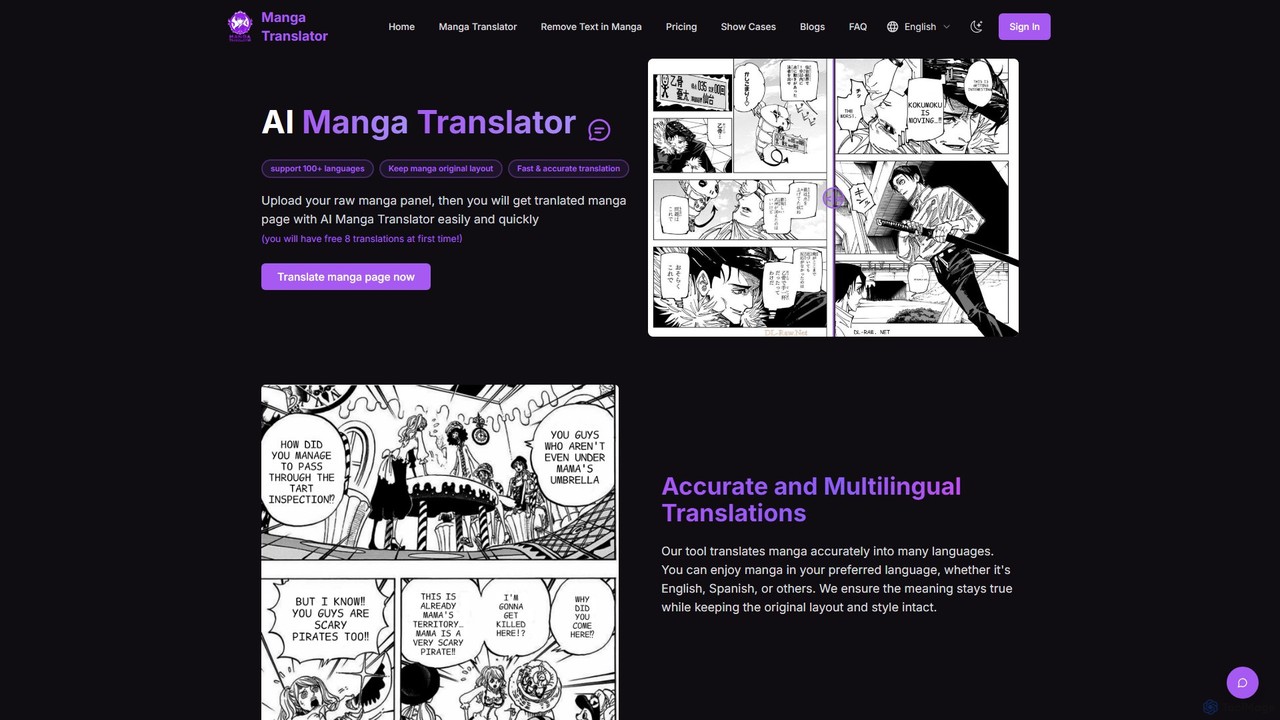
mangatranslator

mangatranslator is an AI-powered online tool for instantly translating manga, manhwa, and comics into over 100 languages. It automatically detects, translates, and cleans text while perfectly preserving the original artwork and layout. Ideal for fans, scanlators, and language learners, it supports various image and e-book formats, offering fast, accurate results with a user-friendly interface and a generous free plan.

Comics
Visits 34.5KFavorites 117Likes 124

About Image Translation

AI Image Translation tools are a specialized category of translation software that directly translates text embedded within images. These tools utilize Optical Character Recognition (OCR) to detect and extract text from files like JPEGs or PNGs, then use machine translation to convert it into a target language. The translated text is then seamlessly re-rendered back onto the image, often with background inpainting to erase the original text cleanly. This process preserves the original visual context, making it ideal for localizing content where text and graphics are intertwined.

Core Features

  • Text Detection and Extraction (OCR): Automatically identifies and extracts editable text from any image, regardless of font or background complexity.
  • In-place Translation and Rendering: Translates the extracted text and places it back onto the image, maintaining a similar position and layout.
  • Background Inpainting: Intelligently reconstructs the area behind the original text after it's removed, ensuring a clean, professional look.
  • Font and Style Matching: Attempts to match the font, color, and size of the translated text to the original style for visual consistency.
  • Batch Processing: Allows users to upload and translate multiple images simultaneously, significantly speeding up localization workflows.

Use Cases

These tools are widely used by manga and comic scanlation groups, marketing teams adapting advertisements for global campaigns, and game developers localizing user interface elements and in-game assets. They are also valuable for technical writers translating diagrams and schematics, and for individuals quickly translating signs or documents captured with a camera.

How to Choose

When selecting an AI Image Translation tool, consider the accuracy of its OCR and translation engines for your required languages. Evaluate the quality of the background inpainting, as this heavily impacts the final visual result. Also, check for features like batch processing, API access for integration, and the range of supported file formats. Finally, assess the pricing model based on your expected usage volume.

Image Translation use cases

1

Localizing Manga and Webcomics

Comic artists and translation groups use AI Image Translation tools to adapt their work for international audiences. Instead of manually erasing text from speech bubbles, translating it separately, and then typesetting it back in, these tools automate the entire process. A user uploads a comic page, and the AI detects all text within the bubbles and sound effect areas. It extracts the text, translates it, and then uses inpainting to seamlessly remove the original language. The translated text is then rendered back into the bubbles, often attempting to match the original font style, reducing the manual workload by hours per chapter.

2

Adapting Marketing and Advertising Materials

A global marketing team needs to launch a campaign across multiple regions. Their visual assets, such as social media banners, posters, and product infographics, contain embedded text. Using an AI Image Translation tool, they can upload the master design file. The tool automatically translates the taglines, product descriptions, and calls-to-action into languages like Spanish, German, and Japanese. This avoids the need for a designer to manually recreate each visual for every language, ensuring brand consistency and dramatically accelerating the time-to-market for international campaigns.

3

Translating In-Game User Interfaces and Textures

Game developers preparing for a global launch face the challenge of localizing countless in-game assets that contain text, such as menus, buttons, and environmental signs. Manually editing these texture files is time-consuming and prone to errors. By integrating an AI Image Translation tool via its API or using its batch processing feature, developers can automate the translation of these assets. The tool processes hundreds of texture files, translating the text while preserving the original design, which helps deliver a fully localized gaming experience to players worldwide without extensive manual labor.

4

Instant Translation for Travel and Daily Life

A tourist in a foreign country uses a mobile image translation app to navigate their surroundings. When faced with a restaurant menu, a street sign, or a public transport notice in a language they don't understand, they simply point their phone's camera at the text. The app captures the image, performs real-time OCR and translation, and overlays the translated text directly onto the live camera view. This provides immediate context and understanding, breaking down language barriers for practical, everyday situations without needing to type anything.

5

Translating Technical Diagrams and Schematics

An engineering firm needs to share technical manuals and blueprints with its international partners. These documents are often image-based PDFs or CAD exports filled with labels, annotations, and instructions. Recreating these complex diagrams for each language is impractical. An AI Image Translation tool can process these files, accurately identifying and translating even small, technical text. This ensures that critical information is conveyed correctly across language barriers, facilitating collaboration and maintaining safety and precision in multinational projects.

6

Localizing Social Media Infographics and Memes

Content creators and social media managers aim to maximize their reach by sharing content with a global audience. Infographics and memes, which are highly visual and shareable, often contain text that limits their appeal to a single language group. Using an AI Image Translation tool, a creator can quickly generate multiple language versions of an infographic. The tool preserves the layout and design while swapping the text, allowing the creator to post culturally relevant content on different regional social media channels, thereby increasing engagement and follower growth internationally.

Image Translation FAQ

What is AI Image Translation?

AI Image Translation is a technology that uses artificial intelligence to translate text found directly within images. It combines Optical Character Recognition (OCR) to read the text from the image, machine translation to convert it to another language, and image editing techniques like inpainting to seamlessly replace the original text with the translation. This allows for the direct localization of visual content like comics, ads, and signs without manual editing.

How does AI Image Translation work?

The process typically involves three main steps. First, an Optical Character Recognition (OCR) model scans the image to detect and extract any text, converting it into a machine-readable format. Second, this extracted text is fed into a Neural Machine Translation (NMT) engine, which translates it into the desired target language. Finally, the tool uses generative AI techniques, such as inpainting, to erase the original text from the image and intelligently fill in the background. The translated text is then rendered back onto the cleaned area, often matching the original font style.

What's the difference between Image Translation and standard Text Translation?

Standard text translation tools work with plain text that you can copy and paste. They translate words and sentences but have no awareness of visual context. AI Image Translation, a sub-type of translation, is designed specifically for text embedded in visual media. Its key differentiator is the integration of computer vision (OCR) and image editing capabilities. It doesn't just translate the words; it handles the entire workflow of extracting text from a visual, translating it, and placing it back into the visual context seamlessly.

How to choose the right AI Image Translation tool?

When selecting a tool, consider these four factors:

  • Accuracy: Check the quality of both the OCR (text recognition) and the machine translation for your specific language pairs.
  • Inpainting Quality: Evaluate how well the tool removes the original text and reconstructs the background. A clean result is crucial for professional use.
  • Features: Look for essential features like batch processing for multiple images, support for various file formats (JPG, PNG, PDF), and API access if you need to integrate it into other systems.
  • Usability: The user interface should be intuitive, making it easy to upload images, select languages, and review the final output.

Who can benefit from using Image Translation tools?

A wide range of users can benefit from these tools. This includes manga and comic translation groups (scanlators), marketing professionals localizing advertisements, game developers translating UI elements, and technical writers adapting diagrams and manuals. Additionally, travelers find them useful for translating signs and menus in real-time using mobile apps. Essentially, anyone who needs to translate text that is part of an image, rather than plain text, can significantly improve their workflow with these tools.