Utilities Best in category 2 results Offline Tools AI Tool

Popular AI tools in the Offline Tools field of Utilities include Altalt、Private LLM, etc., helping you quickly improve efficiency.

Free
Altalt

Altalt

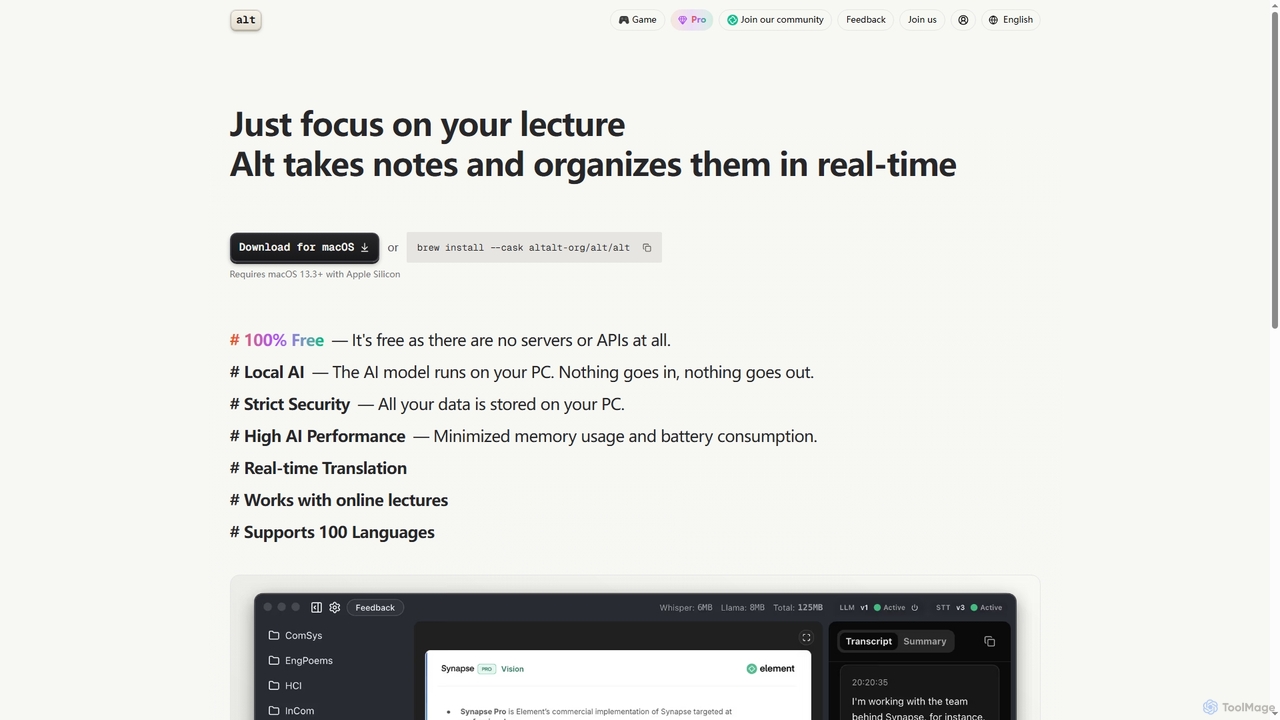
Altalt is a free, local AI lecture notetaker for macOS that transcribes and organizes your lectures in real-time. …

34.4K
Private LLM

Private LLM

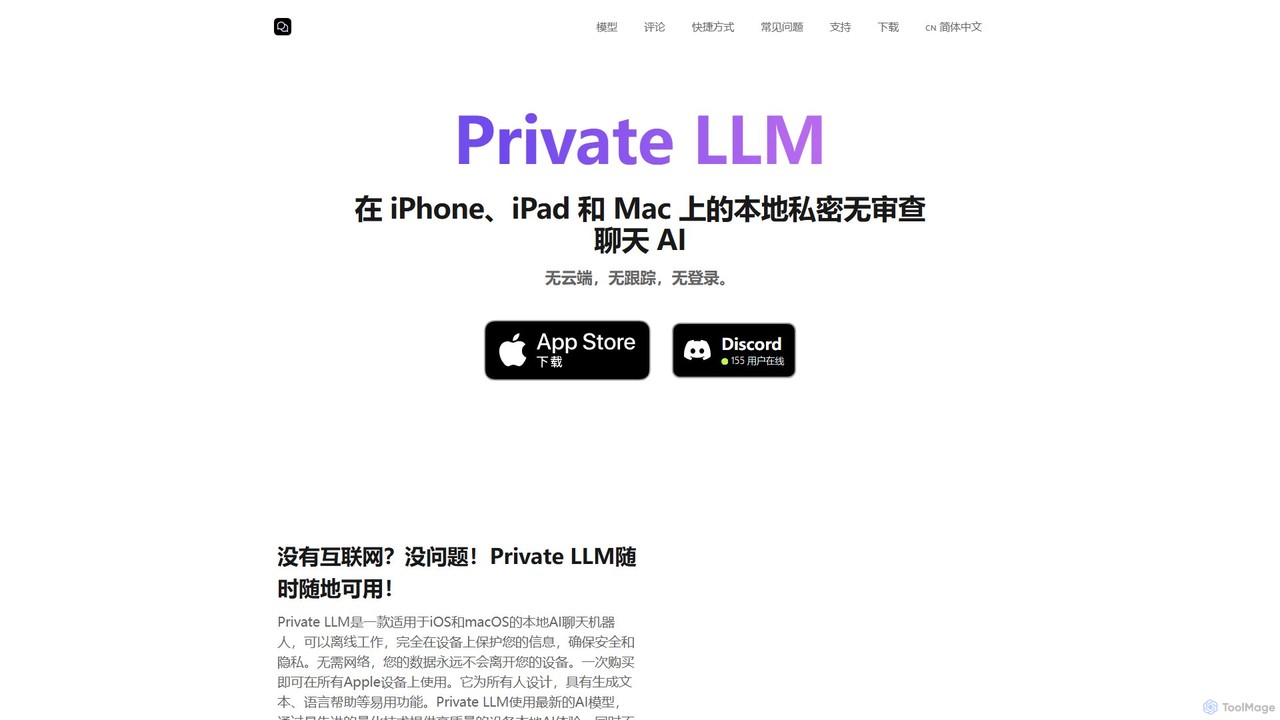
Private LLM is a secure, offline AI chatbot for iPhone, iPad, and Mac. It runs powerful open-source LLMs …

25.8K

About Offline Tools

Offline AI Tools are applications that run entirely on your local machine, processing data without needing an internet connection. These tools leverage local hardware, such as your computer's GPU and CPU, to execute complex AI models for tasks like text generation, image creation, or code assistance. Their primary value lies in ensuring absolute data privacy and security, as your information never leaves your device. This makes them ideal for handling sensitive content, working in environments with limited connectivity, or avoiding recurring cloud service fees.

Core Features

  • Local Processing: All AI computations are performed directly on your device, ensuring fast performance independent of network latency.
  • Data Privacy: Your data remains completely private and secure, as it is never uploaded to external servers.
  • No Internet Required: Full functionality is available without an active internet connection, perfect for remote work or travel.
  • Cost Control: Often involves a one-time purchase or is free and open-source, eliminating recurring API or subscription costs.
  • Unrestricted Use: Users are free from cloud platform restrictions, content filters, or usage limits, allowing for greater creative and operational freedom.

Use Cases

Offline AI Tools are particularly valuable for professionals who handle confidential information, such as developers working on proprietary code, researchers analyzing sensitive data, and artists creating unique intellectual property. They are also essential for users in locations with unreliable internet access or for individuals who prioritize data sovereignty and wish to have full control over their digital assets and AI interactions.

How to Choose

When selecting an Offline AI Tool, first assess your hardware capabilities, particularly GPU VRAM and system RAM, as these determine which models you can run. Consider the ease of installation—some tools offer simple one-click installers while others require command-line setup. Evaluate the tool's compatibility with different AI models and formats. Finally, look into the level of community support and documentation available, which is crucial for troubleshooting and maximizing the tool's potential.

Offline ToolsUse Cases

1

Private Document Analysis for Research

A legal professional or academic researcher needs to analyze hundreds of confidential documents, such as case files or patient records. Using an offline AI tool, they can run a powerful language model locally to summarize texts, extract key entities, and identify patterns. The entire process occurs on their secured computer, eliminating the risk of data breaches associated with uploading sensitive information to a cloud-based service. This ensures compliance with privacy regulations like GDPR or HIPAA while still leveraging advanced AI for efficient analysis.

2

Secure Local Code Generation for Developers

A software developer is working on a proprietary codebase for their company. They want to use an AI coding assistant to speed up development, but company policy prohibits uploading source code to third-party services. By using an offline AI tool, the developer can run a code-generation model directly within their local development environment. The AI can suggest code completions, refactor functions, and generate unit tests without any part of the sensitive codebase ever leaving the developer's machine, ensuring intellectual property remains secure.

3

Unrestricted Image Generation for Artists

A digital artist is creating concept art for a new project and needs to generate hundreds of visual variations. Online AI image generators often have content filters, usage limits, or high subscription costs for bulk generation. By using an offline image generation tool, the artist can run a diffusion model locally on their powerful workstation. This gives them complete creative freedom, unlimited generations, and faster iteration cycles without network delays. They can fine-tune models with their own datasets and ensure their unique artistic creations remain confidential until they are ready to be revealed.

4

Offline Voice Transcription in the Field

A journalist is conducting sensitive interviews in a remote location with no reliable internet access. They need to transcribe hours of audio recordings quickly and accurately. An offline AI transcription tool allows them to process the audio files directly on their laptop. This ensures the confidentiality of their sources and the interview content. Furthermore, it provides immediate access to the transcripts for writing their story, without having to wait until they return to a location with an internet connection to use a cloud-based service.

5

Custom AI Model Training on Private Data

A healthcare startup needs to train a diagnostic AI model using sensitive patient data. Due to strict privacy regulations, this data cannot be uploaded to any third-party cloud platform. Using an offline framework, their data scientists can train and fine-tune machine learning models on a secure, on-premise server. This approach provides full control over the data and the training environment, ensuring regulatory compliance and protecting patient confidentiality while still allowing them to develop cutting-edge, proprietary AI technology.

6

Personal AI Chatbot for Knowledge Management

An individual wants to create a personal assistant that can search and converse about their private notes, documents, and emails. They are concerned about privacy and do not want to upload their entire personal history to a cloud service. By running a large language model (LLM) locally, they can index all their personal files and create a secure, offline chatbot. This personal AI can answer complex questions about their own data, help them find information instantly, and brainstorm ideas, all while ensuring their personal information remains completely under their control.

Offline ToolsFrequently Asked Questions