Pixelcode
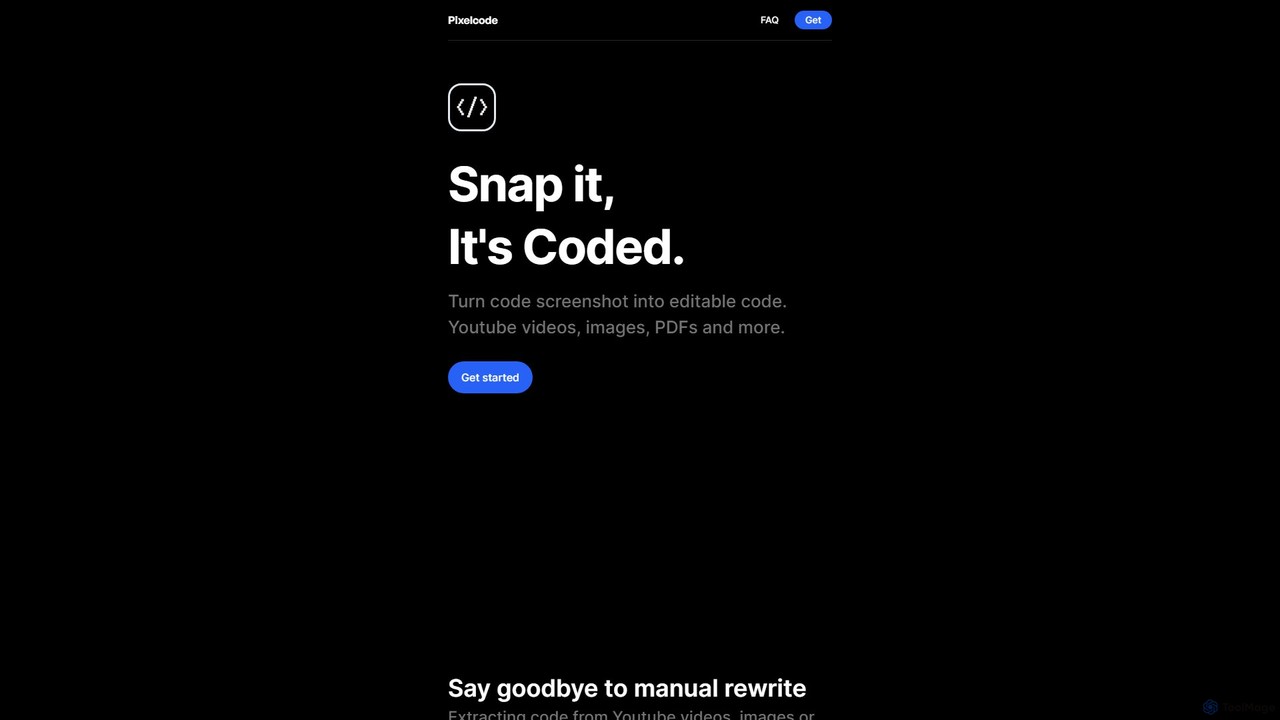
Pixelcode is a powerful AI-driven Chrome extension that instantly converts code from screenshots, YouTube videos, images, and PDFs …
Pixelcode is a powerful AI-driven Chrome extension that instantly converts code from screenshots, YouTube videos, images, and PDFs into editable text. It supports over 30 programming languages, accurately preserves original formatting, and copies the code directly to your clipboard. This tool is designed to eliminate manual retyping, prevent errors, and dramatically boost developer productivity.
About Screen Capture
AI Screen Capture tools are advanced utilities that use artificial intelligence to not just capture what's on your screen, but also to understand and process it. These tools go beyond basic screenshots by integrating technologies like Optical Character Recognition (OCR) and computer vision to automate tasks. They can instantly extract text, automatically blur sensitive information, or even generate step-by-step guides from a screen recording. This intelligent layer transforms screen capture from a simple imaging task into a powerful productivity and documentation workflow.
Core Features
- Intelligent OCR: Accurately extracts and copies text from any captured image or video frame, making static information editable and searchable.
- Automated Redaction: Automatically detects and blurs sensitive data such as faces, names, email addresses, and credit card numbers to ensure privacy.
- Workflow Documentation Generation: Records a sequence of on-screen actions and automatically generates a structured, step-by-step guide with annotated screenshots and descriptions.
- Smart Element Detection: Intelligently identifies and selects specific UI elements, windows, or full scrolling areas for precise captures.
- Visual Search Capability: Indexes the text content of all your screenshots, allowing you to search your entire visual history using keywords.
Applicable Scenarios
These tools are highly valuable for technical support teams creating knowledge base articles, software quality assurance (QA) testers documenting bugs, and corporate trainers developing instructional materials. They are also used by operations managers to create Standard Operating Procedures (SOPs) and by anyone needing to quickly extract data from non-selectable sources like images or presentations.
Selection Criteria
When choosing an AI Screen Capture tool, evaluate the accuracy of its OCR engine for your specific content types. Consider the reliability of its automated features, such as redaction and workflow generation. Assess its integration capabilities with other platforms like Jira, Slack, or Notion, and determine if its pricing model aligns with your need for individual captures, video recording, or team collaboration features.
Screen CaptureUse Cases
Automated Software Tutorial Creation
A corporate trainer needs to create an onboarding guide for new software. Instead of manually taking screenshots, pasting them into a document, and writing descriptions for each step, they use an AI screen capture tool. They simply perform the workflow once. The tool records their actions, automatically captures relevant screenshots, and generates a complete step-by-step guide with annotated images and editable text descriptions. This reduces the creation time for a detailed tutorial from hours to minutes.
Efficient Bug Reporting for Developers
A QA tester finds a bug in an application. Using an AI screen capture tool, they record a short video reproducing the error. The tool automatically blurs out any sensitive user data on the screen. The tester then captures a screenshot of the final error message, and the tool's OCR instantly extracts the error code and text. This package of a redacted video, an annotated screenshot, and extracted text is sent directly to a Jira ticket, providing developers with clear, secure, and comprehensive context to fix the bug faster.
Creating Searchable Knowledge from Visuals
A market researcher gathers competitive intelligence by taking hundreds of screenshots of competitor websites, pricing pages, and social media posts. Traditionally, finding specific information later would be impossible. By using an AI screen capture tool, every screenshot is automatically processed by OCR. Now, their entire collection is a searchable database. They can simply type 'Q3 pricing' or 'discount campaign' and instantly find all relevant screenshots containing those terms, dramatically speeding up analysis and report generation.
Secure Information Sharing for Customer Support
A customer support agent needs to share a screenshot of a user's account page with a senior technician to resolve an issue. The page contains personally identifiable information (PII) like name, address, and phone number. Instead of manually editing the image to hide this data, the agent uses an AI screen capture tool. Its automated redaction feature instantly detects and blurs all PII, creating a secure, shareable image in one click. This ensures compliance with privacy regulations like GDPR and protects customer data while streamlining the support workflow.
Quick Data Extraction from Invoices
An accounts payable clerk receives dozens of PDF invoices daily. Instead of manually retyping invoice numbers, dates, and amounts into their accounting software, they use an AI screen capture tool. They take a screenshot of each invoice, and the tool's intelligent OCR not only extracts all text but can also identify and structure key-value pairs. The clerk can then instantly copy the structured data (e.g., 'Invoice : 12345', 'Amount: $500') and paste it directly into the required fields, minimizing data entry errors and saving significant time.
Creating Standard Operating Procedures (SOPs)
An operations manager needs to document a complex, multi-step process for a new team member. They use an AI screen capture tool with workflow documentation capabilities. As they perform the process on their computer, the tool automatically captures each click and action, generating a series of annotated screenshots. It then compiles these into a professional-looking SOP document, complete with numbered steps and text descriptions. The manager can quickly review, edit, and share this document, ensuring consistent and accurate training for all employees.