

Pixelcode Overview
Pixelcode is a revolutionary AI tool designed to solve a common yet time-consuming problem for developers, students, and tech enthusiasts: transcribing code from non-text sources. With the motto "Snap it, It's Coded," Pixelcode transforms the tedious task of manually retyping code from screenshots, video tutorials, PDF documents, or online presentations into a seamless, one-click process. By leveraging advanced Optical Character Recognition (OCR) technology powered by AI, this Chrome extension can accurately detect, extract, and format code, making it immediately ready for use in your favorite IDE. It's an indispensable utility for anyone who learns or works with code from visual materials, promising to save countless hours and significantly enhance productivity.
How to use Pixelcode
Getting started with Pixelcode is designed to be simple and intuitive, integrating directly into your browsing workflow. Here’s a step-by-step guide:
- Purchase and Install: After purchasing one of the plans, you will receive an email receipt containing a private installation link. Clicking this link will guide you through the standard installation process for a Chrome extension.
- Activate the Extension: Once installed, the Pixelcode icon will appear in your browser's toolbar. Simply click on it to activate the tool whenever you encounter code you wish to extract.
- Capture the Code: A precision cropping tool will appear, allowing you to draw a box around the exact code snippet you want to capture. You can select anything from a few lines to hundreds of lines of code displayed on your screen.
- Automatic Extraction and Copying: As soon as you complete the selection, Pixelcode's AI engine processes the image in seconds. The extracted and perfectly formatted code is then automatically copied to your clipboard.
- Paste and Go: Navigate to your code editor or IDE (like VS Code, Sublime Text, or JetBrains) and simply paste the code. It will appear with its original indentation and structure, ready to run or be modified.
- (Optional) Set Up Unlimited Plan: If you opt for the Unlimited Lifetime Deal, you'll need to set up your own ChatGPT API key. The extension provides a simple 3-step guide to configure this. Your API key is stored locally on your device and is never accessed by Pixelcode's servers, ensuring your privacy and security.
Core Features of Pixelcode
- High-Precision Code Extraction: Utilizes a state-of-the-art AI-powered OCR engine to convert images of code into editable text with exceptional accuracy.
- Multi-Source Compatibility: Extract code from a wide variety of sources, including YouTube video tutorials, technical blog posts, images shared on social media, academic papers in PDF format, and presentation slides.
- Seamless Chrome Extension: As a lightweight browser extension, Pixelcode is always accessible with a single click, requiring no context switching or separate applications.
- Formatting Preservation: A key advantage is its ability to maintain the original code's indentation, spacing, and structure. What you capture is what you get, saving you the hassle of reformatting.
- Automatic Language Recognition: Intelligently detects and supports over 30 programming languages, including popular ones like JavaScript, Python, Java, Swift, Ruby, Dart, C++, Go, and many more.
- Instant Clipboard Integration: The workflow is optimized for speed. Extracted code is automatically sent to your clipboard, streamlining the copy-paste process.
- Precision Cropping Tool: Gives you full control to select only the relevant code, ignoring surrounding text or visual elements.
Use Cases for Pixelcode
Pixelcode is a versatile tool that benefits a wide range of users in various scenarios:
- Students and E-Learners: When following along with programming tutorials on platforms like YouTube or Udemy, students can instantly grab code examples without pausing the video and manually typing everything, which is prone to errors. This accelerates the learning process.
- Professional Developers: During code reviews, developers often share screenshots of code snippets in communication tools like Slack or Microsoft Teams. Pixelcode allows colleagues to quickly grab, test, and modify that code.
- Technical Writers and Researchers: When referencing code from PDF documents, research papers, or old, non-searchable books, this tool makes it effortless to digitize the code for use in documentation or new projects.
- Conference and Webinar Attendees: Capture complex code examples from a speaker's presentation slides in real-time, ensuring you have a functional copy to experiment with later.
- Hobbyist Programmers: Quickly experiment with code found in articles, forums, or social media posts without the friction of manual transcription.
Advantages of Pixelcode
The growing community of developers who love Pixelcode highlight several key advantages:
- Massive Time Savings: The primary benefit is the elimination of manual data entry. What could take several minutes of careful typing and debugging for typos can be accomplished in seconds.
- Increased Productivity: By removing a tedious and repetitive task, Pixelcode frees up developers to focus on more important work, such as understanding logic, solving problems, and building features. Users report a 10x boost in productivity for tasks involving code transcription.
- Enhanced Accuracy: Manual retyping is a major source of syntax errors, typos, and formatting issues. Pixelcode ensures a near-perfect transcription, preserving the integrity of the original code.
- Convenient and Accessible: Its integration as a Chrome extension means it's always available right where developers do most of their research and learning—in the browser.
- Flexible and Affordable Pricing: Pixelcode offers both a pay-per-use model for occasional users and a one-time payment for a lifetime deal with unlimited usage (via a personal API key), making it accessible to everyone from students to professional development teams.
Pricing and Plans
Pixelcode offers two straightforward and transparent pricing plans with lifetime access, avoiding recurring subscriptions:
- Pay per use: For a one-time payment of $8, you receive 100 screenshot credits. This plan includes the standard Chrome extension, use on unlimited devices, lifetime updates, and an initial 20 free screenshots to test the service.
- Unlimited (Lifetime Deal): For a one-time payment of $35, you get the Pro version of the Chrome extension with unlimited screenshots. This plan requires you to use your own ChatGPT API Key, with usage billed directly by OpenAI at their standard rates. This plan also includes use on unlimited devices and lifetime updates.
Payments can be made securely via either credit card or PayPal.
Pixelcode Alternatives

Codebay
Codebay is an AI-powered development platform designed to accelerate the entire software lifecycle. It acts as an intelligent co-pilot for developers, offering advanced features for code generation, automated review, intelligent debugging, and seamless integration with existing workflows to enhance productivity and code quality.
Code Generation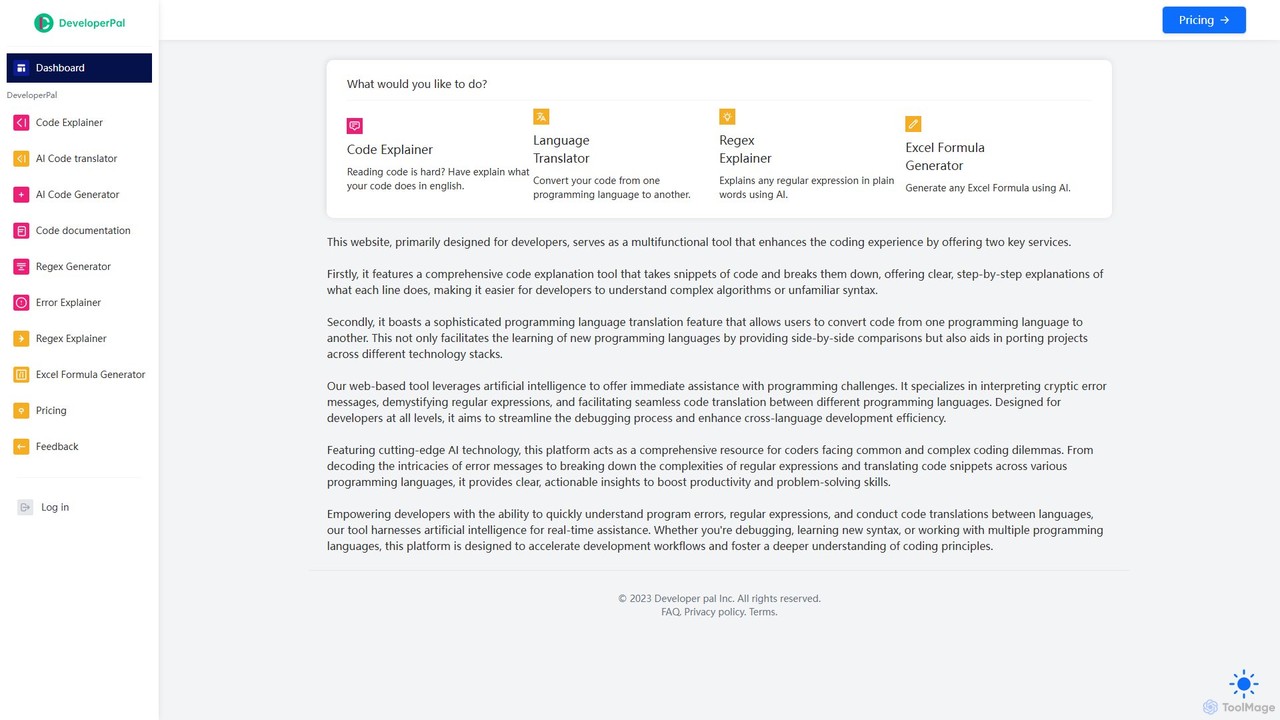
DeveloperPal
DeveloperPal is an AI-powered suite of tools for developers, offering a code explainer, language translator, regex and error explainer, and an Excel formula generator. It's designed to streamline debugging, accelerate learning, and boost overall coding productivity by providing instant, intelligent assistance for common development challenges.
Code Assistant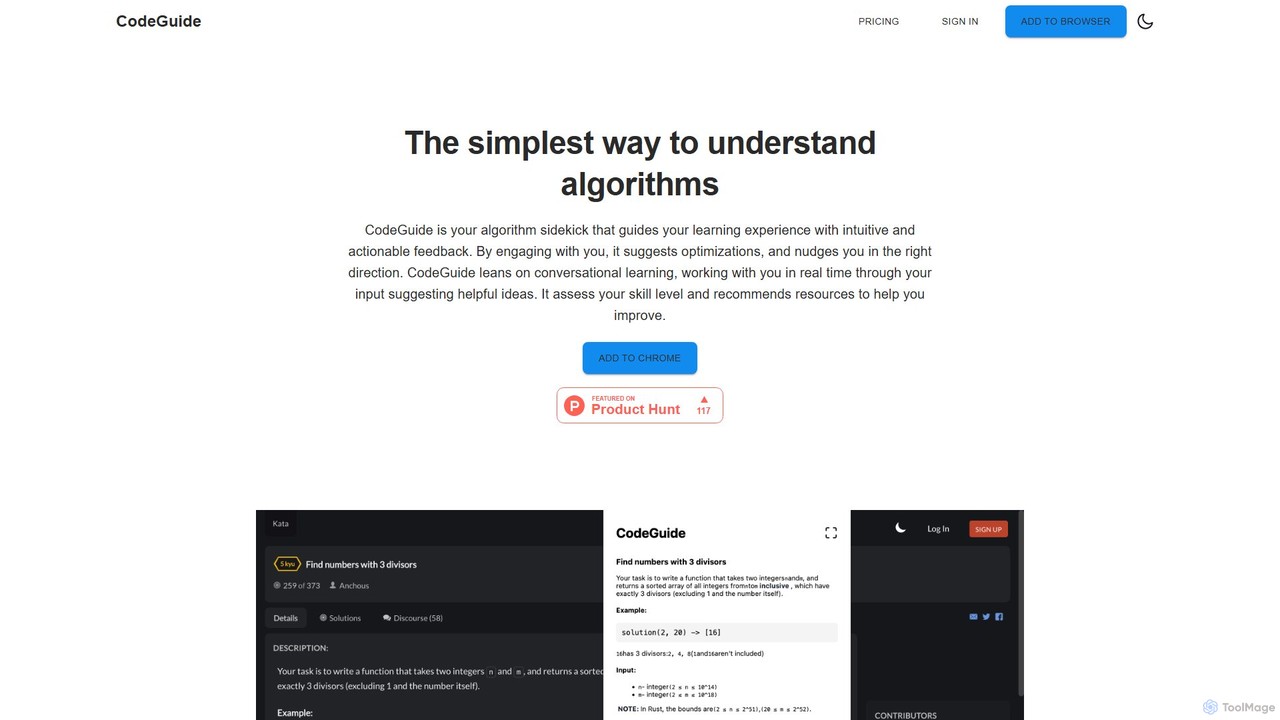
CodeGuideAI
CodeGuideAI is an AI-powered Chrome extension that acts as your personal algorithm tutor. It simplifies learning complex algorithms through real-time, conversational feedback, suggests code optimizations, and provides personalized guidance to help you master data structures and improve your problem-solving skills.
Code Assistant
BLACKBOX.AI
BLACKBOX.AI is an autonomous AI coding agent designed to accelerate software development. It helps developers write code faster, debug efficiently, and can even build full applications from images or text descriptions, integrating seamlessly with popular IDEs like JetBrains.
Code Assistant
GitHub Copilot
GitHub Copilot is an AI pair programmer that offers intelligent code completions and suggestions directly in your editor. It helps you write code faster, learn new languages, and stay in the flow by turning natural language prompts into coding suggestions across dozens of languages.
Code GenerationPixelcode Categories
Pixelcode Embed Widget
Copy this embed code to place the badge on your blog, article, or product site and send readers directly to this ToolMage detail page.

Related AI tools
Codebay
Codebay is an AI-powered development platform designed to accelerate the entire software lifecycle. It acts as an intelligent co-pilot for developers, offering advanced features for code generation, automated review, intelligent debugging, and seamless integration with existing workflows to enhance productivity and code quality.
Code GenerationDeveloperPal
DeveloperPal is an AI-powered suite of tools for developers, offering a code explainer, language translator, regex and error explainer, and an Excel formula generator. It's designed to streamline debugging, accelerate learning, and boost overall coding productivity by providing instant, intelligent assistance for common development challenges.
Code AssistantCodeGuideAI
CodeGuideAI is an AI-powered Chrome extension that acts as your personal algorithm tutor. It simplifies learning complex algorithms through real-time, conversational feedback, suggests code optimizations, and provides personalized guidance to help you master data structures and improve your problem-solving skills.
Code Assistant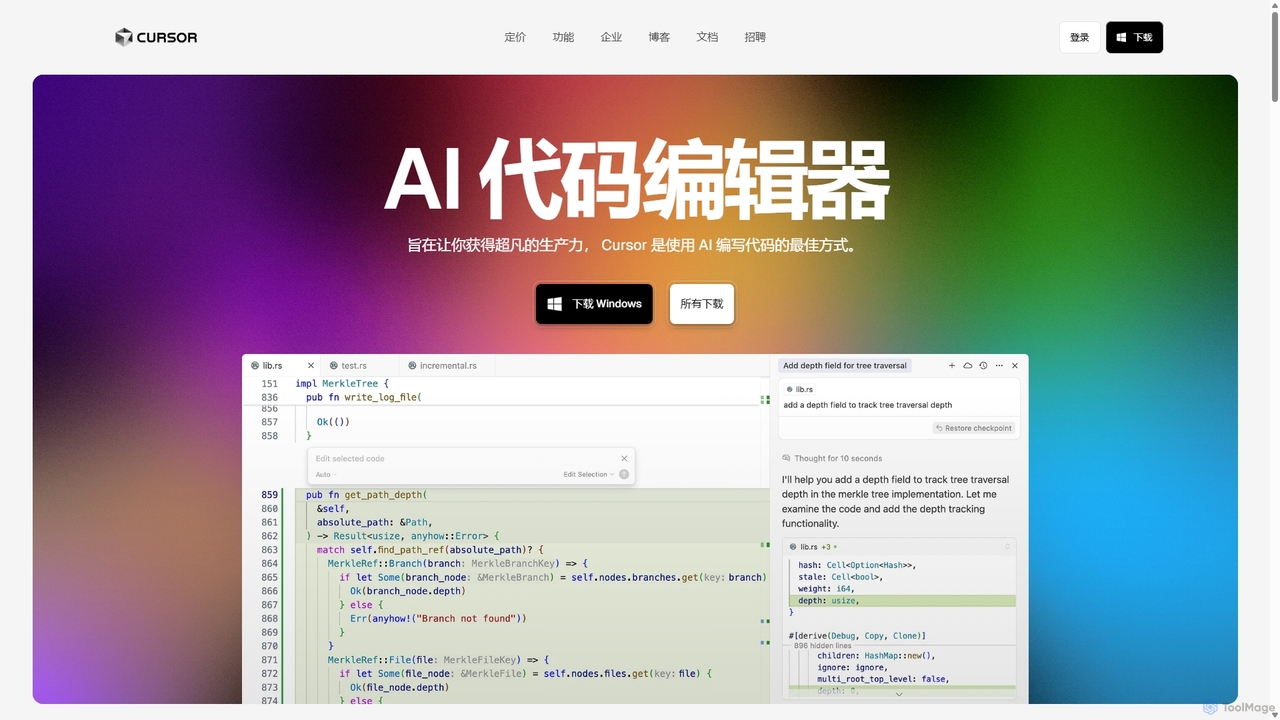
Cursor
Cursor is an AI-first code editor designed for pair-programming with artificial intelligence. Built as a fork of VS Code, it offers a familiar environment supercharged with advanced AI capabilities for code generation, editing, debugging, and codebase comprehension, aiming to significantly boost developer productivity.
Code Assistant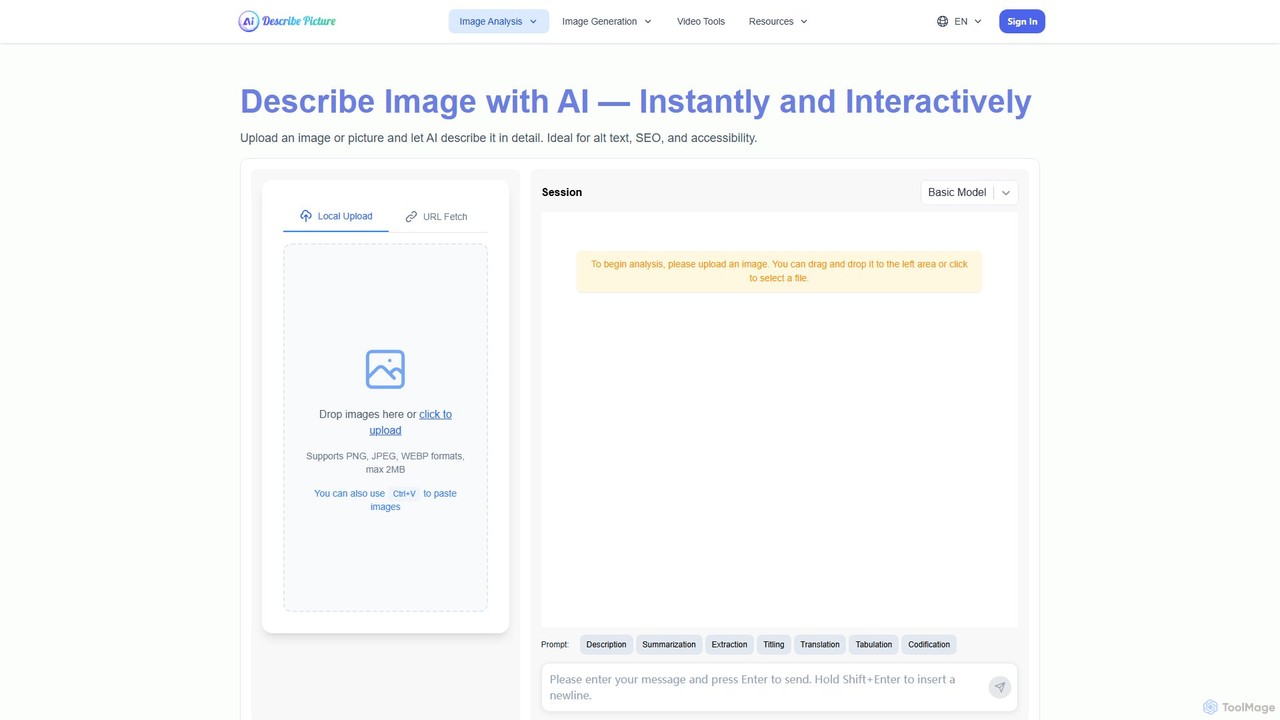
describepicture
describepicture is a versatile AI platform that instantly generates detailed descriptions for images and videos. It excels at creating alt text for SEO and accessibility, extracting text from images (OCR), converting web screenshots into code (HTML/CSS/JS), and transforming image content into Markdown. It's an all-in-one tool for content creators, developers, and marketers to enhance productivity and make digital content more inclusive.
Screen Readers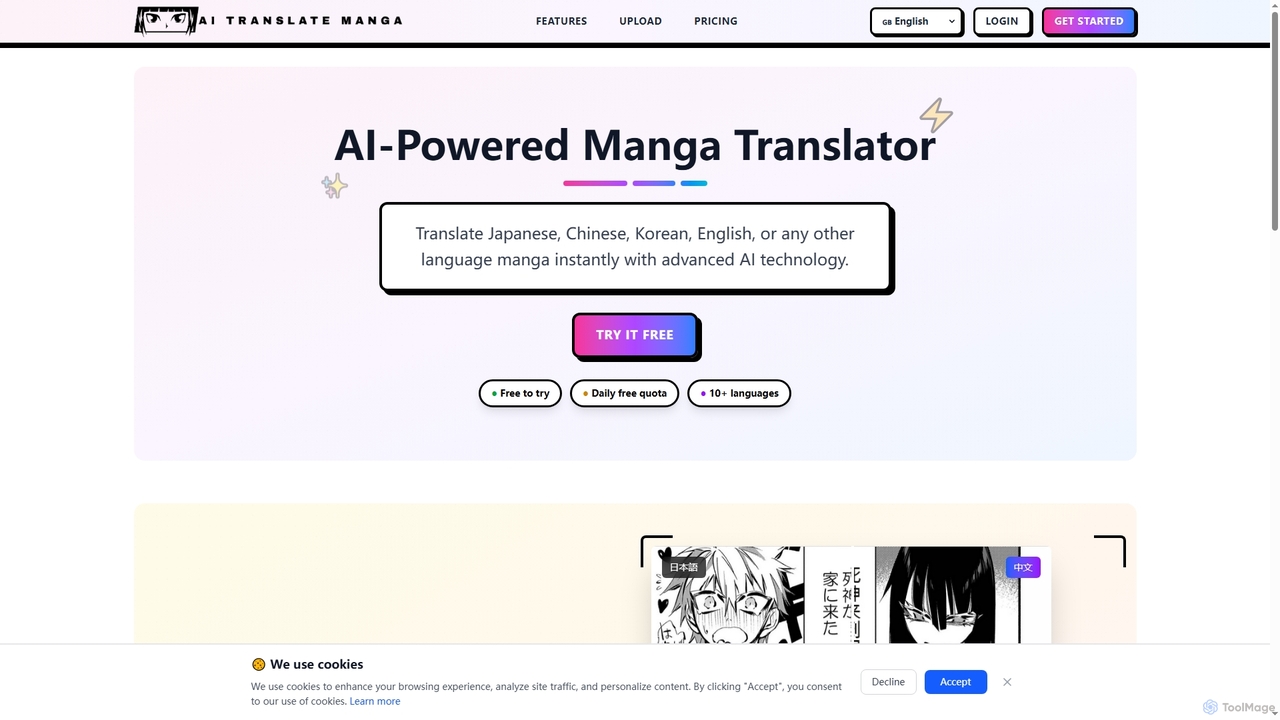
AI Translate Manga
AI Translate Manga is an advanced AI-powered tool designed to instantly translate manga from Japanese, Chinese, Korean, English, and other languages. It offers precise text recognition and context-aware translation, making manga accessible to a global audience.
ExtensionsBLACKBOX.AI
BLACKBOX.AI is an autonomous AI coding agent designed to accelerate software development. It helps developers write code faster, debug efficiently, and can even build full applications from images or text descriptions, integrating seamlessly with popular IDEs like JetBrains.
Code AssistantGitHub Copilot
GitHub Copilot is an AI pair programmer that offers intelligent code completions and suggestions directly in your editor. It helps you write code faster, learn new languages, and stay in the flow by turning natural language prompts into coding suggestions across dozens of languages.
Code Generation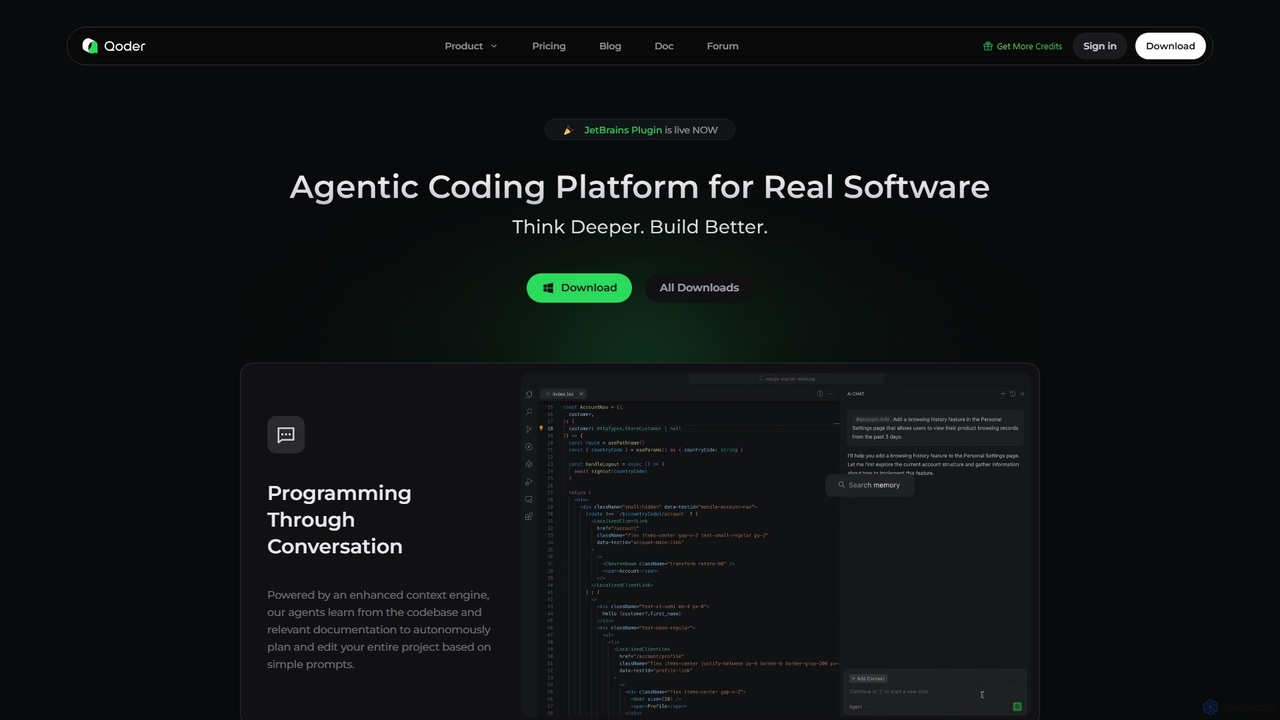
Qoder
Qoder is an agentic AI coding platform designed for real software development. It leverages an enhanced context engine to autonomously plan, code, and test entire projects based on simple prompts, integrating seamlessly into developer workflows via IDE, CLI, or JetBrains plugin.
Code Assistant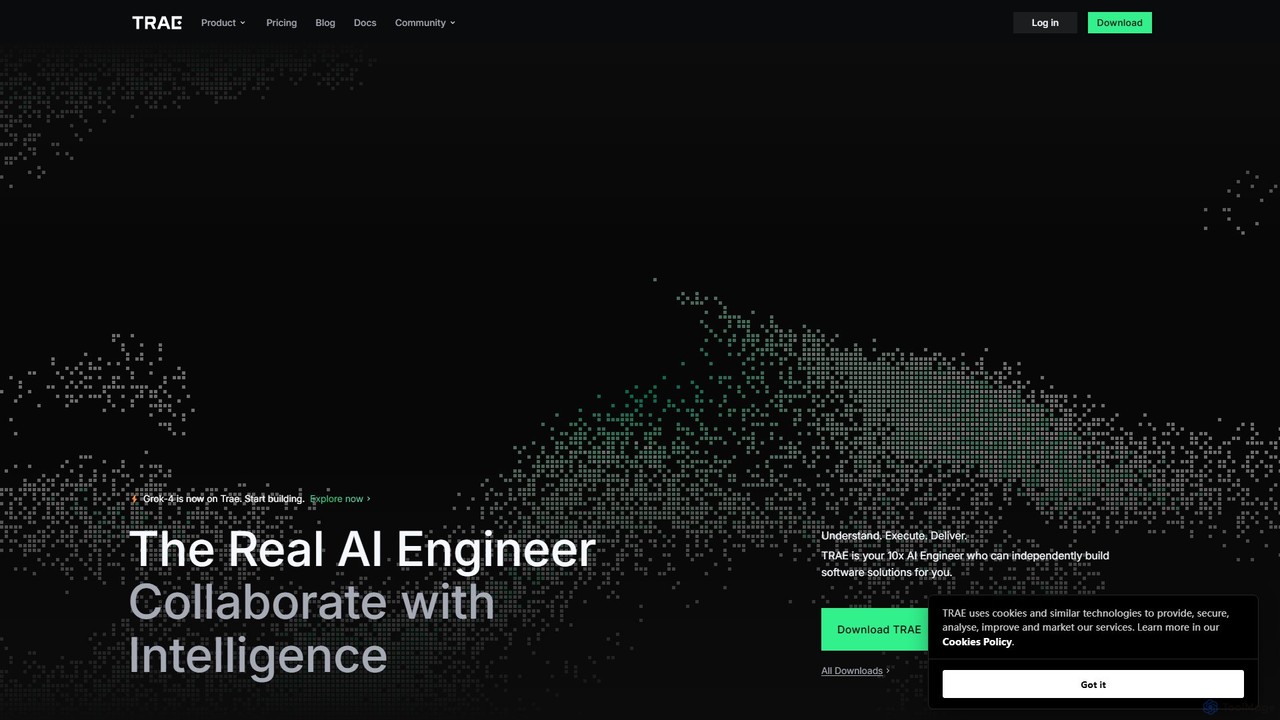
TRAE
TRAE is an AI-powered Integrated Development Environment (IDE) designed to function as a 10x AI Engineer. It automates the entire software development lifecycle, from idea to deployment, by understanding your vision, planning workflows, and executing tasks autonomously. Featuring dual development modes (IDE and SOLO), a customizable agent ecosystem, and deep contextual understanding, TRAE aims to revolutionize human-AI collaboration in coding.
Code Assistant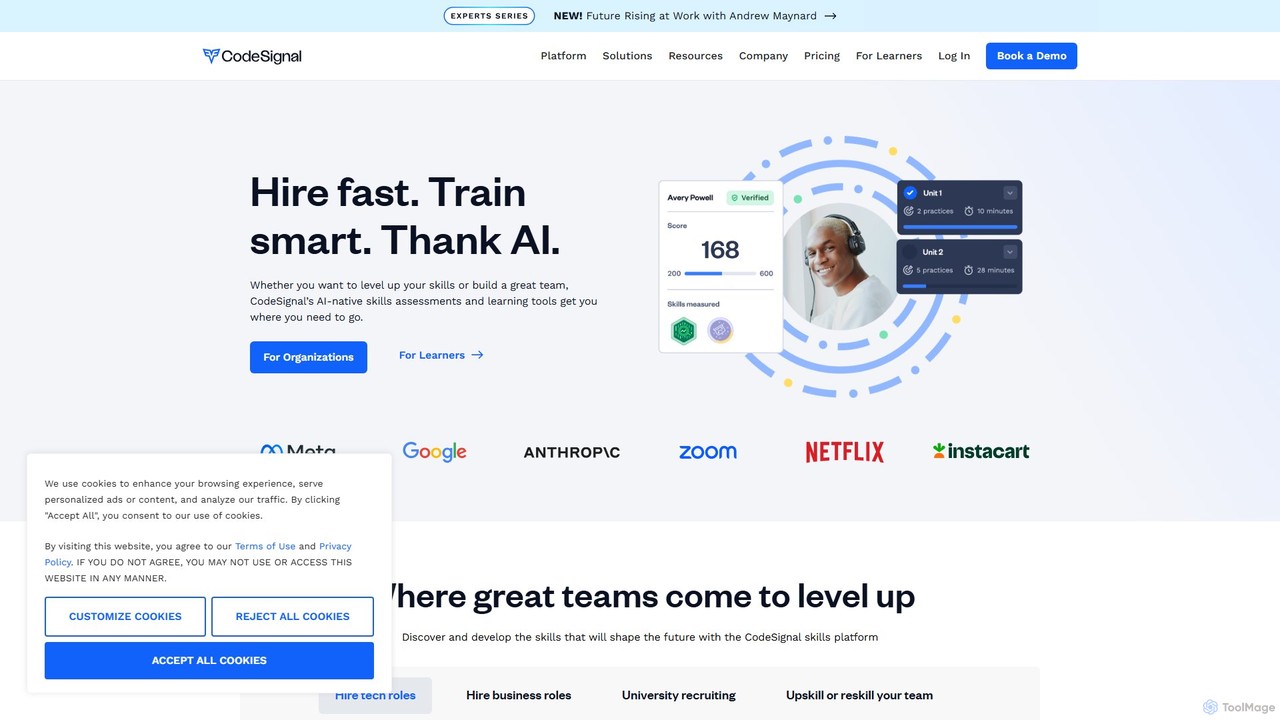
CodeSignal
CodeSignal is an AI-powered platform for assessing, interviewing, and developing technical skills. It helps companies hire the right talent efficiently and enables individuals to advance their careers through hands-on learning and AI-guided tutoring.
Code Assistant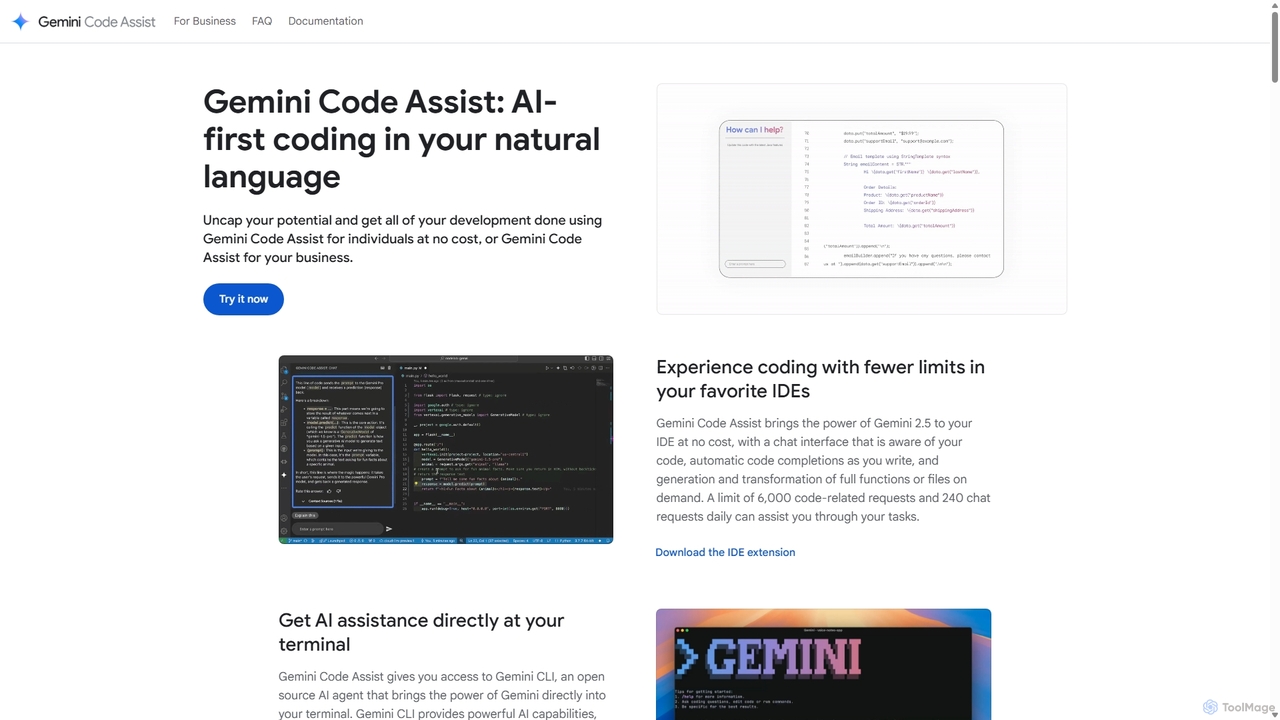
Gemini Code Assist
Gemini Code Assist is an AI-powered coding assistant from Google, powered by the Gemini 2.5 model. It integrates into your favorite IDEs, terminal, and development platforms to accelerate the entire software development lifecycle with features like code completion, generation, natural language chat, and automated code reviews.
Code Assistant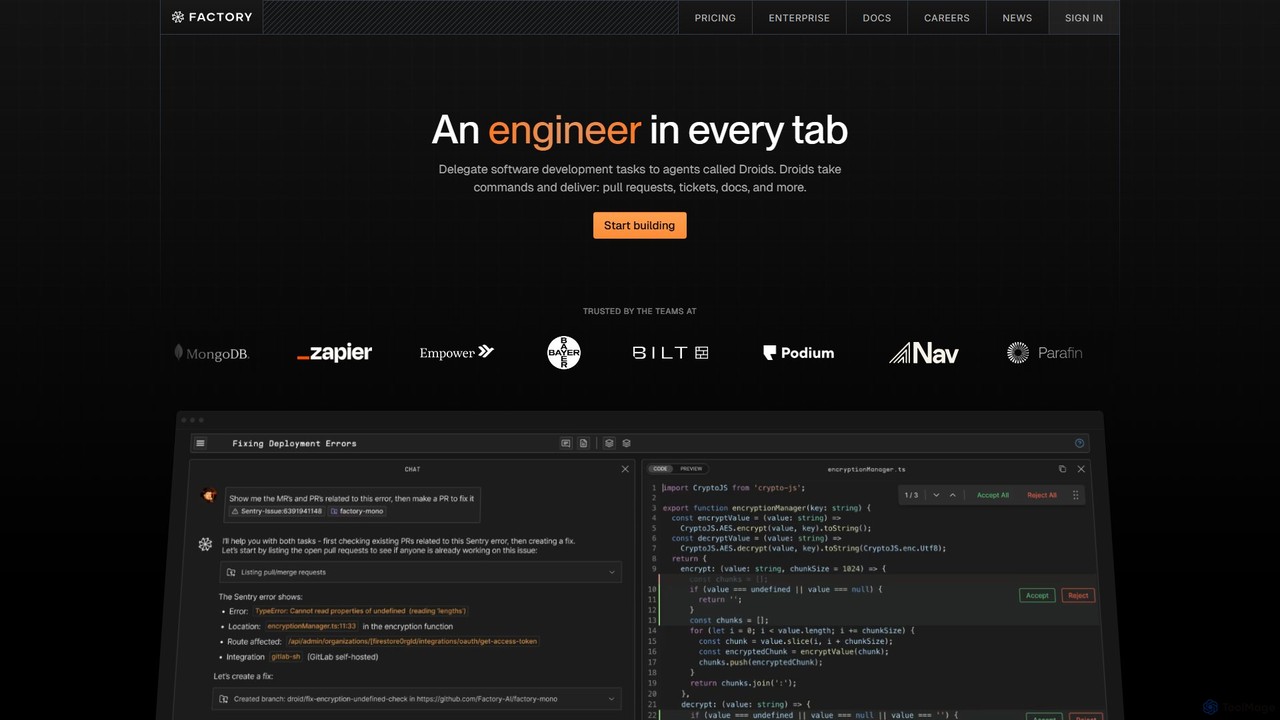
Factory
Factory is an AI-powered software development platform that uses autonomous agents called 'Droids' to automate the entire Software Development Lifecycle (SDLC). From planning and coding to incident response and documentation, Droids handle complex tasks, delivering merge-ready pull requests, detailed reports, and rapid fixes. It's designed to work alongside engineering teams, boosting productivity, accelerating development cycles, and clearing backlogs within a secure, enterprise-grade environment.
Code Assistant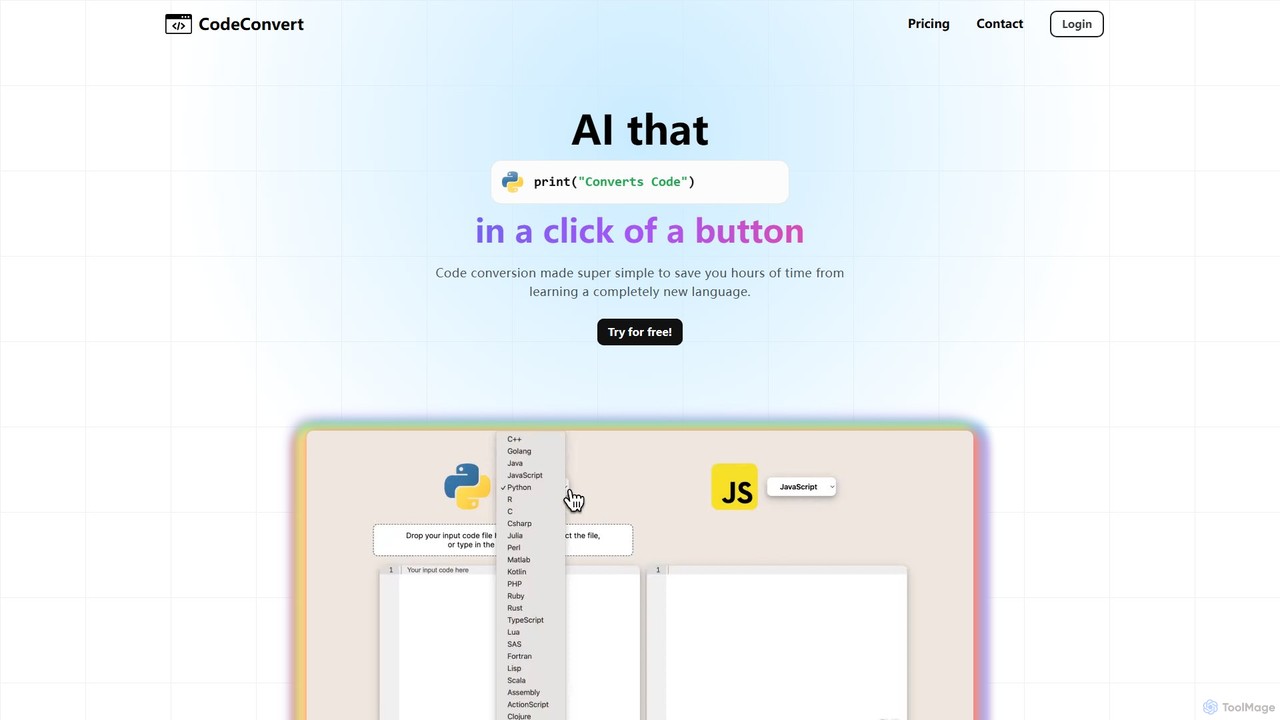
CodeConvert
CodeConvert is an AI-powered tool that instantly translates code snippets between over 50 programming languages. It helps developers save hours of manual rewriting, learn new languages, and migrate projects efficiently. Features include high-accuracy conversion, code generation, and code explanation.
Code Assistant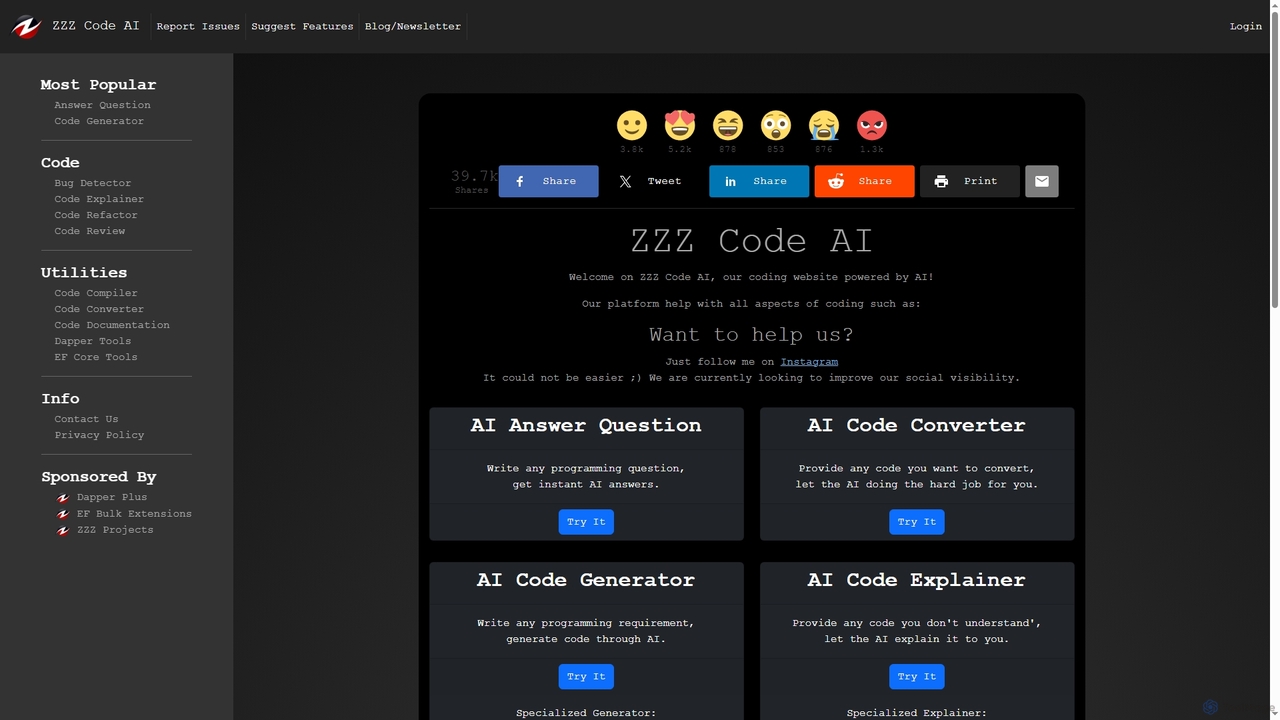
Zzzcode
Zzzcode is a free, AI-powered online platform offering a comprehensive suite of coding tools for developers. It can generate, explain, debug, refactor, review, document, and convert code across numerous programming languages, and provide instant answers to programming questions.
Code Assistant
Pixelcode Comments (0)
Sign in to comment.
Sign inNo comments yet.