

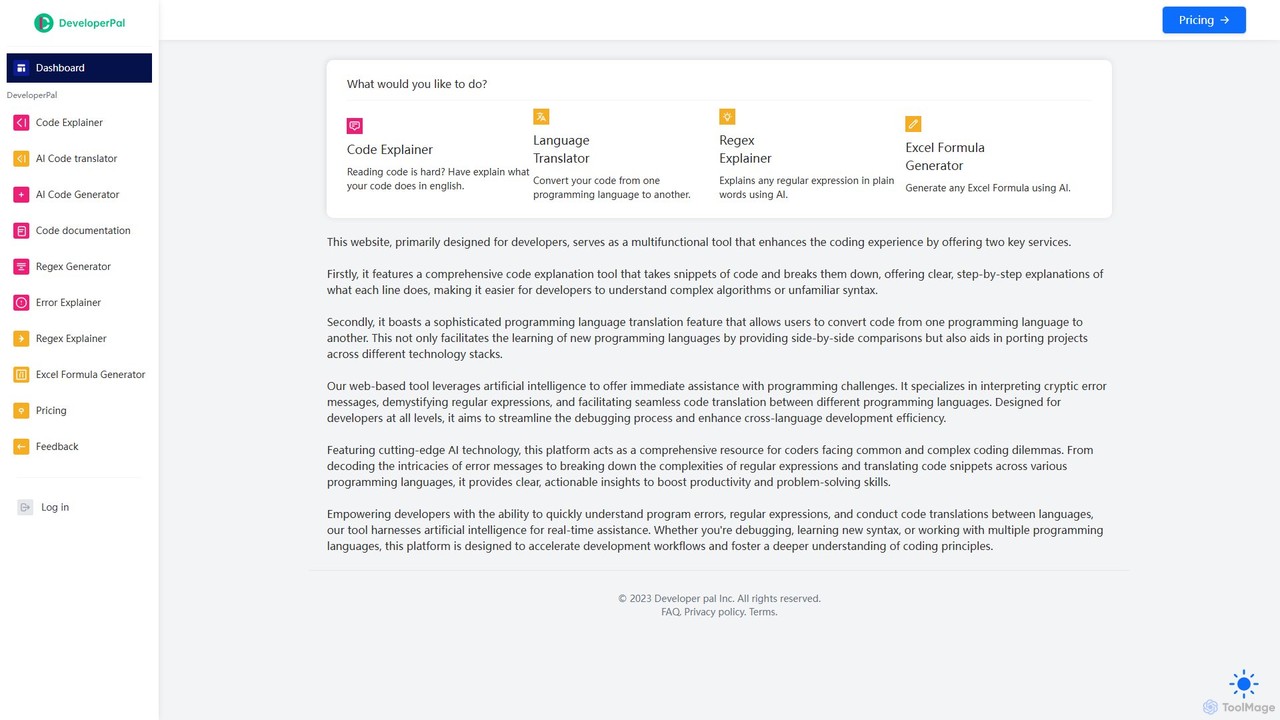
DeveloperPal Overview
DeveloperPal is a comprehensive, AI-driven web platform designed to be the ultimate coding companion for developers at all skill levels. It addresses common and complex programming challenges by offering a suite of intelligent tools that simplify understanding, debugging, and writing code. By leveraging cutting-edge artificial intelligence, DeveloperPal aims to significantly reduce development friction, accelerate learning curves, and enhance productivity across various programming tasks.
The platform serves as a centralized hub for developers needing quick and accurate assistance. Whether you're a junior developer trying to grasp a complex piece of legacy code, a senior developer migrating a project to a new language, or a data analyst struggling with a complicated regular expression, DeveloperPal provides clear, actionable insights in seconds. It demystifies cryptic error messages, translates code seamlessly between languages, and explains intricate code logic in plain English, making it an indispensable tool in any developer's toolkit.
How to use DeveloperPal
Using DeveloperPal is designed to be intuitive and straightforward. The process generally follows these simple steps:
- Navigate to the DeveloperPal website and select the specific tool you need from the dashboard, such as 'Code Explainer', 'Language Translator', or 'Error Explainer'.
- In the provided input field, paste your code snippet, error message, regular expression, or a description of the Excel formula you need.
- For tools like the 'Language Translator', select the source and target programming languages from the dropdown menus.
- Click the 'Generate' or 'Explain' button to submit your request to the AI.
- Within moments, the AI-generated output will appear in the results panel, providing a detailed explanation, the translated code, or the generated formula. You can then copy the result for use in your project.
Core Features of DeveloperPal
- AI Code Explainer: Takes any code snippet and provides a step-by-step, line-by-line explanation in natural language, making complex algorithms and unfamiliar syntax easy to understand.
- AI Code Translator: Converts code from one programming language to another, supporting a wide range of popular languages. This facilitates project migration and helps developers learn new languages by comparing syntax.
- AI Error Explainer: Deciphers cryptic compiler or runtime error messages, explaining the likely cause of the error and suggesting potential solutions to fix it.
- AI Regex Explainer & Generator: Breaks down any regular expression into a simple English explanation of what it does. It can also generate complex regex patterns from a natural language description.
- AI Code Generator: Generates code snippets based on natural language prompts, speeding up the development of standard functions and logic.
- AI Code Documentation: Automatically generates documentation for your code, helping to maintain clean and understandable codebases.
- Excel Formula Generator: Creates complex Excel formulas from plain English descriptions, empowering users of all levels to leverage the full power of spreadsheets.
Use Cases for DeveloperPal
DeveloperPal is versatile and can be applied in numerous scenarios:
- Learning and Onboarding: Junior developers can use the Code Explainer to quickly get up to speed on an existing codebase or learn new programming concepts.
- Code Reviews: Team members can use the tool to understand complex logic in pull requests, leading to more efficient and thorough reviews.
- Project Migration: Development teams can leverage the Code Translator to port legacy applications to modern technology stacks with greater speed and accuracy.
- Debugging: When faced with an obscure error message, any developer can use the Error Explainer to save hours of frustrating troubleshooting.
- Cross-Language Development: A developer proficient in Python can use the translator to quickly write a utility script in JavaScript without a steep learning curve.
- Data Processing: Analysts and developers can use the Regex Generator to create patterns for data validation and extraction without being regex experts.
Advantages of DeveloperPal
The primary advantage of DeveloperPal is its ability to centralize multiple development assistance tools into one cohesive, AI-powered platform. This enhances efficiency by eliminating the need to search multiple websites for different tasks. The use of advanced AI ensures that the explanations, translations, and generations are not only fast but also highly accurate and context-aware. It democratizes development knowledge, making complex topics accessible to beginners while providing a significant productivity boost for experienced professionals. It streamlines workflows, fosters a deeper understanding of code, and ultimately accelerates the entire development lifecycle.
Pricing and Plans
DeveloperPal operates on a freemium model, providing value to both individual developers and teams:
- Free Plan: Ideal for students, hobbyists, and developers with light usage needs. This plan offers a limited number of AI requests per day across all tools, allowing users to experience the core functionalities at no cost.
- Pro Plan: Designed for professional developers and freelancers. This plan offers a significantly higher number of monthly requests, priority access to new features, and faster processing times for a monthly subscription fee.
- Team Plan: Tailored for development teams and businesses. It includes all the benefits of the Pro plan, plus centralized billing, user management, and an even larger pool of shared requests. API access for integration into internal workflows is often included in this tier.
Traffic
Latest traffic
Status
Monthly traffic trend
- 2025-7: 1.3K
- 2025-8: 426
- 2025-9: 388
- 2026-3: 0
- 2026-4: 0
- 2026-5: 173
Geography
Top 5 countries / regions
- 🇺🇸United States100.0%
Top keywords
| Keyword | Cost per click |
|---|---|
| code language translator | $0.00 |
| code translator | $2.58 |
| regex explainer | $0.00 |
| translate code | $0.00 |
DeveloperPal Alternatives
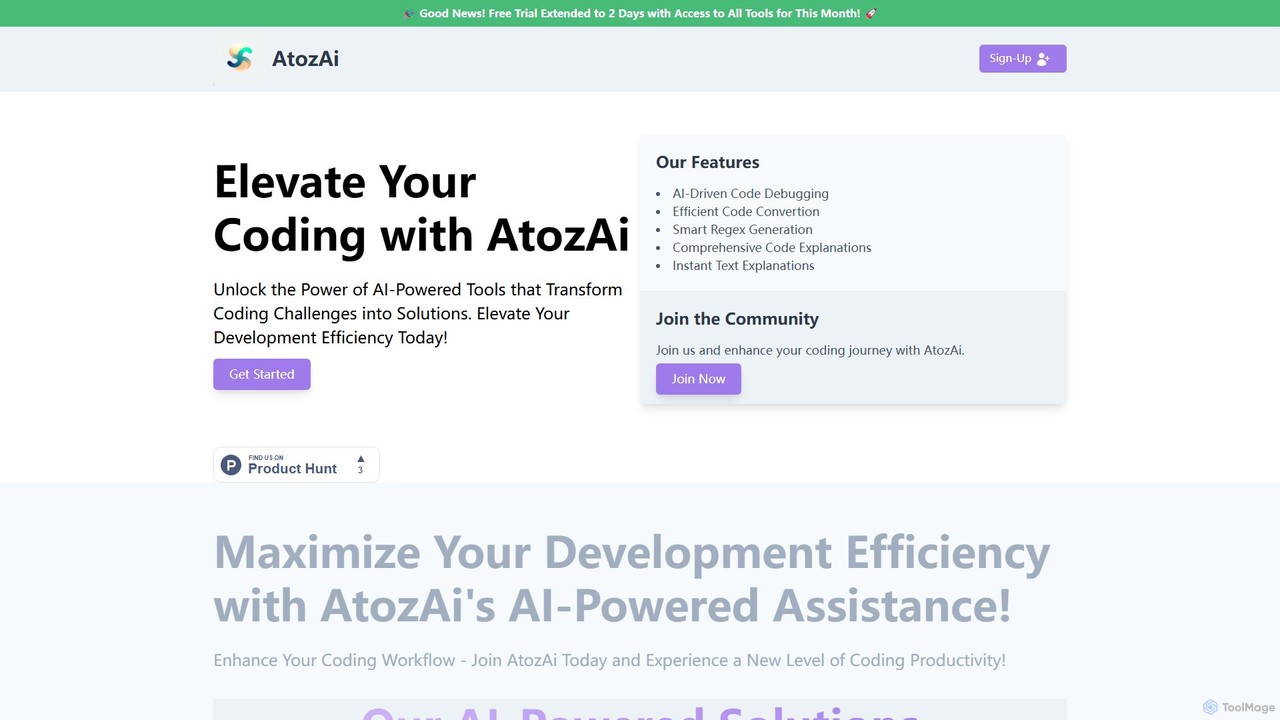
AtozAi
AtozAi is an AI-powered toolkit designed for developers to enhance coding efficiency. It offers a suite of tools including a code debugger, code converter, regex generator, and code/text explainers, transforming complex development challenges into streamlined solutions.
Code Assistant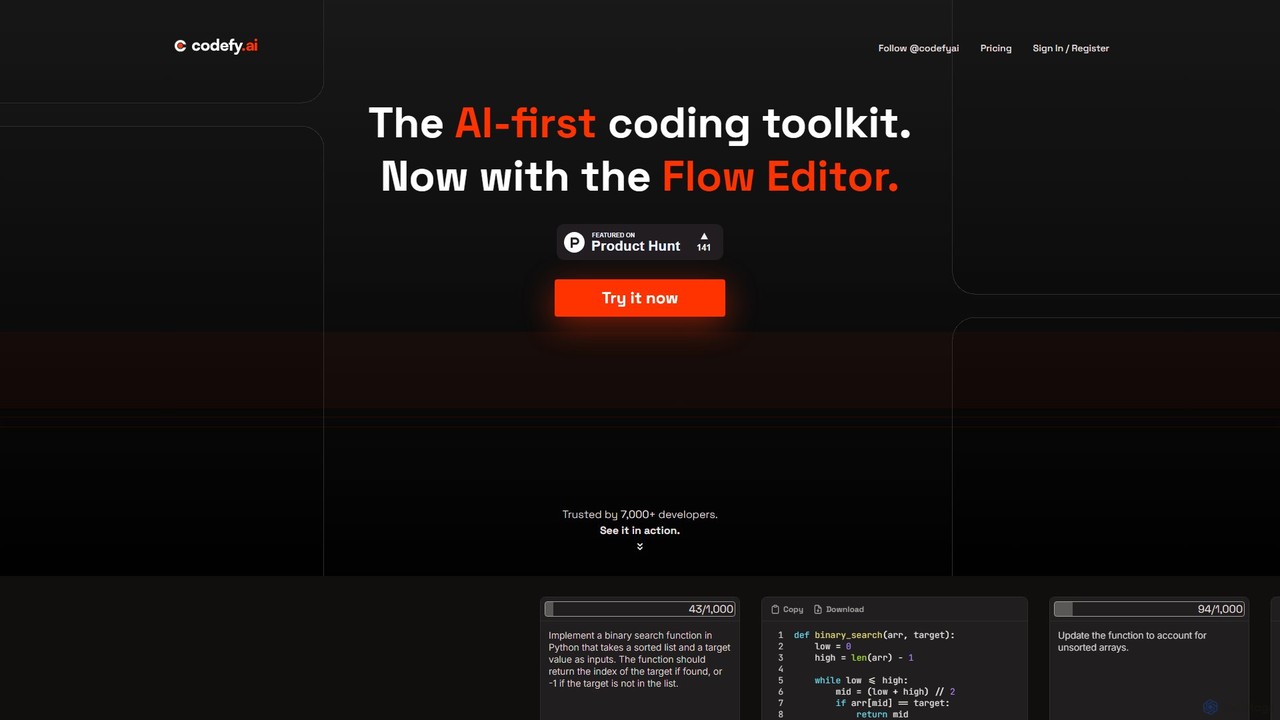
codefy.ai
codefy.ai is an AI-first coding toolkit designed for developers. It features over 20 specialized tools, including the innovative Flow Editor, to streamline tasks like code generation, debugging, translation, and optimization. By handling prompt engineering, it allows developers to get accurate results quickly through intuitive, pre-programmed interfaces, significantly boosting productivity and simplifying the development workflow.
Code Assistant
explain.dev
explain.dev is an AI-powered tool for developers that instantly generates clear, natural-language explanations for any code snippet. It helps demystify complex algorithms, legacy code, and unfamiliar libraries, boosting productivity and accelerating the learning process.
Code Assistant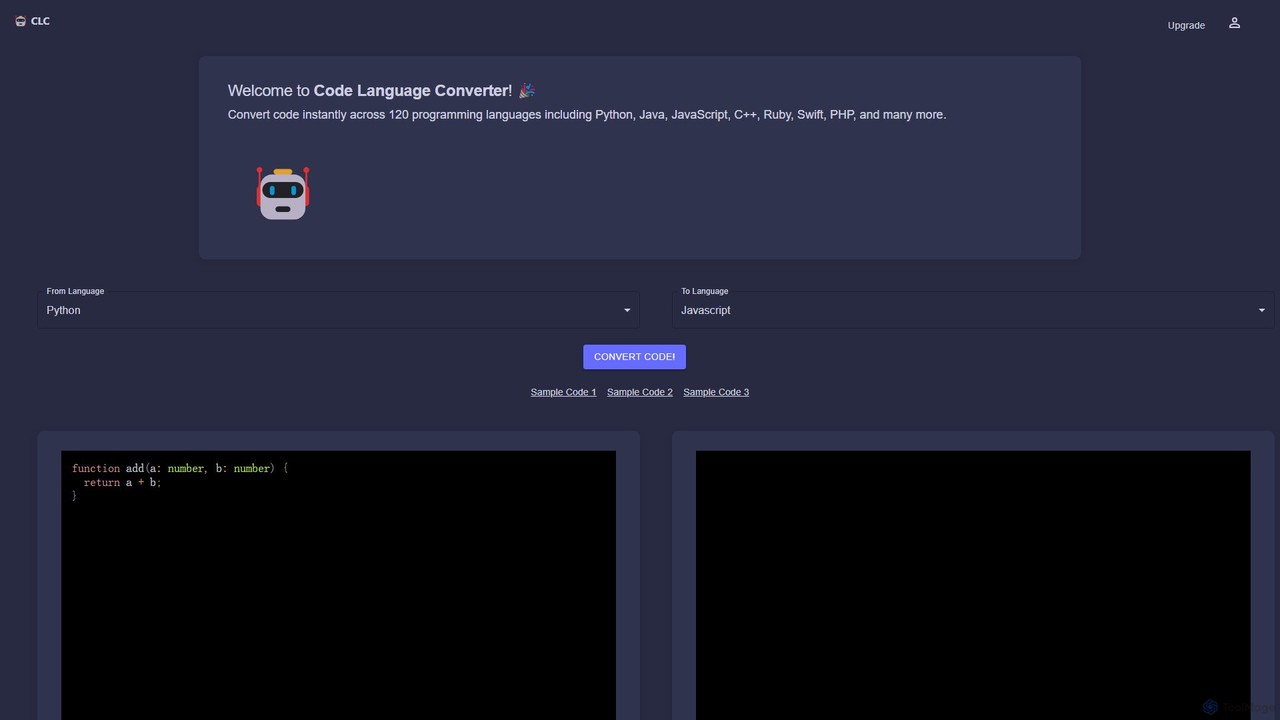
CodeConverter
CodeConverter is an AI-powered online tool that instantly translates code snippets between over 120 programming languages. It helps developers, students, and data scientists migrate codebases, learn new languages, and improve productivity by providing fast, accurate, and secure conversions directly in the browser.
Code Assistant
Codebay
Codebay is an AI-powered development platform designed to accelerate the entire software lifecycle. It acts as an intelligent co-pilot for developers, offering advanced features for code generation, automated review, intelligent debugging, and seamless integration with existing workflows to enhance productivity and code quality.
Code GenerationDeveloperPal Categories
DeveloperPal Embed Widget
Copy this embed code to place the badge on your blog, article, or product site and send readers directly to this ToolMage detail page.

Related AI tools
Codebay
Codebay is an AI-powered development platform designed to accelerate the entire software lifecycle. It acts as an intelligent co-pilot for developers, offering advanced features for code generation, automated review, intelligent debugging, and seamless integration with existing workflows to enhance productivity and code quality.
Code GenerationAtozAi
AtozAi is an AI-powered toolkit designed for developers to enhance coding efficiency. It offers a suite of tools including a code debugger, code converter, regex generator, and code/text explainers, transforming complex development challenges into streamlined solutions.
Code Assistant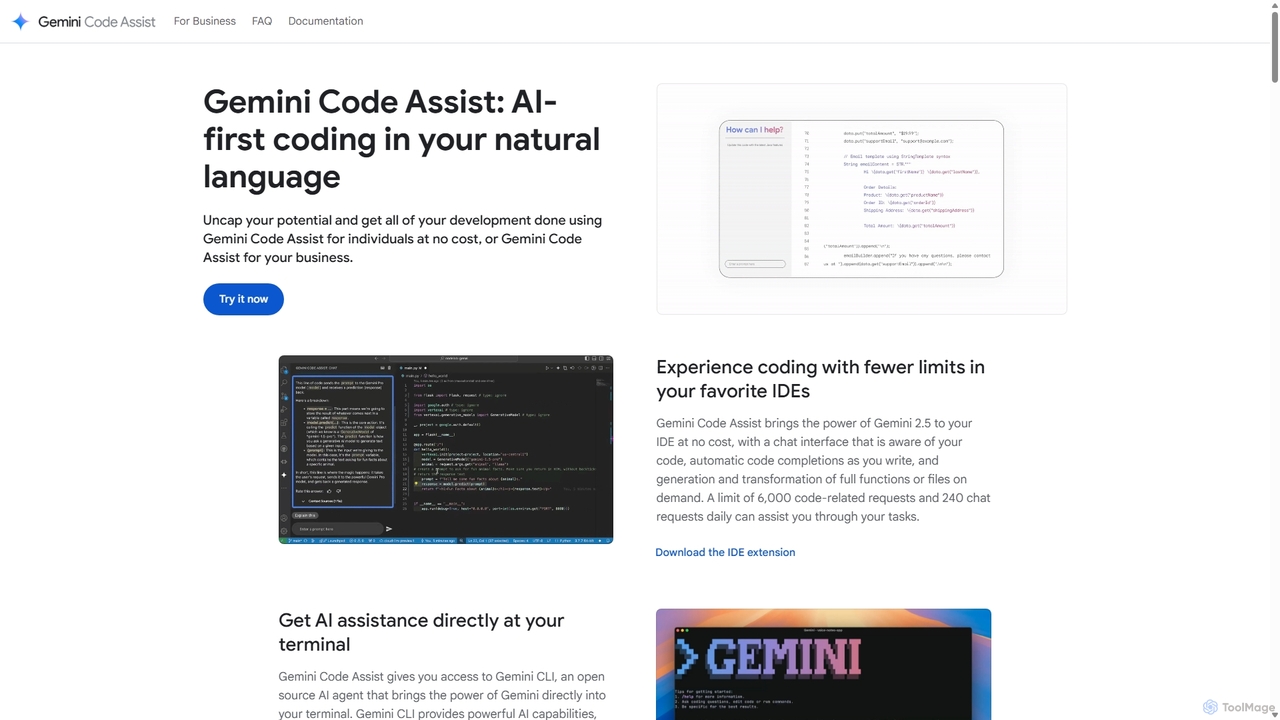
Gemini Code Assist
Gemini Code Assist is an AI-powered coding assistant from Google, powered by the Gemini 2.5 model. It integrates into your favorite IDEs, terminal, and development platforms to accelerate the entire software development lifecycle with features like code completion, generation, natural language chat, and automated code reviews.
Code Assistant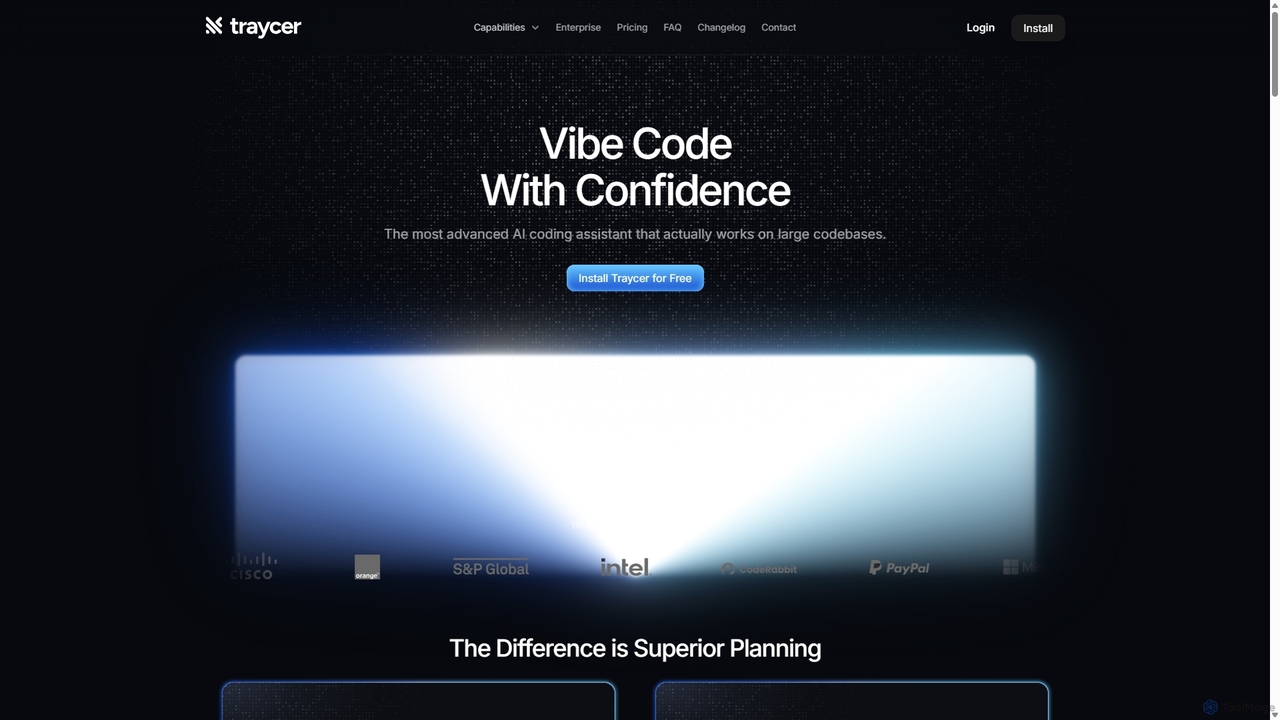
Traycer
Traycer is an advanced AI coding assistant designed for large codebases. It champions a "Plan First, Code Second" approach, generating detailed, actionable plans before writing any code. It integrates with popular AI agents like Copilot and Claude, verifies changes, and offers automated code reviews to streamline development, improve code quality, and significantly boost productivity for individual developers and teams.
Code Review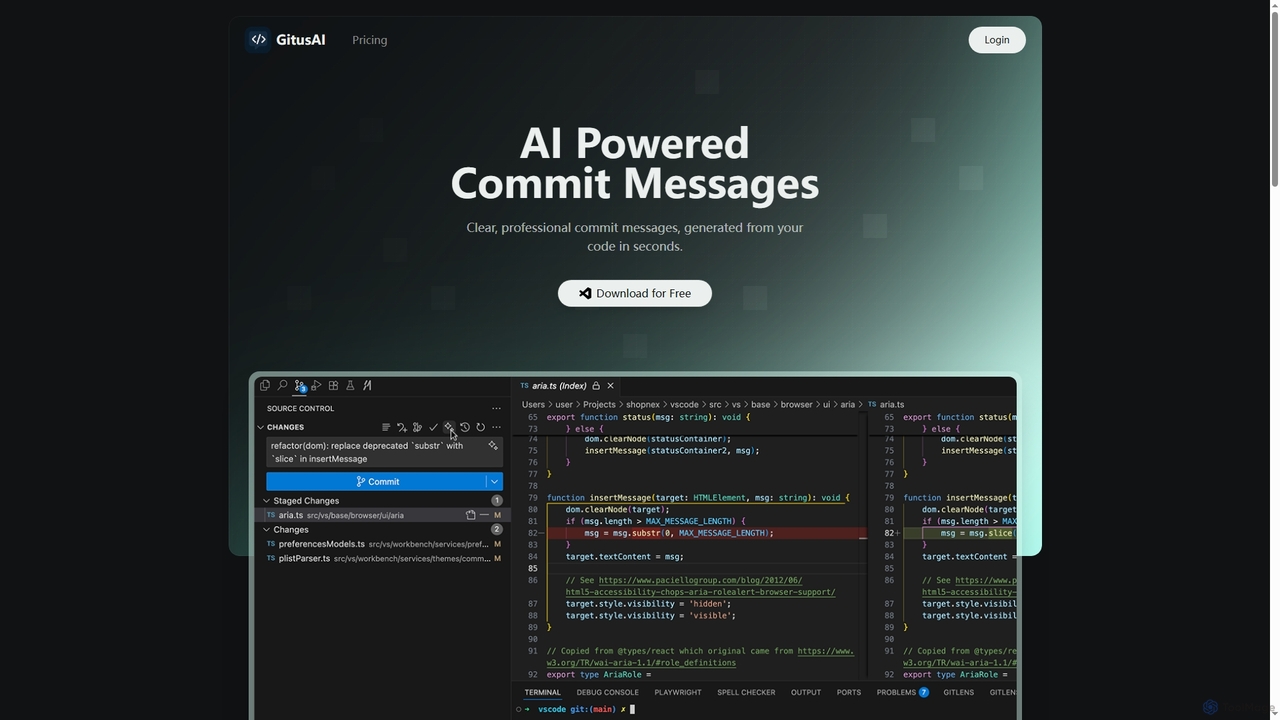
GitusAI
GitusAI is an AI-powered VS Code extension that automates the generation of clear, professional commit messages from your code changes. It helps developers save time, maintain a clean Git history, and ensure consistent commit practices across projects and teams. Ideal for individual developers, freelancers, and large organizations seeking to streamline their development workflow.
Code Generationcodefy.ai
codefy.ai is an AI-first coding toolkit designed for developers. It features over 20 specialized tools, including the innovative Flow Editor, to streamline tasks like code generation, debugging, translation, and optimization. By handling prompt engineering, it allows developers to get accurate results quickly through intuitive, pre-programmed interfaces, significantly boosting productivity and simplifying the development workflow.
Code Assistant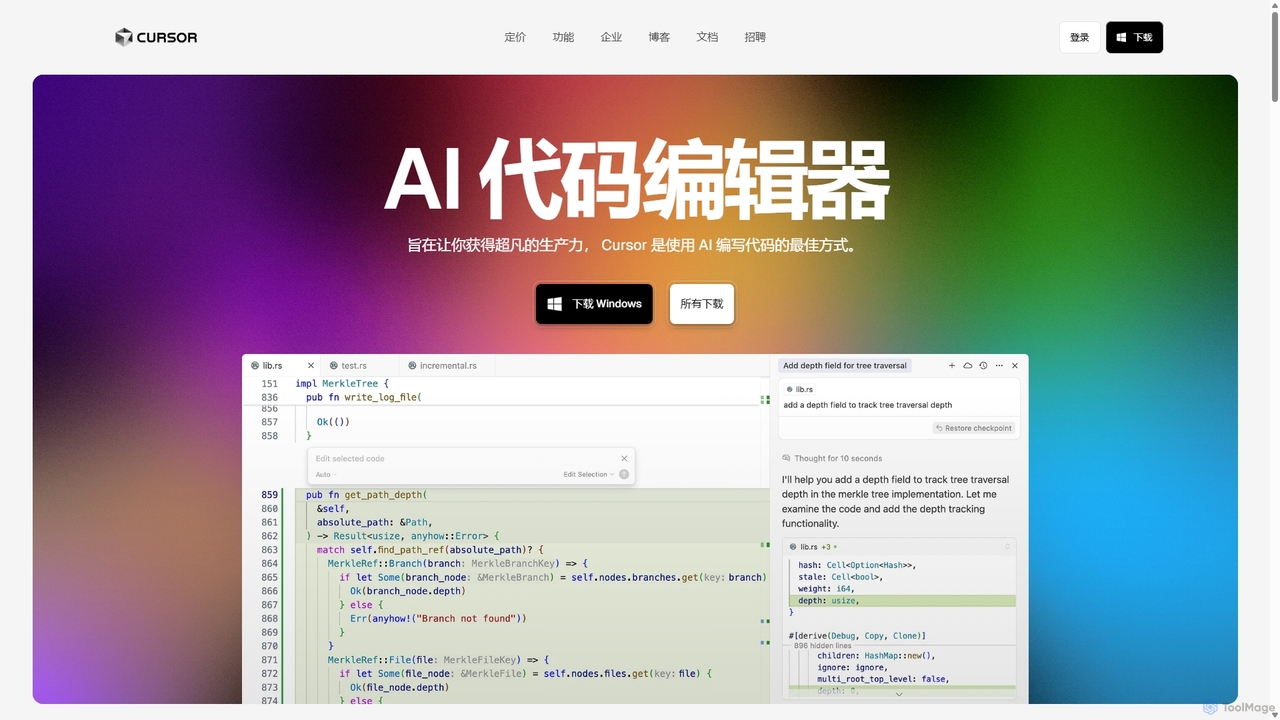
Cursor
Cursor is an AI-first code editor designed for pair-programming with artificial intelligence. Built as a fork of VS Code, it offers a familiar environment supercharged with advanced AI capabilities for code generation, editing, debugging, and codebase comprehension, aiming to significantly boost developer productivity.
Code Assistant
BLACKBOX.AI
BLACKBOX.AI is an autonomous AI coding agent designed to accelerate software development. It helps developers write code faster, debug efficiently, and can even build full applications from images or text descriptions, integrating seamlessly with popular IDEs like JetBrains.
Code Assistant
GitHub Copilot
GitHub Copilot is an AI pair programmer that offers intelligent code completions and suggestions directly in your editor. It helps you write code faster, learn new languages, and stay in the flow by turning natural language prompts into coding suggestions across dozens of languages.
Code Generation
Qoder
Qoder is an agentic AI coding platform designed for real software development. It leverages an enhanced context engine to autonomously plan, code, and test entire projects based on simple prompts, integrating seamlessly into developer workflows via IDE, CLI, or JetBrains plugin.
Code Assistant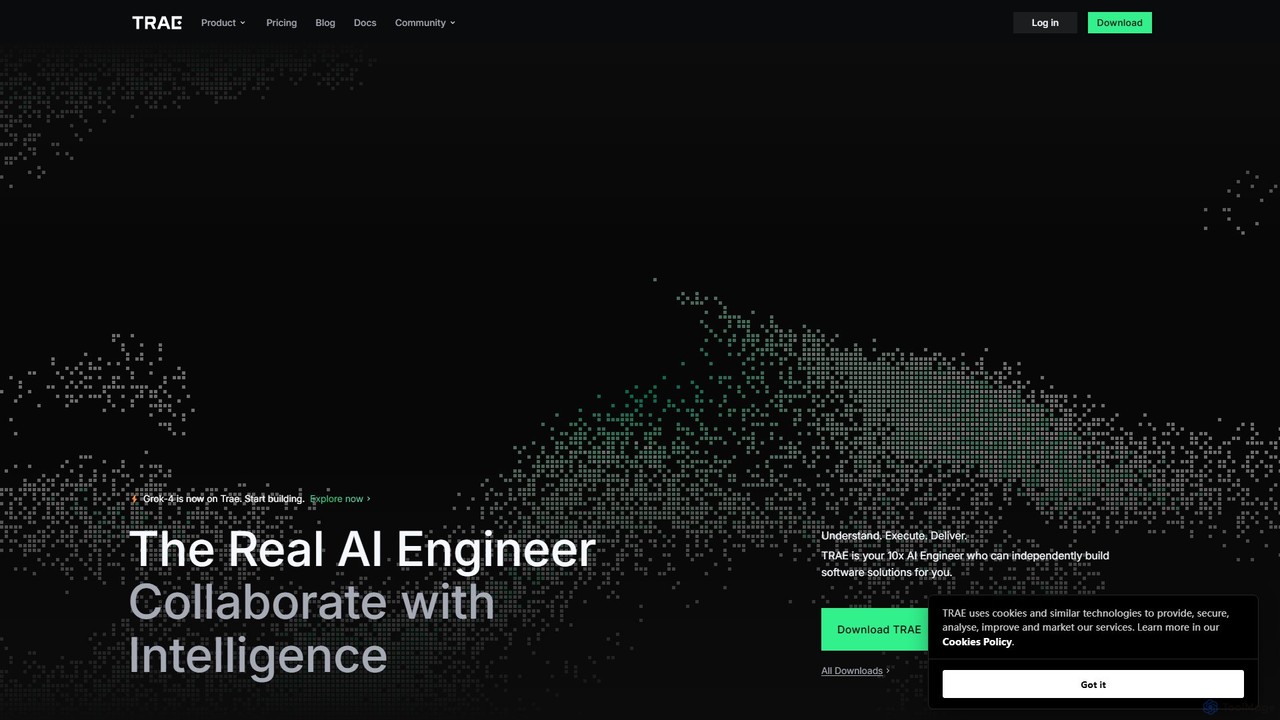
TRAE
TRAE is an AI-powered Integrated Development Environment (IDE) designed to function as a 10x AI Engineer. It automates the entire software development lifecycle, from idea to deployment, by understanding your vision, planning workflows, and executing tasks autonomously. Featuring dual development modes (IDE and SOLO), a customizable agent ecosystem, and deep contextual understanding, TRAE aims to revolutionize human-AI collaboration in coding.
Code Assistant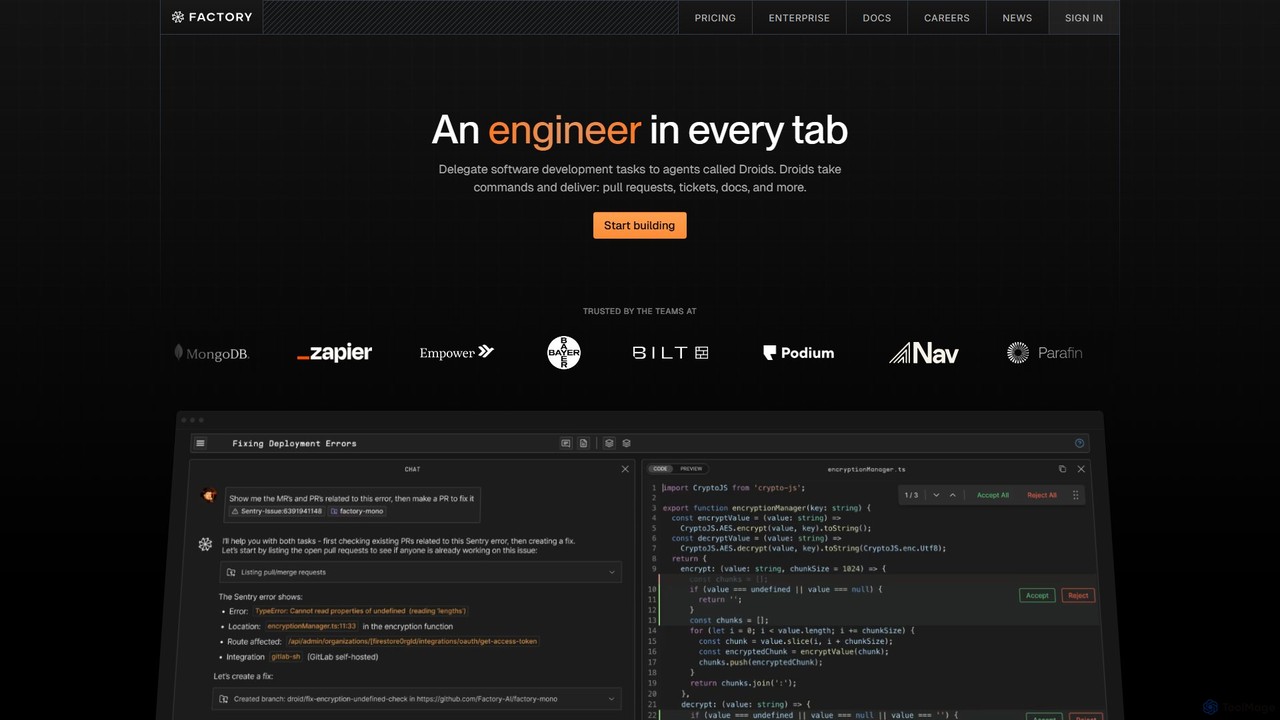
Factory
Factory is an AI-powered software development platform that uses autonomous agents called 'Droids' to automate the entire Software Development Lifecycle (SDLC). From planning and coding to incident response and documentation, Droids handle complex tasks, delivering merge-ready pull requests, detailed reports, and rapid fixes. It's designed to work alongside engineering teams, boosting productivity, accelerating development cycles, and clearing backlogs within a secure, enterprise-grade environment.
Code Assistant
Jyek
Jyek is an AI agent platform that understands objectives, creates execution plans, uses tools, and delivers verifiable results for complex, multi-step tasks.
Automation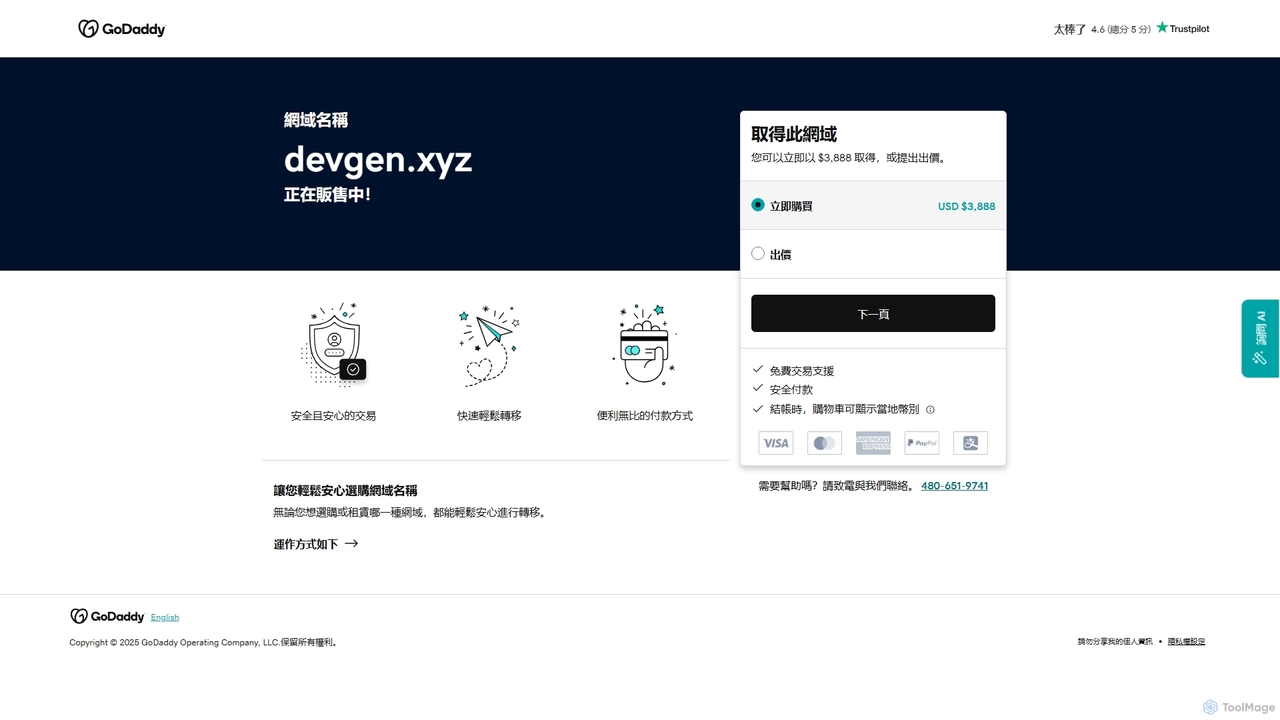
Devgen
Devgen is an AI-powered coding assistant designed to accelerate the software development lifecycle. It helps developers write better code faster by providing intelligent code generation, completion, refactoring, and automated testing, directly within their IDE.
Code Assistant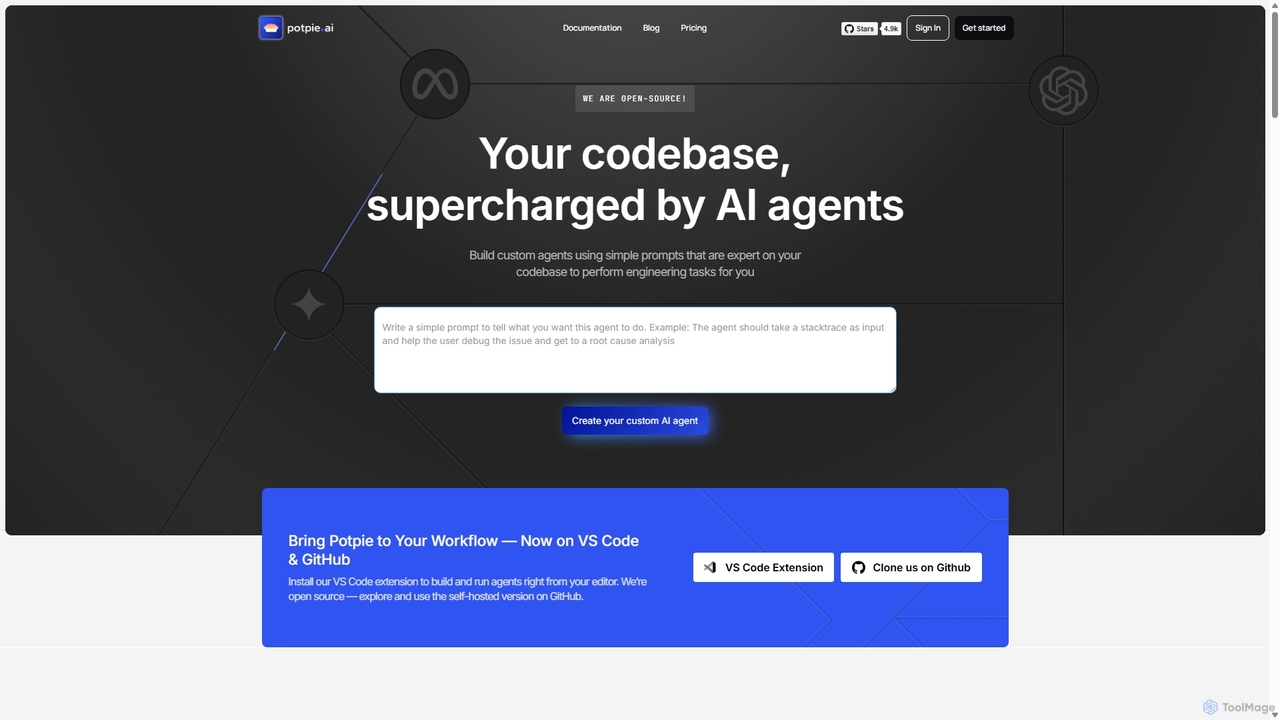
Potpie
Potpie is an open-source platform that empowers developers to build custom AI agents expert on their codebase. These agents automate complex engineering tasks, from debugging and testing to system design, integrating seamlessly into workflows via VS Code and GitHub.
Custom Agent Builder
DeveloperPal Comments (0)
Sign in to comment.
Sign inNo comments yet.