Productivity Best in category 5 results Ocr AI Tool

Popular AI tools in the Ocr field of Productivity include TextUnbox、ToolLab.AI、Yomitai、Pixelcode、Imagetotext, etc., helping you quickly improve efficiency.

Free
Imagetotext

Imagetotext

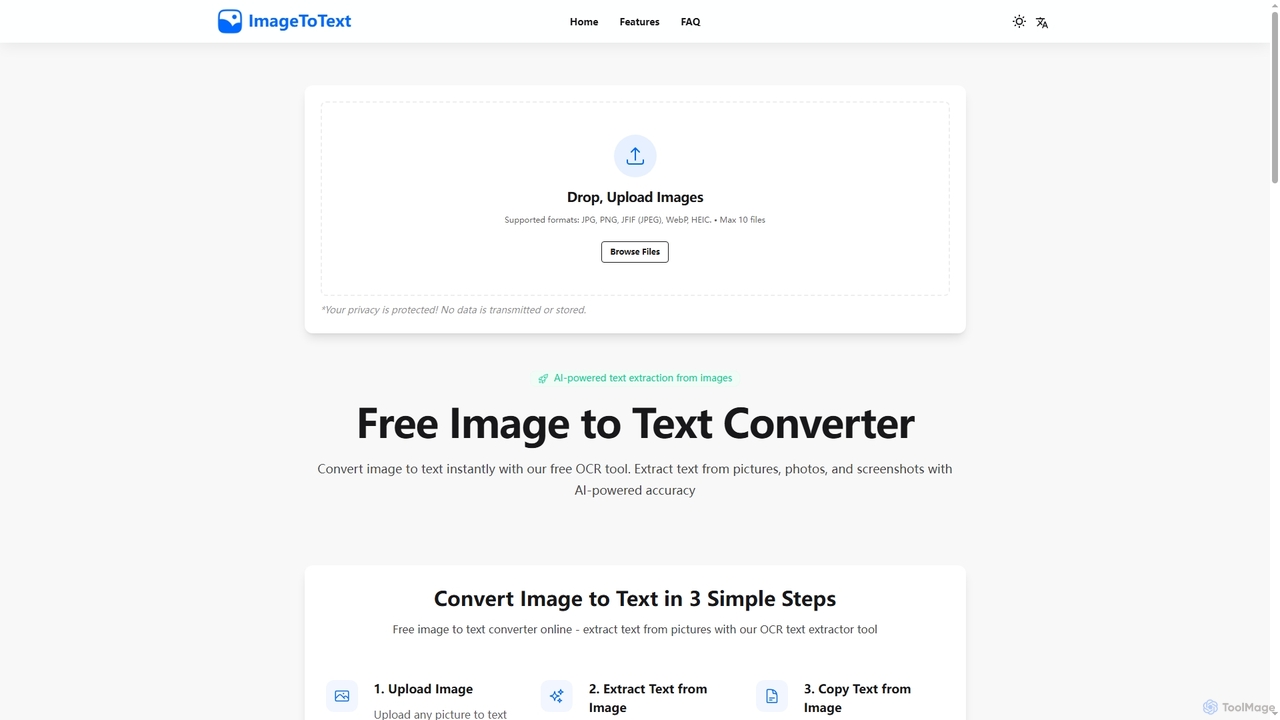
A free, AI-powered online OCR tool that instantly converts images to text. It accurately extracts text from various …

2.4K
Yomitai

Yomitai

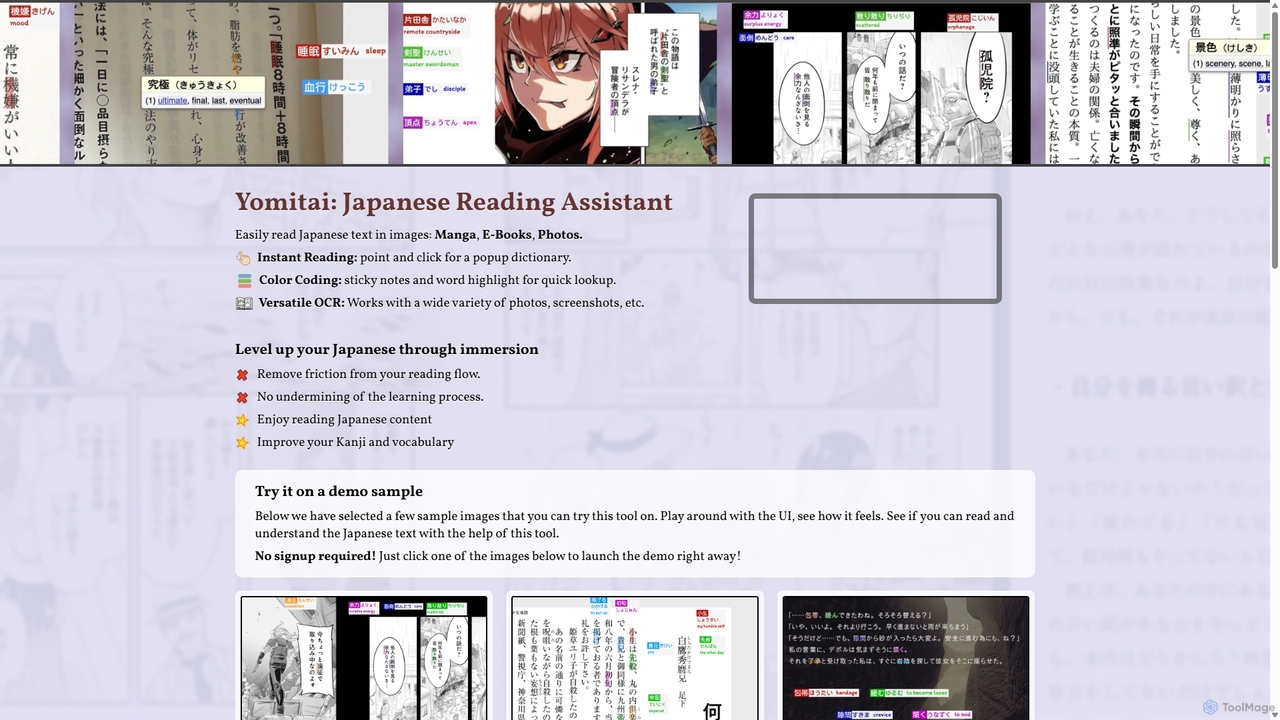
Yomitai is an AI-powered Japanese reading assistant for learners. It uses advanced OCR to instantly analyze text in …

2.8K
TextUnbox

TextUnbox

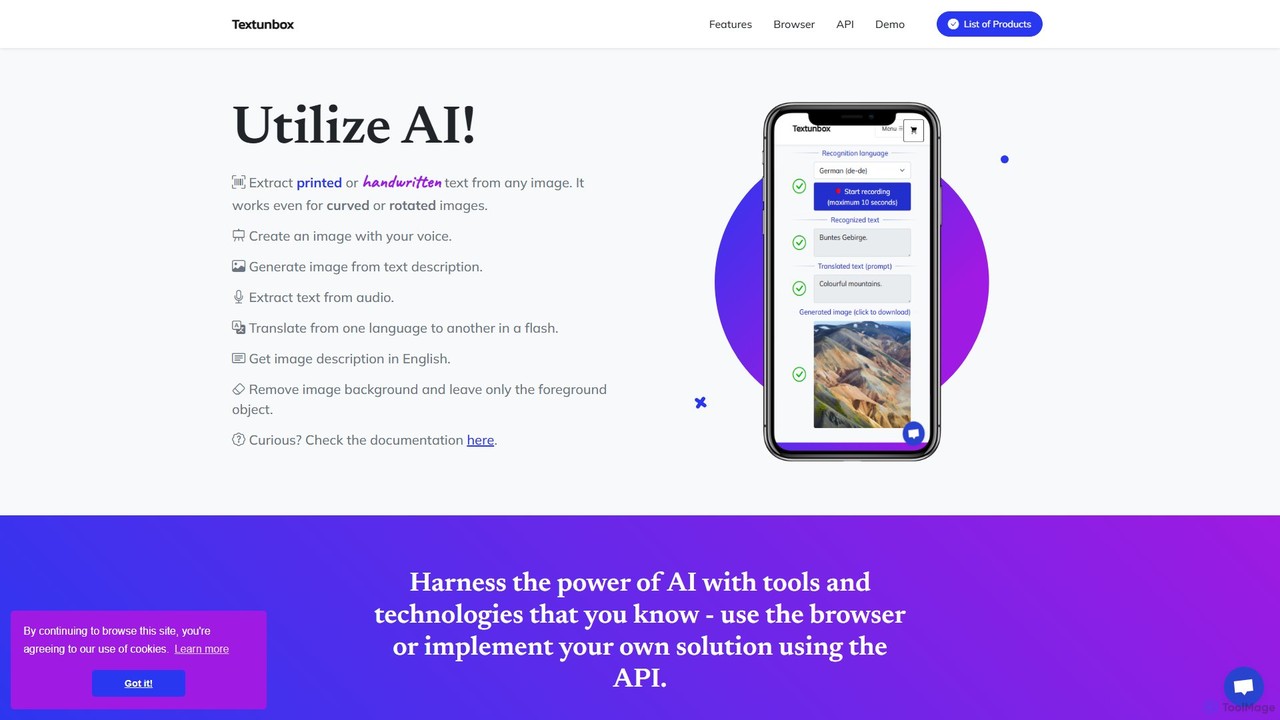
TextUnbox is a versatile AI toolkit offering a suite of services including OCR for printed and handwritten text, …

3.8K
Pixelcode

Pixelcode

Pixelcode is a powerful AI-driven Chrome extension that instantly converts code from screenshots, YouTube videos, images, and PDFs …

2.5K
Free
ToolLab.AI

ToolLab.AI

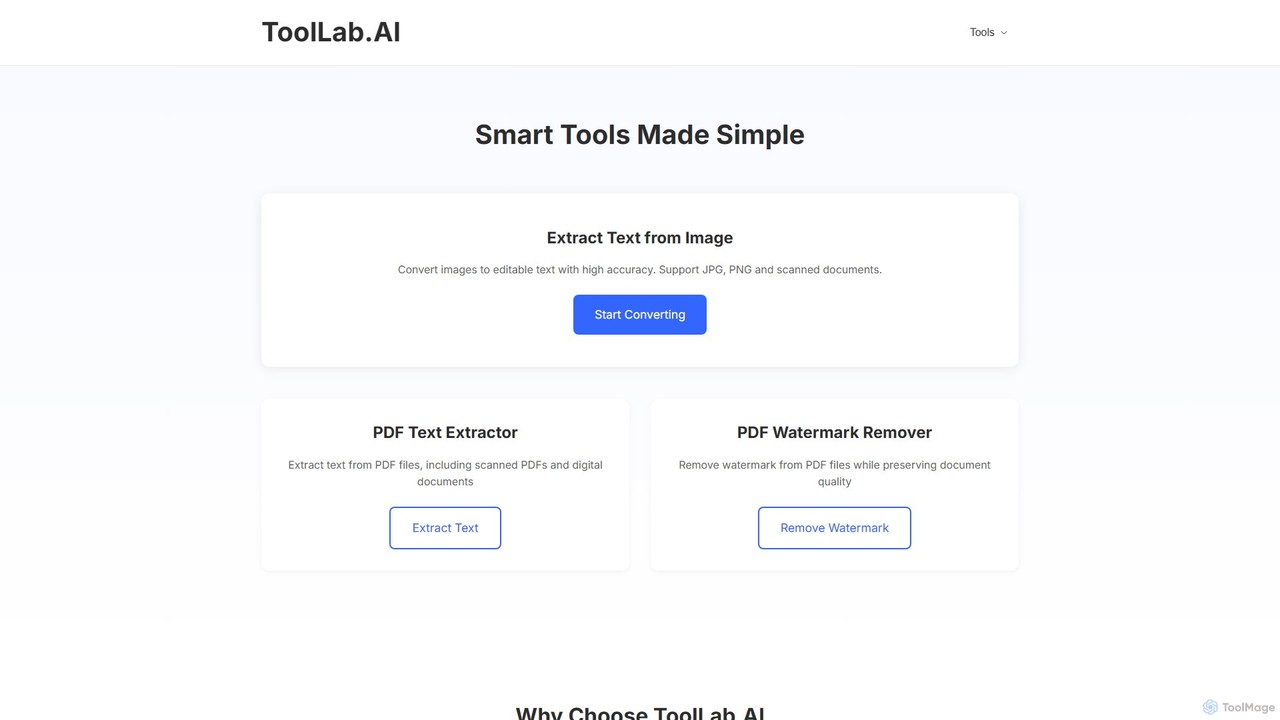
ToolLab.AI offers a suite of free, AI-powered online tools for simple and efficient document processing. It specializes in …

3.1K

About Ocr

OCR (Optical Character Recognition) tools are a specialized category of productivity software designed to convert images of typed, handwritten, or printed text into machine-readable text data. These tools utilize advanced image processing and pattern recognition algorithms to analyze pixels and identify characters, words, and sentences. The primary value of OCR is transforming static documents, such as scanned papers, PDFs, and photos, into editable and searchable digital files. Modern AI-powered OCR can even recognize complex layouts, tables, and multiple languages with high accuracy.

Core Features

  • Text Extraction: Converts text within images, scans, or PDFs into editable digital text.
  • Layout Preservation: Retains the original document's formatting, including columns, tables, and paragraphs.
  • Multi-Language Support: Recognizes and processes text in numerous languages, often automatically.
  • Handwriting Recognition (HWR): Interprets and digitizes handwritten notes and documents.
  • Table & Form Extraction: Intelligently identifies and extracts data from structured tables and forms into formats like CSV or Excel.

Use Cases

OCR technology is crucial in industries like finance for invoice processing, legal for digitizing case files, and healthcare for converting patient records. It's also widely used in academic research for archiving journals and by businesses for creating searchable digital archives from paper documents.

How to Choose

When selecting an OCR tool, consider its accuracy rate for your specific document types. Evaluate the range of supported languages, its ability to handle complex layouts and tables, and whether it offers API access for integration with other business systems. Also, assess its batch processing capabilities for large volumes of documents.

OcrUse Cases

1

Digitize and Archive Paper Documents

Archivists, librarians, and legal professionals often manage vast physical archives. Using an OCR tool, they can scan thousands of pages of historical records, contracts, or books. The tool then extracts all text, making the entire archive fully searchable. This process not only preserves fragile documents digitally but also reduces physical storage needs and makes information retrieval almost instantaneous, transforming hours of manual searching into a simple keyword query.

2

Automate Invoice and Receipt Data Entry

Accounting departments can eliminate manual data entry by using OCR tools to process invoices and receipts. When a PDF or image of an invoice is uploaded, the AI automatically identifies and extracts key information like invoice number, date, vendor name, and line-item amounts. This data can then be directly exported to accounting software, reducing human error, accelerating payment cycles, and freeing up finance teams to focus on more strategic analysis.

3

Make Scanned PDFs Searchable

Researchers, students, and office workers frequently work with non-searchable scanned PDFs. An OCR tool can process these files in batches, creating a text layer that makes the content fully searchable using standard PDF reader search functions (Ctrl+F). This is invaluable for quickly finding specific information within long reports, academic papers, or scanned textbooks without having to read through the entire document manually.

4

Convert Handwritten Notes to Digital Text

Students, journalists, and professionals who prefer taking notes by hand can use OCR tools with Handwriting Recognition (HWR). By taking a photo of their notebook pages, the tool converts the handwritten script into editable digital text. This allows them to easily organize, edit, search, and share their notes in applications like Notion, Evernote, or Microsoft Word, bridging the gap between analog note-taking and digital workflows.

5

Extract Text from Images for Social Media

Social media managers and content creators can use OCR to quickly extract text from images, screenshots, or infographics. Instead of retyping quotes, statistics, or testimonials found in an image, they can use an OCR tool to instantly grab the text. This content can then be repurposed for post captions, alt text for accessibility, or as a basis for new blog articles, significantly speeding up the content creation workflow.

6

Digitize Business Cards for Contact Management

Sales professionals and anyone attending networking events can use a mobile OCR app to digitize business cards instantly. By simply taking a picture of a card, the tool extracts the name, title, company, phone number, and email address. It then structures this data and allows for direct export to a phone's contacts or a CRM system, eliminating the tedious task of manual entry and ensuring new connections are never lost.

OcrFrequently Asked Questions