maildax
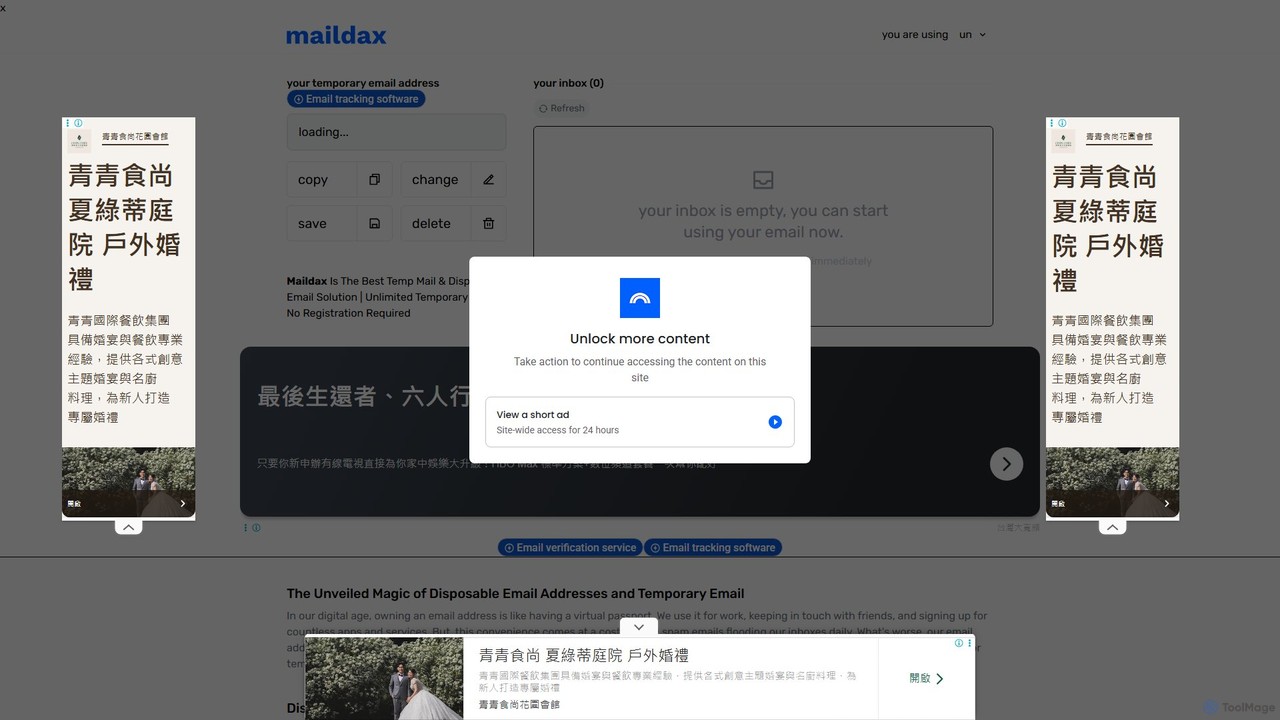
Maildax is a free disposable temporary email service that provides instant, anonymous email addresses without any registration. Protect …
Maildax is a free disposable temporary email service that provides instant, anonymous email addresses without any registration. Protect your primary inbox from spam, advertising, and data breaches by using a secure, temporary email for sign-ups, trials, and testing.
suno_top
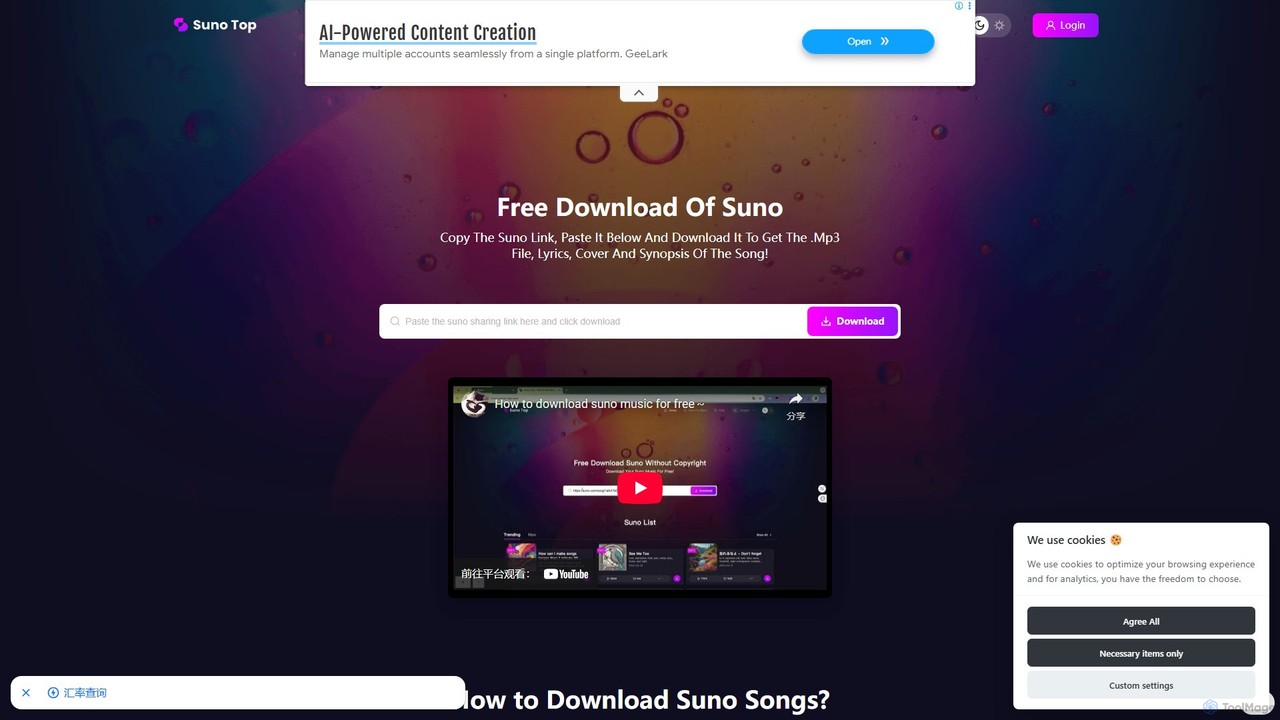
suno_top is a free and efficient web-based tool designed for downloading music created with Suno AI. It allows …
suno_top is a free and efficient web-based tool designed for downloading music created with Suno AI. It allows users to easily save their favorite AI-generated songs by simply pasting a Suno link. The tool provides a complete package, including the MP3 audio file, full lyrics, cover art, and song synopsis, with no download limits or registration required.
About Web Tools
AI Web Tools are a class of intelligent applications designed to automate and enhance tasks related to website creation, management, and optimization. These tools leverage machine learning and natural language processing to generate code, build layouts, optimize content for search engines, and audit for performance issues. Their primary value lies in significantly accelerating development cycles and making advanced web technologies accessible to users without deep technical expertise. By handling repetitive and complex tasks, they allow creators and developers to focus on strategy and user experience.
Core Features
- AI Website Generation: Creates entire websites or specific page layouts from simple text descriptions or prompts.
- SEO Content Optimization: Analyzes text and suggests improvements for keywords, readability, and search engine ranking factors.
- Automated Code Generation: Converts natural language instructions into functional HTML, CSS, JavaScript, or other web code snippets.
- Performance & Accessibility Audits: Automatically scans websites to identify and provide solutions for speed bottlenecks or accessibility compliance issues.
- UI/UX Design Assistance: Generates design ideas, color palettes, and component variations based on user input.
Use Cases
AI Web Tools are widely used by web developers for rapid prototyping and code generation, digital marketers for on-page SEO and content strategy, and small business owners for creating and maintaining their online presence without hiring a large team. They are particularly effective in environments requiring fast iteration, such as building landing pages for marketing campaigns or developing minimum viable products (MVPs).
How to Choose
When selecting an AI Web Tool, first identify your primary need: are you building, optimizing, or coding? Evaluate the tool's integration capabilities with your existing platforms (e.g., WordPress, Shopify, GitHub). Consider the user interface—some tools are designed for non-technical users, while others are aimed at developers. Finally, assess the pricing model and the quality of the AI's output to ensure it meets your standards for accuracy and functionality.
Web ToolsUse Cases
Rapid Website Prototyping for Startups
A startup founder with a limited budget and no coding skills needs to launch a professional landing page quickly to validate a business idea. Using an AI website builder, they describe their company, target audience, and desired aesthetic in plain English. The AI generates several fully-designed, responsive layout options within minutes. The founder selects a design, customizes the text and images, and publishes the site in under an hour, saving significant time and development costs compared to traditional methods.
On-Page SEO Optimization for Content Marketers
A content marketer has written a blog post but wants to ensure it ranks well on search engines. They use an AI SEO tool to analyze the content. The tool provides a real-time optimization score and suggests specific actions, such as:
- Adding target keywords to subheadings.
- Improving the meta description for a better click-through rate.
- Including semantically related terms to increase topical authority.
- Adjusting the reading level for the target audience.
Generating Code Snippets for Front-End Developers
A front-end developer is building a complex UI component, like a data table with sorting and filtering. Instead of writing the HTML, CSS, and JavaScript from scratch, they describe the component's requirements to an AI code generation tool: "Create a responsive table with columns for Name, Email, and Role. Add a search bar to filter by name." The AI generates a functional code snippet that the developer can then copy, paste, and integrate into their project. This process significantly reduces development time for common components and minimizes boilerplate coding.
Automated Accessibility Audits for Compliance
A project manager at a large corporation is responsible for ensuring their public-facing website complies with WCAG (Web Content Accessibility Guidelines). Manually auditing hundreds of pages is impractical. They use an AI-powered web tool to crawl the entire site and automatically detect accessibility issues. The tool flags problems like insufficient color contrast, missing ARIA labels for screen readers, and images without alt text. It generates a detailed report prioritizing issues by severity, allowing the development team to efficiently address the most critical compliance failures first.
A/B Testing Headline Variations for Conversion
A conversion rate optimization (CRO) specialist wants to improve the sign-up rate on a landing page. The headline is a critical element. Instead of manually brainstorming a few options, they use an AI web tool to generate twenty different headline variations based on the product's value proposition. The tool provides options with different emotional tones, lengths, and angles. The specialist can then easily set up an A/B test with the most promising AI-generated headlines to identify which one drives the most conversions, optimizing the process of creative testing.
Automating Website Maintenance Checks
A small business owner manages their own e-commerce site built on a platform like Shopify or WordPress. They lack the time for regular technical maintenance. They connect an AI web tool that performs automated weekly checks. The tool scans for broken links, monitors site speed and uptime, checks for outdated plugins, and provides simple, actionable recommendations. For example, it might suggest compressing specific images to improve load time. This proactive monitoring helps the owner maintain a healthy, functional website and prevent issues that could harm sales or user experience.