Audio Best in category 2 results Music Downloader AI Tool

Popular AI tools in the Music Downloader field of Audio include suno_top、sunoaidownload, etc., helping you quickly improve efficiency.

Free
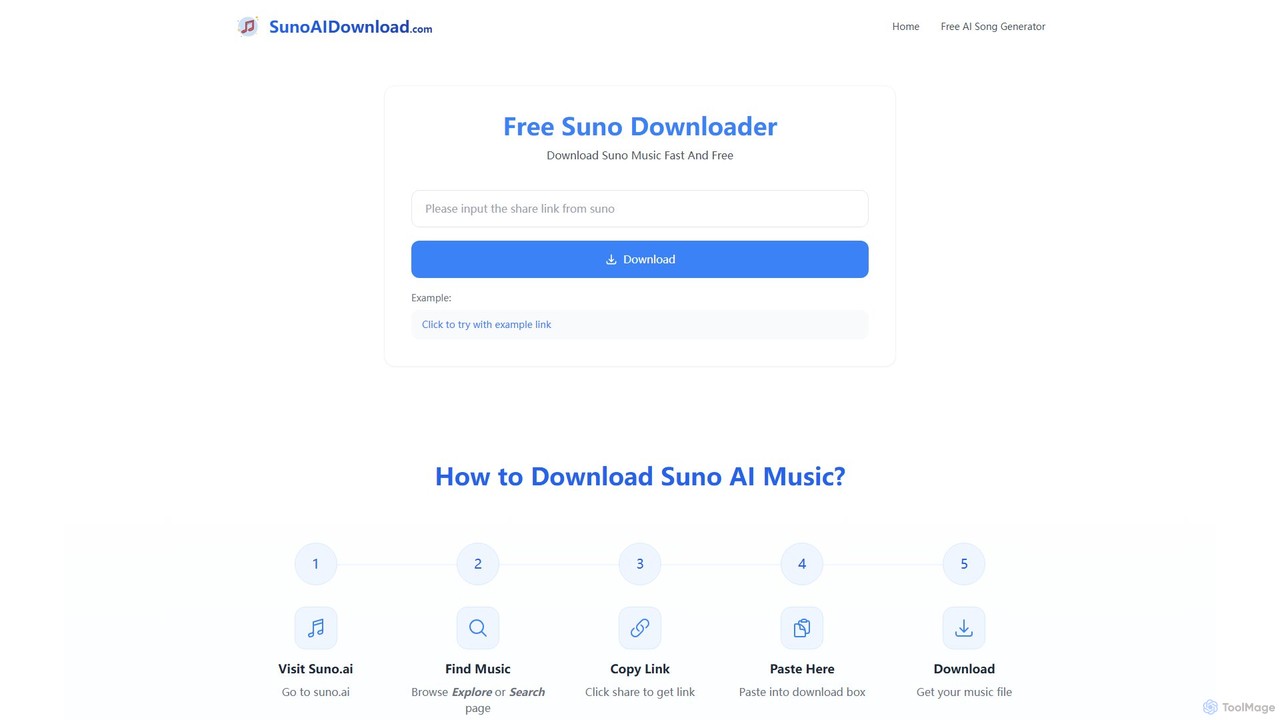
sunoaidownload

sunoaidownload

A free online tool designed to help users easily download songs and music created with Suno AI. It …

3.4K
Free
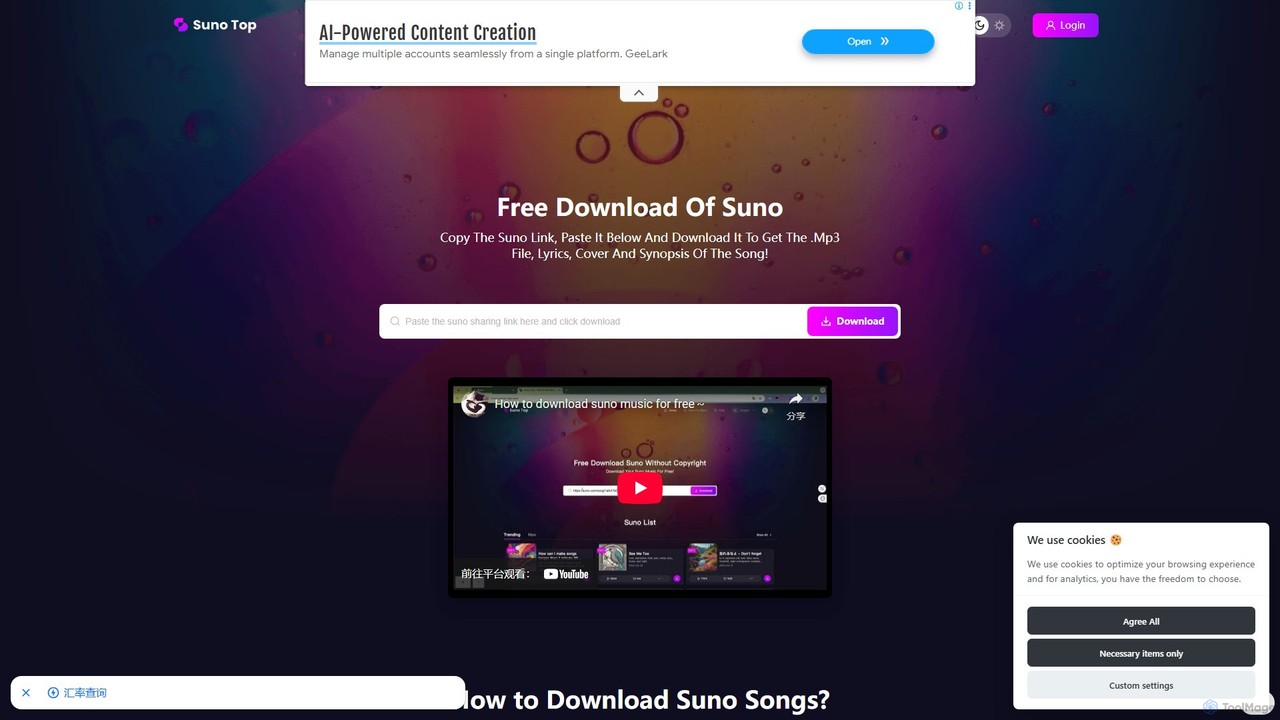
suno_top

suno_top

suno_top is a free and efficient web-based tool designed for downloading music created with Suno AI. It allows …

75.9K

About Music Downloader

Music Downloader tools are applications designed to capture and save audio tracks from online sources for offline playback. They function by extracting audio streams from video platforms, streaming services, and websites, converting them into common file formats. This enables users to build personal music libraries, listen without an internet connection, and use audio for personal projects like DJ sets or video editing. Unlike simple recorders, many downloaders preserve high-fidelity quality, retrieve metadata like album art, and process entire playlists at once.

Core Features

  • Multi-Source Support: Ability to download audio from a wide range of video platforms, social media, and music streaming sites.
  • High-Quality Output: Options to save music in various formats (e.g., MP3, FLAC, WAV, M4A) and select different bitrates for quality control.
  • Batch Downloading: Functionality to download entire playlists, albums, or artist discographies in a single operation.
  • Metadata Preservation: Automatically fetches and embeds ID3 tags, including title, artist, album, and cover art, into the downloaded files.
  • Built-in Search: Some tools include a search feature to find tracks directly within the application without needing a browser.

Use Cases

These tools are frequently used by DJs and music producers who require high-quality, local audio files for live sets and production. Content creators use them to source background music for videos, while travelers and commuters build offline libraries for listening on planes or subways. They are also valuable for users in areas with poor internet connectivity or for archiving rare music that may disappear from online platforms.

How to Choose

When selecting a Music Downloader, consider the platforms it supports to ensure compatibility with your preferred sources. Evaluate the available output formats and quality settings to match your needs, especially if you require lossless audio. Assess the user interface for ease of use and the tool's download speed. Finally, prioritize applications from reputable developers to avoid malware and ensure privacy, and always be mindful of copyright laws and the terms of service of the source platforms.

Music DownloaderUse Cases

1

Creating Offline Playlists for Travel

A frequent traveler needs to prepare a music playlist for a long flight where internet access is unavailable or expensive. Using a Music Downloader, they can input the URLs of their favorite playlists from a video platform or streaming service. The tool then processes the entire list, downloads each track in a high-quality MP3 format, and automatically embeds the correct artist and album art information. The result is a complete, portable music library on their laptop or phone, ensuring hours of uninterrupted entertainment during travel without relying on connectivity or using mobile data.

2

Building a High-Quality Music Library for DJing

A professional DJ needs reliable, high-quality audio files for a live performance, as streaming is too risky due to potential internet dropouts. They use a Music Downloader that supports lossless formats to acquire tracks from various sources. The DJ downloads songs as WAV or FLAC files to ensure maximum audio fidelity. The tool's batch download feature allows them to save entire curated playlists at once. This process creates a robust, locally-stored music library that can be imported directly into DJ software like Serato or Traktor, guaranteeing a seamless and high-quality performance.

3

Archiving Rare or At-Risk Online Audio

A music historian discovers a collection of rare, user-uploaded live concert recordings on a video platform that are not available anywhere else. Fearing the content could be removed due to copyright claims or account deletion, they use a Music Downloader to create a personal archive. The tool is set to download the audio from each video link, preserving it in its original quality. This ensures the historian has a permanent copy for research and personal enjoyment, safeguarding unique cultural artifacts that might otherwise be lost from the public internet.

4

Sourcing Background Music for Video Content

A content creator produces weekly vlogs and needs a consistent supply of background music. They browse platforms like YouTube Audio Library or Epidemic Sound for royalty-free tracks. Instead of relying on a web-based converter for each song, they use a desktop Music Downloader. They paste a list of track URLs into the application, which then batch downloads all the files as 320kbps MP3s. This streamlines their workflow, creating a local folder of approved music ready to be dragged and dropped into their video editing software, saving significant time each week.

5

Language Learning with Audio Lessons

A student is learning a new language and uses podcasts and audio lessons found on various websites. To practice listening comprehension offline during their commute, they use a Music Downloader to save these lessons. They simply provide the URL of the page containing the audio. The tool detects and downloads the MP3 file, allowing the student to build a library of lessons on their phone. They can then listen repeatedly, slow down the playback with another app, and study without needing an internet connection, accelerating their learning progress.

6

Accessing Music with Limited Internet

A user living in a rural area has a slow and unreliable internet connection, making music streaming a frustrating experience filled with buffering. To solve this, they use a Music Downloader during off-peak hours or when they have access to a better connection, like at a local library. They download their favorite albums and playlists in advance. This creates a local music collection on their computer that plays instantly and flawlessly, regardless of their internet status. It provides a high-quality, buffer-free listening experience that would otherwise be impossible with their limited connectivity.

Music DownloaderFrequently Asked Questions