Best of the Year 9 results Video & Image AI Tools

Popular AI tools in the Video & Image field include SyncSketch、Polycam、myvelofit、Mangaka.app、Hellometer、Posturise、Yogger、PCSports、Forma, etc., helping you quickly improve efficiency.

Forma

Forma

Forma is an AI-powered platform offering expert-level running form analysis. By uploading a video of your run, you …

4.6K
Posturise

Posturise

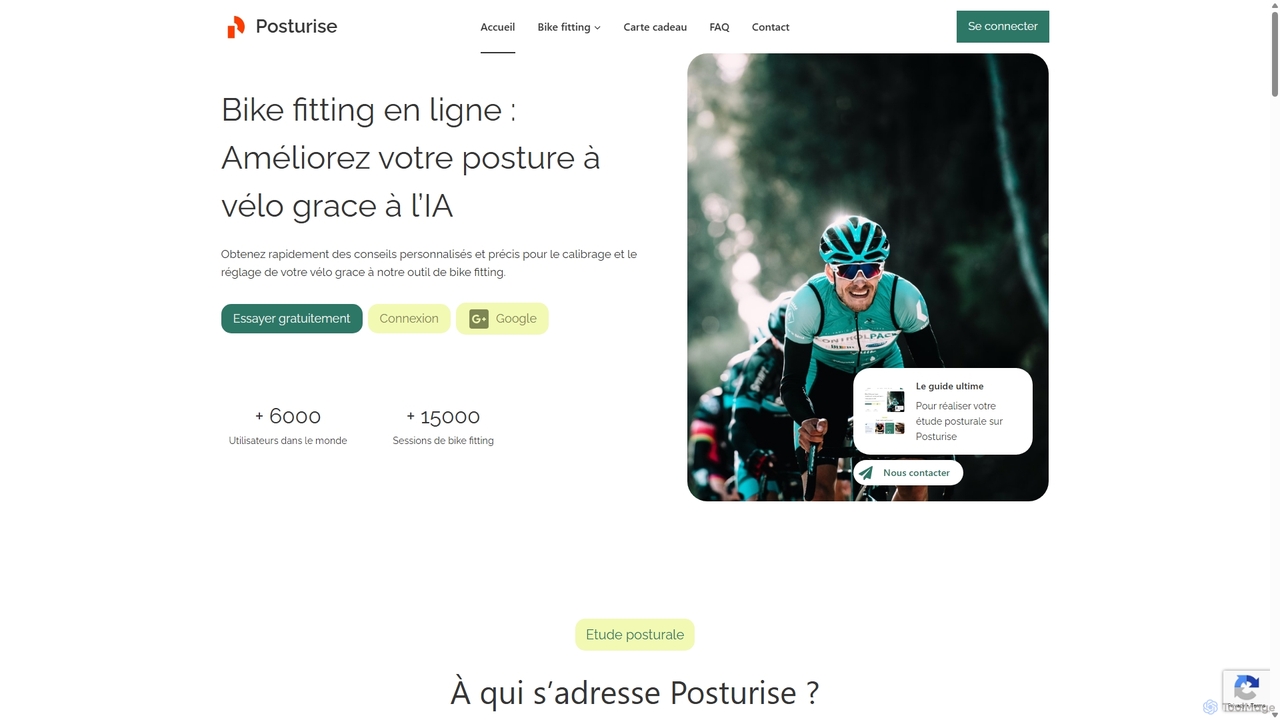
Posturise is an AI-powered online bike fitting tool that analyzes your cycling posture through video. It provides personalized, …

6.0K
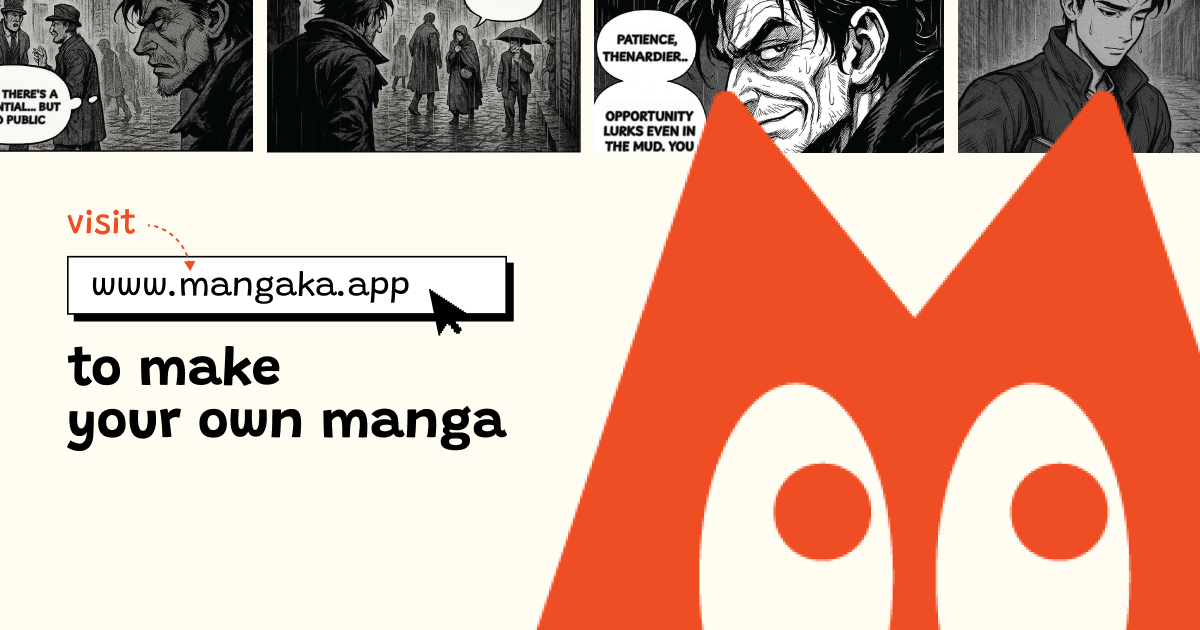
Mangaka.app

Mangaka.app

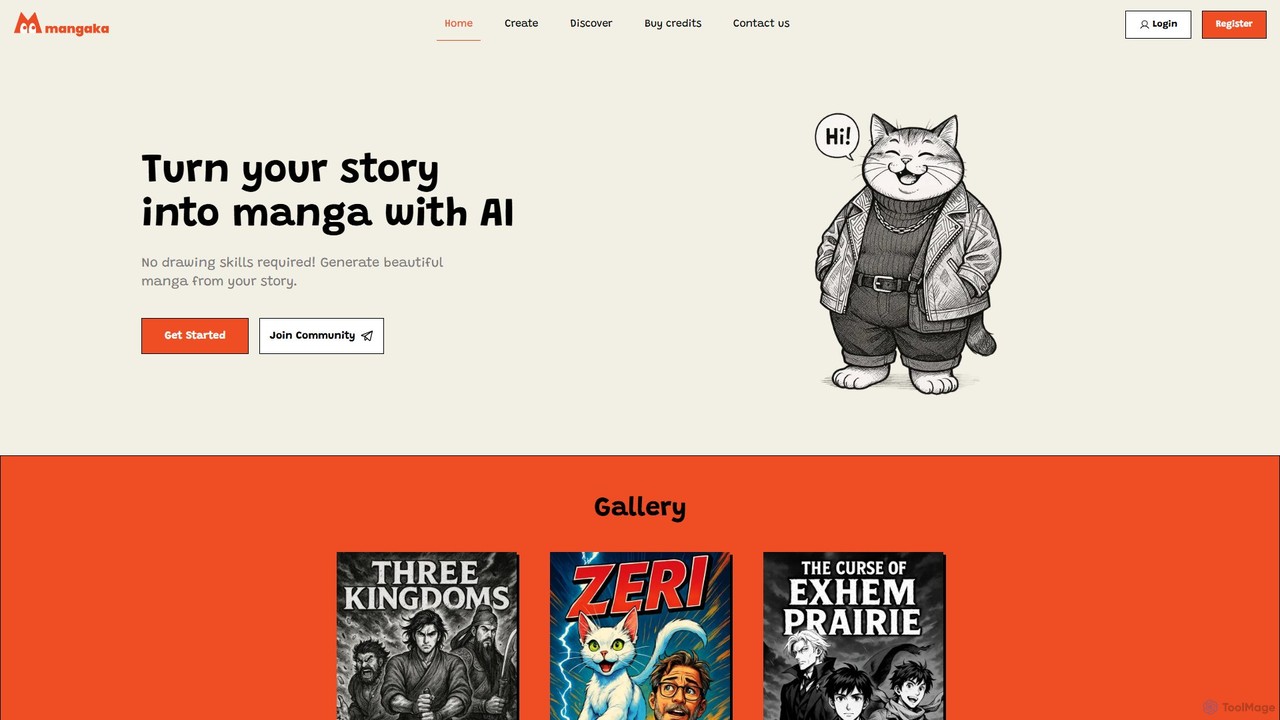
Mangaka.app is an AI-powered platform that transforms written stories into high-quality manga. Designed for authors, indie creators, and …

27.5K
Hellometer

Hellometer

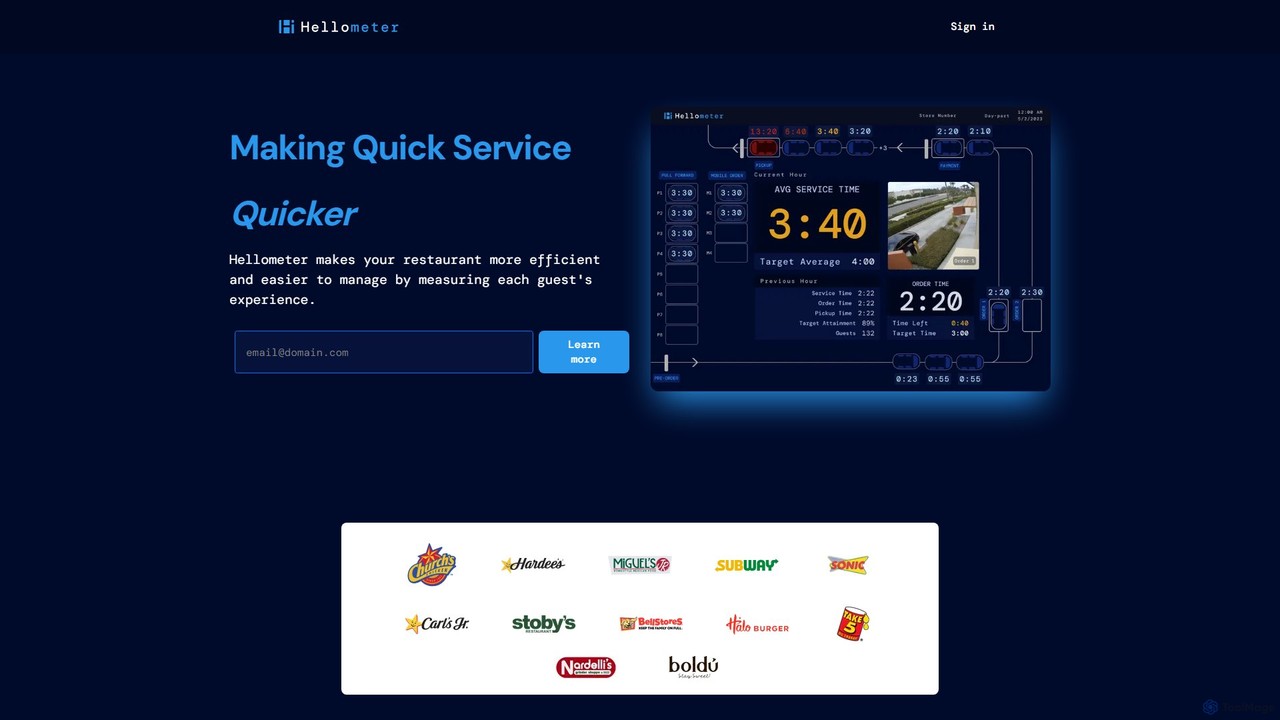
Hellometer is an AI-powered platform that uses computer vision to analyze camera feeds in quick-service restaurants (QSRs). It …

10.0K
myvelofit

myvelofit

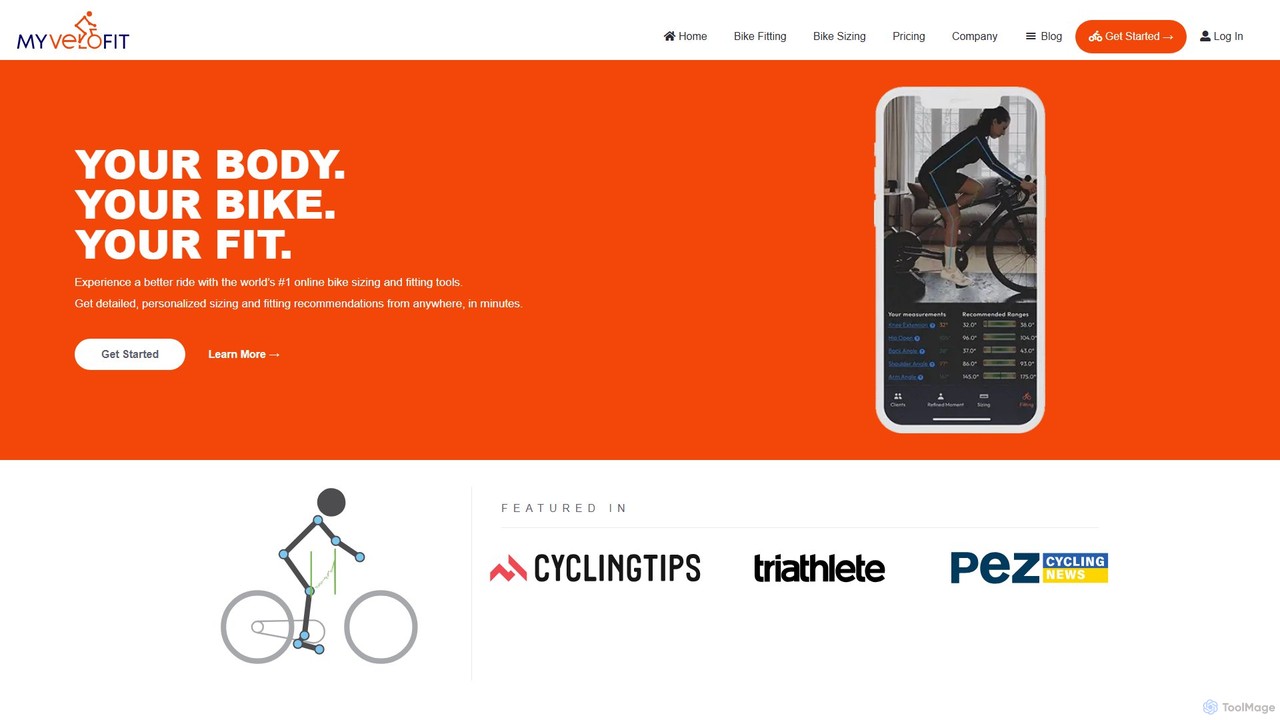
MyVeloFit is an AI-powered online platform that provides professional-grade bike fitting and sizing recommendations. By analyzing a simple …

133.3K
Yogger

Yogger

Yogger is an AI-powered movement analysis platform designed for coaches, physical therapists, and athletes. Using video from any …

5.5K
SyncSketch

SyncSketch

SyncSketch is a real-time visual collaboration and review platform designed for creative teams in animation, VFX, and gaming. …

1.1M
Polycam

Polycam

Polycam is a leading 3D capture application for iOS, Android, and Web, using LiDAR and photogrammetry to create …

560.2K
PCSports

PCSports

PCSports is an AI-powered sports coaching platform, also known as Pocket Coach. Its flagship app, Playi, uses computer …

4.9K

About Video & Image

AI Video & Image tools are a class of software that leverage artificial intelligence to create, edit, analyze, and enhance visual media. These tools utilize advanced models like GANs and diffusion models to understand and manipulate pixels, enabling automated generation from text prompts, intelligent object removal, and sophisticated quality improvements. Their primary value lies in automating complex and time-consuming visual tasks, unlocking new creative possibilities for professionals and hobbyists alike. This technology significantly accelerates content production workflows in marketing, entertainment, and design.

Core Features

  • AI Generation: Creates entirely new images or video clips from text descriptions, sketches, or other images.
  • Intelligent Editing: Automatically removes unwanted objects, replaces backgrounds, or applies artistic styles to existing media.
  • Quality Enhancement: Upscales low-resolution files, reduces noise, sharpens details, and colorizes black-and-white content.
  • Content Analysis: Identifies and tags objects, people, scenes, and text within images and videos for search and moderation.
  • Video Automation: Includes features like automatic scene detection, subtitle generation, and creating highlight reels from long footage.

Use Cases

These tools are widely used across various sectors. In digital marketing, teams generate unique ad creatives and social media visuals without stock photos. E-commerce businesses use them to batch-edit product images for a consistent look. Film and video production studios apply AI for special effects, color grading, and restoring old footage, while designers and architects use them for rapid concept visualization.

How to Choose

When selecting an AI Video & Image tool, first consider its primary function: do you need a generator, editor, or enhancer? Evaluate the output quality and resolution to ensure it meets your standards. Assess the user interface for ease of use, especially if you lack technical expertise. Finally, compare pricing models—such as per-credit systems versus monthly subscriptions—and check for API access if you need to integrate the tool into your existing workflow.

Video & ImageUse Cases

1

Generate Marketing Visuals for Social Media

A social media manager for a small business needs to create daily, engaging visual content for Instagram and Facebook campaigns. Instead of spending hours searching for stock photos or hiring a designer, they use an AI image generator. By inputting descriptive text prompts like 'a vibrant flat lay of coffee and pastries on a rustic wooden table, morning light', the tool generates dozens of unique, high-quality images in minutes. This allows them to maintain a consistent and professional aesthetic, A/B test different visuals to see what resonates with their audience, and reduce content creation costs by over 70%.

2

Batch Edit E-commerce Product Photos

An e-commerce store owner has hundreds of new product photos taken with inconsistent backgrounds and lighting. To prepare them for the online store, they need a uniform look with a clean white background. Using an AI image editor, they can upload all photos at once. The tool's batch processing feature automatically detects the product in each image, removes the original background, and replaces it with a solid white one. It can also auto-adjust brightness and contrast, ensuring all products look vibrant and professional. This process reduces manual editing time from days to just a few hours.

3

Automate Video Post-Production Tasks

A freelance video editor works on corporate interviews and tutorials, which involves tedious tasks like removing filler words ('um', 'ah'), generating accurate subtitles, and color correcting footage. By using an AI video editing suite, they can automate this workflow. The AI transcribes the audio and allows the editor to delete filler words by simply deleting text, which automatically cuts the corresponding video segment. The same transcription is used to generate perfectly synced subtitles in minutes. Finally, an AI color correction feature analyzes the footage and applies a balanced, professional look with a single click, saving hours of manual adjustments per project.

4

Restore and Enhance Old Family Photos

An individual wants to digitize and restore their collection of old, faded, and scratched family photographs for a family reunion. Many photos are black and white and have lost significant detail. They use an AI photo enhancement tool to upload the scanned images. The tool's 'restore' function automatically repairs scratches, removes dust spots, and corrects color fading. A separate 'colorize' feature intelligently adds realistic colors to the black-and-white photos based on contextual clues. Finally, the 'upscale' function increases the resolution of small, blurry photos, making them suitable for printing in a large format for the event.

5

Create Animated Explainer Videos from Text

A startup needs an explainer video for their new software product but has a limited budget for a full video production team. They use a text-to-video AI tool. The marketing manager writes a script detailing the product's features and benefits. They paste this script into the AI tool, which then automatically generates a series of animated scenes with relevant stock footage, icons, and text overlays. The tool also provides a selection of AI-generated voiceovers. The manager can then easily customize scenes, change visuals, and adjust timing, producing a professional-looking explainer video in a single afternoon.

6

Rapid Prototyping for Game Asset Design

A concept artist at an indie game studio needs to quickly generate a wide variety of character and environment concepts for a new fantasy game. Using an AI image generator, they can input detailed prompts like 'elven warrior with glowing silver armor, enchanted forest background, cinematic lighting, detailed face'. The AI produces multiple visual interpretations in different styles within seconds. This allows the artist to rapidly explore different creative directions, iterate on designs by feeding a generated image back into the tool with new instructions, and present a broad range of high-quality concepts to the art director, accelerating the pre-production phase significantly.

Video & ImageFrequently Asked Questions