Handwriting OCR is an AI-powered platform that instantly converts handwritten and printed documents into editable digital text with incredible accuracy. It supports over 300 languages, various file formats (PDF, JPG, PNG), and exports to Word, Excel, and plain text. Designed for businesses, researchers, and individuals, it prioritizes security with bank-grade encryption and a strict no-data-training policy.
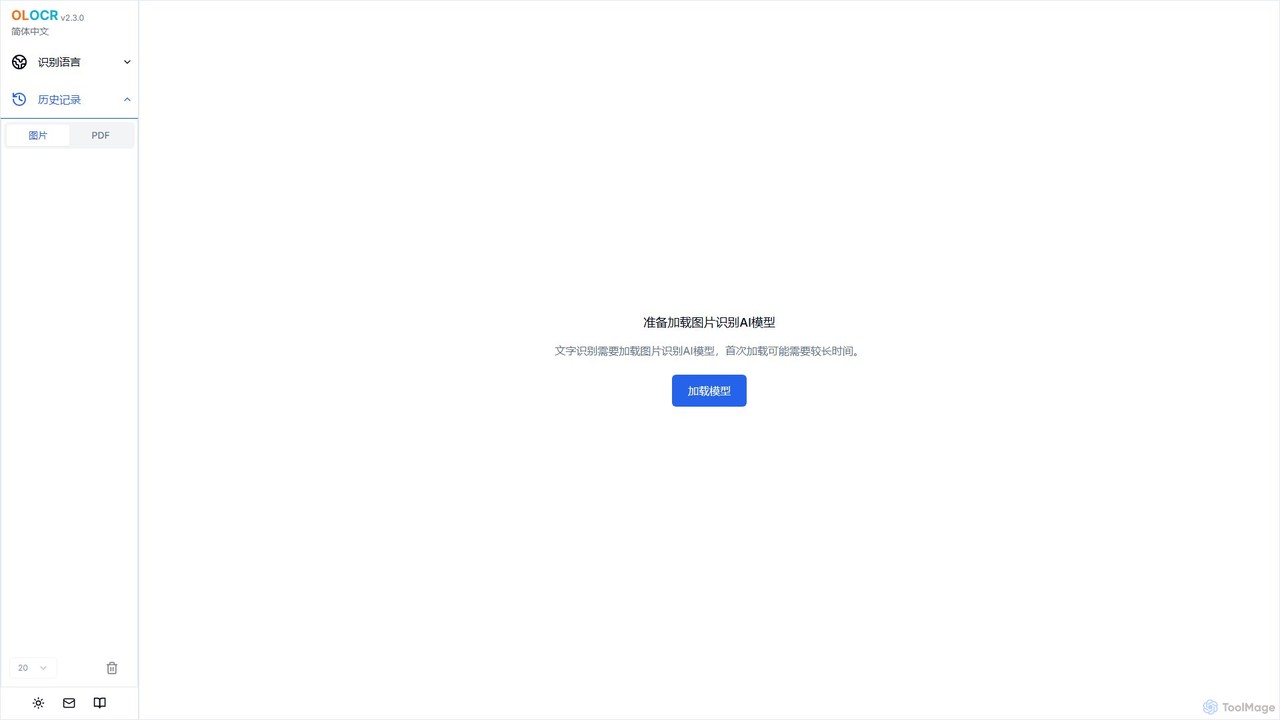
olocr is a free, privacy-focused AI OCR tool that extracts text from images and PDFs directly in your browser. It supports over 70 languages, batch processing, and can create searchable PDFs without uploading your files, ensuring complete data security.
Product overview
Handwriting OCR Product overview
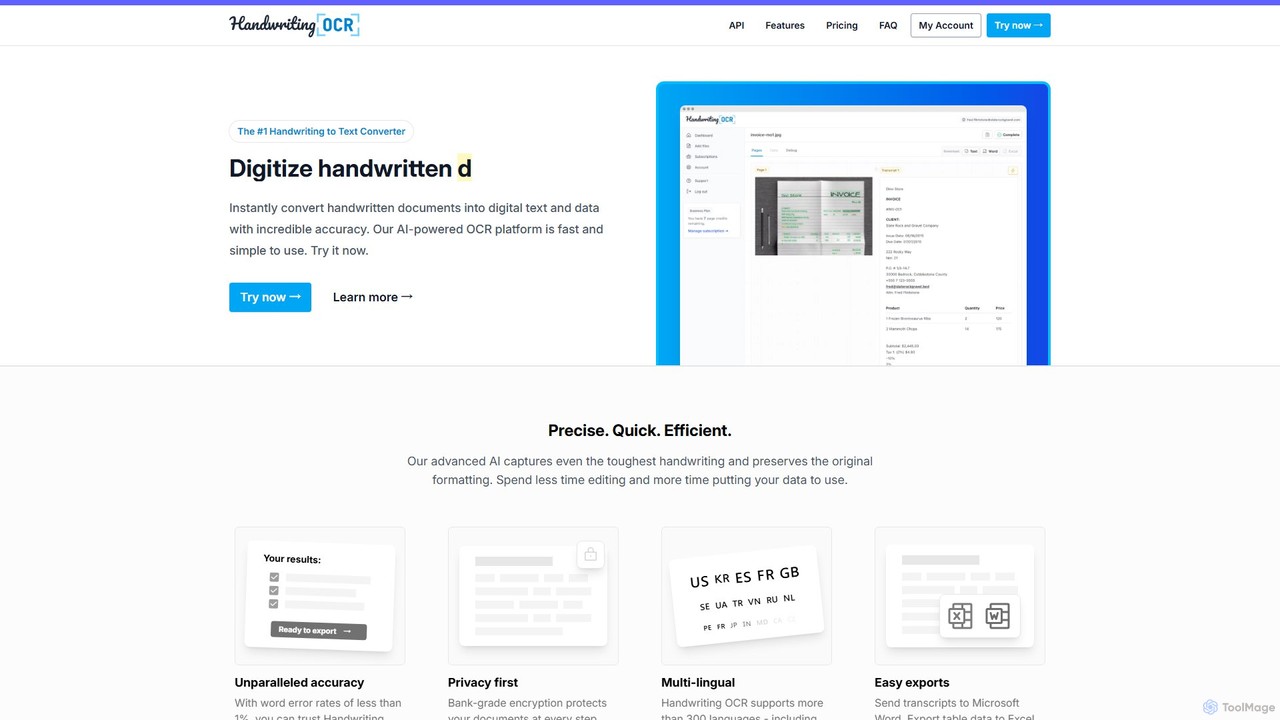
Handwriting OCR is an AI-powered platform that instantly converts handwritten and printed documents into editable digital text with incredible accuracy. It supports over 300 languages, various file formats (PDF, JPG, PNG), and exports to Word, Excel, and plain text. Designed for businesses, researchers, and individuals, it prioritizes security with bank-grade encryption and a strict no-data-training policy.
olocr Product overview
olocr is a free, privacy-focused AI OCR tool that extracts text from images and PDFs directly in your browser. It supports over 70 languages, batch processing, and can create searchable PDFs without uploading your files, ensuring complete data security.
Detailed feature comparison
| Feature | Handwriting OCR | olocr |
|---|---|---|
| Primary category | Data Entry | Extraction |
| Added | 2025-08-12 | 2025-08-09 |
| Pricing | Freemium | Free |
| Official website | www.handwritingocr.com | olocr.com |
| Product type | Website | Website |
| Performance data | ||
| User rating | Not verified | Not verified |
| Comments | 0 | 0 |
| Monthly visits | 32.3K | 9.5K |
| Monthly growth | -8.2% | -40.2% |
| Favorites | 117 | 97 |
| Details | View details | View details |
Handwriting OCR vs olocr monthly traffic
Compare Handwriting OCR and olocr by monthly reach, traffic trend, visit depth, top regions, and acquisition sources.
How to interpret the traffic data
In the Handwriting OCR vs olocr monthly traffic comparison, Handwriting OCR currently shows 32.3K visits and olocr shows 9.5K; Handwriting OCR has about 3.4 times the visible traffic of olocr, an absolute difference of about 22.9K visits. This reflects visible reach, not feature quality or paid users.
Both tools provide verified traffic details, so monthly trends, visit depth, regions, and acquisition sources can be compared on the same basis.
olocr is registered at the olocr.com/ocr/chinese_simplified subpage. Because the current data does not state whether other host pages are excluded, treat this as domain-level context rather than independent traffic for one product or project.
Handwriting OCR monthly traffic:
Latest traffic
Monthly traffic trend
- 2025/9: 48.3K Monthly visits
- 2026/1: 62.9K Monthly visits
- 2026/2: 44.2K Monthly visits
- 2026/3: 37.9K Monthly visits
- 2026/4: 35.2K Monthly visits
- 2026/5: 32.3K Monthly visits
Top regions
Top 5 countries/regions
| Country/region | Percentage | Traffic |
|---|---|---|
| 🇺🇸United States | 34.9% | 11.3K |
| 🇮🇳India | 18.99% | 6.1K |
| 🇪🇸Spain | 17.99% | 5.8K |
| 🇬🇧United Kingdom | 17.87% | 5.8K |
| 🇳🇬Nigeria | 10.25% | 3.3K |
Traffic sources
| Source type | Percentage | Traffic |
|---|---|---|
| Direct | 73.82% | 23.9K |
| Referral | 22.77% | 7.4K |
| 3.41% | 1.1K |
Search keywords
olocr monthly traffic:
Latest traffic
Monthly traffic trend
- 2026/1: 7.8K Monthly visits
- 2026/2: 8.8K Monthly visits
- 2026/3: 6K Monthly visits
- 2026/4: 15.9K Monthly visits
- 2026/5: 9.5K Monthly visits
Top regions
Top 5 countries/regions
| Country/region | Percentage | Traffic |
|---|---|---|
| 🇺🇸United States | 50% | 4.7K |
| 🇻🇳Vietnam | 23.26% | 2.2K |
| 🇮🇳India | 10.42% | 988 |
| 🇷🇺Russia | 10.03% | 951 |
| 🇩🇪Germany | 6.29% | 596 |
Traffic sources
| Source type | Percentage | Traffic |
|---|---|---|
| Direct | 98.54% | 9.3K |
| Referral | 1.46% | 138 |
Search keywords
Usage comparison
Compare the core capabilities of Handwriting OCR and olocr
Handwriting OCR Core features
olocr Core features
Use cases
Handwriting OCR Use cases
olocr Use cases
Handwriting OCR vs olocr:In-depth comparison and selection guidance
First decide whether the products solve the same kind of need
This in-depth Handwriting OCR vs olocr comparison uses only the product records, taxonomy, audience, traffic, and community signals available on this page. Handwriting OCR is primarily listed under “Data Entry”, while olocr is primarily listed under “Extraction”, so the first decision is whether your actual task matches their recorded scope.
The structured fields currently show these decision-relevant differences: Primary category (Handwriting OCR: Data Entry; olocr: Extraction); Pricing (Handwriting OCR: Freemium; olocr: Free); Monthly visits (Handwriting OCR: 32.3K; olocr: 9.5K); Monthly growth (Handwriting OCR: -8.2%; olocr: -40.2%); Favorites (Handwriting OCR: 117; olocr: 97). These facts are more useful for selection than brand visibility alone.
What market visibility and monthly traffic mean
In the Handwriting OCR vs olocr monthly traffic comparison, Handwriting OCR currently shows 32.3K visits and olocr shows 9.5K; Handwriting OCR has about 3.4 times the visible traffic of olocr, an absolute difference of about 22.9K visits. This reflects visible reach, not feature quality or paid users.
Both tools provide verified traffic details, so monthly trends, visit depth, regions, and acquisition sources can be compared on the same basis.
olocr is registered at the olocr.com/ocr/chinese_simplified subpage. Because the current data does not state whether other host pages are excluded, treat this as domain-level context rather than independent traffic for one product or project.
If public market visibility is an important first-pass criterion, investigate Handwriting OCR first. The final choice should still follow taxonomy, use case, and a real trial because higher traffic does not prove broader capabilities or better workflow fit.
Product positioning, use cases, and roles
Handwriting OCR and olocr currently overlap in shared categories: Extraction; shared tags: data extraction, document digitization, image to text, OCR, and text recognition. This can place both on the same shortlist, but it does not prove equal implementation, depth, or cost.
Handwriting OCR's unique categories/tags are Data Entry, Research, Document Processing, API, document automation, handwriting recognition, pdf converter, and pdf to excel; olocr's are Document Management, Scanner, free ocr, multi-language OCR, PDF to text, privacy, and searchable PDF. These unique fields are the strongest differentiators: validate the product whose recorded scope matches the task instead of following traffic alone.
What ratings, comments, and favorites can tell you
Handwriting OCR has no verified rating, 0 comments, 117 favorites, and 95 likes;olocr has no verified rating, 0 comments, 97 favorites, and 115 likes。
Neither product has enough rating or comment samples for a credible reputation ranking.
Selection guidance by actual need
When to evaluate Handwriting OCR first
Put Handwriting OCR on the priority trial list when the task aligns with “Data Entry” and especially Data Entry, Research, Document Processing, API, document automation, and handwriting recognition. This follows recorded positioning and does not imply unlisted capabilities are absent.
Handwriting OCR also currently records: pricing is freemium, product type is website, 32.3K verified monthly visits, no verified user rating. Verify any hard requirement around price, platform, or reach before trial, and do not let sparse review data substitute for testing.
When to evaluate olocr first
Put olocr on the priority trial list when the task aligns with “Extraction” and especially Document Management, Scanner, free ocr, multi-language OCR, PDF to text, and privacy. This follows recorded positioning and does not imply unlisted capabilities are absent.
olocr also currently records: pricing is free, product type is website, 9.5K monthly visits shown for the registered host (subpage scope unknown), no verified user rating. Verify any hard requirement around price, platform, or reach before trial, and do not let sparse review data substitute for testing.
How to validate the recommendation before deciding
The available data describes positioning, public visibility, and community signals, but it cannot prove output quality, speed, integration effort, privacy, or long-term cost in your workflow. Before deciding, run the same representative tasks in Handwriting OCR and olocr, then record completion time, accuracy, manual corrections, and the real paid threshold. A like-for-like trial turns this comparison into a defensible adoption decision.
Comparison FAQ
How should I choose between Handwriting OCR and olocr?
Where does this comparison data come from?
What do unknown fields mean?
Related AI tools

OCR.space
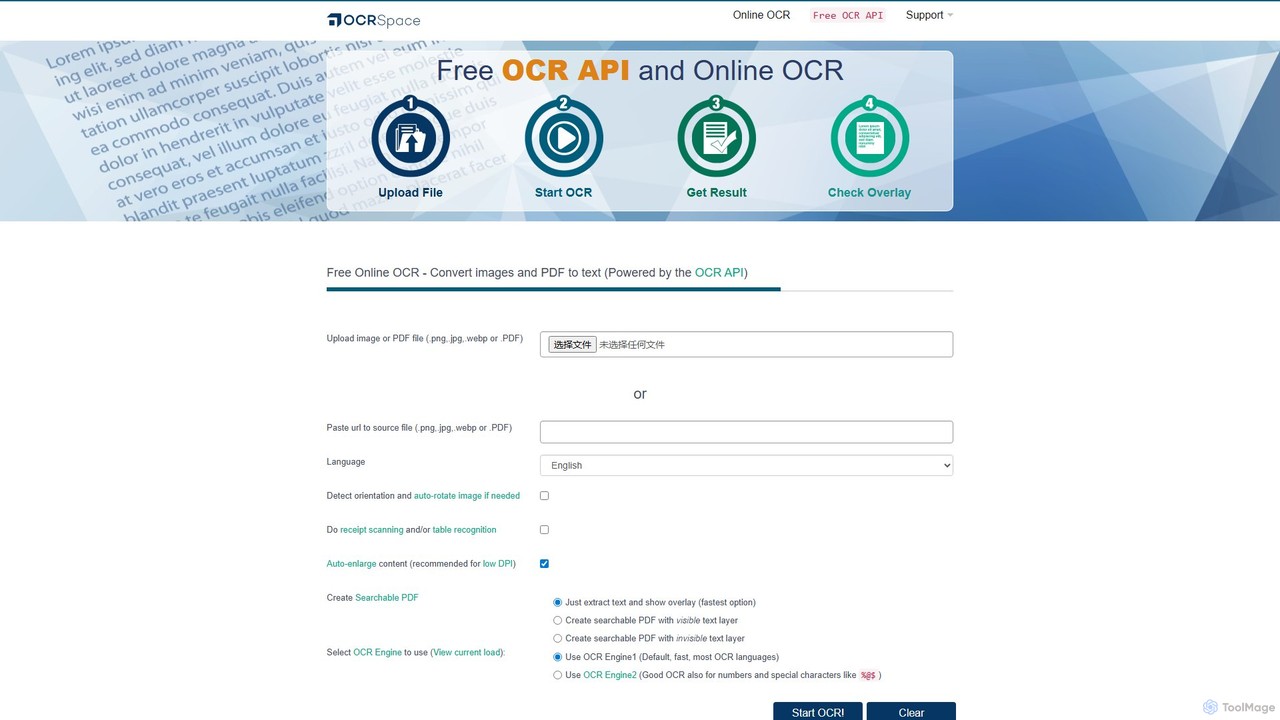
A powerful and free online OCR service and API that converts images and PDFs into editable text. It supports over 25 languages, creates searchable PDFs, and offers multiple OCR engines for optimal accuracy. Ideal for both individual use and developer integration, with a strong focus on privacy.
Data Extraction
ScantextAI
ScantextAI is a free, web-based OCR tool that instantly converts images into editable text. It supports over 50 languages and various image formats, allowing users to export text to PDF or Word (DOCX) files. With a strong focus on privacy, it processes files locally on your device, ensuring your data remains secure. No registration is required, making it a quick and efficient solution for students, professionals, and anyone needing to digitize documents.
Ocr
hand_check
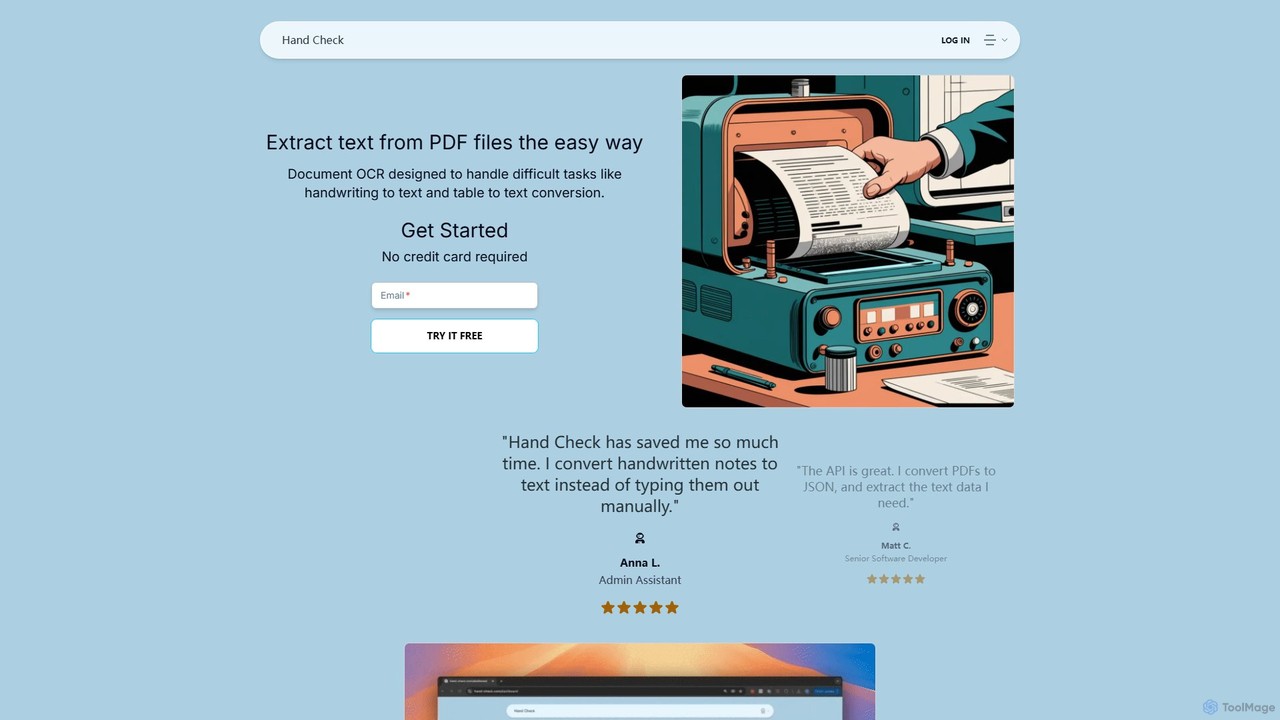
hand_check is an advanced OCR tool that uses machine learning to extract text from PDFs and images. It specializes in converting complex documents, including handwritten notes and tables, into editable text or structured JSON data. With a user-friendly interface and a powerful API for developers, it's ideal for individuals, developers, and enterprises looking to automate document processing and data extraction.
Data Extraction
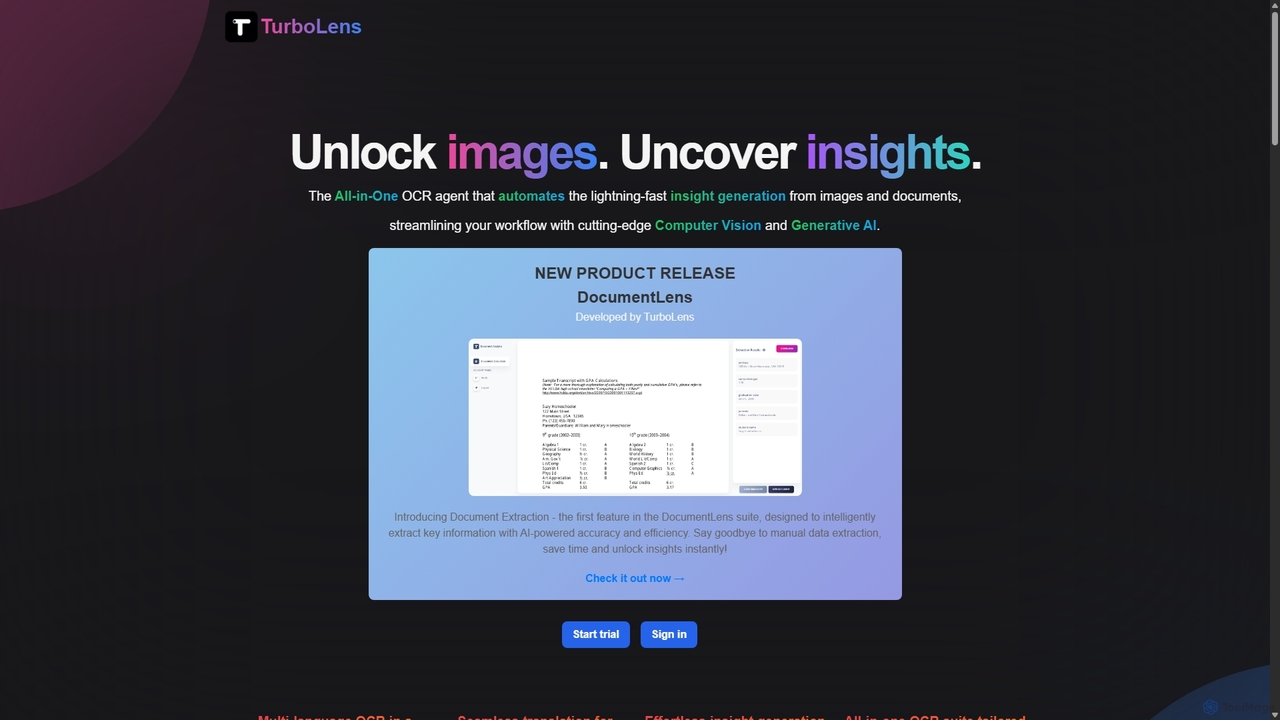
TurboLens
TurboLens is an all-in-one AI-powered OCR agent that automates insight generation from images and documents. It leverages Computer Vision and Generative AI to extract text, handwritten notes, tables, and math formulas, offering in-image translation and customizable workflows to streamline data processing.
Workflow Automation
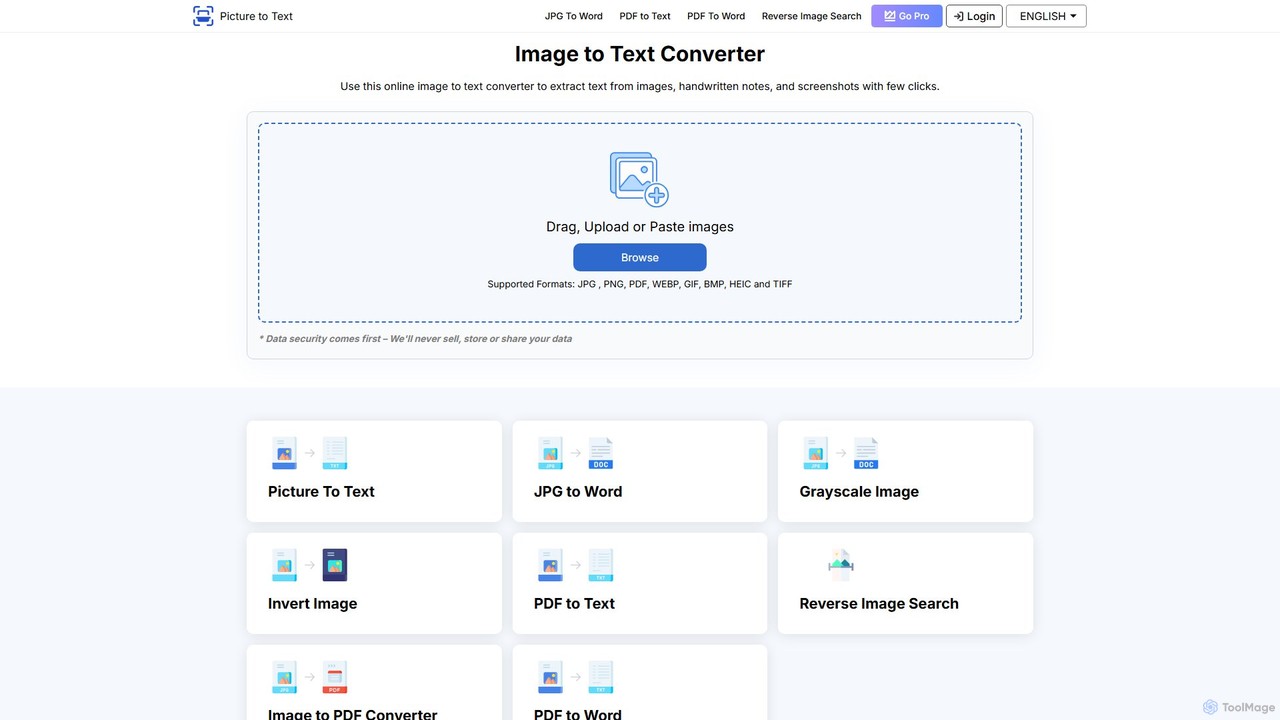
picturetotext
An AI-powered OCR tool that accurately converts images into editable text. It supports various formats, batch processing, and over 20 languages. Ideal for digitizing documents, automating data entry, and improving study efficiency with a user-friendly interface and a focus on data privacy.
Data Entry
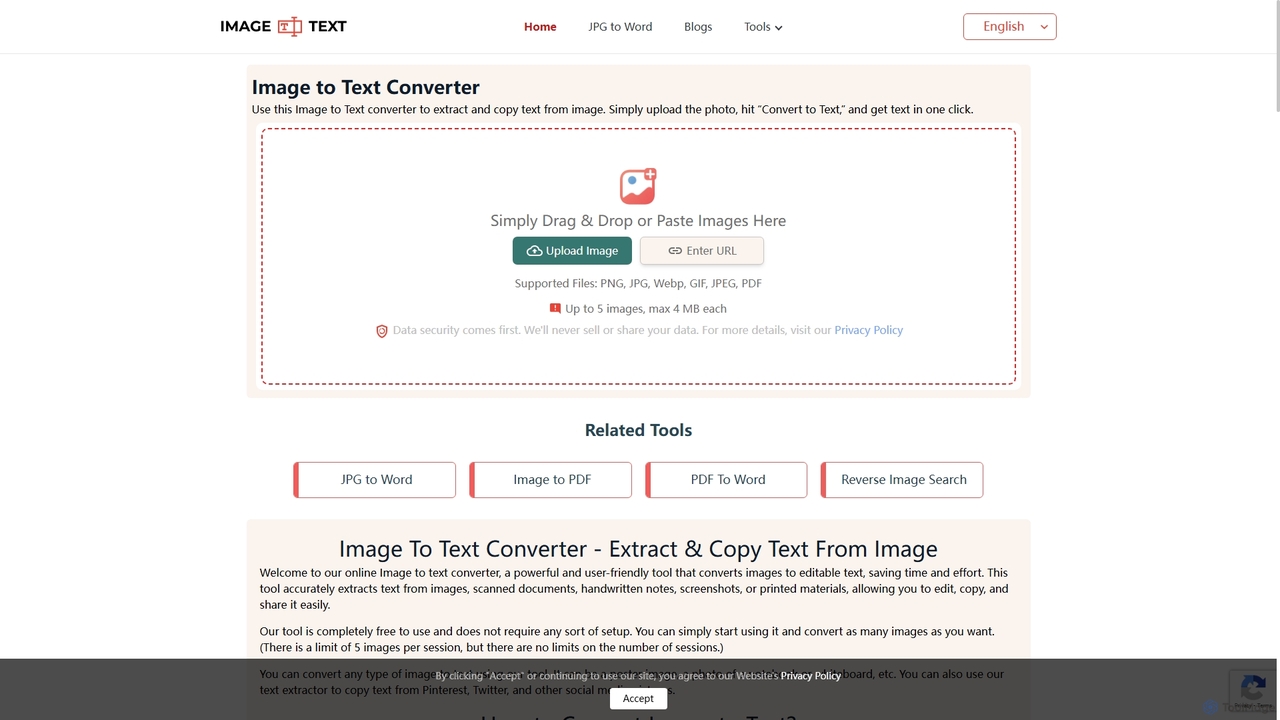
Imagetotext.me
A free online OCR tool that accurately extracts text from images, scanned documents, and handwritten notes. It supports multiple languages and file formats, and includes additional converters for JPG to Word and Image to PDF, all without requiring registration.
Study Tools
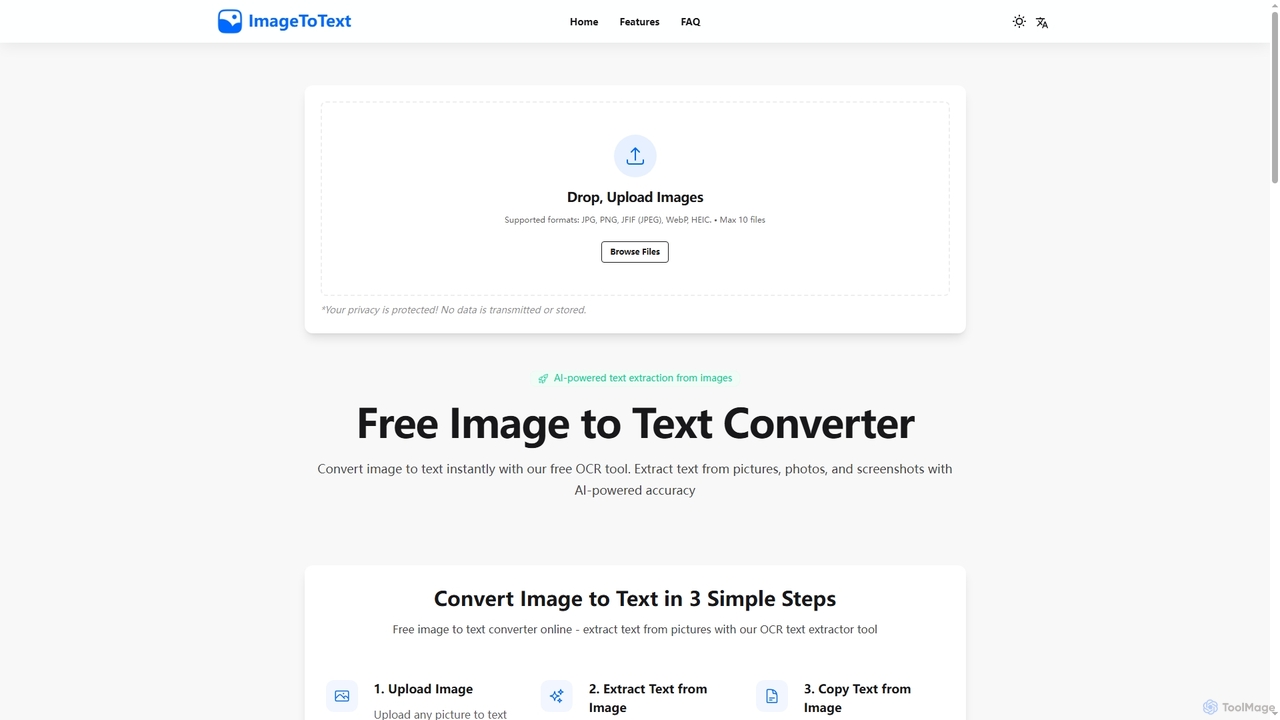
Imagetotext
A free, AI-powered online OCR tool that instantly converts images to text. It accurately extracts text from various formats like JPG, PNG, and even handwritten notes, ensuring user privacy with end-to-end encryption and no data storage.
Digitization
Image to Text
A free, AI-powered online OCR tool that accurately extracts text from images. It supports numerous languages and image formats without requiring registration. Easily convert images, documents, and notes into editable text, download as a .txt file, or copy to your clipboard.
Note Taking
Imagetotext.io
A powerful online OCR tool that accurately converts images into editable text. It supports various formats, multiple languages, and even extracts text from low-resolution images and mathematical equations. Ideal for students, professionals, and anyone needing to digitize documents quickly and for free.
Study Tools
imgtotext.net
An advanced online OCR tool that accurately extracts text from images and PDF documents. It supports batch processing, multiple languages, and various file formats. It also offers a built-in translation feature, making it a versatile solution for digitizing and processing text-based content for free.
Optical Character Recognition
GetSearchablePDF
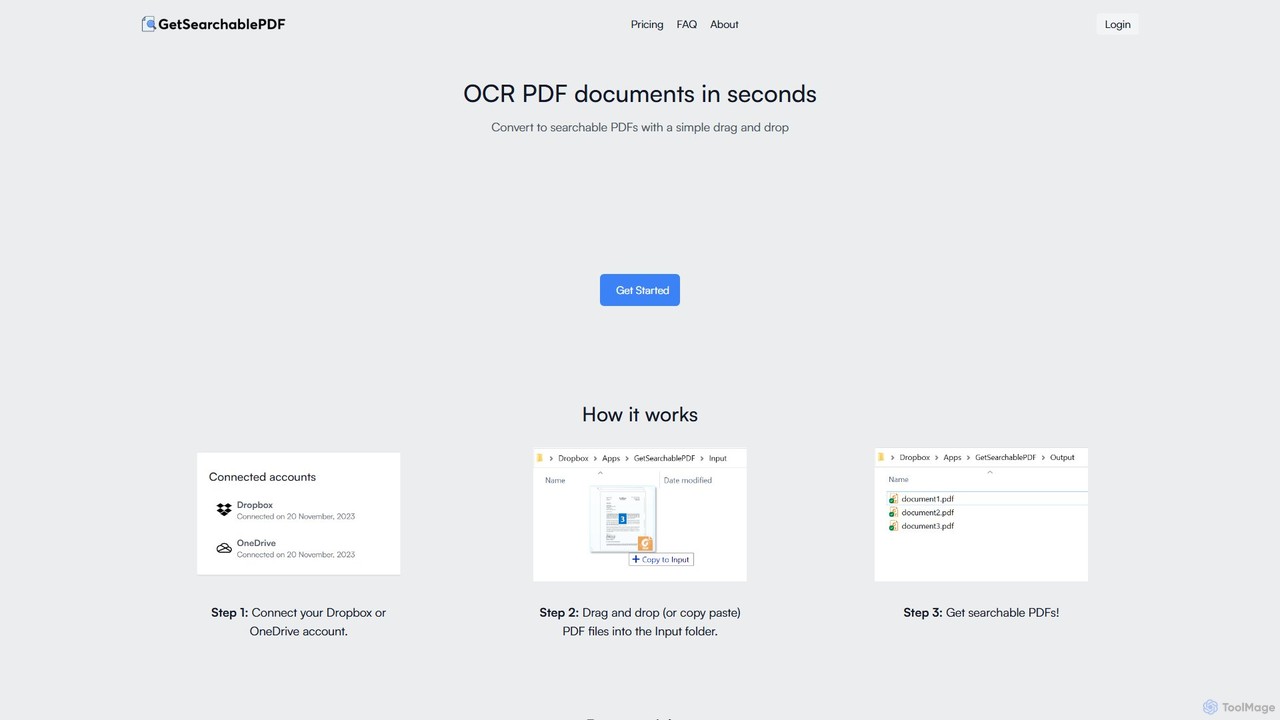
GetSearchablePDF is an AI-powered OCR tool that effortlessly converts scanned documents, images, and even handwritten notes into fully searchable and indexable PDFs. By integrating with Dropbox or OneDrive, it automates the conversion process through a simple drag-and-drop workflow, ensuring high accuracy and top-tier security for all your files.
Automation
PDF.co
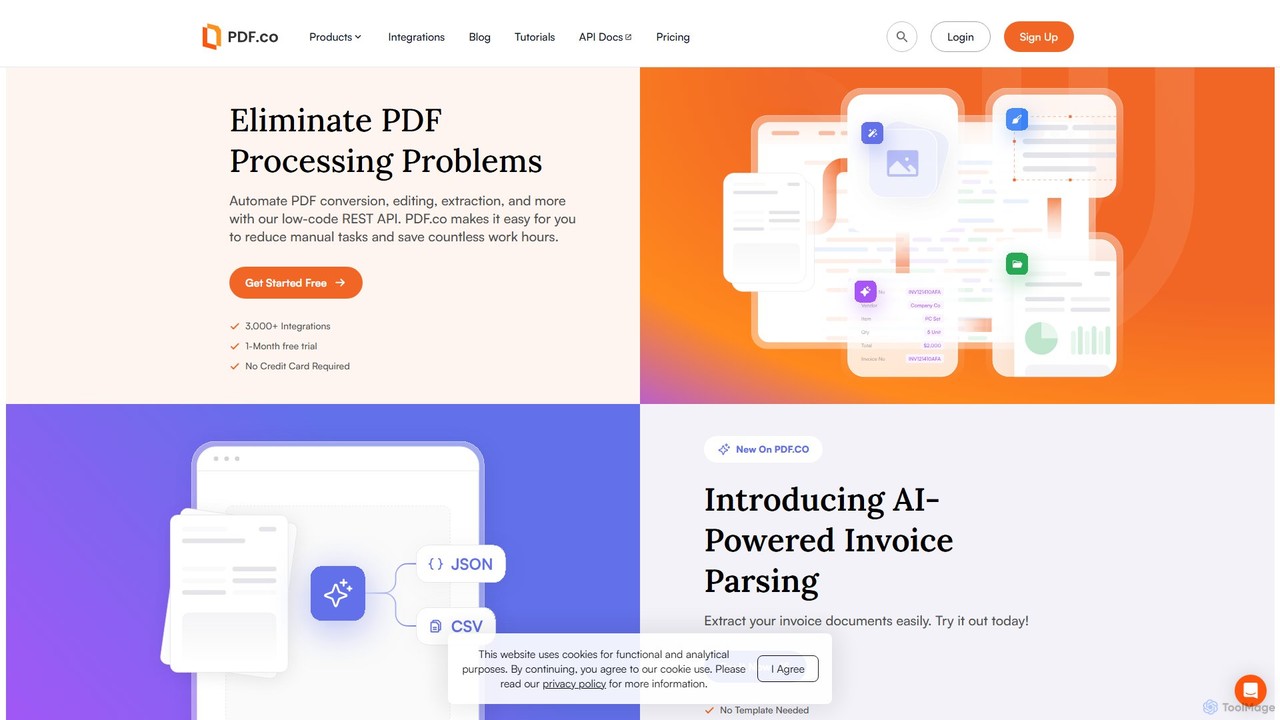
PDF.co is a powerful REST API platform for developers and businesses to automate all PDF-related tasks. It enables PDF data extraction, editing, conversion, creation, and form filling. Featuring AI-powered invoice parsing and seamless integration with over 3,000 platforms like Zapier and Make, it helps eliminate manual work and streamline document workflows.
Automation
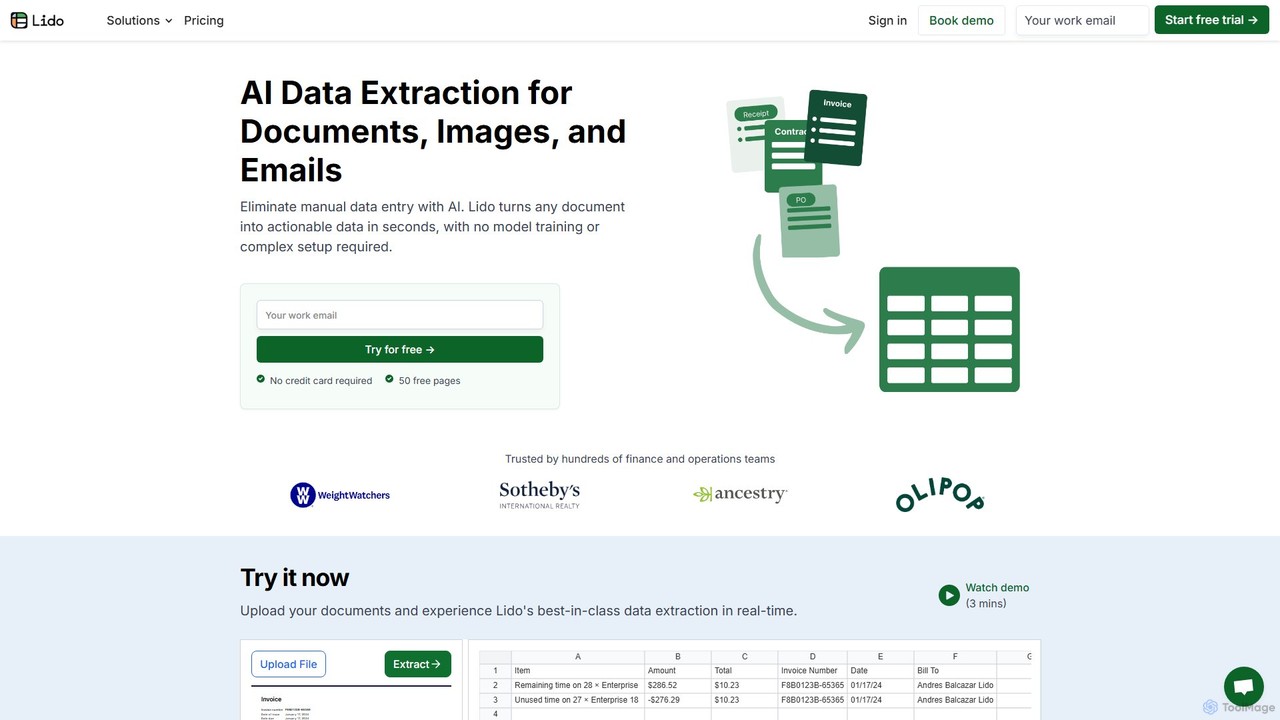
Lido
Lido is an AI-powered data extraction tool that automates the process of pulling information from any document, including PDFs, invoices, and images, into structured formats like Excel and CSV. It's template-free, fast, and designed for finance and operations teams to eliminate manual data entry and save significant time.
Document Management
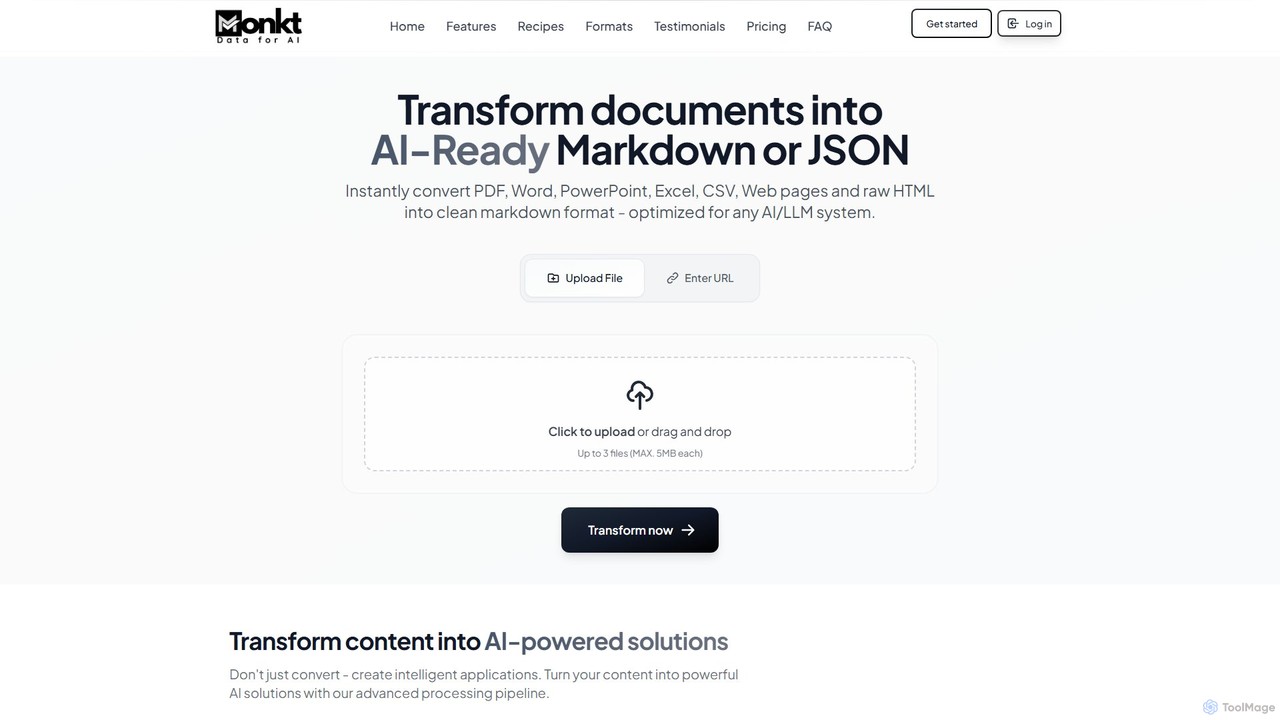
Monkt
Monkt is an AI-powered platform that transforms documents and websites into clean, AI-ready Markdown or structured JSON. It supports various formats like PDF, Word, and Excel, offering features like OCR, batch processing, and a REST API for automating data extraction and preparing datasets for LLM training.
Data Extraction
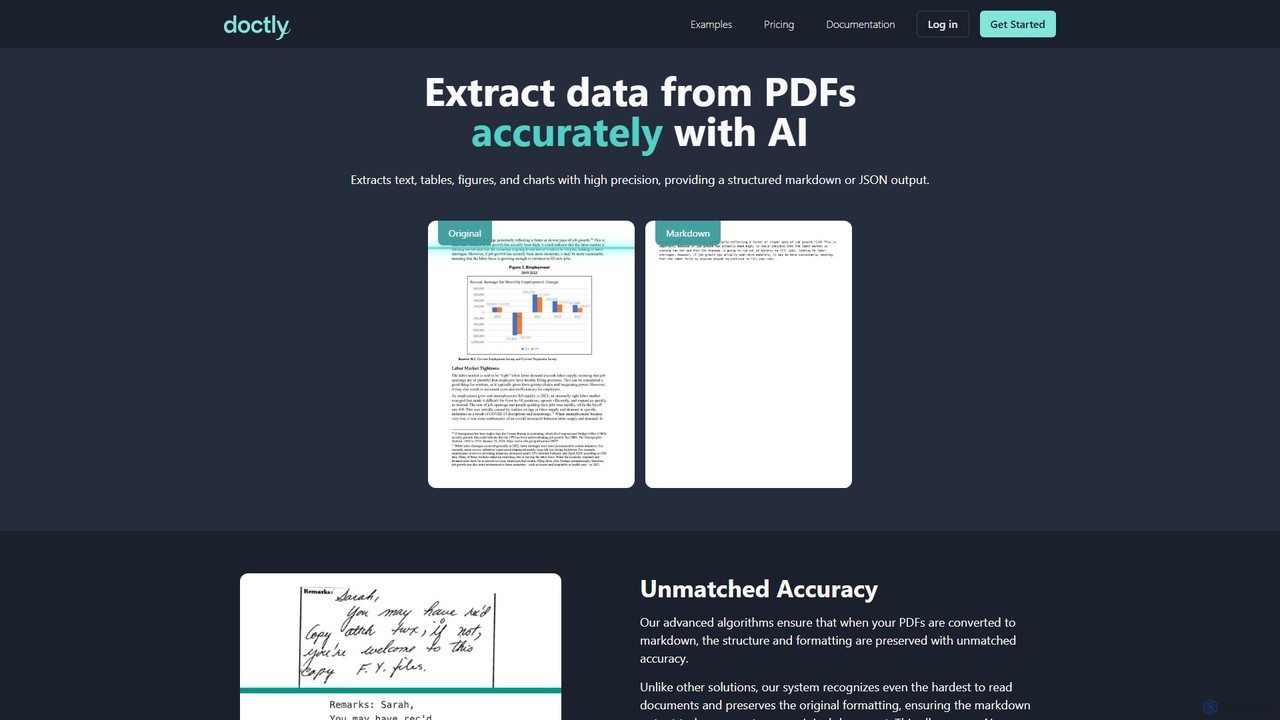
Doctly
Doctly is an AI-powered tool that accurately extracts data from PDFs and other documents. It converts text, tables, figures, and charts into structured Markdown or JSON, preserving original formatting. With a simple API and high precision, it's designed for developers and businesses to automate document processing workflows.
Data Extraction