

Sparkle
vs
ToolsMaverick
A comprehensive comparison of the core features, performance, user experience, and pricing strategies of two excellent AI tools
Providing objective and detailed selection advice based on real data and user feedback
Overview
Sparkle Overview
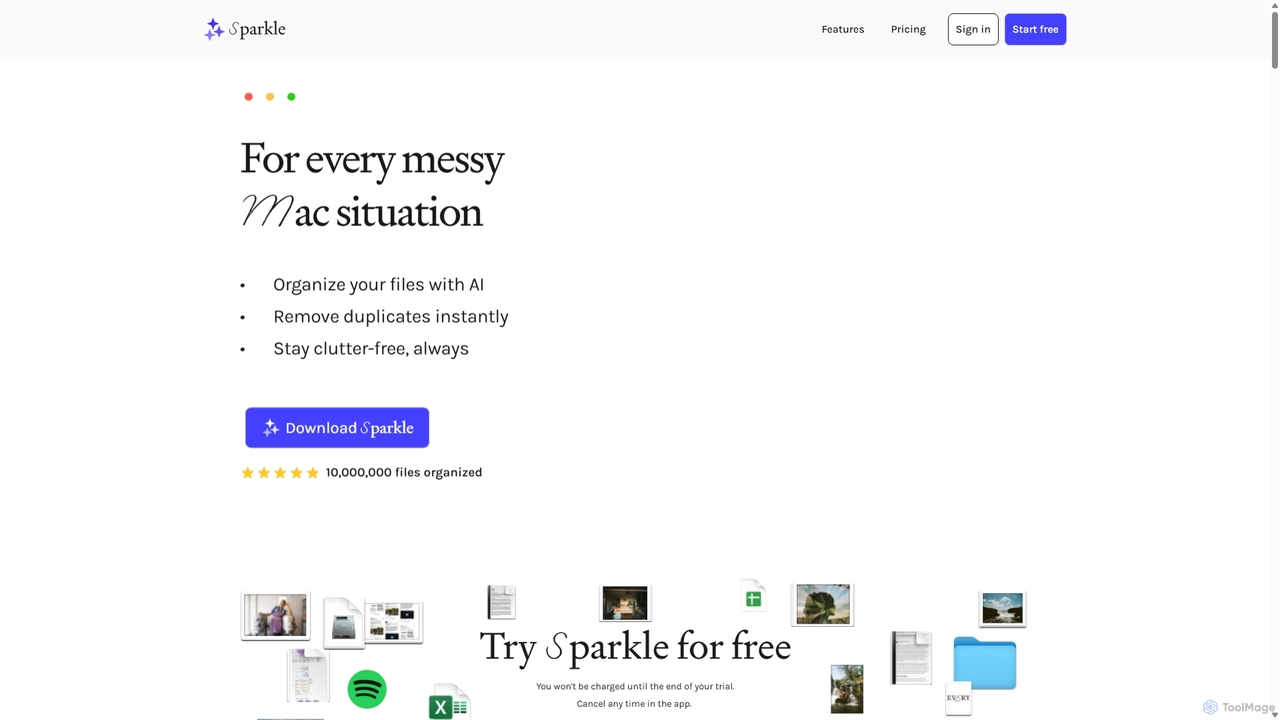
Tired of a messy Mac? Sparkle uses AI to automatically organize your Desktop, Downloads, and cloud files into smart folders. Find duplicates, save time, and stay clutter-free. Start your free trial today.
ToolsMaverick Overview
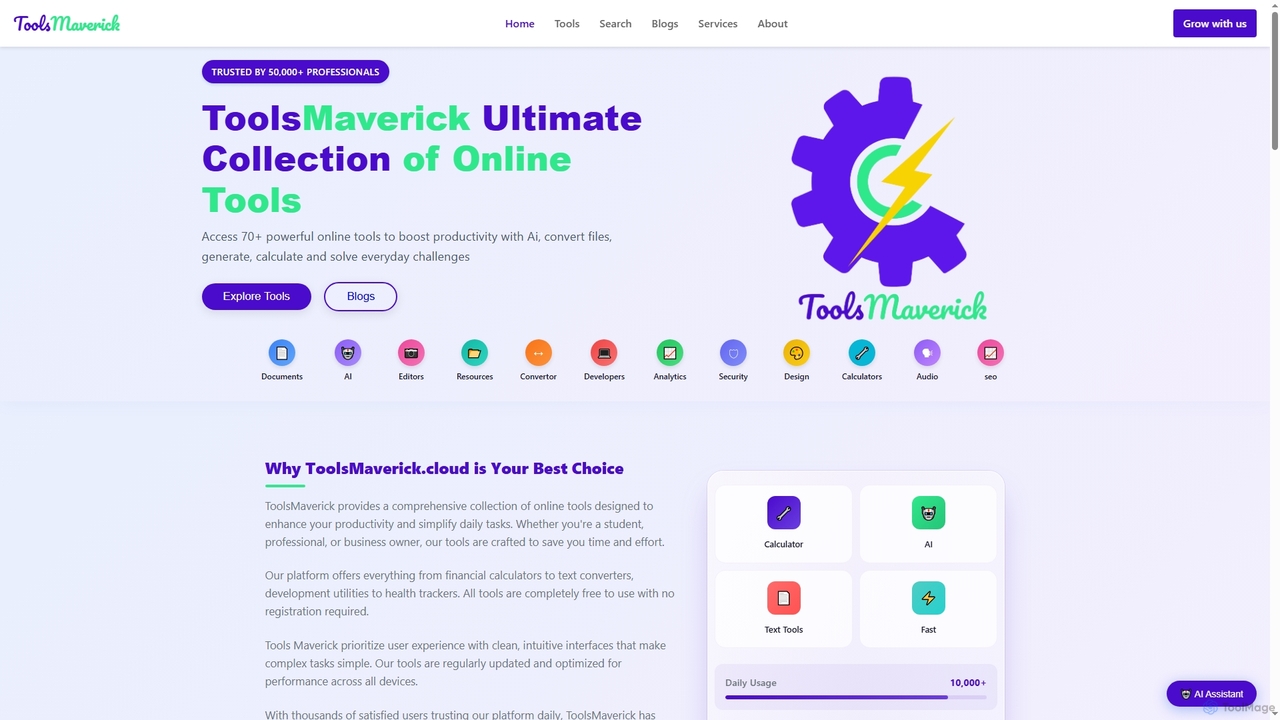
Access 70+ free online tools on ToolsMaverick for AI, calculators, converters, SEO, and more. Boost productivity with no sign-up, no ads, and no cost.
Detailed Feature Comparison
Comprehensive comparison of the core features and characteristics of two AI tools
| Features | Sparkle | ToolsMaverick |
|---|---|---|
| Main Categories | File Management | Online Tools |
| Inclusion Date | 2025-09-20 | 2025-11-23 |
| Pricing Type | Is Paid | Free |
| Official Website | https://makeitsparkle.co/ | https://toolsmaverick.cloud/ |
| Tool Type | Application | Website |
| Performance Data | ||
| User Rating | No Rating Yet | 5.0/5.0 |
| User Reviews | 0 reviews | 1 reviews |
| Monthly Visits | 19.5K | 2.9K |
| Details | View Details | View Details |
Compare Traffic / Monthly Visits
Sparkle's traffic
Sparkle Current monthly visible visits are 19.5K.
Latest Traffic
Monthly Traffic Trend
Geography
Top 5 Countries/Regions
| Country/Region | Percentage | Traffic |
|---|---|---|
|
🇺🇸
United States
|
57.91% | 11.3K |
|
🇬🇧
United Kingdom
|
17.35% | 3.4K |
|
🇩🇪
Germany
|
9.30% | 1.8K |
|
🇨🇦
Canada
|
7.76% | 1.5K |
|
🇮🇳
India
|
7.68% | 1.5K |
Traffic source
| Source Type | Percentage | Traffic |
|---|---|---|
|
Direct Access
|
76.08% | 14.8K |
|
Referral
|
22.11% | 4.3K |
|
Email
|
1.81% | 352 |
Popular Keywords
ToolsMaverick's traffic
ToolsMaverick Current monthly visible visits are 2.9K. This value comes from on-site visit statistics, with no complete third-party traffic analysis available.
Latest Traffic
Usage Comparison
Compare Sparkle and ToolsMaverick 's Advantages
Sparkle's Core Features
ToolsMaverick's Core Features
Use Cases
Understand the specific application scenarios and functional characteristics of the two AI tools
Sparkle Use Cases
ToolsMaverick Use Cases
Applicable Job
Learn which professions and roles are suitable for using these two AI tools
Sparkle Applicable Job
ToolsMaverick Applicable Job
User Review Comparison
User experience and reviews from real users
Sparkle User Reviews
No user reviews available
ToolsMaverick User Reviews
Thanks For Sharing ToolsMaverick.cloud at ToolMage We Really Appreciate Thanks Team ToolsMaverick
Sparkle vs ToolsMaverick:In-depth Comparison Analysis and Selection Recommendations
Comprehensive comparison and evaluation based on real data and user feedback
Market Performance and User Preference Analysis
- Core positioning: Sparkle leans more toward File Management, while ToolsMaverick leans more toward Online Tools.
- Traffic Signal: Sparkle currently has higher monthly traffic, serving as a reference for market attention.
- Rating signals are based only on reviewed comments; tools without reviews will not default to a 5-star rating.
Sparkle has about 19.5K monthly visits, higher than ToolsMaverick at 2.9K. Use this as a signal of market attention, not as product quality by itself.
In-depth Analysis of User Engagement
Sparkle has relatively complete traffic analysis records, while ToolsMaverick currently uses on-platform monthly visits as the primary reference.
User Reviews vs. Community Feedback
Sparkle has no reviewed ratings yet. ToolsMaverick has 1 approved reviews with an average rating of 5.0/5.0.
Product Positioning and Application Scenario Analysis
Sparkle is in File Management with a Is Paid pricing model; ToolsMaverick is in Online Tools with a Free pricing model. Prioritize fit for your specific tasks rather than traffic or default ratings alone.
Frequently Asked Questions
FAQs about these two tools to help you better understand their features and differences
What are the biggest differences between the two?
Sparkle is primarily positioned in File Management, while ToolsMaverick is primarily positioned in Online Tools. Which one suits you depends on which type of use case and workflow you need more.
Which tool is better to try first?
If budget-sensitive, you can try ToolsMaverick first; if the features don't match, then evaluate the other tool.
How should ratings and traffic data be interpreted?
Ratings only count reviewed user comments; no default 5-star rating is given when there are no comments. Traffic is used to gauge market attention but cannot solely represent product quality.
Related Tool Recommendations
Discover more excellent AI tools of the same kind

PictTools
Free online photo editor with a suite of essential image tools including background remover, color changer, and format …
Free online photo editor with a suite of essential image tools including background remover, color changer, and format converter. All tools run in your browser with no sign-up or watermarks.
Audexa
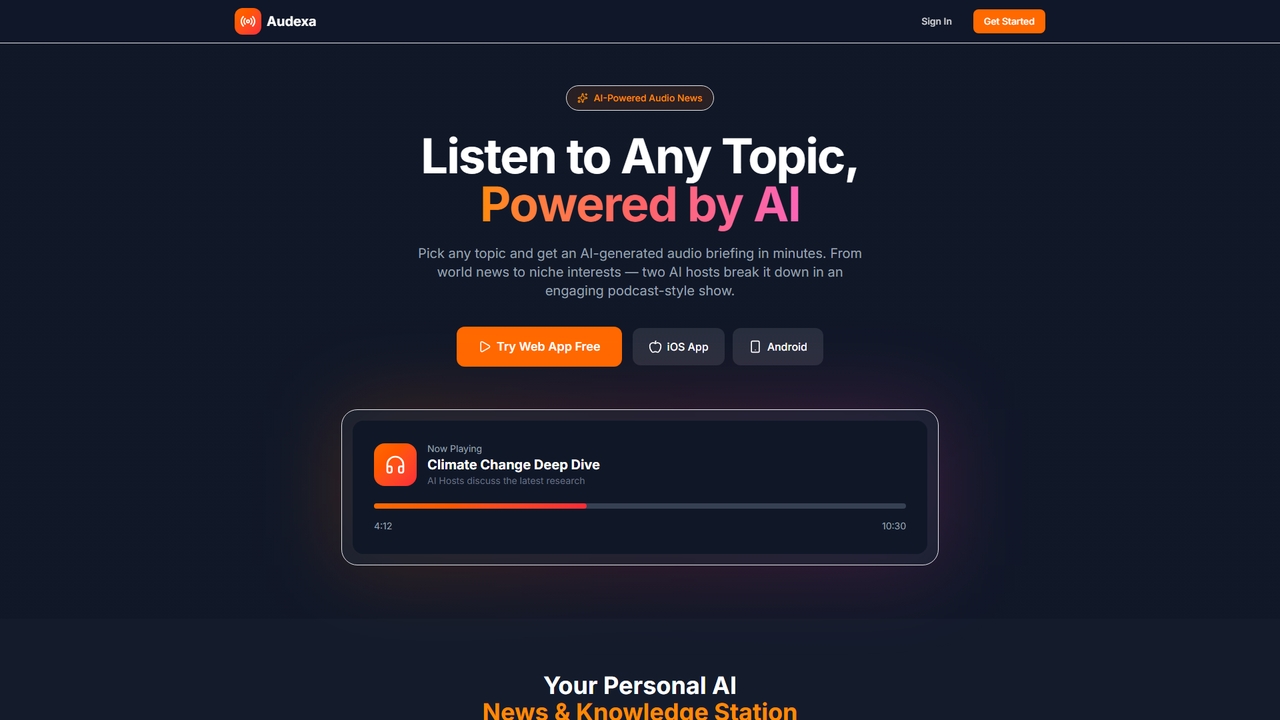
Audexa is an AI-powered audio briefing tool that transforms any topic into engaging, podcast-style discussions featuring two AI …
Audexa is an AI-powered audio briefing tool that transforms any topic into engaging, podcast-style discussions featuring two AI hosts. Get personalized news, deep dives, and email/calendar summaries in minutes across web and mobile apps.
Raccoon AI
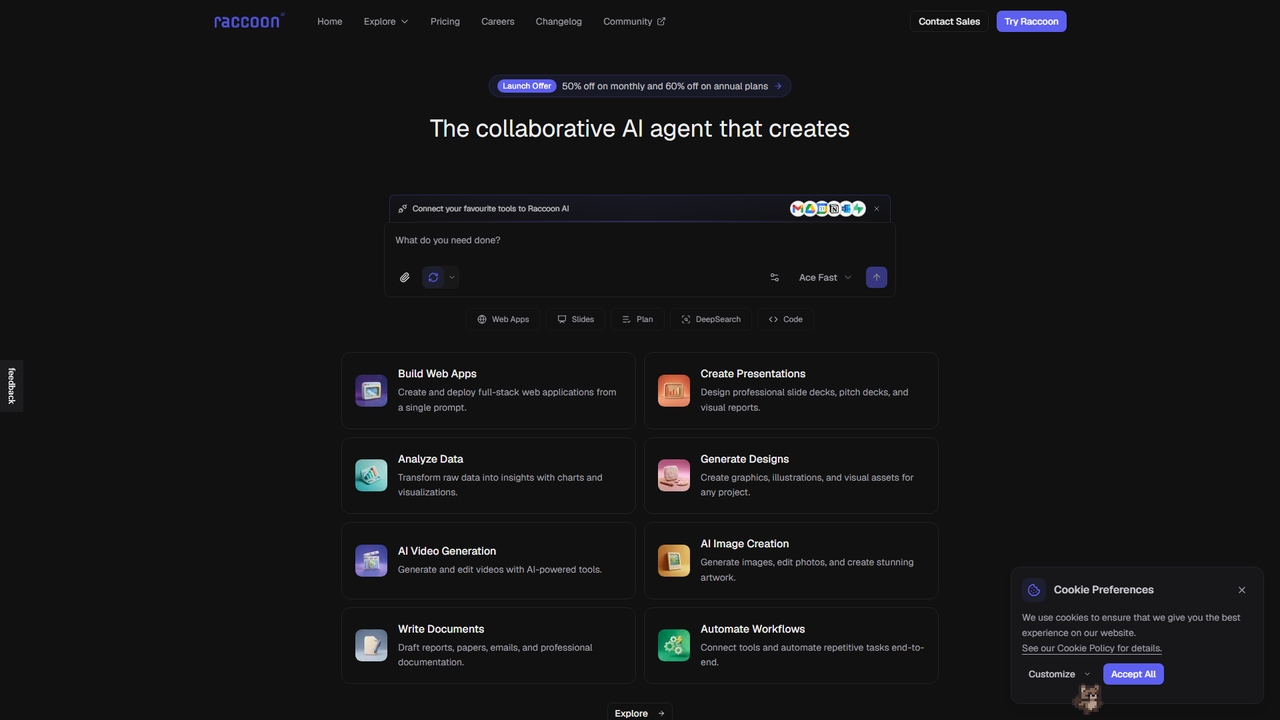
Raccoon AI is a collaborative AI workspace that transforms conversations into web applications, presentations, reports, and designs. It …
Raccoon AI is a collaborative AI workspace that transforms conversations into web applications, presentations, reports, and designs. It integrates with your favorite tools to automate and execute complex creative and technical tasks.

Yansu
Yansu is a proactive AI application builder that observes your work habits and automatically constructs custom tools and …
Yansu is a proactive AI application builder that observes your work habits and automatically constructs custom tools and workflows, requiring no prompts or coding. It operates quietly in the background to enhance productivity.

Mimo
An interactive, AI-powered coding learning platform trusted by over 35 million learners. It offers structured career paths in …
An interactive, AI-powered coding learning platform trusted by over 35 million learners. It offers structured career paths in full-stack, Python, front-end, and back-end development through step-by-step lessons, hands-on practice, and real-world projects.
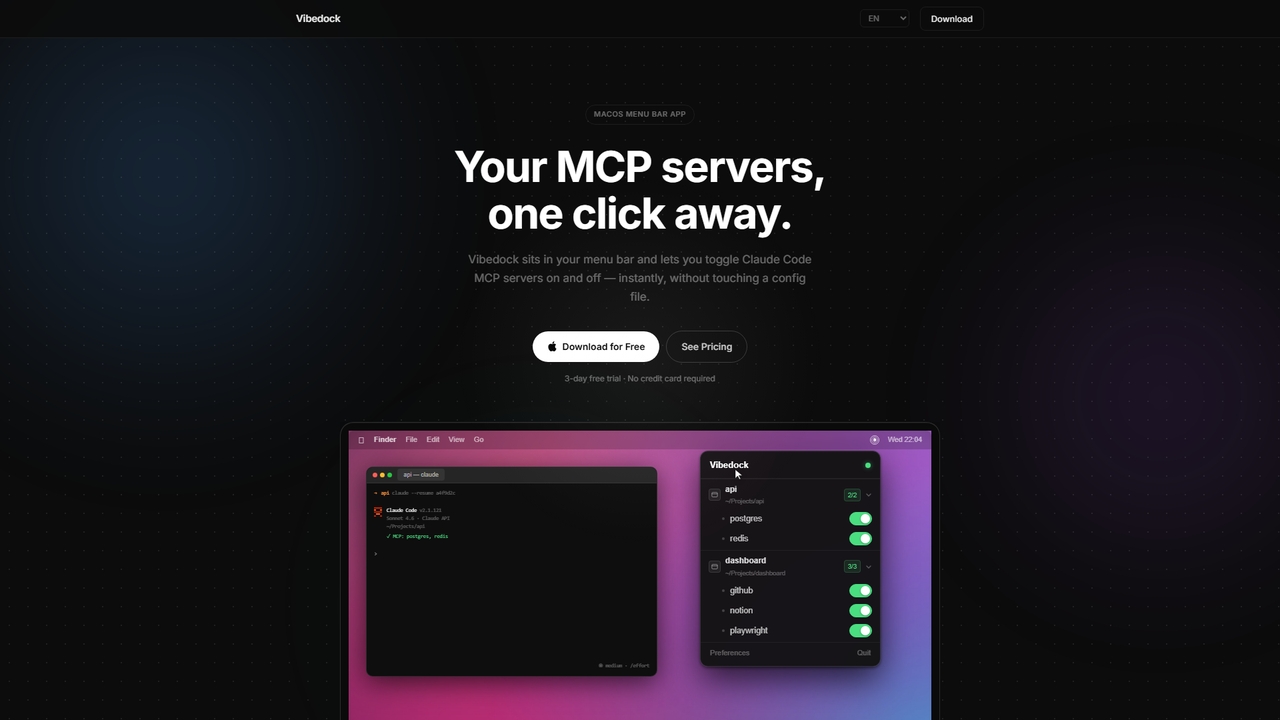
Vibedock
A macOS menu bar application for developers to instantly toggle Claude MCP servers on or off per project, …
A macOS menu bar application for developers to instantly toggle Claude MCP servers on or off per project, saving context window tokens and eliminating manual config file editing.
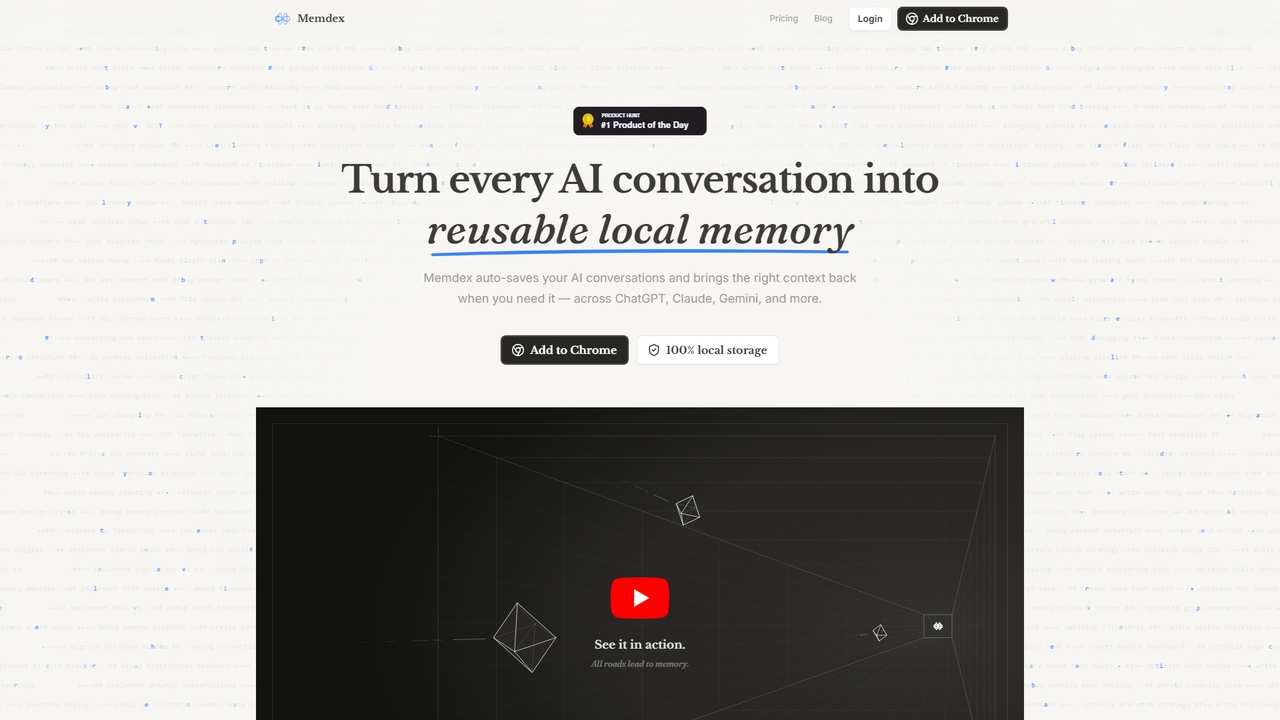
Memdex
A Chrome extension that saves your AI conversations from ChatGPT, Claude, and Gemini, automatically suggesting relevant context in …
A Chrome extension that saves your AI conversations from ChatGPT, Claude, and Gemini, automatically suggesting relevant context in new chats to enhance productivity.
TongueType
TongueType is a 100% private, offline voice dictation app for macOS. It uses the Whisper AI model locally …
TongueType is a 100% private, offline voice dictation app for macOS. It uses the Whisper AI model locally on Apple Silicon, requiring no cloud, accounts, or subscriptions. Simply hold a hotkey, speak, and your words appear instantly. It's free forever, with a one-time Pro upgrade.
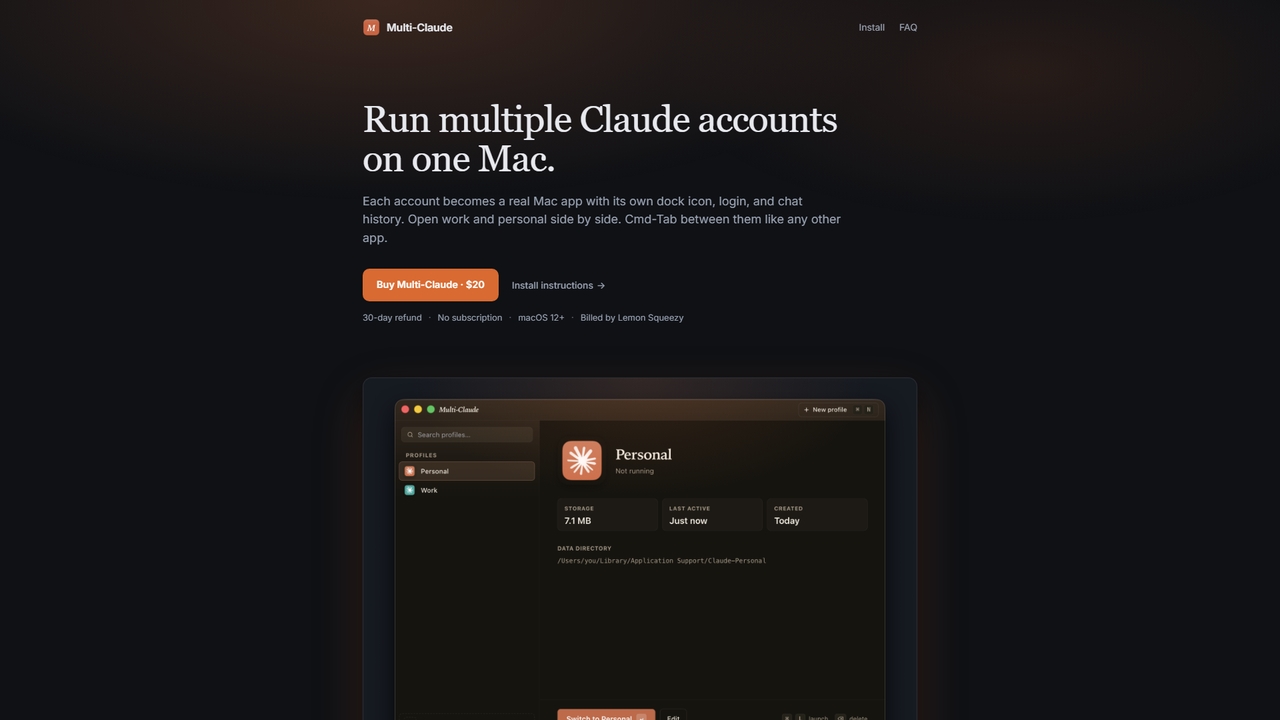
Multi-Claude
Multi-Claude is a macOS application that allows users to run multiple Claude Desktop accounts simultaneously on a single …
Multi-Claude is a macOS application that allows users to run multiple Claude Desktop accounts simultaneously on a single Mac. Each account functions as an independent app with its own dock icon, login credentials, and chat history, enabling seamless switching via Cmd-Tab without logging out.
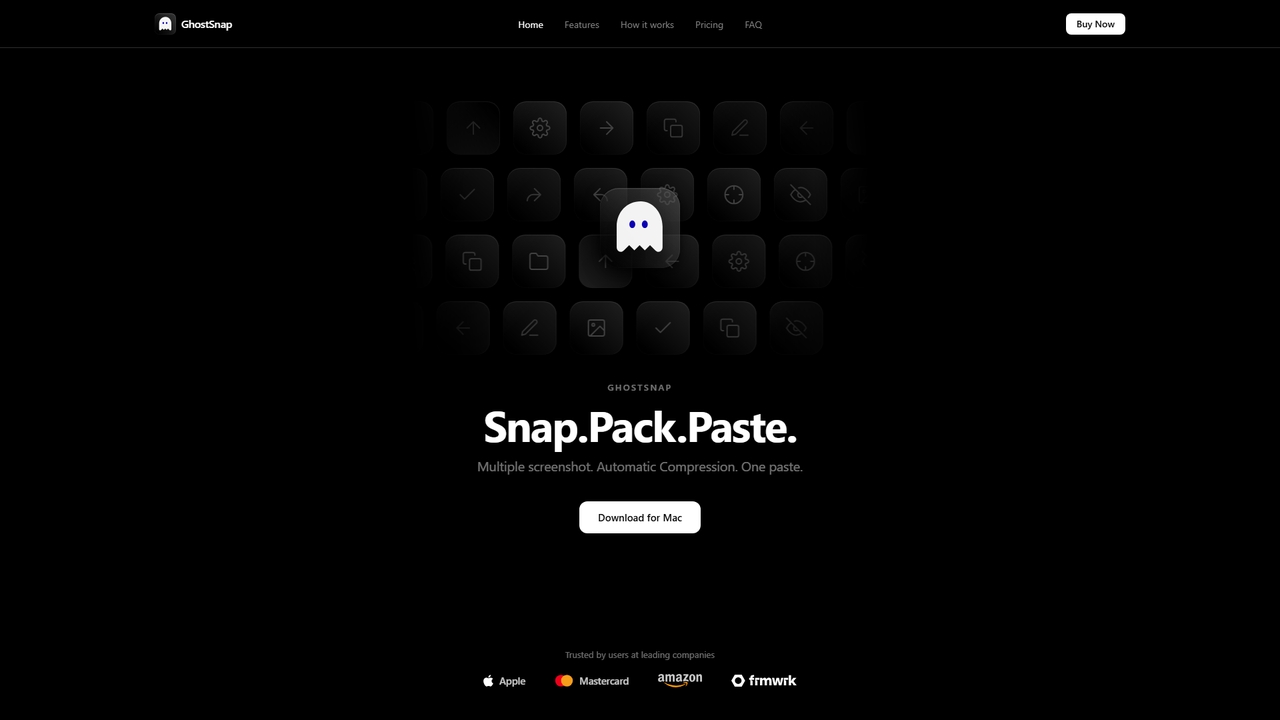
GhostSnap
GhostSnap is a macOS productivity tool that streamlines screenshot workflows. It allows users to capture multiple screenshots, automatically …
GhostSnap is a macOS productivity tool that streamlines screenshot workflows. It allows users to capture multiple screenshots, automatically compresses them to save space and reduce token usage in AI tools, and pastes them all with a single command. It also features on-device OCR text extraction and image annotation.
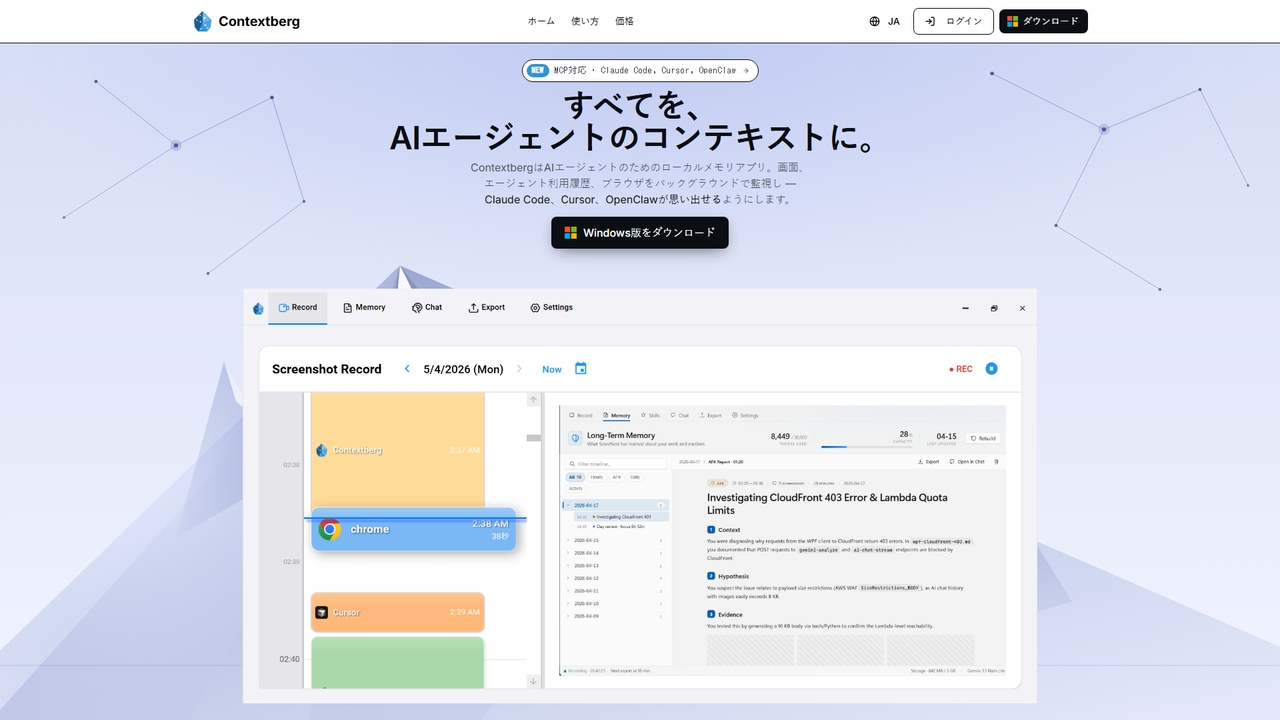
Contextberg
A local-first memory application for AI agents. It monitors screen activity, inputs, and browser usage in the background …
A local-first memory application for AI agents. It monitors screen activity, inputs, and browser usage in the background to provide context via MCP to coding agents like Claude Code, Cursor, and OpenClaw, enhancing productivity by eliminating repetitive re-entry.
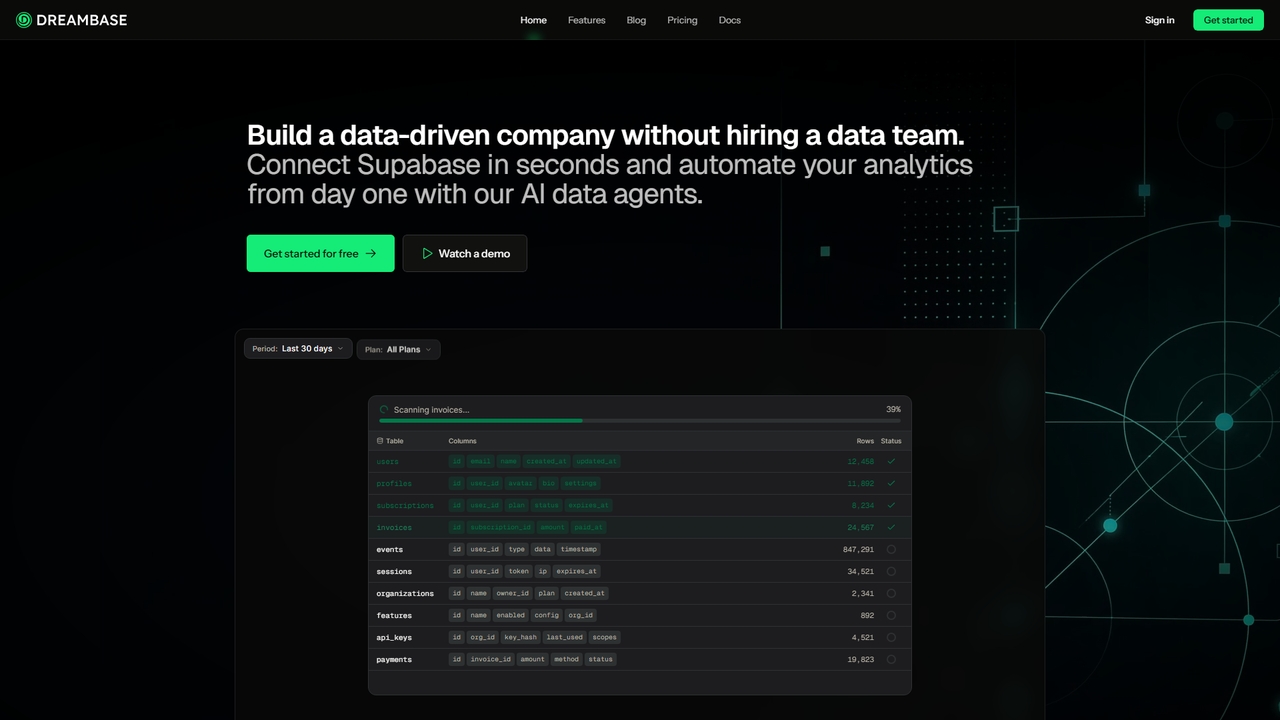
Dreambase
An AI-native analytics platform that connects directly to your Supabase database, providing instant dashboards, reports, and actionable insights …
An AI-native analytics platform that connects directly to your Supabase database, providing instant dashboards, reports, and actionable insights with minimal setup.
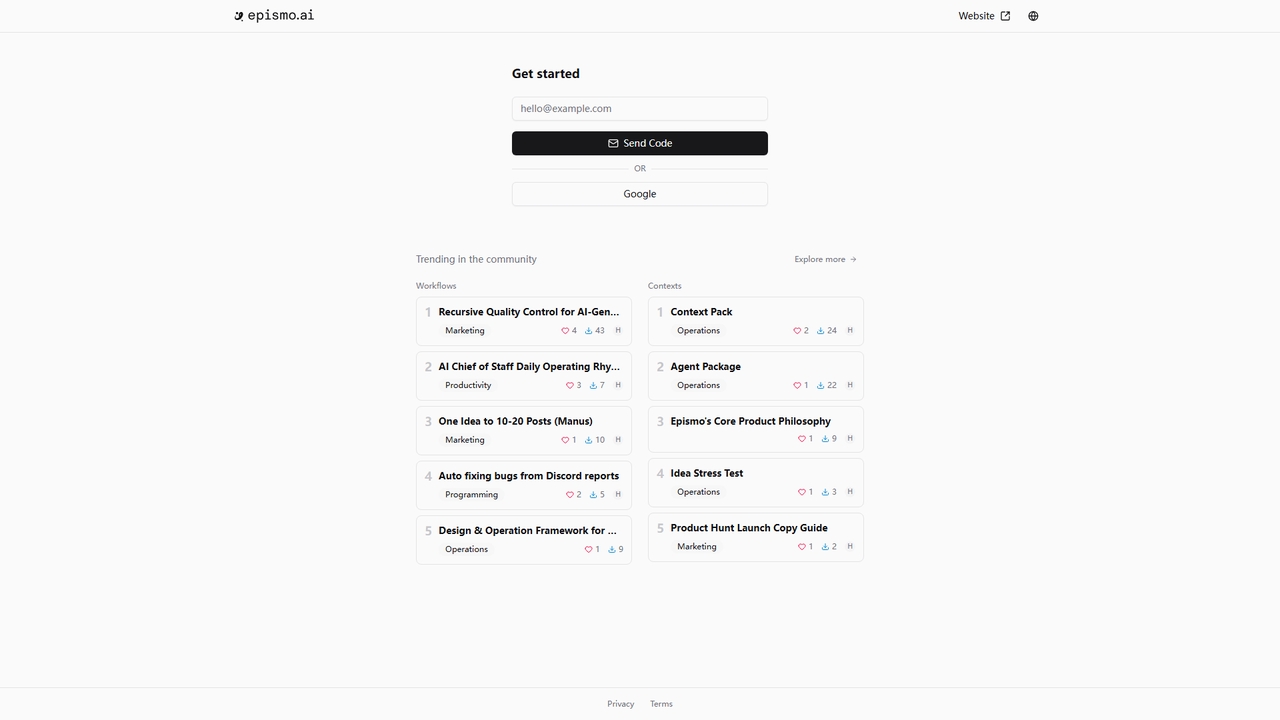
Epismo
A workflow platform for AI agents, offering ready-to-use templates for marketing, productivity, programming, and operations.
A workflow platform for AI agents, offering ready-to-use templates for marketing, productivity, programming, and operations.
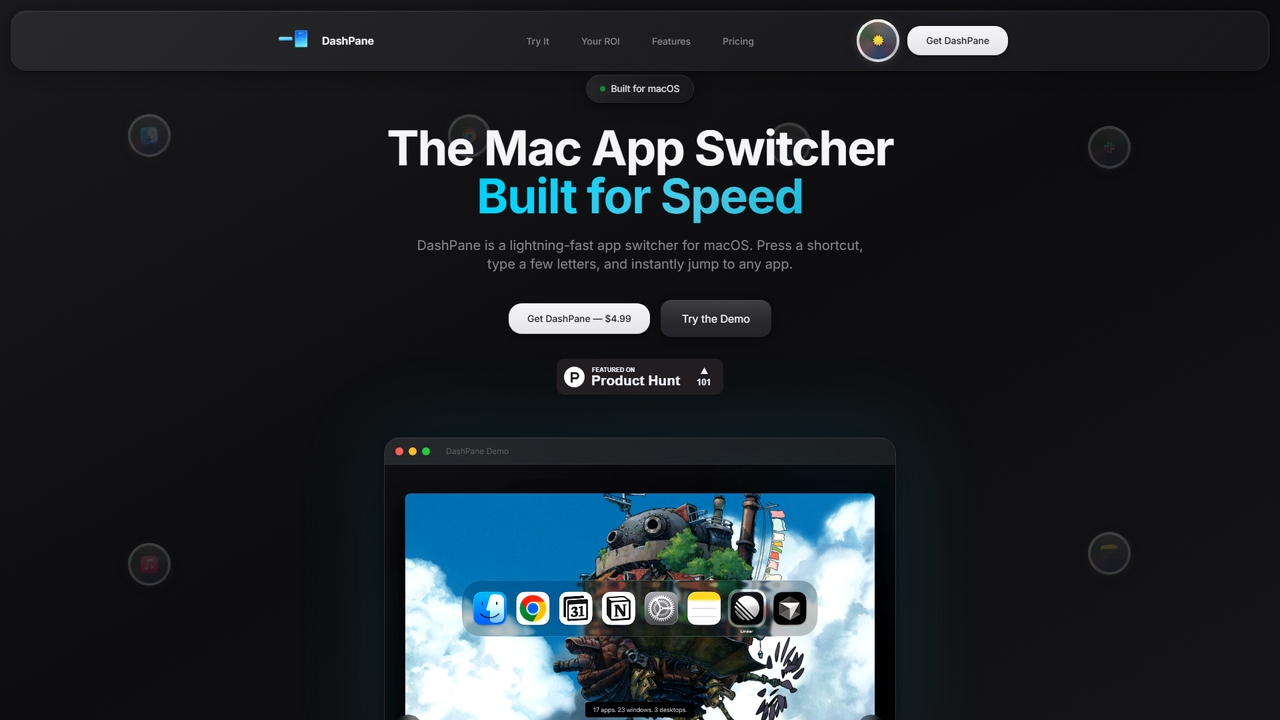
Dashpane
Dashpane is a lightning-fast, keyboard-first application and window switcher for macOS. It replaces the default Cmd+Tab behavior with …
Dashpane is a lightning-fast, keyboard-first application and window switcher for macOS. It replaces the default Cmd+Tab behavior with a visually enhanced interface, groups windows by app, and offers instant fuzzy search to streamline workflow and save significant time for power users.
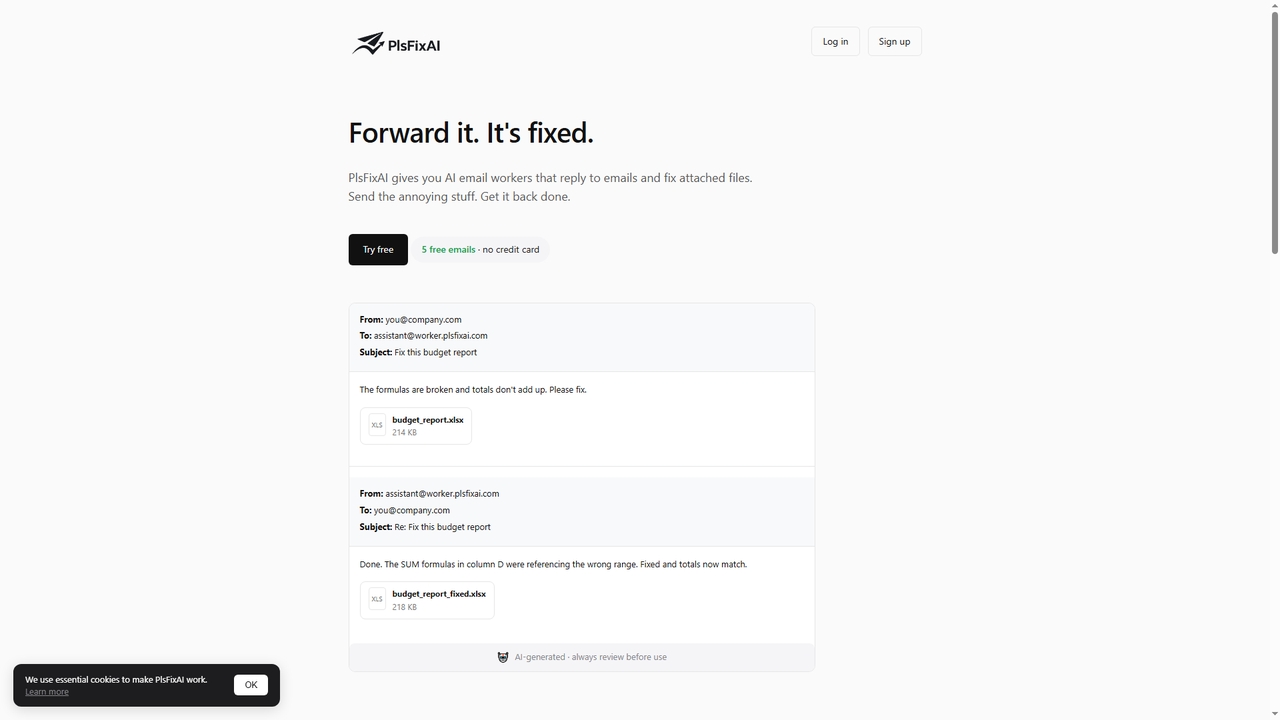
PlsFixAI
PlsFixAI is an AI-powered email assistant that automates tedious email tasks. Forward emails or CC your dedicated AI …
PlsFixAI is an AI-powered email assistant that automates tedious email tasks. Forward emails or CC your dedicated AI worker, and it will reply with drafts, fix errors in attached documents (PDFs, Word, Excel), summarize reports, and proofread text. It's designed to handle routine work so you can focus on what matters.