

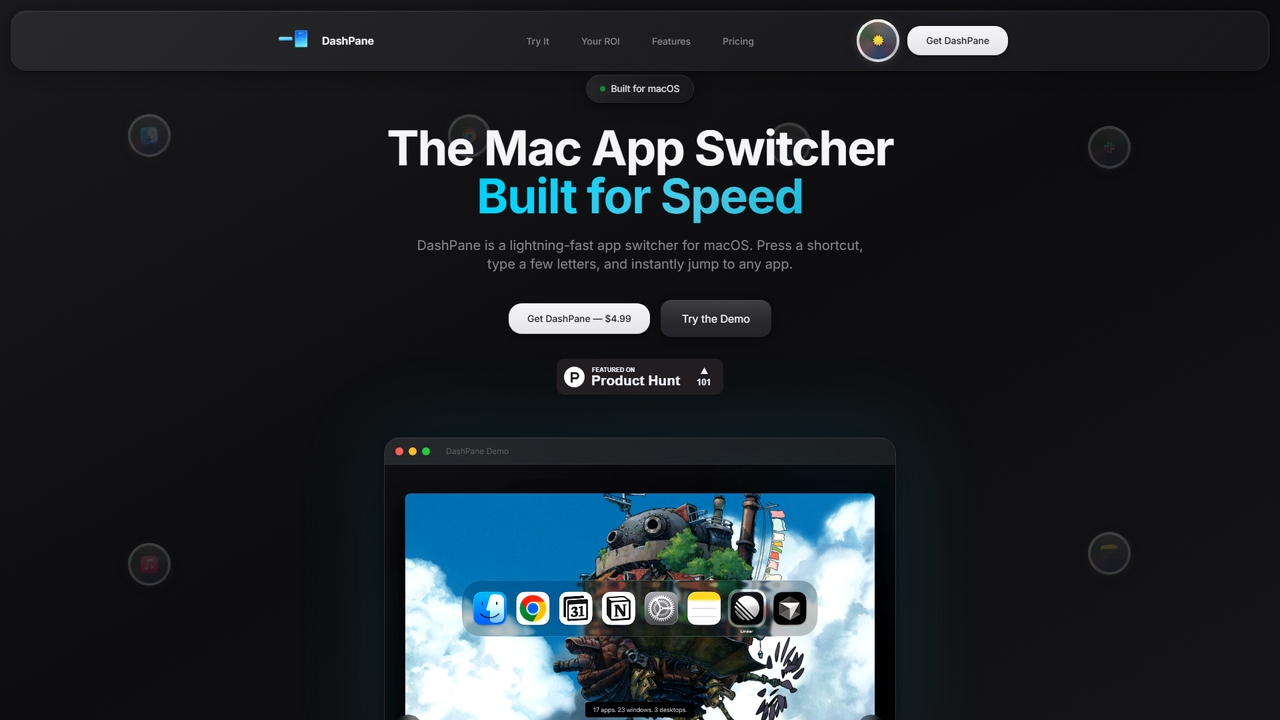
Dashpane Overview
Dashpane is a meticulously crafted macOS utility designed to revolutionize how users switch between applications and windows. Built from the ground up for speed and efficiency, it addresses the limitations of macOS's native app switcher and Mission Control by providing a keyboard-centric, intuitive, and visually organized method to navigate your desktop. It's built for power users, developers, and anyone who values a seamless and productive workflow, actively maintained with frequent updates and day-one support for new macOS versions.
How to use Dashpane
After installation, Dashpane integrates seamlessly into your macOS environment. You primarily interact with it using keyboard shortcuts: press Cmd+Tab to replace the default macOS app switcher with Dashpane's enhanced panel showing all windows grouped by application. Alternatively, press Ctrl+Space to open a fuzzy search bar where you can type a few letters of an app name, window title, or even a conversation participant's name (e.g., in iMessage) to find and switch instantly. For a mouse/trackpad-driven overview, move your cursor to either bottom corner of the screen and scroll with two fingers to reveal a sidebar showing all open windows.
Core Features of Dashpane
- Enhanced Cmd+Tab Replacement: Overrides the native macOS app switcher to show all windows of the same application with detailed previews.
- Instant Fuzzy Search (Ctrl+Space): Search open windows by typing partial matches of app names, file names, or content identifiers.
- Edge-Scroll Sidebar Activation: Hover and scroll at the bottom-left or bottom-right screen corner to reveal all windows visually.
- App-Grouped Window Management: Organizes all open windows neatly under their parent application for clear overview and quick access.
- Native macOS Integration & Optimization: Built with the native Accessibility API, supports light/dark modes, and is optimized for Apple Silicon.
- Privacy-First & Lightweight: Collects no data or analytics, runs silently with a minimal memory footprint.
Use Cases for Dashpane
Dashpane is ideal for professionals who work with many applications and windows simultaneously. Software developers can quickly jump between IDE windows, terminals, and documentation. Writers and researchers can swiftly navigate between multiple documents, browsers, and reference managers. Customer support agents or project managers can instantly find specific conversation windows in messaging apps. Any power user frustrated with the time spent cycling through Cmd+Tab or hunting in Mission Control will find immediate efficiency gains.
Advantages of Dashpane
Dashpane's primary advantage is significant time savings, estimated at up to 12 hours per year for frequent switchers. Its keyboard-first design keeps hands on the keyboard, maintaining flow state. The clean, native macOS design ensures it feels like a natural part of the system. Unlike abandoned utilities, it boasts a transparent commitment to active maintenance, quick feature updates based on user feedback, and immediate support for new macOS releases. It is built and used daily by its developer, ensuring practical, user-centric improvements.
Pricing and Plans
Dashpane follows a simple, one-time purchase model with no subscriptions. A lifetime license is available for a single payment of $4.99. This purchase includes the current version, all future updates, and priority email support. The tool works fully offline after activation.
Dashpane FAQ
Dashpane Alternatives
Hiperyon
Hiperyon is an AI tool that provides a unified contextual memory layer for multiple Large Language Models (LLMs) like ChatGPT, Claude, and Gemini. It enhances productivity by allowing users to switch between different AI models without losing context or repeating information, ensuring consistent and efficient interactions.
Context Management
Brain.fm
Brain.fm provides science-backed functional music designed to dramatically improve focus, sleep, and relaxation. Using patented AI technology, it creates audio that influences brainwaves, helping you enter desired mental states like deep work or restorative sleep in minutes. It's proven more effective than mainstream music playlists for productivity and is supported by the National Science Foundation.
Study
Happycapy
Happycapy is an agent-native computer platform that allows AI agents to learn and adapt to your workflows. It provides a visual desktop interface where AI agents can perform tasks directly in your browser, from design and writing to automation, delivering results to your inbox while you maintain full control and visibility over the process.
Workflow
Notion
Notion is an all-in-one AI workspace that combines notes, docs, project management, and wikis into a single, highly customizable platform. It empowers teams and individuals to organize information, manage projects, and collaborate more effectively, all within a flexible, block-based editor enhanced with powerful AI capabilities.
Knowledge Management
Microsoft Copilot
Microsoft Copilot is your everyday AI companion, enhancing productivity and creativity. It provides intelligent search, content generation, and image creation capabilities by leveraging the latest AI models like GPT-4 and DALL-E 3. Integrated across the Microsoft ecosystem, it assists with writing, coding, planning, and design tasks.
Image GeneratorDashpane Categories
Dashpane Jobs
Dashpane Embed Widget
Copy this embed code to place the badge on your blog, article, or product site and send readers directly to this ToolMage detail page.

Related AI tools
Hiperyon
Hiperyon is an AI tool that provides a unified contextual memory layer for multiple Large Language Models (LLMs) like ChatGPT, Claude, and Gemini. It enhances productivity by allowing users to switch between different AI models without losing context or repeating information, ensuring consistent and efficient interactions.
Context ManagementBrain.fm
Brain.fm provides science-backed functional music designed to dramatically improve focus, sleep, and relaxation. Using patented AI technology, it creates audio that influences brainwaves, helping you enter desired mental states like deep work or restorative sleep in minutes. It's proven more effective than mainstream music playlists for productivity and is supported by the National Science Foundation.
StudyHappycapy
Happycapy is an agent-native computer platform that allows AI agents to learn and adapt to your workflows. It provides a visual desktop interface where AI agents can perform tasks directly in your browser, from design and writing to automation, delivering results to your inbox while you maintain full control and visibility over the process.
Workflow
Sparkle
Sparkle is an AI-powered Mac application that automatically organizes your files. It intelligently creates custom folder structures for your Desktop, Downloads, and cloud drives, sorting files into relevant categories. With built-in duplicate detection and a privacy-first approach, Sparkle eliminates digital clutter and saves you hours of manual organization.
Personal AssistantNotion
Notion is an all-in-one AI workspace that combines notes, docs, project management, and wikis into a single, highly customizable platform. It empowers teams and individuals to organize information, manage projects, and collaborate more effectively, all within a flexible, block-based editor enhanced with powerful AI capabilities.
Knowledge Management
Jyek
Jyek is an AI agent platform that understands objectives, creates execution plans, uses tools, and delivers verifiable results for complex, multi-step tasks.
AutomationMicrosoft Copilot
Microsoft Copilot is your everyday AI companion, enhancing productivity and creativity. It provides intelligent search, content generation, and image creation capabilities by leveraging the latest AI models like GPT-4 and DALL-E 3. Integrated across the Microsoft ecosystem, it assists with writing, coding, planning, and design tasks.
Image Generator
Typeless
Typeless is an intelligent AI voice dictation tool that transforms natural speech into polished, formatted text in real-time. It enhances productivity by automatically removing filler words, repetitions, and auto-correcting mid-sentence changes, making communication up to 4x faster than traditional typing.
Automation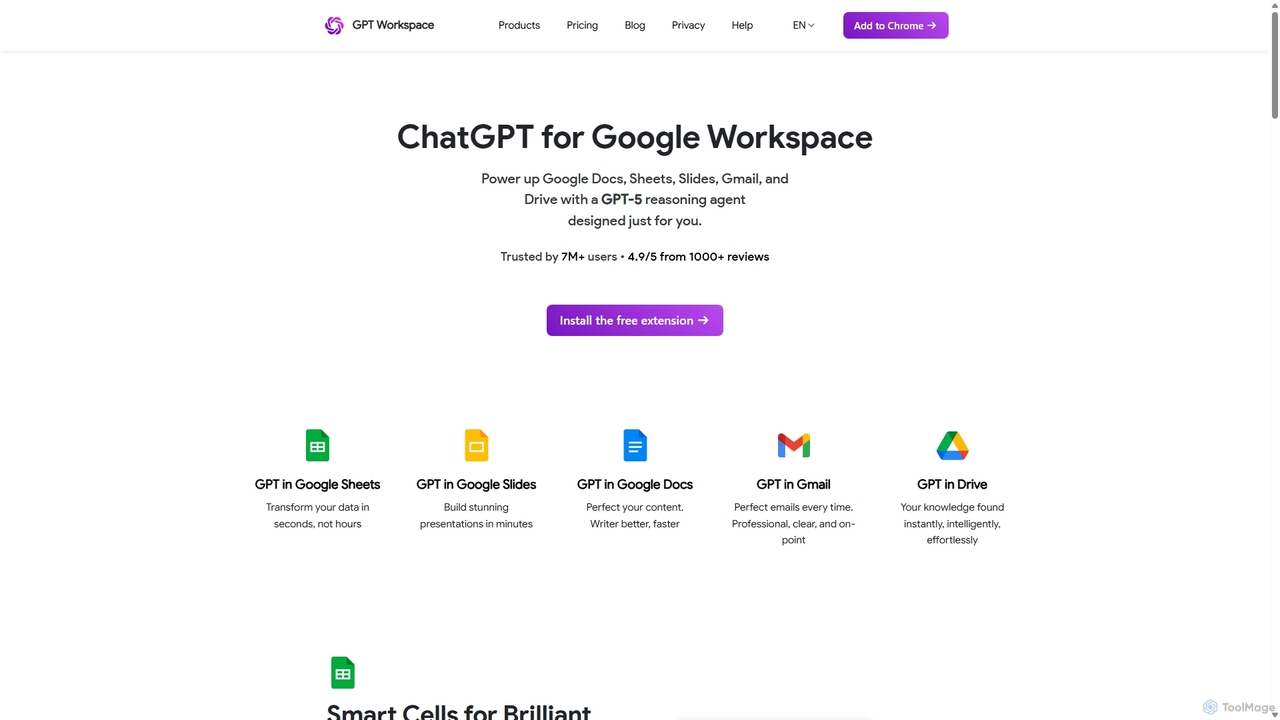
GPT Workspace
GPT Workspace integrates AI-powered features directly into Google Workspace applications like Docs, Sheets, Slides, and Gmail. It enhances productivity by automating content creation, data analysis, email drafting, and document editing, allowing users to leverage the power of models like GPT-4o seamlessly within their existing workflow.
Document Management
FlowTunes
FlowTunes is an AI-powered music and soundscape generator designed to enhance focus, productivity, and relaxation. It provides endless, non-distracting lo-fi beats and ambient sounds scientifically crafted to help you enter a state of deep work or 'flow'. Ideal for studying, coding, writing, or any task requiring concentration.
Music Generation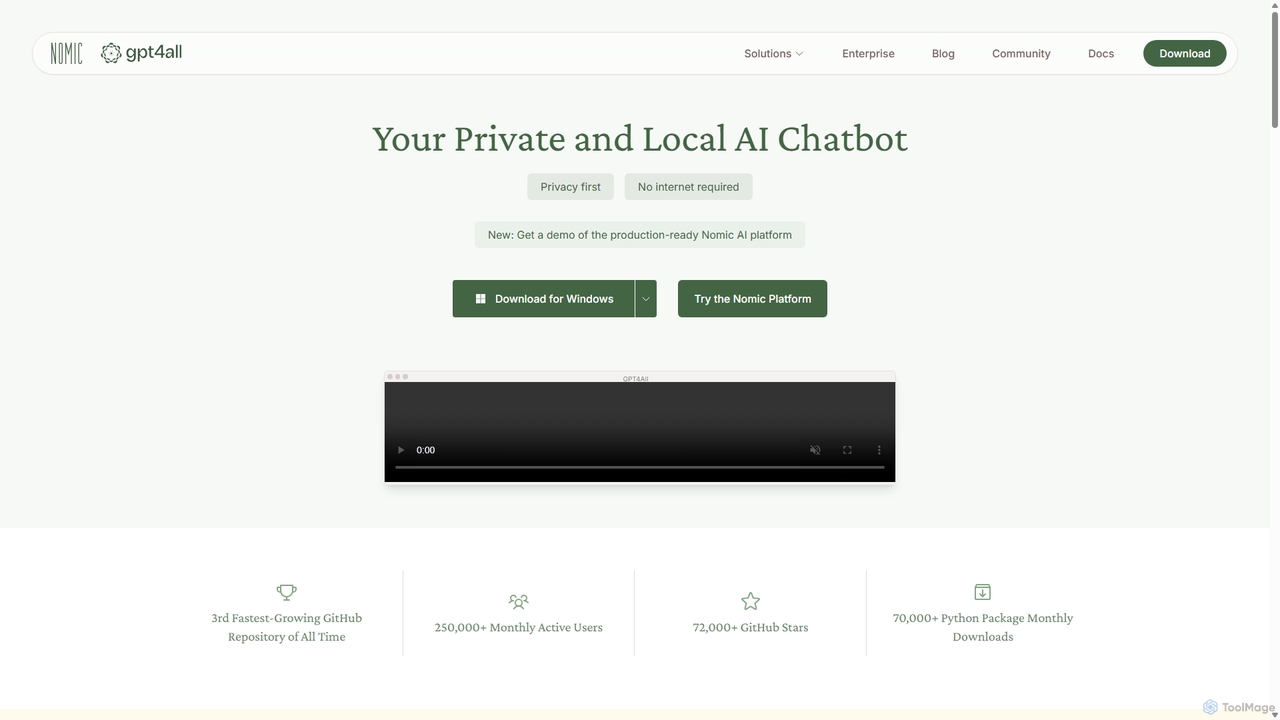
GPT4All
GPT4All is a free, open-source, and privacy-focused AI chatbot that runs powerful language models locally on your desktop. It works offline, ensuring your data never leaves your device, and allows you to chat with your own documents securely.
Machine Learning
Sandbar
Sandbar is an interface company that developed the Stream Ring, a voice-first smart ring for capturing thoughts, building ideas through conversational AI, and controlling music. It acts as a seamless extension of your mind for instant, private, and effortless interaction.
Voice Assistants
DynamicLake
DynamicLake is a powerful Mac application that brings the iPhone's iconic Dynamic Island experience to macOS, complete with Liquid Glass aesthetics. It transforms the menu bar into an interactive hub for notifications, media control, file management, system utilities, and live activities, enhancing productivity and workflow with a visually stunning and intuitive interface.
Notifications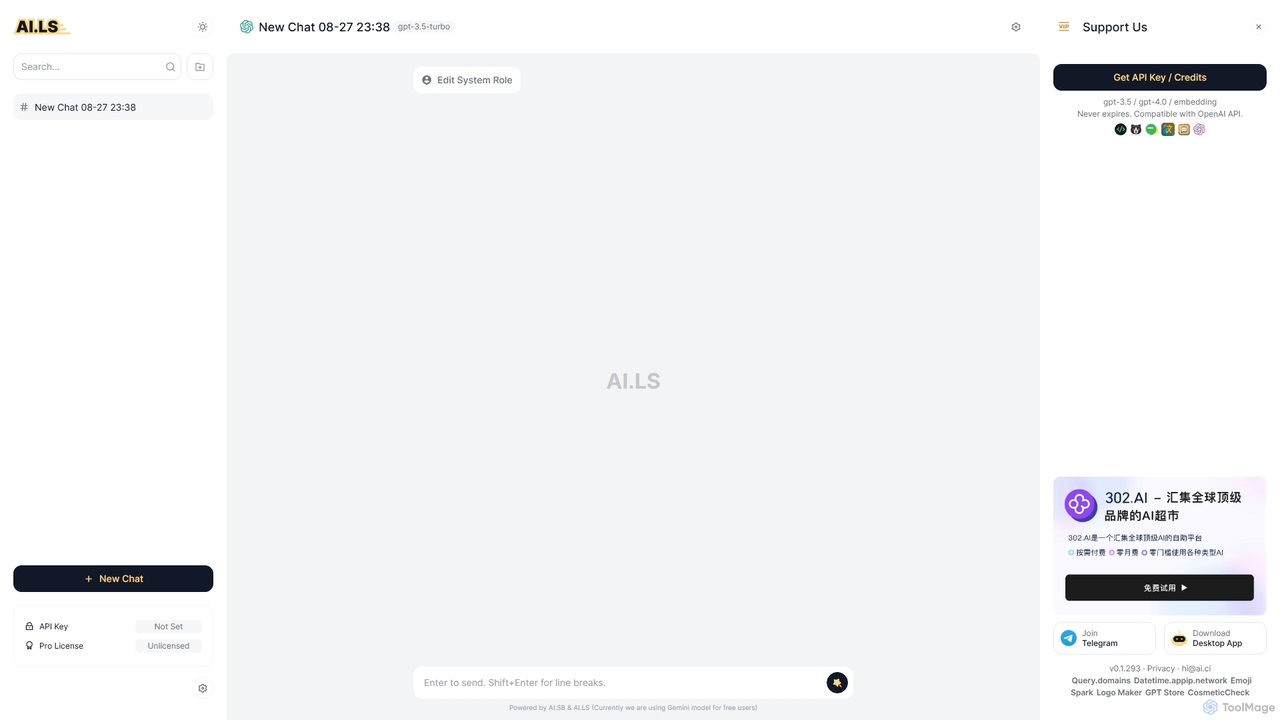
AI.LS
AI.LS is an elegant and powerful web-based user interface for interacting with advanced AI models like ChatGPT and Gemini. It serves as a superior alternative to standard chat interfaces, offering a free tier, advanced customization options, and support for using your own OpenAI API key for greater control and access.
Api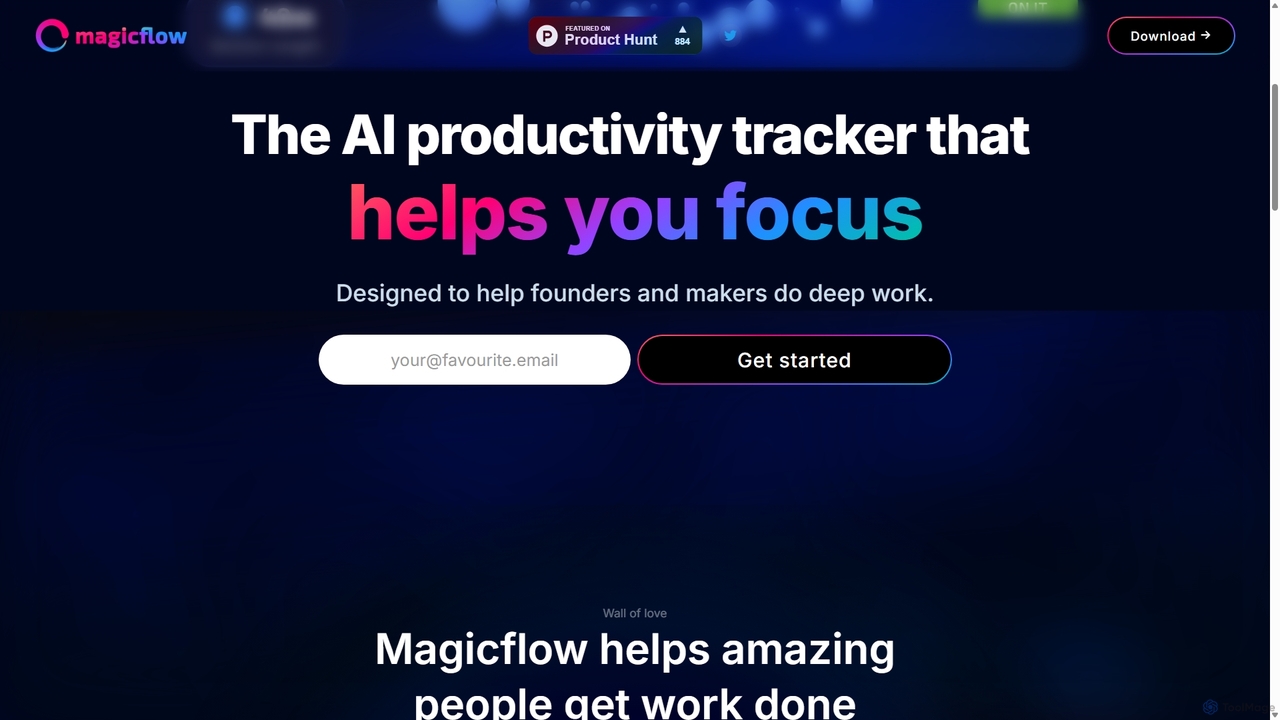
Magicflow
Magicflow is your personal AI productivity coach, designed to help you achieve deep focus and optimize your work habits. It goes beyond simple time tracking by analyzing your patterns, identifying distractions, and providing actionable insights to improve your efficiency, well-being, and help you enter a state of 'flow'.
Wellness Tracking
Dashpane Comments (0)
Sign in to comment.
Sign inNo comments yet.