
Freemium
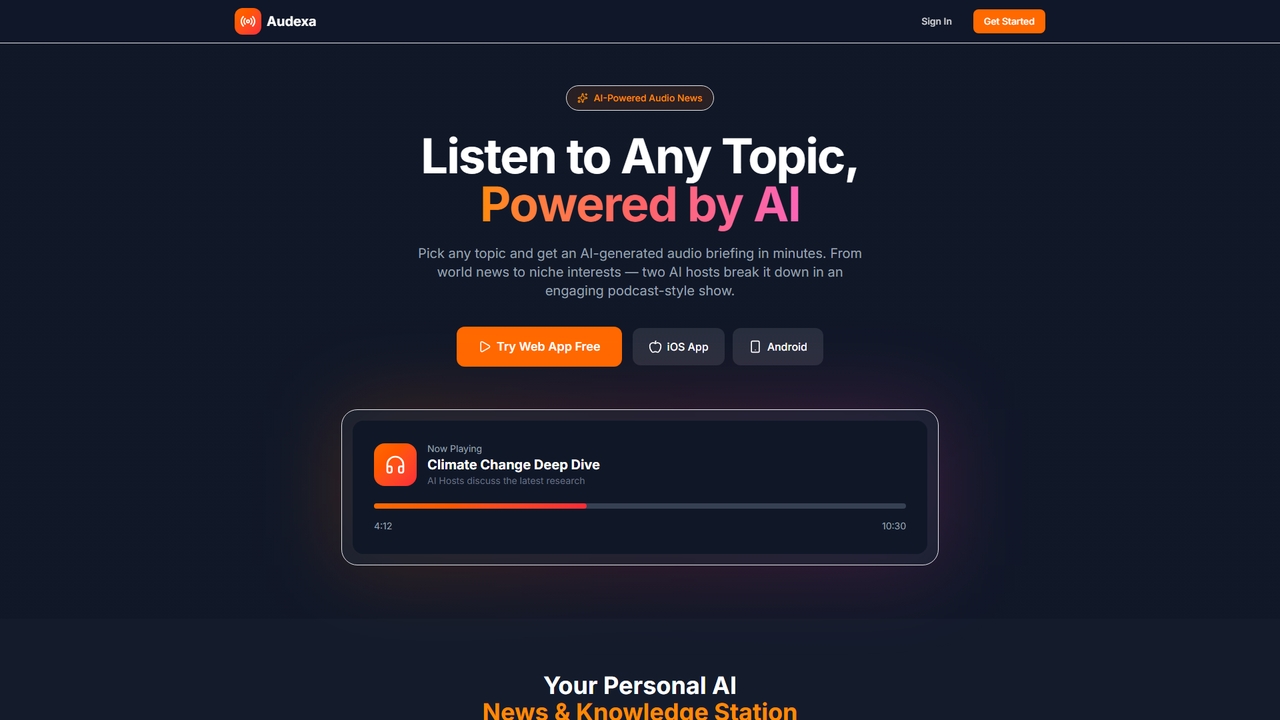
Popular Audio AI tools in Productivity include ChatPods, Audexa, and Seekho AI, helping you work more efficiently.
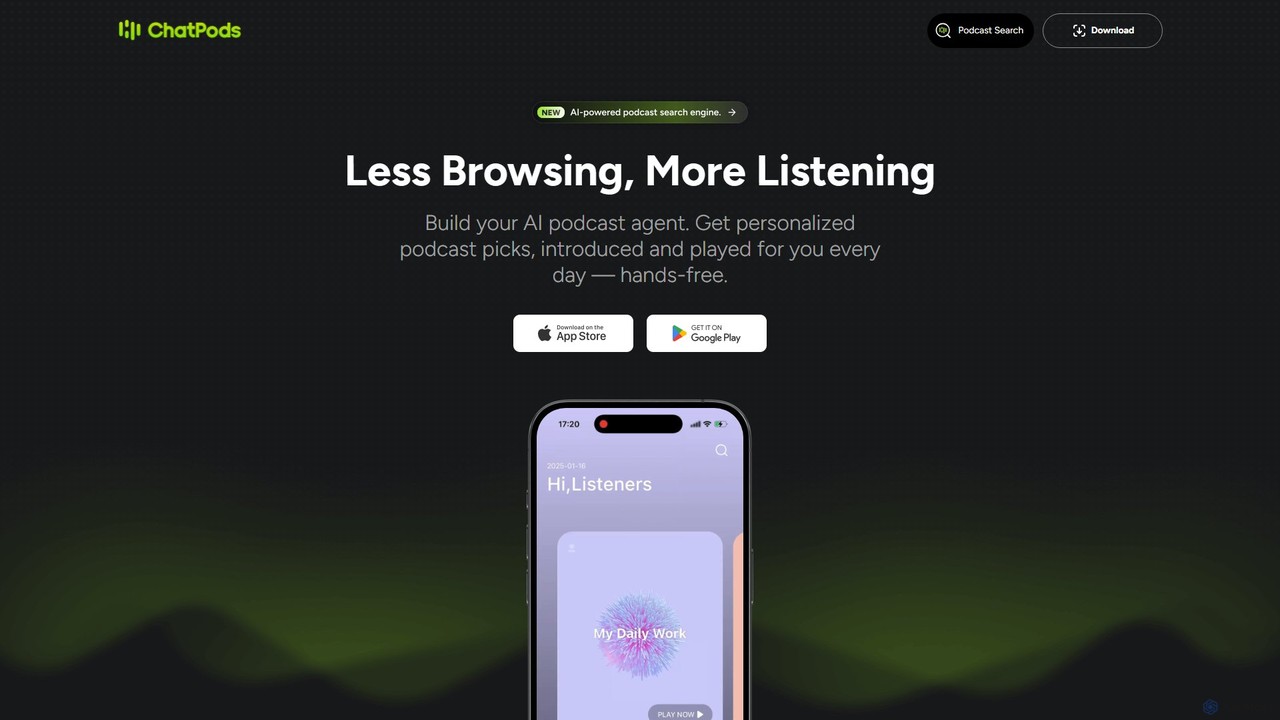
ChatPods is an AI-powered podcast agent that revolutionizes your listening experience. It offers a powerful search engine, personalized daily recommendations, instant episode summaries, and an interactive Q&A feature to get answers directly from the audio content.
Podcast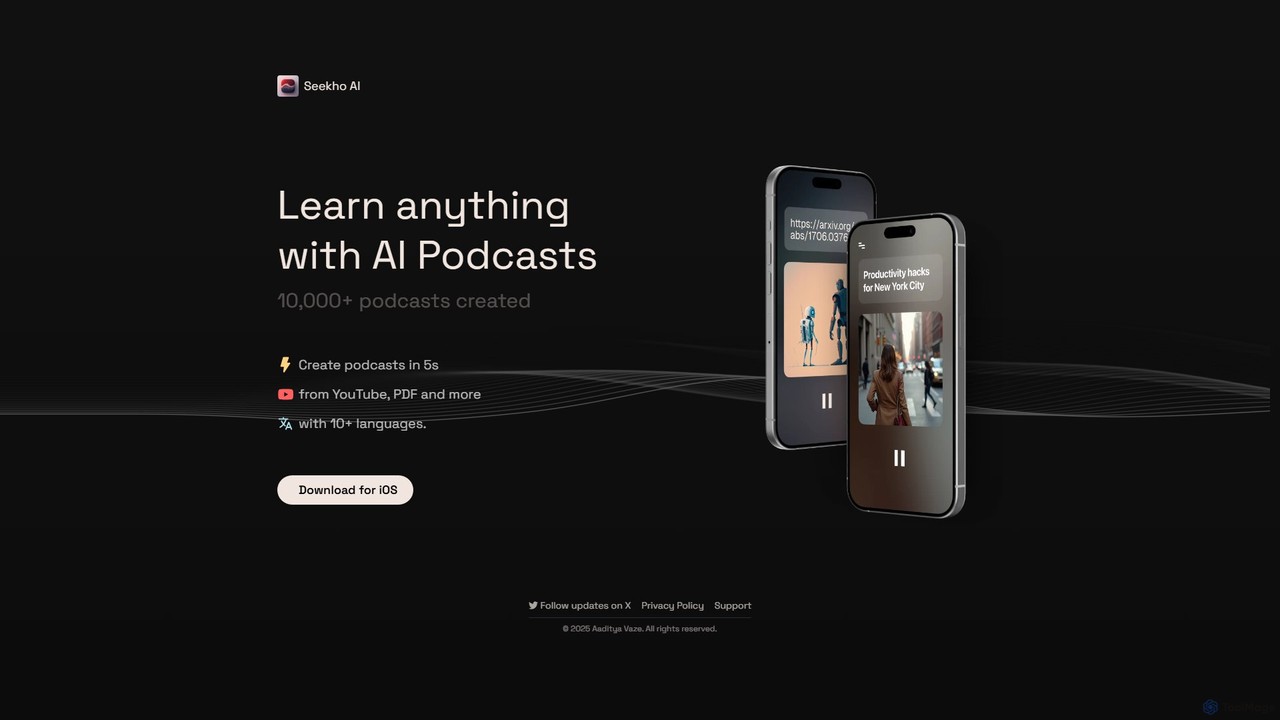
Seekho AI is an innovative tool that transforms various content formats, such as YouTube videos, PDFs, and articles, into engaging AI-generated podcasts. It allows users to learn anything on the go by converting written or visual material into audio content in over 10 languages, all within seconds.
RepurposingAI Audio tools are a class of software that leverage artificial intelligence to generate, process, and enhance sound. These tools utilize deep learning models for tasks like text-to-speech conversion, voice recognition, noise cancellation, and music composition. They significantly boost productivity by automating audio-related tasks that traditionally required manual effort, specialized skills, or expensive equipment. This allows creators and businesses to produce high-quality audio content efficiently and at scale.
These tools are widely used by content creators for producing podcasts and video voiceovers, by businesses for transcribing meetings and generating summaries, and by developers for integrating voice interfaces into applications. Marketers also use them for creating multilingual ad creatives and audiobooks, streamlining content localization.
When selecting an AI Audio tool, consider the primary function you need (e.g., generation vs. transcription). Evaluate the output quality and naturalness of the audio. Check the range of supported languages, accents, and voices. For developers, API availability and documentation are crucial, while for creators, an intuitive user interface and customization options are key.
A content creator needs to produce a weekly podcast but lacks a professional recording setup. Using an AI audio tool, they can upload their script and generate a high-quality, natural-sounding voiceover in minutes. They can select from various voices and adjust the tone and pacing to match their brand. This process eliminates the need for expensive microphones and soundproofing, reducing production time from hours to minutes and ensuring consistent audio quality for every episode.
A project manager regularly holds hour-long team meetings with multiple stakeholders. Manually taking notes is inefficient and prone to errors. By using an AI transcription tool, the entire meeting audio is automatically converted into a searchable text document with speaker labels. The tool can then generate a concise summary highlighting key decisions and action items. This saves the manager over an hour of post-meeting work per session and provides an accurate record for team members who couldn't attend.
A social media marketer needs unique background music for a series of short promotional videos. Licensing commercial music is expensive and time-consuming. Using an AI music generator, they can input text prompts like "upbeat, corporate, electronic track with a motivational feel." The AI generates several royalty-free options in seconds. This allows the marketer to create a consistent and professional audio brand for their content without any musical knowledge or copyright concerns, significantly speeding up the video production workflow.
An online educator records video lectures from their home office, which often has background noise like air conditioning or street sounds. To improve the learning experience, they use an AI audio enhancement tool. With a single click, the tool removes unwanted noise, balances the volume of their voice, and reduces echo. The result is a clear, professional-sounding audio track that helps students focus on the content. This avoids the need for re-recording and makes their educational materials more accessible and engaging.
A software developer is building a mobile app for language learning and wants to include a feature where users can practice pronunciation with a native-sounding voice. Instead of hiring voice actors for dozens of languages, they integrate an AI Text-to-Speech API. This allows the app to dynamically generate audio for any phrase or word in real-time. The developer can choose from a library of high-quality voices, providing a scalable and cost-effective solution to create an interactive and immersive user experience.
A global company wants to launch a video ad campaign across multiple regions. Creating professionally dubbed versions for each language is traditionally slow and expensive. By using an AI voice cloning tool, they can replicate their brand spokesperson's voice. Then, using a multilingual TTS system, they generate the ad's script in Spanish, French, and German using the cloned voice. This maintains a consistent brand identity across markets while reducing localization costs and turnaround time from weeks to just a few hours.
AI Audio tools are software applications that use artificial intelligence to perform tasks related to sound. Their core functions include generating audio from text (Text-to-Speech), converting audio to text (transcription), enhancing audio quality by removing noise, and even composing original music. These tools are designed to automate and simplify complex audio production processes, making them accessible to users without specialized technical skills and boosting productivity for professionals.
To choose the right tool, first identify your primary need. Are you generating voiceovers (Text-to-Speech), transcribing interviews (Speech-to-Text), or cleaning up recordings (enhancement)? Then, consider these factors:
The main difference lies in speed, scalability, and flexibility. Traditional recording involves a human voice actor, a studio, and recording equipment, which offers unique human emotion but is slow and expensive to produce or edit. AI TTS generates audio from text in seconds, is highly scalable for large volumes of content, and can be instantly edited by simply changing the text. While top-tier TTS is very realistic, traditional recording may still be preferred for projects requiring highly specific emotional performances.
You can create a wide variety of audio content, significantly boosting productivity across different fields. Common outputs include:
AI Audio tools serve a broad range of users looking to improve their productivity. This includes: