

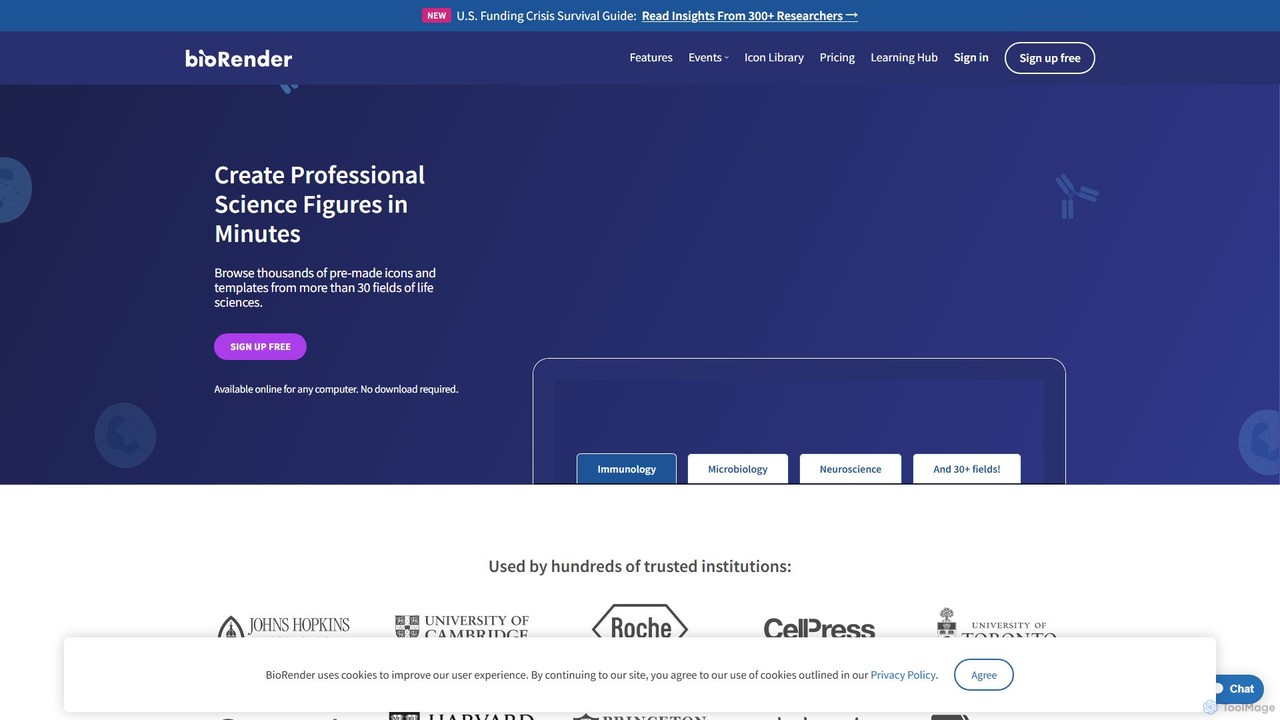
BioRender Overview
BioRender is a revolutionary web-based platform designed to accelerate scientific discovery and communication by making it easy to create professional, high-quality scientific figures. Born from the vision of a former National Geographic medical illustrator, BioRender addresses a critical need for scientists: the ability to visually communicate complex research without extensive design training. It replaces the time-consuming and often frustrating process of using generic software like PowerPoint with an intuitive, powerful tool tailored specifically for the life sciences.
The platform provides a comprehensive suite of tools that allows researchers, students, and educators to produce stunning visuals for academic publications, grant applications, presentations, and educational materials. With a massive, constantly growing library of pre-made, scientifically accurate icons and templates spanning over 30 fields of biology, users can find exactly what they need to depict everything from cellular pathways to complex organ systems. This eliminates the need to draw from scratch, ensuring both accuracy and a consistent, professional aesthetic.
How to use BioRender
Using BioRender is a straightforward and intuitive process designed to save valuable research time:
- Sign Up & Choose a Plan: Create an account on the BioRender website. You can start with a free plan to explore the basic features or choose a paid plan for advanced capabilities.
- Start a New Illustration: Begin with a blank canvas or accelerate your workflow by selecting one of over 5,000 professionally designed templates for pathways, diagrams, and experimental procedures.
- Browse and Add Icons: Search the library of over 50,000 icons. Icons are categorized by field (e.g., immunology, neuroscience, microbiology) and are easily searchable. Simply drag and drop the desired icons onto your canvas.
- Customize Your Figure: Modify icons with ease. Change colors, add labels, and adjust sizes. Use specialized drawing tools to create cell membranes, DNA strands, and other biological structures in seconds. The smart alignment tools ensure your final figure is clean and well-organized.
- Incorporate Data: Use the integrated Graphing tool to create beautiful charts and plots to present your research data. You can also visualize 3D protein structures by using the PDB integration.
- Collaborate with Your Team: Invite colleagues to view or edit your figures in real-time. Lab and Institutional plans offer shared folders and centralized management for seamless teamwork.
- Export for Any Purpose: Once your figure is complete, export it in high-resolution formats like PNG, JPEG, or PDF, perfectly formatted for publications, posters, or presentations. One-click licensing options are available for journal submissions.
Core Features of BioRender
- Vast Icon and Template Library: Access over 50,000 scientifically accurate, peer-reviewed icons and more than 5,000 customizable templates across 30+ life science fields.
- Specialized Drawing Tools: Intuitive tools built specifically for science, allowing for the rapid creation of cell membranes, protein complexes, DNA sequences, and more.
- PDB Integration: Search for and import 3D protein structures directly from the Protein Data Bank (PDB) to visualize them within your diagrams.
- Integrated Graphing: A dedicated tool to create, customize, and present research data with beautiful graph presets that can be combined with your illustrations.
- Poster Builder: Create full-sized research posters in minutes using customizable templates with smart resizing and alignment features.
- Real-Time Collaboration: Work on figures simultaneously with lab members and colleagues, share feedback, and maintain version control.
- High-Resolution Export: Export figures in publication-quality formats (JPEG, PNG, PDF) suitable for web, print, and presentations, with smart resizing for any context.
- Institutional Solutions: Enterprise-level features including Single Sign-On (SSO), centralized license management, and custom branding for entire organizations.
Use Cases for BioRender
BioRender is versatile and serves numerous purposes within the scientific community:
- Academic Publications: Designing clear, accurate, and visually stunning figures that meet the high standards of scientific journals.
- Grant Applications: Creating compelling diagrams of experimental designs and pathways to effectively communicate research proposals to funding agencies. li>Scientific Presentations: Building professional and engaging slides for conferences, lab meetings, and lectures.
- Educational Materials: Developing clear and informative illustrations for textbooks, online courses, and student handouts.
- Research Posters: Quickly assembling and formatting large, visually appealing posters for scientific conferences.
- Brainstorming and Planning: Collaboratively sketching out research ideas, pathways, and experimental workflows with team members.
Advantages of BioRender
BioRender offers significant advantages over traditional methods:
- Efficiency: Drastically reduces the time required to create complex scientific figures, allowing scientists to focus more on their research.
- Professionalism: Empowers users without a design background to produce publication-quality illustrations that are both beautiful and professional.
- Scientific Accuracy: The icon library is created and vetted by certified medical illustrators and scientists, ensuring content is accurate and up-to-date.
- Ease of Use: The intuitive drag-and-drop interface is easy to learn and master, requiring no specialized software skills.
- Collaboration and Centralization: Provides a single, cloud-based platform for teams to create, store, and manage all their scientific visuals, enhancing productivity and consistency.
Pricing and Plans
BioRender operates on a freemium model, offering several tiers to suit different needs:
- Free Plan: Ideal for students and casual users. It includes access to the core icon library but has limitations on the number of figures, private storage, and requires citation. Figures created may contain a watermark.
- Academic Individual Plan: A paid plan for individual researchers and postdocs. It offers unlimited figure creation, high-resolution exports, permission to publish in journals, and access to premium features.
- Academic Lab Plan: Designed for research teams (typically 5-50 users). It includes all features of the Individual plan plus shared team folders, centralized billing, and collaborative tools.
- Industry Plan: A premium tier for users in biotechnology, pharmaceutical, and other commercial companies, offering advanced features, security, and dedicated support.
- Institutional Plan: Custom packages for entire universities or research institutes, providing site-wide access, SSO integration, and administrative controls.
For the most up-to-date pricing information, it is recommended to visit the official BioRender website.
Traffic
Latest traffic
Status
Monthly traffic trend
- 2025-9: 2.0M
- 2026-1: 1.7M
- 2026-2: 1.8M
- 2026-3: 2.3M
- 2026-4: 2.3M
- 2026-5: 2.2M
Geography
Top 5 countries / regions
- 🇺🇸United States60.8%
- 🇫🇷France10.5%
- 🇦🇺Australia10.2%
- 🇨🇳China9.4%
- 🇩🇪Germany9.1%
Traffic sources
| Source type | Percentage |
|---|---|
Direct | 89.5% |
Referral | 7.2% |
Email | 3.3% |
Top keywords
| Keyword | Cost per click |
|---|---|
| biolender | $0.00 |
| bioredner | $2.82 |
| bio render | $0.91 |
| biorender | $0.92 |
| biorender login | $0.30 |
BioRender Videos on YouTube


BioRender Alternatives
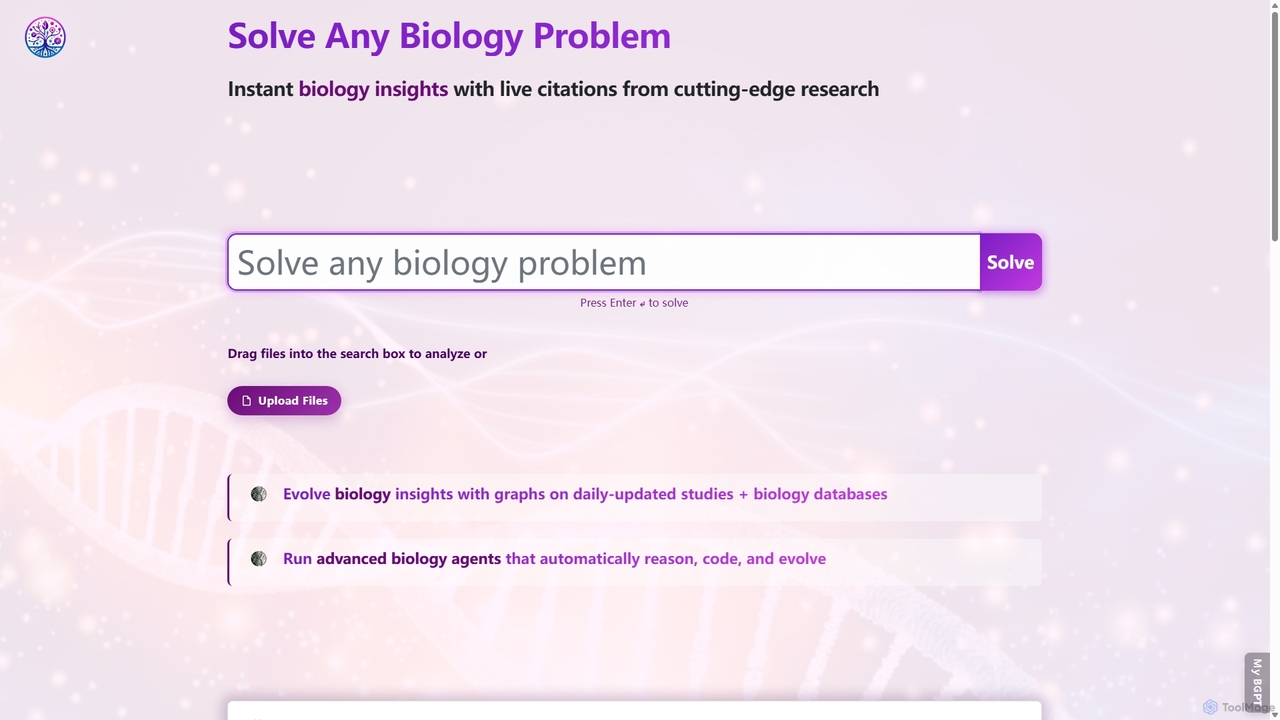
BioGPT
BioGPT is a specialized AI assistant for biologists, researchers, and students. It accelerates scientific discovery by solving complex biology problems, reviewing papers, analyzing data, visualizing results, designing experiments, and testing hypotheses across fields like genomics, neuroscience, and cancer biology.
Research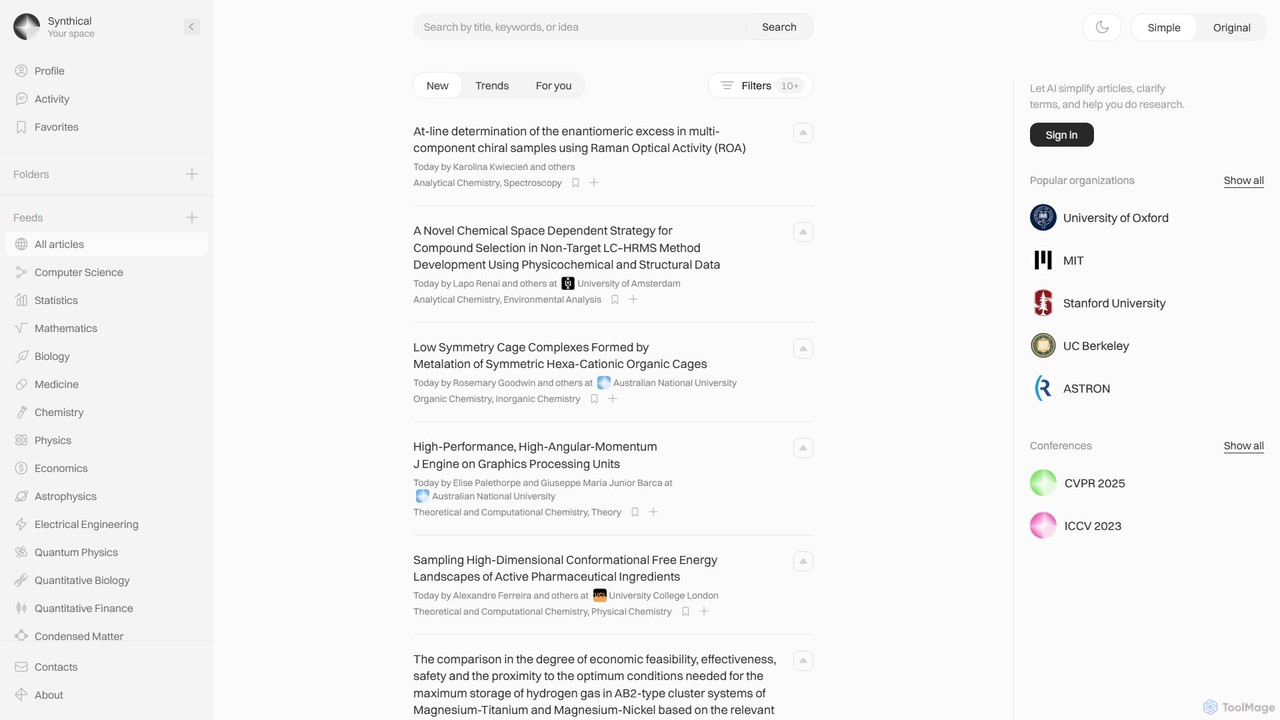
Synthical
Synthical is an AI-powered research environment designed for academics, students, and scientists. It aggregates scientific papers from diverse fields like Computer Science, Biology, and Physics, using AI to simplify complex articles, define terms, and accelerate the research process. Organize your work with personalized feeds, folders, and favorites.
Research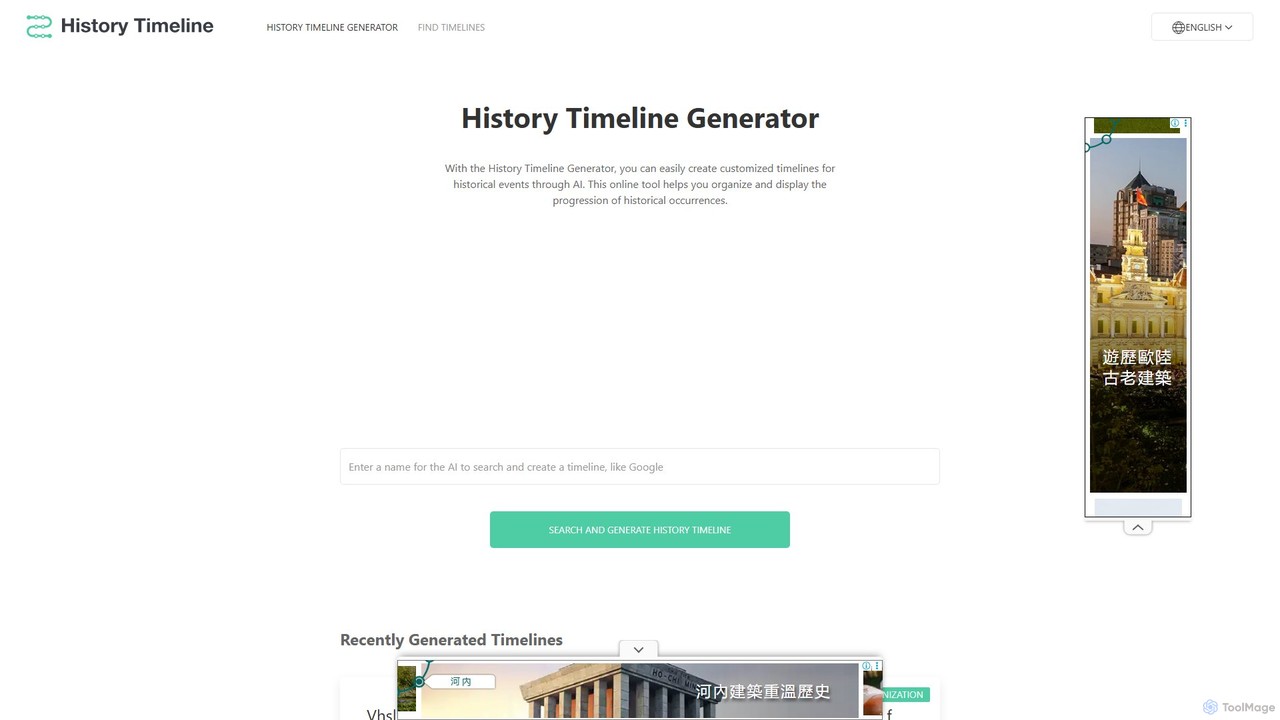
History Timeline Generator
An AI-powered tool that instantly generates detailed historical timelines for any person, company, country, or event. Simply enter a topic to receive a structured, chronological overview, making it ideal for students, educators, and researchers.
Research
BioGPT
BioGPT is an AI-powered research assistant designed for the biology and life sciences community. It helps researchers, students, and professionals solve complex biological problems by analyzing scientific papers, designing experiments, interpreting data, generating hypotheses, and creating lab protocols, all based on cutting-edge research.
Learning
Semantic Scholar
A free, AI-powered research tool from the Allen Institute for AI that helps scholars discover and understand scientific literature. It uses AI to analyze over 200 million papers, providing features like semantic search, influential citation analysis, and paper summaries to accelerate scientific breakthroughs.
ApisBioRender Categories
BioRender Embed Widget
Copy this embed code to place the badge on your blog, article, or product site and send readers directly to this ToolMage detail page.

Related AI tools
BioGPT
BioGPT is a specialized AI assistant for biologists, researchers, and students. It accelerates scientific discovery by solving complex biology problems, reviewing papers, analyzing data, visualizing results, designing experiments, and testing hypotheses across fields like genomics, neuroscience, and cancer biology.
ResearchSynthical
Synthical is an AI-powered research environment designed for academics, students, and scientists. It aggregates scientific papers from diverse fields like Computer Science, Biology, and Physics, using AI to simplify complex articles, define terms, and accelerate the research process. Organize your work with personalized feeds, folders, and favorites.
ResearchHistory Timeline Generator
An AI-powered tool that instantly generates detailed historical timelines for any person, company, country, or event. Simply enter a topic to receive a structured, chronological overview, making it ideal for students, educators, and researchers.
ResearchBioGPT
BioGPT is an AI-powered research assistant designed for the biology and life sciences community. It helps researchers, students, and professionals solve complex biological problems by analyzing scientific papers, designing experiments, interpreting data, generating hypotheses, and creating lab protocols, all based on cutting-edge research.
Learning
History Timelines
History Timelines is an AI-powered tool that automatically generates detailed, visual timelines on a vast range of historical topics. Simply enter a subject, and the AI will research and compile key events, creating an interactive and easy-to-understand timeline for students, educators, and history enthusiasts.
History
Base
Base is an AI-powered research platform for academics and learners. It enables searching over 240 million papers, visualizing research landscapes with interactive graphs, organizing findings, and using an AI chat to uncover deeper insights from credible sources.
Academic
AskNews
AskNews is an AI-powered news intelligence platform providing high-quality, licensed global news data through a powerful API. It offers enriched news analytics, a conversational AI for insights, and monetization tools for publishers. Ideal for developers, analysts, and researchers needing reliable, structured, and real-time news information.
Intelligence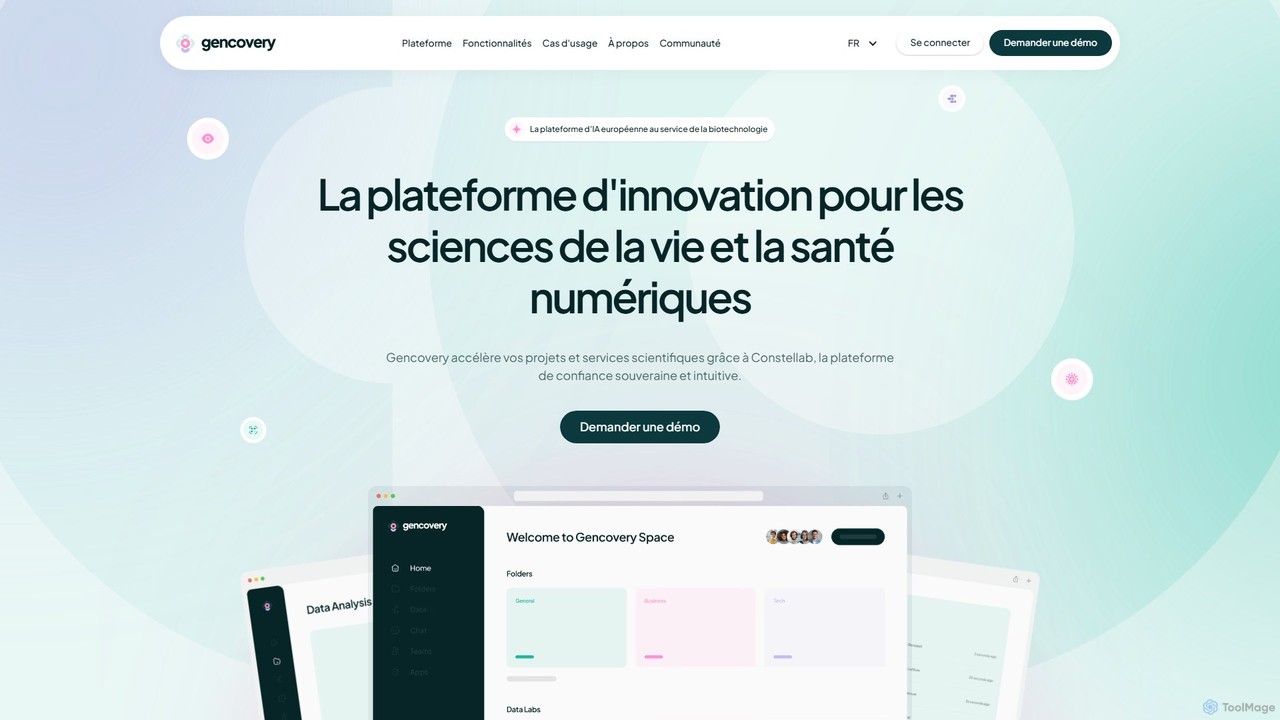
Constellab
Constellab is a sovereign AI and data science platform designed for the life sciences and biotechnology sectors. It provides a collaborative, no-code environment for data analysis, visualization, and project management, with flexible deployment options (cloud, on-premise) to ensure data security, traceability, and regulatory compliance.
Low Code No Code
Jyek
Jyek is an AI agent platform that understands objectives, creates execution plans, uses tools, and delivers verifiable results for complex, multi-step tasks.
Automation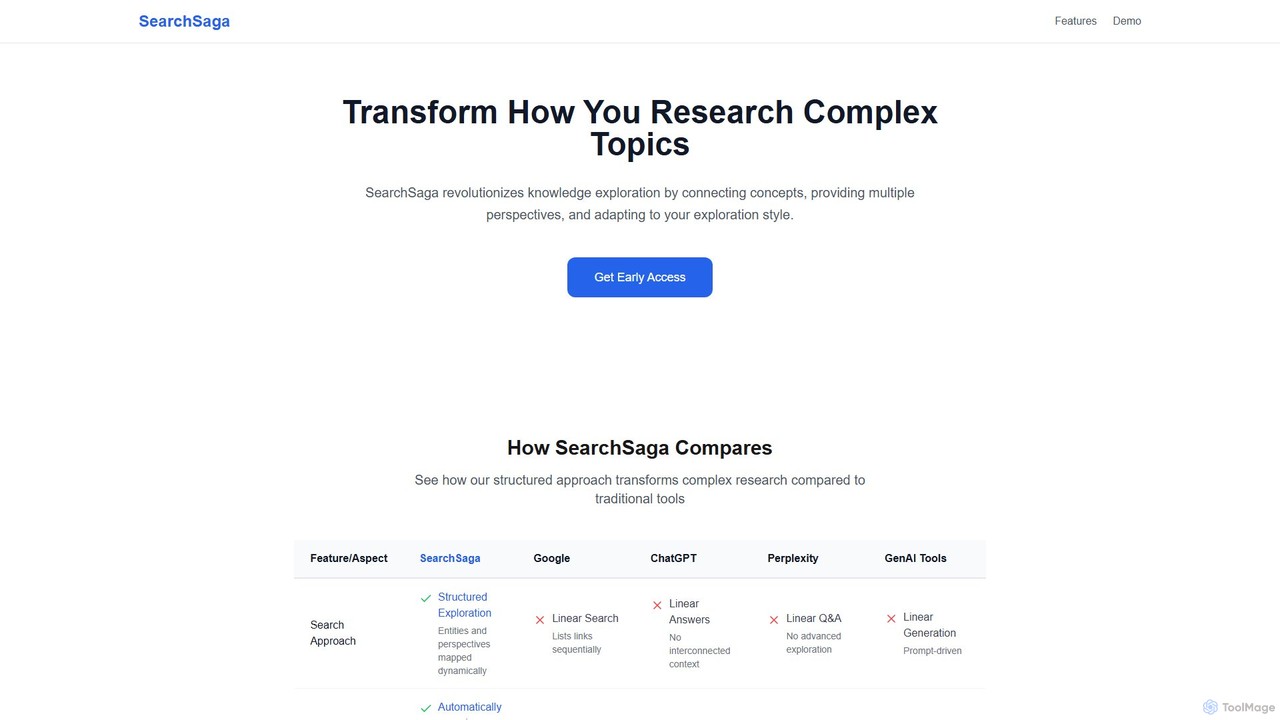
SearchSaga
SearchSaga is an AI-powered research platform that transforms complex topic exploration. Instead of linear search results, it creates dynamic knowledge maps, connecting concepts and allowing users to analyze subjects from multiple perspectives like technical, economic, and environmental. Ideal for researchers, students, and professionals seeking deep, structured understanding.
Data Visualization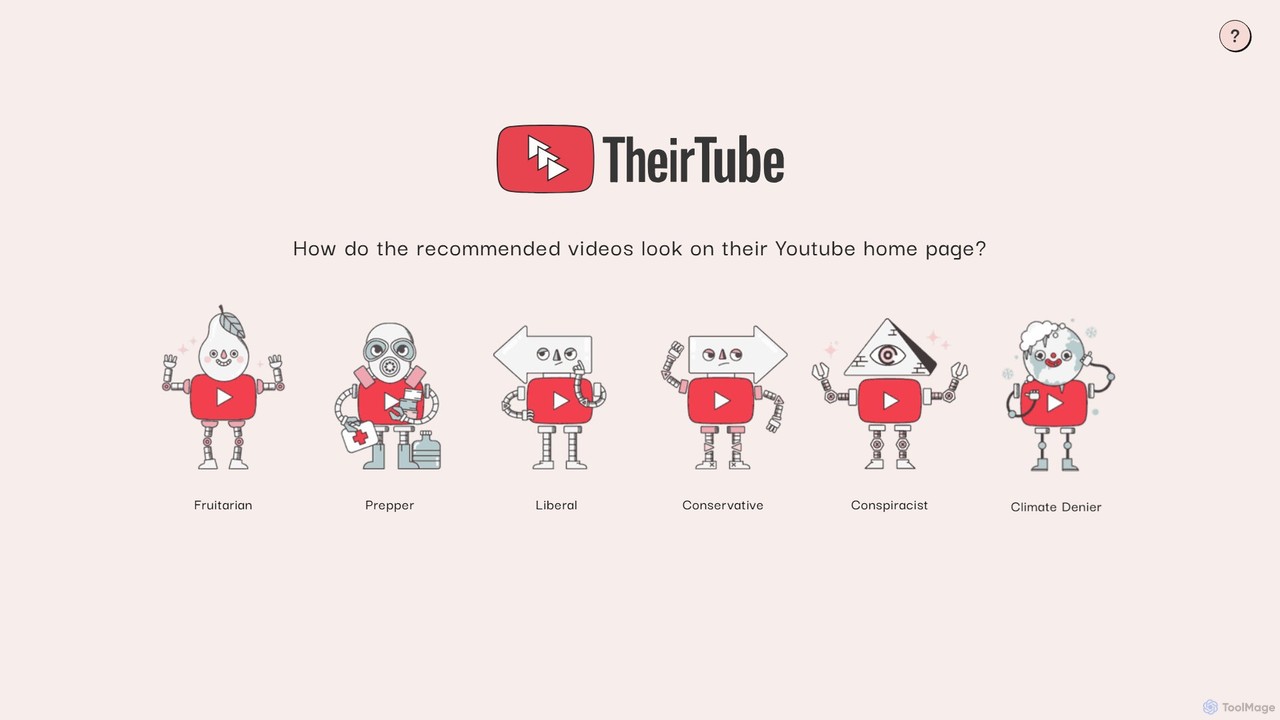
TheirTube
TheirTube is an educational tool that simulates YouTube's homepage to reveal how algorithmic filter bubbles work. By selecting different user personas like 'Conservative' or 'Climate Denier,' you can see the specific video recommendations they would receive, offering a powerful insight into online echo chambers and media polarization.
Media Literacy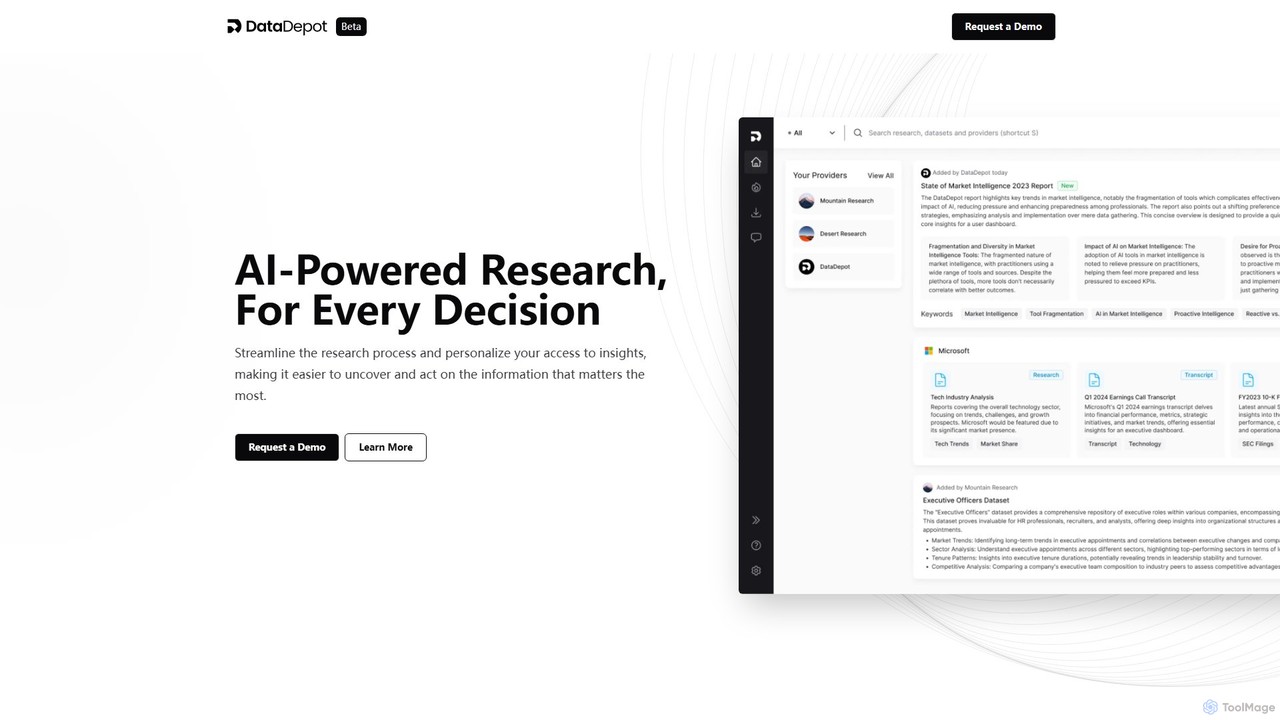
DataDepot
DataDepot is an AI-powered research marketplace connecting research providers with professionals ('Explorers'). It centralizes diverse research assets and datasets, offering AI tools to streamline analysis, uncover key insights, and personalize information access. Providers can monetize their work, while users can eliminate information overload and make data-driven decisions more efficiently.
Market IntelligenceSemantic Scholar
A free, AI-powered research tool from the Allen Institute for AI that helps scholars discover and understand scientific literature. It uses AI to analyze over 200 million papers, providing features like semantic search, influential citation analysis, and paper summaries to accelerate scientific breakthroughs.
Apis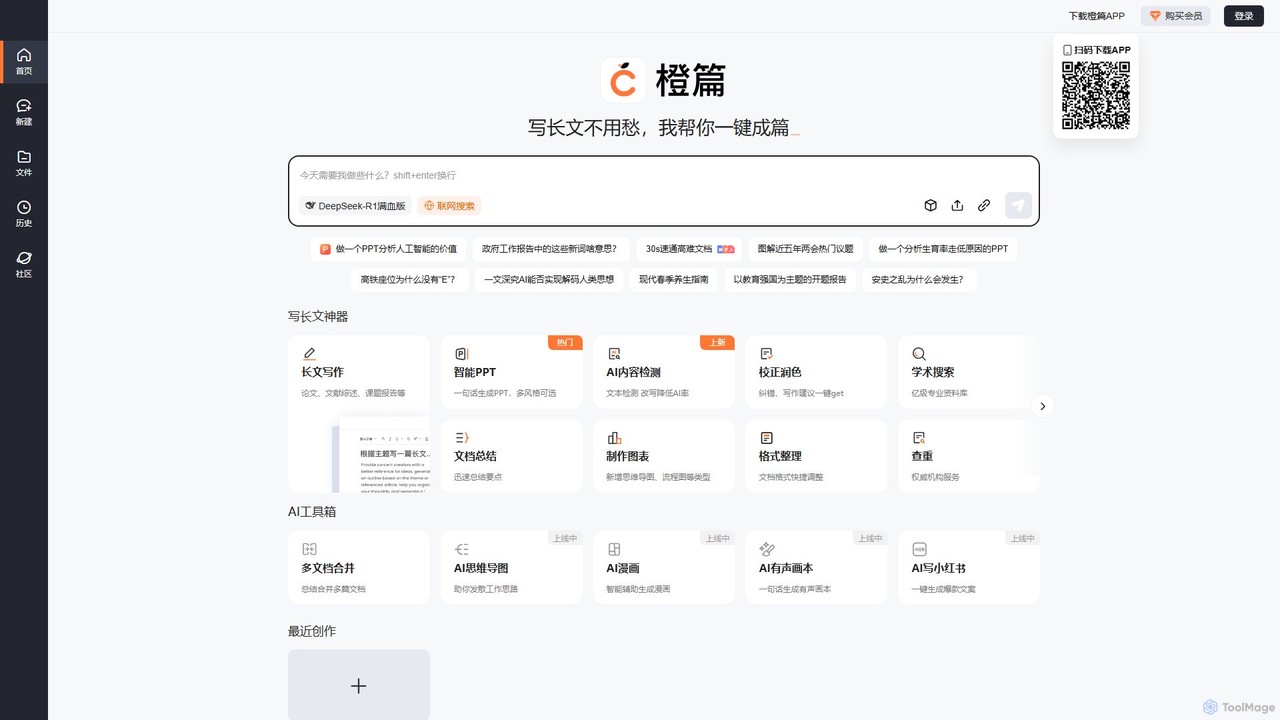
Chengpian AI
Chengpian AI is a comprehensive AI-powered productivity suite by Baidu. It excels at long-form writing, academic research, document analysis, and intelligent PPT generation, streamlining workflows for students, researchers, and professionals.
Research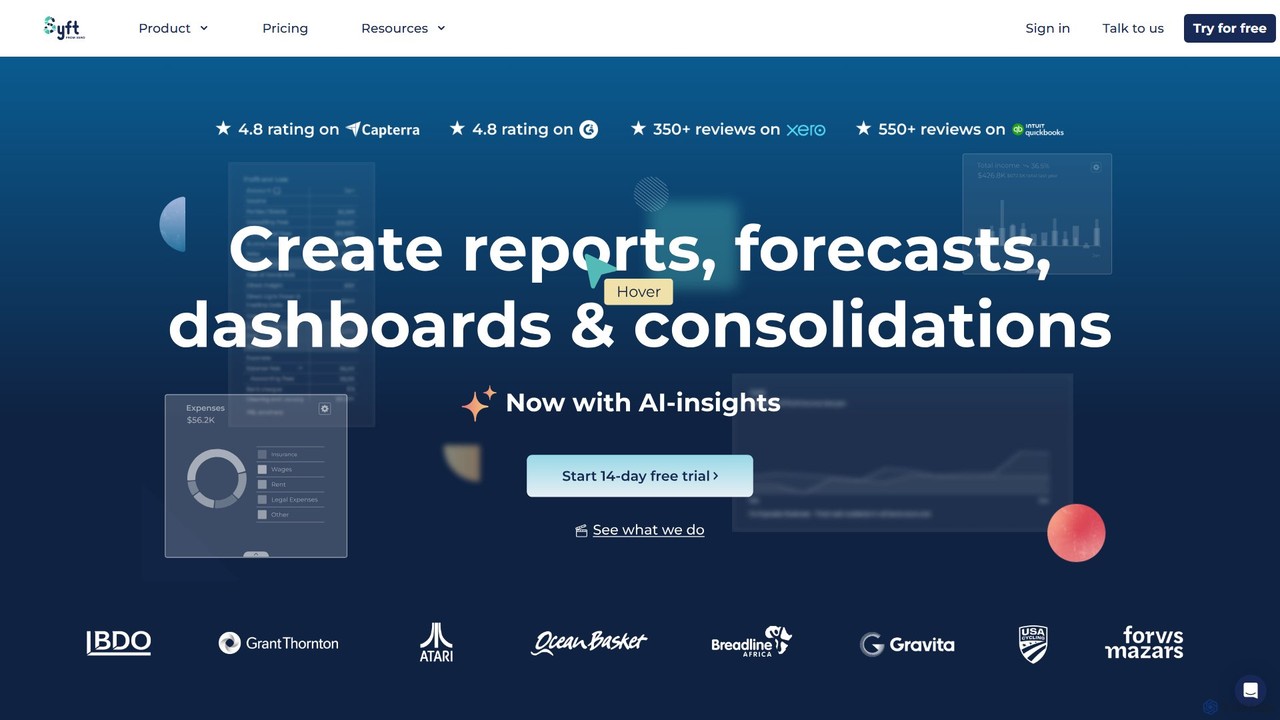
Syft Analytics
Syft Analytics is an AI-first financial reporting platform that transforms complex financial data into beautiful, insightful reports, dashboards, and forecasts. It connects with your accounting, e-commerce, and payroll software to provide a unified view of your business performance. Ideal for accountants, advisors, and businesses, Syft automates reporting, simplifies consolidations, and provides AI-driven insights to facilitate better decision-making.
Analytics
BioRender Comments (0)
Sign in to comment.
Sign inNo comments yet.