
BrickCenter Overview
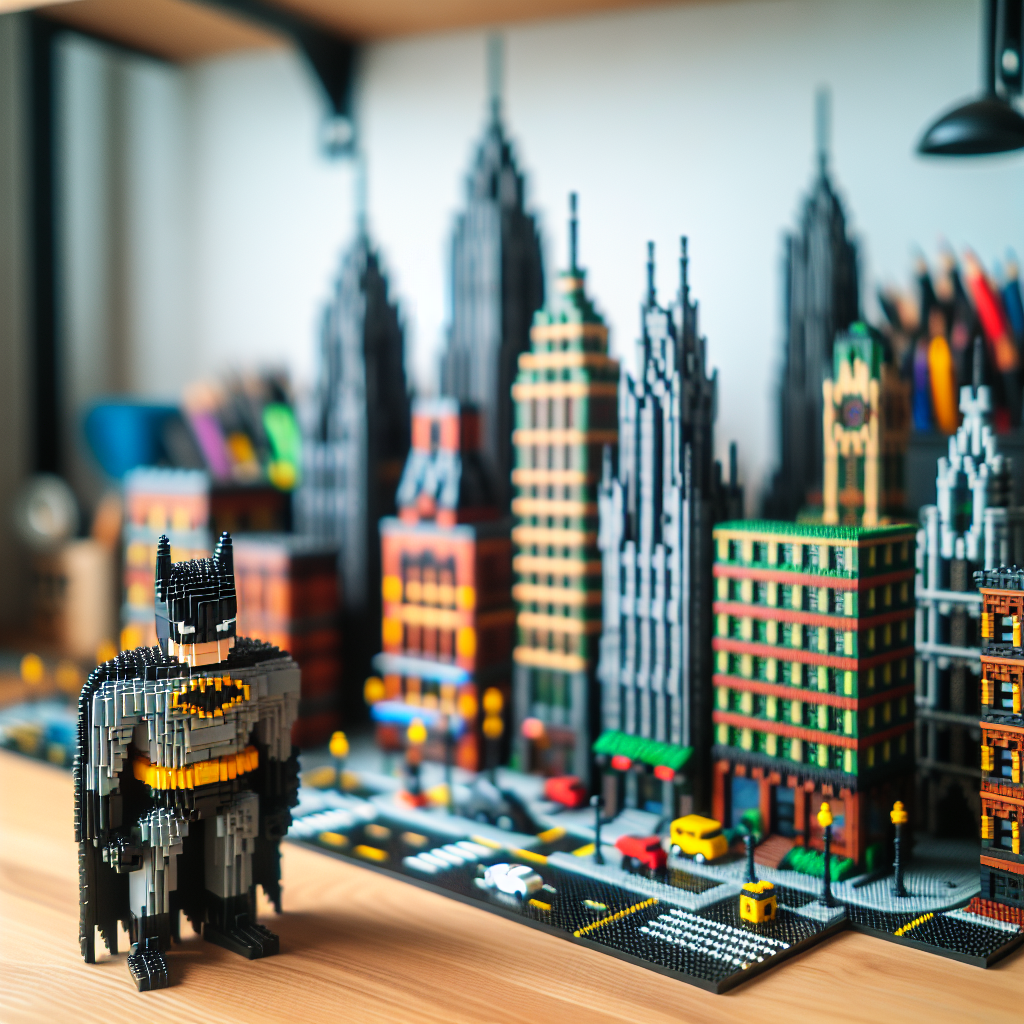
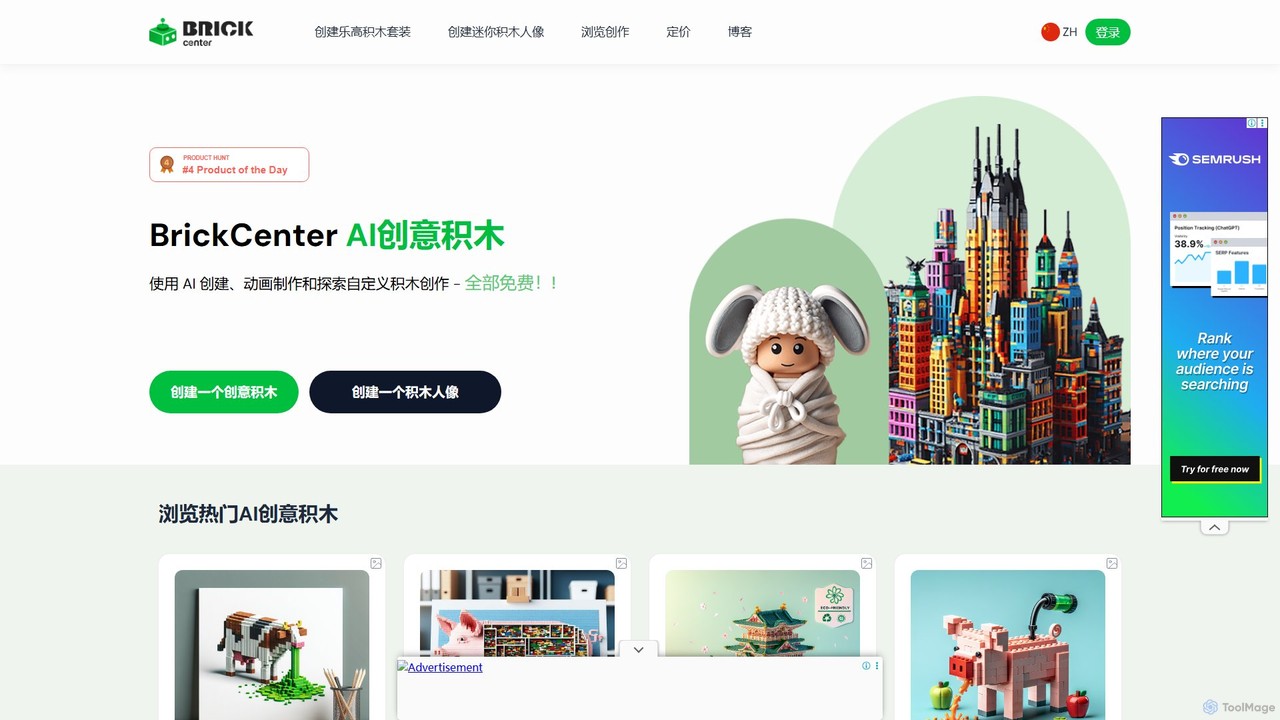
BrickCenter is a revolutionary platform designed for brick enthusiasts, designers, and creators of all ages. It harnesses the power of advanced artificial intelligence to transform your ideas into tangible, high-quality brick designs. Whether you dream of building a classic car, a fantasy castle, or a unique piece of art, BrickCenter's AI brick generator makes it simple and fun. The platform not only allows you to create static models from text prompts but also to generate custom minifigures from images and bring your creations to life with dynamic 5-second animations.
How to use BrickCenter
Getting started with BrickCenter is an intuitive and straightforward process, designed to let your creativity flow without technical barriers. Follow these simple steps to create and animate your own brick masterpiece:
- Describe Your Vision: Navigate to the creation page and find the text input field. Type a detailed description of the brick set you want to create. Be specific about colors, shapes, themes, and any other important details. For example, 'A classic red muscle car from the 1970s' or 'A sci-fi rhinoceros with glowing blue horns'.
- Generate the Image: Click the 'Generate Image' button. The AI will process your description and produce a unique, detailed image of your brick model in seconds. You can review the result and, if necessary, refine your text prompt and regenerate until it perfectly matches your vision.
- Animate Your Creation: Once you are satisfied with the generated image, you can bring it to life. Enter a simple animation prompt describing the action you want to see, such as 'driving through a city at night'. Click the 'Animate this brick' button, and the AI will create a short 5-second video (MP4) of your model.
- Download and Share: You can download your creations as high-resolution images, 3D model files (compatible with most 3D printers), or animated MP4 videos. Share your work with friends on social media or with the wider BrickCenter community gallery (Pro feature).
Core Features of BrickCenter
- AI Text-to-Brick Generation: Converts detailed text descriptions into complex and visually appealing brick set images.
- Image-to-Minifigure Creation: Upload an image to generate a unique, custom brick minifigure based on it.
- AI-Powered Animation: Animate any generated brick set or minifigure with a simple prompt, creating a 5-second MP4 video.
- High-Quality Downloads: Save your designs in various formats, including high-resolution images, 3D model files for printing, and MP4 videos for sharing.
- Personal Profile and Gallery: Save your designs to your personal profile to edit or revisit them later. Pro users can also share their creations in the public community gallery.
- Advanced AI Models: Utilizes state-of-the-art AI trained on extensive datasets to ensure high-quality, realistic, and structurally plausible designs.
- Supports All Complexity Levels: Whether you're a beginner creating a simple object or an expert designing an intricate modular building, the AI can handle a wide range of design complexities.
Use Cases for BrickCenter
BrickCenter is a versatile tool with applications for various users:
- Hobbyists and Collectors: Design and visualize custom models of cars, buildings, or spaceships that don't exist as official sets. Recreate iconic vehicles like a BMW E30 or a classic muscle car.
- Designers and Artists: Quickly prototype 3D concepts, create unique brick-based art pieces like the '3D Pixel Cow Art', or explore new forms of digital sculpture.
- Parents and Educators: A fun and engaging tool to foster creativity and design thinking in children. Create custom toys and characters for storytelling.
- Marketing and Content Creation: Generate unique visuals and short animations for social media, blogs, or promotional materials with a playful, creative theme.
Advantages of BrickCenter
BrickCenter stands out in the creative AI space due to several key advantages:
- User-Friendly Interface: The platform is designed for ease of use, making the creative process accessible to everyone, regardless of technical skill.
- Freemium Access: Users can explore the core features and create up to 3 designs for free, providing a risk-free way to experience the tool's power.
- Creativity and Innovation: It goes beyond simple image generation by adding 3D model and animation capabilities, offering a complete creative suite for brick lovers.
- High-Quality Output: The advanced AI ensures that every generated design is detailed, aesthetically pleasing, and inspiring.
- Active Community: The platform fosters a community of creators who can share and draw inspiration from each other's work.
Pricing and Plans
BrickCenter operates on a freemium model, making it accessible to everyone.
- Free Plan: Allows users to create up to 3 custom designs for free, providing a perfect introduction to the platform's capabilities.
- Pro Plan: A subscription-based plan that unlocks the full potential of BrickCenter. Benefits include unlimited design generation, access to high-definition 3D models, advanced customization options, batch design generation, larger file downloads, and priority customer support.
Traffic
Latest traffic
Status
Monthly traffic trend
- 2026-1: 6.0K
- 2026-2: 2.7K
- 2026-3: 6.9K
- 2026-4: 3.3K
- 2026-5: 2.3K
Geography
Top 5 countries / regions
- 🇺🇸United States64.6%
- 🇫🇷France30.0%
- 🇬🇧United Kingdom5.4%
Top keywords
| Keyword | Cost per click |
|---|---|
| ai custom brick builder creator | $0.00 |
| brick generator | $0.00 |
| c'è qualche ia o agente per creare moc lego? | $0.00 |
| how do i generate 3d lego text? | $0.00 |
| lego ai designer | $0.00 |
BrickCenter Alternatives
Leonardo.ai
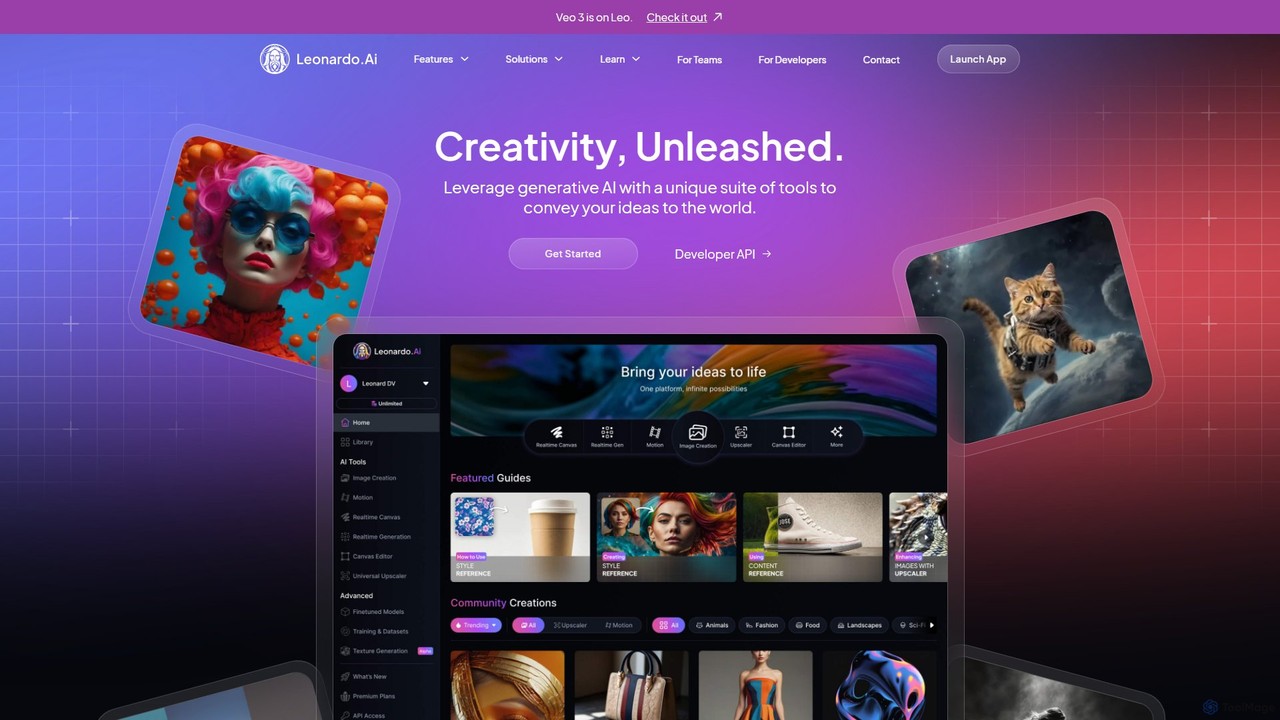
Leonardo.ai is a comprehensive generative AI suite for creating high-quality visual assets. It offers a wide range of tools, including image and video generation, AI Canvas, 3D texturing, and numerous fine-tuned models. Ideal for individual creators, collaborative teams, and developers, it emphasizes quality, speed, and style consistency.
Generative Art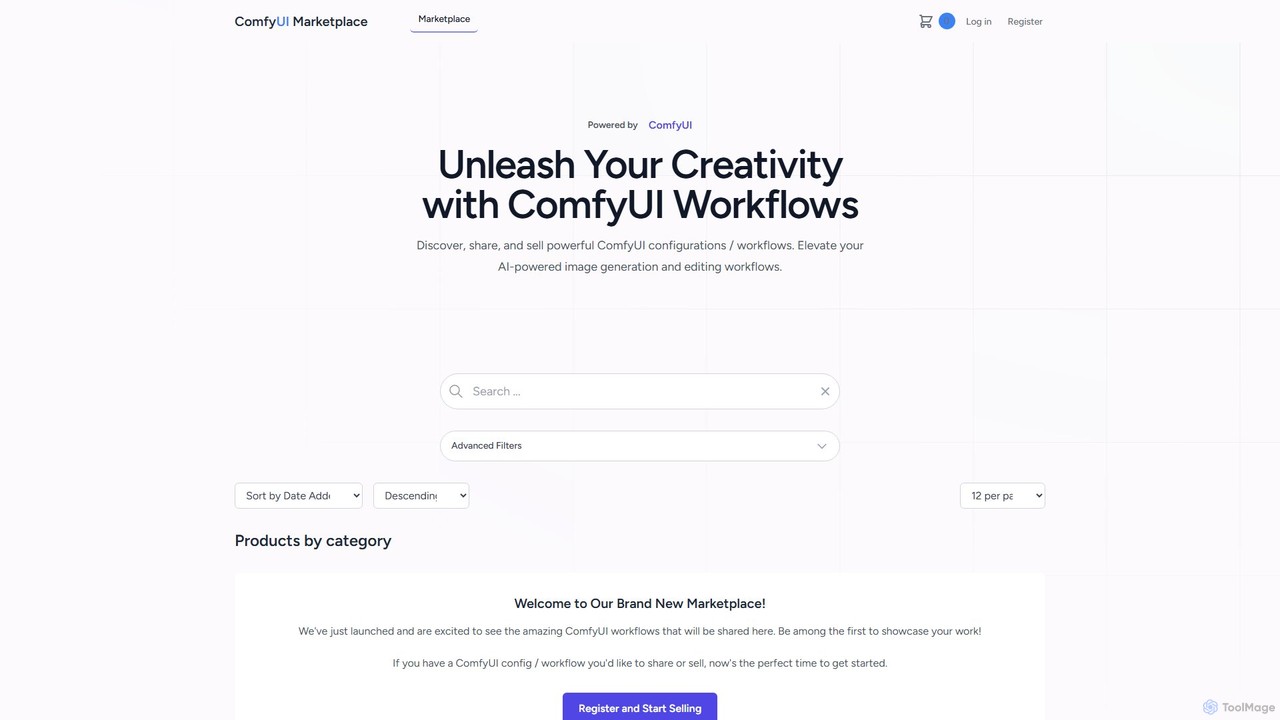
comfyui_market
ComfyUI Market is a dedicated marketplace for discovering, buying, and selling ComfyUI workflows. It empowers AI artists and enthusiasts by providing a platform to share and access powerful, pre-built configurations for advanced image and video generation with Stable Diffusion. Elevate your creative projects by leveraging community-built node graphs, saving time and unlocking new artistic possibilities.
Workflow Templates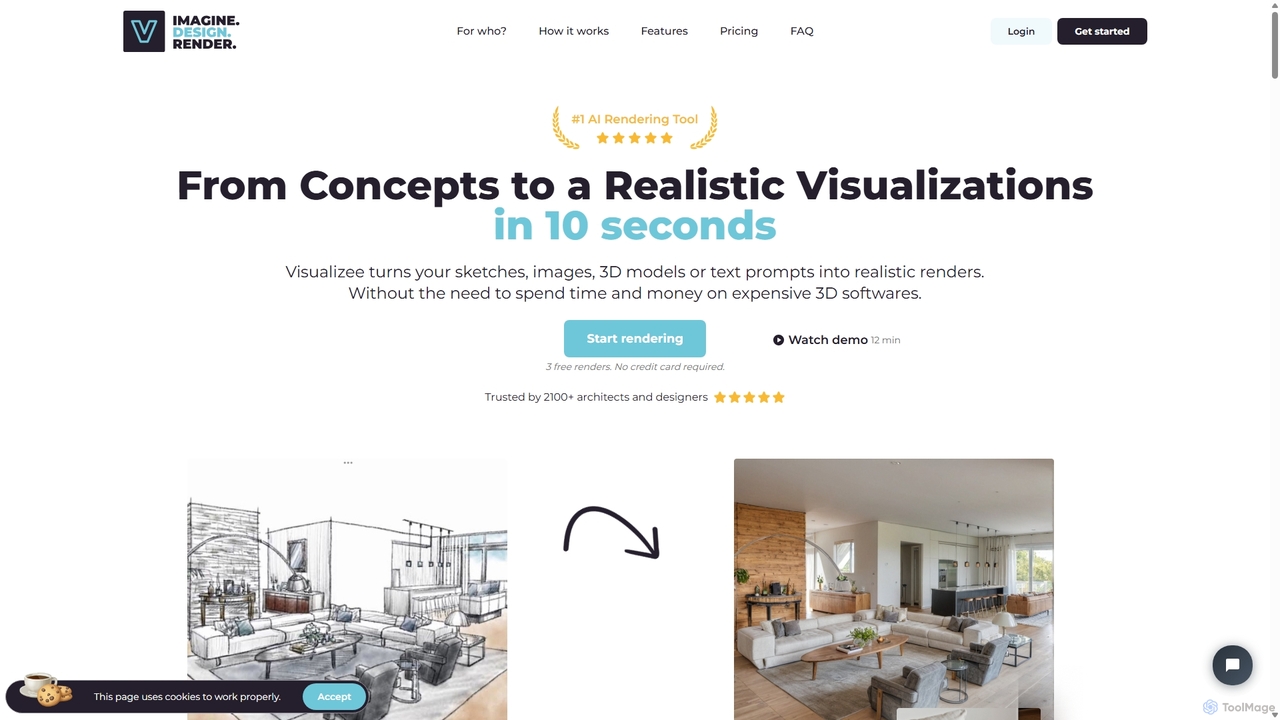
Visualizee.ai
Visualizee.ai is a leading AI rendering tool that transforms sketches, 3D models, and text prompts into high-resolution (up to 8K) photorealistic visuals in seconds. Ideal for architects, designers, and creators, it features advanced tools like inpainting and upscaling to bring creative ideas to life with precision and speed.
Visualization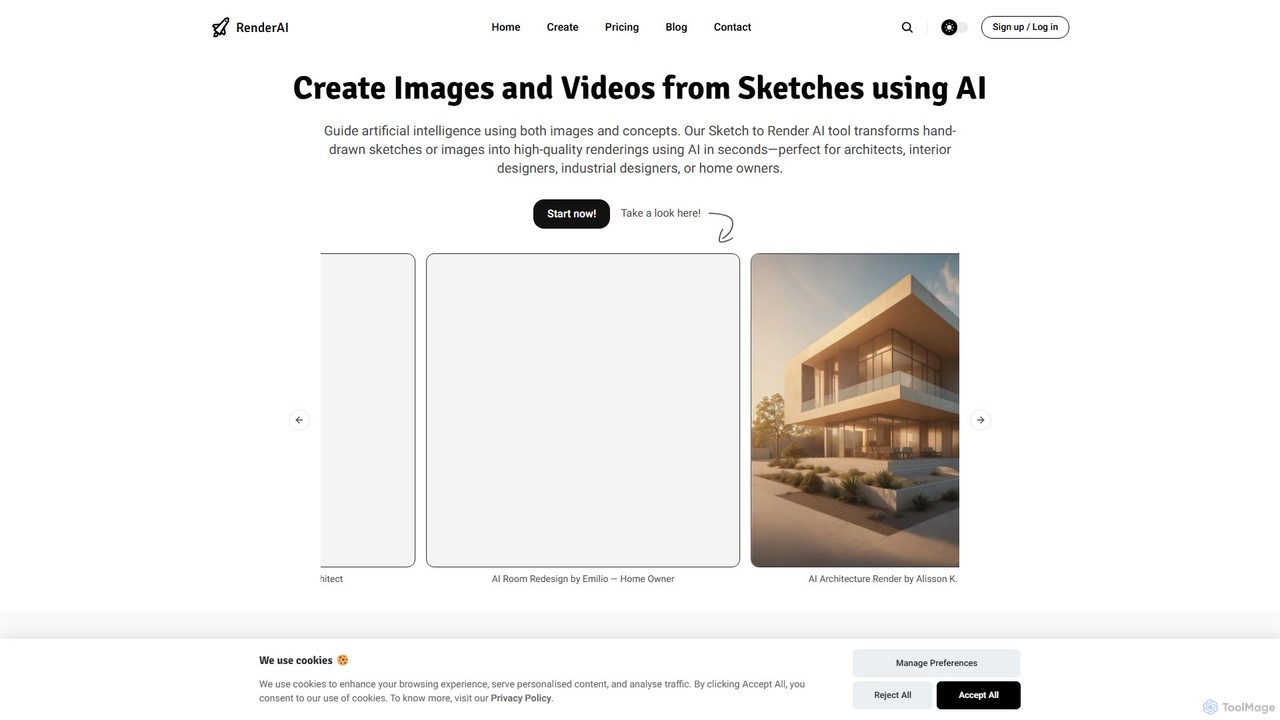
RenderAI
RenderAI is an AI-powered platform that transforms sketches, drawings, and screenshots into photorealistic renders and videos in seconds. Designed for architects, designers, marketers, and homeowners, it eliminates the need for complex 3D software, enabling rapid visualization of concepts for presentations, marketing, and project approvals.
3D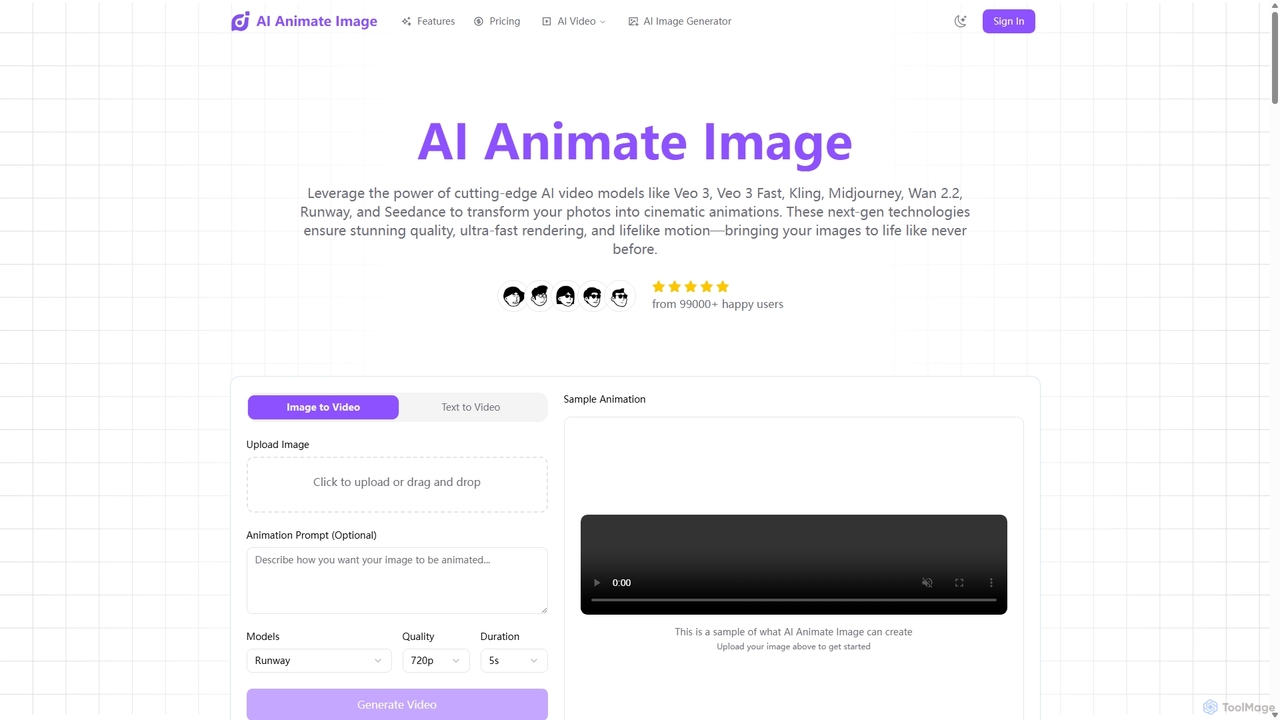
Aianimateimage
Aianimateimage is a comprehensive AI-powered platform that transforms static images into captivating animations and generates stunning visuals from text. Utilizing advanced models like Veo 3, Kling, and GPT-4o, it offers tools for image-to-video, text-to-video, and text-to-image creation. It's designed for creators, marketers, and artists to produce professional-quality animated content and images effortlessly through a user-friendly, browser-based interface.
Image GenerationBrickCenter Categories
BrickCenter Embed Widget
Copy this embed code to place the badge on your blog, article, or product site and send readers directly to this ToolMage detail page.

Related AI tools

dzine
dzine is an all-in-one, controllable AI design platform for generating and editing images, videos, and 3D models. It excels at creating consistent characters and offers a comprehensive suite of tools, including text-to-video, generative fill, and face swapping, streamlining the creative workflow for designers, developers, and marketers.
Graphic Design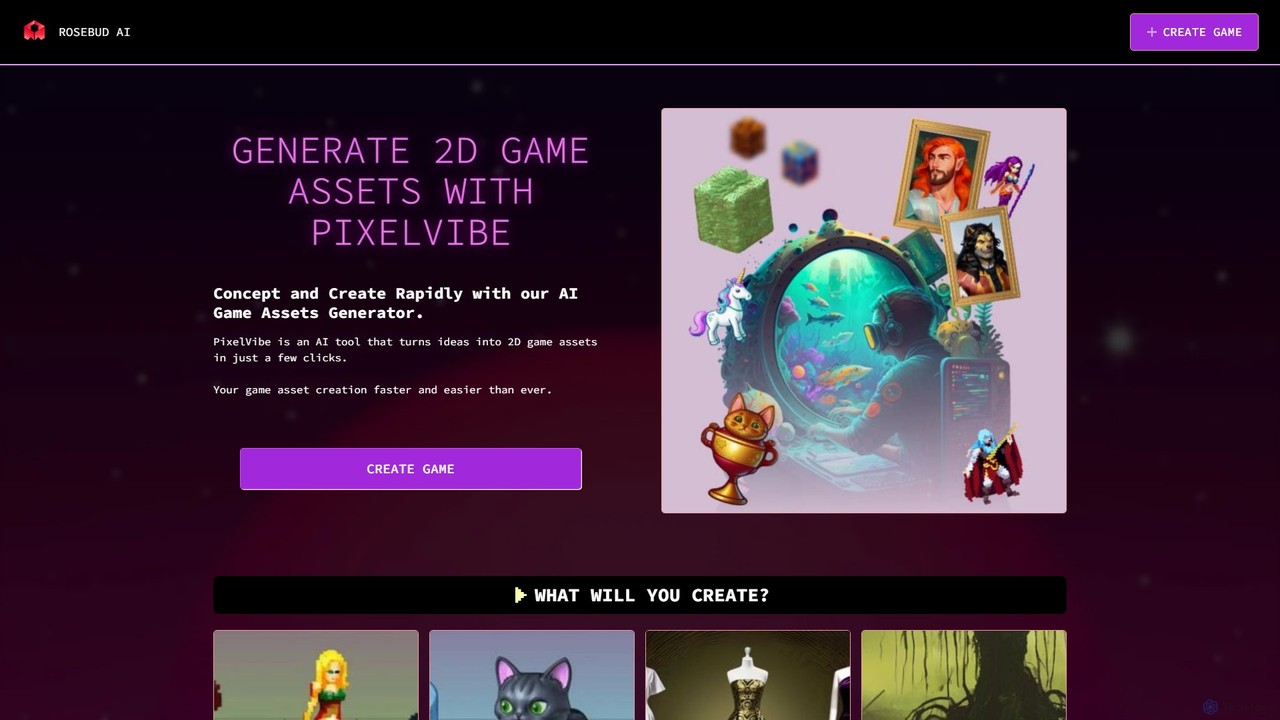
PixelVibe
PixelVibe by Rosebud AI is an advanced AI-powered platform for generating high-quality 2D and 3D game assets. It enables game developers to rapidly create character sprites, environments, props, isometric tiles, and more from simple text prompts. Designed to accelerate the creative process, it supports various art styles, making it an essential tool for both indie developers and established studios.
Game Development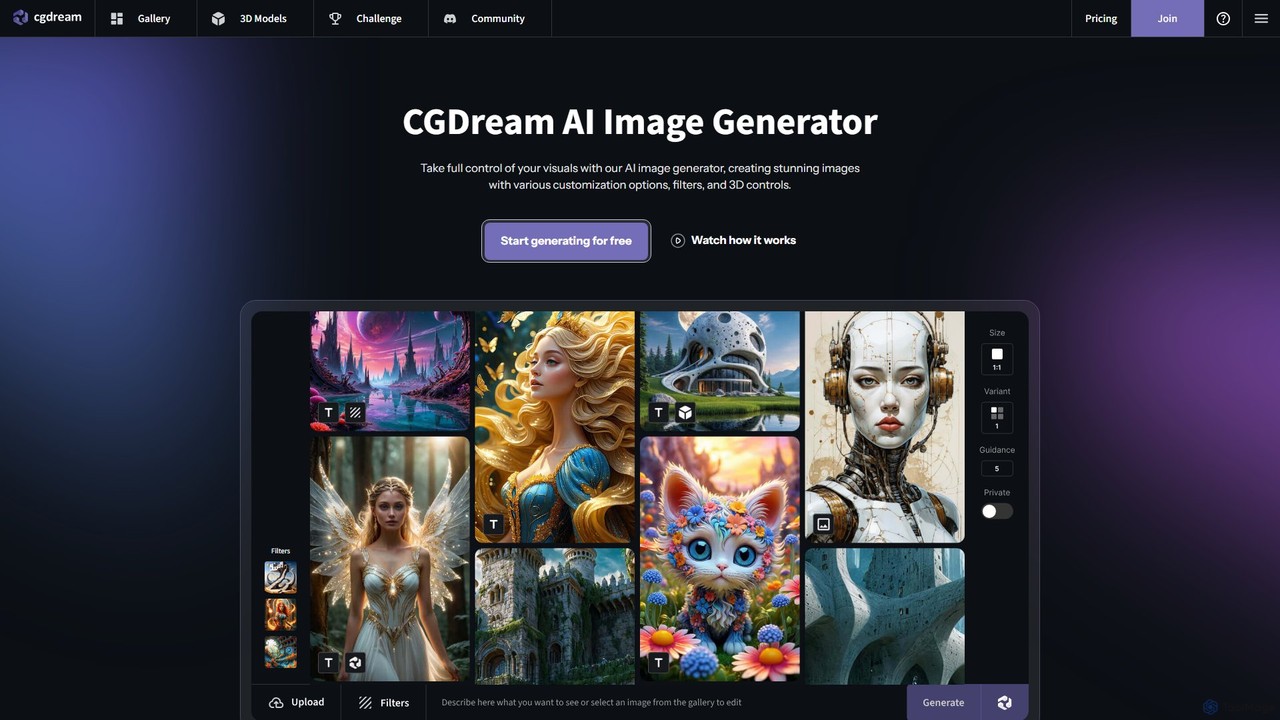
cgdream
cgdream is a versatile AI creative suite that empowers users to visualize their ideas through a wide range of tools. It excels in generating high-quality images from text or other images, creating 3D models, and offers specialized generators for anime, logos, characters, and more. With a generous free plan and scalable premium options, it caters to hobbyists, artists, designers, and marketing professionals.
3D Modeling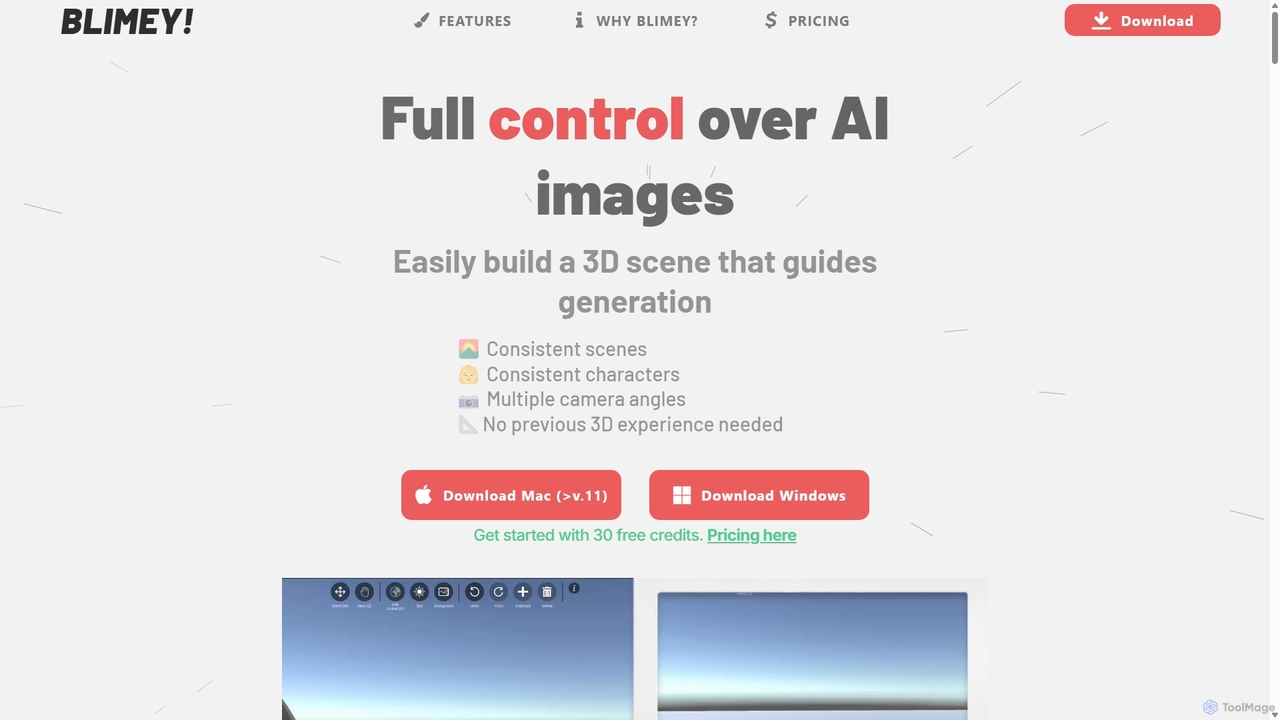
Blimeycreate
Blimeycreate is a desktop AI image generator that gives you full control by building 3D scenes. It enables consistent characters and scenes, multiple camera angles, and precise composition without needing prior 3D experience. Perfect for creators who want to bring their specific vision to life beyond simple text prompts.
3D Modeling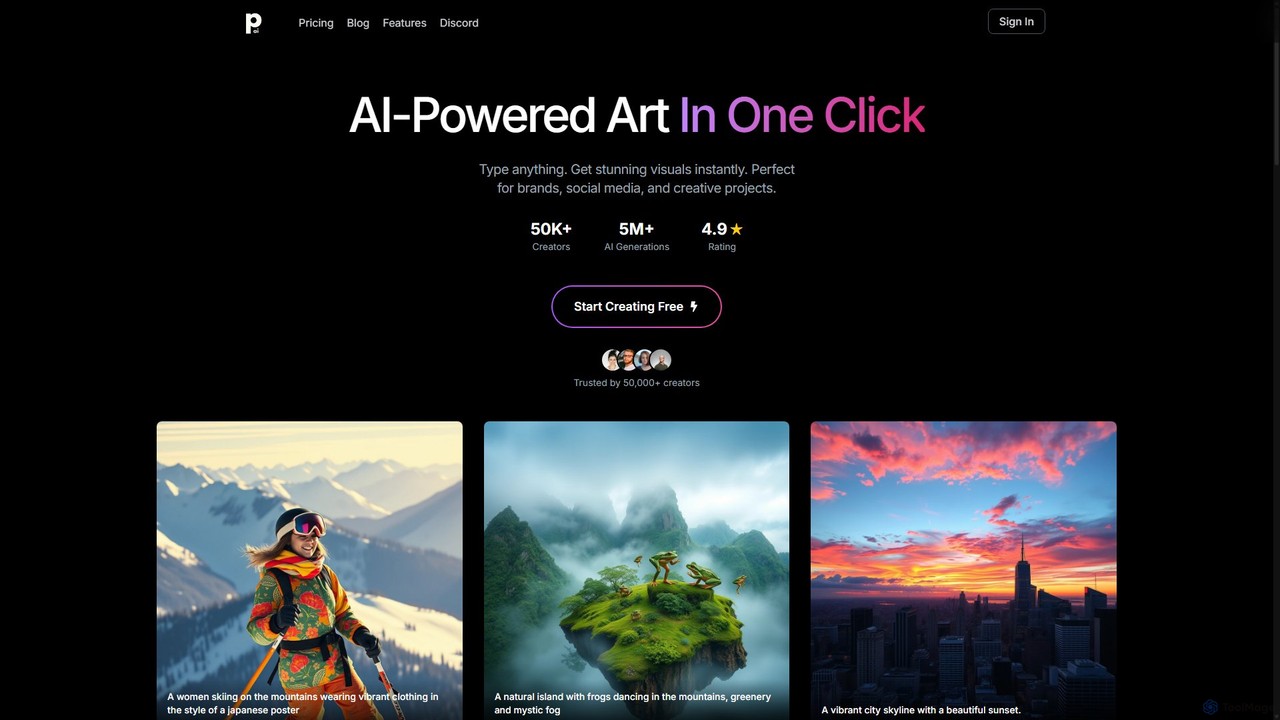
PhotoGenius
PhotoGenius is an all-in-one AI-powered visual creation platform. Instantly generate stunning images, interactive 3D models, videos, and professional marketing assets from simple text prompts. Ideal for creators, marketers, and businesses looking to produce high-quality visuals quickly and efficiently.
Graphic Design
Glyf
Glyf is an AI-powered platform that transforms text prompts and images into high-quality 3D models. Designed for creators of all skill levels, it simplifies the 3D creation process, enabling rapid prototyping, game asset generation, and artistic expression without complex software.
Generative Art
Tripo3D
Tripo3D is a powerful AI 3D model generator that creates high-quality 3D models from text, images, or doodles in seconds. It supports various export formats for gaming, AR/VR, 3D printing, and design, featuring professional-grade geometry, PBR materials, and auto-rigging capabilities.
Generator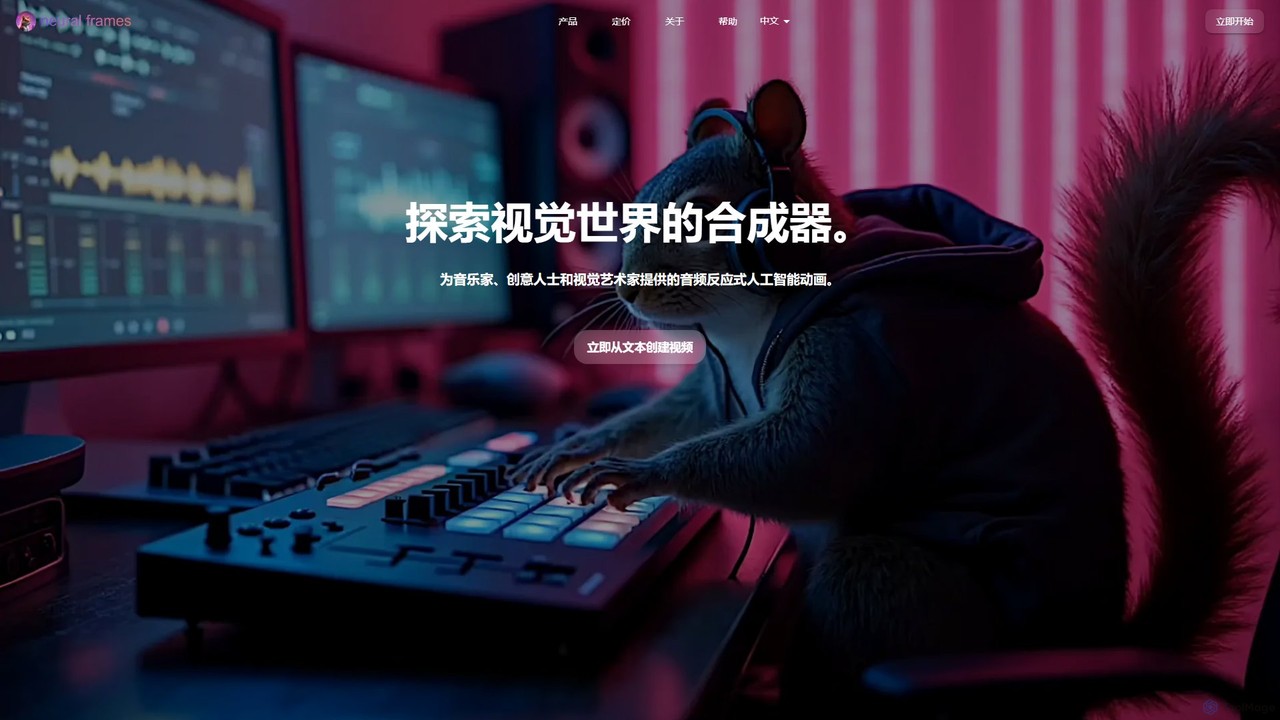
neuralframes
A powerful AI animation generator for musicians and creators. It transforms audio into stunning, reactive music videos using text prompts and an automated "Autopilot" feature. Create unique visuals, from lyric videos to psychedelic animations, in minutes, with up to 4K resolution and full creative control.
Animation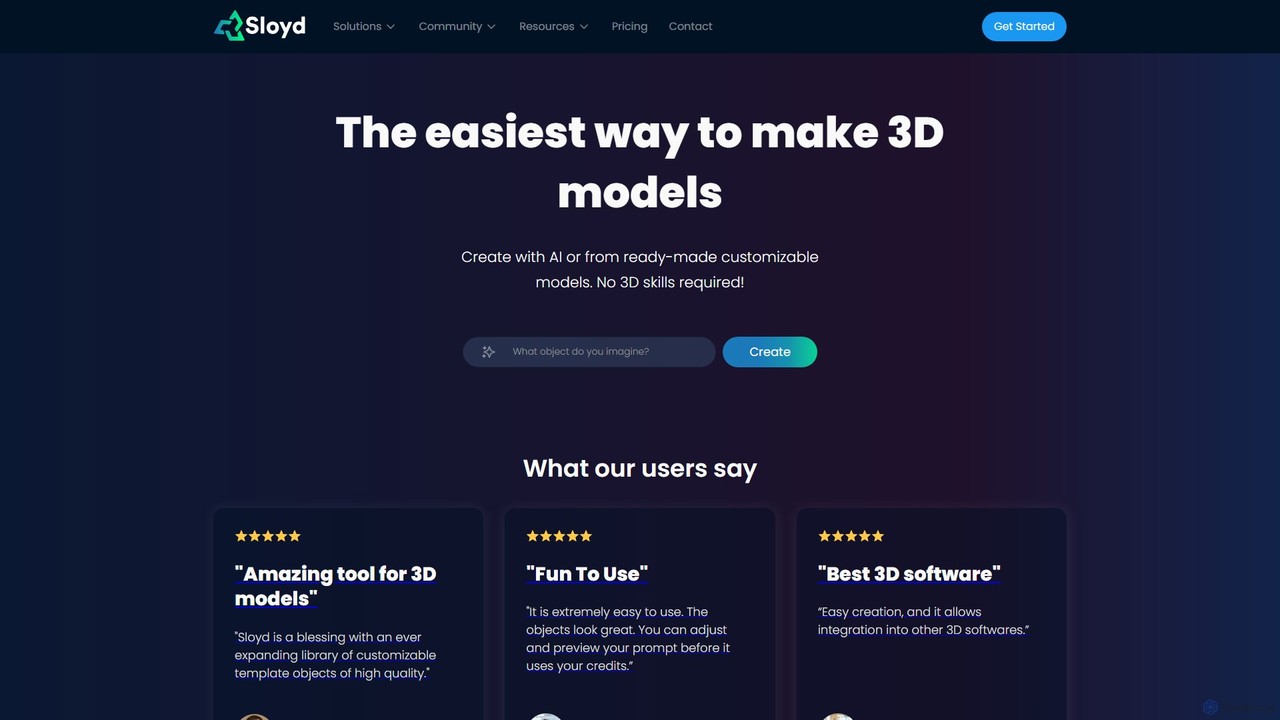
Sloyd
Sloyd is an AI-powered 3D model generator that makes 3D creation effortless. Generate models from text prompts or images, or customize from a vast library of parametric templates. No 3D skills are required, making it perfect for game developers, designers, and hobbyists.
Generator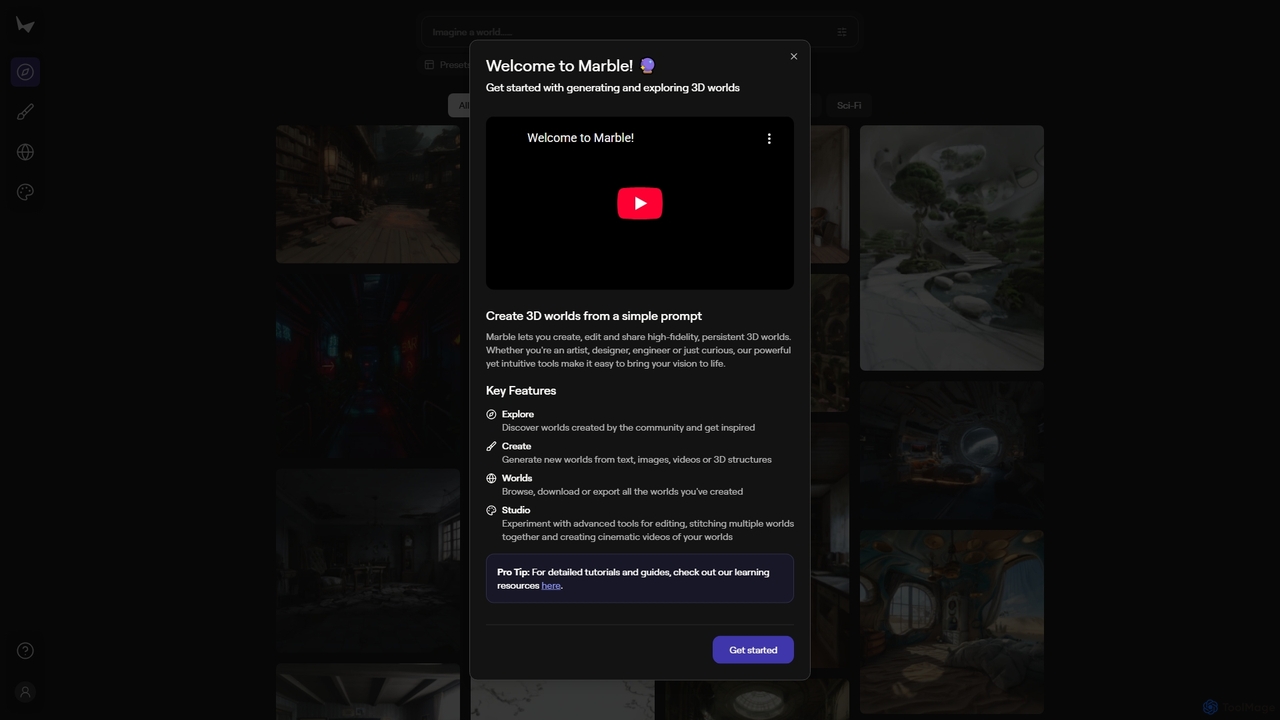
Marble
Marble is an innovative AI tool that empowers artists, designers, and enthusiasts to create, edit, and share high-fidelity, persistent 3D worlds from simple prompts. It transforms text, images, videos, or 3D structures into immersive virtual environments, fostering creativity and exploration within a vibrant community.
World Generation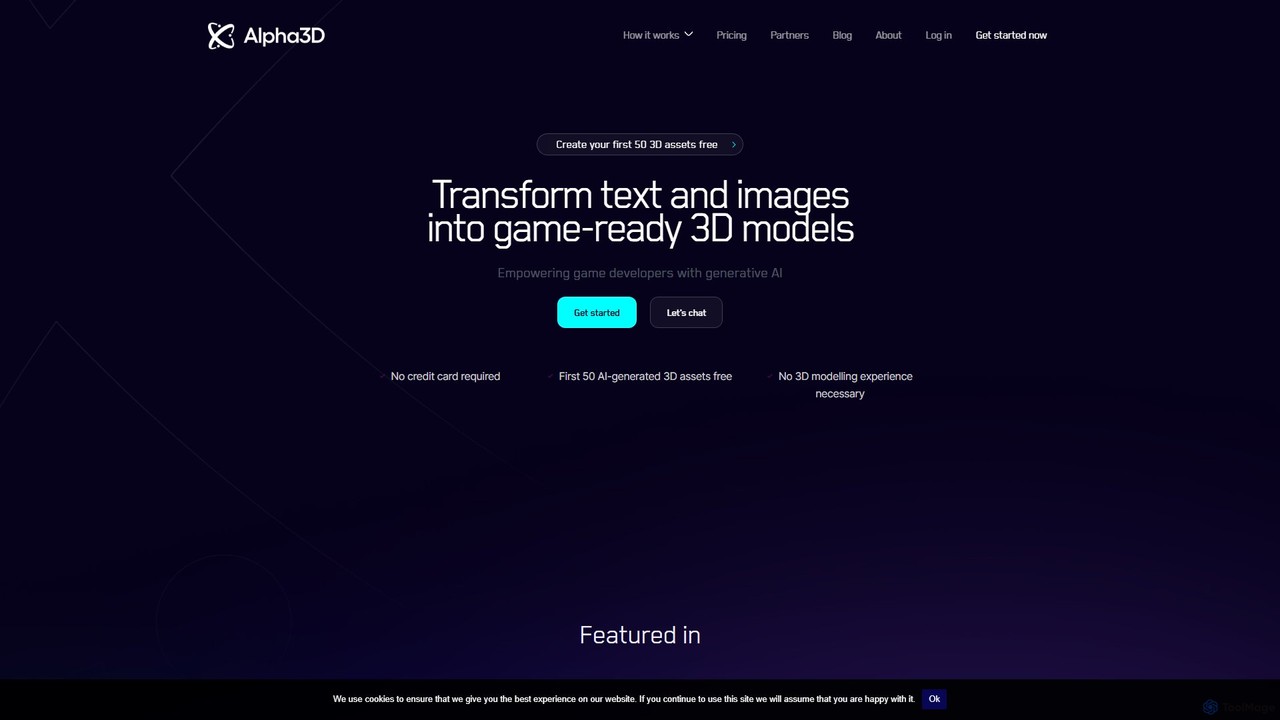
alpha3d
Alpha3D is a generative AI platform that transforms text prompts and 2D images into game-ready 3D models. Designed for game developers, AR/VR creators, and marketers, it simplifies and accelerates 3D asset creation, requiring no prior modeling experience.
Generator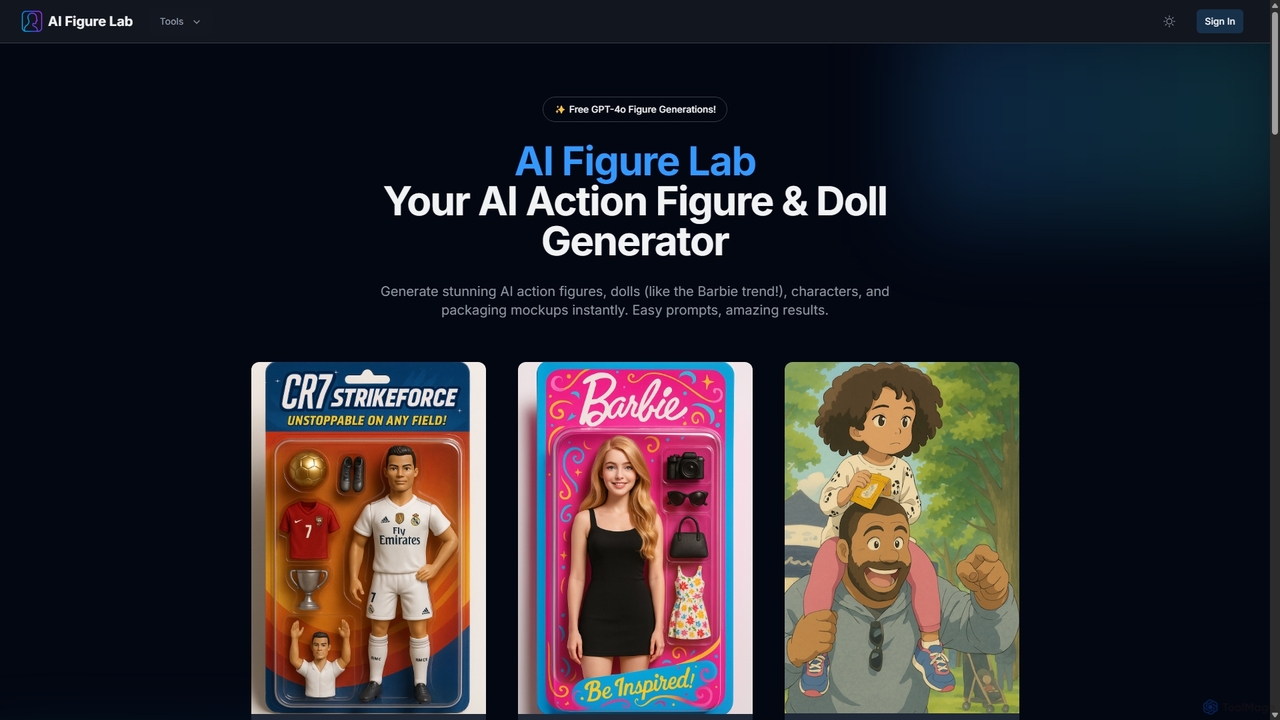
AI Figure Lab
AI Figure Lab is an AI-powered generator for creating stunning action figures, dolls (like the Barbie trend), unique characters, and packaging mockups. Powered by advanced models like GPT-4o, it transforms simple text prompts or photos into high-quality, collectible-style images with ease.
Ai Art Generator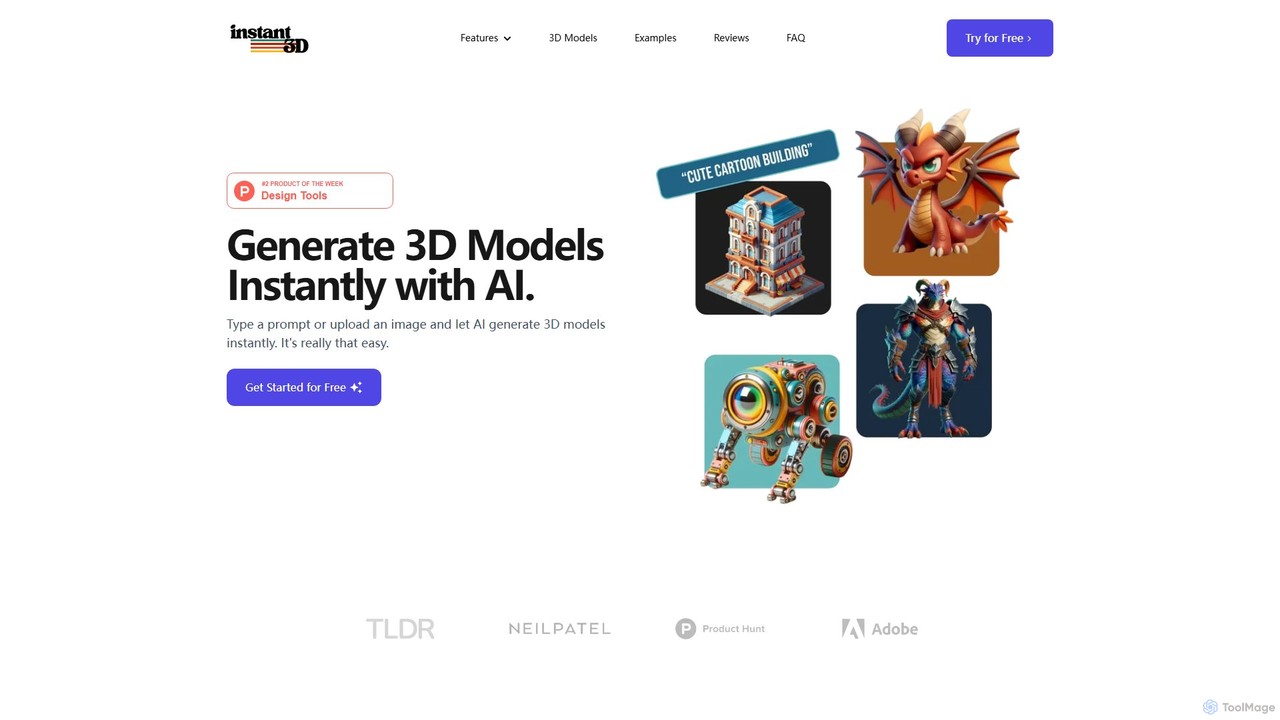
Instant3D
Instant3D is an AI-powered platform that generates high-quality 3D models from text prompts or 2D images in seconds. It's designed for designers, game developers, animators, and hobbyists to accelerate their creative workflow, offering tools for character generation, model optimization, and in-browser editing.
Generator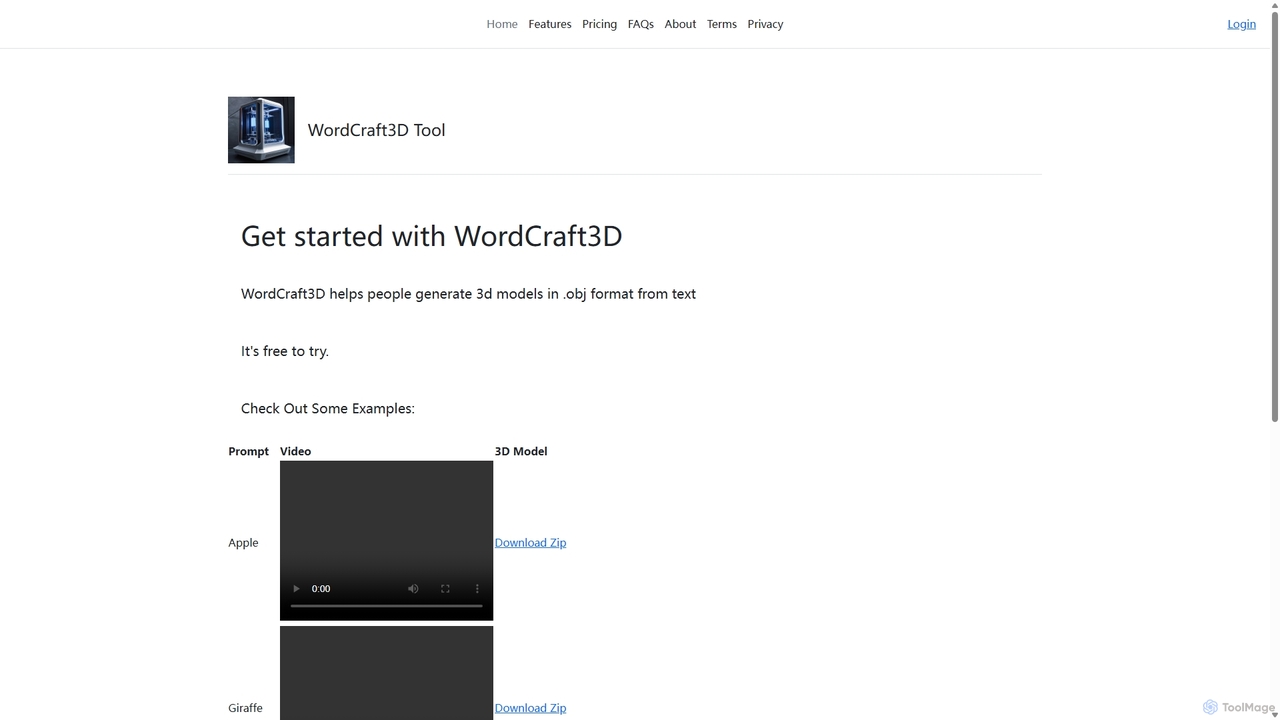
WordCraft3D
WordCraft3D is an AI-powered tool that generates 3D models in the standard .obj format from simple text descriptions. It's designed for game developers, 3D artists, and designers to rapidly prototype and create assets. The tool is currently free to use, allowing users to download models along with their material and texture files, and preview them with a rotating video.
Text To 3D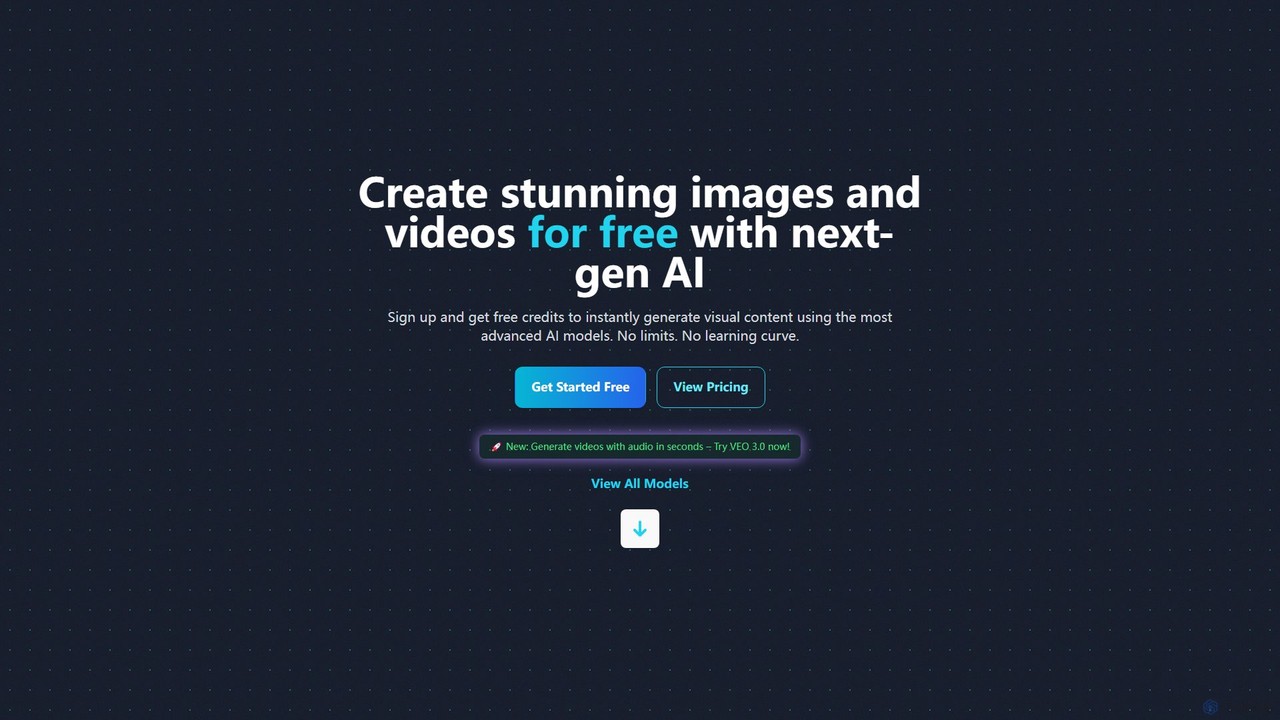
PicoAI
PicoAI is a comprehensive AI platform for professionals, offering a suite of powerful tools for image, video, and 3D model generation. It features advanced models like VEO 3 for cinematic video creation, text-to-image generation, AI-powered editing, and even developer tools for HTML/CSS code generation. Designed to boost productivity, PicoAI provides an intuitive, all-in-one solution for designers, marketers, developers, and entrepreneurs to create high-quality content and streamline their workflows without a steep learning curve.
Image Generation
BrickCenter Comments (0)
Sign in to comment.
Sign inNo comments yet.