
Clack Overview
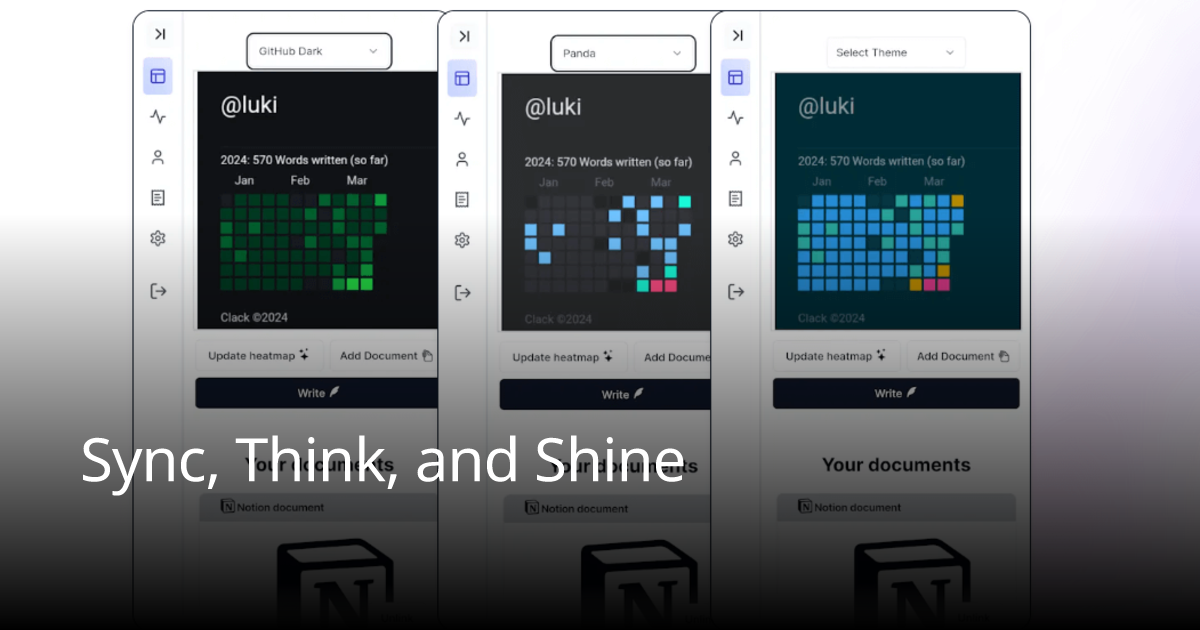
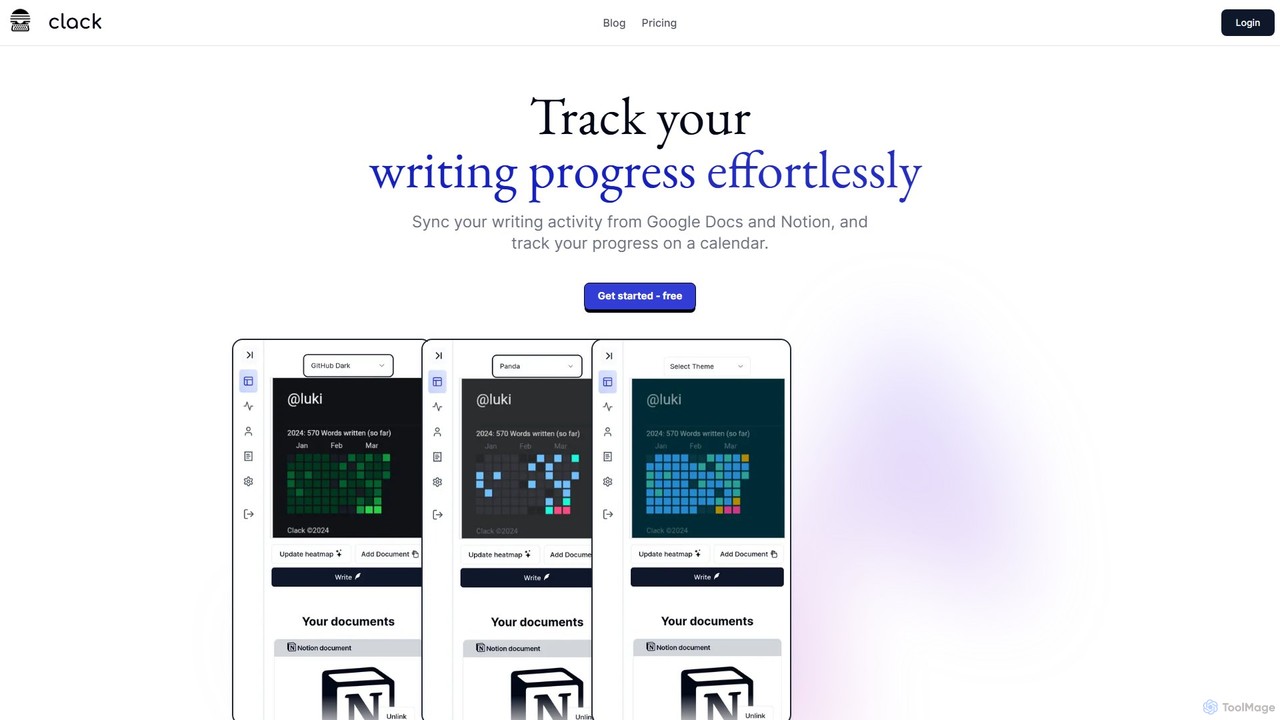
Clack is a specialized productivity application designed for writers, content creators, and anyone who wants to meticulously track their writing progress. It serves as a central hub to monitor your writing activity by seamlessly integrating with two of the most popular writing platforms: Google Docs and Notion. The core concept of Clack is to provide tangible, visual feedback on your writing habits, encouraging consistency and helping you achieve your goals. It does this through an intuitive calendar heatmap that displays your daily writing efforts at a glance.
Beyond just tracking, Clack is a powerful writing environment in itself. It features a clean, Notion-style WYSIWYG editor, providing a familiar and efficient interface for drafting and editing documents. This editor is enhanced with an AI Writing Assistant that offers features like autocomplete, helping to streamline the writing process and overcome writer's block. Security is also a priority, with all documents stored within Clack being protected by robust AES-256-CBC encryption, ensuring your work remains private and secure. As an open-source project, Clack also offers transparency and community-driven development.
How to use Clack
Getting started with Clack is straightforward. The process involves connecting your existing writing workspaces and letting the tool automatically sync your activity.
1. For Notion Integration: Navigate to your Clack dashboard and follow the instructions to connect the Clack integration to your Notion workspace. Once connected, you can select specific Notion pages you wish to track. Clack will then monitor changes and word count progress on these linked pages.
2. For Google Docs Integration: To track a Google Doc, you first need to adjust its sharing settings. Open the desired document in Google Docs, click the 'Share' button in the top-right corner, and change the 'General access' setting to 'Anyone with the link'. After setting the permission, copy the document's URL and paste it into your Clack dashboard. The tool will then begin tracking your writing activity within that document.
3. Using the Clack Editor: You can also write directly within Clack using its built-in, Notion-style editor. This is ideal for new projects or for leveraging the AI Writing Assistant for drafting and brainstorming.
Core Features of Clack
- Google Docs & Notion Integration: Seamlessly syncs and tracks writing activity from your favorite platforms, centralizing your progress data.
- Progress Calendar Heatmap: Visualizes your daily writing consistency on a calendar, making it easy to see your streaks and stay motivated. Multiple themes are available for personalization.
- AI-Powered Notion-Style Editor: A modern, intuitive WYSIWYG editor that mimics the user-friendly experience of Notion, enhanced with AI capabilities.
- AI Writing Assistant: Features like AI autocomplete help to speed up writing, suggest phrases, and enhance your overall writing experience. The Pro plan includes a more advanced AI Document Assistant.
- Notion Widget: A dedicated widget that allows you to embed and visualize your Clack tracking data directly within your Notion workspace.
- Unlimited Document Storage: Store an unlimited number of documents directly within Clack, all secured with strong encryption.
- Secure Document Storage: Your documents are protected with AES-256-CBC encryption, ensuring maximum security and privacy for your work.
- Open-Source: The project's open-source nature promotes transparency, trust, and allows for community contributions.
Use Cases for Clack
Clack is versatile and beneficial for various types of writers:
- Authors and Novelists: Track daily word count goals for NaNoWriMo or personal projects, ensuring steady progress on a manuscript.
- Bloggers and Content Creators: Monitor content production schedules and maintain a consistent publishing cadence across different articles and platforms.
- Students and Academics: Keep track of progress on research papers, theses, and dissertations, ensuring deadlines are met.
- Freelance Writers: Manage multiple client projects simultaneously, providing a clear overview of work completed for each.
- Journalists and Professionals: Build and maintain a daily writing habit for reports, articles, or personal journaling.
Advantages of Clack
Clack stands out by offering a unique combination of features focused on writer productivity. Its primary advantage is the unified tracking system that eliminates the need to manually log word counts from different sources. The visual heatmap is a powerful motivational tool, turning the abstract goal of 'writing more' into a concrete, daily challenge. The inclusion of a high-quality, AI-enhanced editor makes it more than just a tracker—it's a complete writing tool. Furthermore, its freemium model, with a very affordable one-time payment for the Pro version, makes it highly accessible to everyone.
Pricing and Plans
Clack offers a simple and transparent pricing structure:
- Free Plan ($0): This plan provides the essentials to start tracking your writing habits. It includes unlimited Clack documents, the Notion-style WYSIWYG editor, an AI Writing Assistant, and Google Docs integration.
- Pro Plan ($3.59 one-time): For a single, low-cost payment, this plan unlocks all features. It includes everything in the Free plan, plus unlimited tracking for Notion & Google documents, the Notion Integration and Widget, 14 heatmap themes, and the AI Document Assistant with 1000 credits included.
Clack Alternatives
Synapsy Write
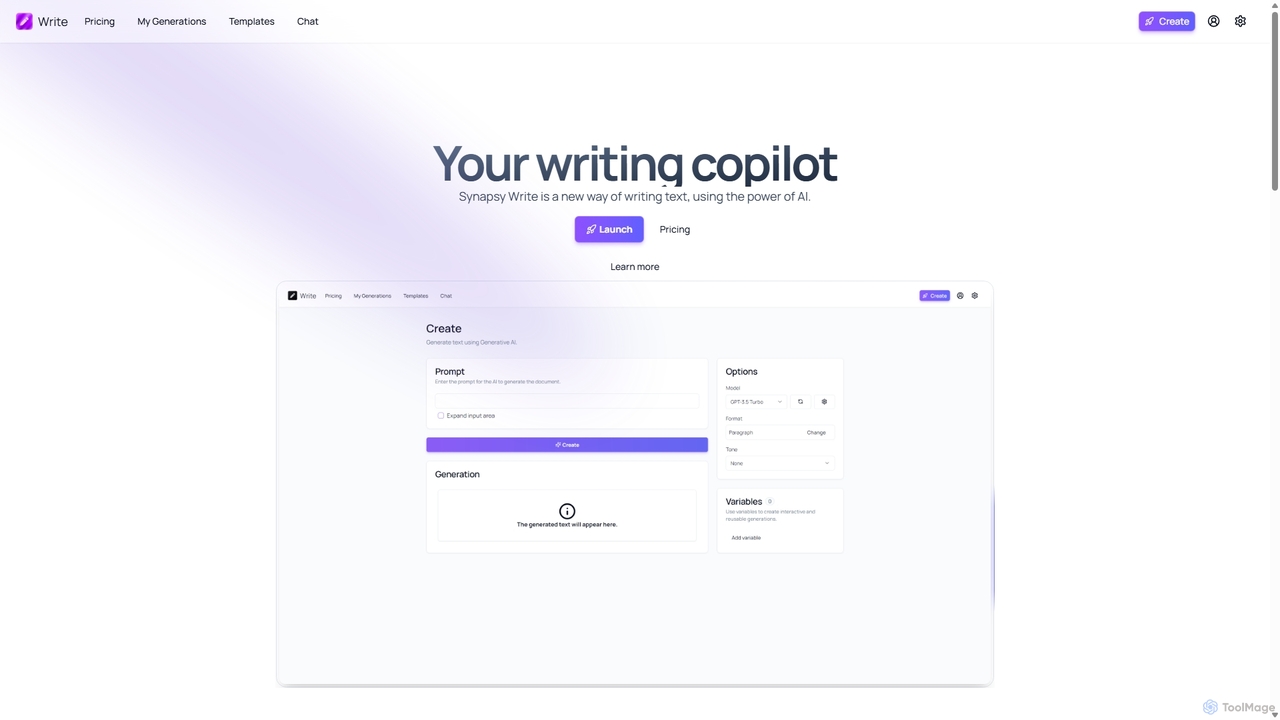
Synapsy Write is an open-source AI writing copilot designed to enhance productivity and creativity. It supports multiple advanced AI models like GPT-4o and Claude 3.5, offering versatile text generation, an integrated editor, advanced controls with variables, and specialized tools for creating essays, tables, and in-depth text analysis.
Academic Writing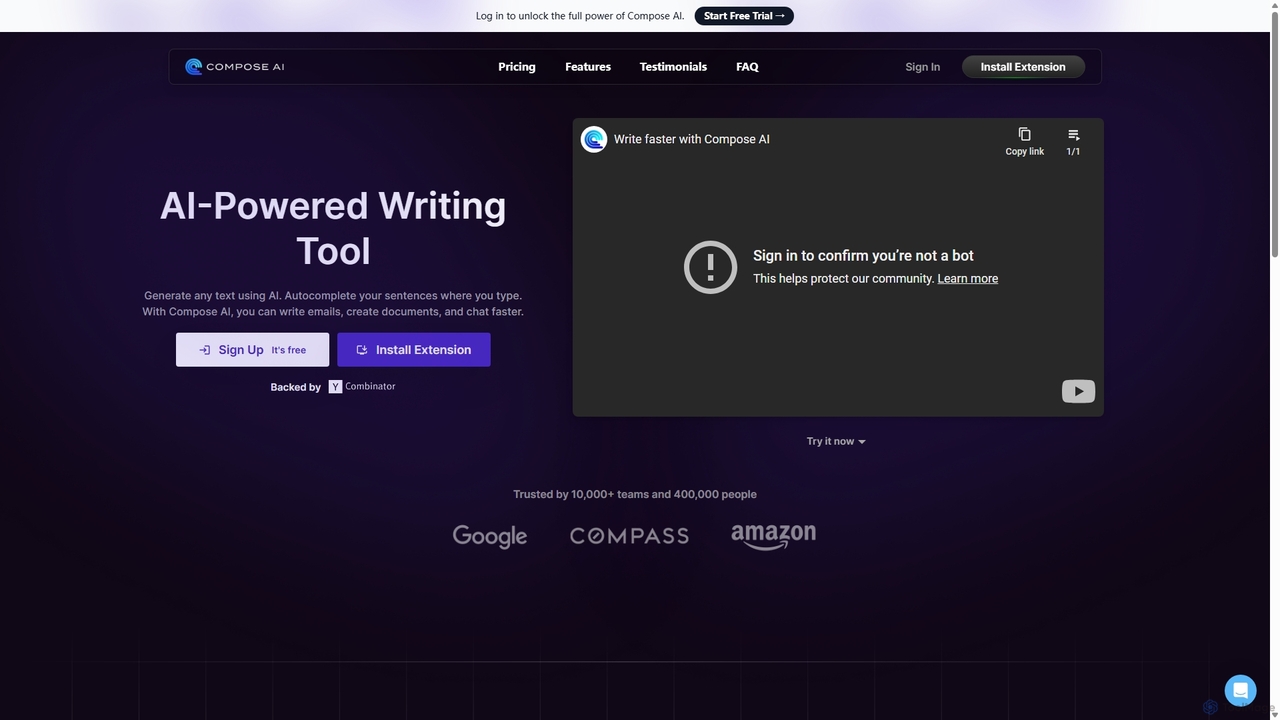
Compose AI
Compose AI is an AI-powered writing assistant and Chrome extension that accelerates your writing process. It offers intelligent autocompletion, text generation, and rephrasing capabilities across all your favorite sites, from emails to documents. By learning your personal writing style, it helps you write faster and more effectively, saving up to 40% of your time.
Chrome Extensions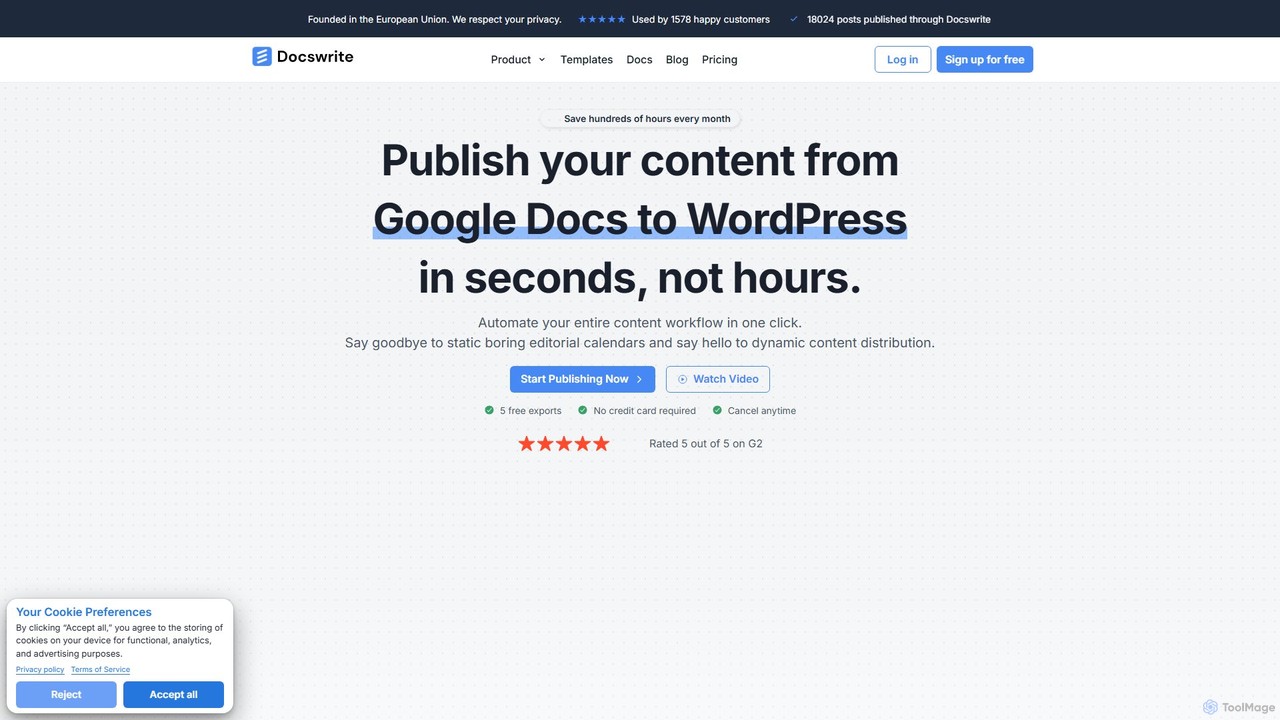
docswrite
docswrite is an AI-powered writing assistant designed to streamline the creation of high-quality documents. It helps users generate articles, reports, marketing copy, and more with advanced AI. Features include content generation, intelligent editing, and a vast library of templates to boost productivity and enhance writing quality.
Document Management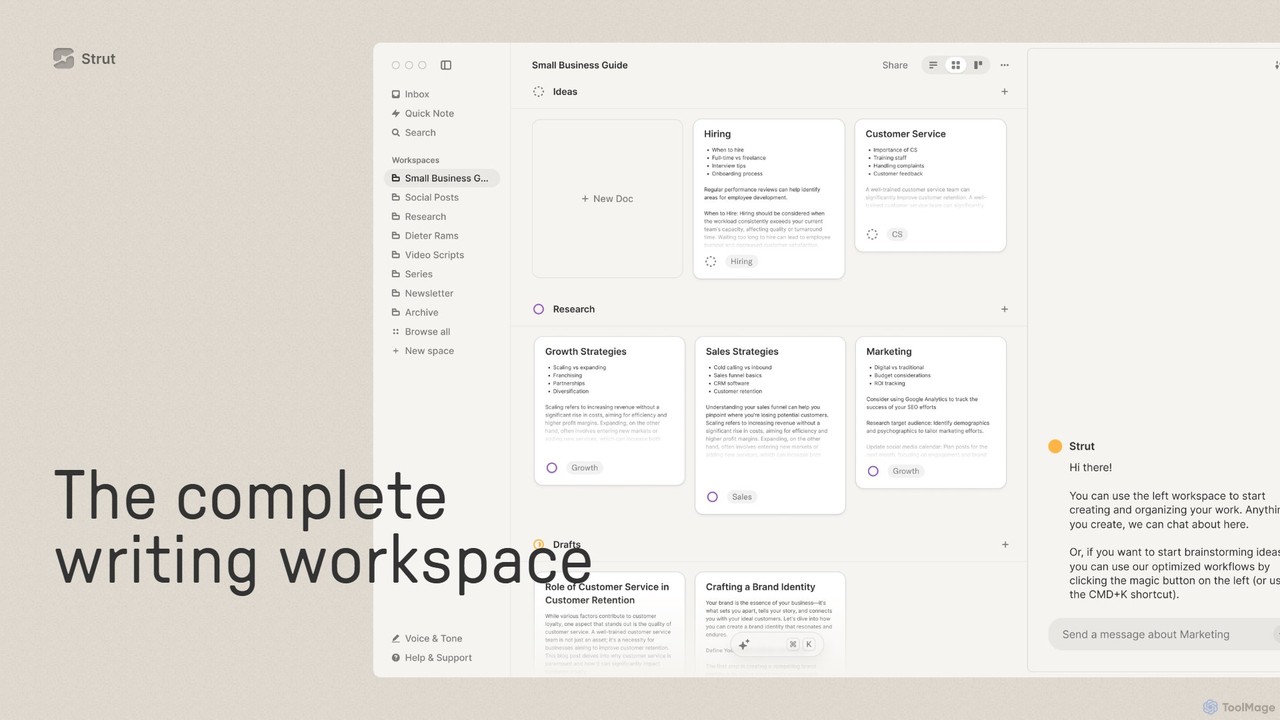
Strut
Strut is a comprehensive AI-powered writing workspace that unifies notes, documents, and project management into a single, collaborative platform. It's designed to streamline the entire writing process, from initial idea capture to final publication, with an AI partner to assist with research, editing, and inspiration.
Project Management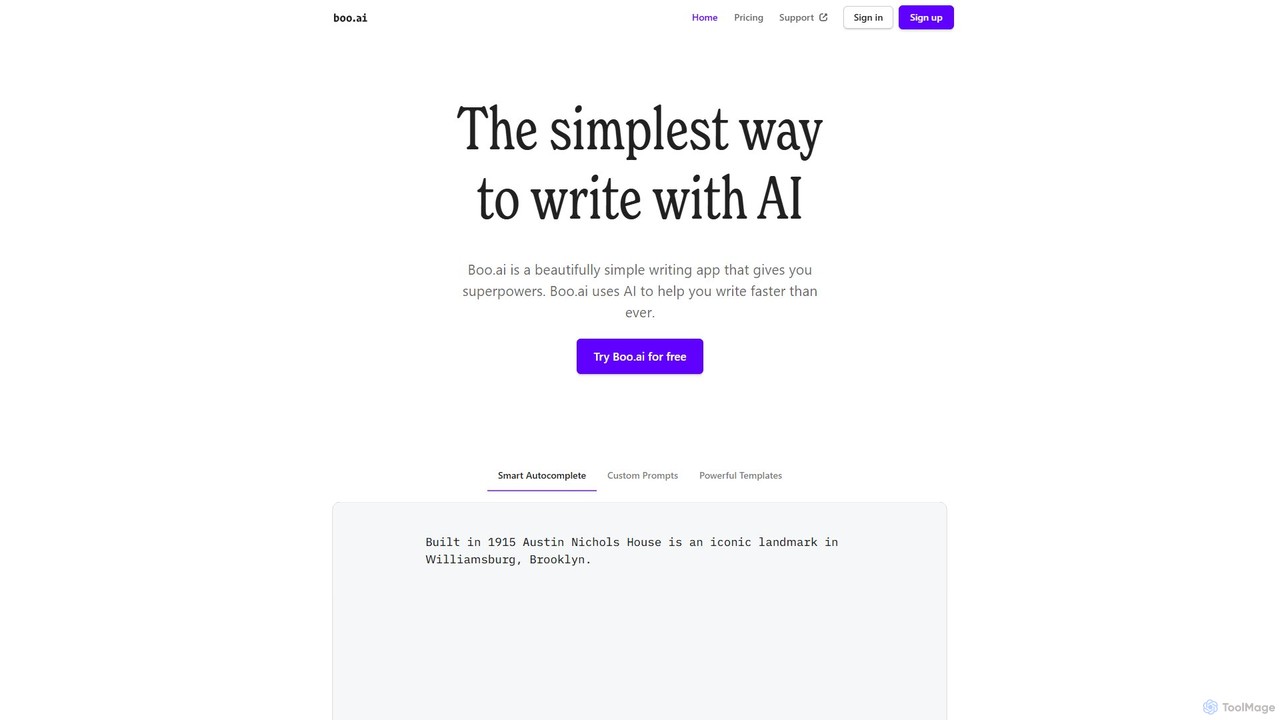
boo.ai
boo.ai is a minimalist AI-powered writing assistant designed for speed and simplicity. It leverages AI to offer smart autocomplete, custom prompts, and powerful templates. The tool learns your writing style over time, provides advanced editing suggestions for tone and structure, and helps with everything from emails and essays to business plans.
Essay WritingClack Categories
Clack Embed Widget
Copy this embed code to place the badge on your blog, article, or product site and send readers directly to this ToolMage detail page.

Related AI tools
Synapsy Write
Synapsy Write is an open-source AI writing copilot designed to enhance productivity and creativity. It supports multiple advanced AI models like GPT-4o and Claude 3.5, offering versatile text generation, an integrated editor, advanced controls with variables, and specialized tools for creating essays, tables, and in-depth text analysis.
Academic WritingCompose AI
Compose AI is an AI-powered writing assistant and Chrome extension that accelerates your writing process. It offers intelligent autocompletion, text generation, and rephrasing capabilities across all your favorite sites, from emails to documents. By learning your personal writing style, it helps you write faster and more effectively, saving up to 40% of your time.
Chrome Extensionsdocswrite
docswrite is an AI-powered writing assistant designed to streamline the creation of high-quality documents. It helps users generate articles, reports, marketing copy, and more with advanced AI. Features include content generation, intelligent editing, and a vast library of templates to boost productivity and enhance writing quality.
Document ManagementStrut
Strut is a comprehensive AI-powered writing workspace that unifies notes, documents, and project management into a single, collaborative platform. It's designed to streamline the entire writing process, from initial idea capture to final publication, with an AI partner to assist with research, editing, and inspiration.
Project Management
Jyek
Jyek is an AI agent platform that understands objectives, creates execution plans, uses tools, and delivers verifiable results for complex, multi-step tasks.
Automationboo.ai
boo.ai is a minimalist AI-powered writing assistant designed for speed and simplicity. It leverages AI to offer smart autocomplete, custom prompts, and powerful templates. The tool learns your writing style over time, provides advanced editing suggestions for tone and structure, and helps with everything from emails and essays to business plans.
Essay Writing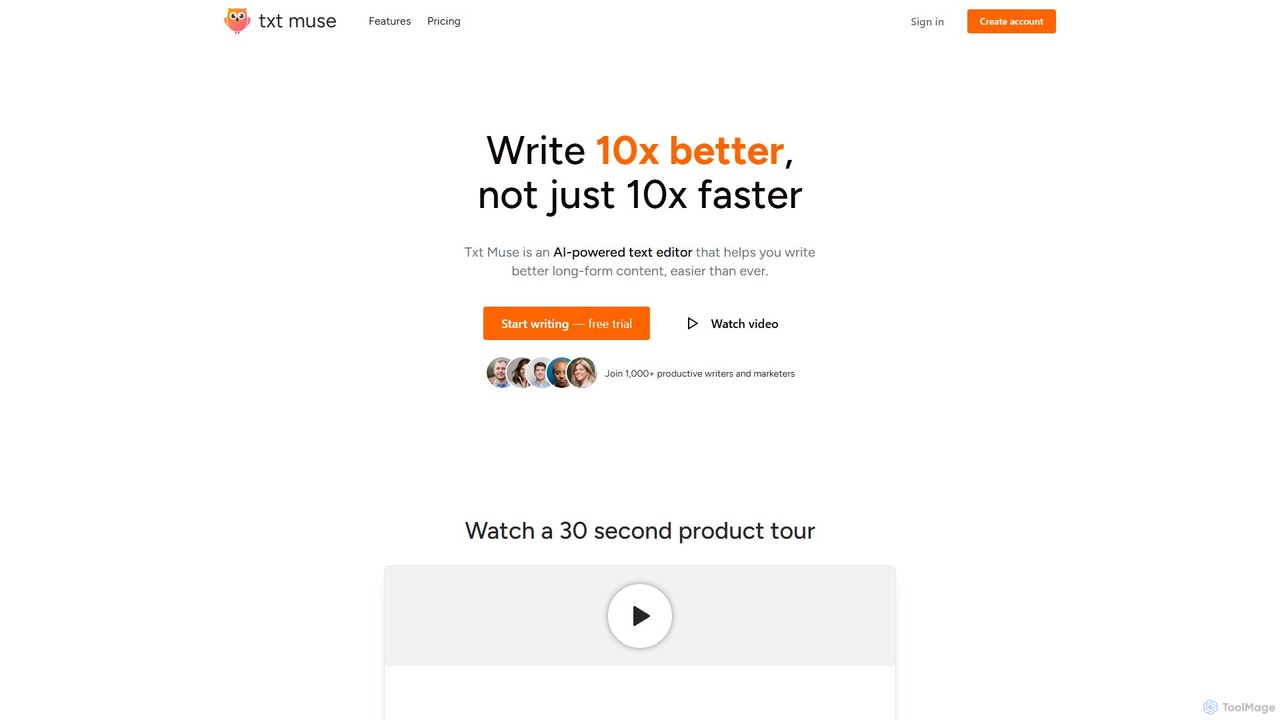
Txt Muse
Txt Muse is an AI-powered text editor designed for writers and marketers, focusing on improving content quality, not just speed. It helps overcome writer's block with features like AI-assisted drafts, sentence autocomplete, and one-click text shaping. Users can rewrite, expand, and refine text, chat with their documents for feedback, and even create custom AI tools. It's designed to make writing long-form content like blog posts, emails, and articles easier and more enjoyable.
Content Creation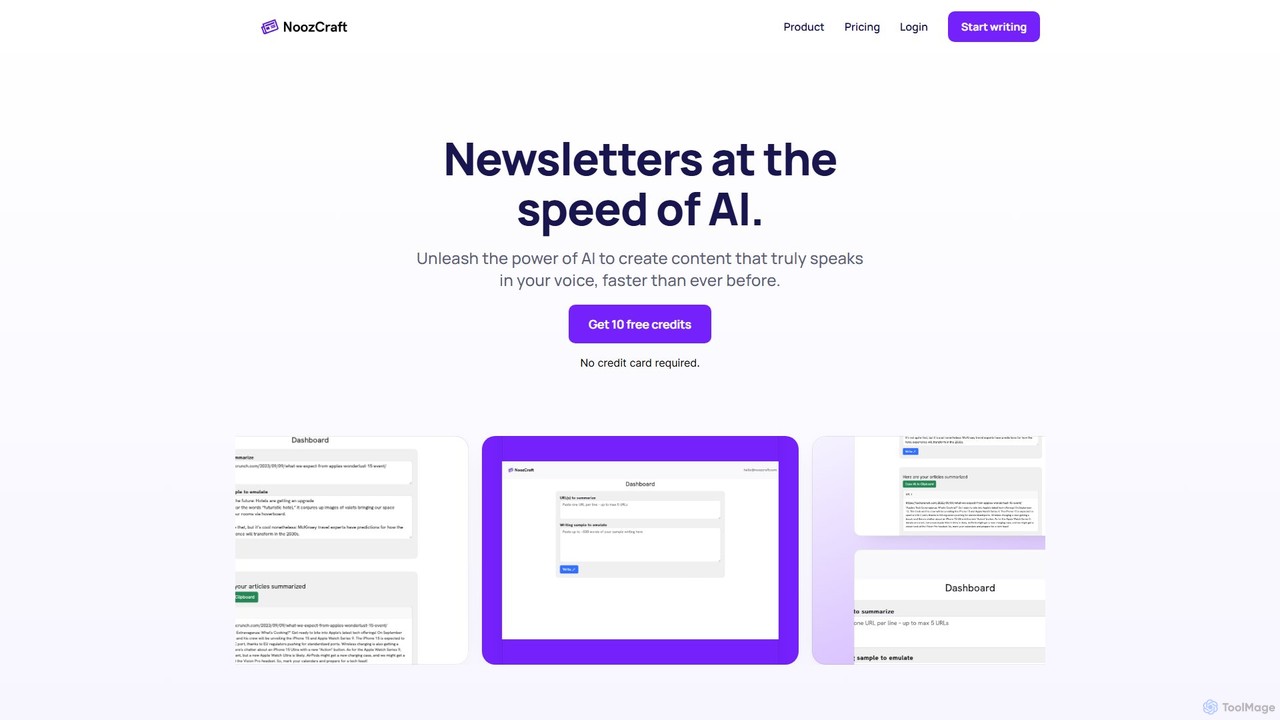
noozcraft
noozcraft is an AI-powered platform designed to create newsletters at high speed. It learns your unique writing style, voice, and tone to generate authentic content, helping you publish engaging newsletters over 75% faster.
Summarizer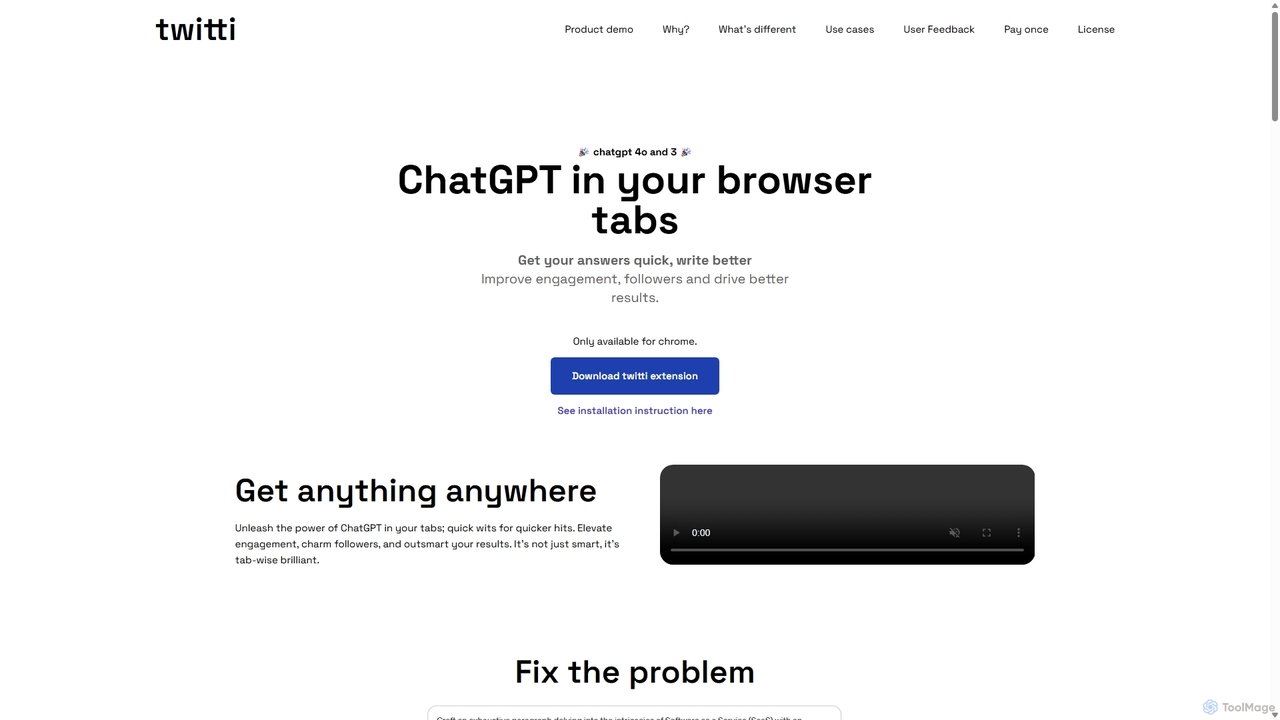
Twitti
Twitti is a powerful ChatGPT browser extension that integrates AI into any tab. It enhances writing, boosts social media engagement, and increases productivity with 25+ tones, advanced copywriting frameworks, and a one-time purchase model, eliminating recurring subscriptions.
Chrome
Riter
Riter is an advanced AI-powered writing assistant designed to help users create high-quality, engaging, and SEO-optimized content in seconds. From blog posts and marketing copy to emails and social media updates, Riter streamlines the entire content creation process, overcoming writer's block and boosting productivity for creators, marketers, and businesses.
Content Creation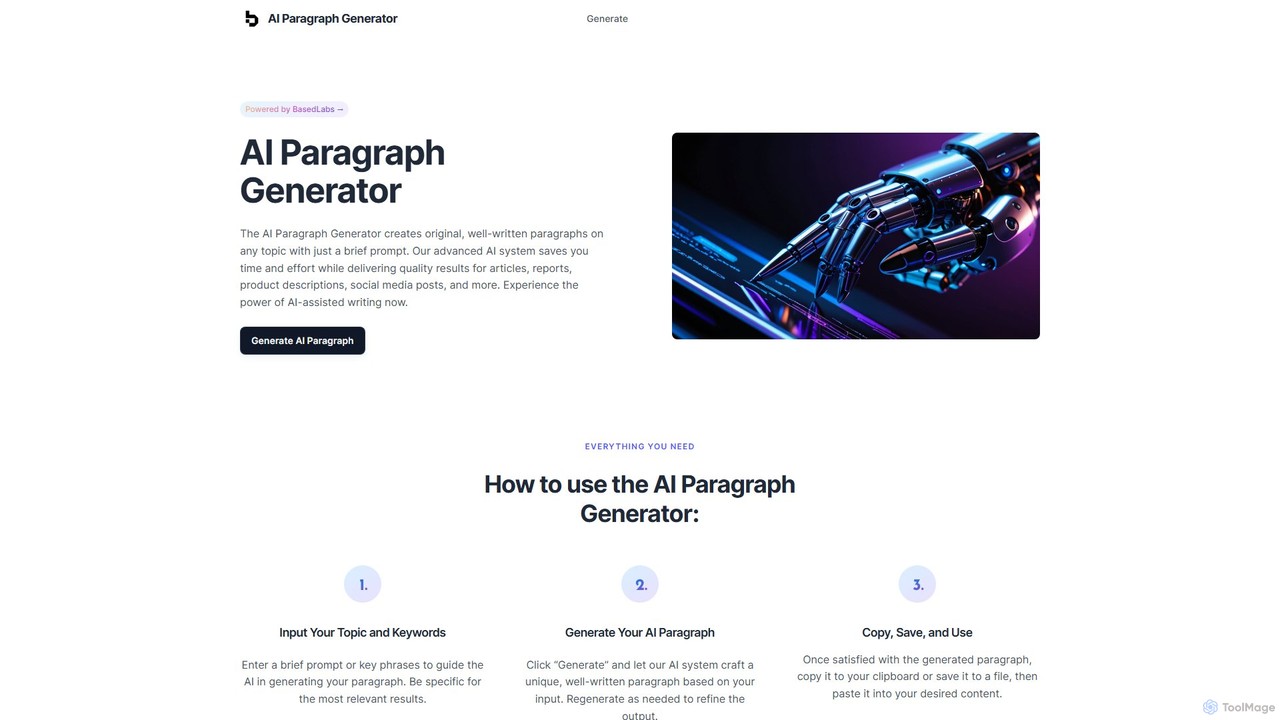
AI Paragraph Generator
An AI-powered tool by BasedLabs that instantly generates original, well-written paragraphs on any topic from a simple prompt. It's designed to save time, overcome writer's block, and improve content quality for writers, marketers, and students. The tool ensures consistency in tone and style, delivering professional and engaging content in seconds.
Research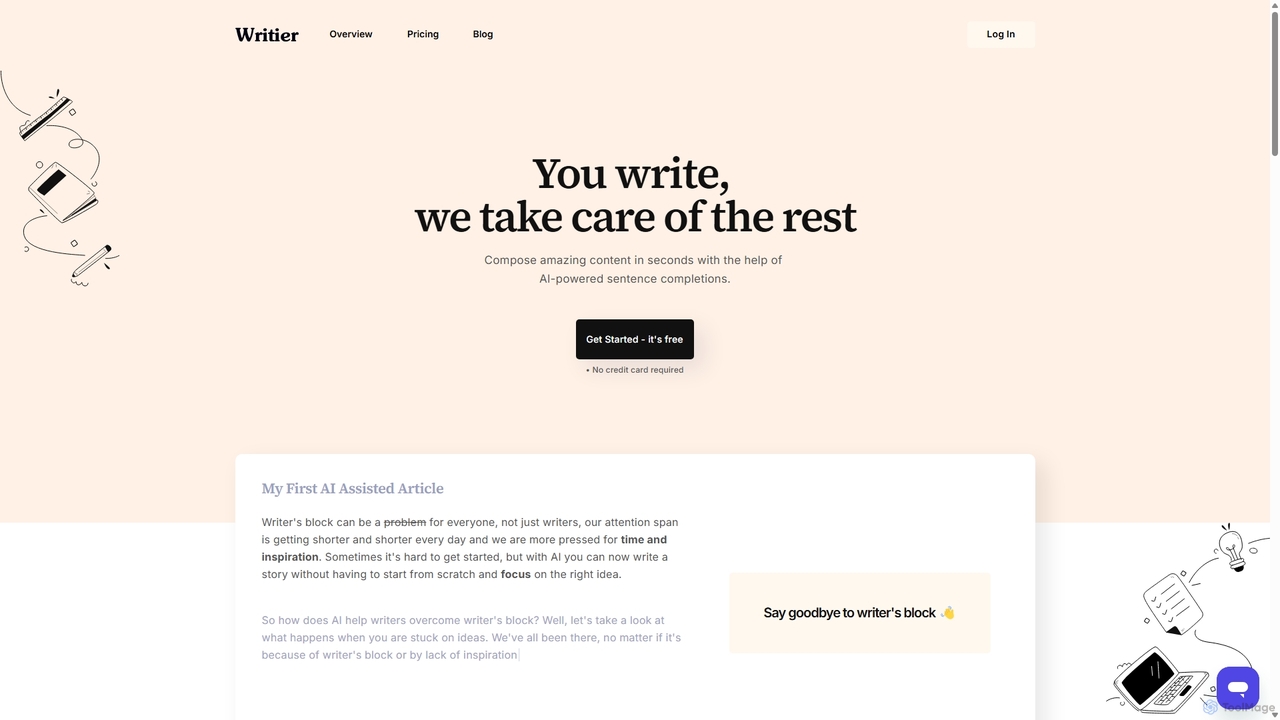
Writier
Writier is an AI-powered writing assistant designed to help users overcome writer's block and create high-quality content effortlessly. Leveraging GPT-3, it offers intelligent sentence completions, multi-language support, and tone adjustments to enhance productivity. It generates 100% original content while maintaining the user's unique writing style, making it ideal for content creators, marketers, and writers.
Content Creation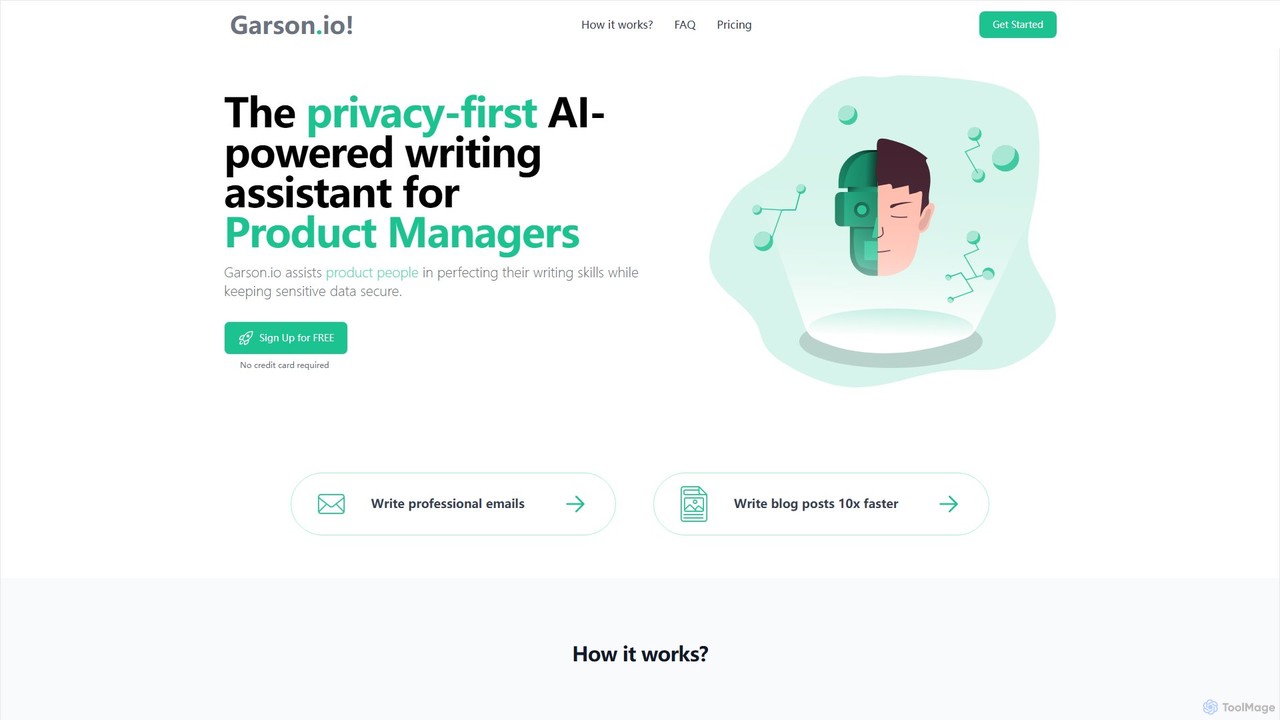
Garson.io
Garson.io is a privacy-first AI writing assistant designed for product managers and marketers. It helps create professional emails, blog posts, and product descriptions efficiently while ensuring sensitive data remains secure. The tool focuses on enhancing writing quality, saving time, and protecting confidential information through its unique data-locking feature.
Email Assistant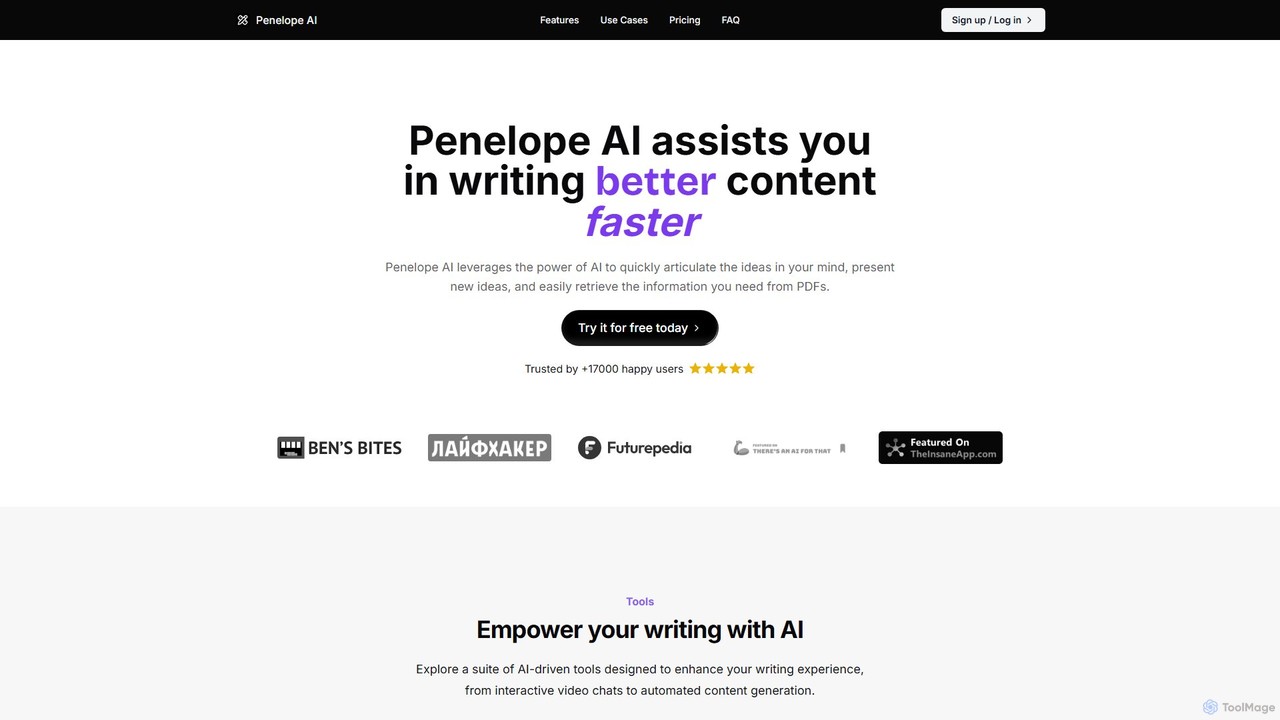
penelope_ai
Penelope AI is an advanced AI writing assistant designed to help users create better content faster. It features intelligent autocomplete, PDF chat for information retrieval, powerful paraphrasing and summarizing tools, and supports various writing tasks from essays and blog posts to professional social media updates. It aims to streamline the writing process, enhance clarity, and overcome writer's block.
Text Generation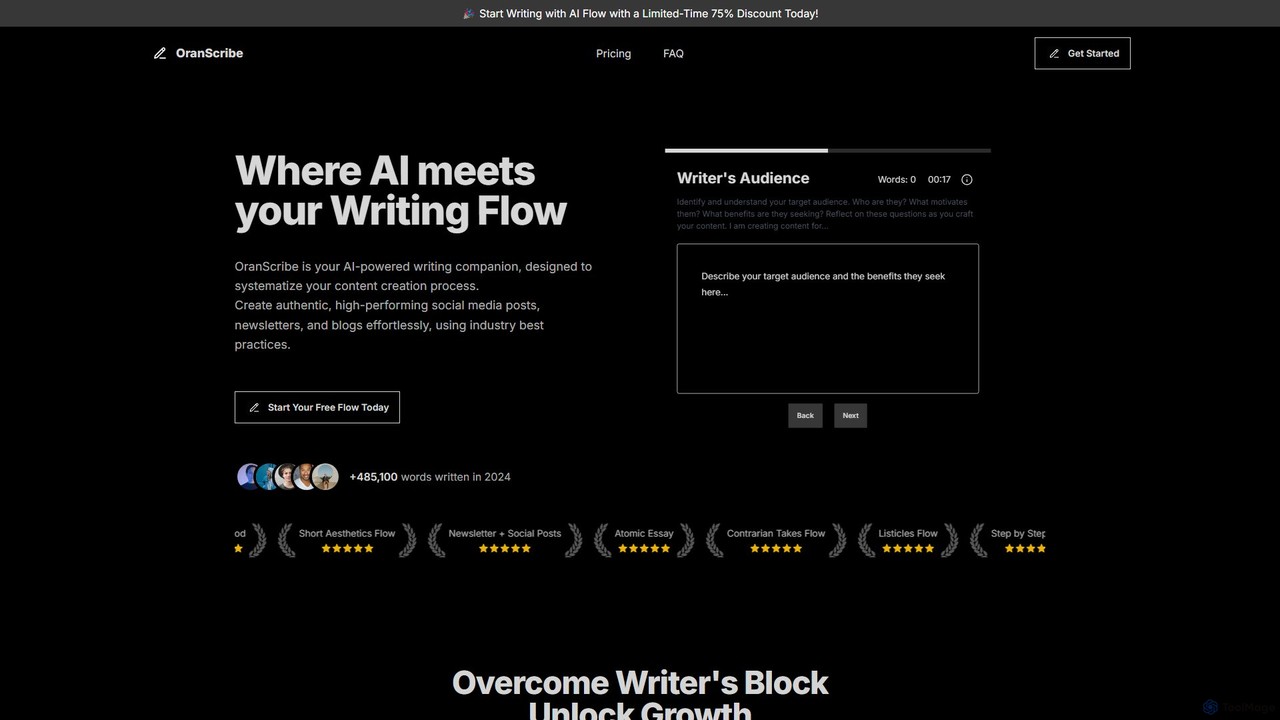
OranScribe
OranScribe is an AI-powered writing companion designed to systematize your content creation. It utilizes structured "writing flows" based on proven industry practices to help you effortlessly create authentic, high-performing social media posts, newsletters, and blogs. Move beyond generic AI content and craft strategic, engaging narratives that resonate with your audience.
Content Creation
Clack Comments (0)
Sign in to comment.
Sign inNo comments yet.