

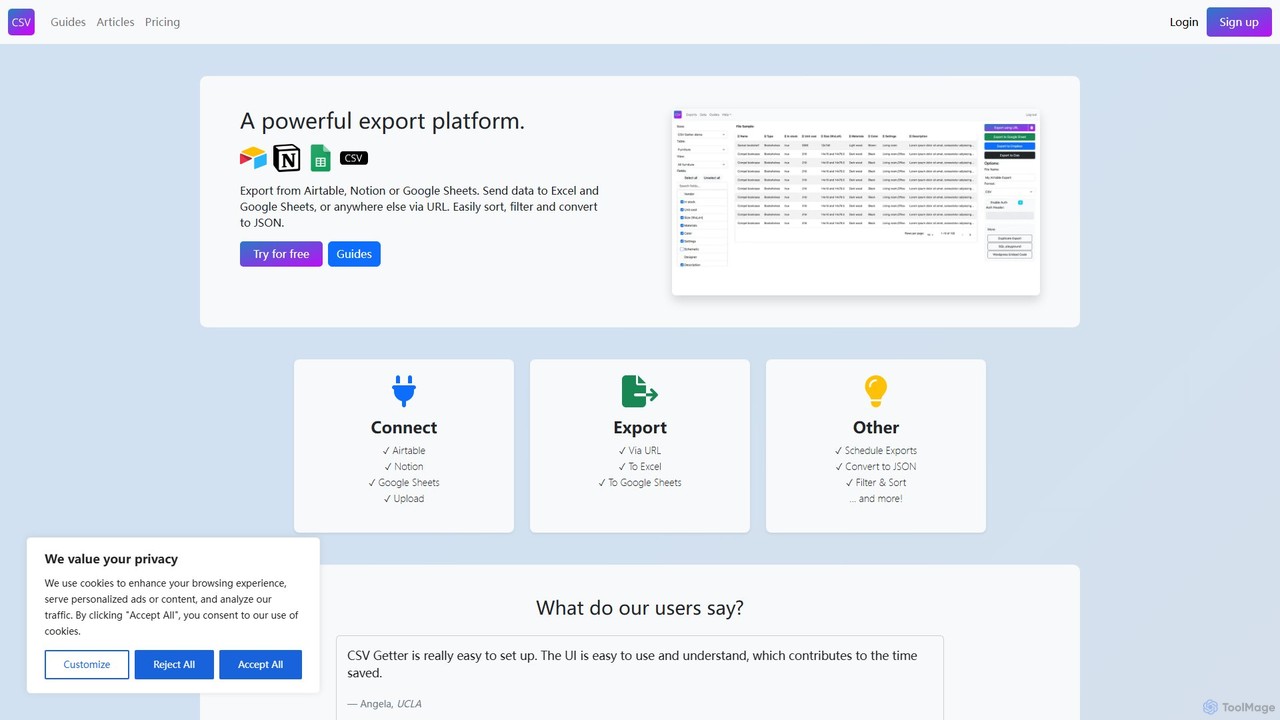
csvgetter Overview
csvgetter is a powerful and user-friendly automation platform that specializes in data export and backups. In an era where data is scattered across numerous cloud-based services, csvgetter provides a centralized, no-code solution to reclaim ownership and control over your valuable information. It's designed for businesses, developers, and individuals who rely on SaaS platforms like Airtable, Stripe, Notion, and more, and need a reliable way to extract their data for analysis, migration, or safekeeping.
The core premise of csvgetter is simplicity and automation. It eliminates the tedious and error-prone process of manually downloading data. Instead, users can set up automated workflows that run on a schedule—daily, weekly, or monthly—to pull the latest data from their connected applications and deliver it to a destination of their choice. This 'set it and forget it' approach ensures that you always have up-to-date backups without any manual intervention, safeguarding against accidental data loss, service outages, or account issues.
How to use csvgetter
Using csvgetter is a straightforward, three-step process designed for users of all technical levels:
- Connect Your Data Source: Start by securely connecting your account from a supported SaaS application. The platform uses secure authentication (like API keys or OAuth) to access your data without storing your primary login credentials. Supported services include popular databases, payment gateways, and project management tools.
- Configure Your Export: Once connected, you can select the specific data you wish to export. For example, you might choose a particular base in Airtable, customer transaction history from Stripe, or a specific database from Notion. You can then define the export parameters, such as the desired format (CSV or JSON) and the schedule for the automation (e.g., every day at 3 AM).
- Set Your Destination: Finally, choose where you want your exported data to be sent. Options typically include direct download, delivery to an email address, or, for more robust workflows, saving directly to a cloud storage service like Google Drive, Dropbox, or Amazon S3. Once configured, csvgetter handles the rest, running the exports automatically as scheduled.
Core Features of csvgetter
- Automated & Scheduled Backups: Set up recurring data exports on a daily, weekly, or monthly basis to ensure your data is always backed up.
- Multiple Data Source Integrations: Connect to a growing list of popular SaaS platforms, including Airtable, Notion, Stripe, Shopify, and more.
- Flexible Export Formats: Export your data into universally compatible formats like CSV and JSON, making it easy to use in spreadsheets, databases, or other applications.
- Cloud Storage Integration: Automatically send your exported files to secure cloud storage providers such as Google Drive, Dropbox, and Amazon S3.
- No-Code Interface: The entire process is managed through an intuitive, user-friendly dashboard that requires no programming knowledge.
- Data Security: Built with security in mind, using industry-standard practices to protect your credentials and data during the export process.
- On-Demand Exports: In addition to scheduled backups, you can trigger a data export manually at any time.
Use Cases for csvgetter
csvgetter is versatile and can be applied in various scenarios:
- Data Backup and Disaster Recovery: The primary use case is creating a reliable safety net for your critical business data stored in third-party applications.
- Business Intelligence and Analysis: Export data from different sources into a unified format (CSV) to load into BI tools like Tableau, Power BI, or even just Google Sheets for in-depth analysis and reporting.
- Data Migration: Seamlessly move data from one platform to another by first exporting it into a standard format.
- Compliance and Auditing: Maintain historical archives of your data for legal, financial, or regulatory compliance purposes.
- Data Warehousing: Automate the ETL (Extract, Transform, Load) process by feeding data from various SaaS tools directly into your data warehouse.
Advantages of csvgetter
The main advantage of csvgetter is empowerment through data ownership. It liberates your data from platform-specific silos, preventing vendor lock-in. It saves countless hours of manual work, reduces the risk of human error, and provides peace of mind knowing your data is secure and accessible. For non-technical users, it democratizes data access, allowing them to build powerful data workflows without writing a single line of code.
Pricing and Plans
csvgetter likely operates on a freemium model. This typically includes:
- Free Plan: A basic plan perfect for individuals or small projects, offering a limited number of exports per month, a few integrations, and standard scheduling options.
- Paid Plans (e.g., Pro, Business): For more demanding users and businesses, these plans would offer a higher number of exports, access to all integrations, more frequent scheduling options (e.g., hourly), priority support, and advanced features like integration with more cloud storage destinations.
Specific pricing details would be available on their official website, tailored to different usage levels.
Traffic
Latest traffic
Status
Monthly traffic trend
- 2025-9: 14.3K
- 2026-1: 15.5K
- 2026-2: 7.2K
- 2026-3: 6.9K
- 2026-4: 7.8K
- 2026-5: 5.9K
Geography
Top 5 countries / regions
- 🇺🇸United States49.2%
- 🇮🇳India18.0%
- 🇫🇷France14.7%
- 🇮🇹Italy13.1%
- 🇳🇱Netherlands5.0%
Top keywords
| Keyword | Cost per click |
|---|---|
| csvgetter | $0.00 |
| csv to api | $5.17 |
| download notion database to csv | $0.00 |
| download notion page as excel | $0.00 |
| export notion to google sheets | $0.00 |
csvgetter Alternatives
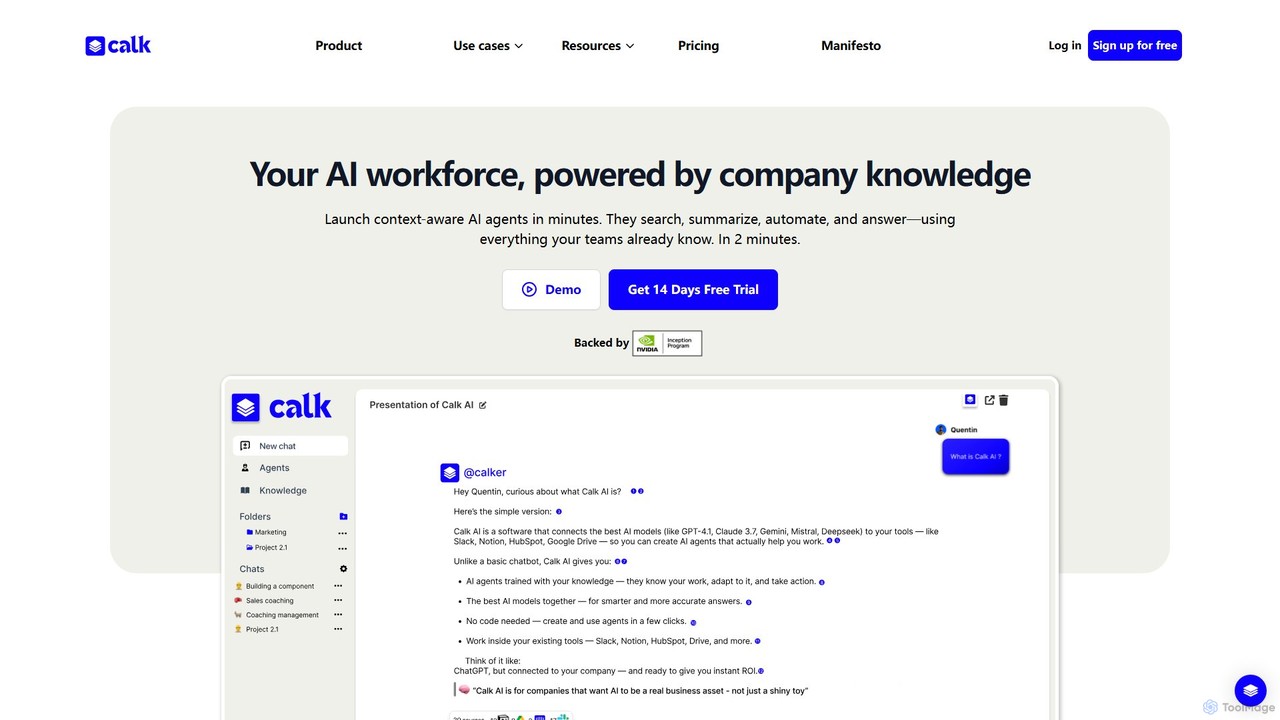
Calk AI
Calk AI is a no-code platform that empowers businesses to build custom AI agents. These agents connect to your internal knowledge bases like Notion, Slack, and HubSpot, allowing them to automate tasks, search for information, and generate context-aware content. It provides access to multiple top-tier AI models, enabling you to choose the best one for any task without being locked into a single provider.
Customer Support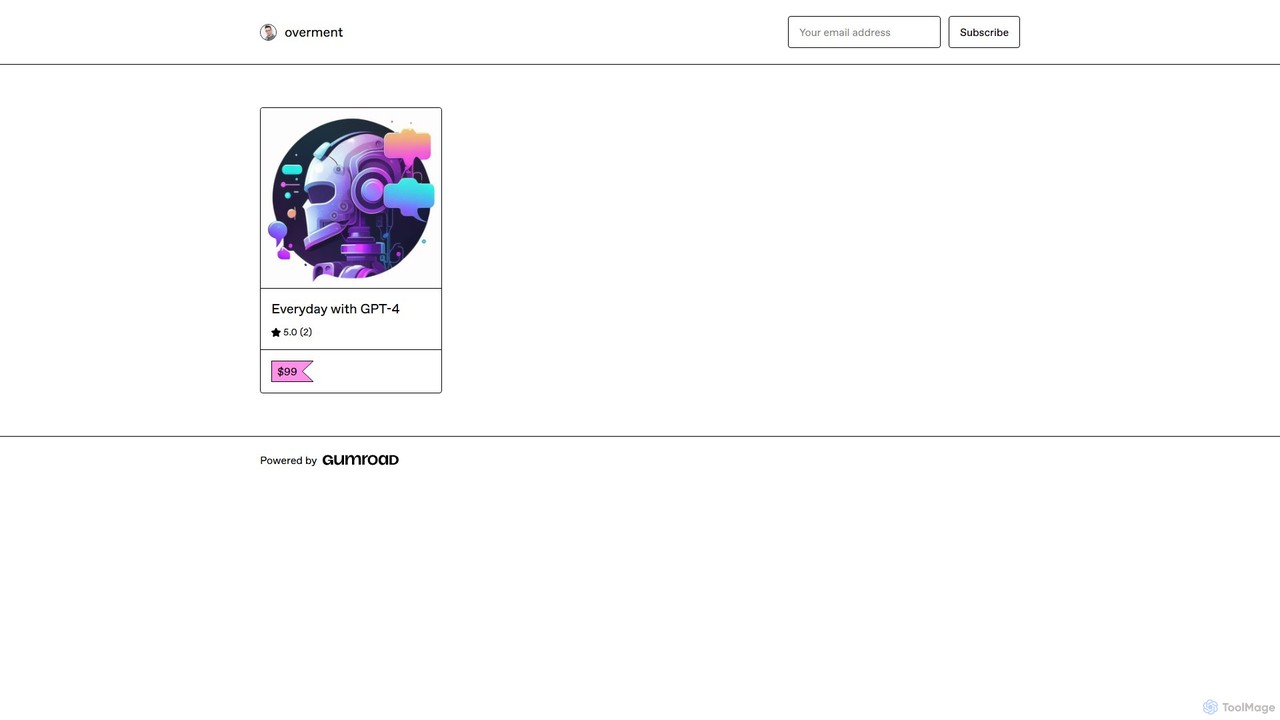
overment
overment offers the "Everyday with GPT-4" framework, a comprehensive 140+ page guide for integrating AI with automation. It teaches users to go beyond basic prompting by using tools like Zapier, Make, and Shortcuts to automate daily tasks in work, coding, and writing. This product is designed for both technical and non-technical users, providing ready-made scenarios, blueprints, and templates to unlock the full potential of GPT-4 across all devices.
Prompts
Make
Make is a powerful visual platform that lets you design, build, and automate anything—from simple tasks to complex workflows—without code. It connects thousands of apps and services, including advanced AI tools like OpenAI and Google Gemini, enabling you to create intelligent automations and AI agents to streamline your business operations, marketing, sales, and more.
Crm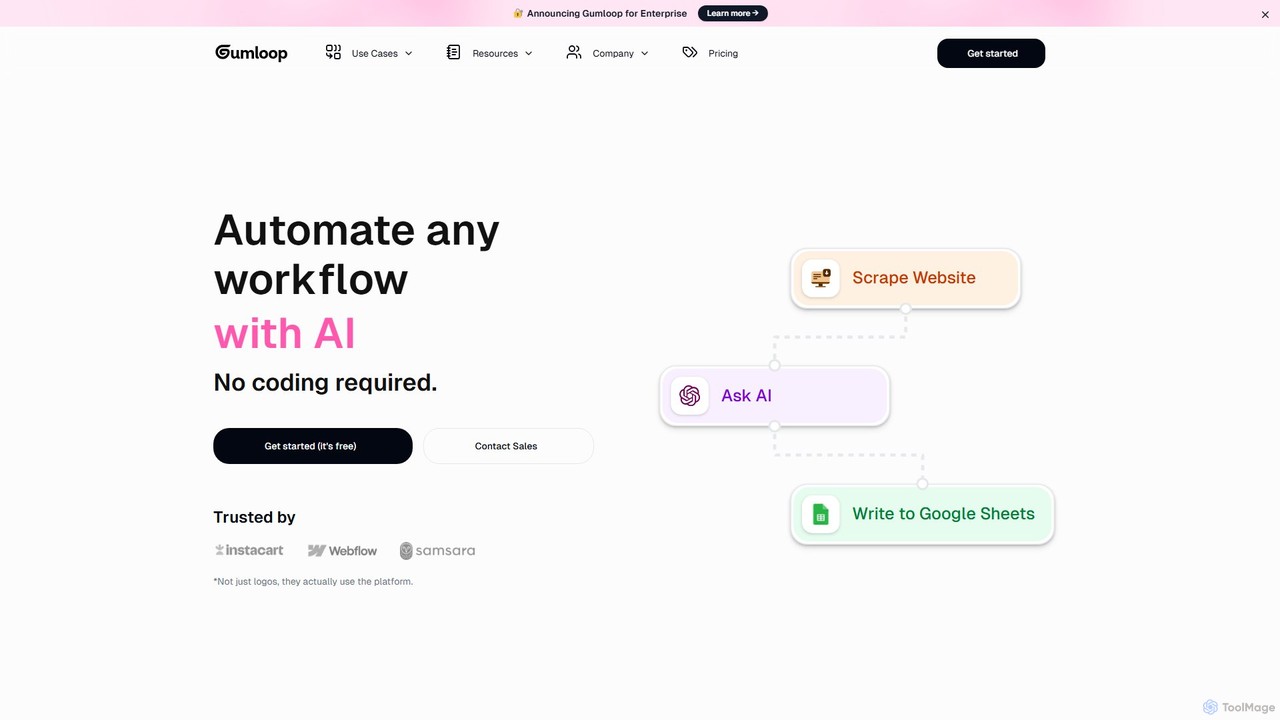
Gumloop
Gumloop is a no-code AI automation framework that allows users to build complex workflows visually. Through a drag-and-drop interface, you can connect various applications, automate tasks, and create custom AI tools without writing a single line of code. It's designed for both individuals and enterprises to scale operations efficiently.
No Code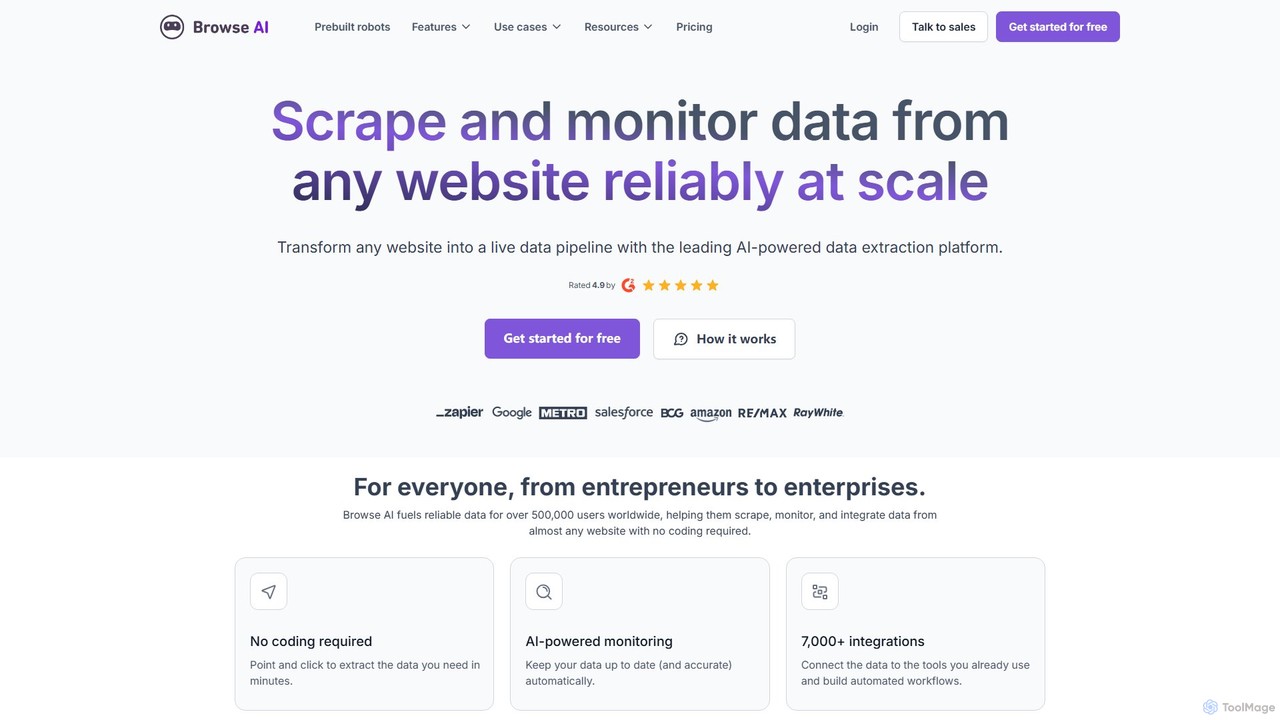
Browse AI
Browse AI is a no-code platform that enables users to extract and monitor data from any website. Easily train a robot to scrape information, turn websites into spreadsheets or APIs, and track changes automatically. It's designed for marketers, researchers, and developers to automate data collection without writing any code, offering prebuilt robots and seamless integrations with tools like Google Sheets and Zapier.
Web Scrapingcsvgetter Categories
csvgetter Embed Widget
Copy this embed code to place the badge on your blog, article, or product site and send readers directly to this ToolMage detail page.

Related AI tools
webscrapeai
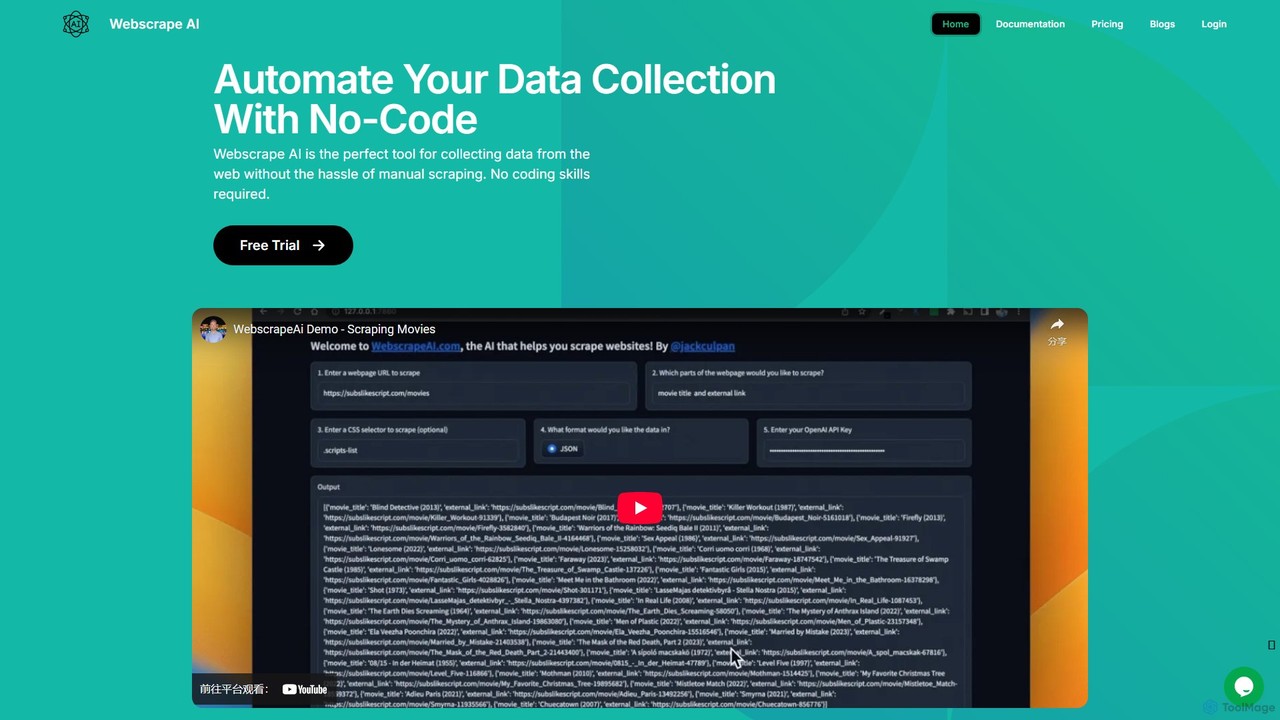
WebscrapeAI is a no-code, AI-powered platform designed to automate web data collection. Simply provide a URL and specify the data you need, and the AI handles the entire scraping process. It supports dynamic websites, bulk scraping, proxy integration, and offers an API for developers, making data extraction fast, accurate, and accessible to everyone.
Web Scraping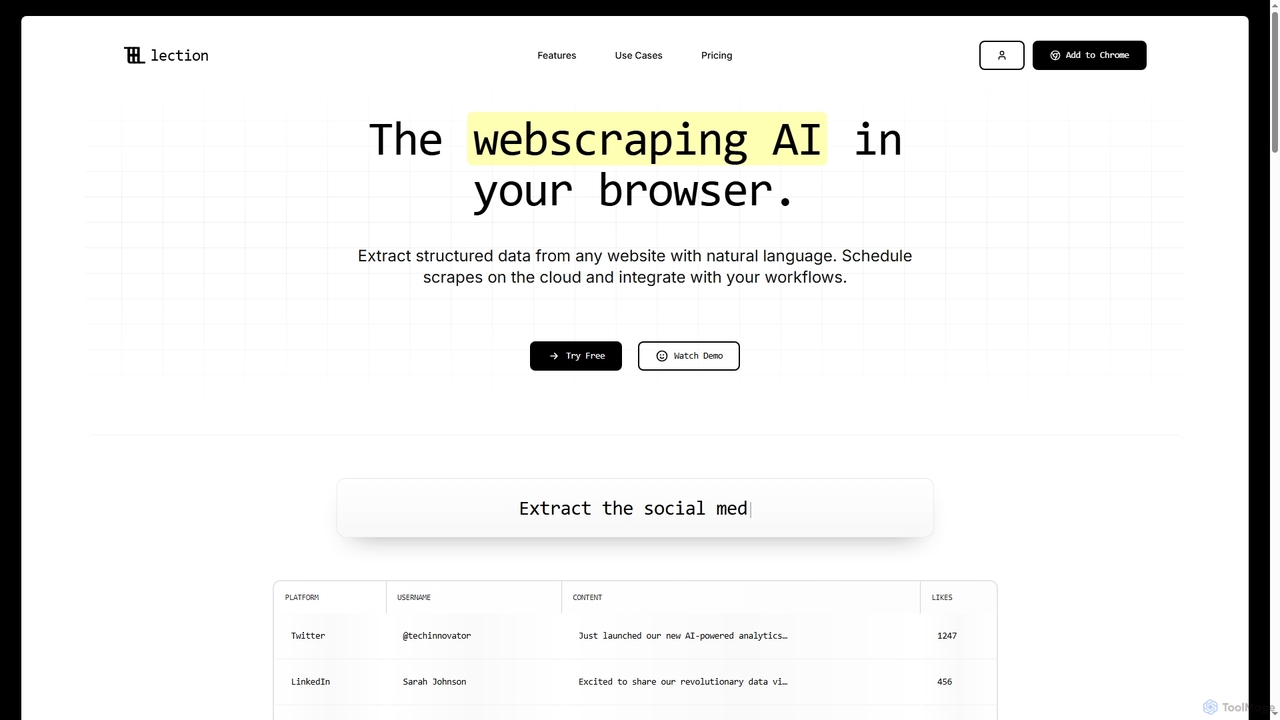
Lection
Lection is an AI-powered web scraping agent that allows users to extract structured data from any website using natural language. It automates data collection, integrates with popular workflows, and provides clean, validated data without requiring any coding expertise.
3D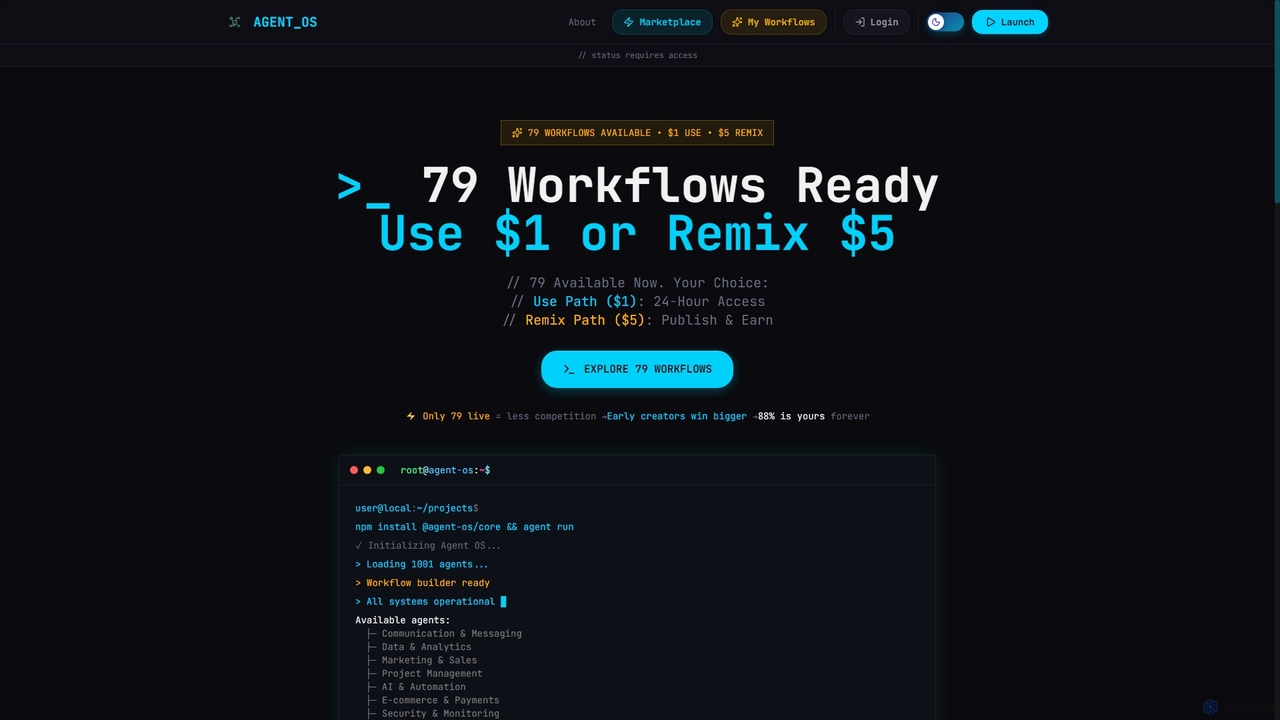
Onedollaragent
Onedollaragent is an AI workflow automation platform offering n8n-based agents for rent or ownership. Users can access existing workflows for $1 for 24 hours or remix them for $5 to publish on the marketplace and earn 88% of sales. It covers areas like communication, data, marketing, project management, and intelligent automation.
3DCalk AI
Calk AI is a no-code platform that empowers businesses to build custom AI agents. These agents connect to your internal knowledge bases like Notion, Slack, and HubSpot, allowing them to automate tasks, search for information, and generate context-aware content. It provides access to multiple top-tier AI models, enabling you to choose the best one for any task without being locked into a single provider.
Customer Supportoverment
overment offers the "Everyday with GPT-4" framework, a comprehensive 140+ page guide for integrating AI with automation. It teaches users to go beyond basic prompting by using tools like Zapier, Make, and Shortcuts to automate daily tasks in work, coding, and writing. This product is designed for both technical and non-technical users, providing ready-made scenarios, blueprints, and templates to unlock the full potential of GPT-4 across all devices.
Prompts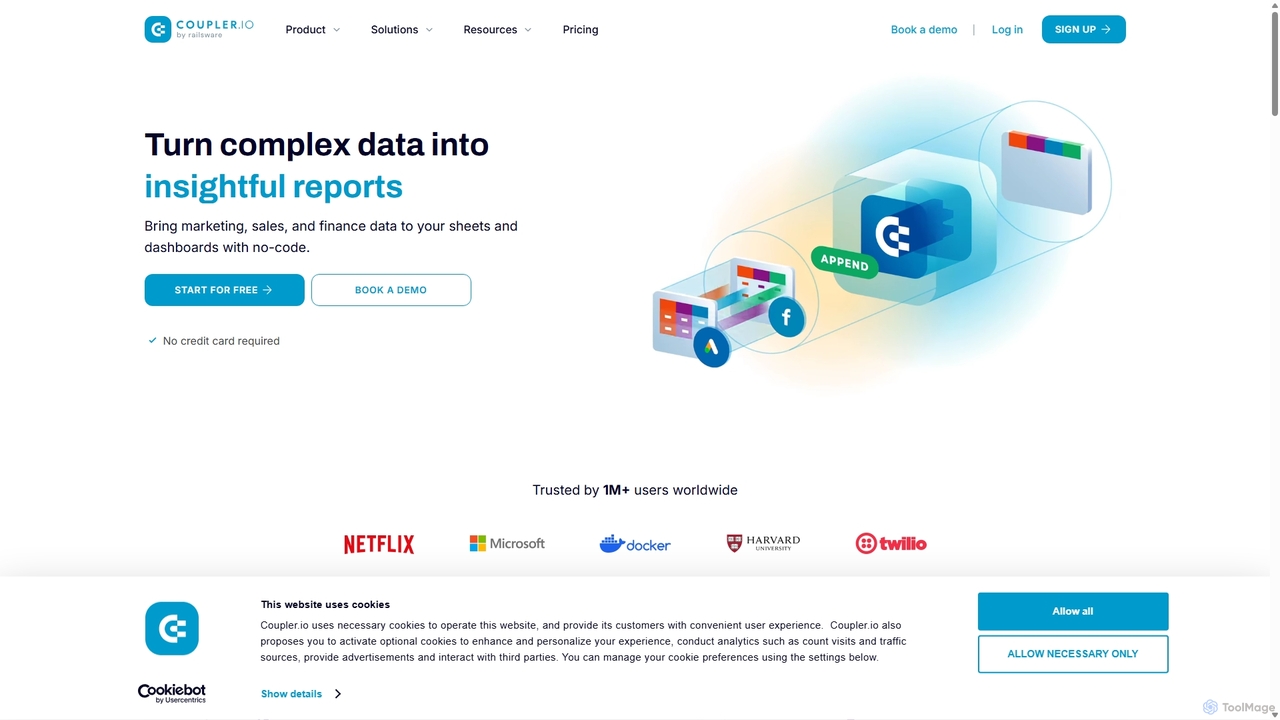
Coupler.io
Coupler.io is a no-code data analytics and automation platform that helps businesses connect disparate data sources from marketing, sales, and finance apps to spreadsheets, data warehouses, or BI tools. It automates data collection, transforms raw data into analysis-ready formats, and provides AI-powered insights and pre-built dashboard templates for faster, smarter decision-making.
Business Intelligence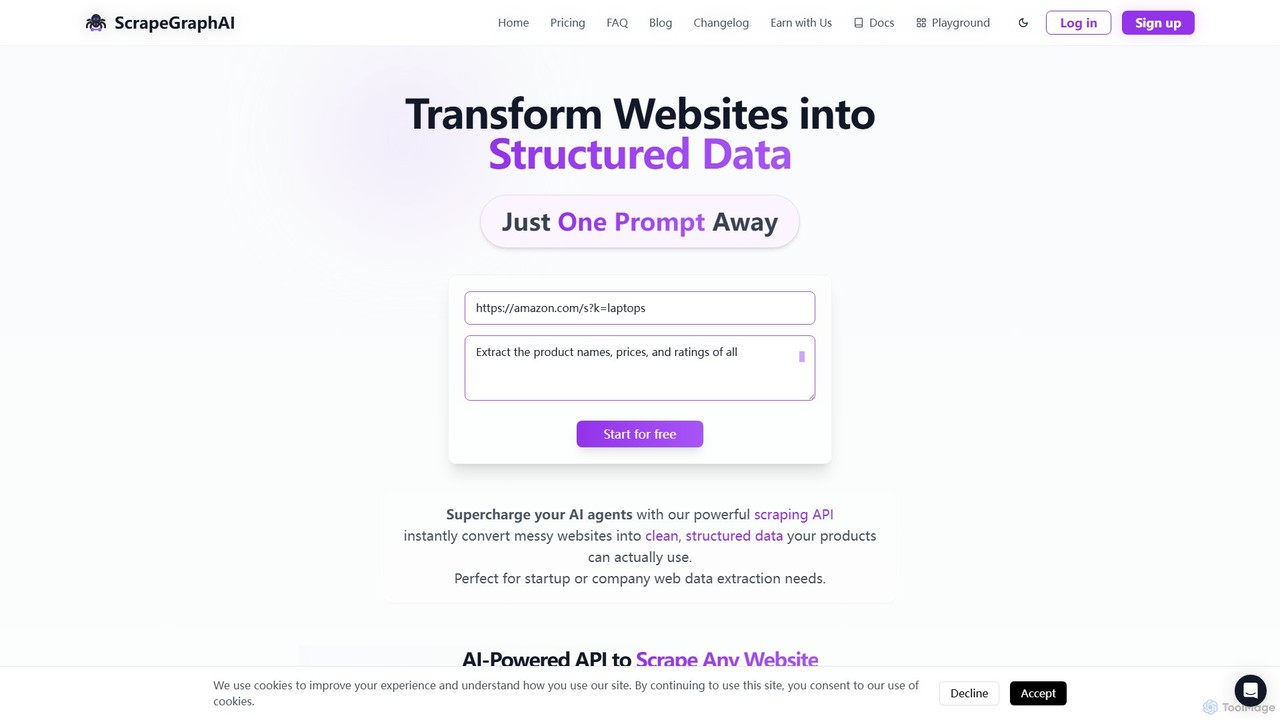
ScrapeGraphAI
ScrapeGraphAI is an AI-powered web scraping API that transforms unstructured websites into clean, structured JSON data using simple natural language prompts. Designed for developers, AI agents, and automated workflows, it simplifies data extraction without complex code.
Analytics
Jyek
Jyek is an AI agent platform that understands objectives, creates execution plans, uses tools, and delivers verifiable results for complex, multi-step tasks.
Automation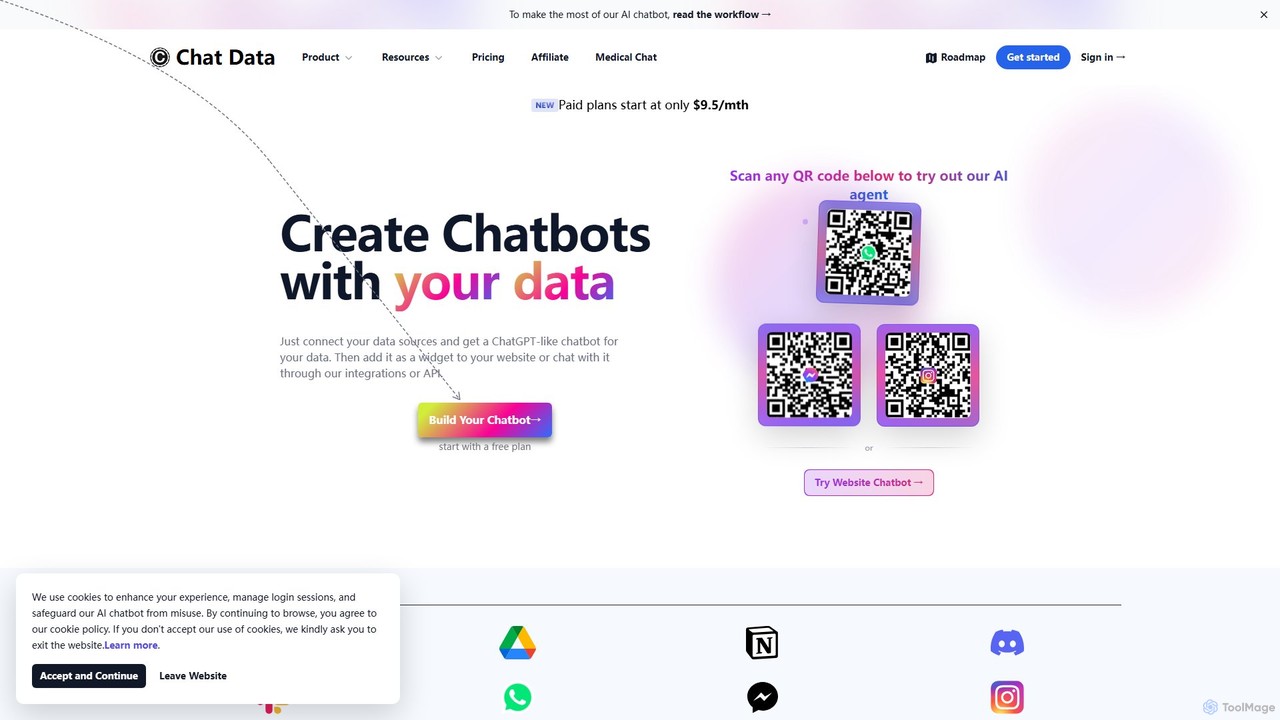
Chat Data
Chat Data is an AI platform to create custom 24/7 AI agents and live chatbots from your own data. Connect websites, documents, or e-commerce stores to build an intelligent assistant. It features real-time voice chat, multi-modal inputs, deep integrations (WhatsApp, Slack), and advanced capabilities like AI actions, full white-labeling with SSO, and HIPAA-compliant models for comprehensive business automation.
Chatbot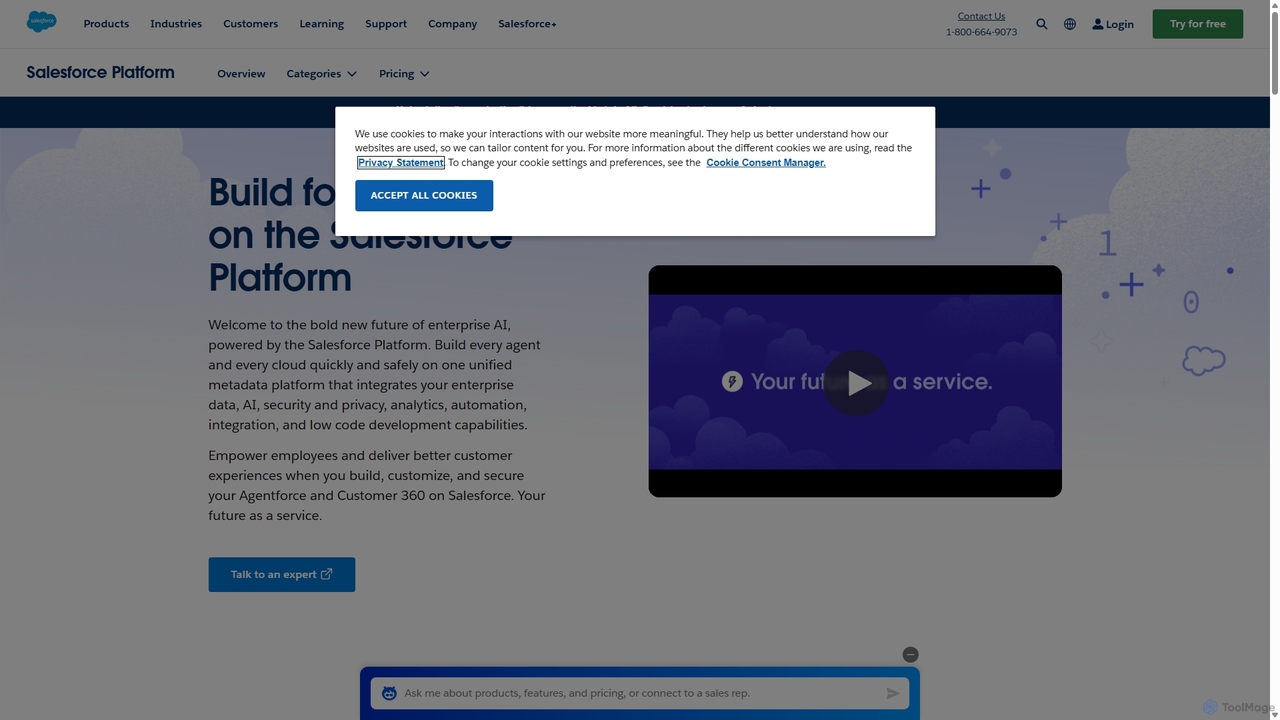
Salesforce Platform
The Salesforce Platform is an enterprise-grade, low-code application development platform powered by AI. It enables businesses to build, deploy, and manage custom applications, automate complex workflows, and integrate systems seamlessly. Leveraging Einstein AI, Data Cloud, and robust security, it empowers teams to create intelligent, data-driven experiences for both customers and employees, accelerating innovation and reducing IT costs.
Crm
Chat Thing
Chat Thing is a no-code platform for building custom AI chatbots trained on your own data. Connect sources like Notion, websites, and YouTube to create intelligent agents for customer support, lead generation, and internal documentation. Deploy bots across multiple channels including websites, Slack, and Discord, with advanced features like power-ups and analytics.
Automation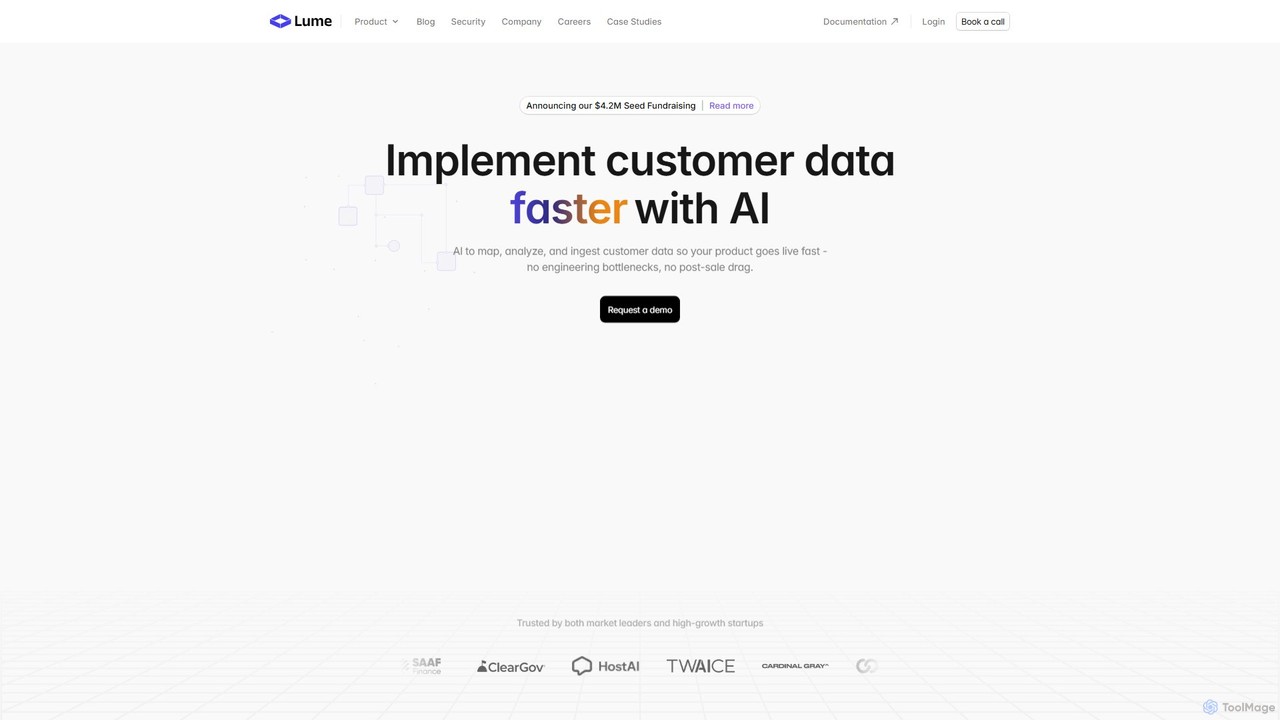
Lume AI
Lume AI is an AI-powered platform designed to automate and accelerate customer data implementation. It intelligently maps, analyzes, and ingests customer data, eliminating engineering bottlenecks and reducing onboarding time from weeks to days. By offering both a no-code interface and a flexible API, Lume AI helps businesses streamline data integration, normalize data from various sources, and manage complex data pipelines, allowing teams to focus on their core product value.
Data Management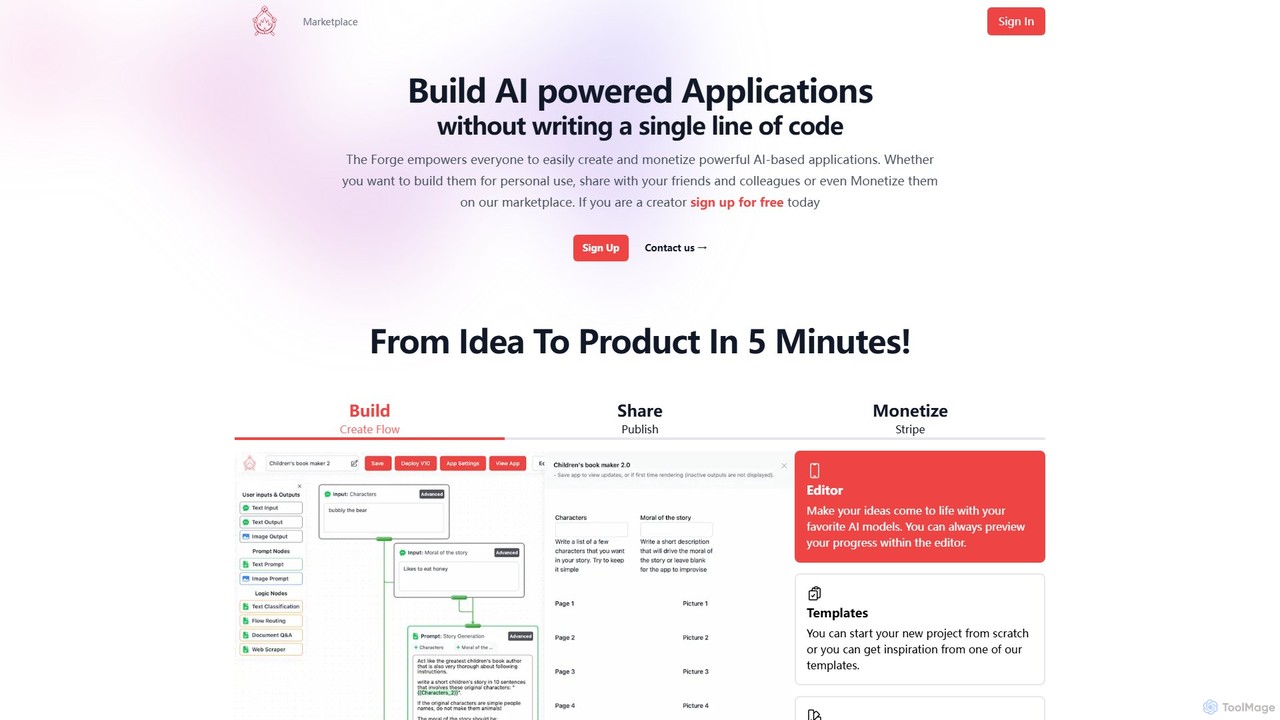
The Forge AI
A no-code platform that empowers anyone to build, share, and monetize AI-powered applications. Turn your ideas into functional web apps, APIs, or embedded tools in minutes, and distribute them on a dedicated marketplace.
No Code Platform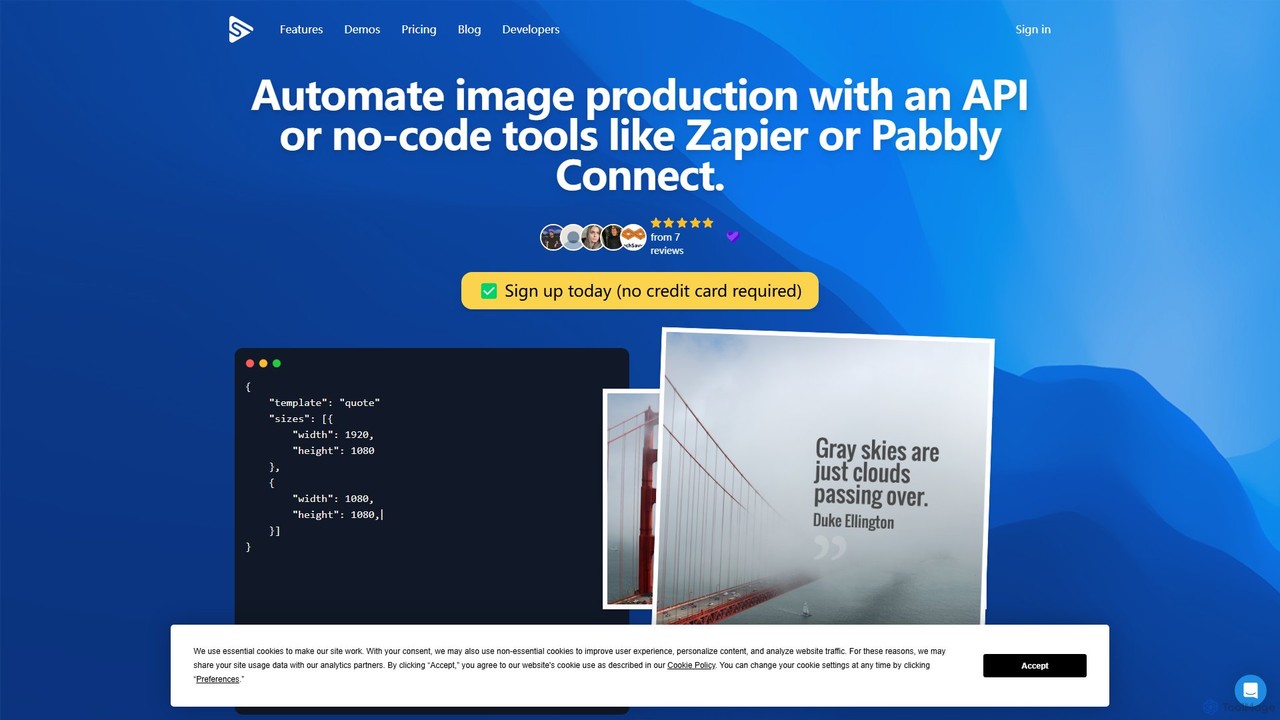
Switchboard Canvas
Switchboard Canvas is a powerful API and no-code platform for automating image and PDF generation. Create dynamic, personalized visuals from templates for marketing, e-commerce, and social media. Integrate with tools like Canva, Zapier, and Airtable to streamline your content workflow.
Image Generation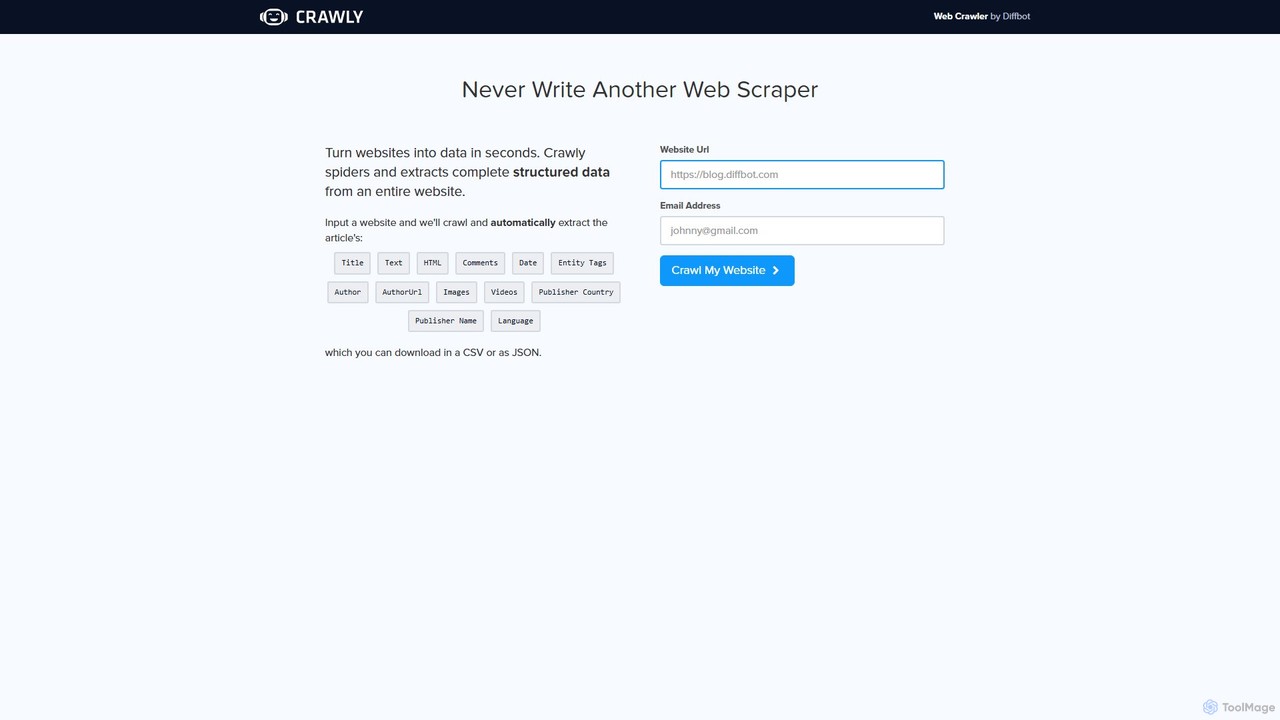
Crawly
Crawly is an AI-powered web crawler by Diffbot that automatically extracts structured data from entire websites. Simply input a URL, and Crawly spiders the site to pull key information like articles, products, and discussions, converting it into clean JSON or CSV data without any coding required.
Web Scraping
csvgetter Comments (0)
Sign in to comment.
Sign inNo comments yet.