
Ctrl Overview
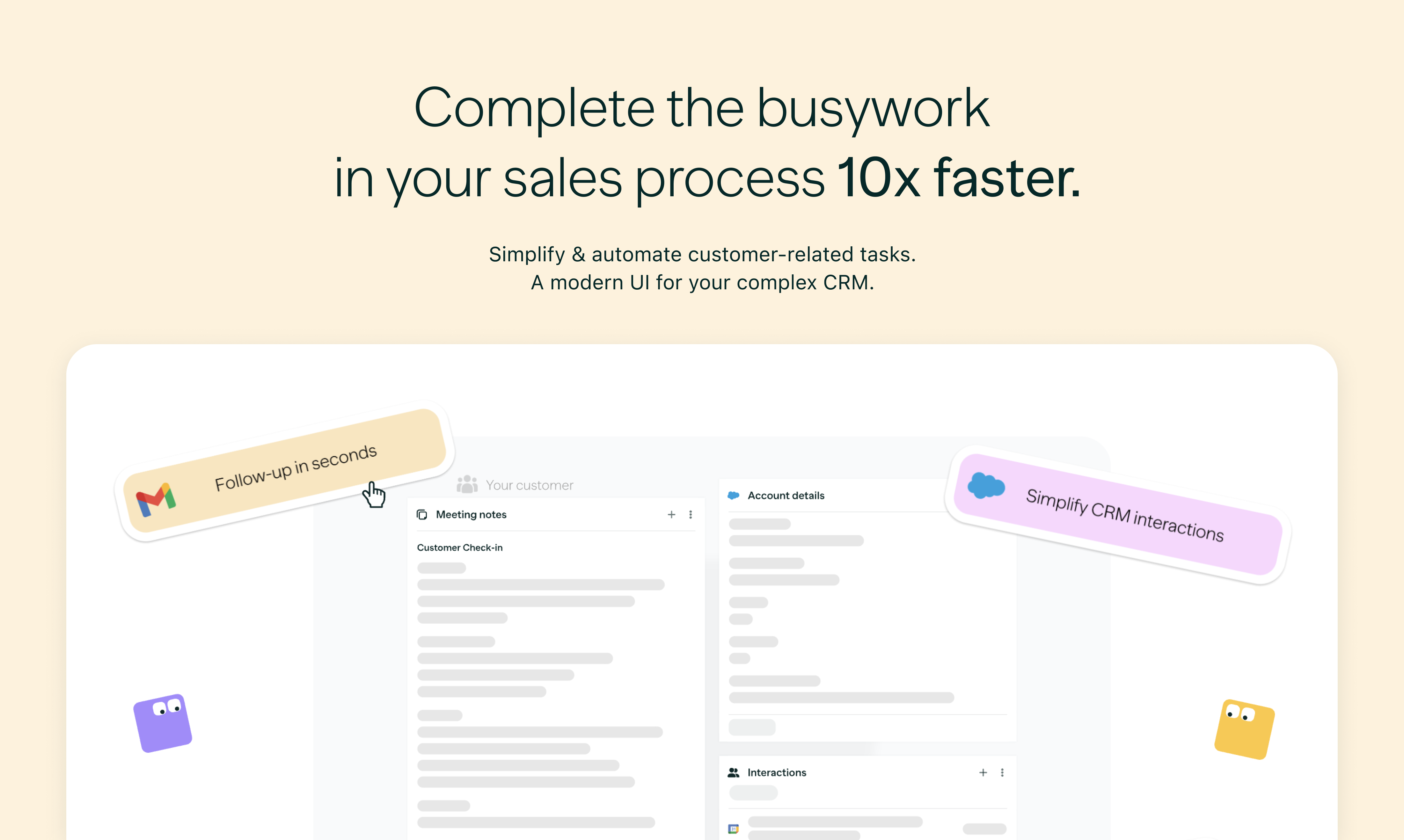
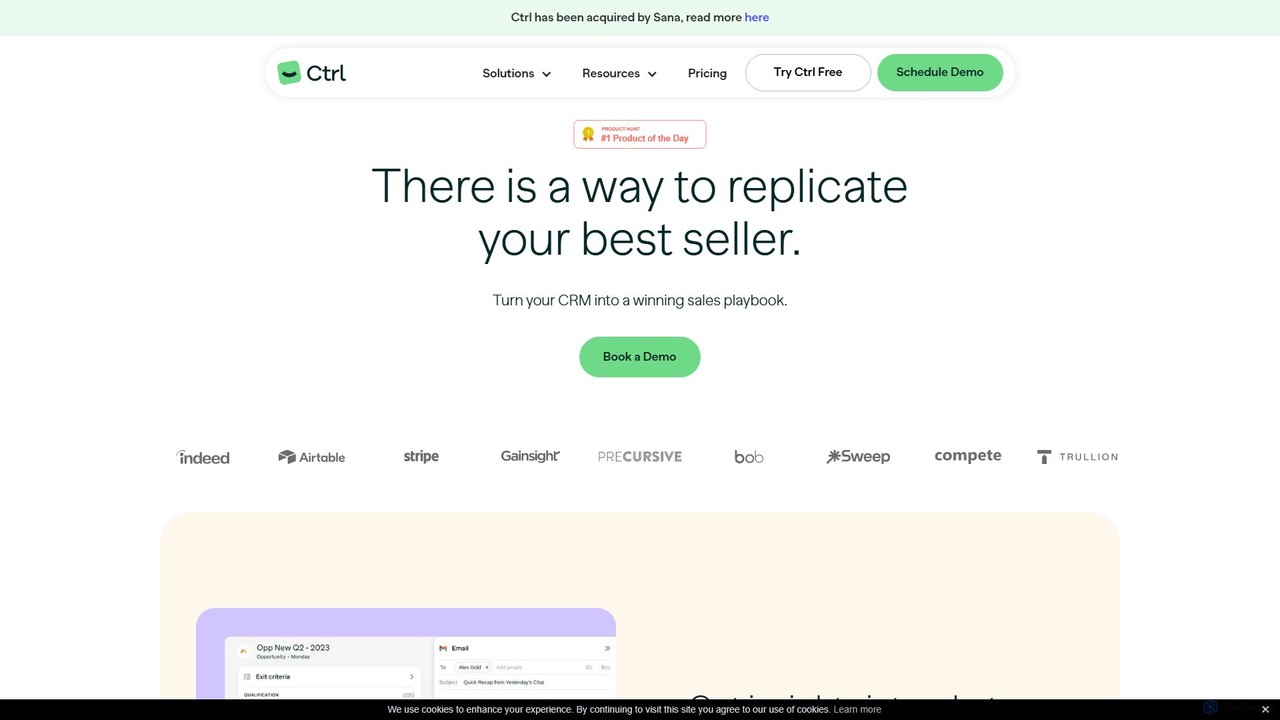
Ctrl is a sophisticated AI-driven sales engagement layer designed to supercharge your Customer Relationship Management (CRM) system, turning it into a winning sales playbook. By embedding best practices directly into daily workflows, Ctrl empowers sales teams to replicate success, maintain consistency, and enhance performance across the board. The platform was recently acquired by Sana, aiming to further shape the future of automated workflows with AI.
The core mission of Ctrl is to eliminate the friction often associated with CRM usage. It provides a unified, intuitive workspace that sits on top of your existing CRM (like Salesforce or HubSpot), simplifying complex processes and automating tedious administrative tasks. This allows sales representatives to focus on what they do best: selling. For Revenue Operations (RevOps) and enablement teams, Ctrl offers the tools to design, implement, and enforce a standardized sales process, ensuring high-quality data capture and more accurate forecasting.
How to use Ctrl
Using Ctrl is a seamless process designed for quick adoption. First, you integrate Ctrl with your primary CRM, such as Salesforce or HubSpot, and other tools like Jira or Zendesk. Once connected, Ctrl becomes the primary interface for your sales team's daily activities. Reps can manage their pipeline using visual Kanban boards or inline grid views, update deal stages, and log activities. The AI assistant kicks in to automate workflows: it can take raw meeting notes and automatically summarize them, extract key action items, and suggest relevant CRM field updates. When it's time to follow up, the AI leverages context from meetings and CRM data to generate personalized emails, saving significant time and effort. RevOps teams can configure custom checklists, required fields, and guidance for each stage of the sales cycle, ensuring every team member follows the established playbook for every deal.
Core Features of Ctrl
- AI-Powered Workflow Automation: Boost productivity by automatically summarizing notes, extracting action items, and generating context-aware follow-up emails.
- Automated CRM Updates: Receive AI-generated suggestions for CRM updates based on your activities and notes, allowing you to populate all relevant fields in a single click.
- Sales Playbook Implementation: Embed your company's winning sales strategies, methodologies, and best practices directly into the daily workflow with stage-specific checklists and guidance.
- Unified Sales Workspace: Consolidate all necessary information with intuitive Kanban boards, inline grid views, calendar integration, and cross-object views, eliminating the need to switch between multiple tabs and systems.
- Enhanced Deal Visibility and Forecasting: Gain a clear, real-time picture of every deal's status, next steps, and potential blockers. Pipeline highlights show weekly changes, leading to more accurate and reliable sales forecasts.
- Seamless Integrations: Connects with essential tools in your tech stack, including Salesforce, HubSpot, Jira, and Zendesk, to create a single source of truth.
- Enterprise-Grade Security: Ctrl is SOC 2 certified, demonstrating a commitment to the highest standards of data security and privacy.
- Team Collaboration: Features like shared notes, tasks, pipeline views, and a shared inbox (in the Business plan) facilitate seamless collaboration among team members.
Use Cases for Ctrl
For Sales Representatives: Streamline daily tasks by automating CRM data entry and follow-up emails. Gain a clear, consolidated view of all deals and tasks, enabling more time for strategic selling and relationship building.
For Sales Managers: Achieve real-time visibility into the team's pipeline and activities. Ensure consistent process adherence, improve forecast accuracy, and effectively coach team members by identifying performance gaps and successes.
For Revenue Operations (RevOps) & Enablement: Design and enforce a standardized sales process across the entire organization. Drastically reduce ramp-up time for new hires by providing a guided, intuitive workflow. Ensure high-quality data is captured in the CRM for better analytics and strategic decision-making.
Advantages of Ctrl
Ctrl offers a significant competitive edge by transforming the sales process from a manual, inconsistent effort into a streamlined, data-driven machine. Its primary advantage is boosting team productivity by automating low-value tasks. It ensures consistency by embedding a unified, winning process for the entire team, turning individual victories into standard practice. This leads to enhanced predictability and trust in your sales forecasts. Furthermore, it simplifies the tech stack by providing a single engagement layer, improving user adoption of the CRM and reducing onboarding time for new representatives.
Pricing and Plans
Ctrl offers a flexible pricing structure to suit teams of all sizes. It's important to note that Ctrl has been acquired by Sana.
- Starter Plan: Free forever. This plan is ideal for individuals getting started and includes up to 100 CRM updates & AI prompts, Salesforce updates, Kanban boards, note syncing, and custom pipeline views.
- Premium Plan: $29 per user, per month. Designed for individuals and small teams, this plan includes everything in Starter, plus unlimited CRM updates and AI prompts, team collaboration on deals, pipeline insights, and AI-powered follow-up emails.
- Business Plan: Custom pricing. Tailored for scaling teams, this plan includes all Premium features, plus sales process visualization and implementation, automated CRM updates based on calls, enhanced collaboration with a shared inbox, dedicated CSM support, and custom workflows.
Ctrl Alternatives
getclientell
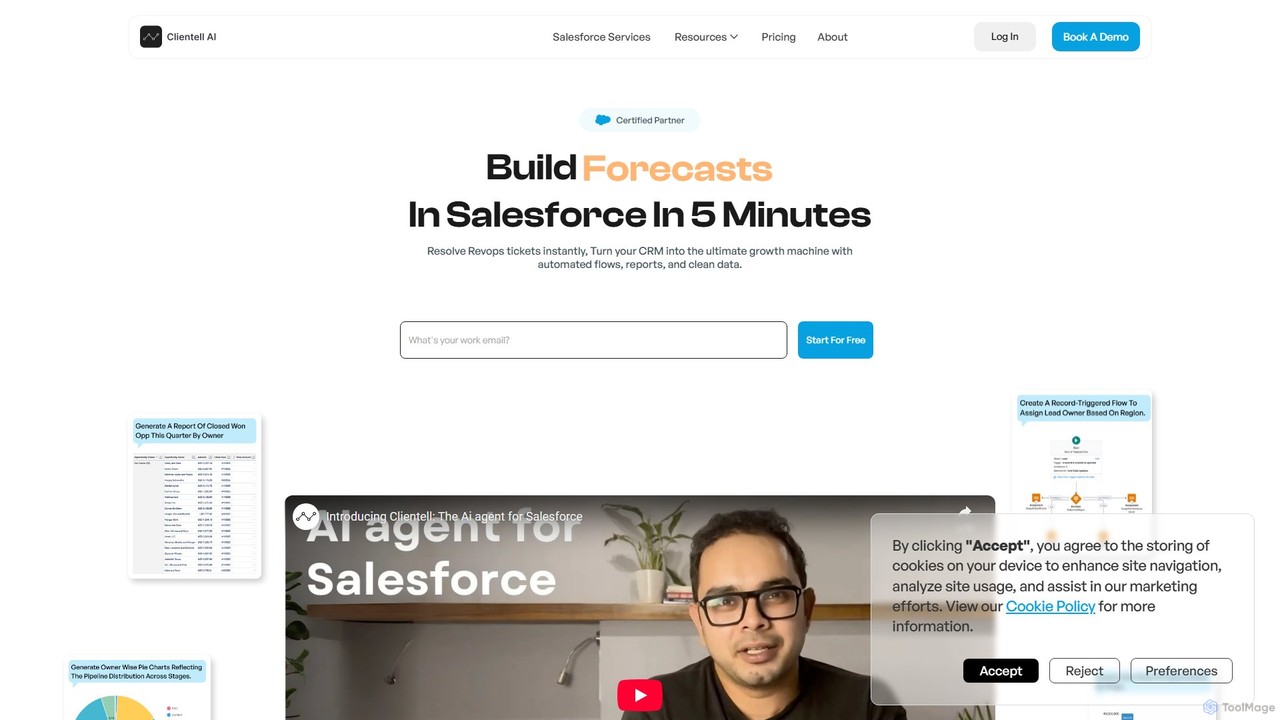
getclientell is an AI-powered platform designed to automate and simplify Salesforce operations. It enables RevOps, sales, and admin teams to manage data, build workflows, and generate reports using simple English prompts. This turns your CRM into a powerful growth engine, eliminating manual tasks and data inaccuracies.
Data Management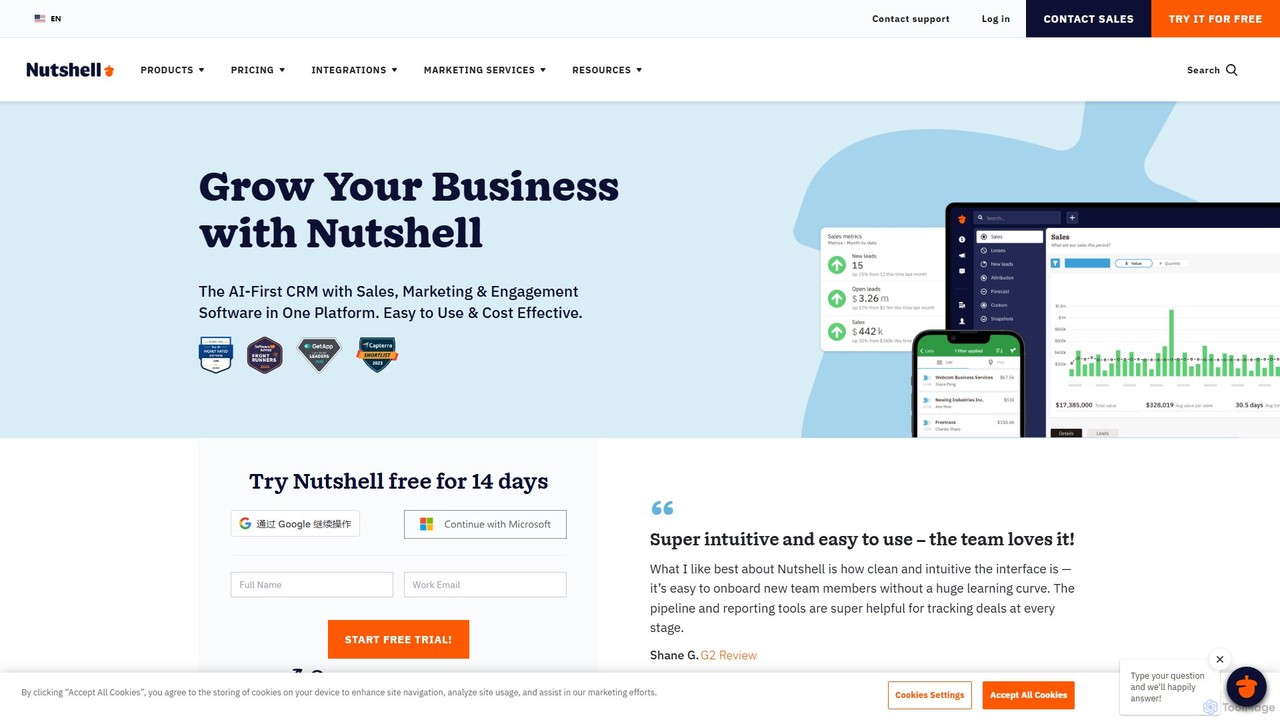
Nutshell
Nutshell is an all-in-one CRM and email marketing platform designed for B2B teams. It combines sales automation, pipeline management, and contact organization with powerful AI features to streamline workflows. Nutshell helps teams close more deals by automating tedious tasks, providing insightful reports, and enhancing customer engagement through integrated email, SMS, and chat.
Live Chat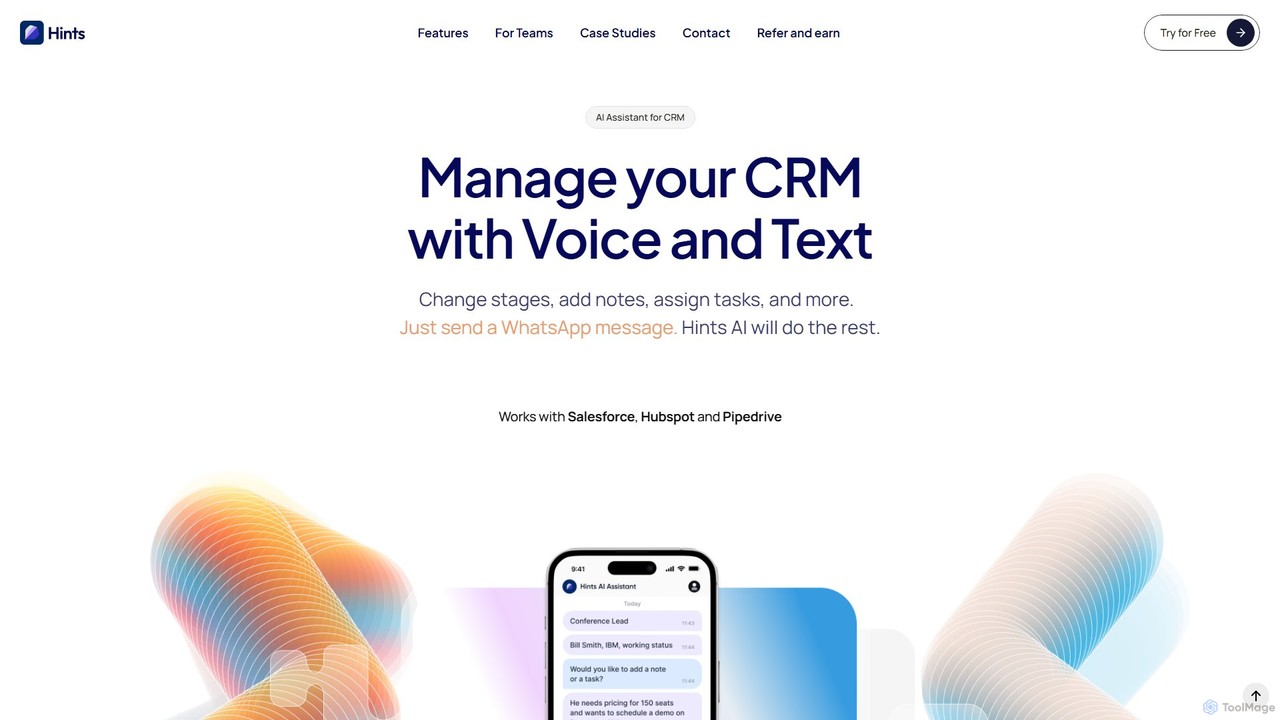
Hints
Hints is an AI-powered assistant that allows sales teams to update their CRM using simple voice or text messages. By integrating with popular messaging apps like WhatsApp and SMS, it eliminates manual data entry, saves time, and ensures your pipeline in Salesforce, HubSpot, or Pipedrive is always accurate and up-to-date.
Automation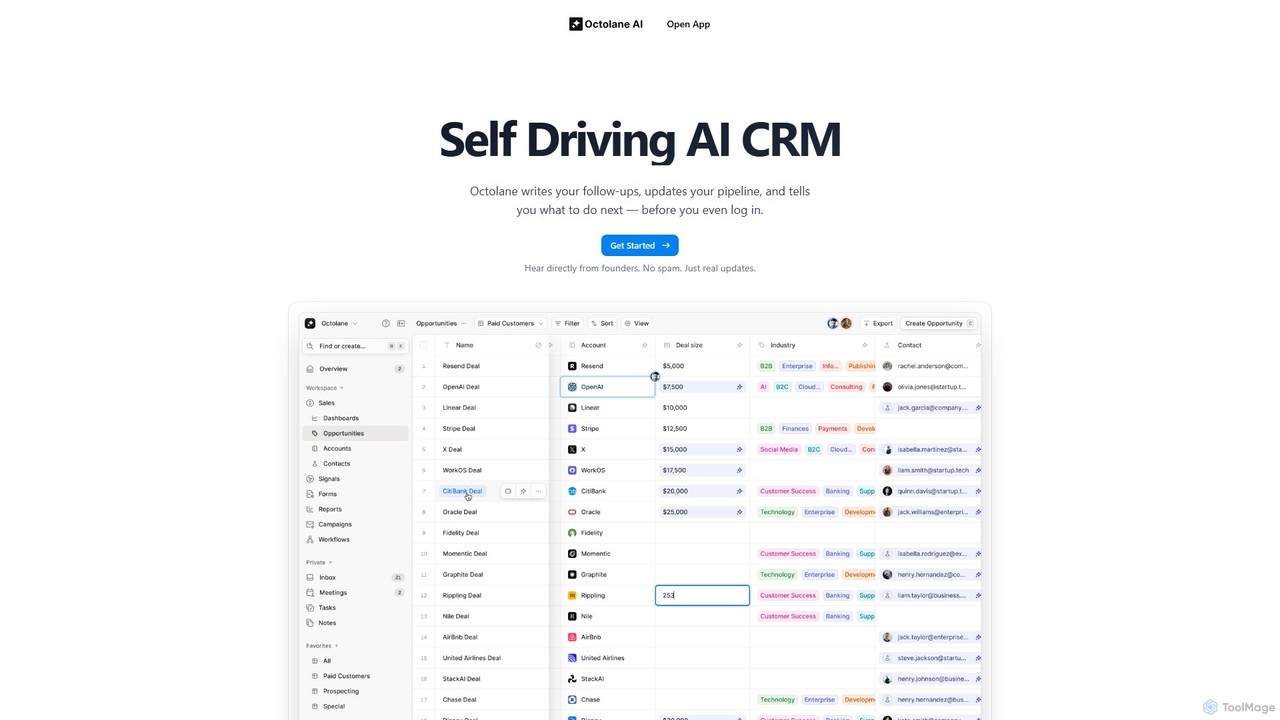
Octolane
Octolane is a "Self-Driving AI CRM" designed to automate sales workflows. It intelligently writes follow-up emails, updates your sales pipeline, and prioritizes your daily tasks before you even start your day. By eliminating manual data entry and administrative work, Octolane frees up sales representatives to focus on what they do best: selling and building customer relationships. It's a system of action, not just a system of record.
Email Marketing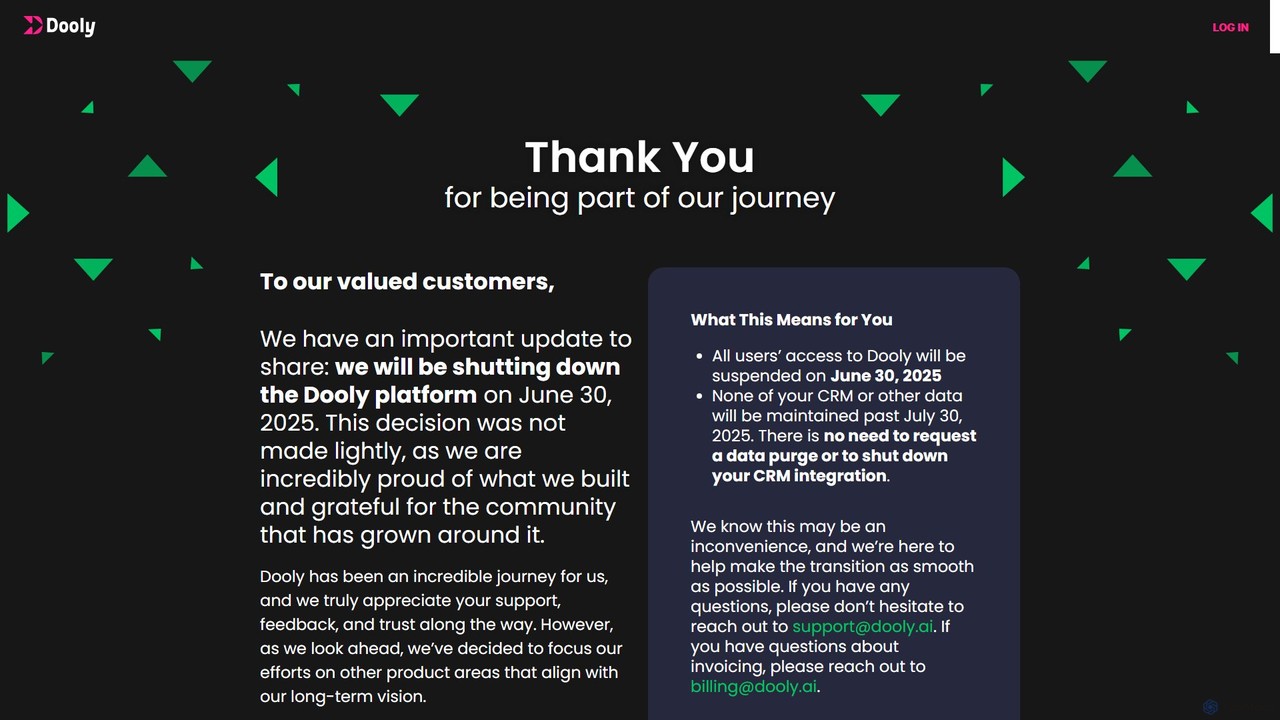
dooly
Dooly was an AI-powered connected workspace for revenue teams, designed to automate CRM updates, streamline sales workflows, and provide real-time insights to help close deals faster. It eliminated manual data entry by syncing notes and activities directly to Salesforce. Please note: The Dooly platform will be shutting down on June 30, 2025.
AutomationCtrl Categories
Ctrl Embed Widget
Copy this embed code to place the badge on your blog, article, or product site and send readers directly to this ToolMage detail page.

Related AI tools
Rattle
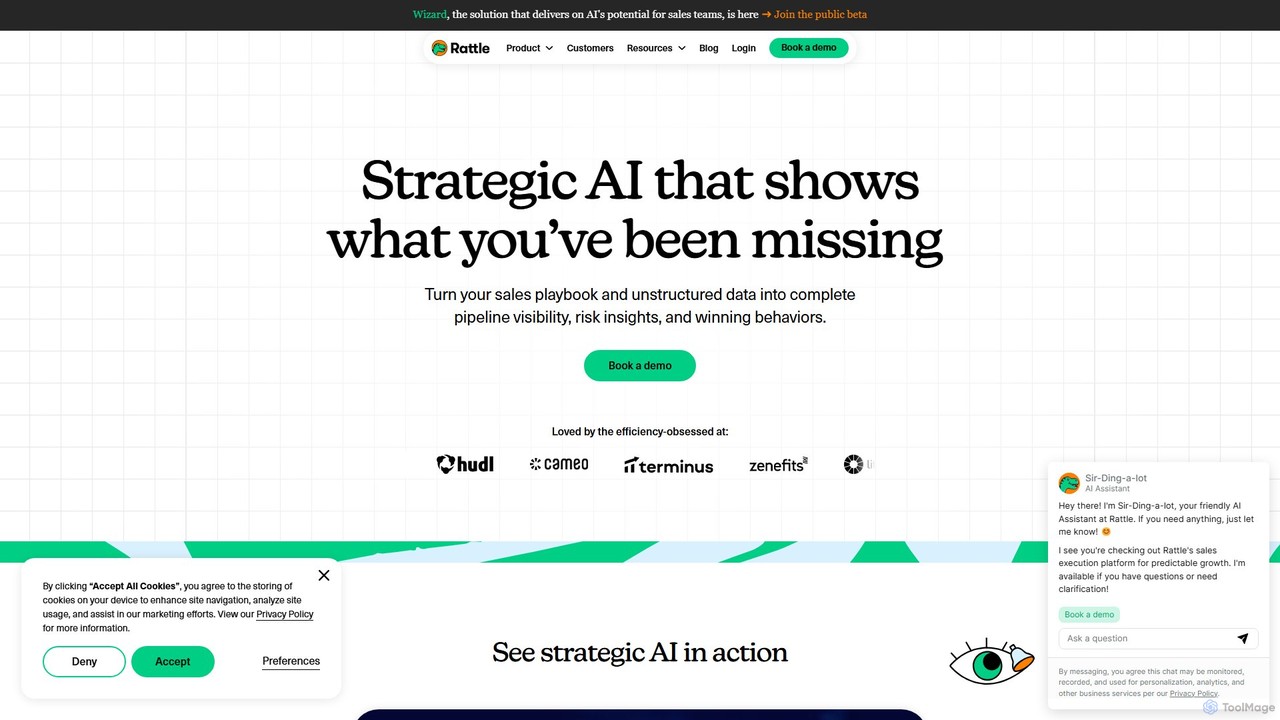
Rattle is an AI-powered sales execution platform that connects your CRM (like Salesforce) with communication tools (Slack & Teams). It automates workflows, ensures data hygiene, and streamlines deal execution, helping revenue teams improve efficiency, forecasting accuracy, and close deals faster.
Revenue Operationsgetclientell
getclientell is an AI-powered platform designed to automate and simplify Salesforce operations. It enables RevOps, sales, and admin teams to manage data, build workflows, and generate reports using simple English prompts. This turns your CRM into a powerful growth engine, eliminating manual tasks and data inaccuracies.
Data Management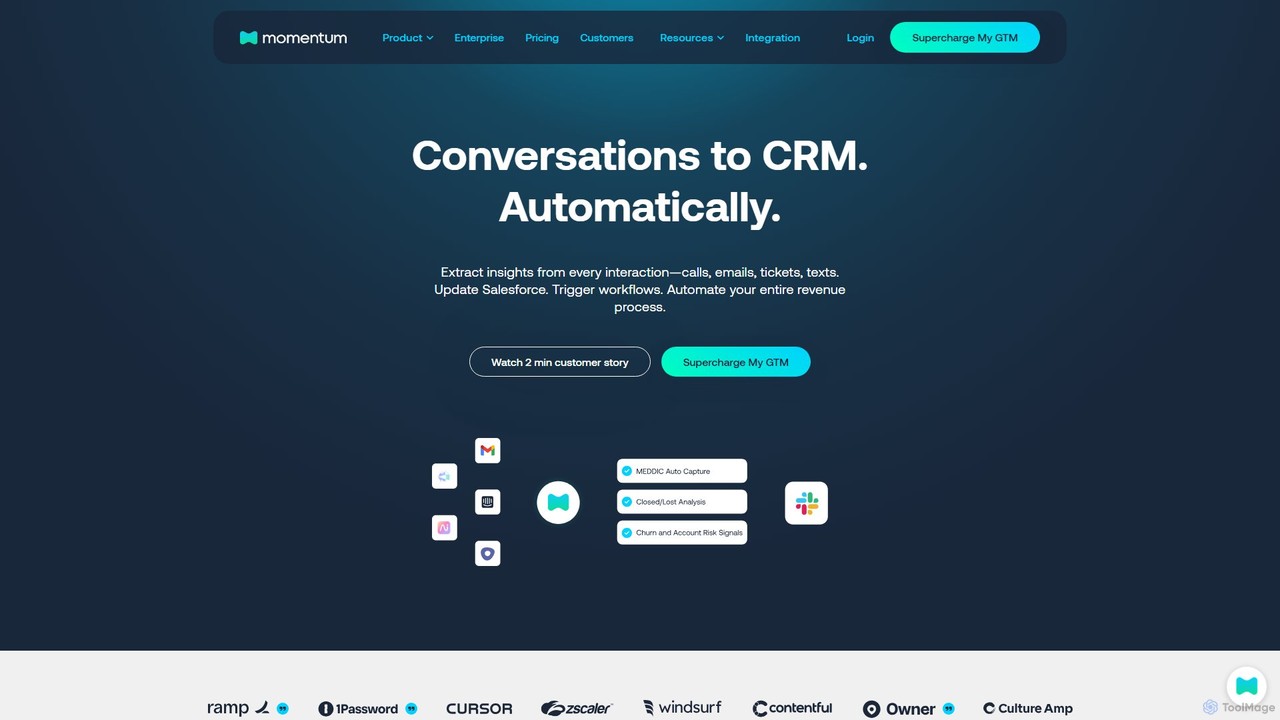
Momentum
Momentum is an AI-native Revenue Orchestration Platform that automatically extracts and structures data from customer interactions. It updates your CRM in real-time, automates GTM workflows, and provides actionable insights to sales, customer success, and leadership teams, eliminating manual data entry and improving pipeline visibility.
Data Analysis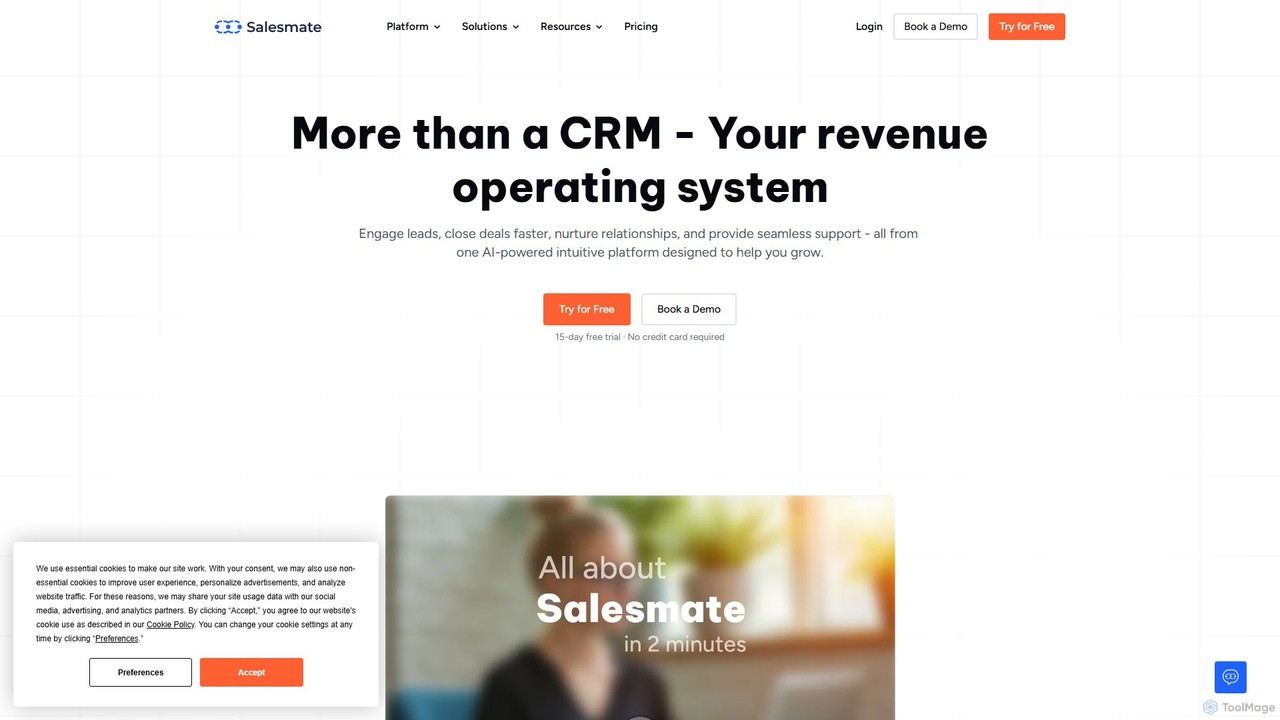
Salesmate
Salesmate is an AI-powered CRM platform designed to unify sales, marketing, and customer support. It helps businesses engage leads, automate workflows, close deals faster, and build lasting customer relationships through a single, intuitive interface. Ideal for teams of all sizes seeking to accelerate revenue growth.
Sales Automation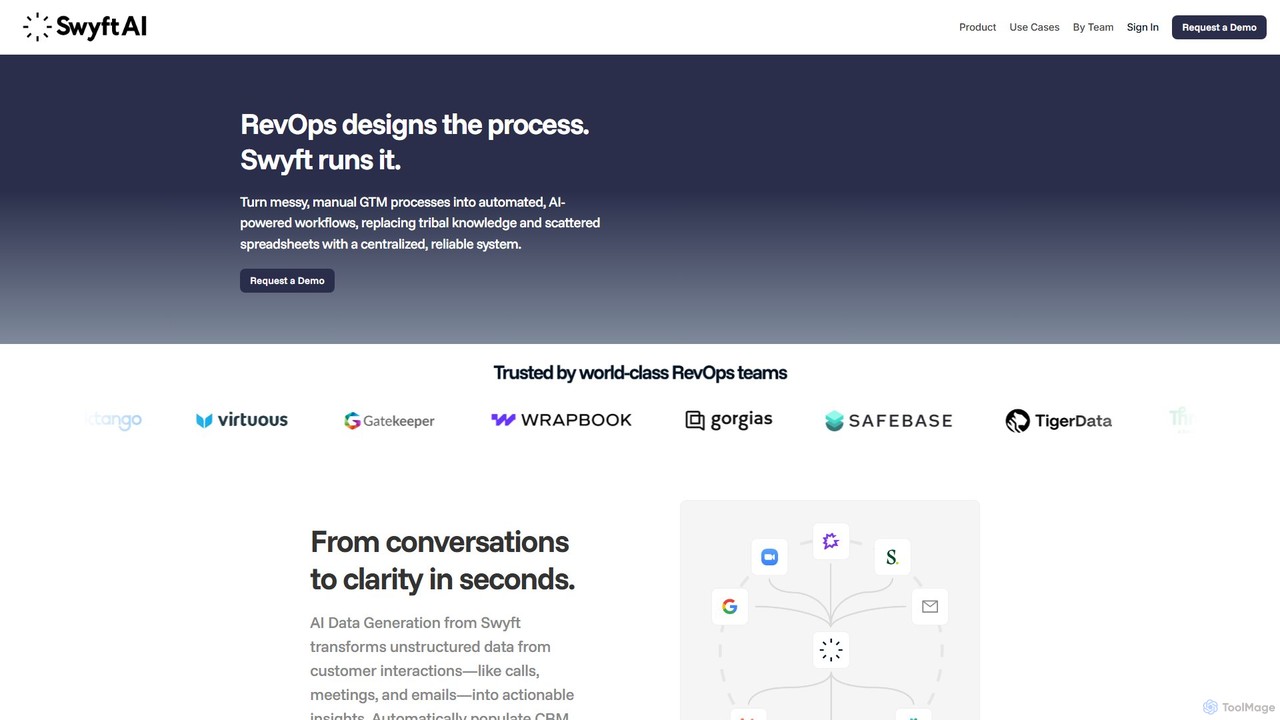
swyftai
Swyft AI is an automation platform that transforms unstructured customer conversations from calls, meetings, and emails into structured, actionable data. It automatically updates CRMs, generates deal alerts, and powers intelligent workflows for GTM teams, including Sales, RevOps, and Customer Success. By eliminating manual data entry and providing deep insights, Swyft AI helps businesses improve data hygiene, accelerate sales cycles, and make smarter, data-driven decisions.
Data AnalysisNutshell
Nutshell is an all-in-one CRM and email marketing platform designed for B2B teams. It combines sales automation, pipeline management, and contact organization with powerful AI features to streamline workflows. Nutshell helps teams close more deals by automating tedious tasks, providing insightful reports, and enhancing customer engagement through integrated email, SMS, and chat.
Live ChatHints
Hints is an AI-powered assistant that allows sales teams to update their CRM using simple voice or text messages. By integrating with popular messaging apps like WhatsApp and SMS, it eliminates manual data entry, saves time, and ensures your pipeline in Salesforce, HubSpot, or Pipedrive is always accurate and up-to-date.
AutomationOctolane
Octolane is a "Self-Driving AI CRM" designed to automate sales workflows. It intelligently writes follow-up emails, updates your sales pipeline, and prioritizes your daily tasks before you even start your day. By eliminating manual data entry and administrative work, Octolane frees up sales representatives to focus on what they do best: selling and building customer relationships. It's a system of action, not just a system of record.
Email Marketingdooly
Dooly was an AI-powered connected workspace for revenue teams, designed to automate CRM updates, streamline sales workflows, and provide real-time insights to help close deals faster. It eliminated manual data entry by syncing notes and activities directly to Salesforce. Please note: The Dooly platform will be shutting down on June 30, 2025.
Automation
onsa.ai
onsa.ai is an AI-powered platform that automates the entire B2B sales cycle. It handles lead generation, personalized outreach, lead qualification, and meeting orchestration, seamlessly integrating with CRMs like Salesforce and HubSpot to turn strangers into clients.
Email Marketing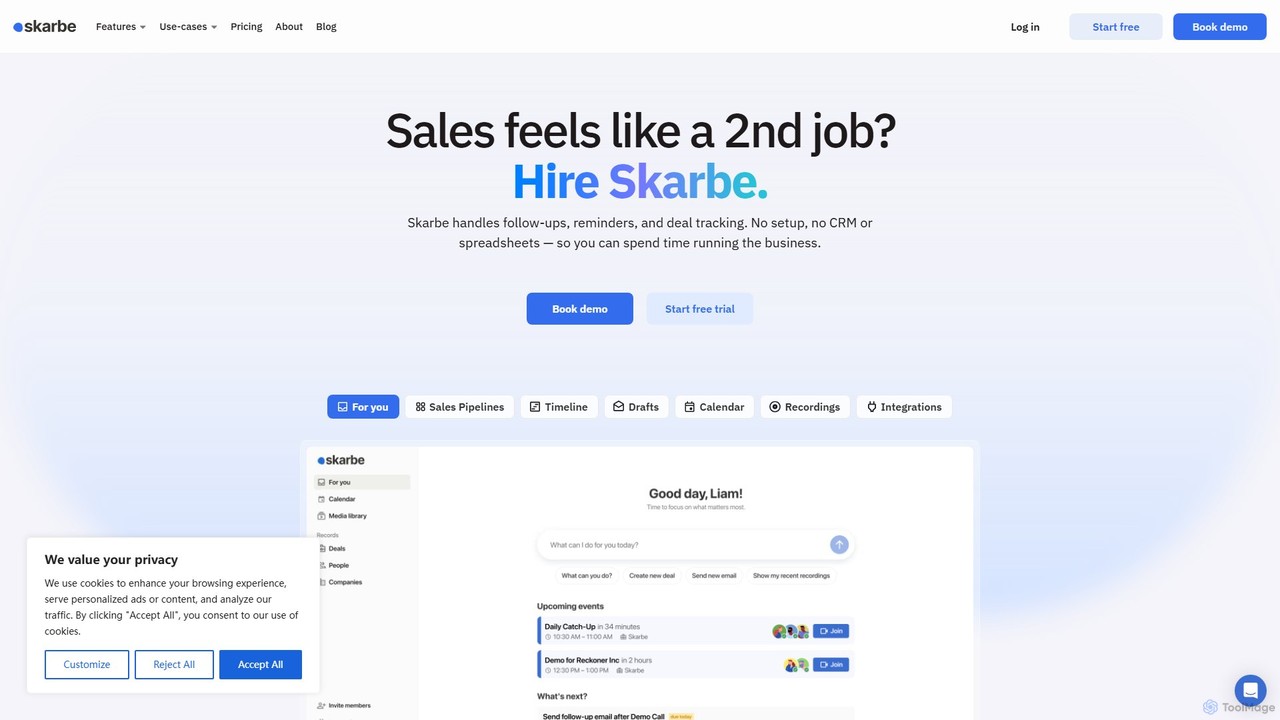
Skarbe
Skarbe is an AI-powered 'invisible CRM' that automates sales workflows by integrating directly with your email and calendar. It eliminates manual data entry by automatically capturing contacts, tracking deals, and managing your pipeline, allowing sales professionals to focus on selling rather than administrative tasks.
Lead Management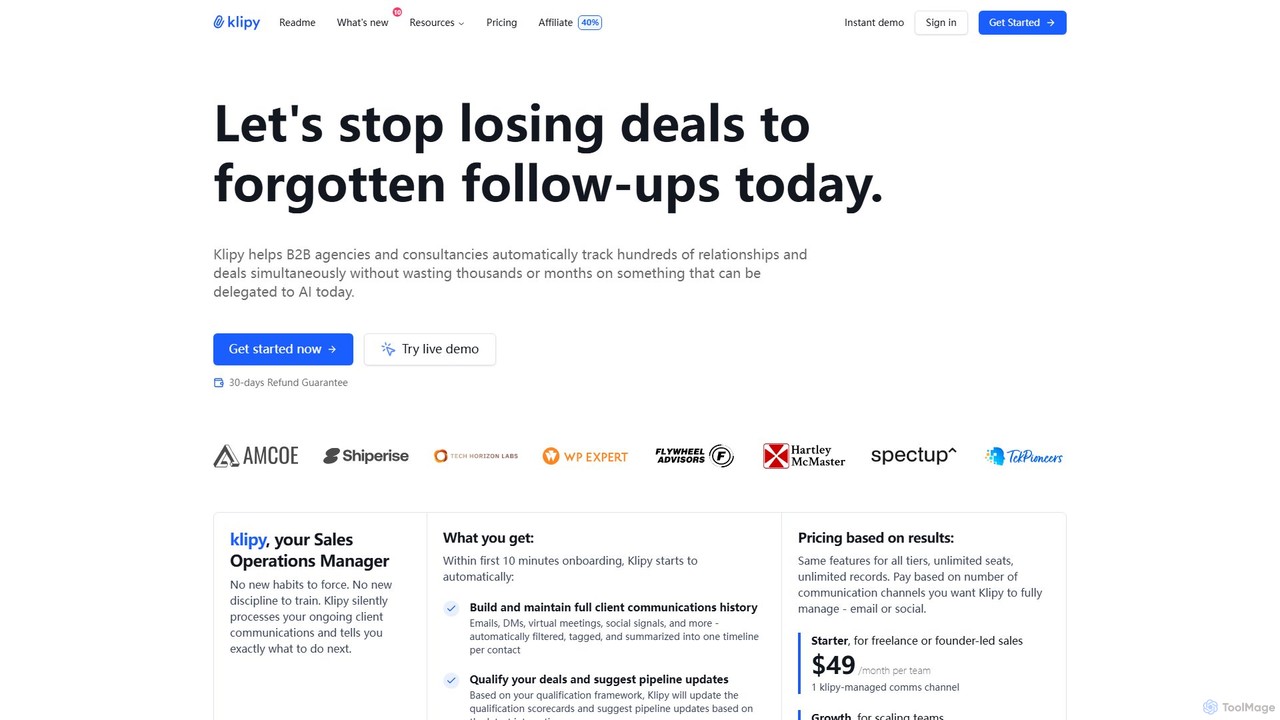
Klipy
Klipy is an AI-first, automated CRM designed for B2B agencies and consultancies. It eliminates manual data entry by automatically tracking client communications across emails, DMs, and meetings. The platform provides intelligent follow-up suggestions, updates deal pipelines, and analyzes sales activities to help teams focus on closing deals rather than on administrative tasks.
Lead Generation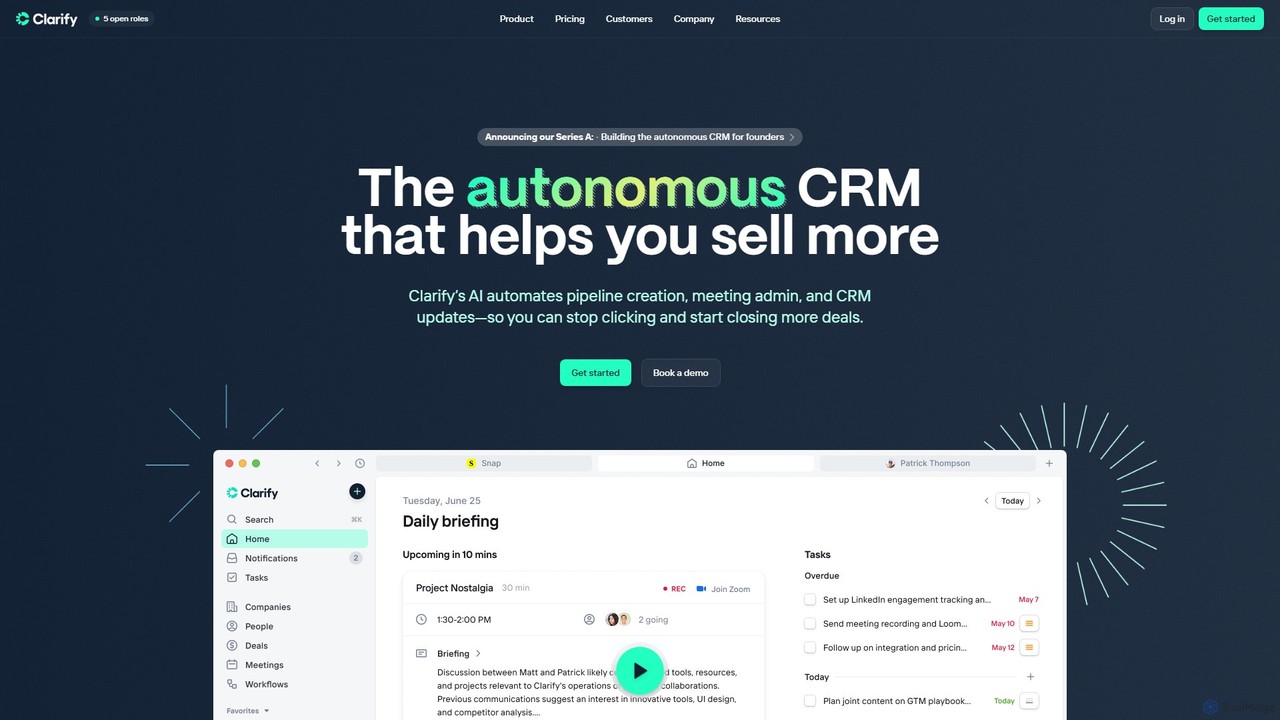
Clarify
Clarify is an autonomous AI-powered CRM designed to automate sales workflows. It handles pipeline creation, meeting administration, and CRM updates, freeing up sales teams from manual data entry. By enriching leads, tracking conversations, and generating meeting summaries, Clarify helps teams focus on closing deals and scaling their go-to-market strategy efficiently.
Crm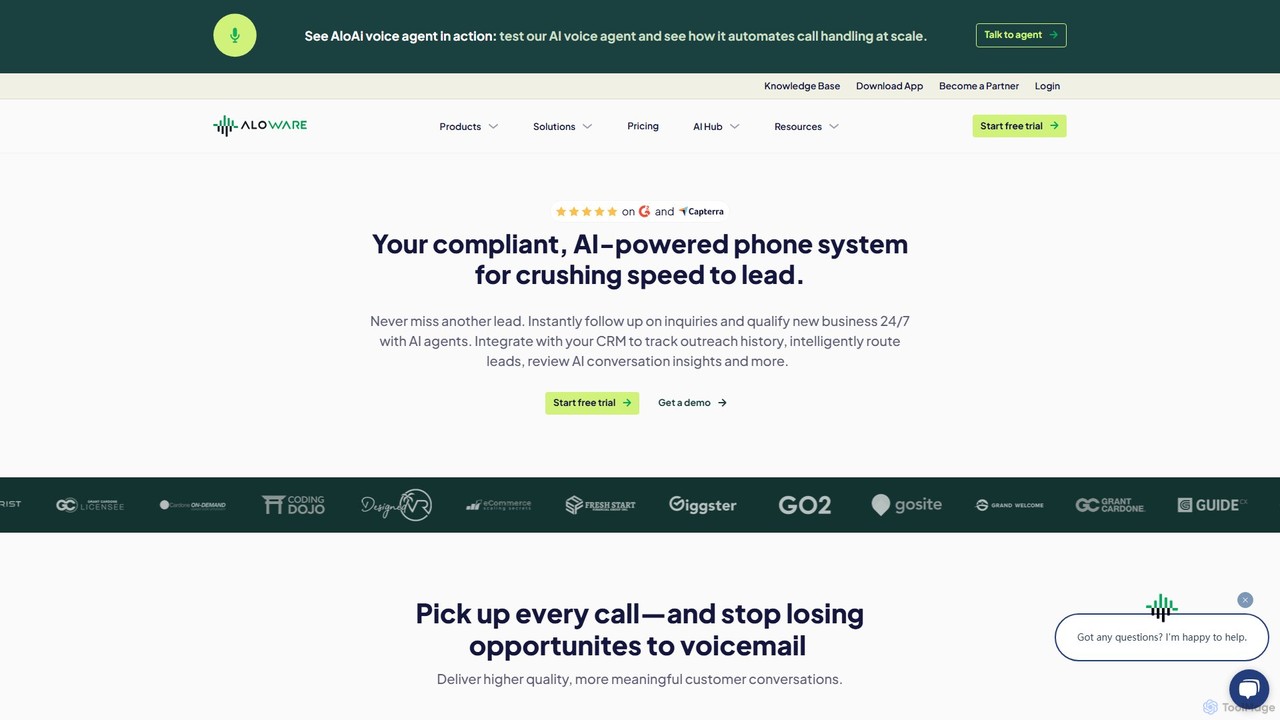
Aloware
Aloware is an AI-powered contact center software designed for modern sales and support teams. It integrates seamlessly with your favorite CRM to automate outreach, handle calls 24/7 with AI voice agents, and provide deep conversation analytics. Boost productivity, increase lead conversion, and ensure compliant communication with its all-in-one, compliant platform.
Help Desk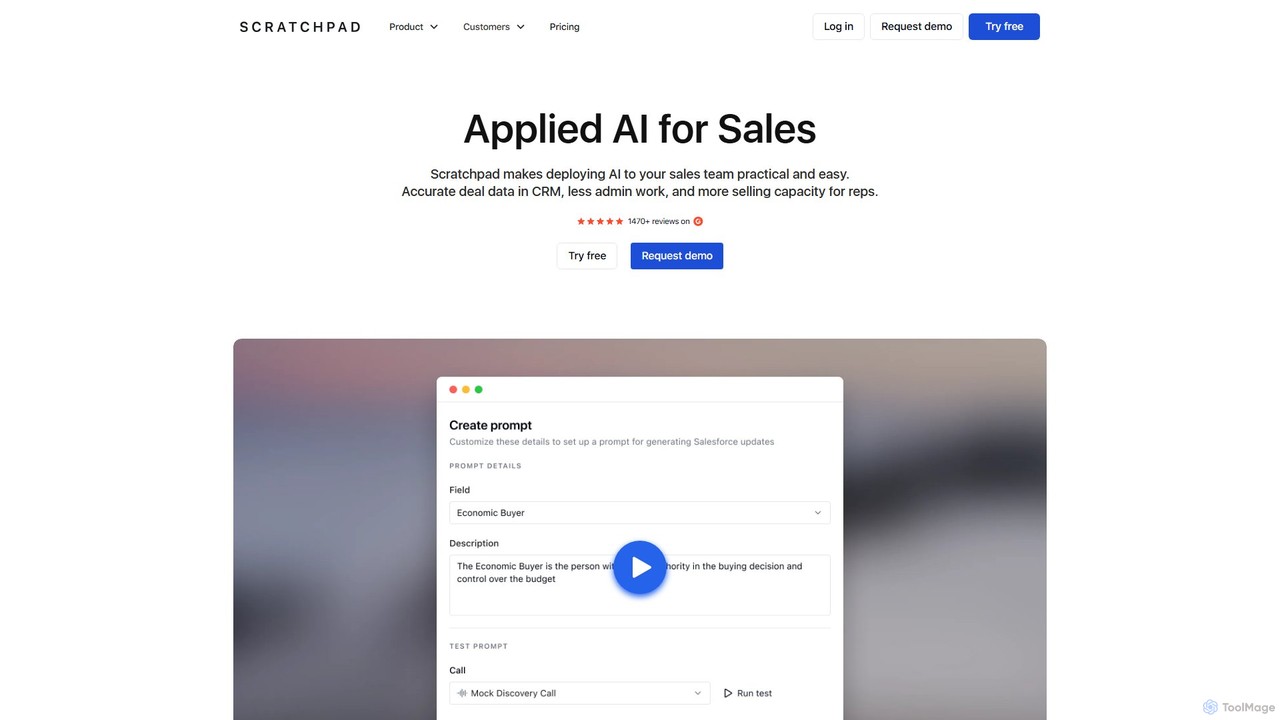
Scratchpad
Scratchpad is an AI-driven sales execution platform designed to streamline workflows for sales teams. It provides a unified workspace to update Salesforce, manage pipelines, take notes, and automate administrative tasks. By improving CRM data hygiene and providing real-time insights, Scratchpad helps sales reps save time and leaders forecast more accurately.
Data Analysis
Ctrl Comments (0)
Sign in to comment.
Sign inNo comments yet.