

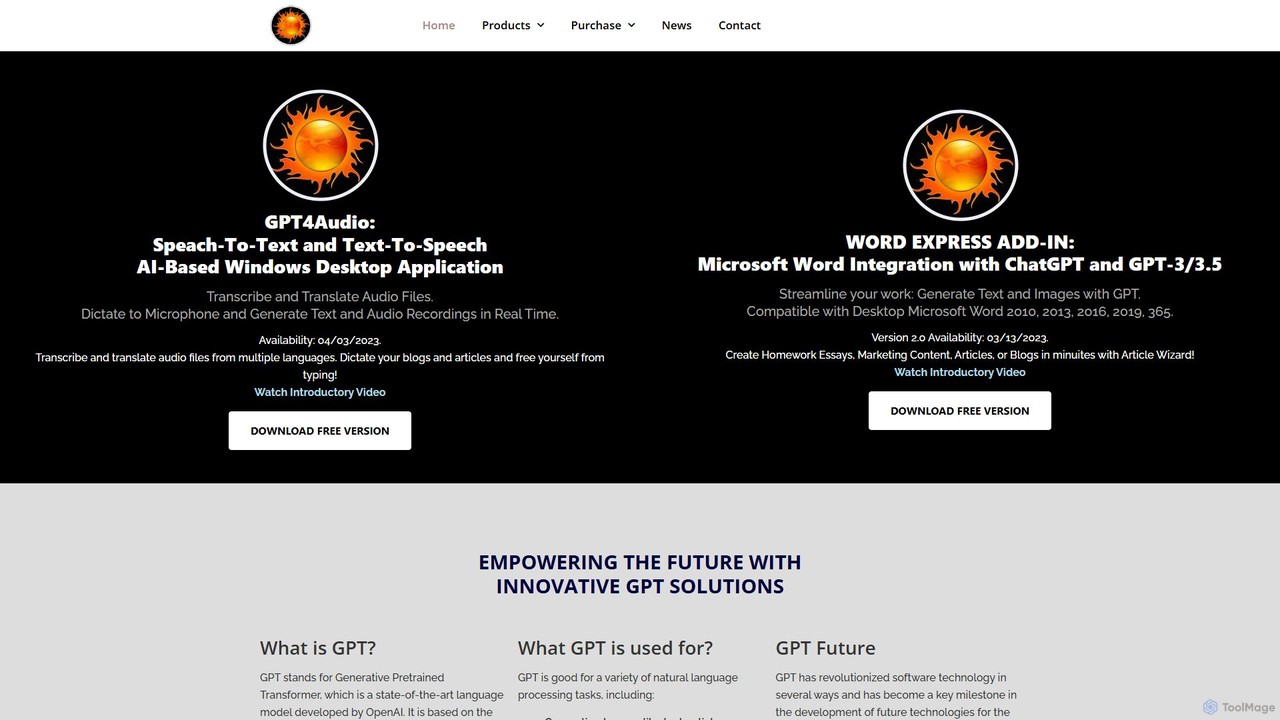
gpt4office Overview
gpt4office, developed by Gravity Storm Software, LLC, is an innovative suite of AI tools designed to supercharge your productivity within the Microsoft Office ecosystem. It primarily consists of two powerful applications: the Word Express Add-in for Microsoft Word and the standalone GPT4Audio desktop application. This suite seamlessly integrates the advanced capabilities of OpenAI's models, including GPT for text generation, DALL-E 2 for image creation, and Whisper for high-accuracy audio transcription, directly into your daily tasks.
The core philosophy behind gpt4office is to bring state-of-the-art AI power into the familiar environment of Microsoft Word, eliminating the need to constantly switch between different applications. Whether you are a writer, marketer, student, or professional, gpt4office streamlines your content creation process, from drafting articles and transcribing interviews to generating unique images for your documents.
How to use gpt4office
Using gpt4office is straightforward. First, download and install either the Word Express Add-in or the GPT4Audio application from the official website. For the Word add-in, a new 'Word Express' tab will appear in your Microsoft Word ribbon (compatible with versions 2010 through 365). From this tab, you can access all the AI features. You can generate text from a simple prompt, select existing text to summarize, rephrase, or expand upon it, or even use the embedded ChatGPT interface. To transcribe audio, simply upload an MP3 or MP4 file, and the text will be generated for you to insert directly into your document. Image generation works similarly: describe the image you want, and DALL-E 2 will create it for you to place at your cursor's position.
Core Features of gpt4office
- AI Text Generation: Utilize the Article Wizard to create complete essays, articles, and marketing content in minutes. Generate text from prompts, summarize long documents, rephrase sentences for clarity, and extend your ideas with relevant details and examples.
- Integrated Image Generation: Create, edit, and generate variations of images directly within Word using text prompts powered by DALL-E 2.
- Advanced Audio Transcription: Accurately transcribe audio and video files (MP3/MP4) into text using OpenAI's Whisper API. The tool also supports translation from multiple languages.
- Seamless MS Word Integration: All features are accessible from a dedicated ribbon in Microsoft Word, allowing you to insert or replace text and images with a single click.
- Real-time Dictation & TTS: The GPT4Audio standalone app allows you to dictate text in real-time and convert text back to speech, freeing you from typing.
- Embedded ChatGPT: Access the familiar ChatGPT interface directly within the application for conversational text generation and brainstorming.
Use Cases for gpt4office
gpt4office is a versatile tool suitable for a wide range of users. Content creators and marketers can rapidly draft blog posts, social media updates, and ad copy. Students and academics can use it to structure essays, summarize research papers, and check their writing. Business professionals can enhance their efficiency by quickly drafting reports, emails, and meeting minutes. Journalists and podcasters can save hours of manual work by transcribing interviews and audio notes with high accuracy.
Advantages of gpt4office
The main advantage of gpt4office is its deep integration with Microsoft Word, which significantly boosts productivity by keeping all necessary tools in one place. It combines multiple AI functionalities—text, image, and audio—into a single, cohesive suite. Its compatibility with a wide range of Word versions makes it accessible to a broad user base. By offering a free version, users can experience its core benefits before committing to a purchase, making it a low-risk, high-reward productivity solution.
Pricing and Plans
gpt4office operates on a freemium model. A free version is available for download, allowing users to test the fundamental features of both the Word Express Add-in and the GPT4Audio application. For users requiring higher usage limits, access to the most advanced features, and commercial use rights, paid plans are available. For the most up-to-date pricing and plan details, please visit the official gpt4office website.
Traffic
Latest traffic
Status
Monthly traffic trend
- 2025-9: 410
- 2026-1: 0
- 2026-2: 245
- 2026-3: 573
- 2026-4: 190
- 2026-5: 933
Geography
Top 5 countries / regions
- 🇺🇸United States100.0%
Top keywords
| Keyword | Cost per click |
|---|---|
| gravitystorm llc | $0.00 |
gpt4office Alternatives
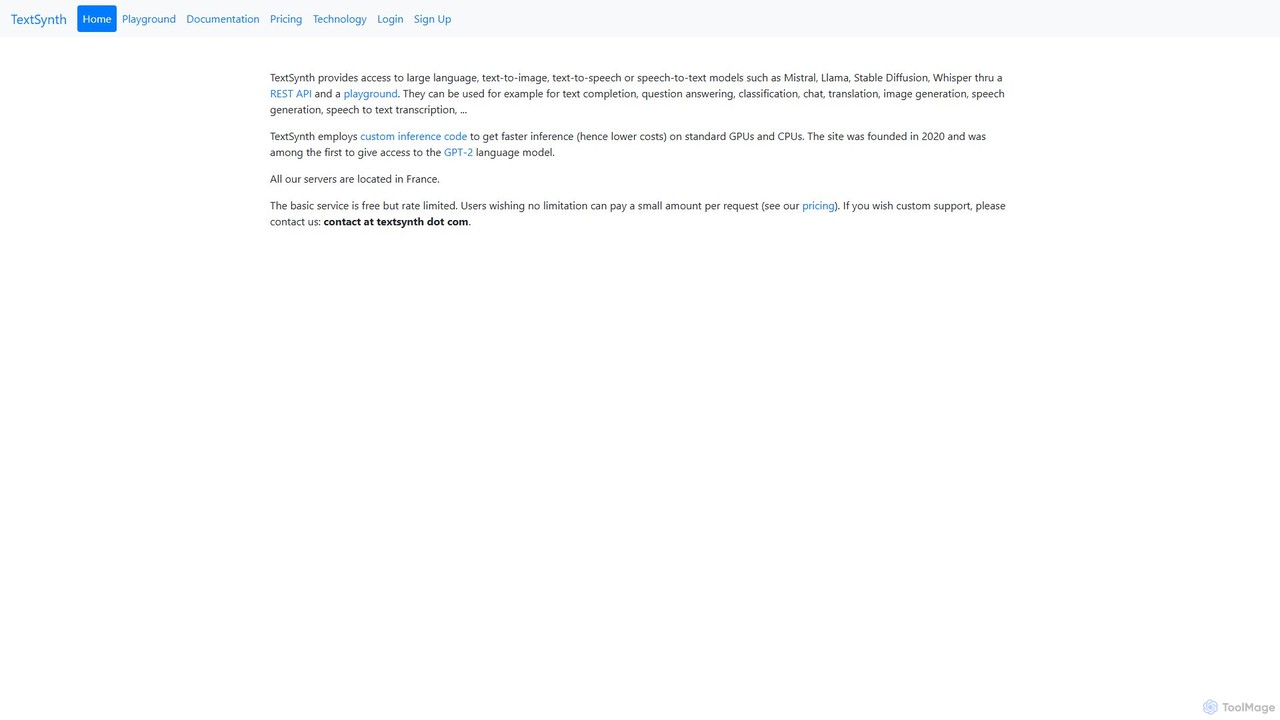
TextSynth
TextSynth offers developers powerful, cost-effective access to a suite of AI models, including large language models (LLMs), text-to-image, text-to-speech, and speech-to-text, through a flexible REST API and an interactive playground. It features models like Llama, Mistral, Stable Diffusion, and Whisper, optimized for speed and affordability.
Speech Synthesis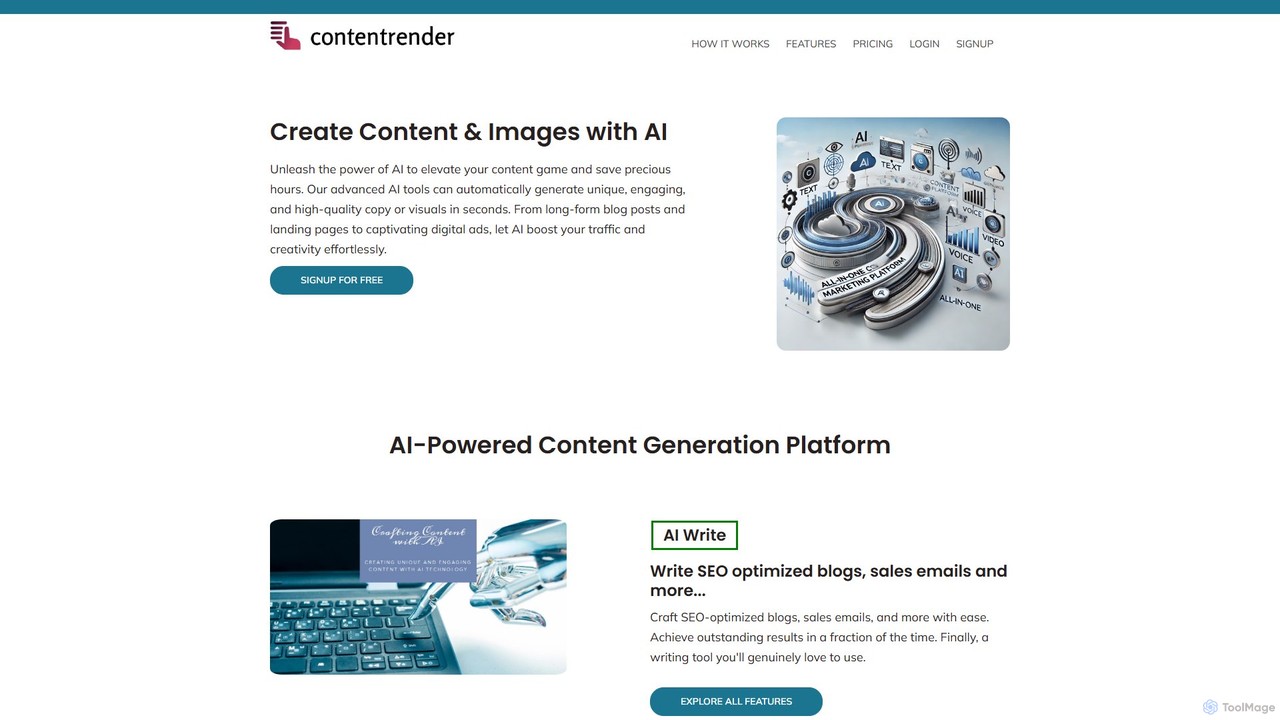
ContentRender
ContentRender is an all-in-one AI content creation platform that leverages leading models like GPT, DALL-E, and Claude. It enables users to generate unique text, images, voice-overs, and code, and even transcribe audio. This versatile tool is designed for marketers, writers, and developers to streamline their creative workflow and produce high-quality, conversion-ready content efficiently.
Transcription
Ai Pakistani
Ai Pakistani is a comprehensive generative AI platform designed to create unique and engaging content. It offers a suite of tools for text generation, image creation, AI chat, and audio transcription. With over 50 templates and support for more than 30 languages, it empowers marketers, writers, and businesses to streamline their content creation workflow and boost conversions.
Transcription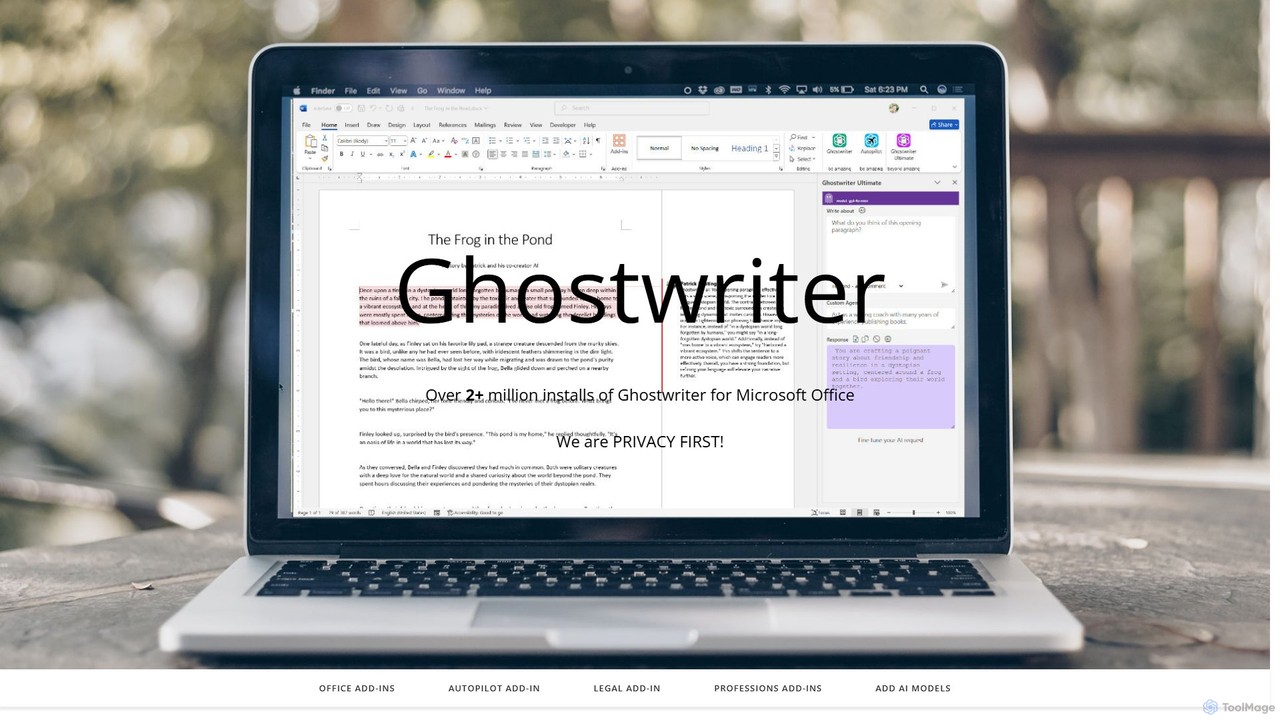
ghostwriter_ai
Ghostwriter AI is a powerful suite of AI add-ins for Microsoft Office, enhancing productivity in Word, Excel, PowerPoint, and Outlook. It offers AI-powered writing assistance, data analysis, and presentation creation, with specialized editions for various professions and a one-time purchase model.
Document Management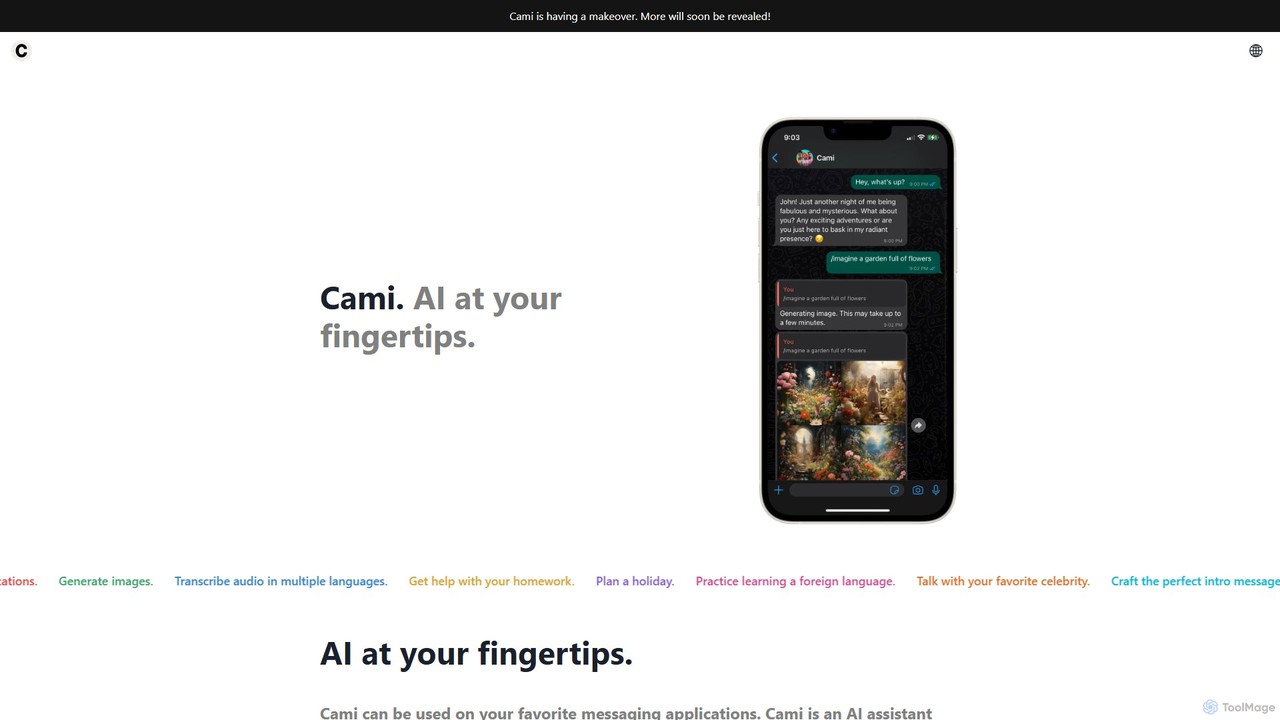
heycami
heycami is a versatile AI assistant integrated into your favorite messaging apps. It leverages advanced models like GPT-4 and Stable Diffusion to provide conversational help, generate stunning images, transcribe audio in multiple languages, and even adopt custom personalities. Access AI power directly from your chats for productivity and fun.
Transcriptiongpt4office Categories
gpt4office Embed Widget
Copy this embed code to place the badge on your blog, article, or product site and send readers directly to this ToolMage detail page.

Related AI tools
ghostwryter
GhostWryter is a powerful AI writing assistant that integrates directly into Google Docs. By connecting your own OpenAI API key, it offers a highly cost-effective, pay-as-you-go solution for creating SEO texts, blog posts, essays, and marketing content. Generate ideas, draft outlines, write paragraphs, and refine your text without ever leaving your document.
Document Assistant
OpenAI
OpenAI is a leading AI research and deployment company dedicated to ensuring that artificial general intelligence (AGI) benefits all of humanity. It develops state-of-the-art models like GPT-5, ChatGPT for conversational AI, Sora for text-to-video, and DALL-E for image generation. Through its robust API platform, OpenAI empowers developers and businesses to integrate powerful AI capabilities into their applications, driving innovation across various industries.
Image Generation
Cosmicup
Cosmicup is an all-in-one AI platform offering unlimited access to a wide array of advanced AI models like ChatGPT 5, Claude 4.5, Gemini 2.5, and Grok 4 through a single subscription. It streamlines workflows with features including multi-model interaction, code assistance, document analysis, real-time web search, deep research, and AI image generation, eliminating the need for multiple subscriptions.
Multimodal Ai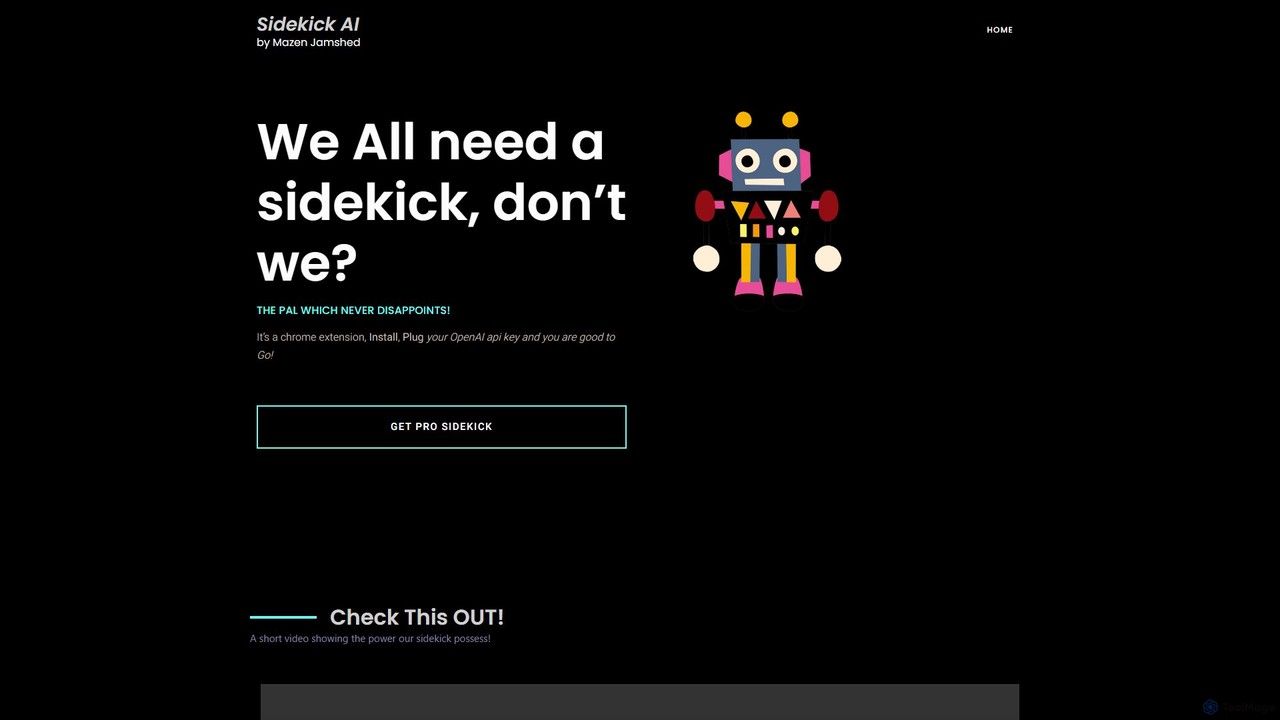
SideKick AI
SideKick AI is a powerful Chrome extension that integrates OpenAI's capabilities directly into your browser. Use simple commands to generate, rewrite, and improve text in any input field, streamlining your workflow and boosting productivity without ever leaving your current tab.
Text Generation
GPT33
GPT33 is an integrated AI platform from Cool Guy AI Lab, offering a suite of tools to enhance creativity and productivity. It features GPT-powered text generation for various content, AI image creation with upcoming Stable Diffusion integration, and a beta version of an intelligent customer service chatbot. It aims to provide accessible AI solutions, including future capabilities for personalized model training.
ChatbotTextSynth
TextSynth offers developers powerful, cost-effective access to a suite of AI models, including large language models (LLMs), text-to-image, text-to-speech, and speech-to-text, through a flexible REST API and an interactive playground. It features models like Llama, Mistral, Stable Diffusion, and Whisper, optimized for speed and affordability.
Speech SynthesisContentRender
ContentRender is an all-in-one AI content creation platform that leverages leading models like GPT, DALL-E, and Claude. It enables users to generate unique text, images, voice-overs, and code, and even transcribe audio. This versatile tool is designed for marketers, writers, and developers to streamline their creative workflow and produce high-quality, conversion-ready content efficiently.
TranscriptionAi Pakistani
Ai Pakistani is a comprehensive generative AI platform designed to create unique and engaging content. It offers a suite of tools for text generation, image creation, AI chat, and audio transcription. With over 50 templates and support for more than 30 languages, it empowers marketers, writers, and businesses to streamline their content creation workflow and boost conversions.
Transcription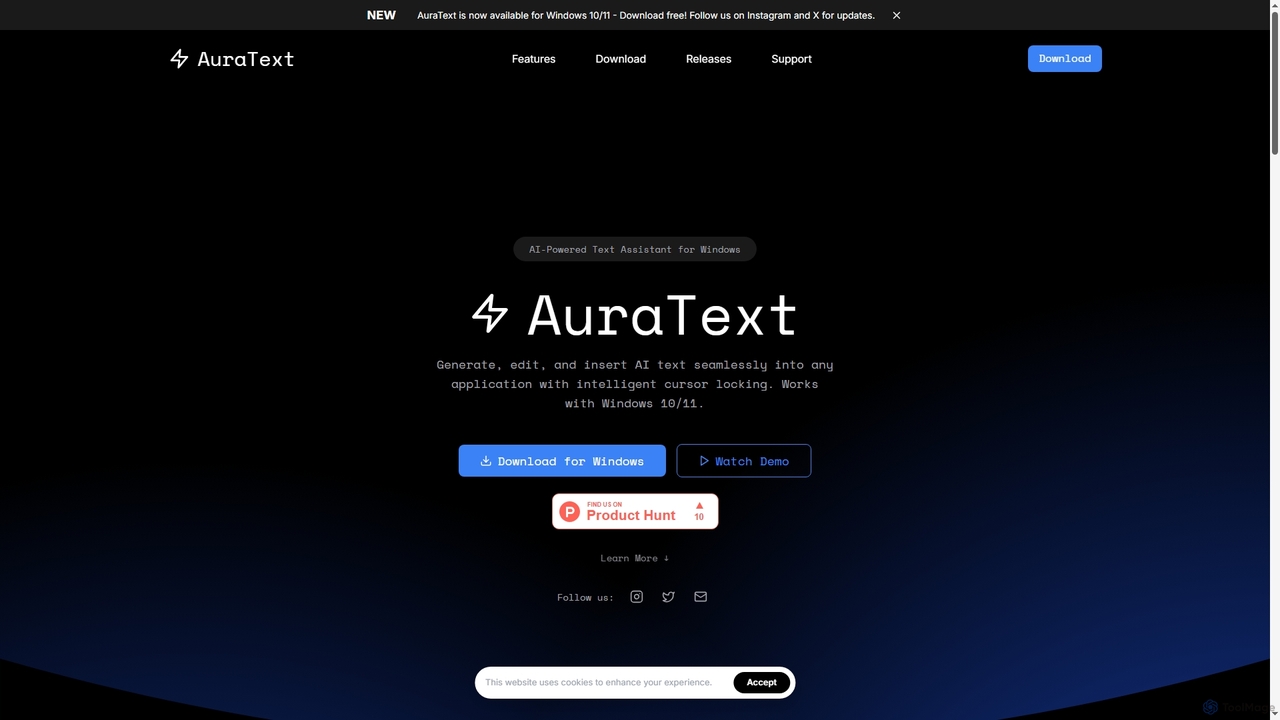
AuraText
AuraText is an AI-powered text assistant for Windows and browsers, enabling seamless generation, editing, and insertion of AI-generated text into any application. It features intelligent cursor locking, multi-AI provider support (Gemini, Perplexity, OpenAI), real-time text analysis, and a secure, private environment for enhanced productivity.
Text Editing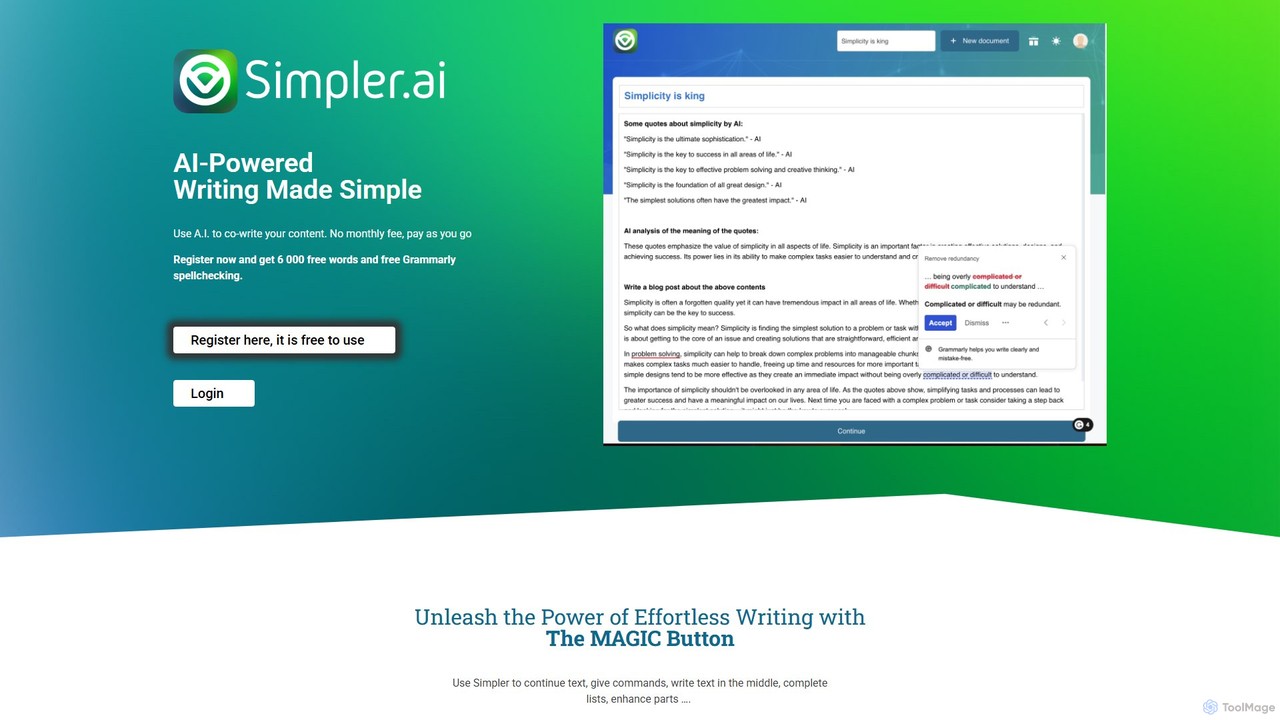
Simpler.ai
Simpler.ai is an AI-powered writing assistant with a distraction-free editor and a unique "MAGIC button" for seamless content co-creation. It offers integrated Grammarly spellchecking and a flexible pay-as-you-go pricing model, eliminating monthly subscriptions. Ideal for writers, marketers, and creators looking to overcome writer's block, generate ideas, and produce high-quality content efficiently.
Content Creation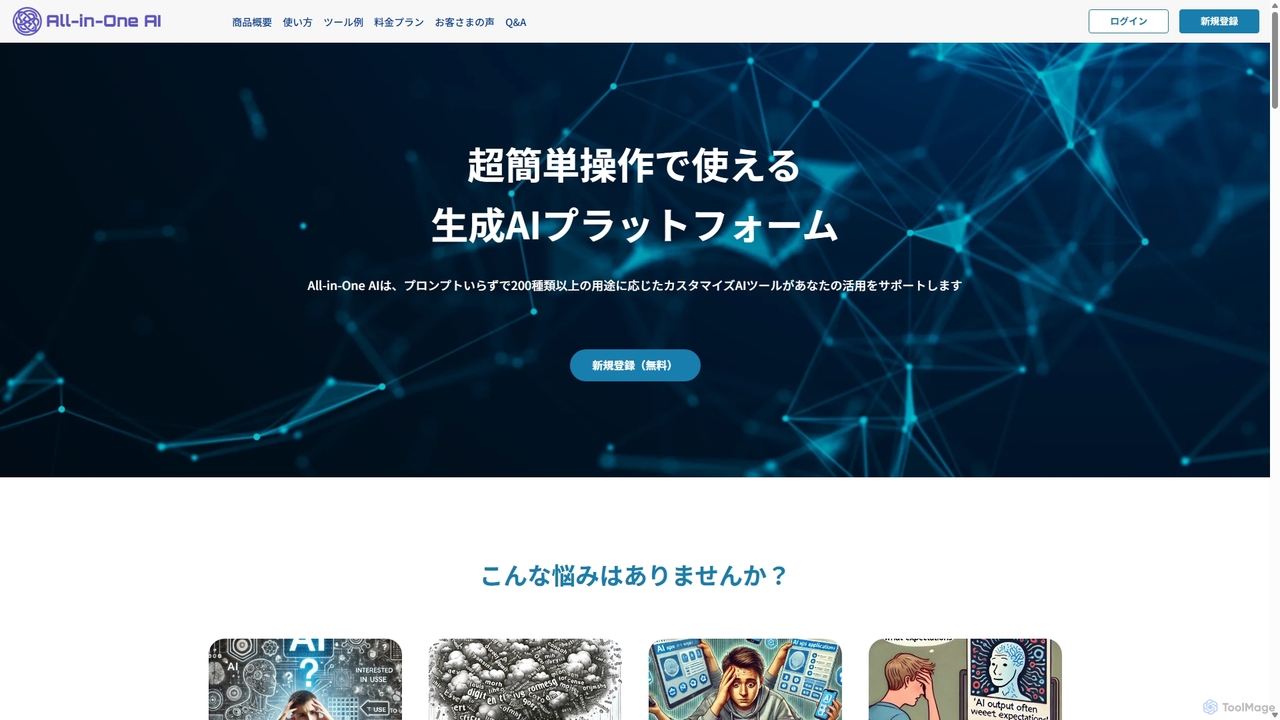
All-in-One AI
All-in-One AI is a user-friendly generative AI platform offering over 200 pre-configured tools for text and image creation. It eliminates the need for complex prompt engineering, allowing users to generate high-quality content like blog posts, social media updates, ad copy, and images with simple inputs. Ideal for marketers, content creators, and businesses seeking to streamline their content workflow without a steep learning curve.
Ad Copy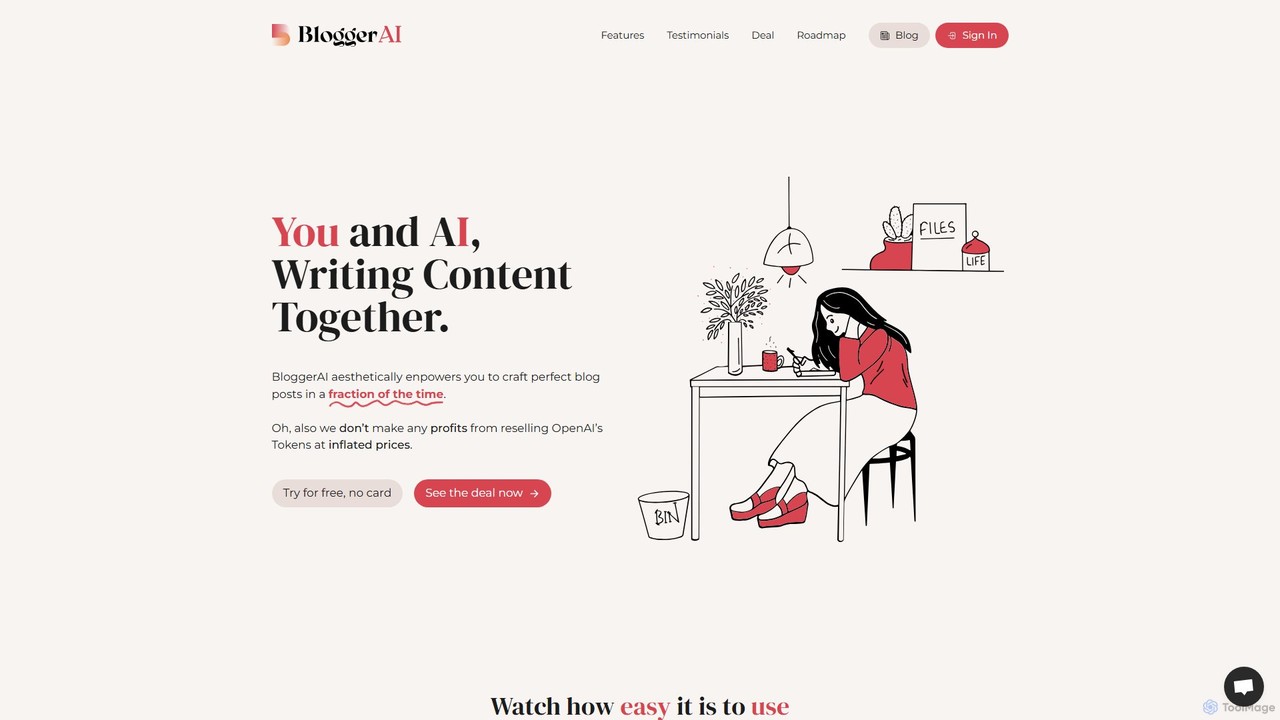
BloggerAI
BloggerAI is an AI-powered content writing assistant designed specifically for bloggers. It helps you create high-quality, SEO-optimized blog posts in a fraction of the time. Featuring a unique "Bring Your Own Key" model, it offers an ethical and cost-effective solution by allowing you to use your own OpenAI API key, avoiding inflated token prices. It supports over 10 languages, WordPress integration, and provides a full suite of tools for writing, rewriting, and SEO.
Blogging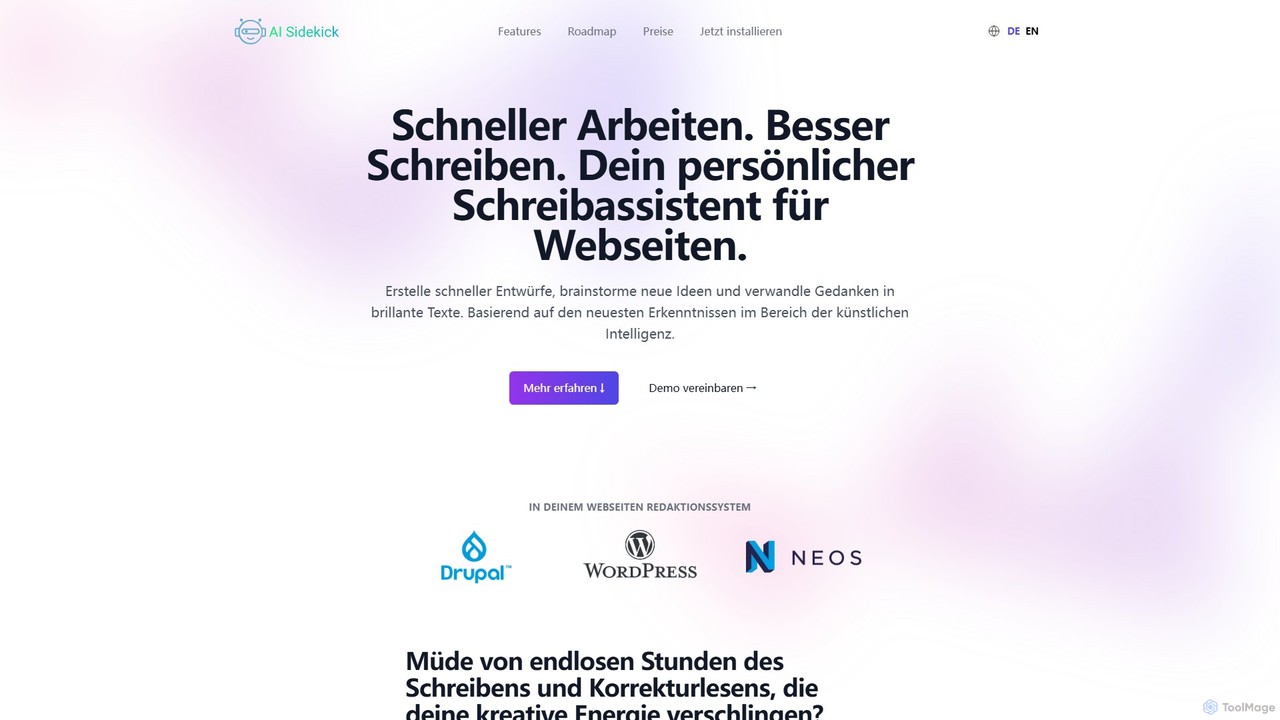
AI Sidekick
AI Sidekick is a powerful writing assistant that integrates directly into your website's CMS (like Neos, WordPress, Drupal). Powered by GPT-4 and other advanced AIs, it helps you create high-quality, SEO-optimized content faster. Generate ideas, draft articles, improve existing text, and maintain a consistent brand voice, all within your familiar editing environment.
Content Creation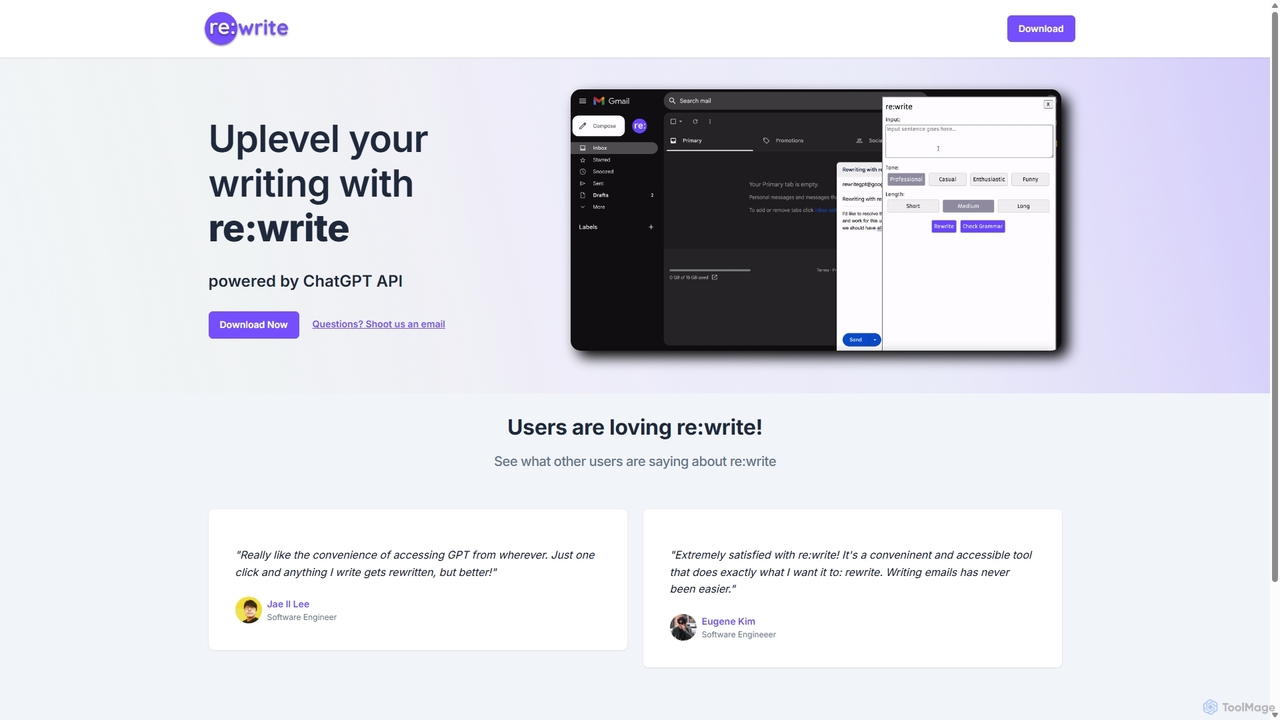
Rewritegpt
Rewritegpt is an AI-powered writing assistant and browser extension that helps you rewrite, paraphrase, and improve your text with a single click. It integrates seamlessly into your workflow, allowing you to enhance emails, reports, and social media posts directly on any website.
Study Tools
promptextend
promptextend is an AI-powered prompt engineering assistant that transforms your simple ideas into detailed, optimized prompts for various AI models. Enhance your creative output for AI art, text generation, and more by automatically extending and refining your initial concepts for superior results.
Image Generators
gpt4office Comments (0)
Sign in to comment.
Sign inNo comments yet.