

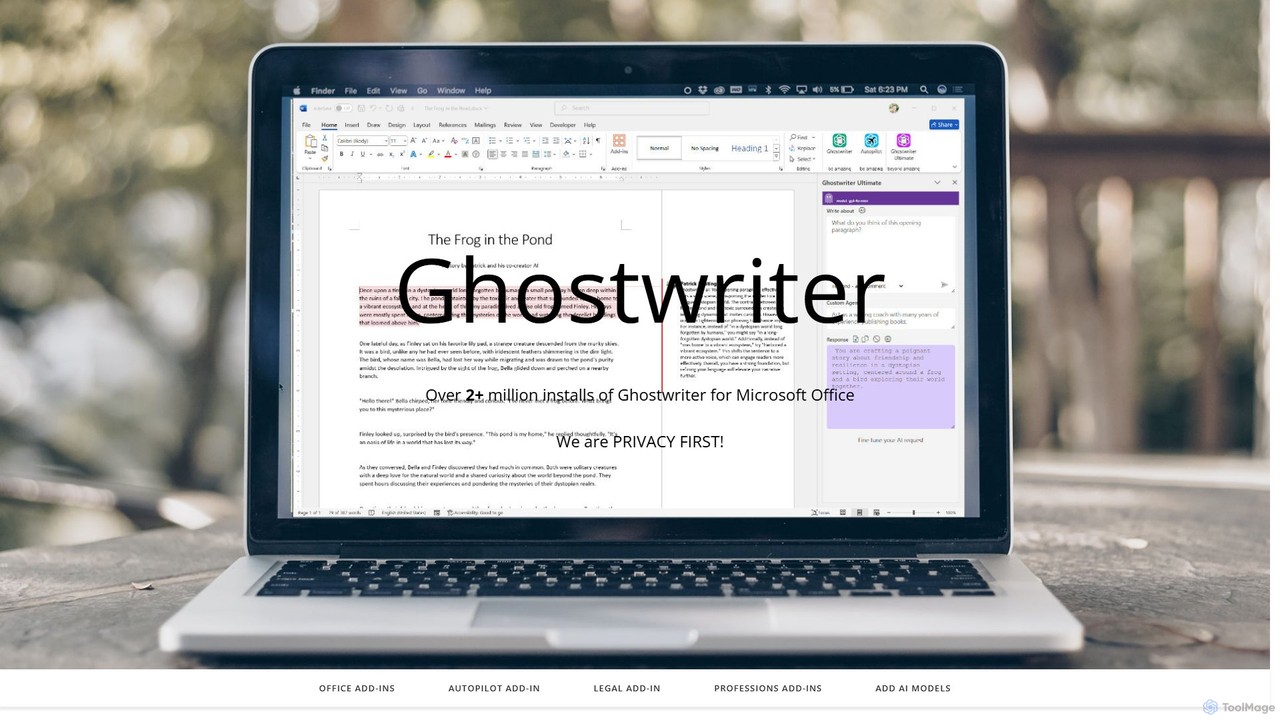
ghostwriter_ai Overview
Ghostwriter AI is a comprehensive suite of artificial intelligence add-ins designed to seamlessly integrate into the Microsoft Office ecosystem. With over two million installations, it aims to supercharge user productivity by embedding powerful AI capabilities directly within Word, Excel, PowerPoint, and Outlook. Unlike many subscription-based services, Ghostwriter AI stands out with its one-time purchase model for its core products, offering a cost-effective solution for individuals and professionals. The platform is built with a "Privacy First" philosophy, providing users with the option to use their own private API keys for complete data security.
The tool offers a wide array of products tailored to different needs. For general users, there are individual add-ins for each Office application, as well as a comprehensive Office Bundle. For professionals, Ghostwriter AI provides highly specialized editions for fields such as Law, Medicine, Marketing, Sales, Education, and more. These editions come with pre-configured AI personas, industry-specific prompts, and workflows designed to meet the unique demands of each profession. Additionally, the 'Autopilot' feature offers a free, conversational AI experience as an alternative to Microsoft Copilot, with a more powerful PRO version available.
How to use ghostwriter_ai
Getting started with Ghostwriter AI is a straightforward process designed for easy adoption:
- Select Your Product: Browse the Ghostwriter AI website to choose the add-in that best fits your needs. You can select individual add-ins for Word, Excel, PowerPoint, or Outlook, opt for the cost-effective Office Bundle, or choose a specialized Professional Edition.
- One-Time Purchase: Complete the one-time purchase for your selected product. You will receive a product key via email shortly after.
- Install the Add-in: Open the relevant Microsoft Office application (e.g., Word) and go to the Office Store (or Add-ins section). Search for "Ghostwriter" and install the add-in.
- Activate and Use: Once installed, the Ghostwriter AI pane will appear in your application. Enter your product key to activate it. You can then start using its features immediately. Type a prompt, select from Quick Actions, choose a writing style or persona, and let the AI generate, edit, or analyze content directly in your document, spreadsheet, or presentation.
- Enhance with More Models: For advanced capabilities, you can subscribe to access additional AI models like Google's Gemini, Anthropic's Claude, or xAI's Grok. You can also configure the add-in to use your personal API key from OpenAI or other providers for enhanced privacy.
Core Features of ghostwriter_ai
- Deep Microsoft Office Integration: Native add-ins for Word, Excel, PowerPoint, and Outlook, providing a seamless workflow without leaving your application.
- Advanced Writing Assistance: Generate, summarize, rephrase, and edit text. Control the writing style, tone, creativity, and response length.
- Specialized Professional Editions: Tailored versions for over 10 professions, including Legal, Medical, Sales, and Author, with specialized prompts, roles, and document types.
- AI-Powered Data Analysis in Excel: Select a table of data and ask the AI to analyze it, find trends, generate insights, or create sample data sets.
- Intelligent Presentation Building in PowerPoint: Quickly generate bullet points, factual content, and structural ideas for your presentation slides.
- Efficient Email Management in Outlook: Draft professional emails, generate quick replies, and manage your inbox more effectively with AI assistance.
- Multi-Model AI Support: Access to a variety of leading AI models, including GPT-4o, GPT-4.1, and optional access to Google Gemini, Anthropic Claude, xAI Grok, Llama, and more.
- Privacy-First Architecture: While a shared API key is included, the tool strongly encourages and supports the use of private API keys to ensure user data remains secure and confidential.
- Cross-Platform Compatibility: Works seamlessly across Office on Windows, Mac, Web, and iPad.
Use Cases for ghostwriter_ai
Ghostwriter AI is versatile and can be used by a wide range of users:
- Students and Educators: Drafting essays, creating lesson plans, generating quiz questions, and summarizing research papers.
- Authors and Content Creators: Overcoming writer's block, developing plotlines, writing character dialogues, and generating content for blogs or social media.
- Business Professionals: Crafting business proposals, writing detailed reports, creating marketing copy, and preparing sales pitches.
- Legal Professionals: Using the Legal AI Edition to assist in drafting contracts, legal briefs, and client communications with appropriate terminology.
- Medical and Scientific Researchers: Writing research papers, grant proposals, and technical documents with the Scientific or Medical editions.
- Financial Analysts: Analyzing financial data in Excel, generating market summaries, and writing investment reports.
- Marketers and Sales Teams: Creating compelling ad copy, social media campaigns, personalized sales emails, and follow-up sequences.
Advantages of ghostwriter_ai
Ghostwriter AI offers several key advantages over other AI tools:
- Cost-Effective Model: The one-time purchase for core products provides long-term value compared to recurring monthly subscriptions.
- Seamless Workflow: By living inside Microsoft Office, it eliminates context switching and streamlines the content creation process.
- Unmatched Specialization: The Professional Editions offer a level of industry-specific tailoring that generic AI assistants lack.
- Flexibility and Choice: Users are not locked into a single AI model. They can choose the best AI for their specific task, from creative writing to logical reasoning.
- User-Controlled Privacy: The emphasis on using personal API keys gives users full control over their data privacy.
Pricing and Plans
Ghostwriter AI offers a flexible pricing structure primarily based on one-time purchases:
- Autopilot: A free version with basic conversational AI. The Autopilot PRO is available for a $50 one-time purchase.
- Individual Add-ins (One-Time Purchase):
- Ghostwriter Word Basic: $50
- Ghostwriter Word PRO: $100
- Ghostwriter Word Ultimate: $150
- Ghostwriter Outlook: $50
- Ghostwriter Excel: $50
- Ghostwriter PowerPoint: $50
- Ghostwriter Office Bundle: Includes all 4 PRO add-ins (Word PRO, Excel, PowerPoint, Outlook) for a $200 one-time purchase.
- Professional Editions (One-Time Purchase): Prices range from $100 to $200 depending on the specific profession (e.g., Author Edition: $100, Sales Edition: $150, Medical Edition: $200).
- Additional AI Models: Access to premium model families (Grok, Gemini, Claude, etc.) is available as a yearly subscription, typically priced at $100 per year for each model service.
Traffic
Latest traffic
Status
Monthly traffic trend
- 2025-9: 34.5K
- 2026-1: 38.8K
- 2026-2: 29.5K
- 2026-3: 26.3K
- 2026-4: 27.0K
- 2026-5: 27.4K
Geography
Top 5 countries / regions
- 🇺🇸United States44.9%
- 🇮🇳India19.4%
- 🇬🇧United Kingdom14.5%
- 🇨🇦Canada11.5%
- 🇫🇷France9.6%
Top keywords
| Keyword | Cost per click |
|---|---|
| ghost rider ai | $0.00 |
| ghostwriter | $2.86 |
| ghost writer ai | $3.37 |
| ghostwriter ai | $5.67 |
| ghostwriter os | $1.90 |
ghostwriter_ai Alternatives
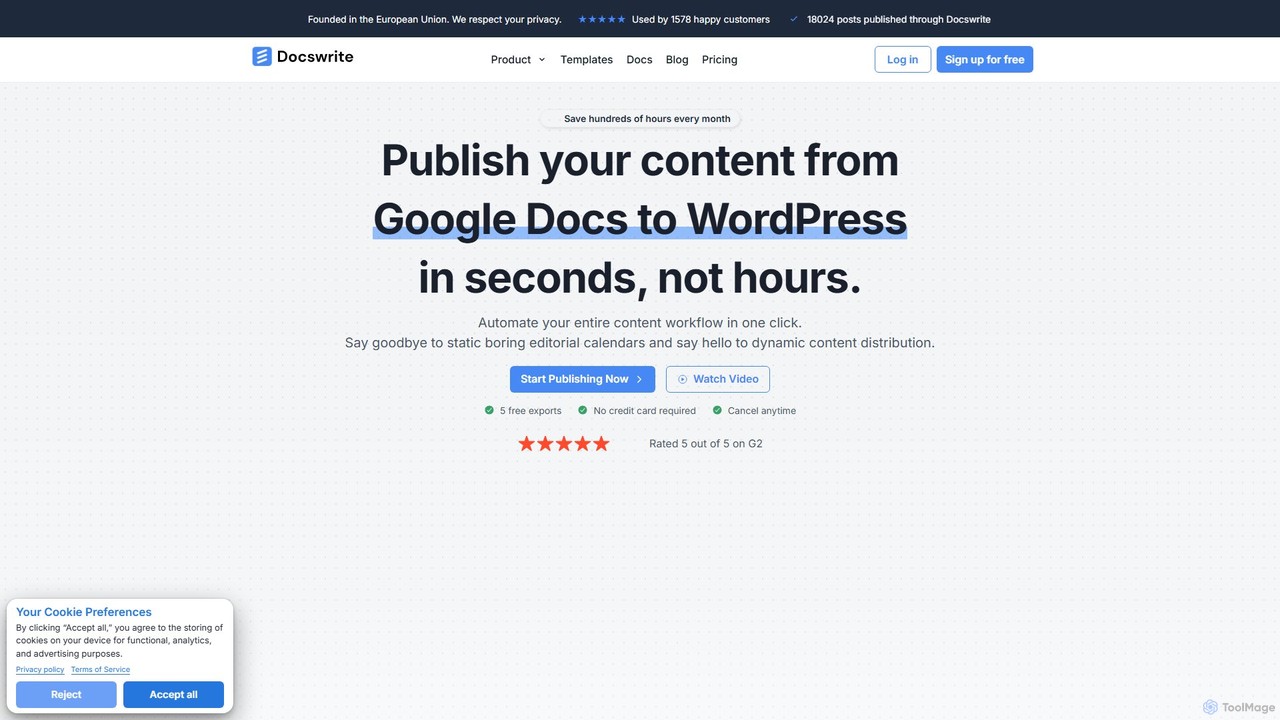
docswrite
docswrite is an AI-powered writing assistant designed to streamline the creation of high-quality documents. It helps users generate articles, reports, marketing copy, and more with advanced AI. Features include content generation, intelligent editing, and a vast library of templates to boost productivity and enhance writing quality.
Document Management
FluxyAI
FluxyAI is an all-in-one AI platform designed to enhance productivity and learning. It integrates a suite of tools including a content creator with over 100 templates, a document chat feature for instant insights, a free screen recorder, and a personal AI journal. It simplifies complex tasks for marketers, students, and professionals.
Document Management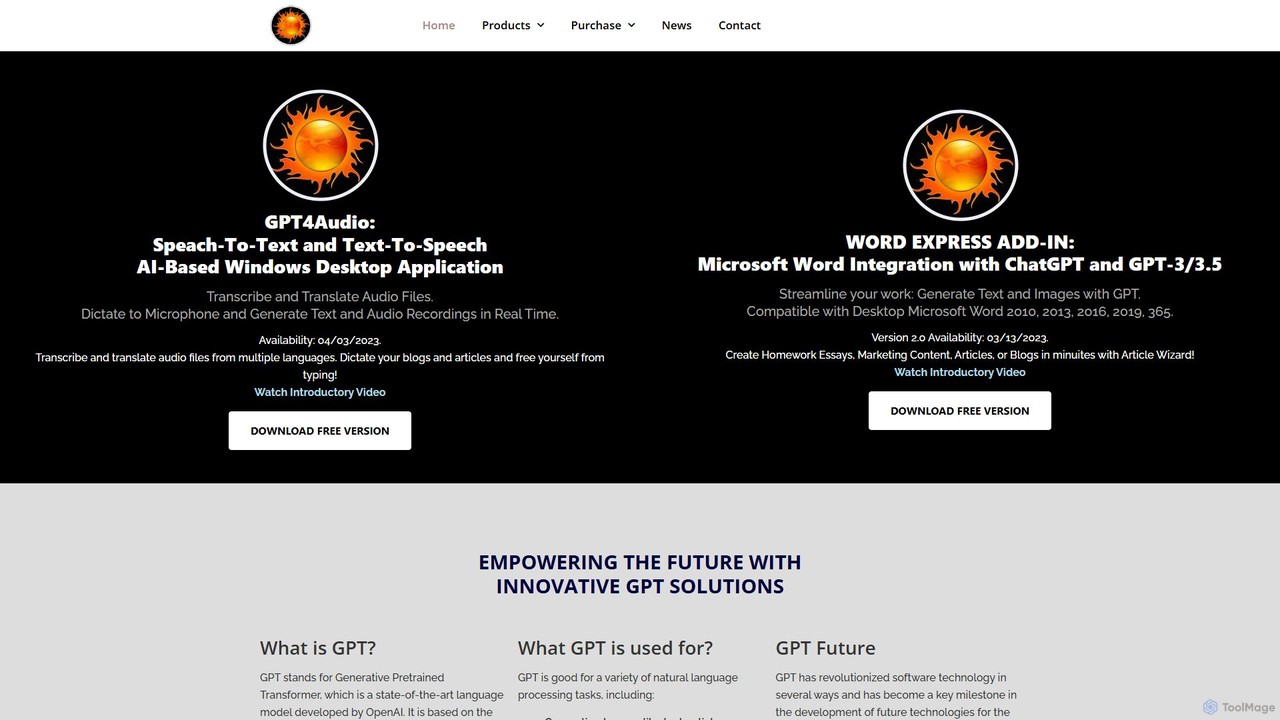
gpt4office
gpt4office is a suite of AI-powered tools for Windows, featuring the Word Express Add-in for Microsoft Word and the GPT4Audio desktop app. It integrates text generation, image creation, audio transcription, and translation directly into your workflow, leveraging OpenAI's GPT, DALL-E 2, and Whisper models to enhance productivity and creativity.
Transcription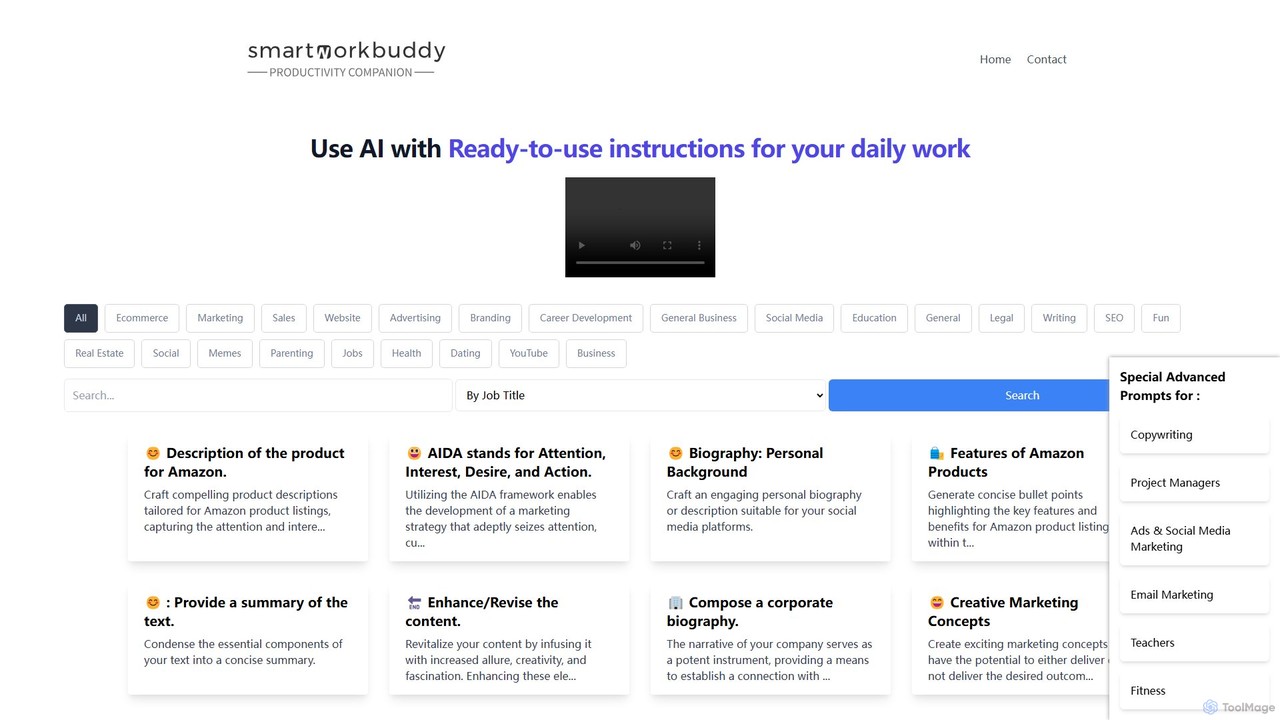
SmartWorkBuddy
SmartWorkBuddy is a comprehensive AI-powered writing assistant designed to boost productivity across various professions. It offers a vast library of over 250 templates for marketing, business, legal, real estate, HR, and creative writing. Instantly generate high-quality content, from ad copy and product descriptions to legal agreements and project plans, saving time and enhancing creativity.
Document Management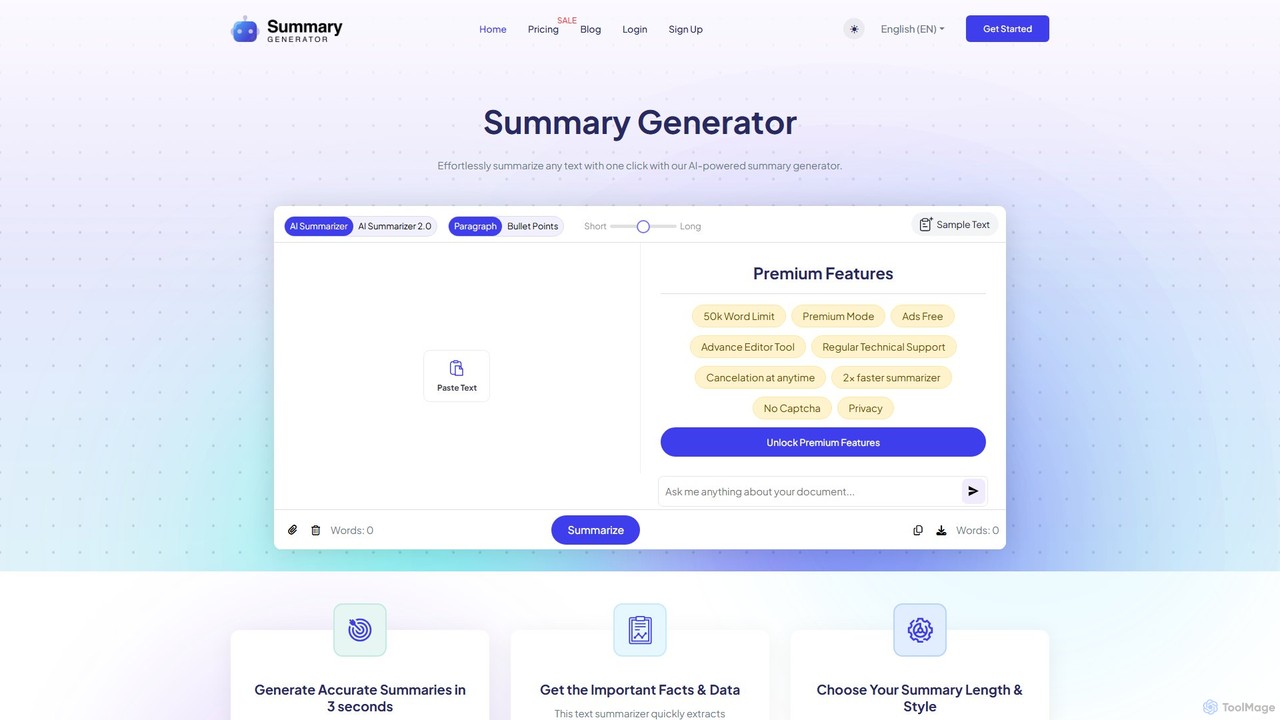
SummaryGenerator.io
An AI-powered tool that condenses long texts, articles, and documents into concise summaries in seconds. Customize summary length and format (paragraph or bullet points) to quickly extract key information and improve comprehension. Supports text input and file uploads (PDF, DOC).
Document Managementghostwriter_ai Categories
ghostwriter_ai Embed Widget
Copy this embed code to place the badge on your blog, article, or product site and send readers directly to this ToolMage detail page.

Related AI tools
Ellie
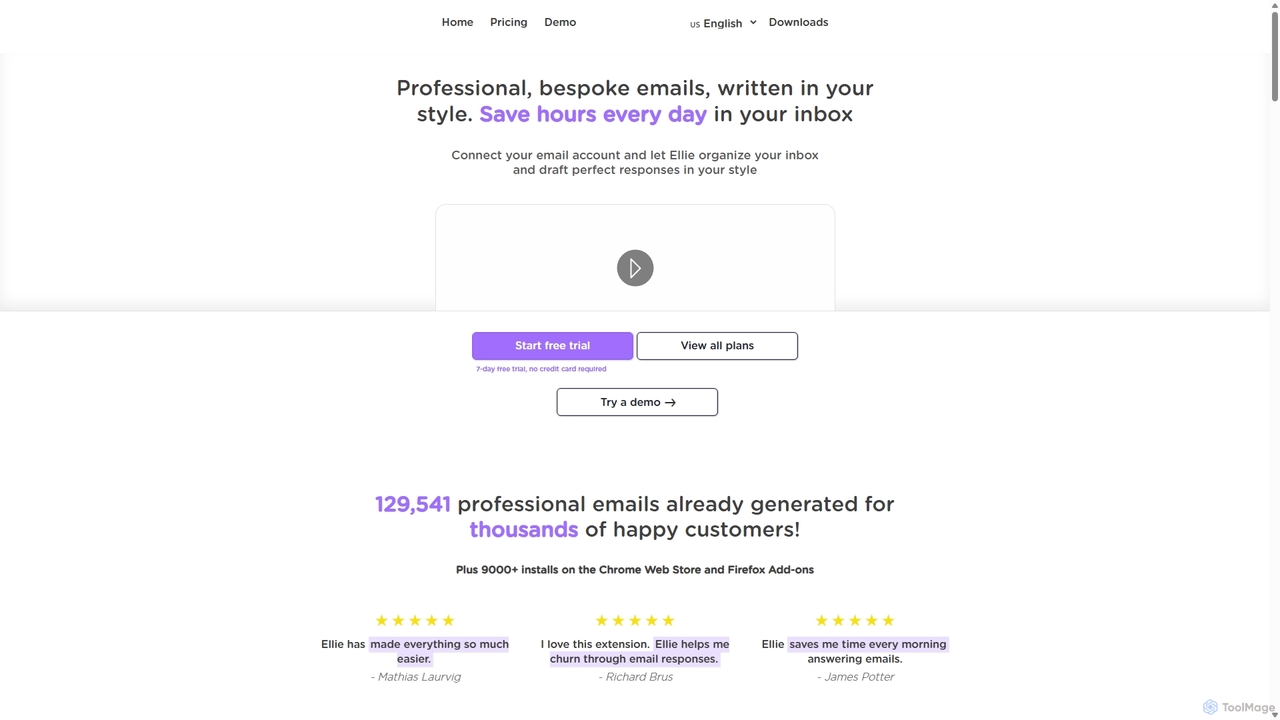
Ellie is an AI email assistant that learns your writing style to draft professional, personalized email replies. It integrates with your inbox via a browser extension, understands context, and supports multiple languages to save you hours every day.
Customer Supportdocswrite
docswrite is an AI-powered writing assistant designed to streamline the creation of high-quality documents. It helps users generate articles, reports, marketing copy, and more with advanced AI. Features include content generation, intelligent editing, and a vast library of templates to boost productivity and enhance writing quality.
Document Management
Grammarly
Grammarly is an AI-powered writing assistant that helps you communicate more effectively. It goes beyond basic grammar and spelling checks to offer suggestions on style, tone, and clarity. Trusted by millions, Grammarly integrates seamlessly into your workflow across various platforms, providing real-time feedback to enhance your emails, documents, and social media posts. Its generative AI features can also help you brainstorm, compose, and rewrite text instantly.
Communication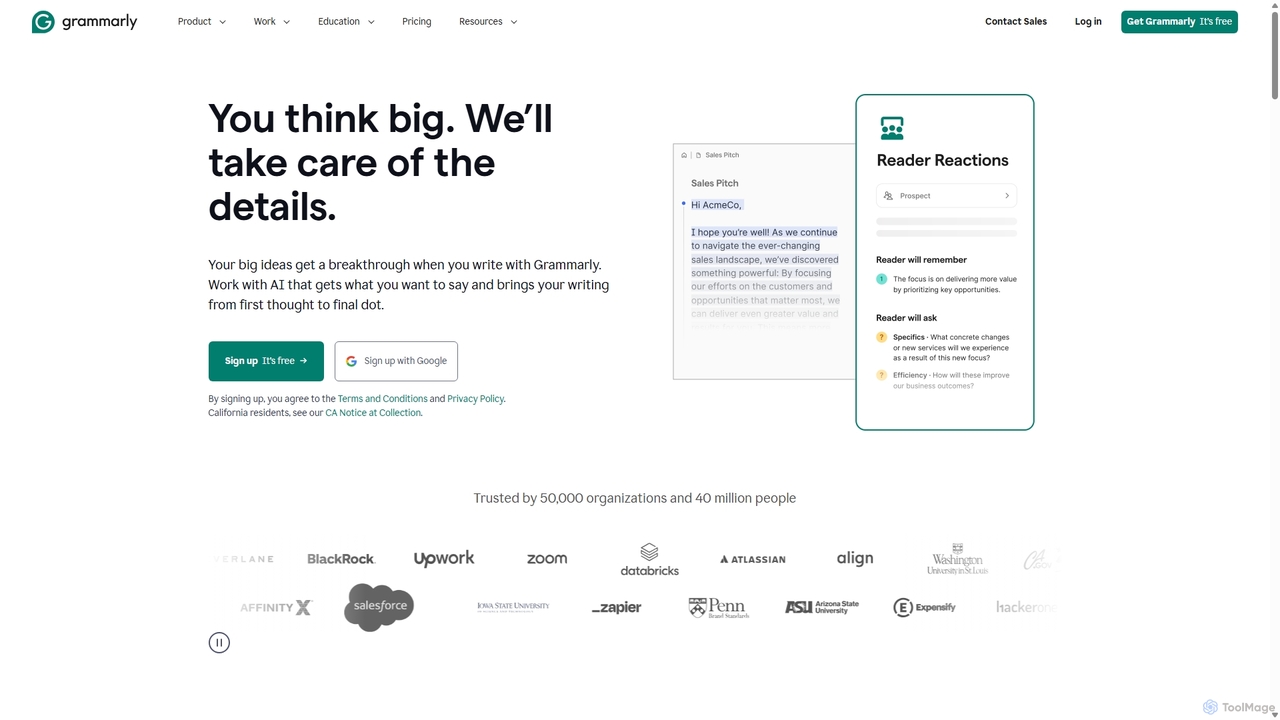
Grammarly
Grammarly is an AI-powered writing assistant that helps you communicate more effectively. It goes beyond basic grammar and spelling checks to offer real-time suggestions on clarity, conciseness, tone, and style. Trusted by millions, Grammarly integrates seamlessly across desktops, web browsers, and mobile devices to ensure your writing is always clear, confident, and mistake-free.
Learning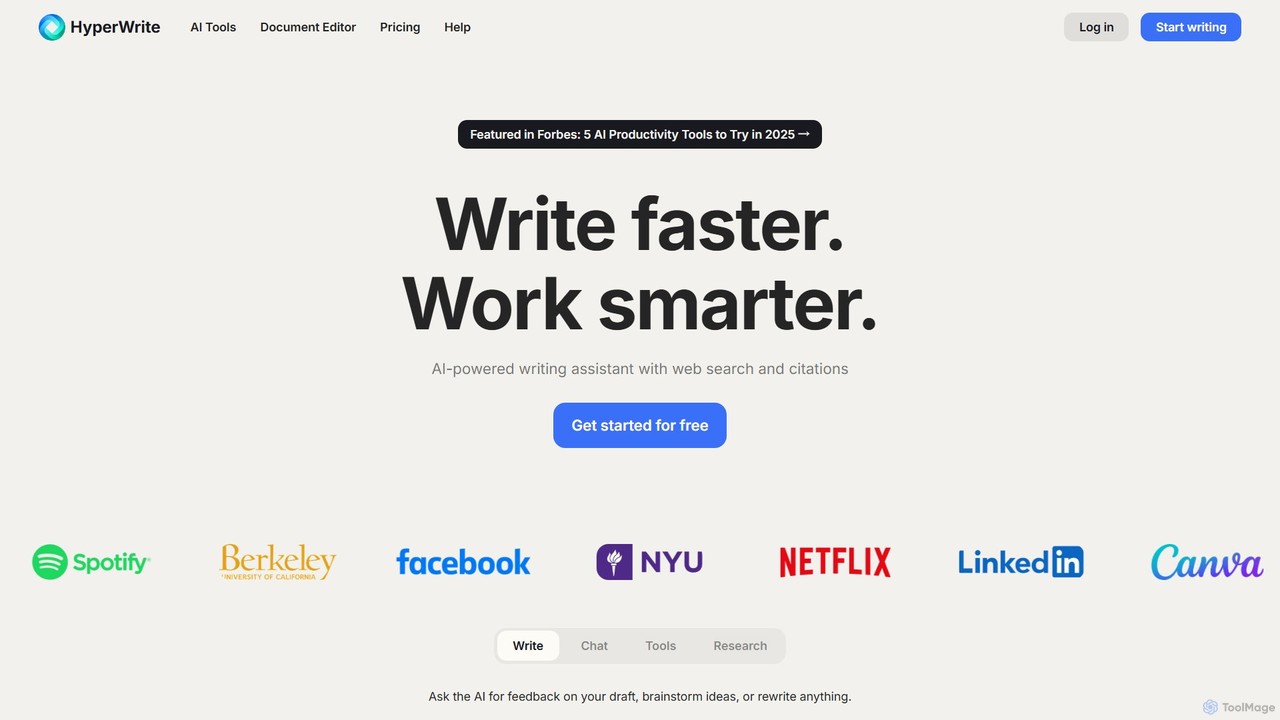
HyperWrite
HyperWrite is an advanced AI writing assistant designed to enhance productivity for students, marketers, and professionals. It offers hundreds of tools for writing, research, summarization, and content creation. Key features include real-time academic research with citations, customizable 'Personas' to match your writing style, and a seamless Chrome extension for workflow integration.
Research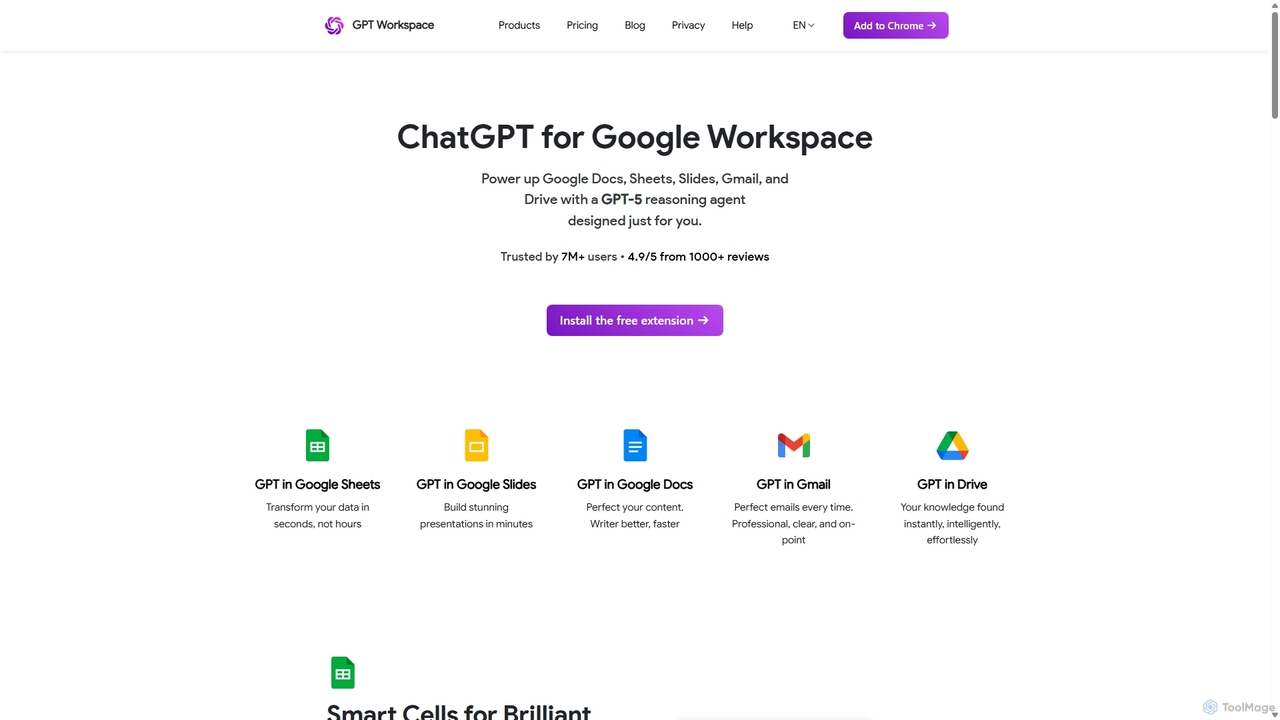
GPT Workspace
GPT Workspace integrates AI-powered features directly into Google Workspace applications like Docs, Sheets, Slides, and Gmail. It enhances productivity by automating content creation, data analysis, email drafting, and document editing, allowing users to leverage the power of models like GPT-4o seamlessly within their existing workflow.
Document Management
TextCortex
TextCortex is an enterprise-grade AI platform that transforms your company's internal knowledge into actionable insights. It enables teams to build custom AI agents, automate workflows, and enhance productivity with a highly personalized AI copilot that integrates across 30,000+ applications.
Knowledge Management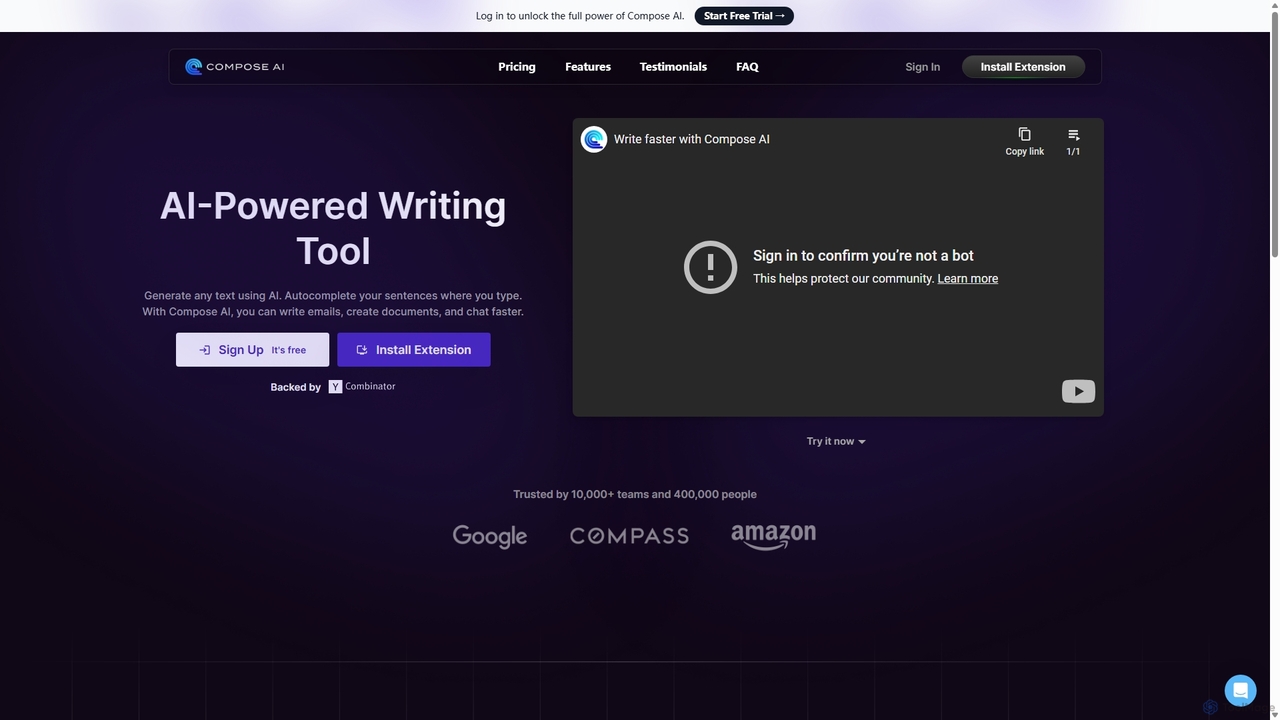
Compose AI
Compose AI is an AI-powered writing assistant and Chrome extension that accelerates your writing process. It offers intelligent autocompletion, text generation, and rephrasing capabilities across all your favorite sites, from emails to documents. By learning your personal writing style, it helps you write faster and more effectively, saving up to 40% of your time.
Chrome Extensions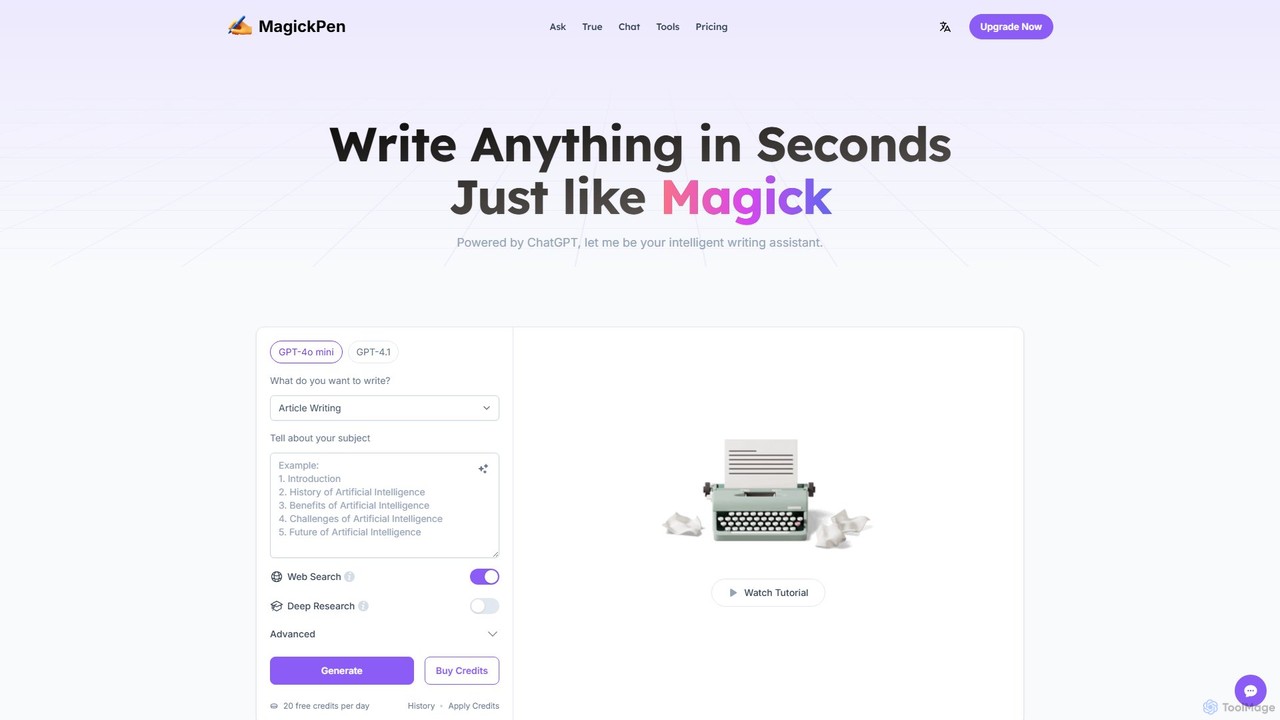
MagickPen
MagickPen is a versatile AI writing and code assistant powered by GPT-4o mini and GPT-4.1. It offers a vast library of templates for writing, marketing, coding, and personal planning. Generate articles, explain code, create mind maps, and much more in seconds. A free plan is available to get started.
Code Assistant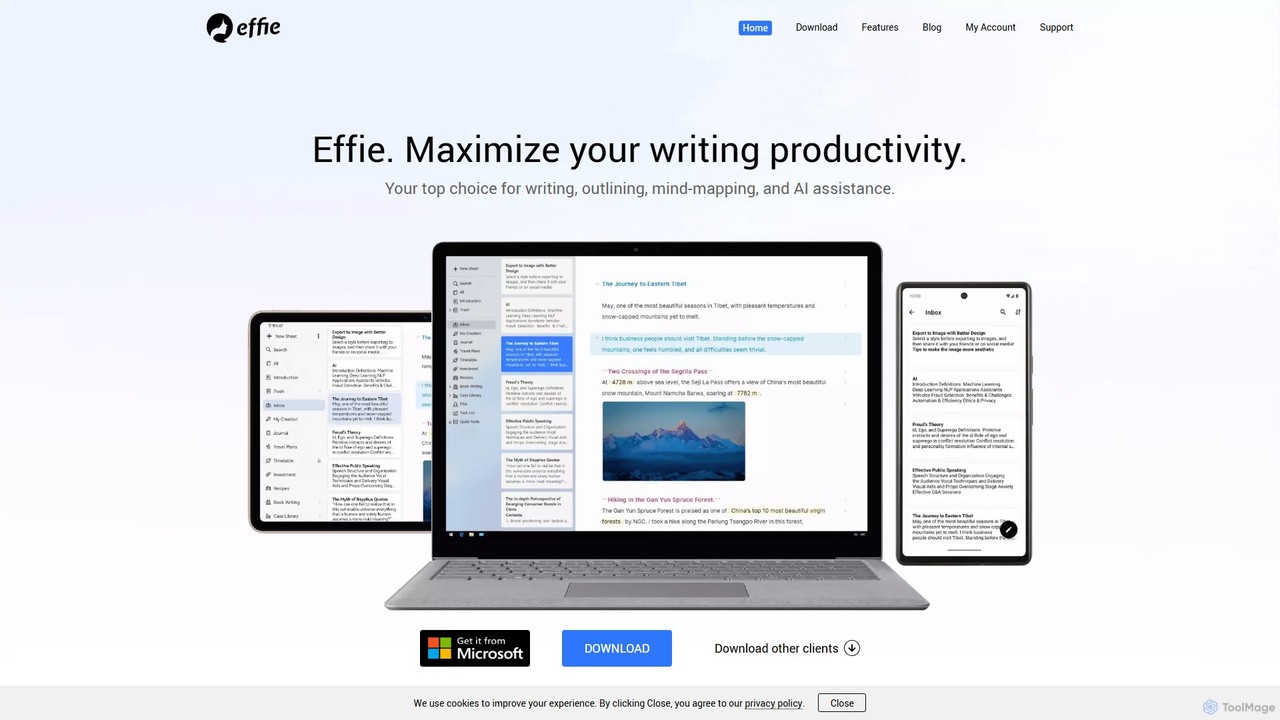
Effie
Effie is a minimalist, AI-powered workspace designed for writers, thinkers, and creators. It seamlessly integrates note-taking, outlining, mind mapping, and writing into a single, distraction-free environment. Available on all major platforms with cloud sync, Effie helps you capture, structure, and develop your ideas effortlessly.
Mind Mapping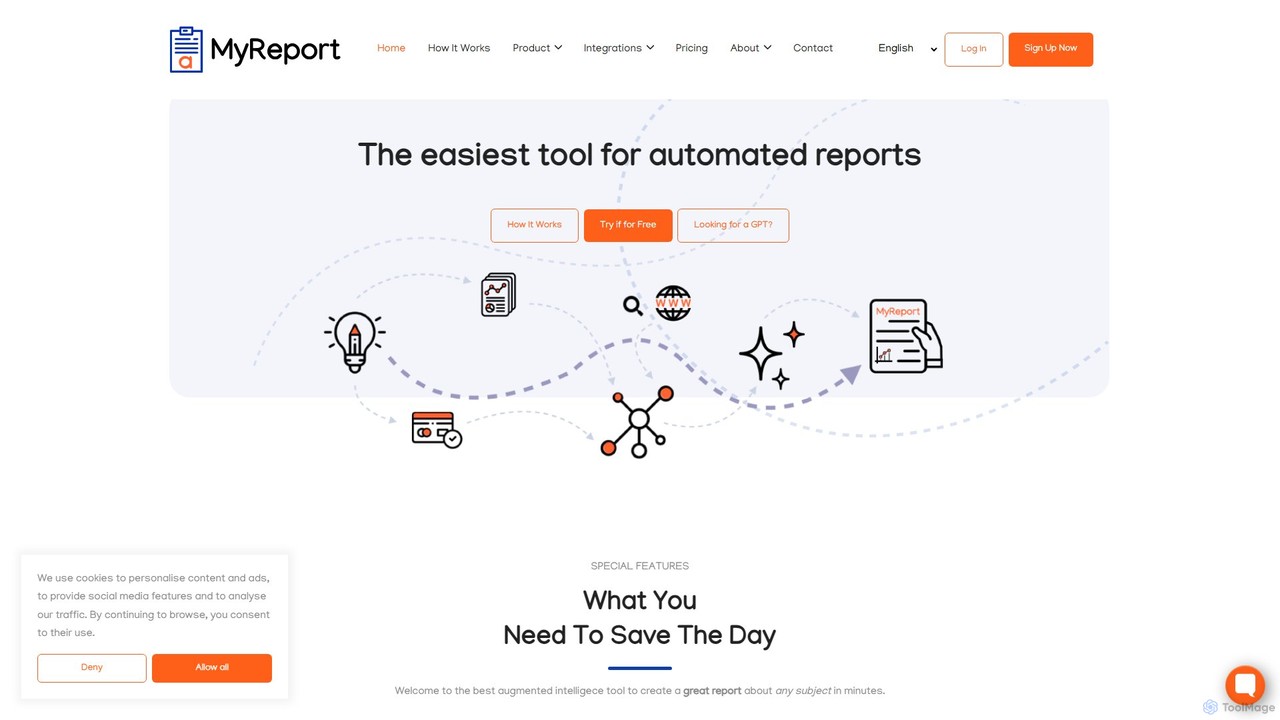
MyReport by alaba a.i.
MyReport is an AI-powered tool that automates the creation of comprehensive, well-structured reports on any subject in minutes. Simply provide a topic, and it scours the web or your private documents to generate a complete report with images, graphs, tables, and proper citations, saving you hours of research and writing.
Student Tools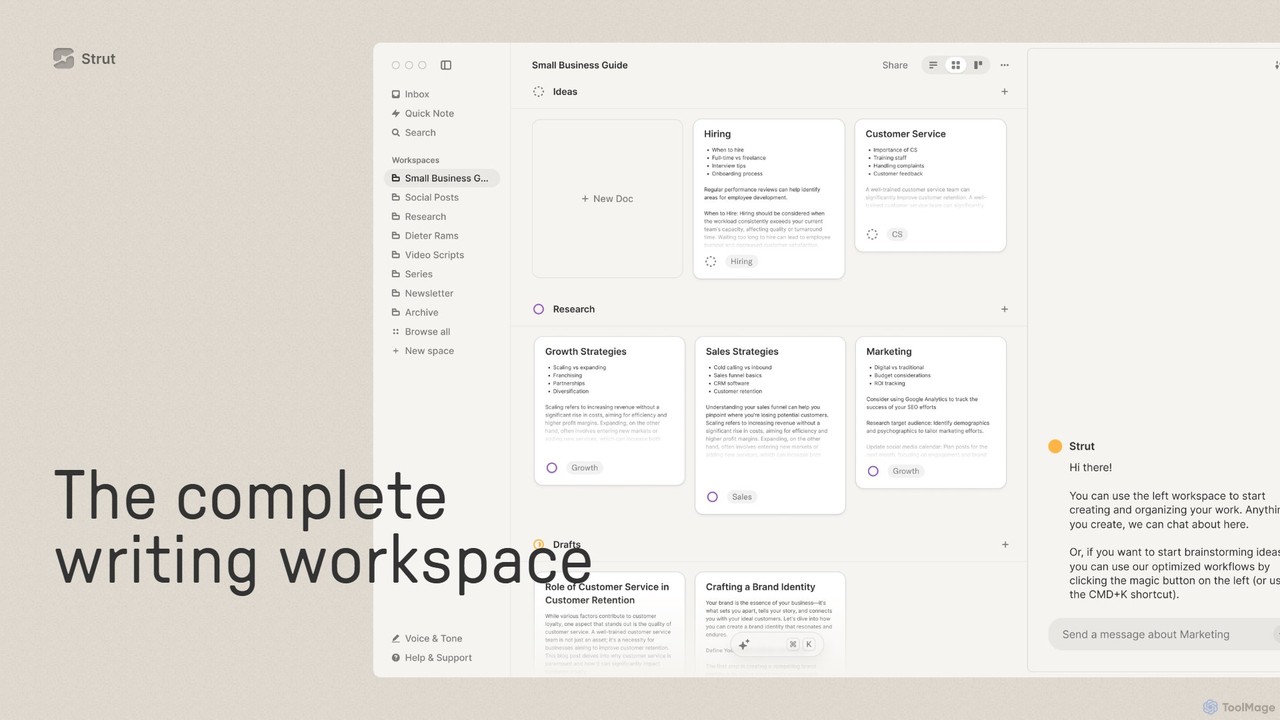
Strut
Strut is a comprehensive AI-powered writing workspace that unifies notes, documents, and project management into a single, collaborative platform. It's designed to streamline the entire writing process, from initial idea capture to final publication, with an AI partner to assist with research, editing, and inspiration.
Project Management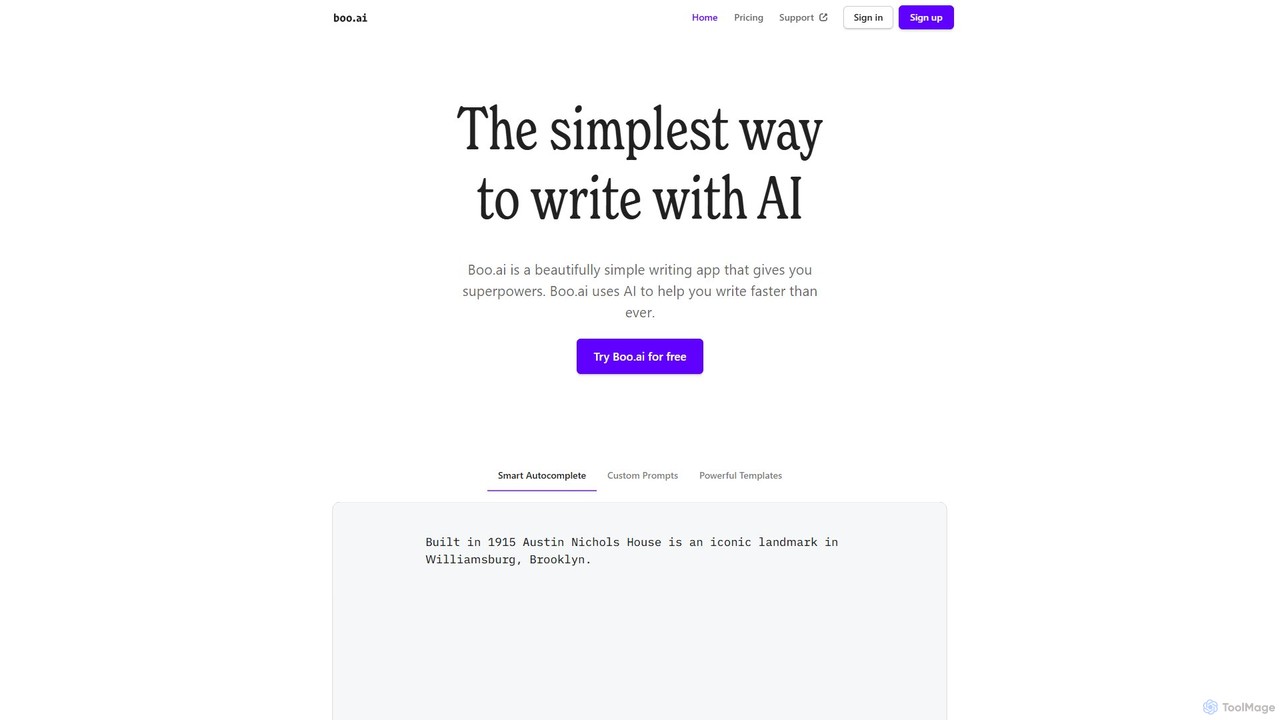
boo.ai
boo.ai is a minimalist AI-powered writing assistant designed for speed and simplicity. It leverages AI to offer smart autocomplete, custom prompts, and powerful templates. The tool learns your writing style over time, provides advanced editing suggestions for tone and structure, and helps with everything from emails and essays to business plans.
Essay Writing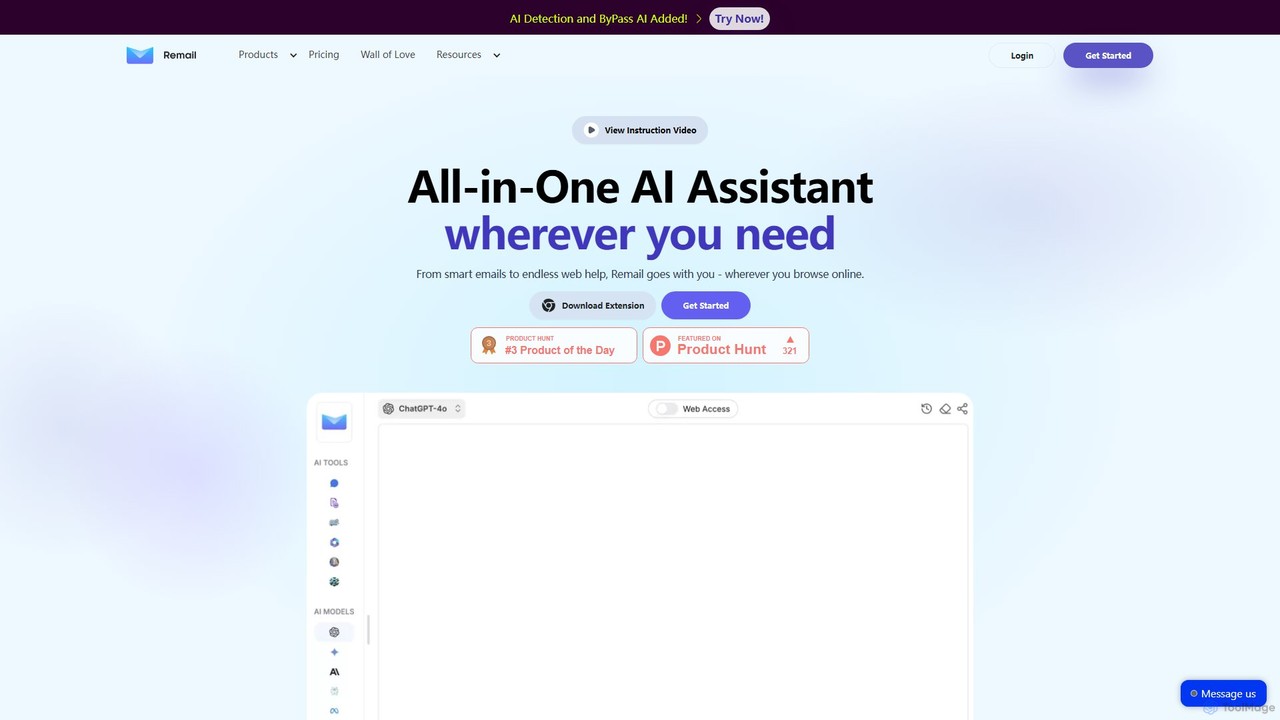
Remail
Remail is an all-in-one AI assistant and Chrome extension designed to boost productivity. It helps you write and reply to emails 10x faster, summarize web pages, chat with documents and YouTube videos, generate content, and much more, directly within your browser.
Chrome Extensions
DraftLab
DraftLab is an AI-powered writing assistant designed to streamline your content creation process. It helps users generate high-quality articles, emails, and marketing copy, while also offering advanced tools for grammar correction, paraphrasing, and style enhancement to ensure your writing is clear, compelling, and error-free.
Research
ghostwriter_ai Comments (0)
Sign in to comment.
Sign inNo comments yet.