Productivity Best in category 2 results Office Suites AI Tool

Popular AI tools in the Office Suites field of Productivity include ghostwriter_ai、gpt4office, etc., helping you quickly improve efficiency.

gpt4office

gpt4office

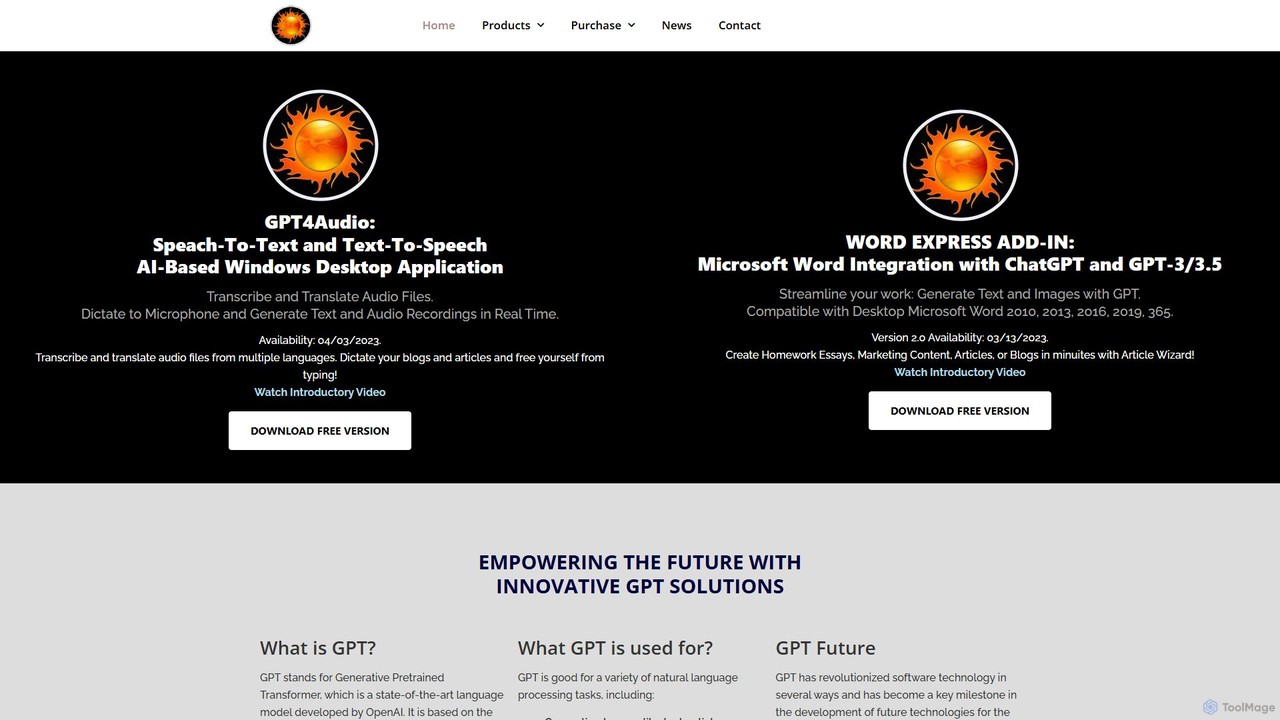
gpt4office is a suite of AI-powered tools for Windows, featuring the Word Express Add-in for Microsoft Word and …

3.2K
ghostwriter_ai

ghostwriter_ai

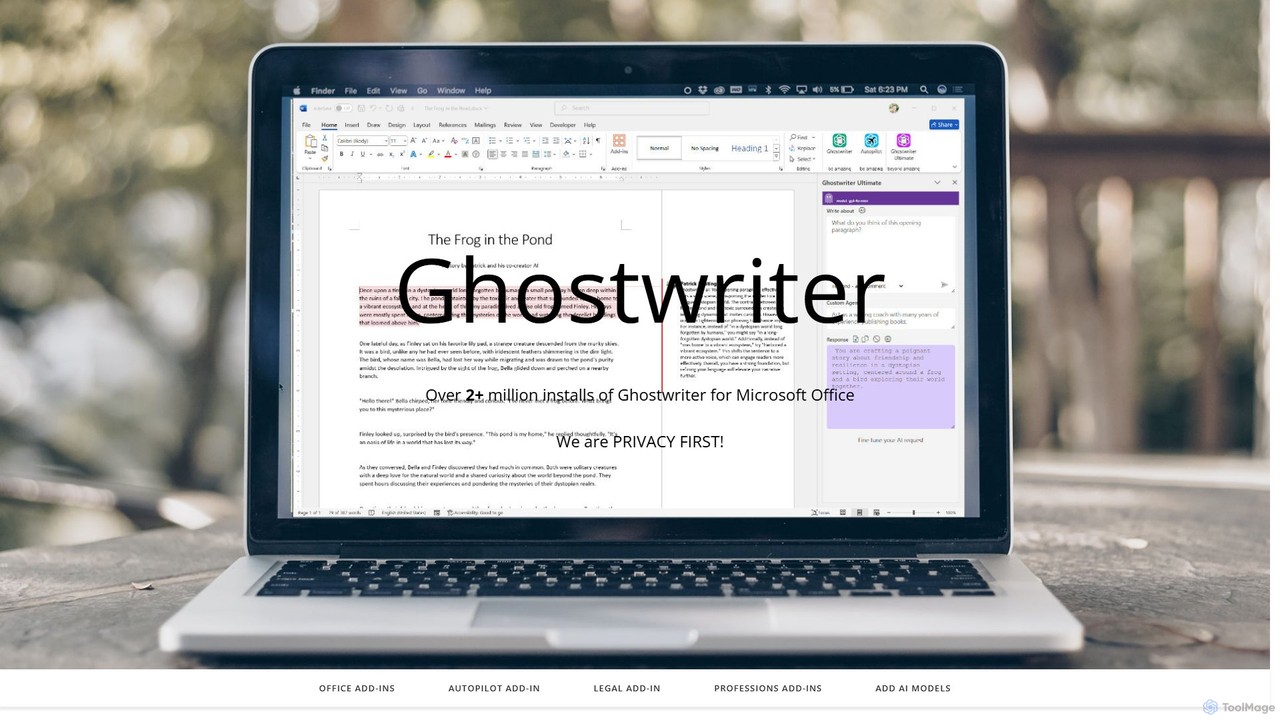
Ghostwriter AI is a powerful suite of AI add-ins for Microsoft Office, enhancing productivity in Word, Excel, PowerPoint, …

30.1K

About Office Suites

AI Office Suites are integrated collections of AI-powered applications designed to streamline and enhance various office tasks, such as word processing, data analysis, presentations, and communication. These tools leverage artificial intelligence, including natural language processing and machine learning, to offer intelligent assistance, automate routine operations, and provide data-driven insights. By integrating smart features across different applications, AI Office Suites significantly boost productivity, foster seamless collaboration, and enable more informed decision-making for individuals and teams.

Core Features

  • Intelligent Document Creation: AI-assisted writing, grammar and style suggestions, and content generation for reports, emails, and proposals.
  • Automated Data Analysis: AI-driven insights from spreadsheets, predictive modeling, and automatic chart recommendations for complex datasets.
  • Smart Presentation Design: AI-generated slide layouts, content suggestions, and image selection to create professional and engaging presentations efficiently.
  • Enhanced Collaboration Tools: AI for real-time meeting summaries, action item extraction, and seamless language translation within shared documents.
  • Integrated Communication & Scheduling: AI-powered email drafting, intelligent calendar management, and task prioritization to optimize daily workflows.

Applicable Scenarios

AI Office Suites are invaluable for business professionals needing to streamline daily operations, from generating detailed reports and analyzing market data to crafting compelling presentations. Content creators benefit from AI assistance in drafting, editing, and organizing their work. Teams and enterprises leverage these suites to facilitate seamless collaboration, automate routine administrative tasks, and gain deeper insights from their collective data, ultimately enhancing overall organizational efficiency.

How to Choose

When selecting an AI Office Suite, evaluate the breadth and depth of its AI capabilities across different applications, ensuring it meets your specific needs for writing, data, and presentations. Consider its integration with existing tools and platforms, as well as its security features and compliance standards for data privacy. Assess the user experience for intuitiveness and ease of adoption, and compare pricing models to find a solution that offers the best value for your budget and required feature set.

Office SuitesUse Cases

1

Automated Business Report Generation

Business analysts can utilize AI Office Suites to automatically compile complex data from various spreadsheets into structured, narrative-driven reports. The AI assists by identifying key trends, generating summaries, and even drafting sections of the report, significantly reducing manual data aggregation and writing time, allowing analysts to focus on strategic insights rather than repetitive tasks.

2

Smart Marketing Presentation Design

Marketing professionals can leverage AI Office Suites to transform raw campaign data and textual content into visually engaging presentations. The AI suggests optimal slide layouts, recommends relevant images or charts based on content, and even refines messaging for clarity and impact, enabling marketers to create high-quality, persuasive presentations in a fraction of the time.

3

Intelligent Email & Communication Management

Sales and customer service teams can use AI Office Suites to streamline their daily communication. The AI can draft personalized email responses, summarize lengthy email threads, and prioritize incoming messages based on urgency and sentiment. This capability helps teams manage high volumes of communication efficiently, ensuring timely and relevant interactions with clients and colleagues.

4

Collaborative Document Co-authoring

Project teams working on shared documents can benefit from AI Office Suites that offer intelligent co-authoring features. The AI provides real-time grammar and style suggestions, checks for consistency, and can even suggest content additions or rephrasing to improve clarity. It also helps track changes and summarize contributions, fostering more efficient and cohesive team writing efforts.

5

Data-Driven Strategic Planning

Managers and executives can utilize AI features within spreadsheet applications to conduct advanced data analysis for strategic planning. The AI can identify hidden patterns in financial data, forecast market trends, and generate interactive dashboards. This empowers decision-makers with deeper insights, enabling them to formulate more effective business strategies and allocate resources optimally.

6

Multilingual Content Localization

Global organizations can employ AI Office Suites to efficiently localize documents and presentations for diverse audiences. The AI provides high-quality, context-aware translation for text within documents, slides, and even speaker notes. This ensures that content is accurately adapted for different languages and cultural nuances, facilitating seamless international communication and content distribution.

Office SuitesFrequently Asked Questions