
LowTech AI Overview
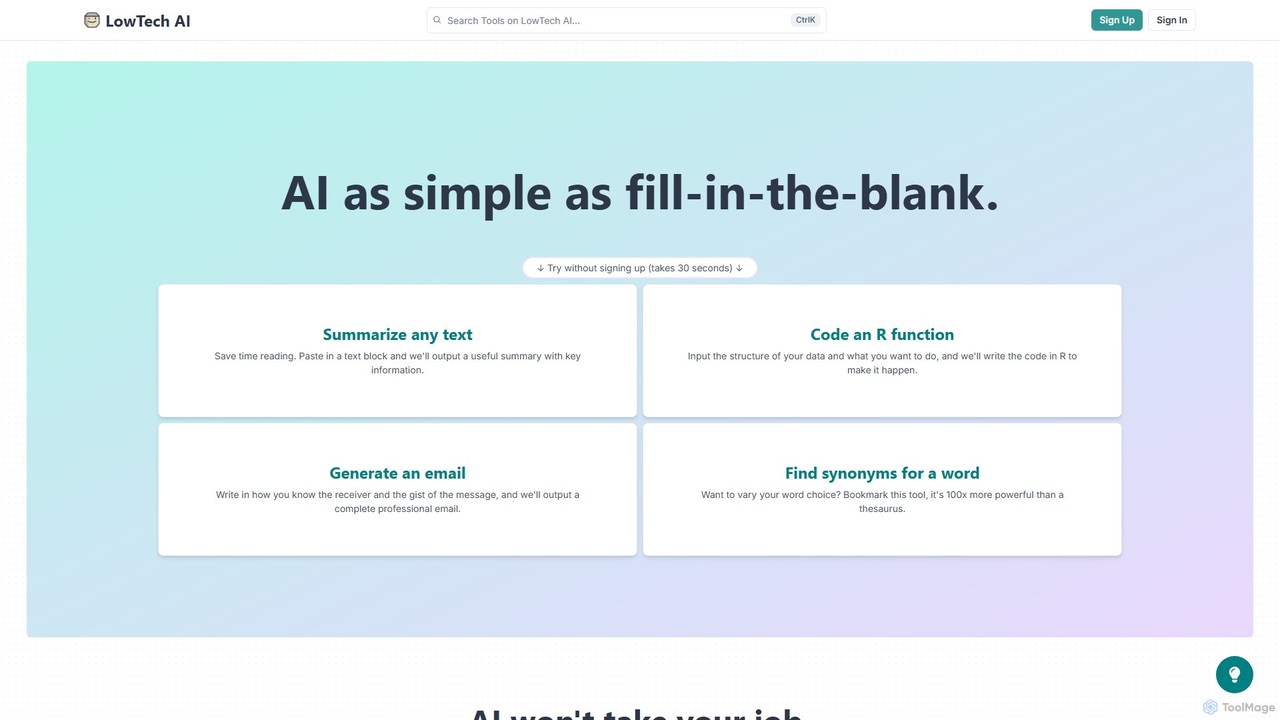
LowTech AI is a revolutionary platform designed to make the power of artificial intelligence accessible to everyone, regardless of their technical background. It operates on a simple yet powerful premise: "Learn AI as simple as fill-in-the-blank." This approach removes the steep learning curve often associated with AI tools and prompt engineering, allowing users to harness sophisticated AI capabilities for a wide range of personal and professional tasks.
The platform serves as both a library of pre-built AI tools and a creator space where users can build their own. Whether you need to summarize a lengthy document, draft a professional email, generate code in R, or find creative synonyms, LowTech AI provides an intuitive solution. The core mission is to empower users to automate tedious work, boost creativity, and enhance their skills, ultimately allowing them to focus on tasks that require a human touch.
How to use LowTech AI
Using LowTech AI is designed to be incredibly straightforward. For existing tools, you simply select the one you need, fill in the designated input fields with your text or requirements, and the AI generates the output instantly. For creating a new tool, the process is just as simple:
- Design Your Prompt: In the 'Create' section, you write instructions for the AI. You can define where user input should go by using the `{{Input Name}}` syntax. This tells the AI which parts of the prompt are variable.
- Add Instructions: Write clear, simple instructions for anyone who will use your tool. This ensures they know exactly what to input to get the best results.
- Customize and Save: Give your tool a title, a custom URL, and assign it to relevant categories. Once saved, your tool is ready to be used and shared.
- Share with a Link: One of the standout features is the ability to share your created tools with a simple link. Others can use the tool immediately without needing to sign up, making collaboration seamless.
Core Features of LowTech AI
- No-Code AI Tool Builder: Create custom AI applications from scratch by simply writing a prompt and defining input fields. No coding is required.
- Extensive Tool Library: Access a variety of pre-built tools for summarizing, writing, coding, brainstorming, and more.
- Fill-in-the-Blank Interface: An intuitive design that makes using and creating AI tools as easy as filling out a form.
- Frictionless Sharing: Share your custom-built tools with friends, colleagues, or your audience via a direct link. No sign-up is required for users of shared tools.
- Customization and Flexibility: Adapt existing tools or build new ones tailored to specific needs, such as maintaining a consistent brand voice in communications.
- Community and Bundles: Discover and use tools created by other users, and explore curated bundles of tools for specific professions like marketing, law, or education.
Use Cases for LowTech AI
LowTech AI is versatile and can be applied across numerous domains:
- Writing and Content Creation: Rephrase sentences, generate tweet ideas, draft blog post outlines, write product descriptions, and find powerful synonyms.
- Business and Productivity: Summarize meeting notes for action items, draft professional emails, create outlines for sales calls, analyze resumes for key attributes, and generate marketing campaign ideas.
- Development and IT: Debug blocks of code in various programming languages, write simple functions (e.g., in R), and understand technical integrations.
- Education and Research: Generate lesson plans, simplify complex topics, learn about new subjects, and get assistance with academic writing.
- Personal Use: Draft a wedding speech, create a backstory for a fictional character, write a compelling bio for a social profile, or generate song lyrics.
Advantages of LowTech AI
The primary advantage of LowTech AI is its accessibility. It democratizes AI by removing technical barriers. According to a study from MIT, using AI tools can double productivity, and LowTech AI is built to deliver this benefit to a broad audience. Its flexibility allows for hyper-specific tool creation, solving unique problems that generic tools can't address. The zero-friction sharing model promotes easy adoption and collaboration within teams and communities.
Pricing and Plans
LowTech AI operates on a freemium model. Users can get started and use many of the platform's core features for free, including trying pre-built tools and creating their own. This allows anyone to experience the benefits of the platform without an initial investment. For users who require more advanced features, higher usage limits, or team-based functionalities, there are likely paid subscription plans available. For the most up-to-date pricing information, please visit the official website.
Traffic
Latest traffic
Status
Monthly traffic trend
- 2025-9: 16.9K
- 2026-1: 17.3K
- 2026-2: 16.0K
- 2026-3: 18.0K
- 2026-4: 23.3K
- 2026-5: 21.9K
Geography
Top 5 countries / regions
- 🇺🇸United States52.8%
- 🇬🇧United Kingdom18.6%
- 🇻🇳Vietnam14.5%
- 🇮🇳India9.7%
- 🇵🇭Philippines4.4%
Traffic sources
| Source type | Percentage |
|---|---|
Direct | 78.7% |
Referral | 21.3% |
Top keywords
| Keyword | Cost per click |
|---|---|
| apush saq grader | $0.00 |
| family guy maker | $0.00 |
| gcse calender maker | $0.00 |
| gcse past paper generator | $0.00 |
| saq grader | $0.00 |
LowTech AI Alternatives
Anysolve
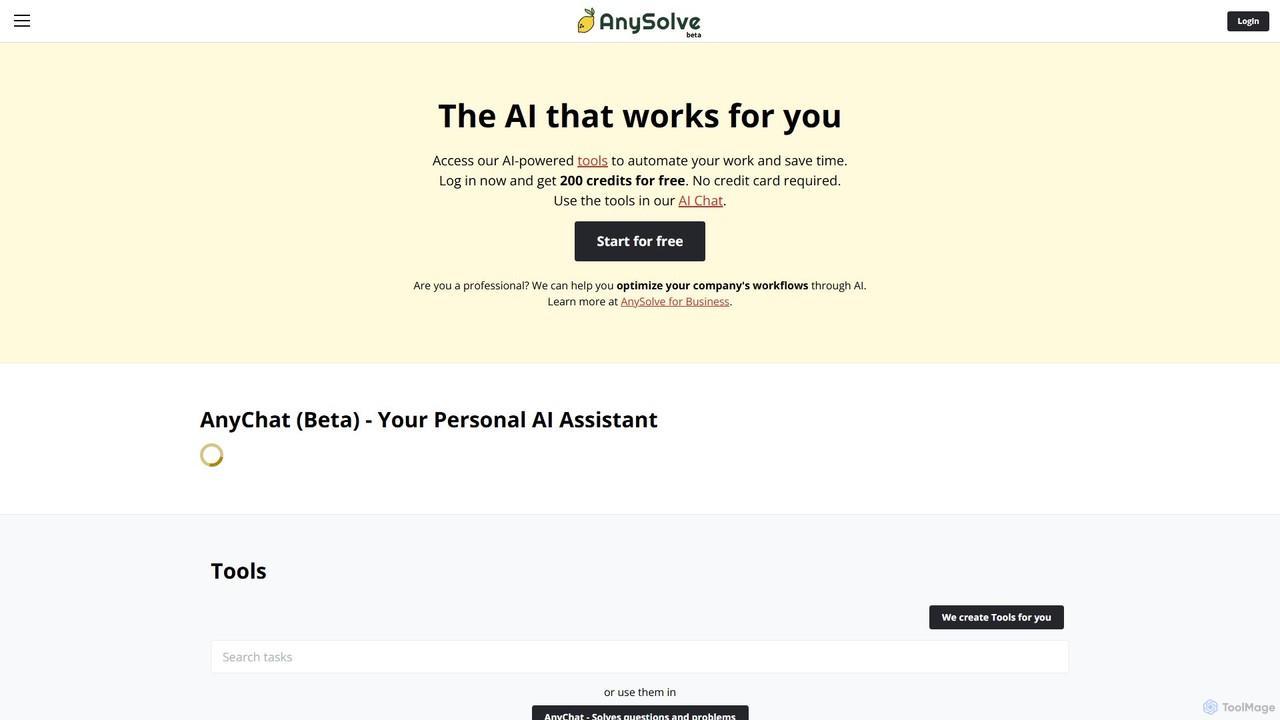
Anysolve is a versatile AI platform that allows users to discover, use, and create custom AI tools without any coding. It functions as a comprehensive hub for automating various professional and personal tasks, from writing and data analysis to image generation, by integrating powerful models like GPT and Stability AI.
Workflow Management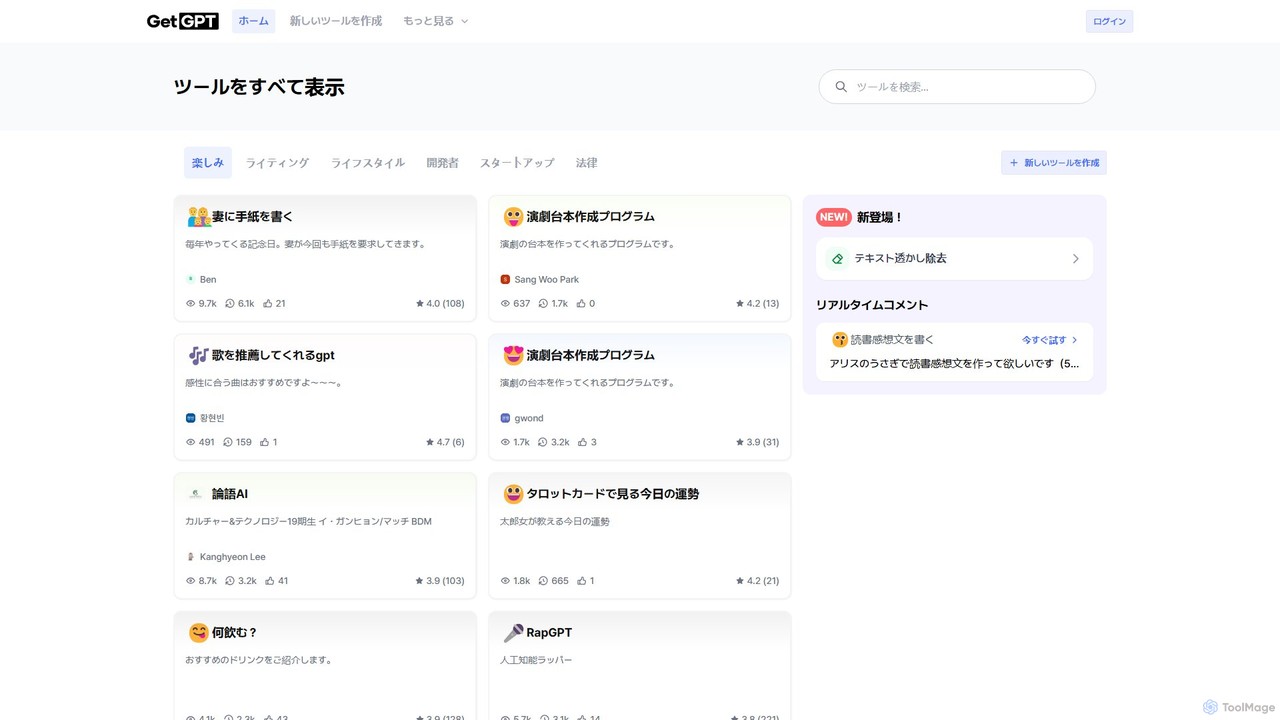
GetGPT
A no-code platform for building, sharing, and using custom AI applications. Create personalized tools for writing, education, marketing, and more, or explore a vast library of community-built apps to automate your tasks and boost creativity.
App Builder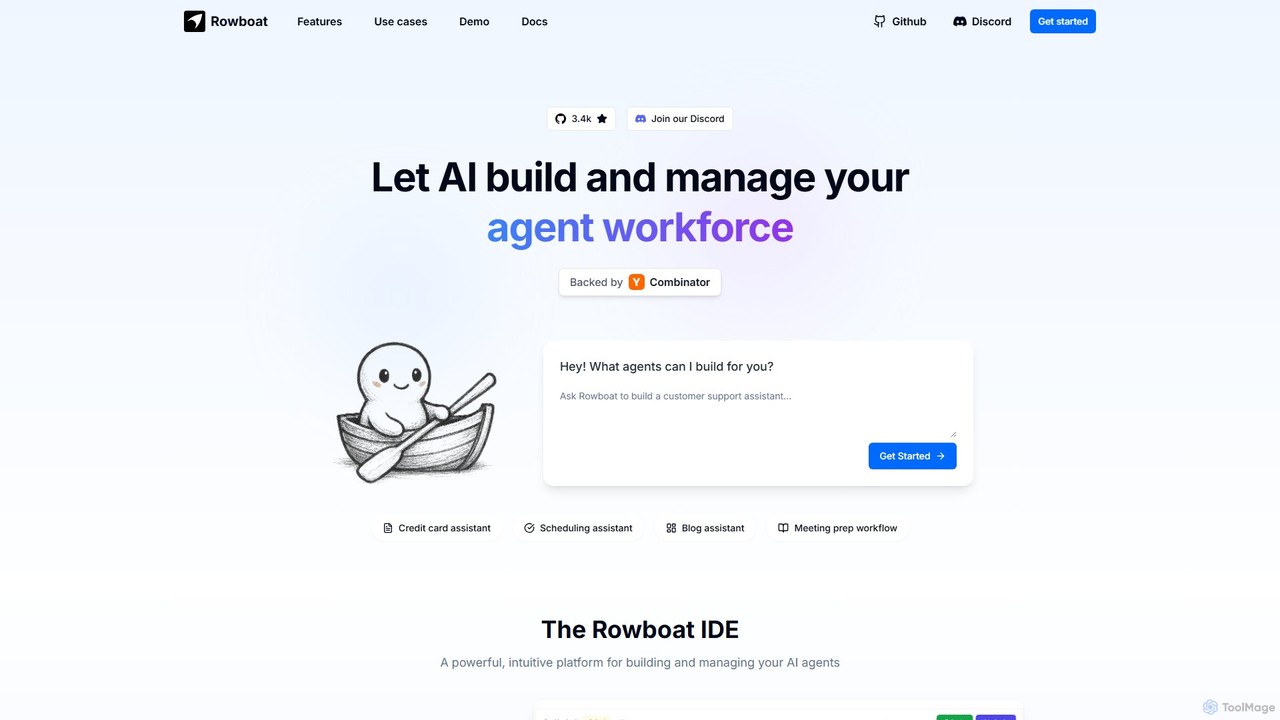
Rowboat
Rowboat is a powerful, AI-powered IDE for building, managing, and deploying complex multi-agent systems. Backed by Y Combinator, it allows users to describe workflows in plain English, and its AI copilot automatically generates the entire agent graph, including roles, prompts, and tool integrations. It's designed to simplify the creation of robust, real-world AI agents for productivity, e-commerce, support, and more, with features like open-source flexibility and support for over 100 LLMs.
Agent Builder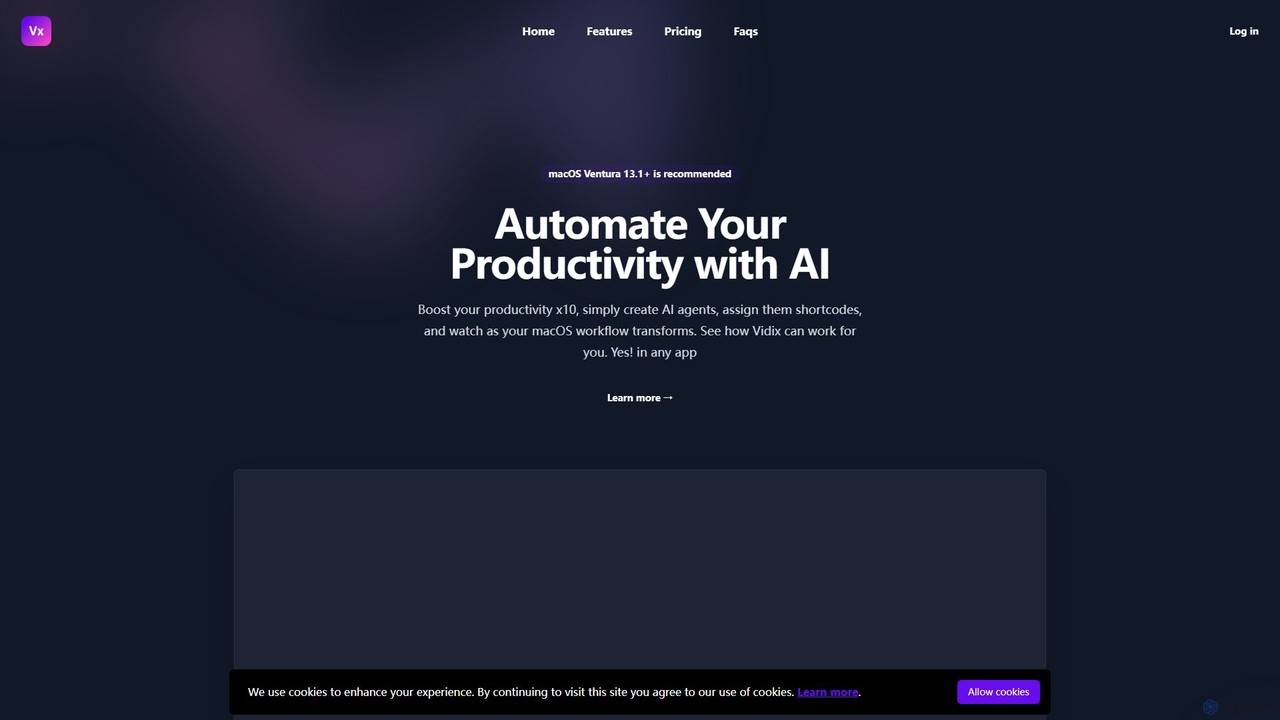
Vidix
Vidix is a powerful AI assistant for macOS designed to boost productivity. It allows users to create custom AI agents, assign them shortcodes, and activate them in any application to automate tasks, process text, and streamline workflows seamlessly.
Code Assistant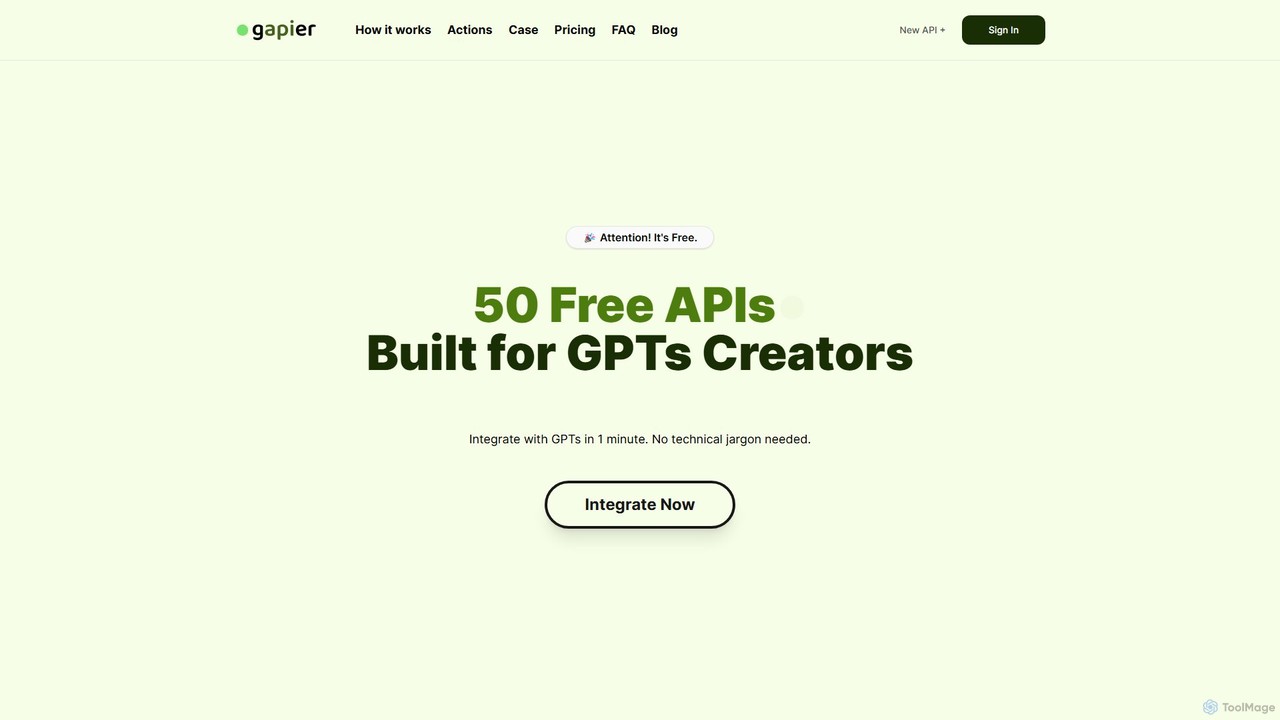
Gapier
Gapier is a no-code platform that enhances ChatGPT by providing over 50 free, pre-built Actions for custom GPTs. It allows non-technical users to easily integrate external functionalities like web searching, data retrieval, and task automation into their GPTs in just one minute, transforming them into powerful, multi-functional agents.
Api & IntegrationLowTech AI Categories
LowTech AI Embed Widget
Copy this embed code to place the badge on your blog, article, or product site and send readers directly to this ToolMage detail page.

Related AI tools
Anysolve
Anysolve is a versatile AI platform that allows users to discover, use, and create custom AI tools without any coding. It functions as a comprehensive hub for automating various professional and personal tasks, from writing and data analysis to image generation, by integrating powerful models like GPT and Stability AI.
Workflow ManagementGetGPT
A no-code platform for building, sharing, and using custom AI applications. Create personalized tools for writing, education, marketing, and more, or explore a vast library of community-built apps to automate your tasks and boost creativity.
App Builder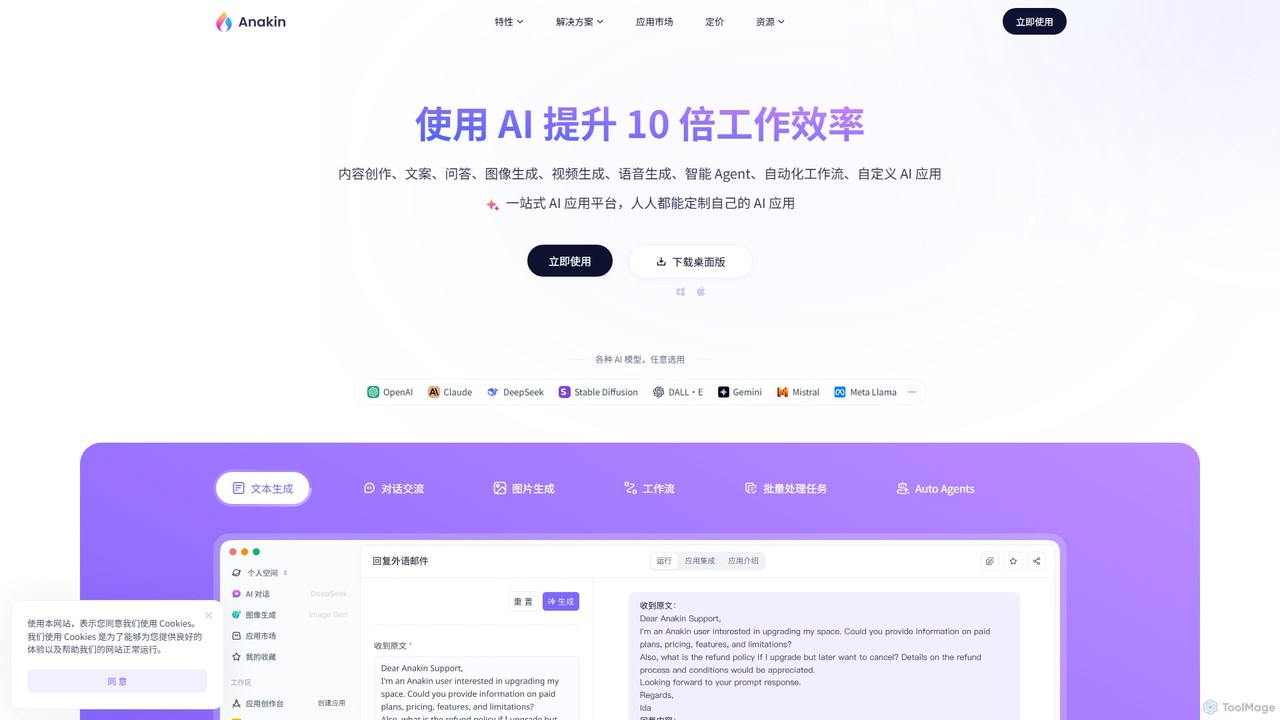
Anakin.ai
Anakin.ai is an all-in-one, no-code AI platform designed to boost productivity. It allows users to build custom AI applications, automate workflows, and perform tasks like content creation, image generation, and data analysis. By integrating major AI models like GPT-4, Claude 3, and Stable Diffusion, Anakin.ai provides a vast library of pre-built apps and a powerful visual editor, making advanced AI accessible to everyone, from individuals to teams, without needing to code.
No Code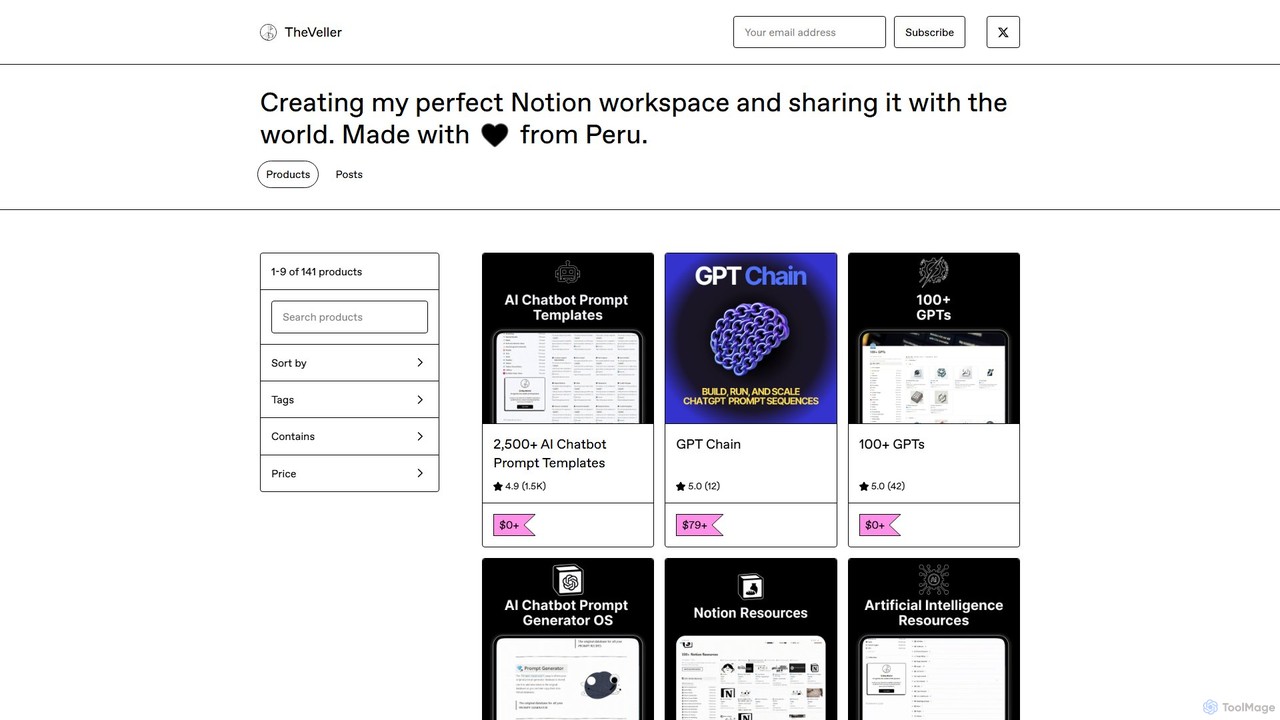
GPT Chain
GPT Chain is a powerful browser extension that transforms ChatGPT into a 24/7 automation engine. It allows you to build, run, and scale complex, multi-step workflows using an intuitive drag-and-drop visual builder. Automate repetitive prompting tasks, generate content at scale, and execute entire prompt sequences with a single click—all without writing code, connecting APIs, or incurring extra costs.
No Code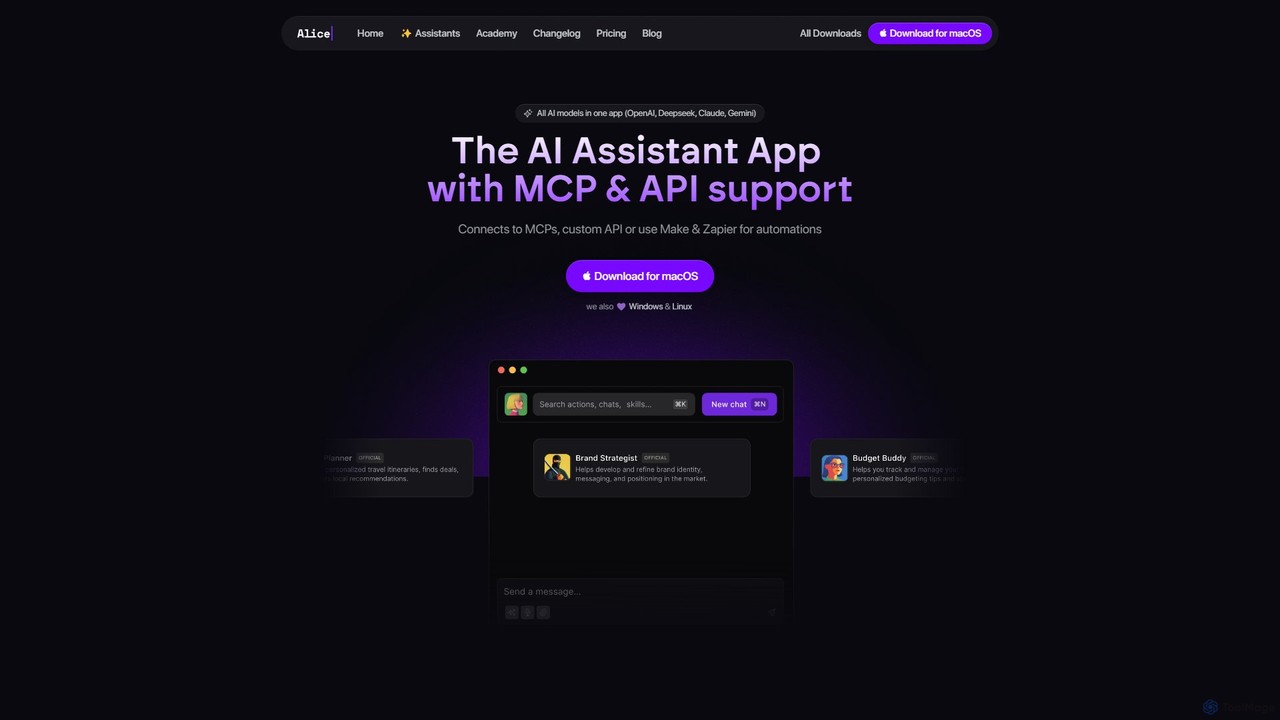
heyalice
heyalice is a personal AI assistant for your desktop (macOS, Windows, Linux) that centralizes top AI models like GPT-4o and Claude 3.5. It enhances productivity through customizable assistants, reusable prompts (Skills), and seamless integration with automation tools like Zapier and Make. Bring your own API keys to control costs and work faster with powerful keyboard shortcuts, all within a privacy-focused, local application.
Code Assistant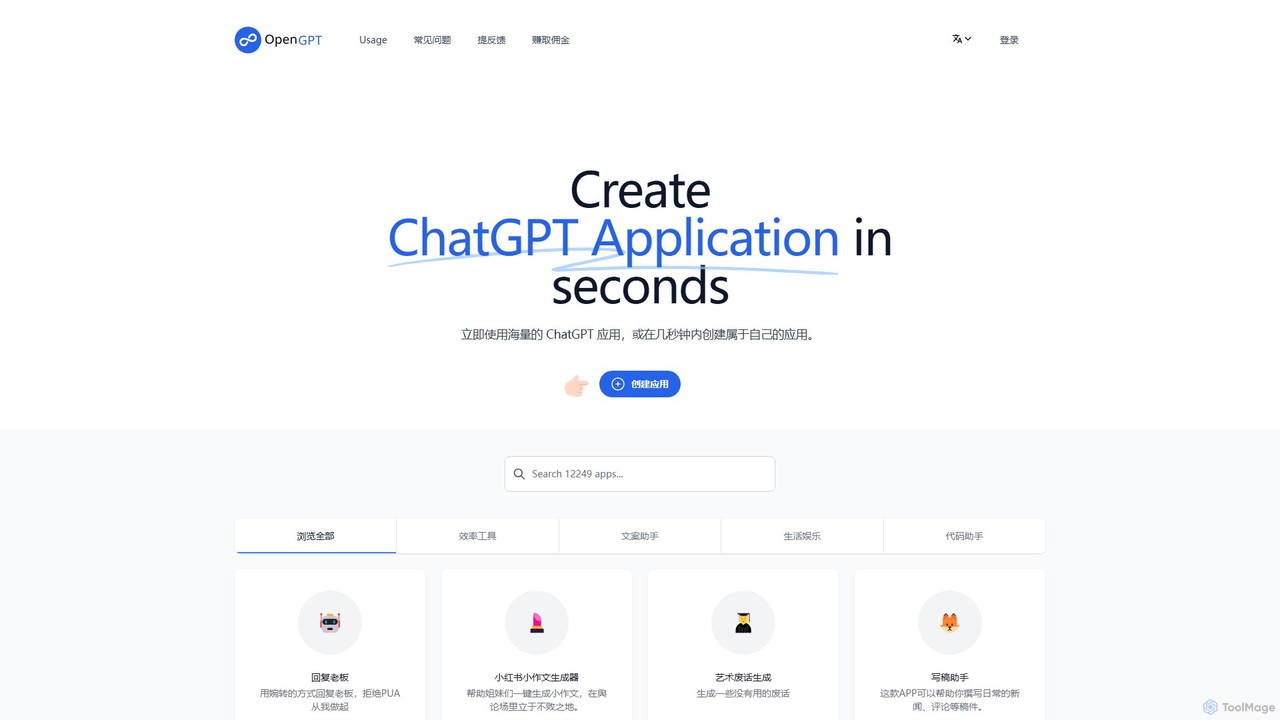
OpenGPT
OpenGPT is a no-code platform that allows users to create and share custom ChatGPT-powered applications in seconds. It offers a vast library of pre-built apps for tasks like content creation, social media marketing, professional writing, and entertainment. Users can either leverage existing tools or build their own specialized AI assistants by simply providing instructions, making advanced AI accessible to everyone without any coding knowledge.
Generators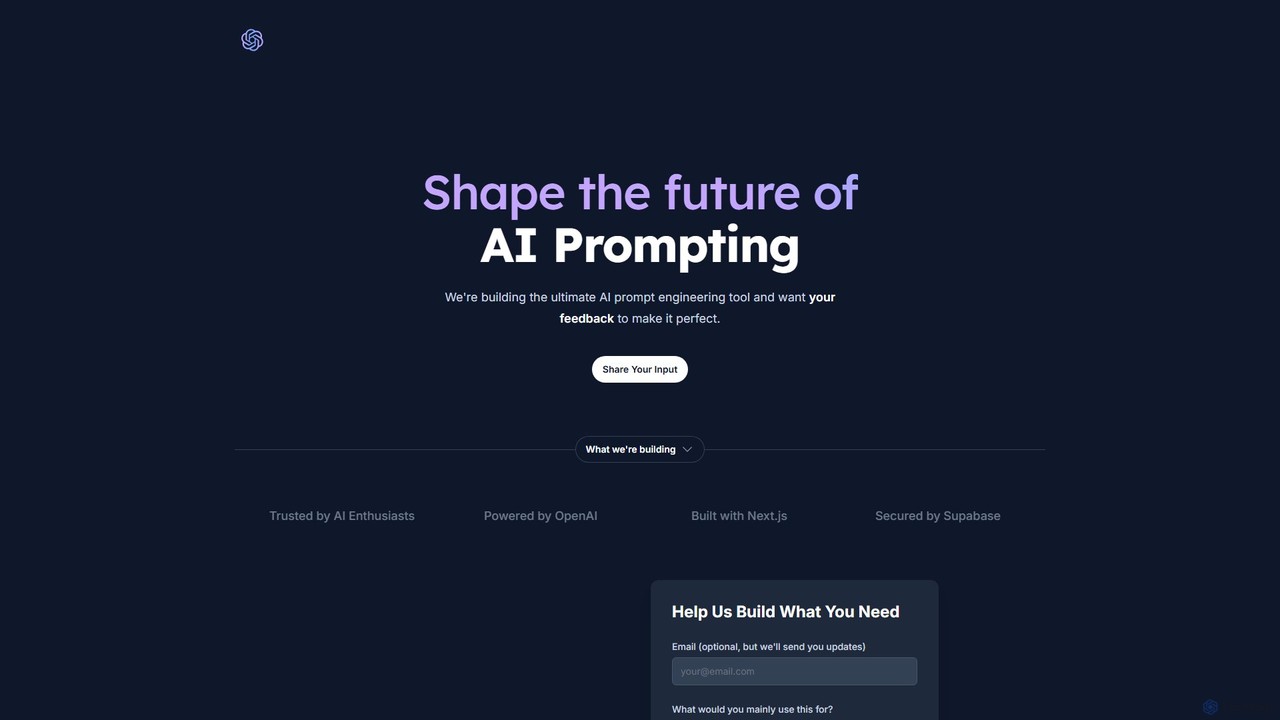
Promptify
Promptify is an all-in-one AI platform designed to enhance creativity and productivity. It offers a vast library of prompt templates, an intuitive Prompt Builder for custom needs, powerful GPTs for workflow automation, and a seamless Chrome extension for on-the-go assistance with models like ChatGPT and Claude.
Workflow Automation
gptbricks
gptbricks is a no-code platform that allows users to build custom AI-powered applications and workflows using modular 'bricks'. It simplifies the process of integrating GPT technology into daily tasks, enabling automation of content creation, data analysis, and communication without any coding knowledge.
No Code
overment
overment offers the "Everyday with GPT-4" framework, a comprehensive 140+ page guide for integrating AI with automation. It teaches users to go beyond basic prompting by using tools like Zapier, Make, and Shortcuts to automate daily tasks in work, coding, and writing. This product is designed for both technical and non-technical users, providing ready-made scenarios, blueprints, and templates to unlock the full potential of GPT-4 across all devices.
Prompts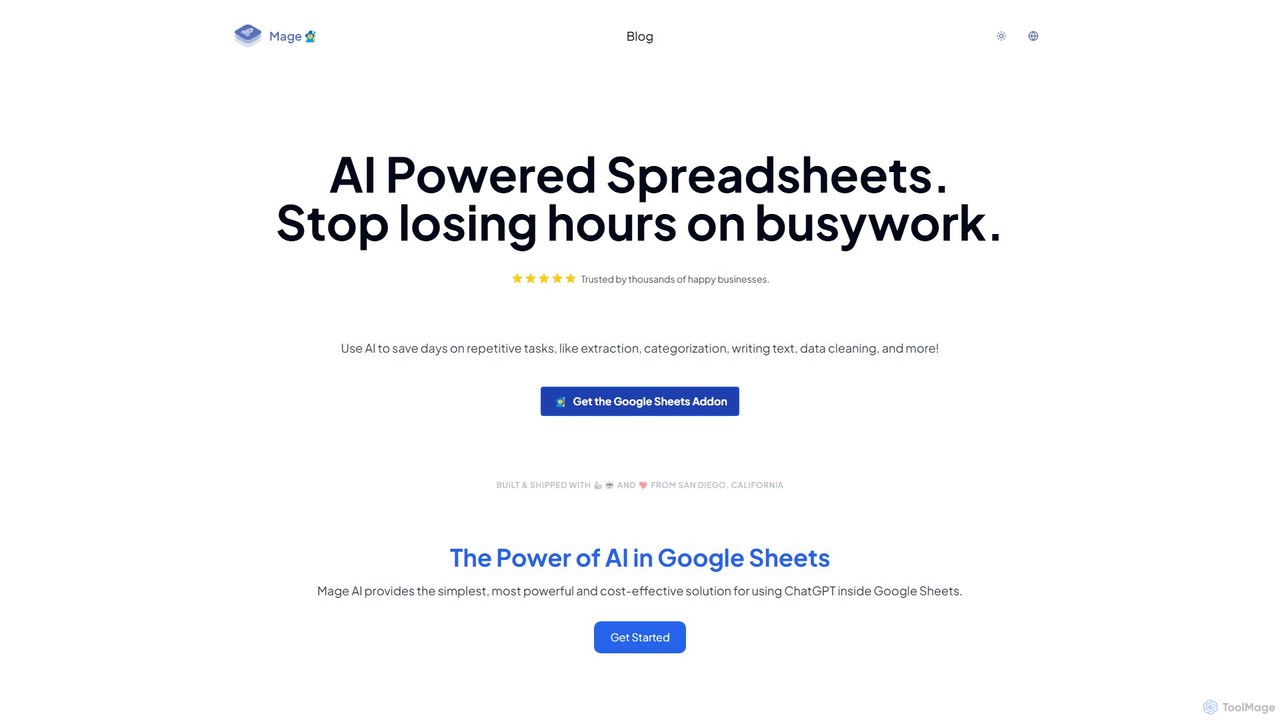
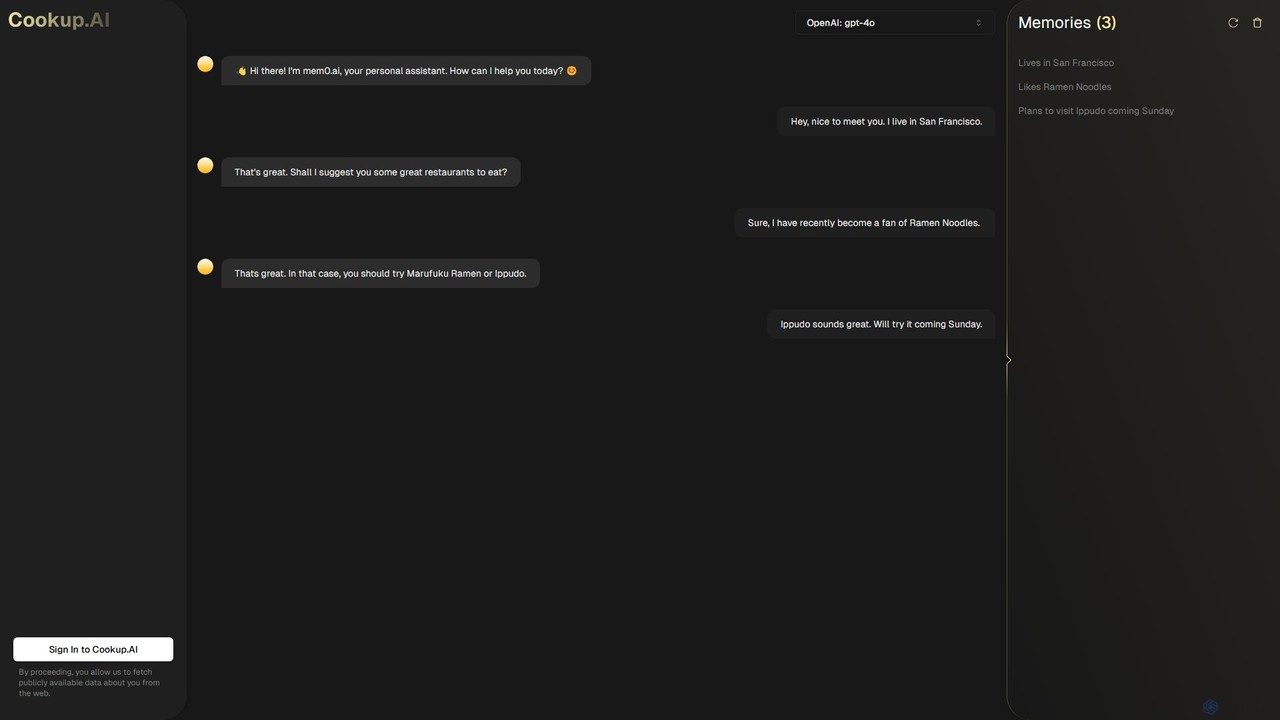
Cookup.AI
Cookup.AI is a platform for creating and using hyper-personalized AI assistants with long-term memory. Powered by advanced models like GPT-4o, it allows users to build custom AI agents that remember conversations, learn user preferences, and provide truly contextual and helpful interactions for productivity, business, and personal use.
Chatbot Builder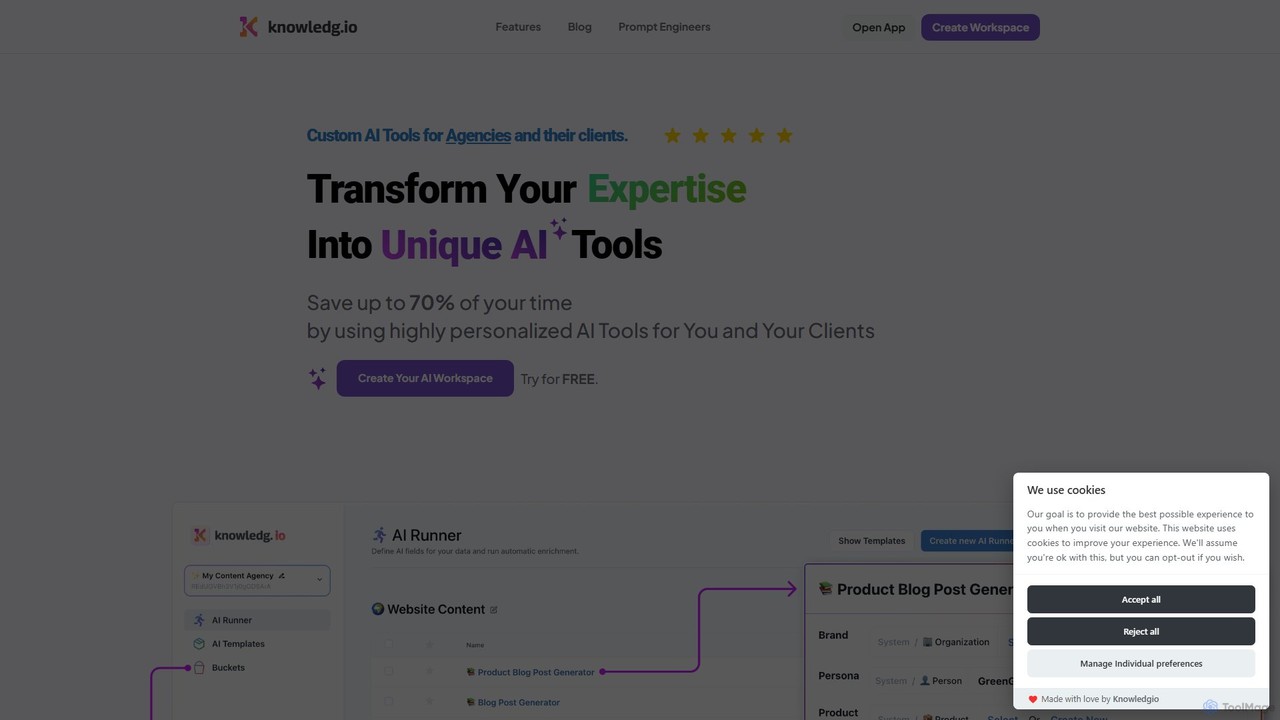
Knowledgio
Knowledgio is a no-code platform that enables agencies, consultants, and businesses to transform their expertise into custom, monetizable AI tools. Build powerful AI workspaces, automate workflows by executing multiple prompts at once, and scale your knowledge into a shareable product.
Consulting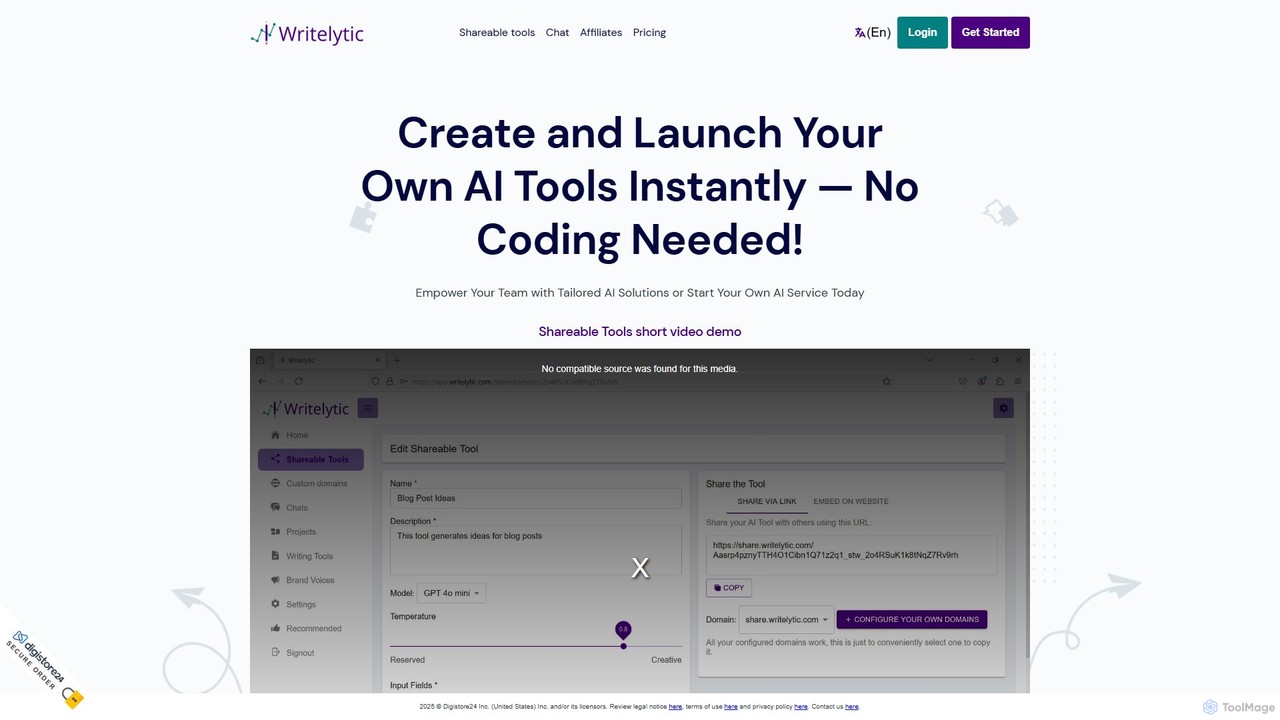
Writelytic
Writelytic is a no-code platform that allows users to instantly create and launch custom AI tools. It's designed for entrepreneurs, agencies, and teams to build tailored AI solutions, resell them under their own brand with whitelabeling options, or use a suite of pre-built writing tools for content creation, marketing, and social media. It features a prompt enhancer, brand voice learning, and supports over 95 languages.
SaasRowboat
Rowboat is a powerful, AI-powered IDE for building, managing, and deploying complex multi-agent systems. Backed by Y Combinator, it allows users to describe workflows in plain English, and its AI copilot automatically generates the entire agent graph, including roles, prompts, and tool integrations. It's designed to simplify the creation of robust, real-world AI agents for productivity, e-commerce, support, and more, with features like open-source flexibility and support for over 100 LLMs.
Agent BuilderVidix
Vidix is a powerful AI assistant for macOS designed to boost productivity. It allows users to create custom AI agents, assign them shortcodes, and activate them in any application to automate tasks, process text, and streamline workflows seamlessly.
Code Assistant
LowTech AI Comments (0)
Sign in to comment.
Sign inNo comments yet.