

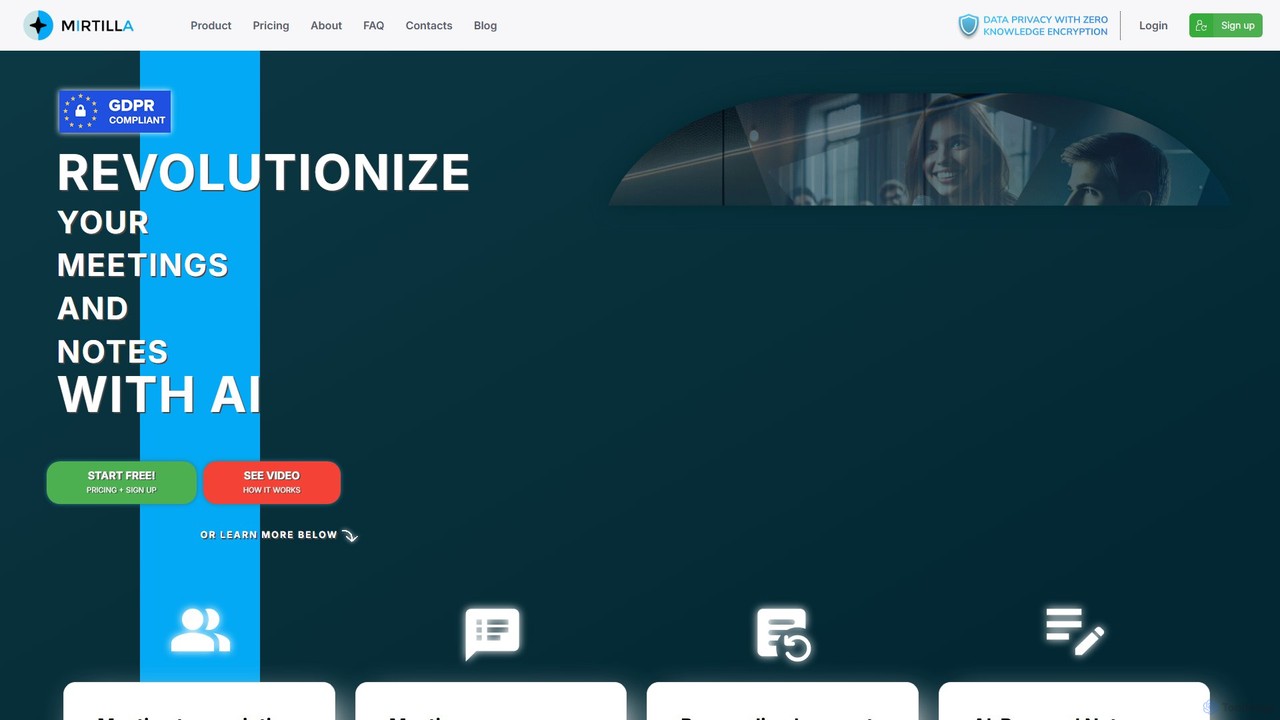
Mirtilla Overview
Mirtilla is an advanced AI-powered platform designed to enhance productivity by streamlining meeting documentation and note management. It serves as a comprehensive AI companion for professionals, teams, and individuals who need to capture, understand, and act on information from discussions and personal notes. Mirtilla's core offerings are built on two main pillars: transforming meetings through transcription and summarization, and organizing knowledge with AI-powered notes. What sets Mirtilla apart is its unwavering commitment to user privacy, implemented through a state-of-the-art zero-knowledge encryption system, ensuring that only the user can access their data.
How to use Mirtilla
Getting started with Mirtilla is a simple and intuitive process designed to get you productive in minutes:
- Sign Up: Create your Mirtilla account to get started with the free plan.
- Upload for Transcription: Navigate to the meeting transcription section. You can upload any audio or video file directly from your device. Mirtilla handles the compression and processing automatically.
- Receive Transcription and Insights: Once processed, you will receive a highly accurate transcription of your meeting in its original language, complete with timestamps for each sentence. You also have the option to translate the transcript into English.
- Generate Summaries and Custom Content: Use the generated transcript to create instant summaries, detailed minutes, or official records. You can also make personalized requests to the AI, such as asking it to draft a LinkedIn post, identify key action items, or provide a specialized analysis of the discussion.
- Manage AI Notes: Use the AI Notes feature to capture thoughts and ideas. You can add tags for easy organization, format your notes with Markdown, and even include images.
- Search and Share: Leverage the AI-powered search to ask questions in natural language and find information across all your notes. If you need to collaborate, you can securely share your notes or meeting summaries with others via a simple, revocable link.
Core Features of Mirtilla
- AI Meeting Transcription: Accurately transcribes audio and video files in their original language. It includes precise timestamps and offers translation into English, making it easy to navigate and understand discussions.
- Intelligent Summarization: Automatically generates concise summaries, detailed minutes, and official records from your meeting transcripts, highlighting key points and decisions to save you time.
- Personalized AI Requests: Go beyond standard summaries by using custom prompts. Ask the AI to extract specific details, identify main topics, create social media content, or even design conceptual diagrams based on the meeting content.
- AI-Powered Notes: A sophisticated note-taking system where you can organize information with tags, use Markdown for rich formatting, and embed images. The standout feature is the natural language search, allowing you to query your notes conversationally.
- Zero-Knowledge Encryption: Your data is fully encrypted with a key generated from your password. Mirtilla and its administrators cannot access or decrypt your content, guaranteeing absolute privacy.
- GDPR Compliance: All data is stored on secure Italian or European servers, adhering to the highest standards of data protection and privacy regulations.
- Secure Sharing: Easily share notes and meeting outcomes with team members or stakeholders through secure, manageable links.
Use Cases for Mirtilla
Mirtilla is a versatile tool suitable for a wide range of professionals and scenarios:
- Project Managers: To accurately capture meeting minutes, track decisions, and assign action items without manual note-taking.
- Sales Teams: To analyze client calls, extract customer needs, and quickly update CRM records with key takeaways.
- Researchers and Academics: To transcribe interviews, lectures, and focus groups, and use the AI search to quickly locate relevant data points.
- Content Creators and Marketers: To repurpose webinar or podcast content into blog posts, social media updates, and email newsletters.
- Executives and Consultants: For secure and confidential documentation of board meetings, strategic sessions, and client consultations.
- Students: To record and review lectures, making studying more efficient by searching for specific topics within the transcribed notes.
Advantages of Mirtilla
Mirtilla offers several key advantages that make it a standout choice:
- Unparalleled Privacy: The zero-knowledge encryption model means you are in full control of your data, a critical feature for sensitive or confidential information.
- Enhanced Productivity: It automates the time-consuming tasks of transcription and summarization, freeing up users to focus on strategic work.
- Actionable Intelligence: It doesn't just provide raw text; it helps you derive meaningful insights, action items, and new content from your discussions.
- Centralized Knowledge Base: It unifies your meeting records and personal notes into a single, easily searchable repository.
- User-Centric Design: From flexible file uploads to natural language search, the platform is designed to be powerful yet easy to use.
Pricing and Plans
Mirtilla operates on a freemium model, making it accessible to everyone.
- Free Plan: Ideal for individuals and light users, this plan allows you to explore the core features of Mirtilla, including a limited amount of transcription and note-taking, completely free of charge.
- Paid Plans (Pro/Business): For professionals and teams with greater needs, Mirtilla offers premium plans. These plans typically include a higher volume of transcription minutes, advanced features, priority support, and collaborative functionalities for teams. For specific details on quotas and pricing, please visit the official Mirtilla website.
Traffic
Latest traffic
Status
Monthly traffic trend
- 2025-7: 0
- 2025-8: 334
- 2025-9: 457
- 2026-3: 0
- 2026-4: 0
- 2026-5: 895
Geography
Top 5 countries / regions
- 🇮🇹Italy100.0%
Top keywords
| Keyword | Cost per click |
|---|---|
| mirtilla.org | $0.00 |
Mirtilla Categories
Mirtilla AI Tool Comparisons
Mirtilla Embed Widget
Copy this embed code to place the badge on your blog, article, or product site and send readers directly to this ToolMage detail page.

Related AI tools
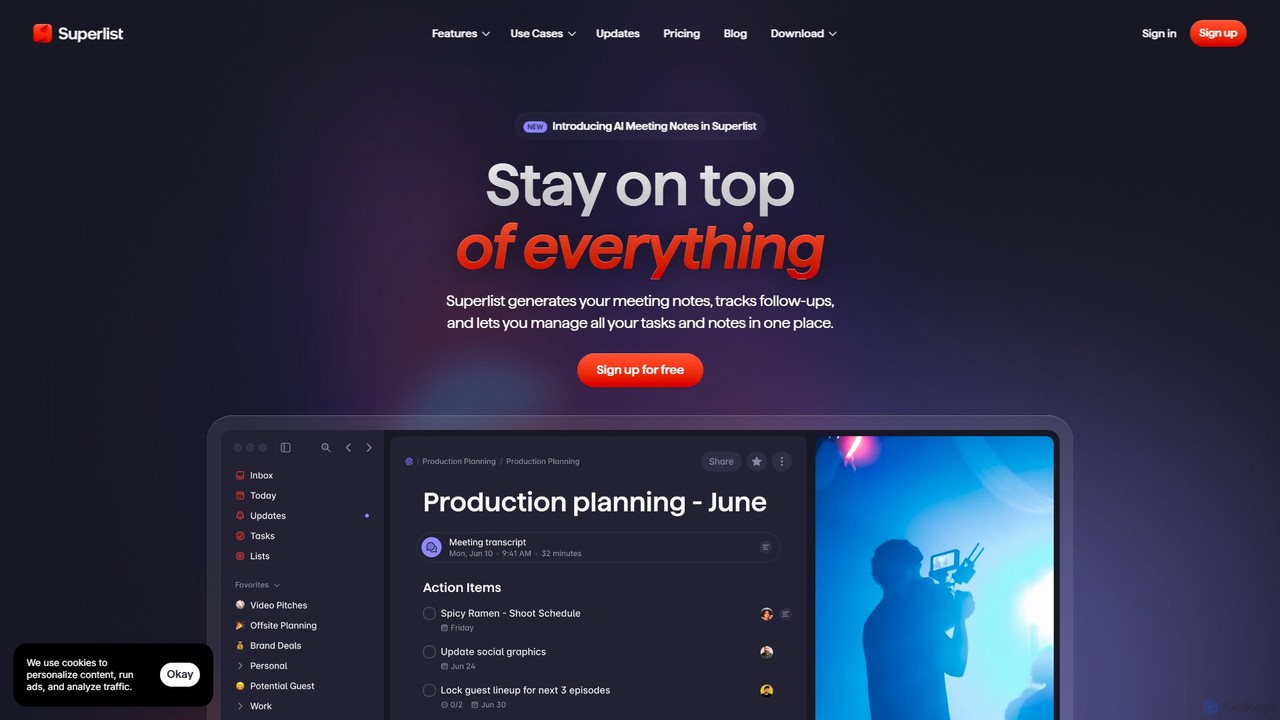
Superlist
Superlist is an AI-powered productivity tool that unifies tasks, notes, and meeting summaries in a single platform. Designed for both individuals and teams, it uses AI to automatically generate meeting notes, track action items, and convert voice memos into tasks, streamlining workflows and enhancing collaboration.
Meeting Assistant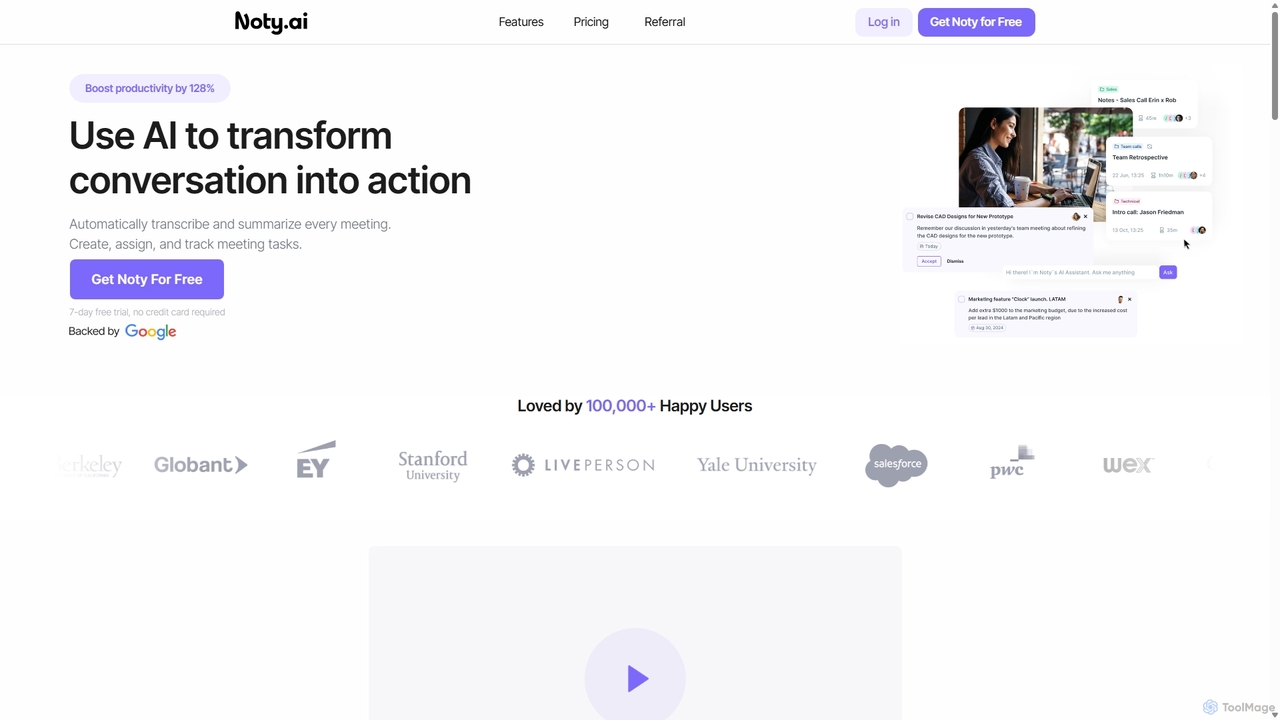
Noty.ai
Noty.ai is an AI meeting assistant that automatically transcribes, summarizes, and generates action items from your conversations. It helps you focus during meetings, ensures no detail is missed, and transforms discussions into trackable tasks, boosting team productivity and accountability.
Task Management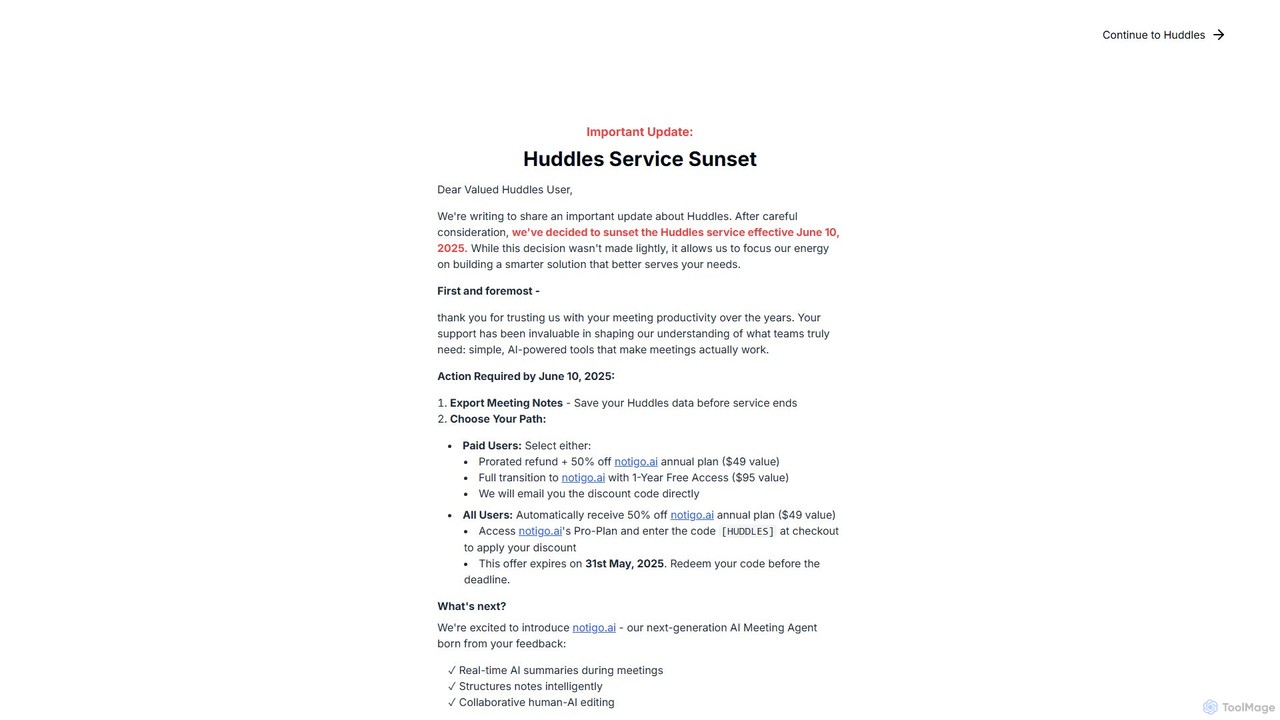
Huddles
Huddles was an AI-powered meeting productivity tool designed to generate real-time summaries and capture key points, ensuring no critical information was missed. Please note: The Huddles service is being sunsetted on June 10, 2025, and is evolving into a more advanced solution, notigo.ai. This new platform builds upon Huddles' foundation to offer enhanced AI features for smarter meetings.
Collaboration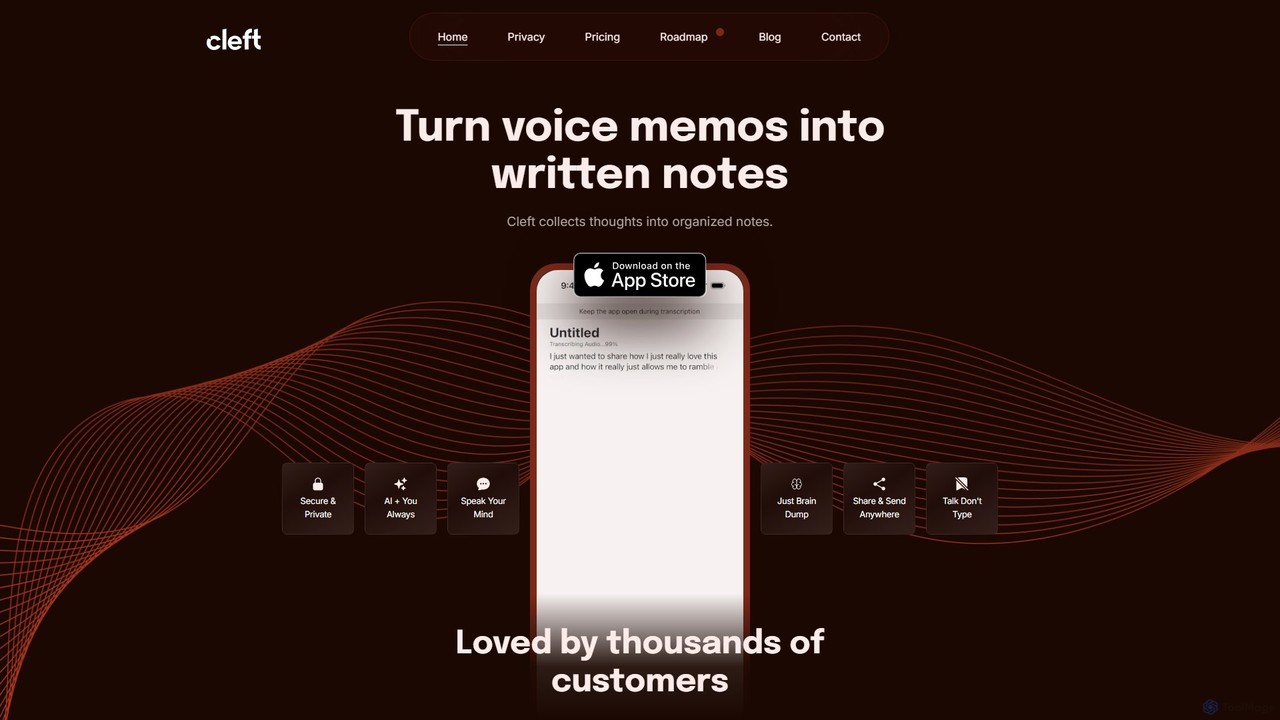
Cleft Notes
Cleft Notes is an AI-powered voice scribe that transforms your spoken thoughts into organized, summarized, and structured written notes. Available on iPhone, iPad, and Mac, it's designed to capture ideas effortlessly, making it ideal for professionals, creatives, and neurodivergent individuals. Just talk, and Cleft turns your ramblings into coherent text, checklists, and outlines.
Voice Recording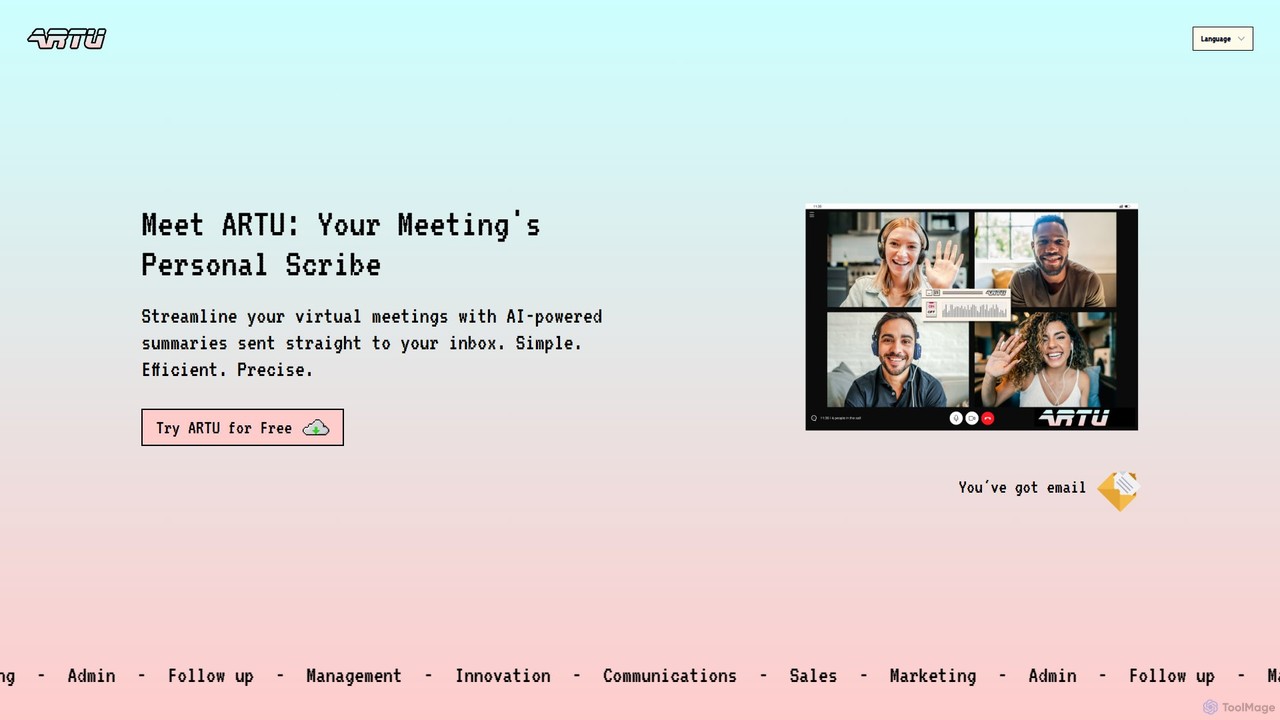
ARTU
ARTU is a dual-purpose AI copilot designed to streamline both your meetings and personal idea management. It automatically transcribes and summarizes virtual meetings, sending detailed minutes to your inbox. Simultaneously, it acts as a personal assistant, capturing ideas from emails, WhatsApp, and Telegram, then organizing them into your preferred workspace like Notion. This integrated system helps you conquer creative chaos and boost productivity.
Meeting Assistant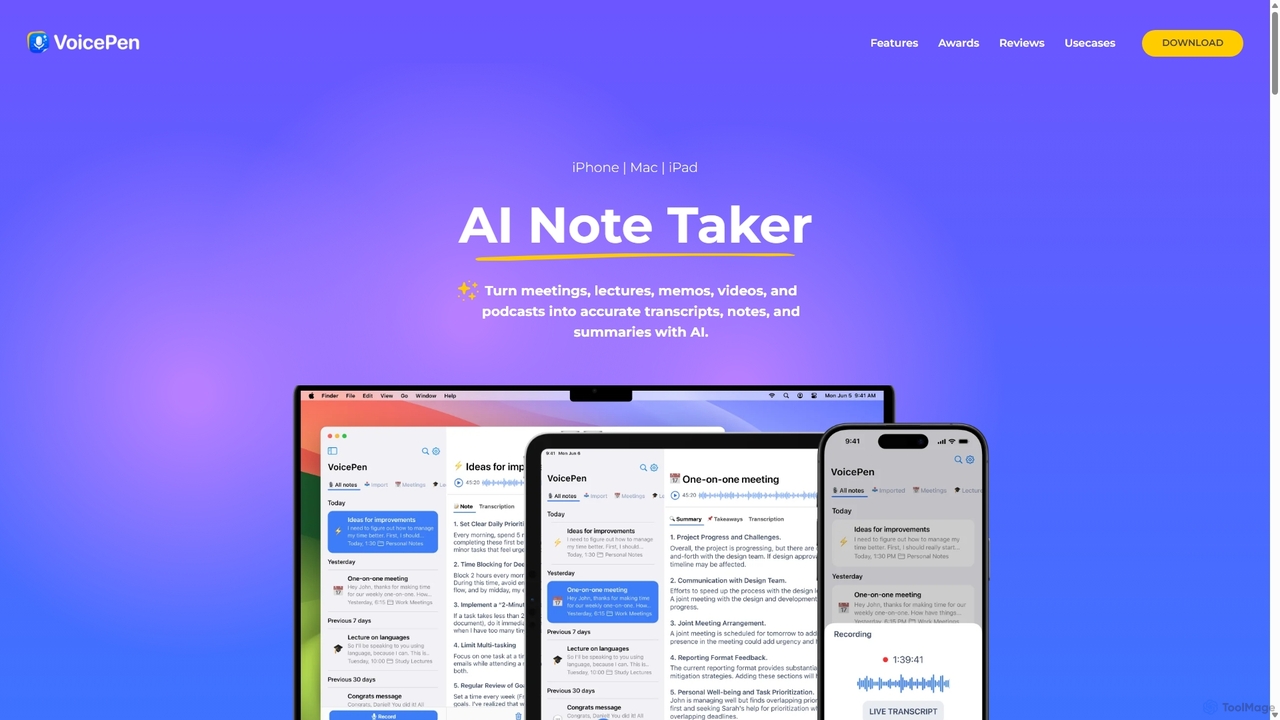
VoicePen
VoicePen is an AI-powered note-taking app for iPhone, Mac, and iPad that transforms meetings, lectures, and any audio/video into accurate transcripts, summaries, and structured notes. It features high-speed transcription, speaker separation, 80+ language support, and over 25 AI rewriting styles to boost your productivity.
Speech To Text
Jyek
Jyek is an AI agent platform that understands objectives, creates execution plans, uses tools, and delivers verifiable results for complex, multi-step tasks.
Automation
summymonkey
summymonkey is an AI productivity assistant that transforms hours of work into minutes. It automatically transcribes and summarizes audio recordings, condenses long emails into daily digests, and compiles information from multiple sources, allowing you to chat with your data for specific insights. Boost your efficiency and conquer information overload.
Email Assistant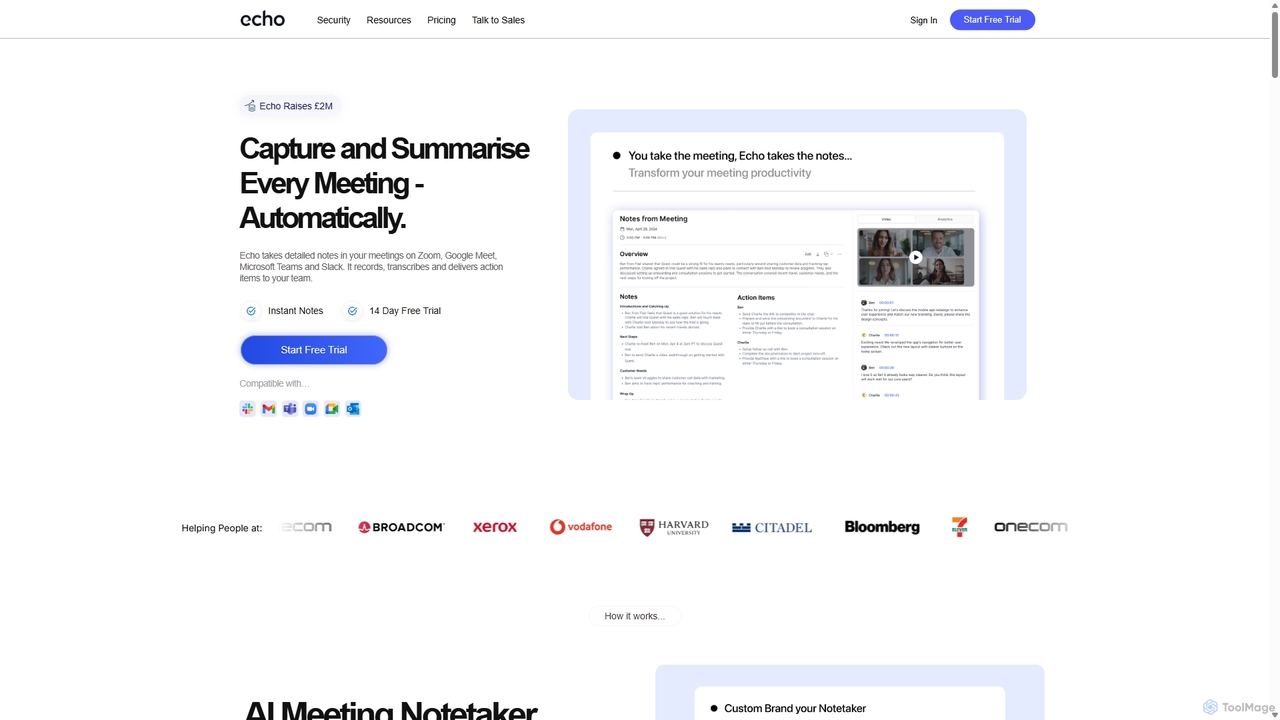
Meetecho
meetecho is an AI executive assistant that automatically joins your meetings on Zoom, Google Meet, and Microsoft Teams to record, transcribe, and generate detailed summaries with action items. It enhances productivity by eliminating manual note-taking and creating a searchable archive of all your conversations. Upcoming features include AI-powered email sorting and drafting.
Assistant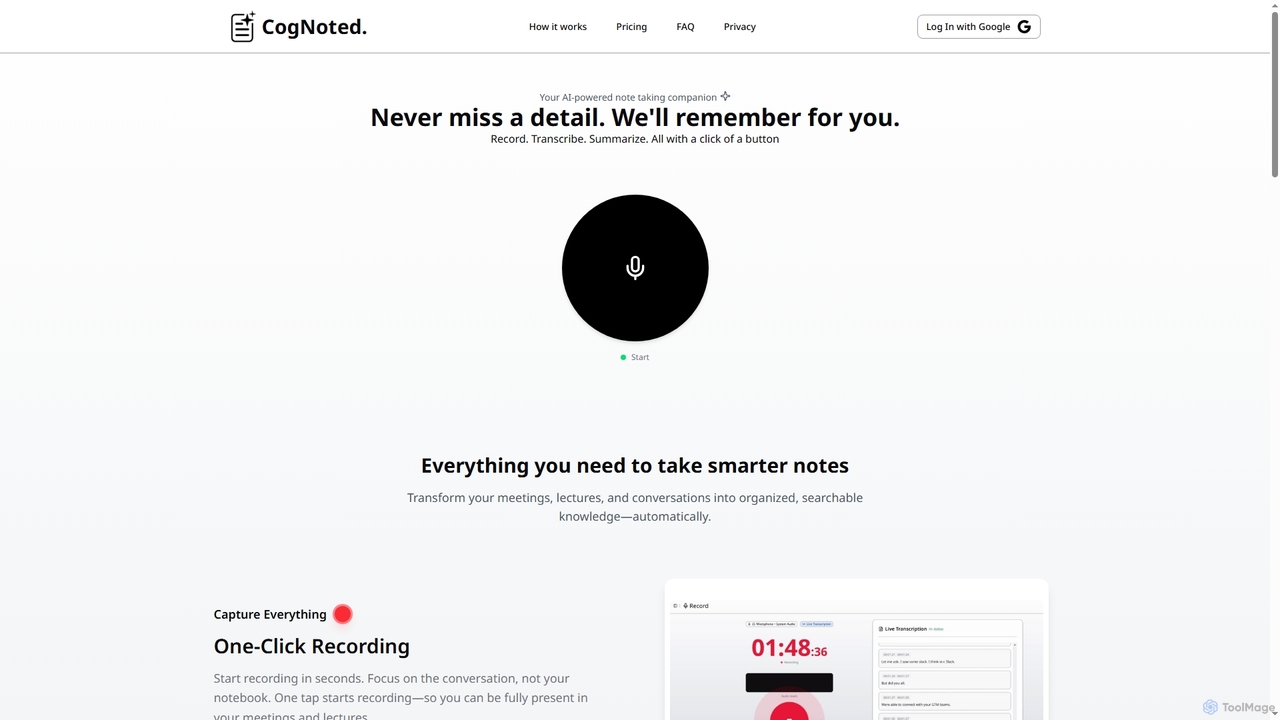
Cognoted
An AI-powered note-taking and transcription tool that transforms meetings, lectures, and conversations into organized, searchable knowledge. It offers one-click recording, real-time transcription, smart summaries, and an AI chat assistant to capture every detail and extract key insights effortlessly.
Meeting Assistant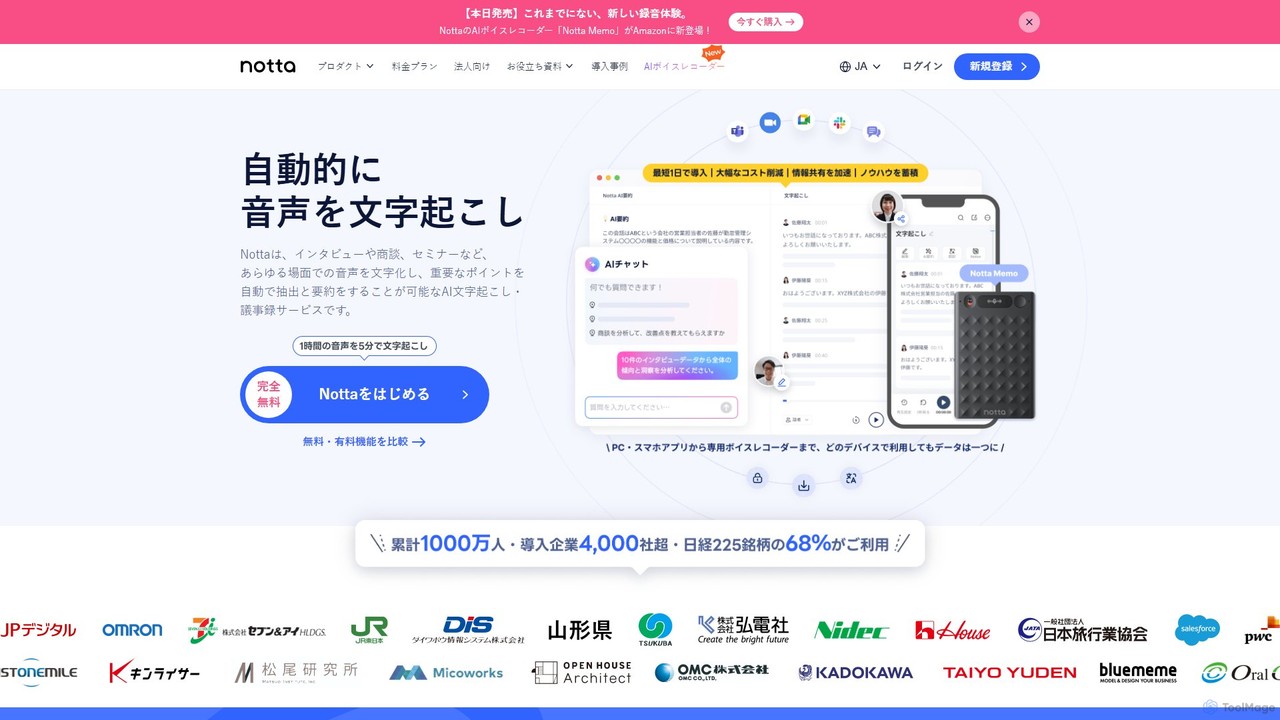
Notta
Notta is an AI-powered transcription service that converts audio and video to text with high accuracy. It offers real-time transcription, AI summaries, speaker identification, and translation in 58 languages, streamlining workflows for meetings, interviews, and lectures.
Speech To Text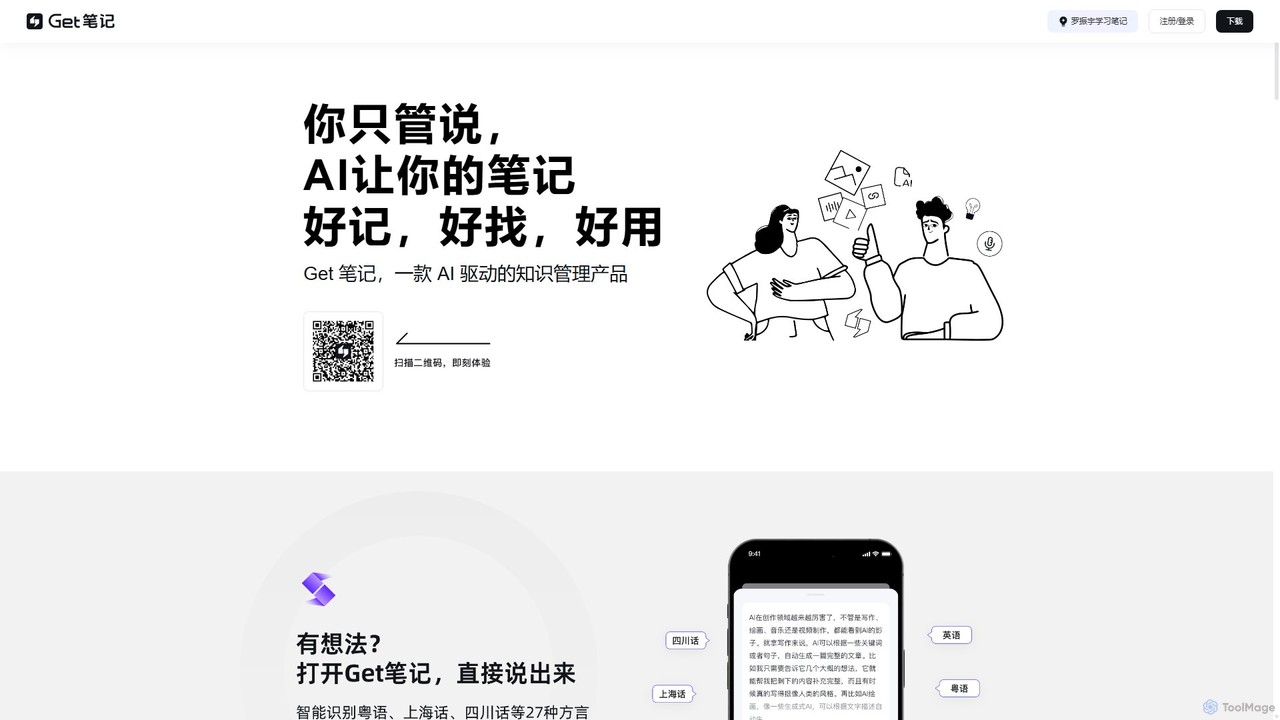
biji
biji is an AI-driven knowledge management app that transforms your spoken ideas into structured, searchable, and usable notes. Just talk, and biji's AI will handle transcription, summarization, and organization, making it effortless to capture and manage your thoughts, meetings, and learnings.
Transcription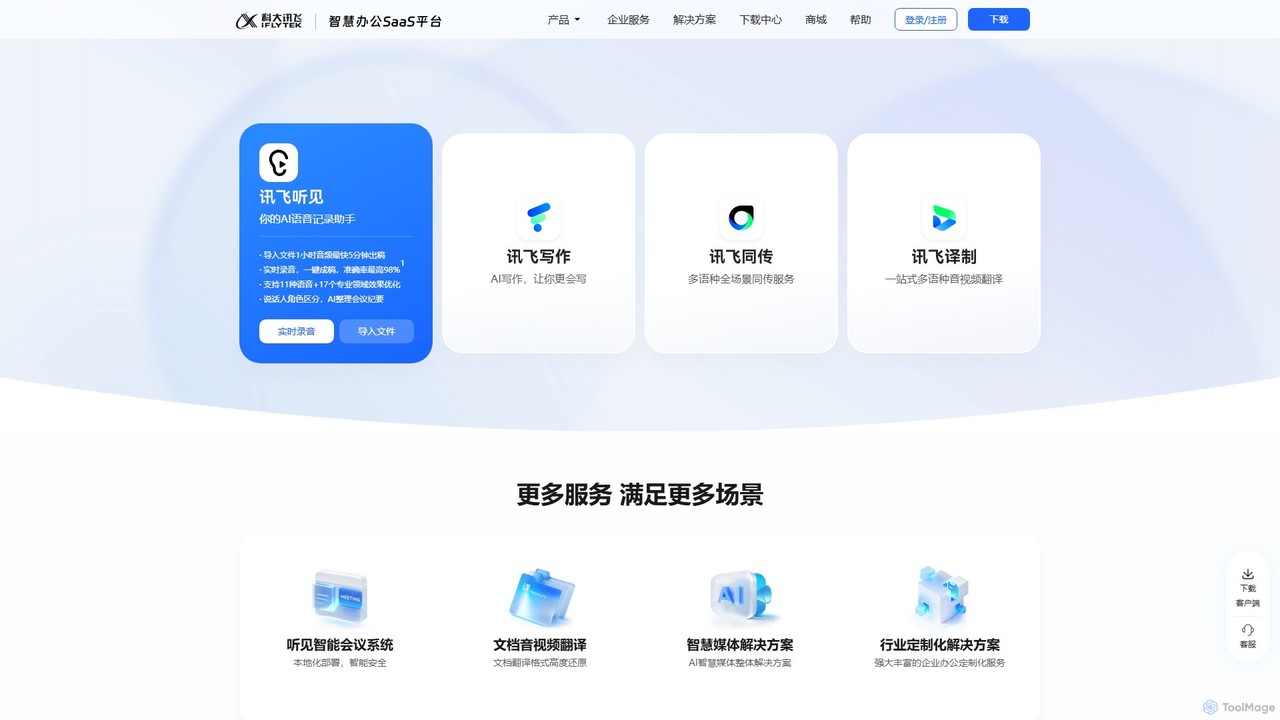
iflyrec
iFlyrec is an AI-powered voice assistant from iFlytek, specializing in high-accuracy speech-to-text transcription, real-time translation, and intelligent document generation. It supports multiple languages and professional domains, offering solutions for meetings, interviews, lectures, and content creation to boost productivity for professionals, students, and enterprises.
Speech To Text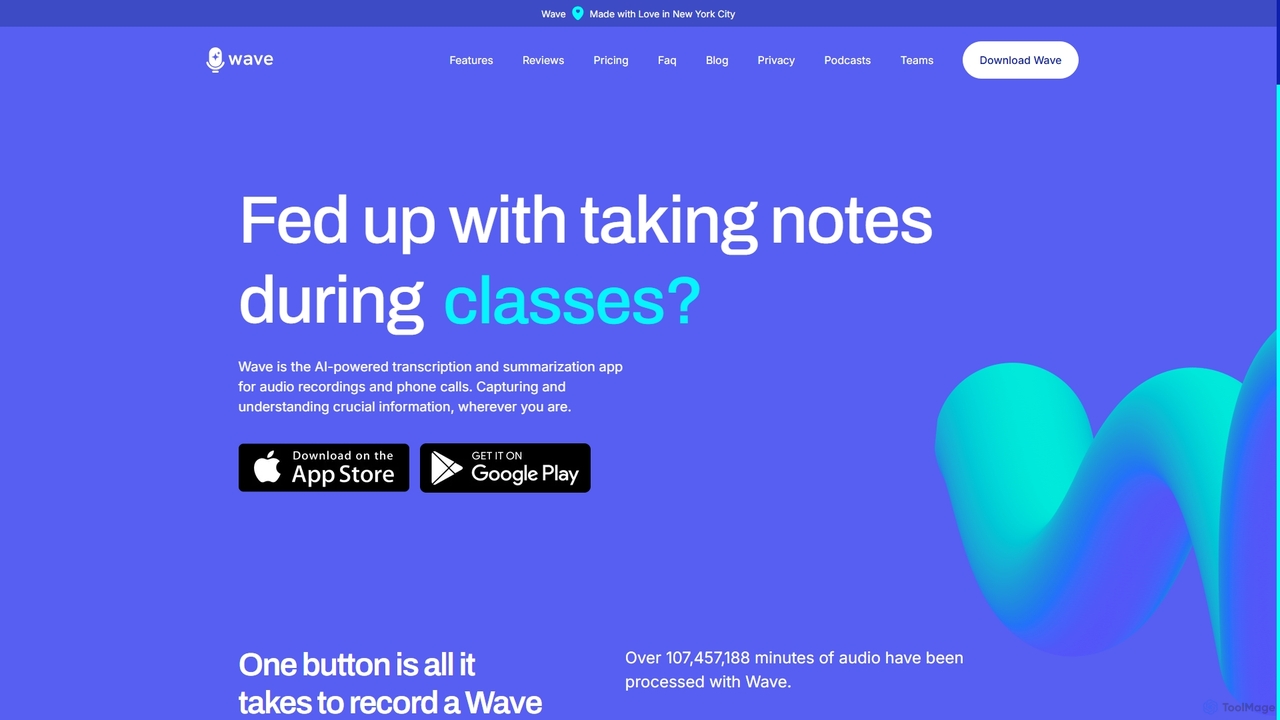
Wave
Wave is an AI-powered note-taker and transcription app for iOS and Android. It effortlessly records audio from meetings, calls, and lectures, providing highly accurate transcriptions and concise, customizable summaries. With features like phone call recording, multi-language support, and cross-device sync, Wave helps you capture and understand crucial information anywhere, anytime, without the hassle of manual note-taking.
Meeting Assistant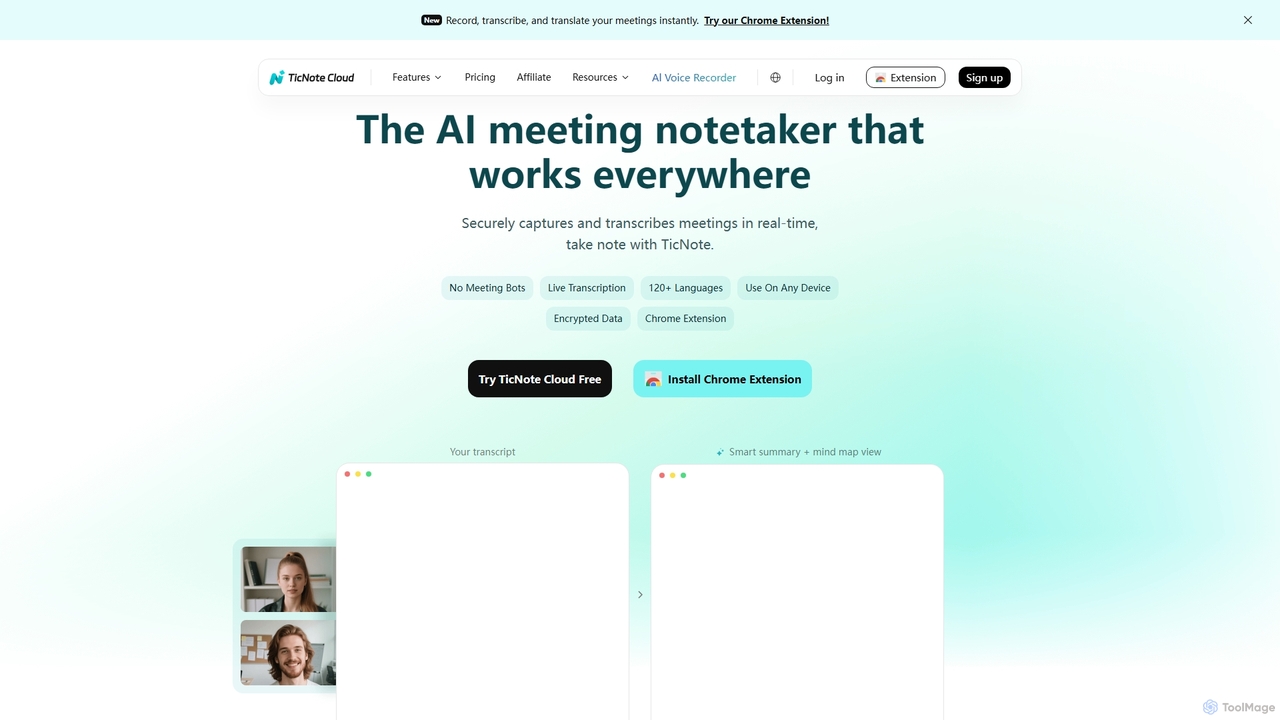
TicNote
TicNote is an AI-powered meeting notetaker that transcribes, summarizes, and organizes conversations in real-time across 120+ languages. It uses on-device AI to generate smart summaries, mind maps, and action items without meeting bots, enhancing productivity and knowledge management for professionals.
Language Processing
Mirtilla Comments (0)
Sign in to comment.
Sign inNo comments yet.