

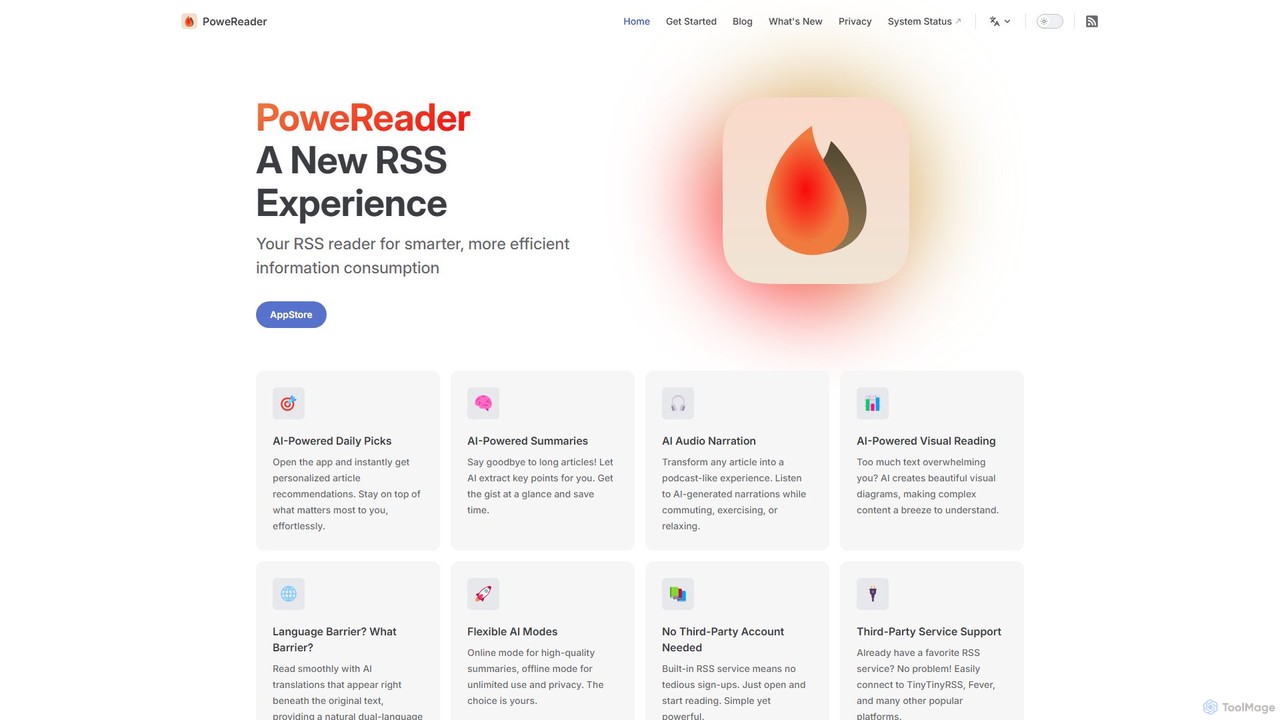
PowerReader Overview
PowerReader is a modern, AI-enhanced RSS reader designed for users who want to take control of their information consumption. In an era dominated by algorithmic feeds and information overload, PowerReader offers a smarter, more efficient way to stay informed. Built as a native application for iOS and macOS, it provides a clean, focused reading environment, augmented with powerful AI tools to enhance understanding and save time.
The core philosophy of PowerReader is to put the user back in charge. You choose your sources, and the app helps you process the content intelligently. Whether you're a professional keeping up with industry news, a student researching a topic, or a curious mind exploring new ideas, PowerReader transforms your reading list from a chore into an insightful experience.
How to use PowerReader
Getting started with PowerReader is straightforward. First, download the application from the Apple App Store for your iPhone, iPad, or Mac. Upon launching, you have two main options: use the built-in RSS service, which requires no account creation, or connect to a third-party RSS service you already use. PowerReader supports popular platforms like TinyTinyRSS, Fever, and others. Once set up, you can start adding subscriptions. You can subscribe to standard RSS feeds from your favorite websites and blogs. For websites that don't offer a native RSS feed, you can leverage services like RSSHub to generate one. As articles populate your feed, you can use PowerReader's AI features on-demand. Simply select an article to read, and you'll have options to generate a summary, listen to an audio version, create a visual diagram of the content, or translate it with an inline, dual-language view. Navigation is intuitive, with keyboard shortcuts ('j' for next, 'k' for previous) on macOS and swipe gestures on iOS. All your feeds, articles, and reading progress are seamlessly synchronized across your devices via iCloud.
Core Features of PowerReader
- AI-Powered Summaries: Instantly condenses long articles into key bullet points, allowing you to grasp the main ideas at a glance.
- AI Audio Narration: Transforms any text-based article into a high-quality, podcast-like audio experience, perfect for listening on the go.
- AI-Powered Visual Reading: Generates beautiful and intuitive visual diagrams (like mind maps) from dense text, making complex information easier to understand.
- AI Dual-Language Translation: Breaks down language barriers by providing real-time, inline translations directly beneath the original text for a seamless bilingual reading experience.
- AI-Powered Daily Picks: Delivers personalized article recommendations based on your reading habits and interests, helping you discover relevant content effortlessly.
- Flexible AI Modes: Offers an online mode for the highest quality AI processing and an offline mode that prioritizes privacy and allows for unlimited use without an internet connection.
- Broad Service Support: Integrates with a built-in RSS service for simplicity, and also supports syncing with popular third-party services like TinyTinyRSS, Fever, and more.
- Multi-Device iCloud Sync: Keeps your subscriptions, read-status, and preferences perfectly in sync across your iPhone, iPad, and Mac.
- Offline Reading: Automatically downloads articles for offline access, ensuring you can catch up on your reading anytime, anywhere.
Use Cases for PowerReader
PowerReader is a versatile tool for various users. For professionals and researchers, it's ideal for quickly digesting industry reports, academic papers, and tech news using AI summaries and visual diagrams. Language learners can immerse themselves in foreign-language content, using the dual-language translation to improve vocabulary and comprehension. Busy commuters can turn their daily reading list into a productive podcast with the AI audio narration feature. For the avid news reader, it consolidates all sources into a single, clean, algorithm-free interface. Power users can even set up custom feeds via RSSHub to track specific information, such as real estate listings, social media updates, or product releases.
Advantages of PowerReader
The primary advantage of PowerReader is its intelligent approach to information management. It goes beyond a traditional RSS reader by integrating AI to enhance comprehension and efficiency. It champions user control, freeing you from the black-box algorithms of social media and news platforms. Designed exclusively for the Apple ecosystem, it offers a polished, native user experience with seamless iCloud sync. Its flexibility caters to both beginners, with its simple built-in service, and RSS veterans who prefer to use their own self-hosted platforms. Finally, with its focus on privacy, including an offline AI mode and no mandatory account sign-up, it respects user data and autonomy.
Pricing and Plans
PowerReader is available as a one-time purchase on the Apple App Store. This straightforward pricing model grants you full access to all current and future features without any recurring subscriptions or hidden costs. This approach aligns with the app's philosophy of providing a complete, user-owned tool for intelligent information consumption.
Traffic
Latest traffic
Status
Monthly traffic trend
- 2025-9: 1.8K
- 2026-1: 135
- 2026-2: 158
- 2026-3: 1.3K
- 2026-4: 632
- 2026-5: 2.5K
Geography
Top 5 countries / regions
- 🇺🇸United States44.7%
- 🇰🇷South Korea28.3%
- 🇨🇭Switzerland12.1%
- 🇩🇪Germany8.4%
- 🇯🇵Japan6.5%
Top keywords
| Keyword | Cost per click |
|---|---|
| freshrss rsshub blog xlog.app | $0.00 |
| 추천 rss | $0.00 |
| rss ai | $0.00 |
| rss ai translator | $0.00 |
| rssリーダー オワコン | $0.00 |
PowerReader Alternatives
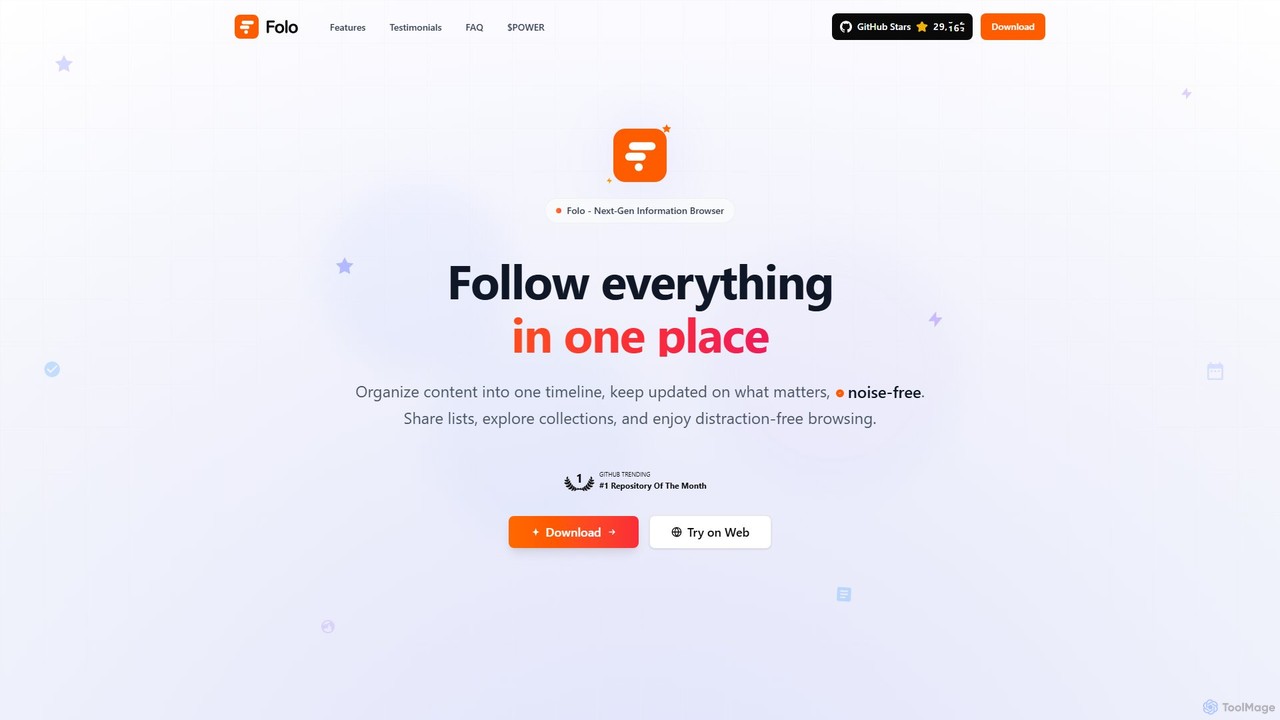
Folo
Folo is a next-generation, AI-powered information browser and RSS reader. It centralizes content from any source into a single, noise-free timeline. Key features include AI-driven summaries and translations, dynamic content support, and a unique community-driven economy with $POWER tokens for tipping creators.
Summarizer
Tidyread
Tidyread is an AI-powered information digest tool that transforms your RSS feeds into clean, summarized briefings. By creating customizable "Recipes" with unique AI prompts, it helps you conquer information overload, save time, and establish an orderly reading routine. It's designed for professionals, researchers, and anyone looking to filter out the noise and focus on what truly matters.
Summarizer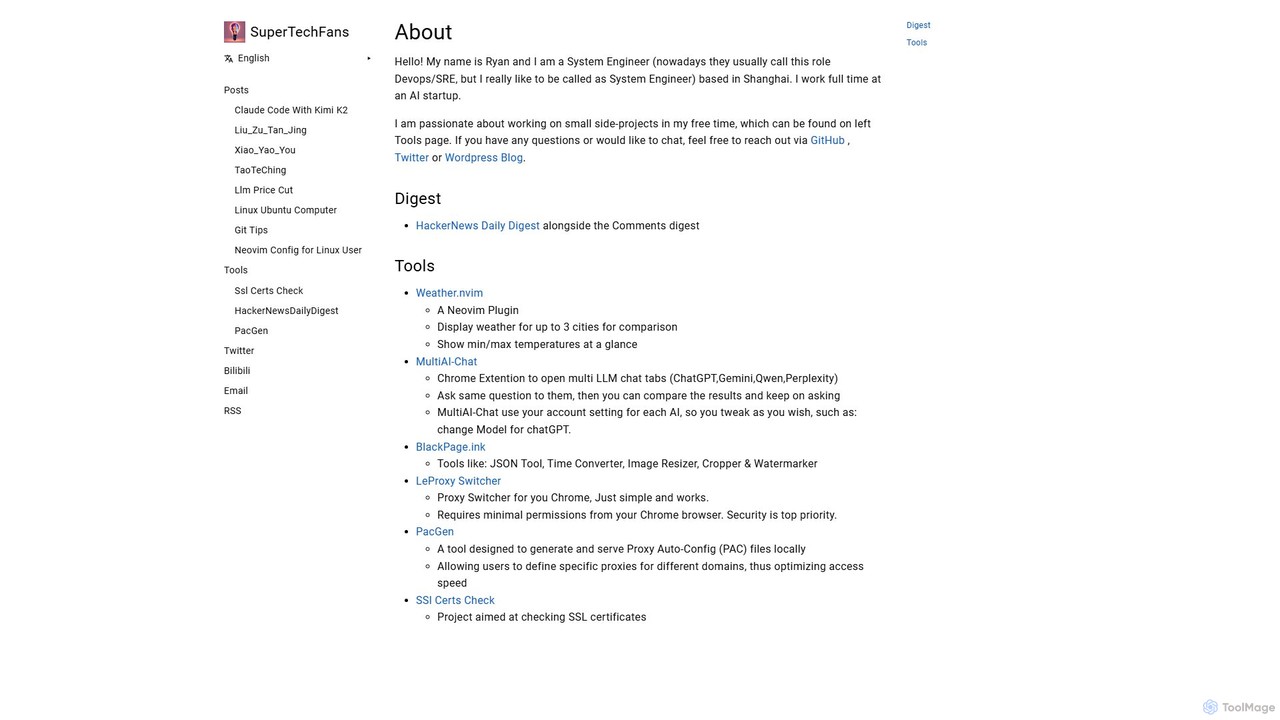
SuperTechFans
SuperTechFans is an AI-powered content platform that delivers daily digests of top stories and insightful comments from HackerNews. It also summarizes key articles from major tech magazines, helping tech professionals and enthusiasts stay informed efficiently.
Summarizer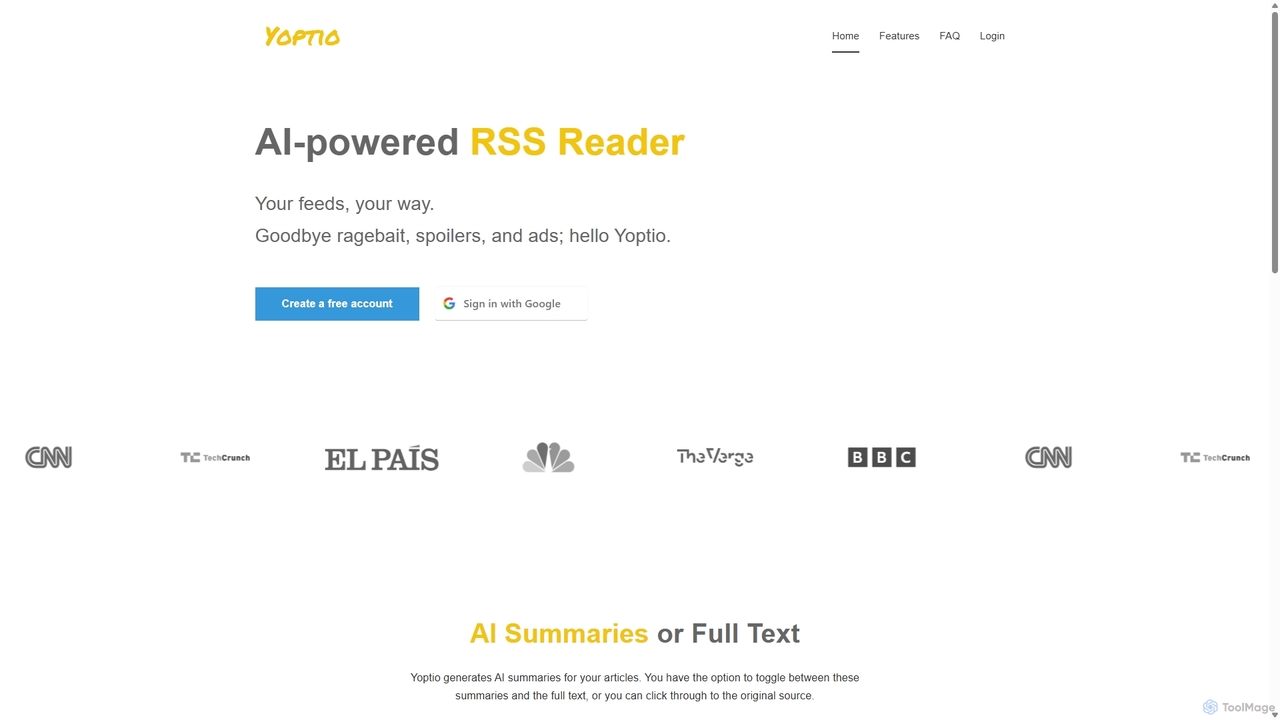
Yoptio
Yoptio is an intelligent, AI-powered RSS reader designed for users who want full control over their news feed. It transforms your selected text-based RSS feeds into a daily, personalized audio podcast. Yoptio presents news in a clean, reverse-chronological order, freeing you from algorithmic manipulation and information overload. It's a simple yet powerful tool for staying informed on your own terms, available on both desktop and mobile.
Text To Speech
Meco
Meco is an AI-powered newsletter reader and aggregator designed to declutter your inbox. It moves your newsletters to a dedicated, distraction-free reading space, offering features like AI-generated audio roundups and text summaries to help you stay informed efficiently. Organize, discover, and retain knowledge from your favorite subscriptions seamlessly across web, iOS, and Android.
SummarizerPowerReader Categories
PowerReader Embed Widget
Copy this embed code to place the badge on your blog, article, or product site and send readers directly to this ToolMage detail page.

Related AI tools
Folo
Folo is a next-generation, AI-powered information browser and RSS reader. It centralizes content from any source into a single, noise-free timeline. Key features include AI-driven summaries and translations, dynamic content support, and a unique community-driven economy with $POWER tokens for tipping creators.
SummarizerTidyread
Tidyread is an AI-powered information digest tool that transforms your RSS feeds into clean, summarized briefings. By creating customizable "Recipes" with unique AI prompts, it helps you conquer information overload, save time, and establish an orderly reading routine. It's designed for professionals, researchers, and anyone looking to filter out the noise and focus on what truly matters.
SummarizerYoptio
Yoptio is an intelligent, AI-powered RSS reader designed for users who want full control over their news feed. It transforms your selected text-based RSS feeds into a daily, personalized audio podcast. Yoptio presents news in a clean, reverse-chronological order, freeing you from algorithmic manipulation and information overload. It's a simple yet powerful tool for staying informed on your own terms, available on both desktop and mobile.
Text To Speech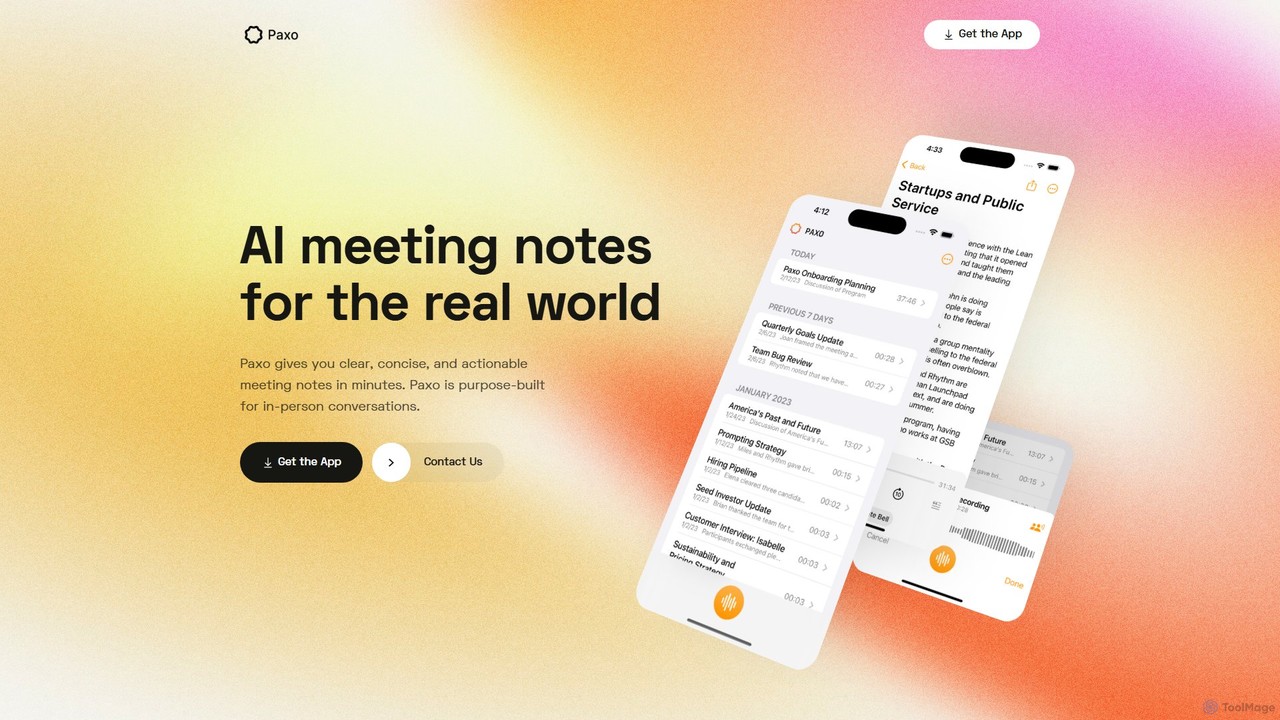
Paxo
Paxo is an AI-powered meeting notes application for Apple devices that records, transcribes, and summarizes your conversations. It transforms audio into searchable, organized, and actionable notes, seamlessly synced across your devices with iCloud and a strong focus on privacy.
Transcription
Songbird
Songbird is an AI-powered news platform that transforms written articles into high-quality, natural-sounding audio. It aggregates news from various sources, provides concise AI-generated summaries, and allows users to create personalized audio playlists. Stay informed on the go, whether you're commuting, exercising, or multitasking.
Information Consumption
GistReader
GistReader is an AI-enhanced read-it-later application designed to save you time. It uses AI to summarize articles and web pages, removes distracting ads and clutter for a clean reading experience, and can even convert articles into high-quality podcasts. It supports RSS feeds, YouTube videos, and integrates with Pocket, syncing your content across all devices.
AggregatorMeco
Meco is an AI-powered newsletter reader and aggregator designed to declutter your inbox. It moves your newsletters to a dedicated, distraction-free reading space, offering features like AI-generated audio roundups and text summaries to help you stay informed efficiently. Organize, discover, and retain knowledge from your favorite subscriptions seamlessly across web, iOS, and Android.
Summarizer
Tubly
Tubly is an AI-powered Android app that transforms long YouTube videos into concise text and audio summaries. It features multilingual translation, interactive timestamps, and a feed summarizer to help you learn more in less time. Ideal for busy individuals, it boosts productivity by making video content easily digestible on the go.
Learning
Clearly Reader
Clearly Reader is an AI-powered reading assistant that transforms cluttered web pages into a clean, customizable reading view. It removes ads and distractions, offers text-to-speech, AI-driven summaries, and translation. Users can clip articles, export to various formats (PDF, Word, Markdown), and sync with tools like Obsidian, Pocket, and Instapaper. It's designed to enhance focus, comprehension, and productivity for students, professionals, and casual readers.
Research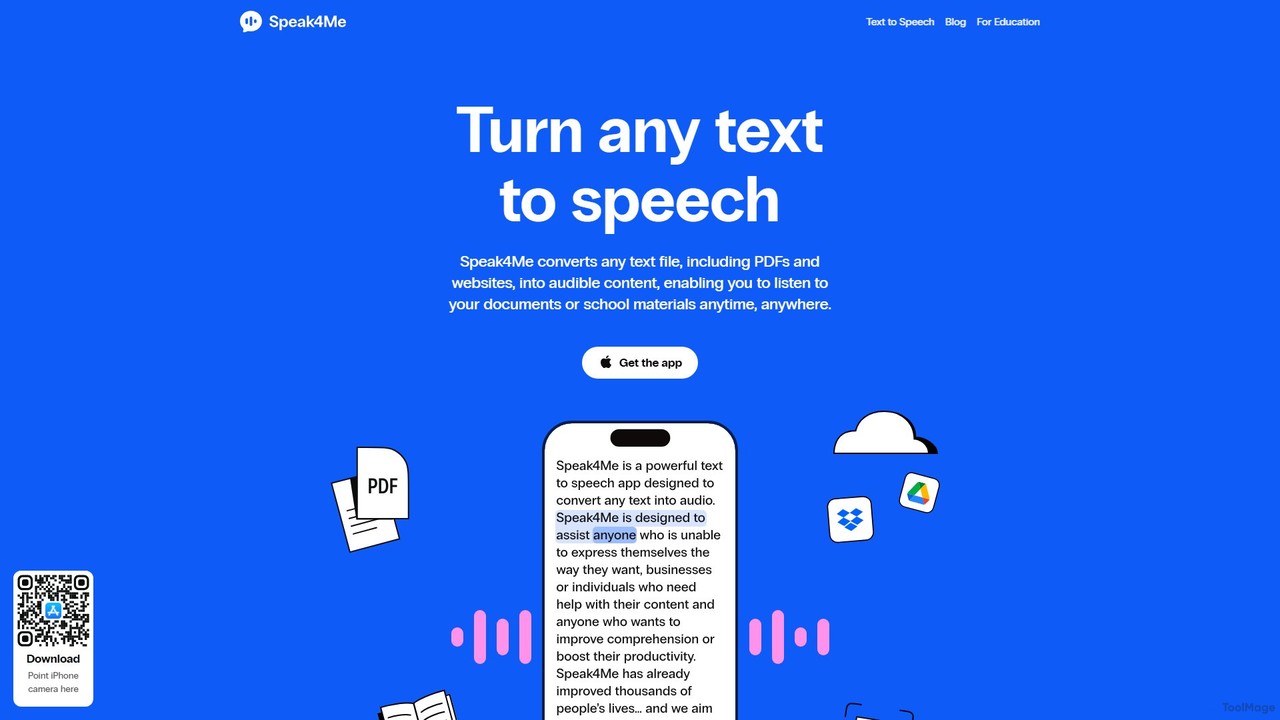
Speak4Me
Speak4Me is an advanced text-to-speech iOS app that converts any text from documents, websites, or scanned pages into natural-sounding audio. It features AI-powered chat for summarizing and querying documents, seamless cloud integration, and robust accessibility tools for users with dyslexia or ADHD. Listen to content on the go, increase productivity, and enhance your reading and learning experience.
Assistive Technology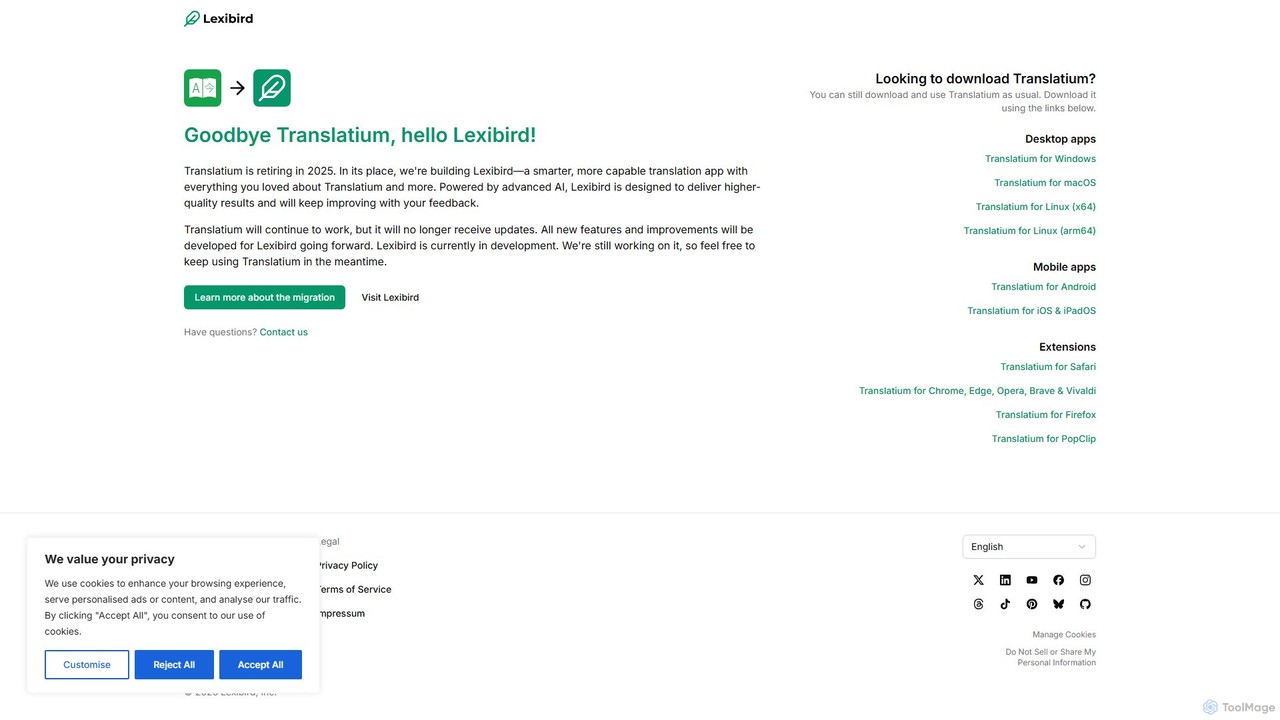
Translatium
Translatium is a powerful, feature-rich desktop translation application for macOS, Windows, and Linux. It supports over 100 languages, offering text translation, text-to-speech, OCR camera translation, and a built-in dictionary. Designed for students, professionals, and travelers, it provides a seamless and intuitive translation experience.
Localization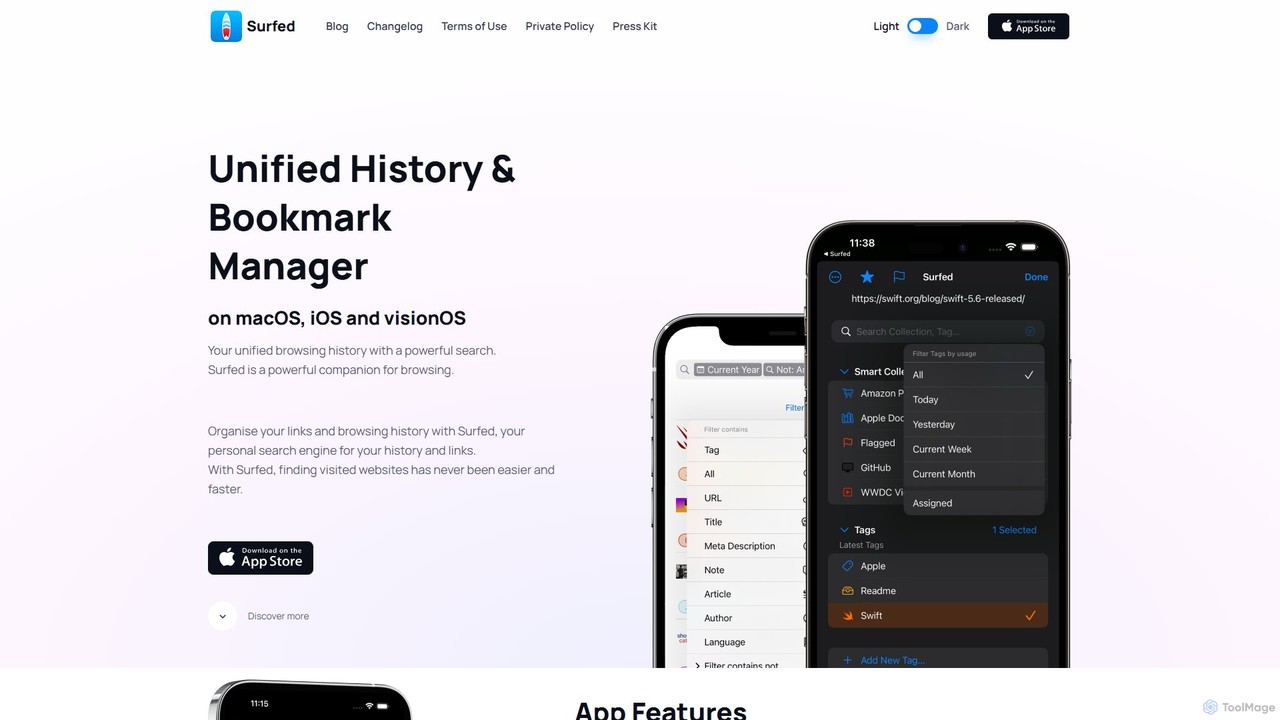
Surfed
Surfed is a powerful, privacy-focused history and bookmark manager for macOS, iOS, and visionOS. It unifies your browsing history from all major browsers, acting as your personal search engine. With features like AI-powered summarization, web automation, read-it-later, and cross-device sync, Surfed transforms how you organize, find, and interact with your web links and content.
Automation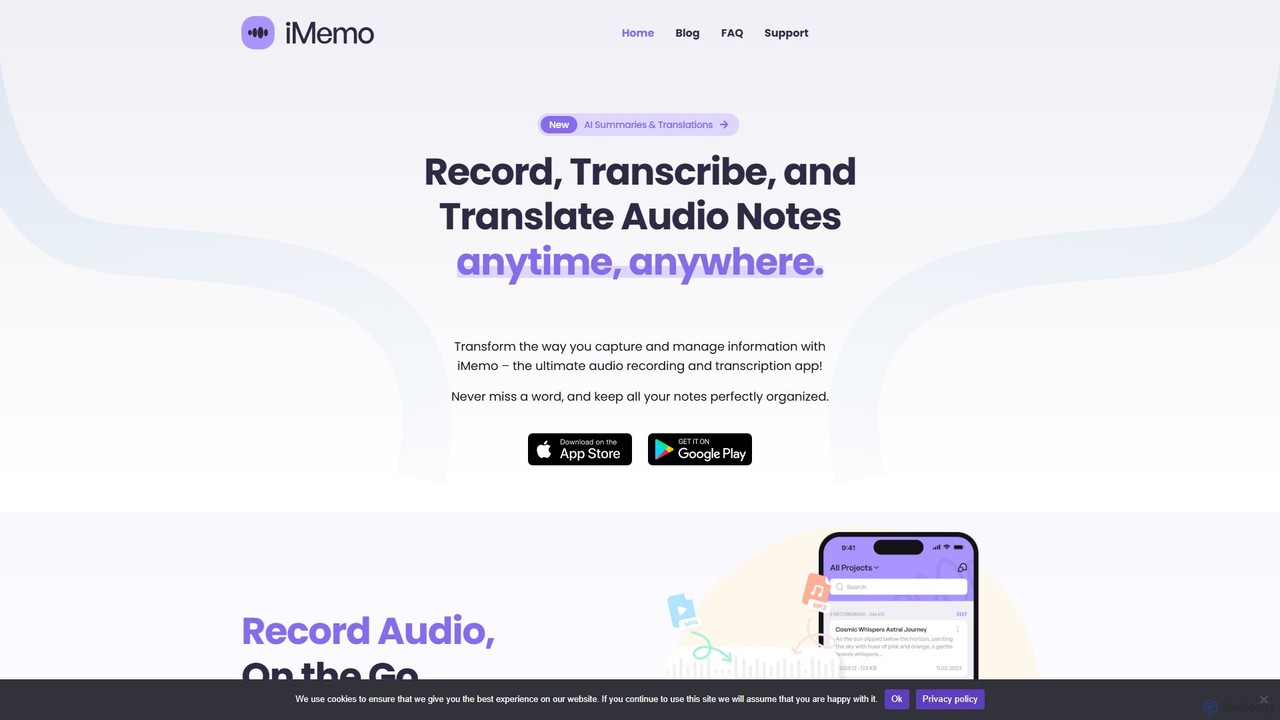
iMemo
iMemo is an AI-powered note-taking assistant that transforms audio into actionable text. Record meetings, lectures, or ideas, and get instant transcriptions, AI-generated summaries, and translations in over 100 languages. Organize your notes in project folders, find information quickly with advanced search, and stay focused without distracting meeting bots. Ideal for students, professionals, journalists, and anyone looking to save time and capture every detail.
Transcription
SumsItUp
SumsItUp is a free, AI-powered iOS app that summarizes, reformats, and translates web links, text, and concepts. It integrates seamlessly with the iOS Share Sheet, allowing you to quickly generate summaries in various formats and styles, translate content from over 90 languages, and even have the results read aloud.
Curation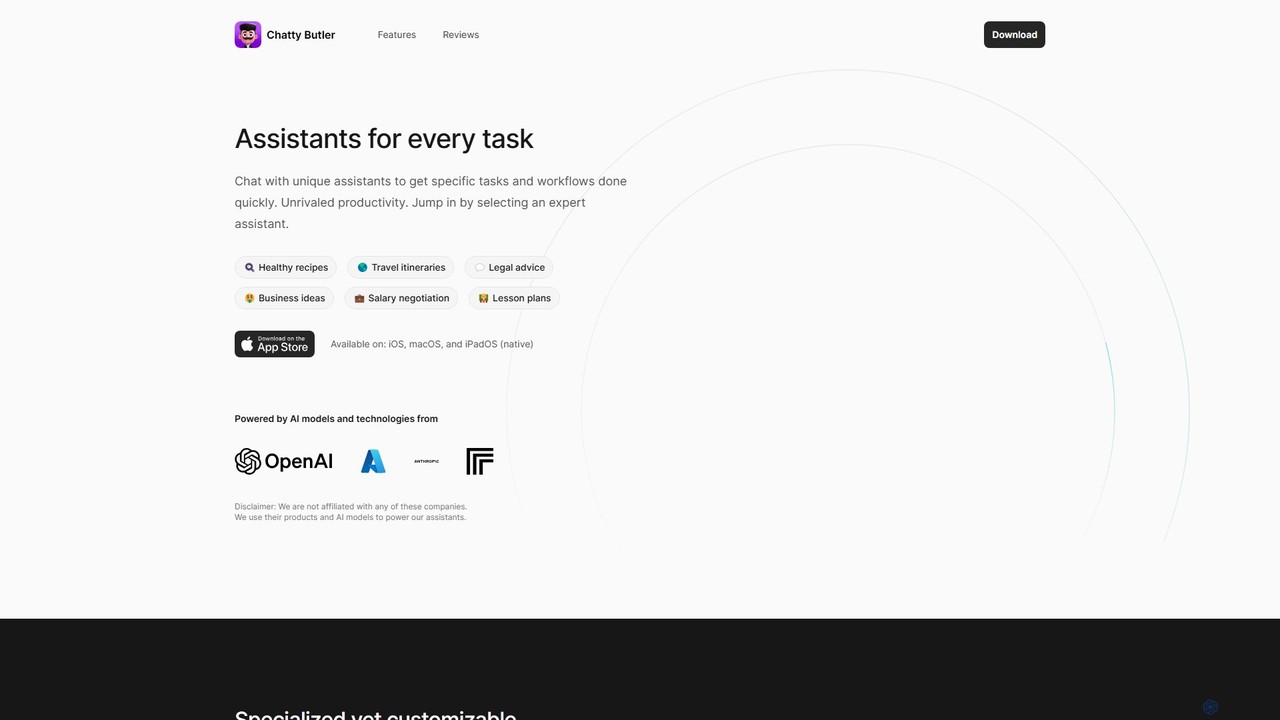
Chatty Butler
Chatty Butler is an AI-powered application for iOS, macOS, and iPadOS, offering a suite of specialized AI assistants. Each assistant is pre-configured for specific tasks like creating travel itineraries, getting legal advice, or drafting lesson plans. It simplifies complex AI interactions, providing a user-friendly 'easy mode' for ChatGPT-like capabilities. With a strong focus on privacy, voice commands, and multi-language support, Chatty Butler boosts productivity by delivering expert-level answers and creative solutions quickly and securely.
Learning
PowerReader Comments (0)
Sign in to comment.
Sign inNo comments yet.