

RipX DAW Overview
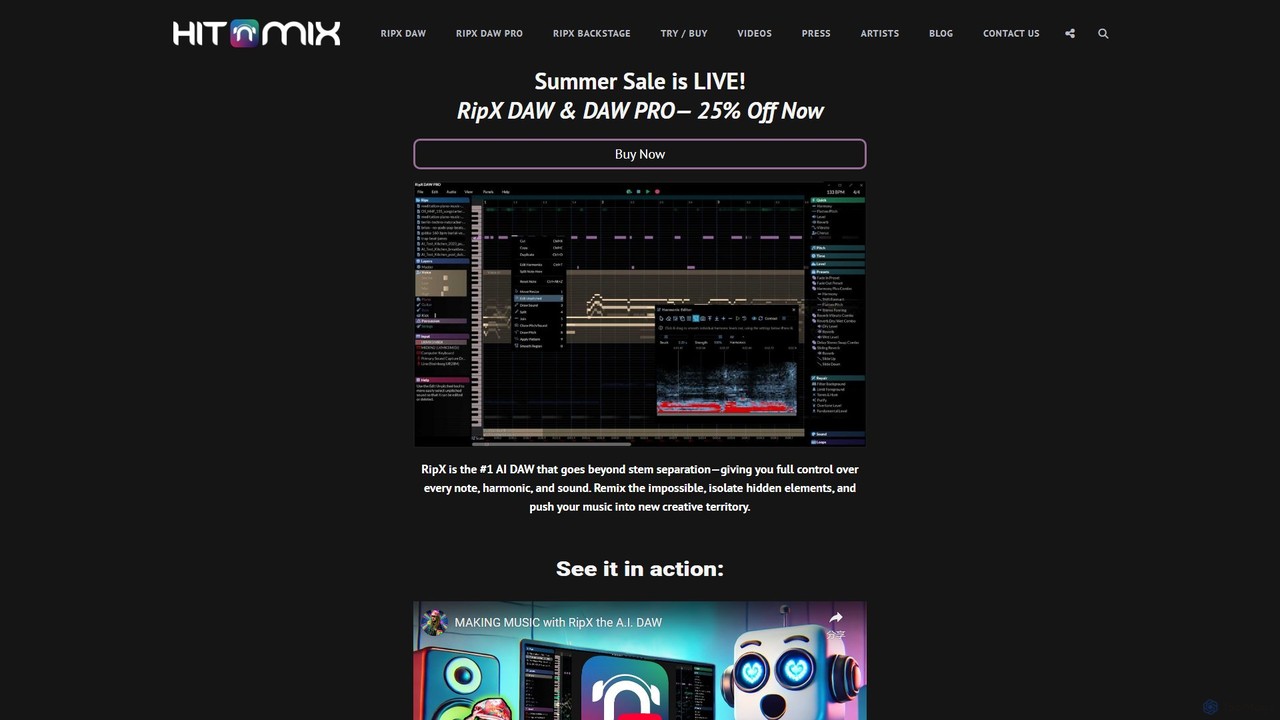
RipX DAW is a revolutionary AI-powered Digital Audio Workstation that fundamentally changes how artists, producers, and engineers interact with audio. Developed by Hit'n'Mix, it moves beyond traditional waveform editing and simple stem separation by deconstructing mixed audio files into their core musical components. This allows for unprecedented control over every individual note, harmonic, and unpitched sound within a track. Audio is represented in the proprietary Rip format, a rich data structure that enables deep manipulation of vocals, bass, drums, guitars, and other instruments as if they were MIDI notes.
The platform is offered in two tiers: RipX DAW and RipX DAW PRO. The standard version provides powerful AI stem separation, note-level editing, and a suite of creative tools perfect for remixing, sampling, and learning music. The PRO version unlocks a new dimension of audio control with the advanced Audioshop® tools, a detailed Harmonic Editor for surgical sound sculpting, high-end audio repair and noise clean-up features, and RipScripts, a Python-based scripting language for creating custom tools and automating workflows.
How to use RipX DAW
The workflow in RipX DAW is designed to be intuitive and visually driven, making complex audio editing accessible.
- Import & Rip: Simply drag and drop any audio file (e.g., MP3, WAV, FLAC) into the application. RipX's AI will analyze the track and "rip" it, separating it into distinct layers like Vocals, Bass, Drums, and other instruments.
- Navigate & Edit: Once ripped, the audio is displayed as colored notes on a piano roll-style editor. You can easily solo, mute, or adjust the volume and panning of entire layers. Click on individual notes to change their pitch, timing, and duration.
- Apply Tools & Effects: Use the built-in tools to apply effects like Reverb or Delay to specific notes, not just the whole track. You can correct pitch, create new harmonies, or even replace an instrument's sound with a different one from the library or a VST.
- Advanced Editing (PRO): With RipX DAW PRO, you can dive deeper. Use the Harmonic Editor to remove specific noises or alter an instrument's timbre. The Repair panel offers one-click solutions for cleaning up background noise, hum, and other artifacts.
- Export Your Creation: Export your work in various formats. You can save the full mix, export individual stems for use in other DAWs or DJ sets, or export a specific part as a MIDI file to control virtual instruments.
Core Features of RipX DAW
- AI Stem Separation: Industry-leading separation of mixed audio into vocals, instruments, percussion, and bass layers.
- Note-Level Editing: Edit audio as if it were MIDI. Adjust pitch, time-stretch, copy, and paste individual notes and harmonics.
- Creative Effects: Apply powerful live effects like Reverse, Delay, Vibrato, and Harmony to individual notes or groups of notes.
- Tempo & Key Control: Easily change the tempo and key/scale of a song. Notes can automatically snap to the selected scale for perfect pitch.
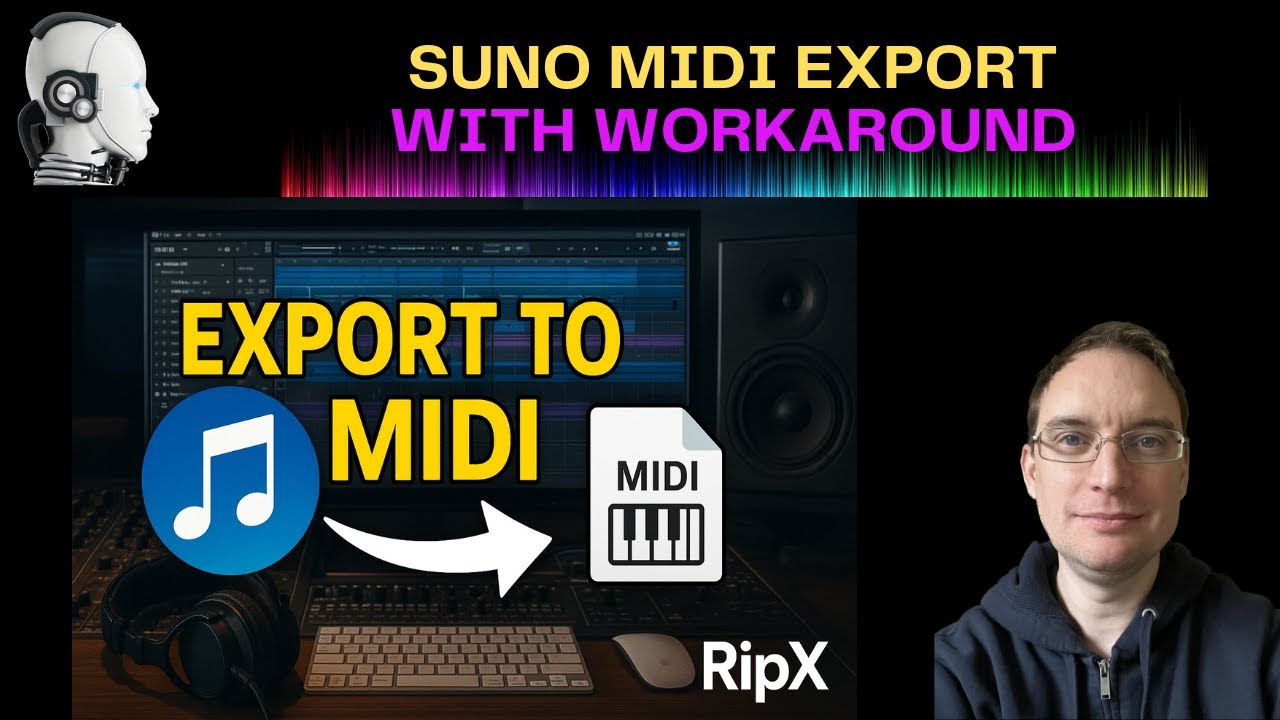
- Audio to MIDI Conversion: Extract musical parts as MIDI files to use with your favorite VST instruments.
- Audioshop® Tools (PRO): A suite of advanced tools for deep sound manipulation, including cloning sound characteristics, drawing pitch slides, and more.
- Harmonic Editor (PRO): A surgical tool for editing the individual harmonics of a sound, perfect for intricate noise removal and sound design.
- Audio Repair & Clean-up (PRO): Powerful, non-destructive tools to remove background noise, hum, and other audio imperfections from dialogue and music.
- RipScripts (PRO): A scripting environment to build your own custom editing tools and automate complex tasks.
- DAW Integration (PRO): Seamlessly connect with other DAWs like Logic Pro, Pro Tools, and Ableton Live using the RipLink VST3/ARA2 plug-in.
Use Cases for RipX DAW
RipX DAW is a versatile tool for a wide range of audio professionals and enthusiasts:
- Music Producers: Isolate and sample any part of a song, create unique virtual instruments from any sound, and humanize AI-generated music by editing its components.
- DJs & Remixers: Effortlessly create high-quality acapellas and instrumentals for live sets and mashups. Extract and manipulate samples from mastered tracks with complete freedom.
- Musicians & Students: Learn to play any song by isolating and looping specific instrument parts. View chord and note charts, create backing tracks for practice, and transcribe music with ease.
- Audio Post Professionals: Clean up dialogue by removing background noise from on-location recordings. Isolate and remove unwanted sounds like coughs or traffic from audio for film and video.
- Sound Designers: Create entirely new sounds by manipulating harmonics and blending audio textures. Use RipScripts to programmatically generate unique sound effects.
Advantages of RipX DAW
The primary advantage of RipX DAW is its unique, object-oriented approach to audio. Instead of editing a static waveform, you are manipulating the fundamental components of the sound itself. This leads to several key benefits:
- Unmatched Control: Go beyond what other stem separators and audio editors can do with note-level and harmonic editing.
- Superior Quality: The AI-powered separation and repair tools produce clean, artifact-free results, even on complex mixes.
- Creative Freedom: The ability to deconstruct and reconstruct sound opens up endless possibilities for remixing, sampling, and sound design.
- Intuitive Workflow: The visual, note-based interface is more intuitive for musicians than traditional spectral editors, making complex tasks feel simple.
- All-in-One Solution: It combines stem separation, a creative DAW, and advanced audio repair into a single, integrated environment.
Pricing and Plans
Hit'n'Mix offers a straightforward pricing model for RipX DAW, with a free trial available for users to experience its full capabilities.
- 21-Day Free Trial: A fully functional free trial is available for both RipX DAW and RipX DAW PRO, allowing you to test all features before purchasing.
- RipX DAW: Available as a one-time purchase. This version includes the core AI stem separation and note-based editing features. It is typically priced around $99.
- RipX DAW PRO: Also available as a one-time purchase at a higher price point, typically around $198. This version includes all features of the standard version plus the Audioshop® tools, Harmonic Editor, advanced Repair panel, and RipScripts.
Prices may vary based on region and ongoing promotions. Please visit the official Hit'n'Mix website for the most current pricing and offers.
Traffic
Latest traffic
Status
Monthly traffic trend
- 2025-9: 81.1K
- 2026-1: 102.2K
- 2026-2: 99.7K
- 2026-3: 92.0K
- 2026-4: 74.4K
- 2026-5: 91.6K
Geography
Top 5 countries / regions
- 🇺🇸United States52.9%
- 🇩🇪Germany18.4%
- 🇯🇵Japan13.3%
- 🇫🇷France9.3%
- 🇧🇷Brazil6.1%
Traffic sources
| Source type | Percentage |
|---|---|
Direct | 80.4% |
Referral | 11.6% |
Email | 8.1% |
Top keywords
| Keyword | Cost per click |
|---|---|
| ai based daw | $0.00 |
| ripx | $0.85 |
| ripx daw | $1.32 |
| ripx daw pro | $1.10 |
| ripx torrent crack | $0.00 |
RipX DAW Videos on YouTube
Music Tech Info
DJ/PRODUCER K-DEF
RipX DAW Alternatives
AudioShake Indie
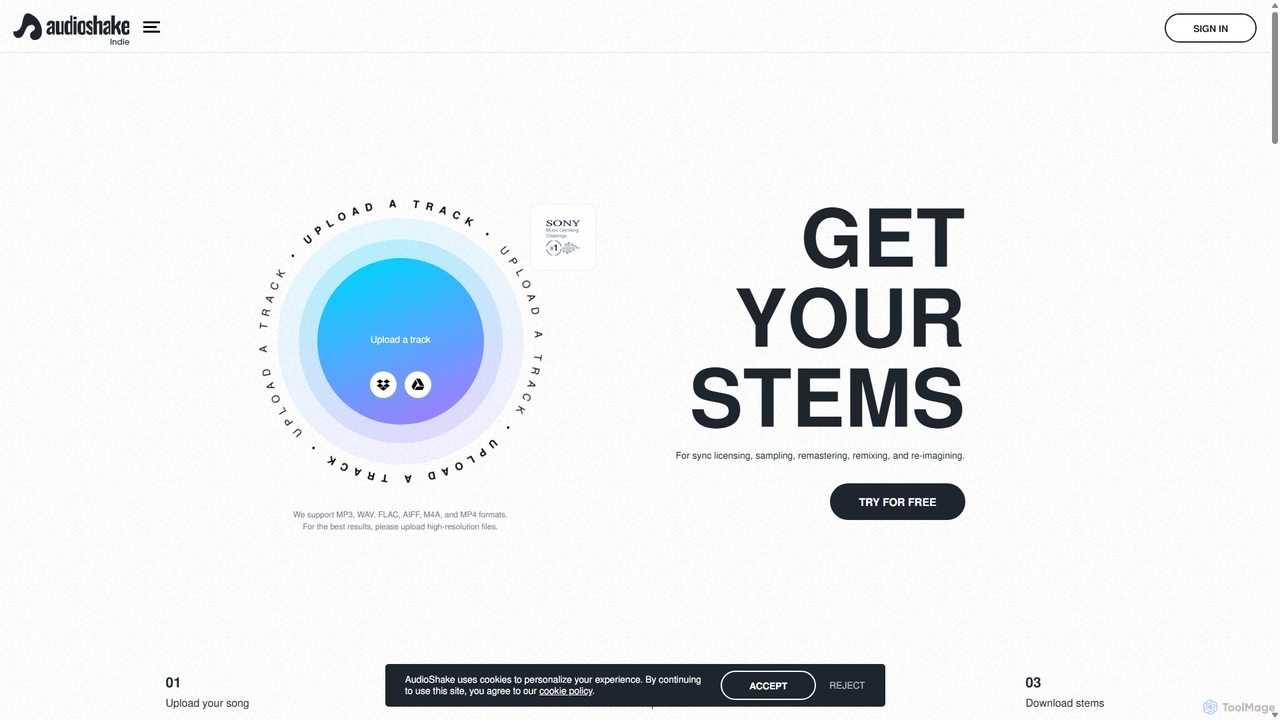
AudioShake Indie is an advanced AI-powered tool designed for musicians, producers, and labels to deconstruct any audio track into its constituent parts, or stems. It cleanly separates vocals, drums, bass, and other instruments from a single audio file, opening up new possibilities for remixing, sampling, sync licensing, and remastering, even when original multi-track recordings are lost.
Music Editing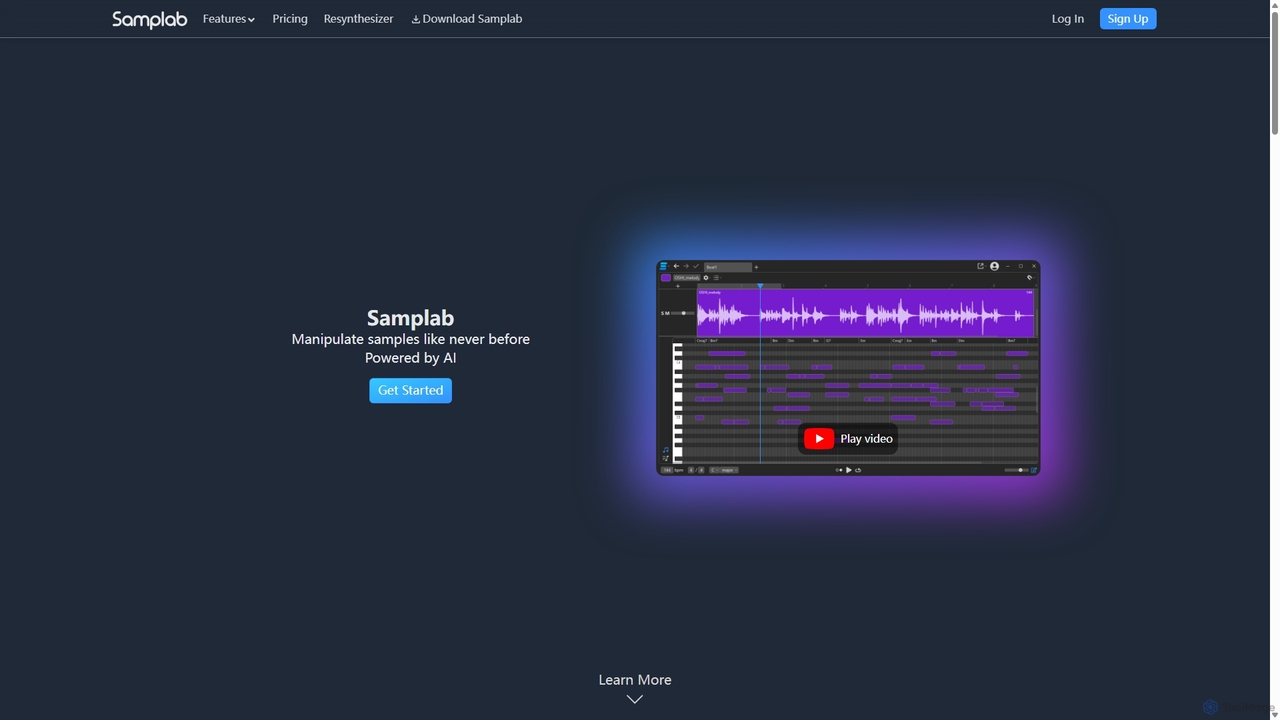
Samplab
Samplab is an AI-powered audio tool for music producers that allows for unprecedented manipulation of samples. Edit individual notes in polyphonic audio, detect and change chords, split music into stems, and seamlessly match the tempo and key of different samples. It integrates directly into your DAW as a VST3/AU plugin.
Audio Editing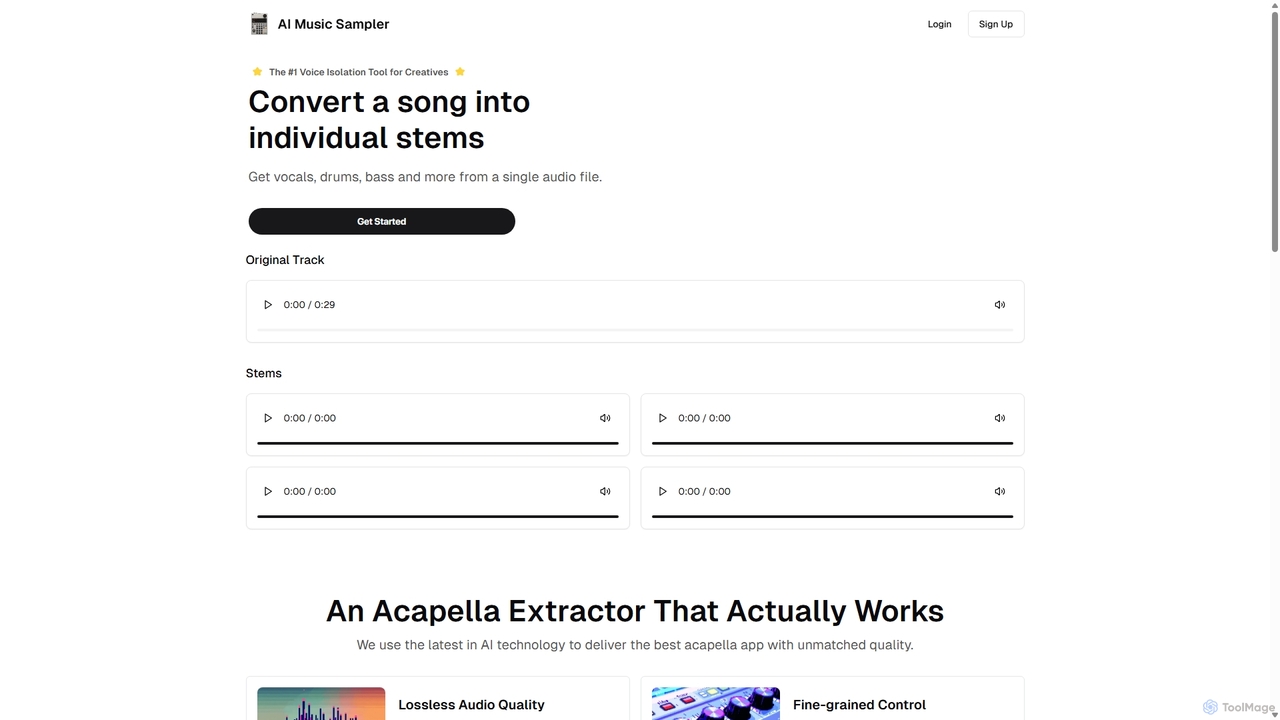
Aimusicsampler
Aimusicsampler is an AI-powered audio separation tool that allows creatives to extract individual stems like vocals, drums, bass, and other instruments from any song. It delivers high-quality, lossless audio files (WAV) with remarkable accuracy, operating on a flexible pay-per-use model without requiring a monthly subscription.
Audio Editing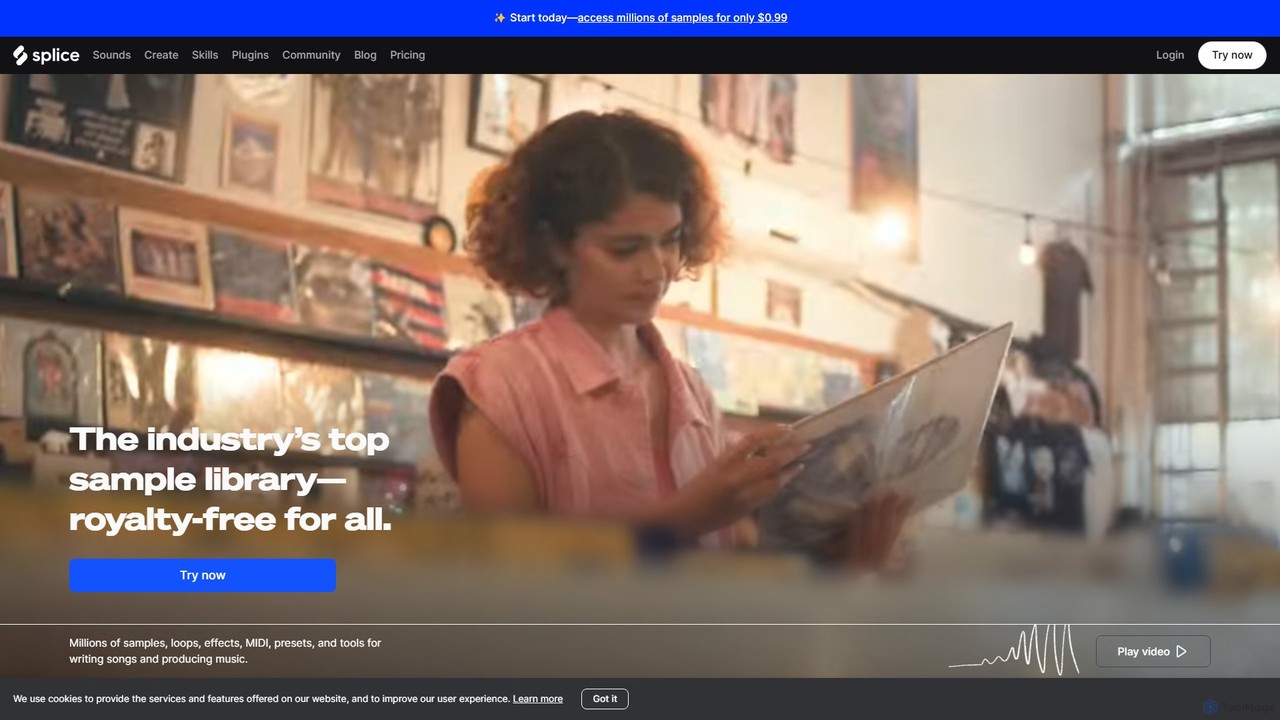
Splice
Splice is a cloud-based music creation platform offering a vast, royalty-free library of millions of samples, loops, and presets. It features AI-powered tools for sound discovery, seamless DAW integration, exclusive plugins, and a rent-to-own marketplace for top music software, empowering producers of all levels.
Music Production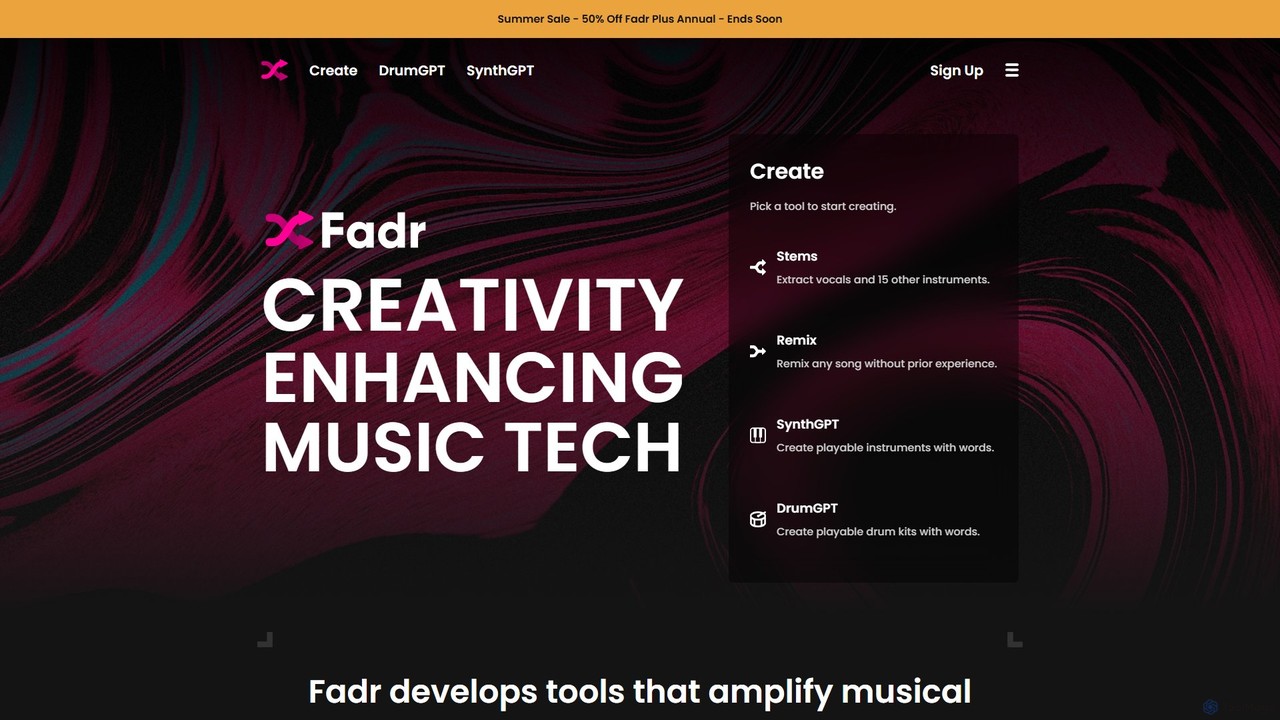
Fadr
Fadr is a powerful AI music platform that enables users to create remixes, mashups, and separate songs into high-quality stems. It features tools for stem separation (vocals, instruments), AI-powered remixing, and innovative text-to-instrument generators like SynthGPT and DrumGPT. It's designed for producers, DJs, and musicians of all skill levels.
Music ProductionRipX DAW Categories
RipX DAW Embed Widget
Copy this embed code to place the badge on your blog, article, or product site and send readers directly to this ToolMage detail page.

Related AI tools
AudioShake Indie
AudioShake Indie is an advanced AI-powered tool designed for musicians, producers, and labels to deconstruct any audio track into its constituent parts, or stems. It cleanly separates vocals, drums, bass, and other instruments from a single audio file, opening up new possibilities for remixing, sampling, sync licensing, and remastering, even when original multi-track recordings are lost.
Music Editing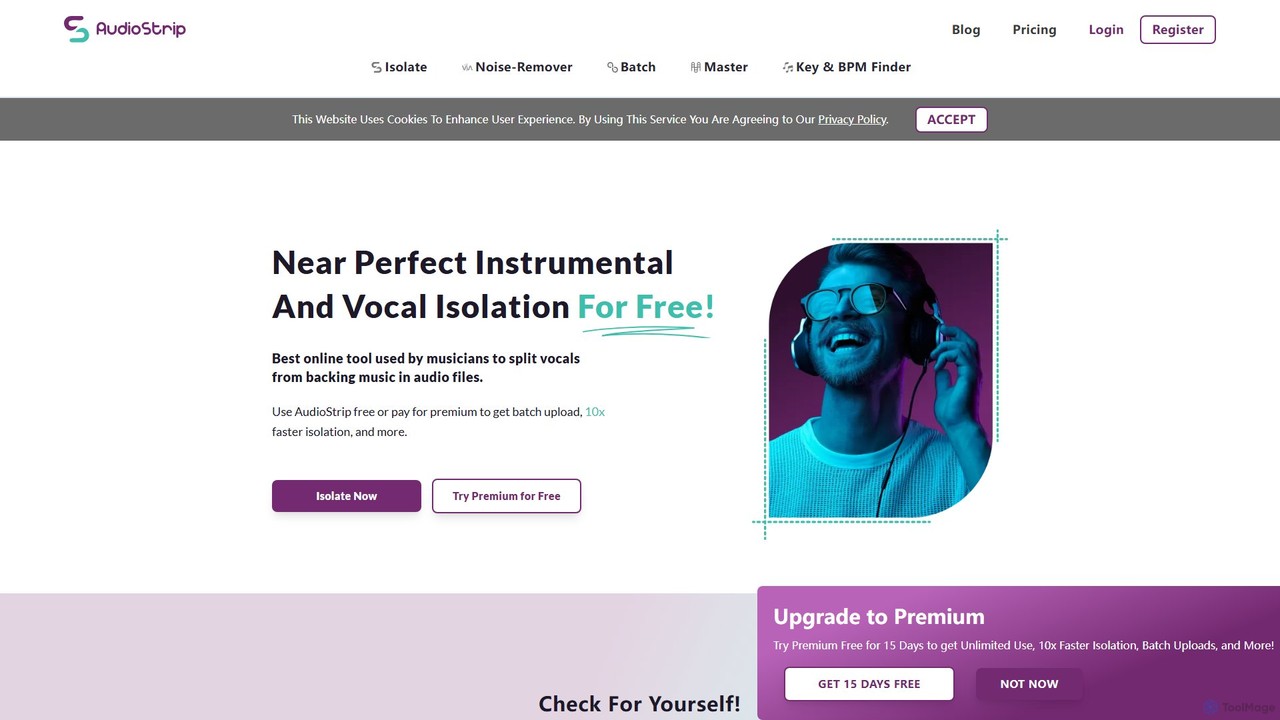
AudioStrip
AudioStrip is a powerful AI-powered online tool for musicians and producers, offering high-quality vocal and instrumental separation from any audio track. It also provides advanced features like AI mastering, noise reduction, and specific instrument isolation (drums, bass, piano, guitar) with both free and premium options.
Audio Editing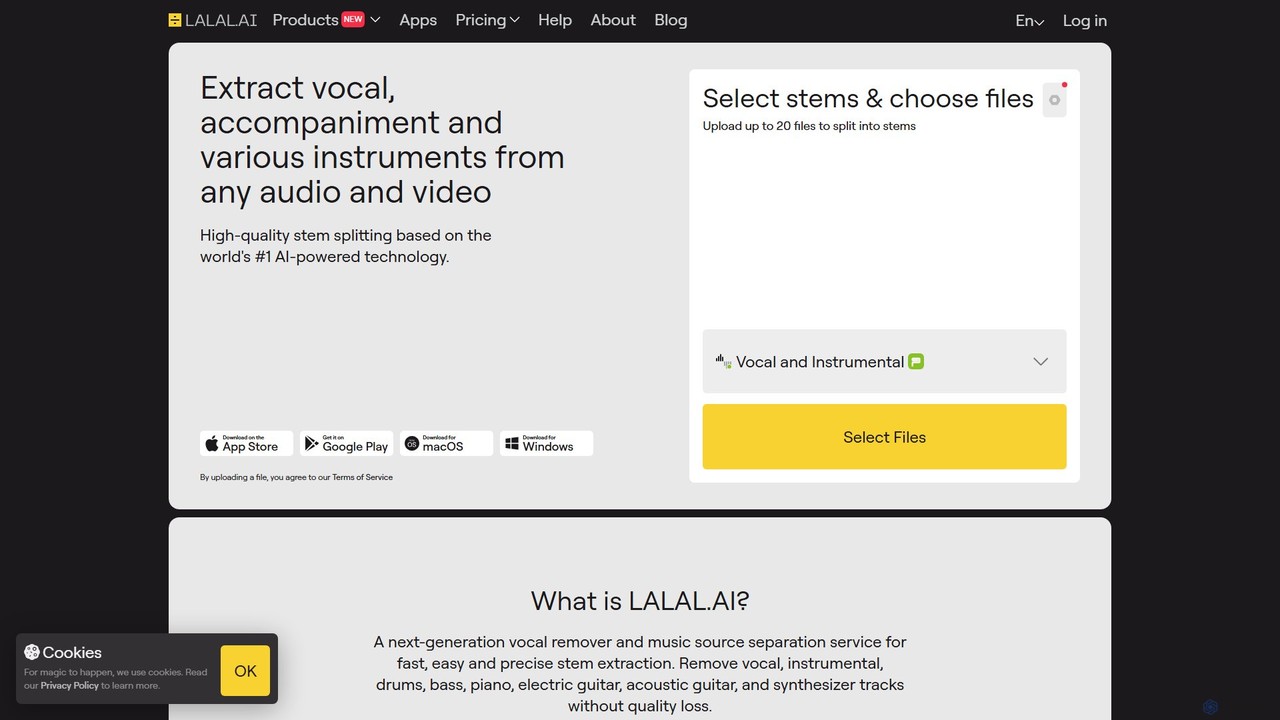
LALAL.AI
LALAL.AI is a next-generation AI-powered service for high-quality vocal and instrumental stem separation. It allows users to quickly and accurately extract up to 10 different stems—including vocals, drums, bass, piano, and more—from any audio or video file. The platform also features a Voice Cleaner for noise reduction, an Echo Remover, and a Voice Cloner, making it a comprehensive toolkit for musicians, producers, and content creators.
Music Editing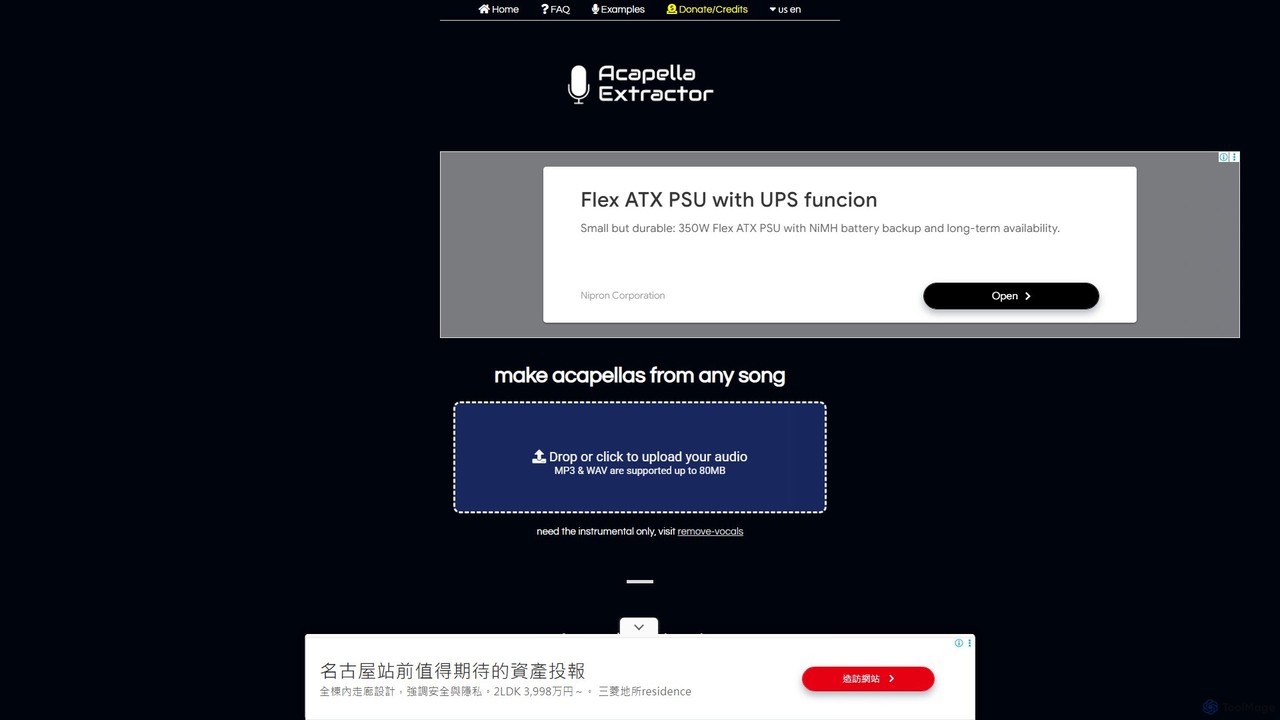
acapella_extractor
A free, AI-powered online tool that isolates vocals from any song. Simply upload an audio file (MP3 or WAV) to create a high-quality acapella track, perfect for DJs, producers, and karaoke fans. No registration or software installation required.
Source Separation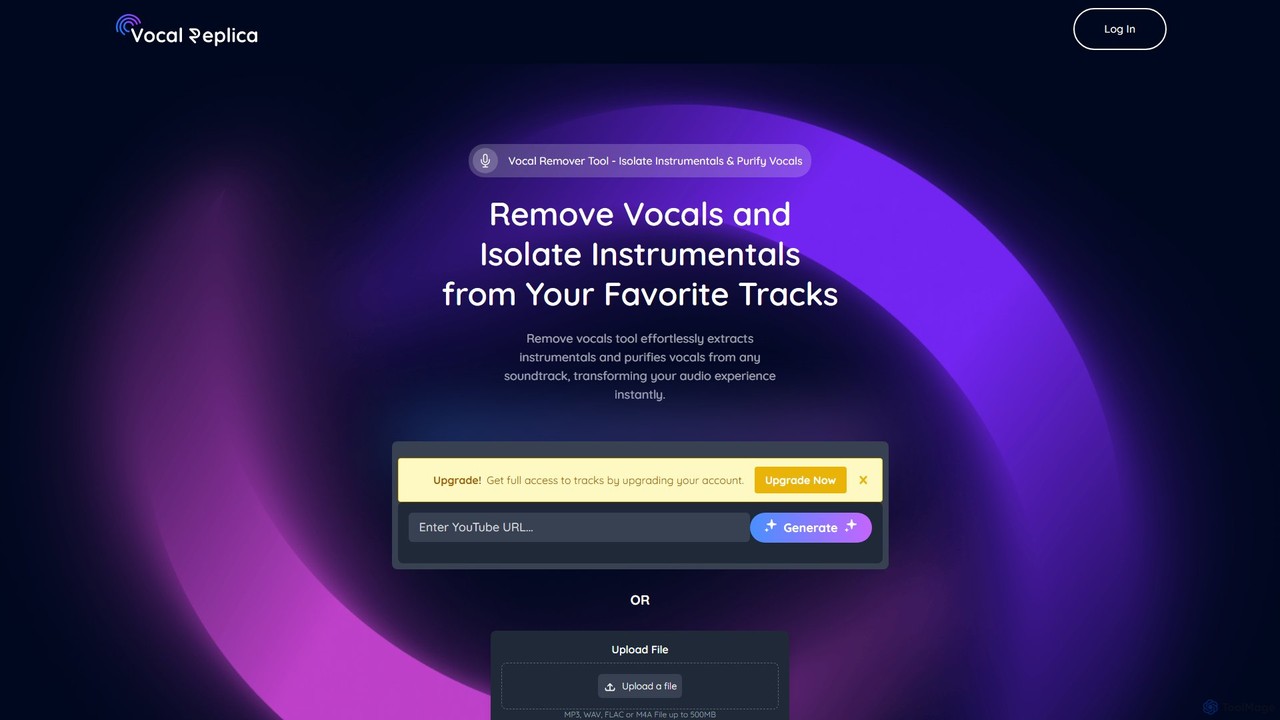
VocalReplica
VocalReplica is an advanced AI-powered tool for high-precision vocal and instrumental separation. It enables musicians, DJs, and producers to easily isolate clean vocal and instrumental tracks from any song by uploading an audio file or pasting a YouTube URL.
Audio EditingSamplab
Samplab is an AI-powered audio tool for music producers that allows for unprecedented manipulation of samples. Edit individual notes in polyphonic audio, detect and change chords, split music into stems, and seamlessly match the tempo and key of different samples. It integrates directly into your DAW as a VST3/AU plugin.
Audio EditingAimusicsampler
Aimusicsampler is an AI-powered audio separation tool that allows creatives to extract individual stems like vocals, drums, bass, and other instruments from any song. It delivers high-quality, lossless audio files (WAV) with remarkable accuracy, operating on a flexible pay-per-use model without requiring a monthly subscription.
Audio Editing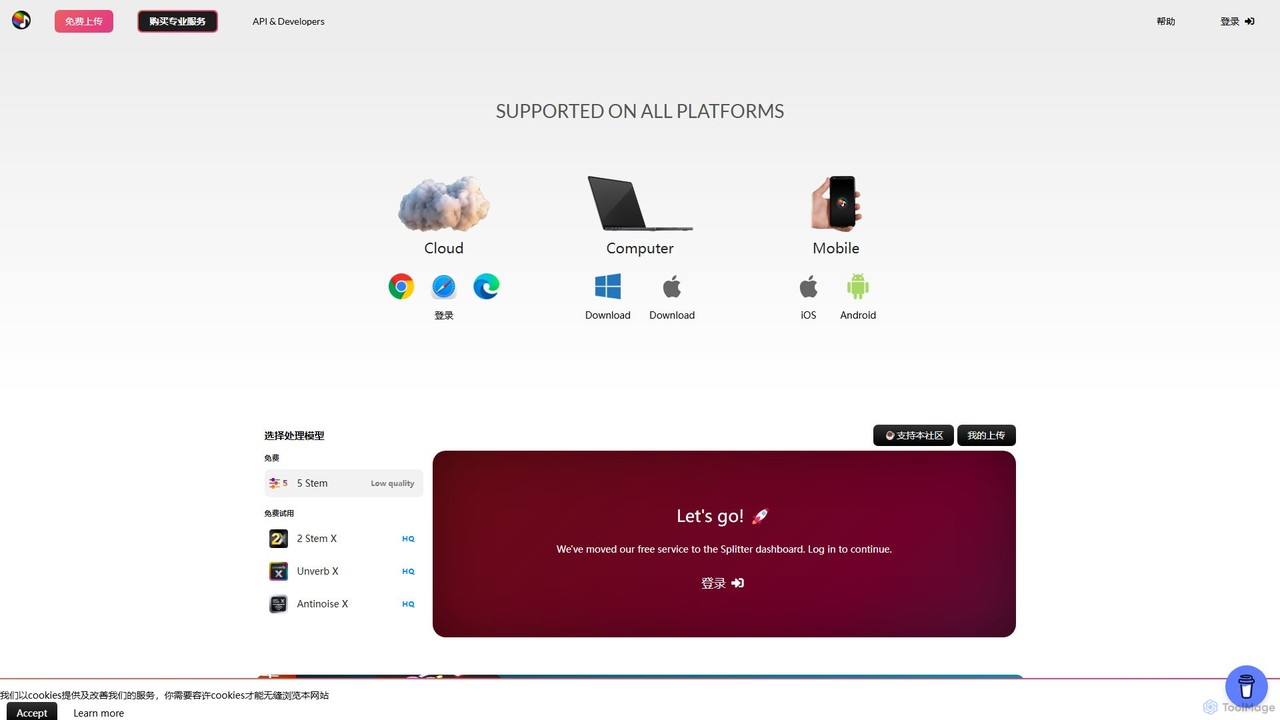
Splitter.ai
Splitter.ai is an advanced AI-powered audio processing platform for high-fidelity stem separation. It enables users to isolate vocals, drums, bass, piano, and other instruments from any song. With features like reverb removal, noise reduction, and direct YouTube processing, it's an essential tool for music producers, DJs, and musicians.
Audio Editing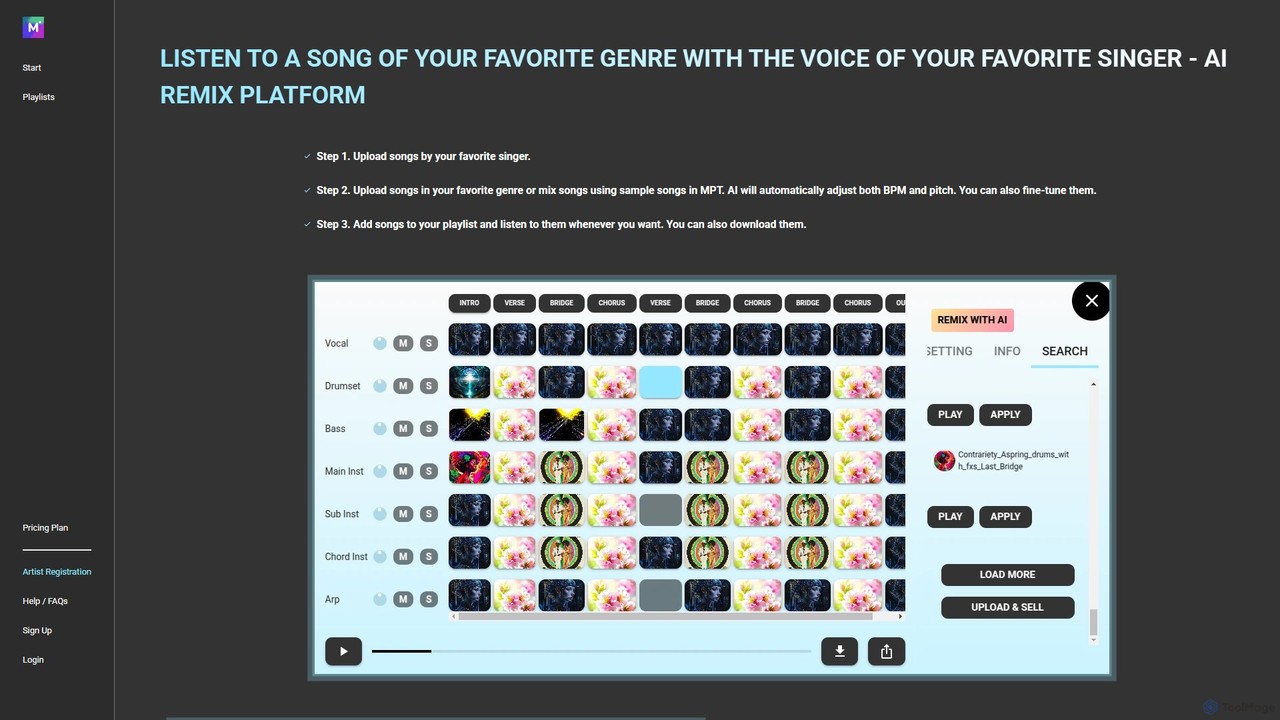
MPT
MPT is an AI-powered music platform that allows users to upload, create, and remix songs with ease. Separate songs into elements like vocals and instrumentals, then combine them to create unique mashups. The AI automatically adjusts BPM and pitch for seamless integration.
Music Generation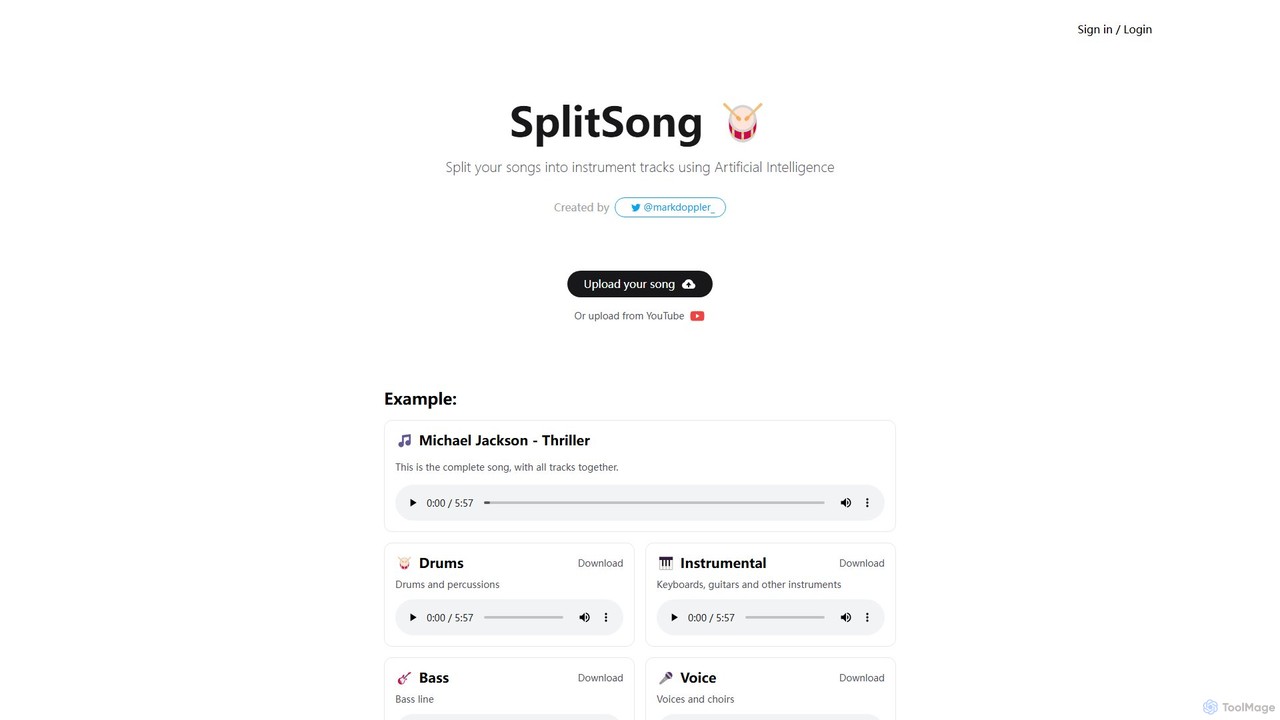
SplitSong
SplitSong is an AI-powered online tool that separates any song into individual tracks like vocals, drums, bass, and instruments. Easily create karaoke tracks, remixes, or practice material by uploading a file or pasting a YouTube link.
Music Editing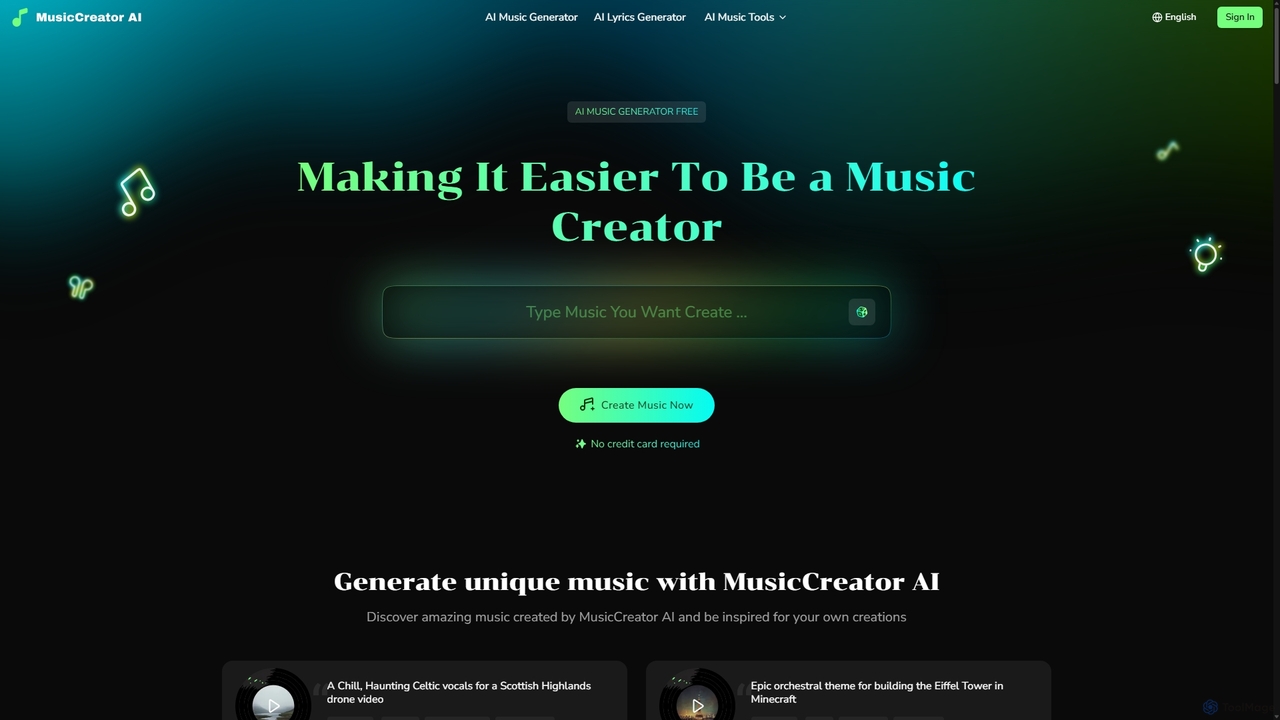
MusicCreator
MusicCreator is a comprehensive AI-powered music creation suite that allows users to generate unique, royalty-free music from text or lyrics. It also includes tools for lyric generation, vocal removal, and stem splitting, making it an all-in-one solution for content creators, musicians, and marketers.
Audio Editing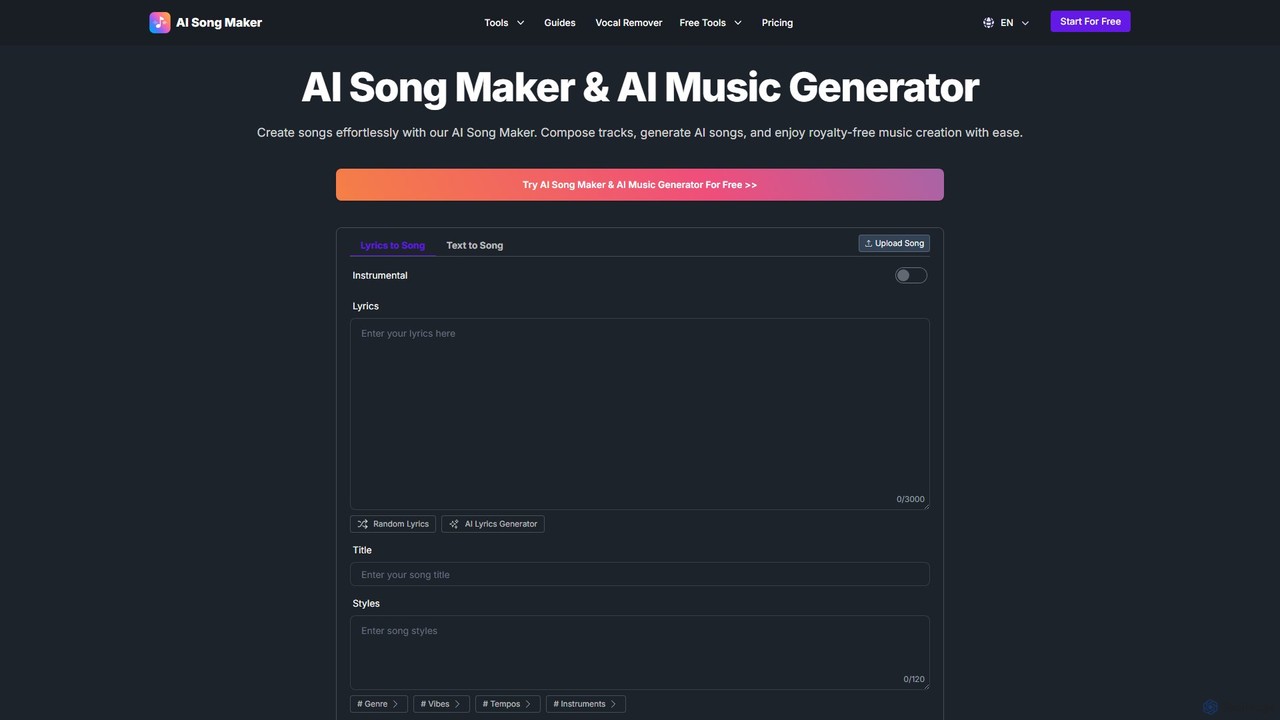
AI Song Maker
AI Song Maker is a powerful AI music generation platform that allows users to create unique, royalty-free songs from text or lyrics in seconds. It offers a comprehensive suite of tools, including an AI lyrics generator, a vocal remover for creating karaoke or acapella tracks, and music editing features like extending or replacing sections. It's designed for creators of all skill levels, from social media influencers and musicians to marketers and educators, providing a fast, easy, and cost-effective solution for high-quality music production.
Audio Editing
Wondera.ai
Wondera.ai is a conversational AI music co-creator that transforms your ideas into complete songs. Using text prompts, hummed melodies, or reference tracks, you can generate, iterate, and produce music. It features advanced voice cloning, high-quality stem separation, and customizable AI agents, making music creation accessible to everyone from beginners to professionals.
Music Generation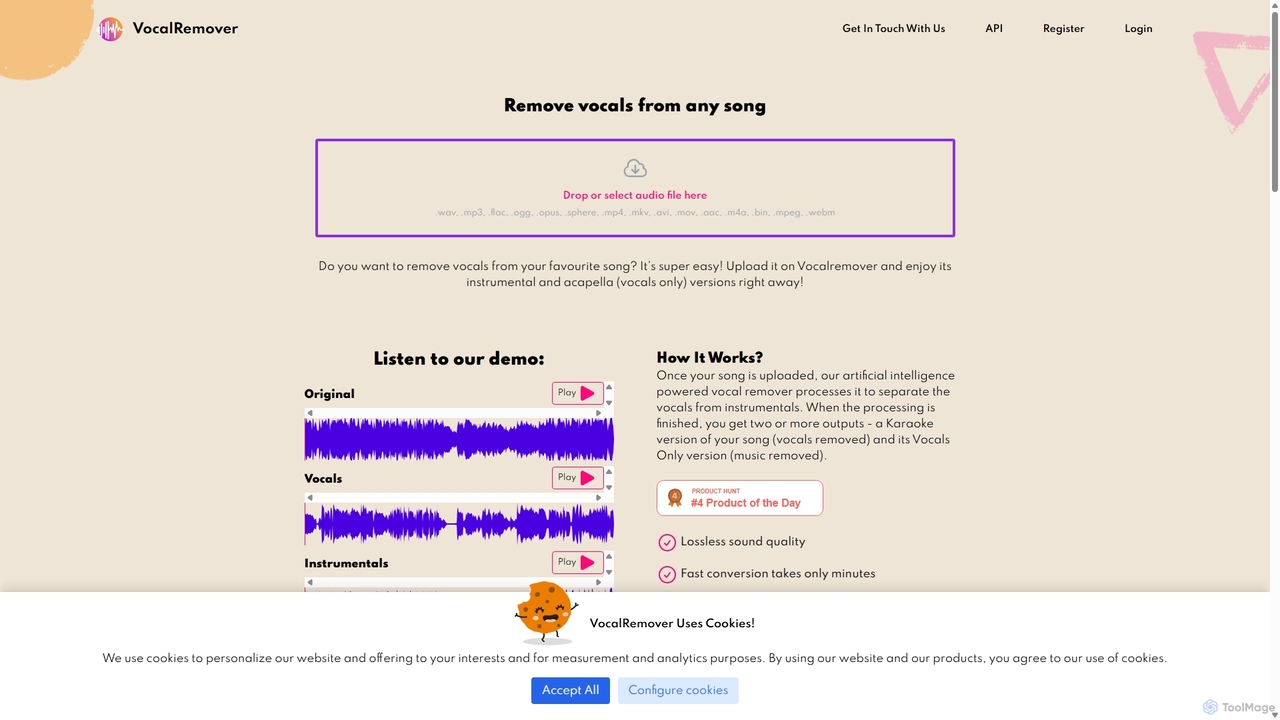
VocalRemover
An AI-powered online tool that precisely separates vocals from music in any audio or video file. It generates high-quality instrumental (karaoke) and acapella tracks. Beyond vocals, it can also isolate specific instruments like drums, bass, and piano, making it an essential tool for DJs, music producers, and karaoke lovers.
Music Editing
RipX DAW Comments (0)
Sign in to comment.
Sign inNo comments yet.