

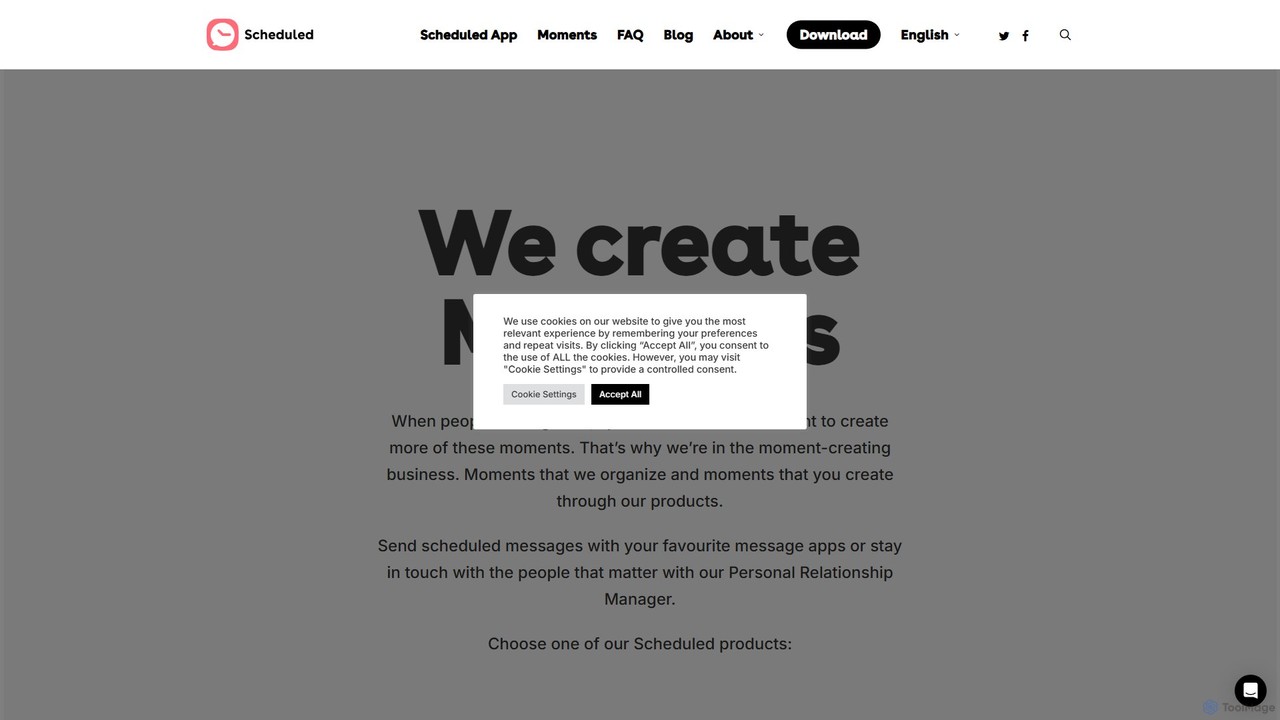
Scheduled Overview
Scheduled is an intelligent message automation and scheduling application designed to help you manage your personal and professional communications effortlessly. In a fast-paced world, it's easy to forget important dates, follow-ups, or sending timely messages. Scheduled solves this problem by allowing you to write messages in advance and have them sent automatically at the perfect moment. It supports a wide range of popular messaging platforms, making it a versatile tool for everyone from busy professionals to individuals who want to nurture their relationships.
The app's core philosophy is to reduce your mental load and ensure your important communications are never missed. By planning your messages, you can be more thoughtful and present in your interactions, whether it's wishing a loved one a happy birthday right at midnight or sending a crucial follow-up to a client at the start of their business day. The platform may also incorporate AI to suggest the optimal time to send messages for maximum impact and engagement.
How to use Scheduled
Using Scheduled is designed to be simple and intuitive. Here’s a typical workflow:
- Download and Connect: Start by downloading the Scheduled app on your iOS or Android device. You can also access its features through the web platform. Connect your desired messaging accounts, such as WhatsApp, iMessage, Telegram, or your email client.
- Compose Your Message: Write the message you want to send. You can create personalized messages, use pre-saved templates for efficiency, or even get AI-powered suggestions to refine your text.
- Select Recipients: Choose the contact or group of contacts you want the message to be sent to from your address book.
- Set the Schedule: Pick the exact date and time for the message to be delivered. You can schedule it for minutes, days, or even years in advance. You can also set up recurring schedules for events like birthdays or weekly reports.
- Review and Confirm: Once everything is set, confirm the scheduled message. The app will handle the rest. For some platforms like WhatsApp or iMessage, due to their policies, the app might send you a notification at the scheduled time, allowing you to give the final tap to send the message, ensuring compliance and control.
Core Features of Scheduled
- Multi-Platform Support: Schedule messages across various platforms including WhatsApp, iMessage, SMS, Telegram, Facebook Messenger, and Email.
- AI-Powered Smart Scheduling: Get intelligent recommendations for the best time to send your message based on recipient habits and time zones for higher open and response rates.
- Recurring Messages: Set up messages to be sent automatically on a daily, weekly, monthly, or yearly basis. Perfect for birthdays, anniversaries, and regular check-ins.
- Bulk Messaging: Send a personalized message to multiple recipients at once, ideal for business announcements, event invitations, or holiday greetings.
- Message Templates: Create and save templates for frequently sent messages to save time and maintain consistency.
- Calendar Integration: View all your scheduled messages in a clean calendar view to easily manage your communication pipeline.
- Team Collaboration: Business plans allow teams to share scheduled messages, templates, and manage client communications from a centralized dashboard.
Use Cases for Scheduled
Scheduled is a versatile tool that can be adapted for various needs:
- Personal Use: Never miss a birthday, anniversary, or special occasion. Send good luck messages for exams or interviews. Remind family members about important events.
- Sales Professionals: Schedule follow-up emails after meetings, send personalized check-ins to leads, and nurture client relationships with timely communication.
- Marketers: Plan and automate marketing campaigns via SMS or WhatsApp. Announce new products, promotions, or events to a targeted audience.
- Small Business Owners: Send appointment reminders to clients, request reviews after a service, and send thank-you messages to customers.
- Team Leaders: Schedule weekly project reminders, send motivational messages to the team, and ensure important updates are delivered on time.
Advantages of Scheduled
The primary advantage of Scheduled is its ability to give you peace of mind and enhance your reliability. By automating your messaging, you save significant time and mental energy. It helps you build stronger personal and professional relationships by showing you care and are organized. For businesses, it translates into improved customer engagement, higher efficiency, and a more professional image. The cross-platform support means you can manage all your scheduled communications from a single, unified interface.
Pricing and Plans
Scheduled typically operates on a freemium model, offering plans for different user needs:
- Free Plan: Ideal for casual users, allowing a limited number of scheduled messages per month with basic features.
- Pro Plan: Aimed at individuals and power users, offering unlimited scheduled messages, recurring schedules, and support for multiple platforms for a monthly or annual fee.
- Business Plan: Designed for teams and businesses, this plan includes all Pro features plus team collaboration tools, bulk messaging capabilities, priority support, and potential API access for custom integrations.
For the most current pricing information, please visit the official Scheduled website.
Traffic
Latest traffic
Status
Monthly traffic trend
- 2025-9: 8.8K
- 2026-1: 9.7K
- 2026-2: 9.1K
- 2026-3: 9.2K
- 2026-4: 8.4K
- 2026-5: 9.8K
Geography
Top 5 countries / regions
- 🇺🇸United States51.6%
- 🇮🇹Italy18.4%
- 🇬🇧United Kingdom16.7%
- 🇨🇭Switzerland7.0%
- 🇳🇱Netherlands6.3%
Top keywords
| Keyword | Cost per click |
|---|---|
| programmer message whatsapp | $0.14 |
| scheduled | $1.77 |
| scheduled google play store | $0.00 |
| scheduled message website | $0.00 |
| schedule send in messenger | $0.00 |
Scheduled Alternatives

lunacal
Lunacal is an advanced appointment booking and calendar scheduling system designed for professionals and teams. It automates scheduling, reduces no-shows with reminders, and offers deep customization to match your brand. Sync with Google, Outlook, and Apple calendars, and integrate with essential business tools.
Booking
Cloodot
Cloodot provides an AI employee, Dot-AI, to handle 24/7 sales, customer support, and marketing. It engages customers across website chat, SMS, and social media to qualify leads, schedule appointments, answer questions, and manage online reputation. By integrating with popular CRMs and business tools, Cloodot automates workflows, reduces labor costs, and helps drive revenue growth for businesses of all sizes.
Chatbot
ViralPulse
ViralPulse is an AI-powered social media post generator that creates ready-to-use content based on real-time industry news and trends. It automates content creation for Facebook, Instagram, X, and LinkedIn, delivering posts, images, and videos directly to your inbox. It's designed for busy entrepreneurs, small businesses, and marketers to maintain a consistent and engaging online presence effortlessly.
Automation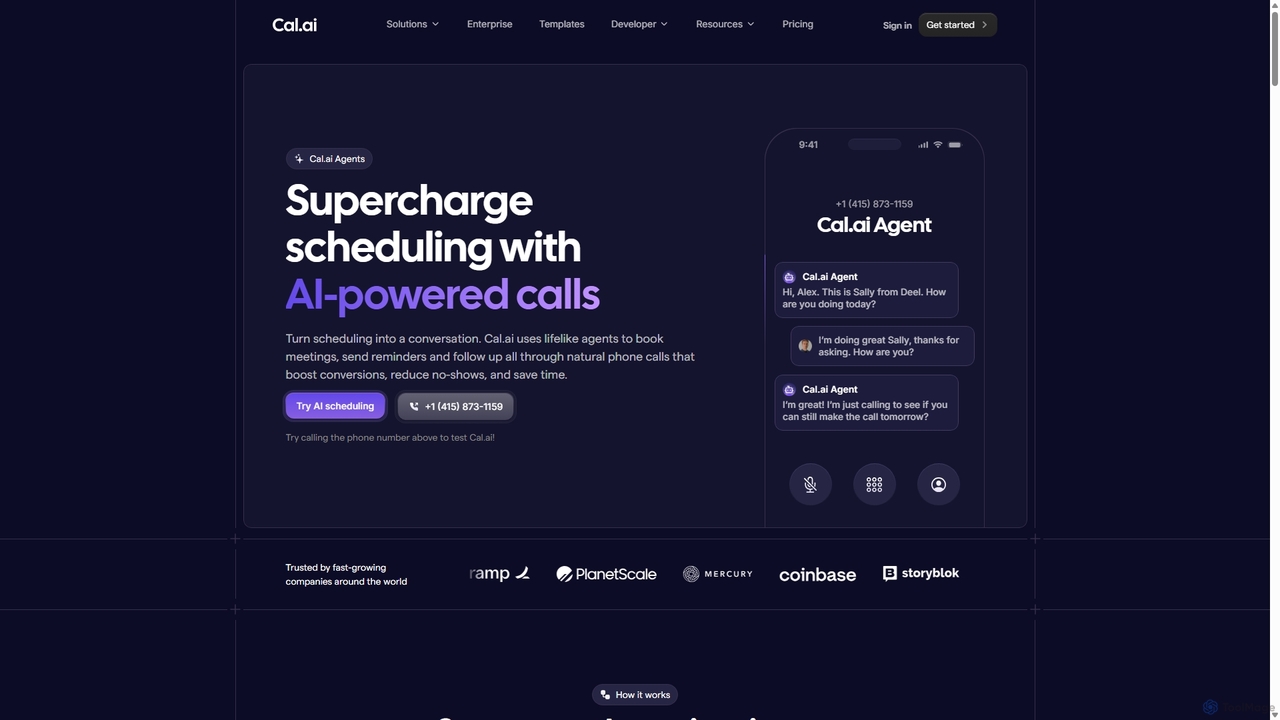
Cal.ai
Cal.ai is an AI-powered agent that automates scheduling through natural, human-like phone calls. It handles meeting bookings, reminders, and follow-ups to increase conversions, reduce no-shows, and save valuable time for sales, support, and HR teams.
Automation
EchoDial
EchoDial is an all-in-one AI-powered platform for appointment scheduling, customer communication, and marketing automation. It helps small to medium-sized businesses streamline operations with tools for online booking, automated SMS and voice calls, e-signature forms, AI content creation, and integrated invoicing, serving as a comprehensive solution for industries like healthcare and services.
ManagementScheduled Categories
Scheduled Embed Widget
Copy this embed code to place the badge on your blog, article, or product site and send readers directly to this ToolMage detail page.

Related AI tools
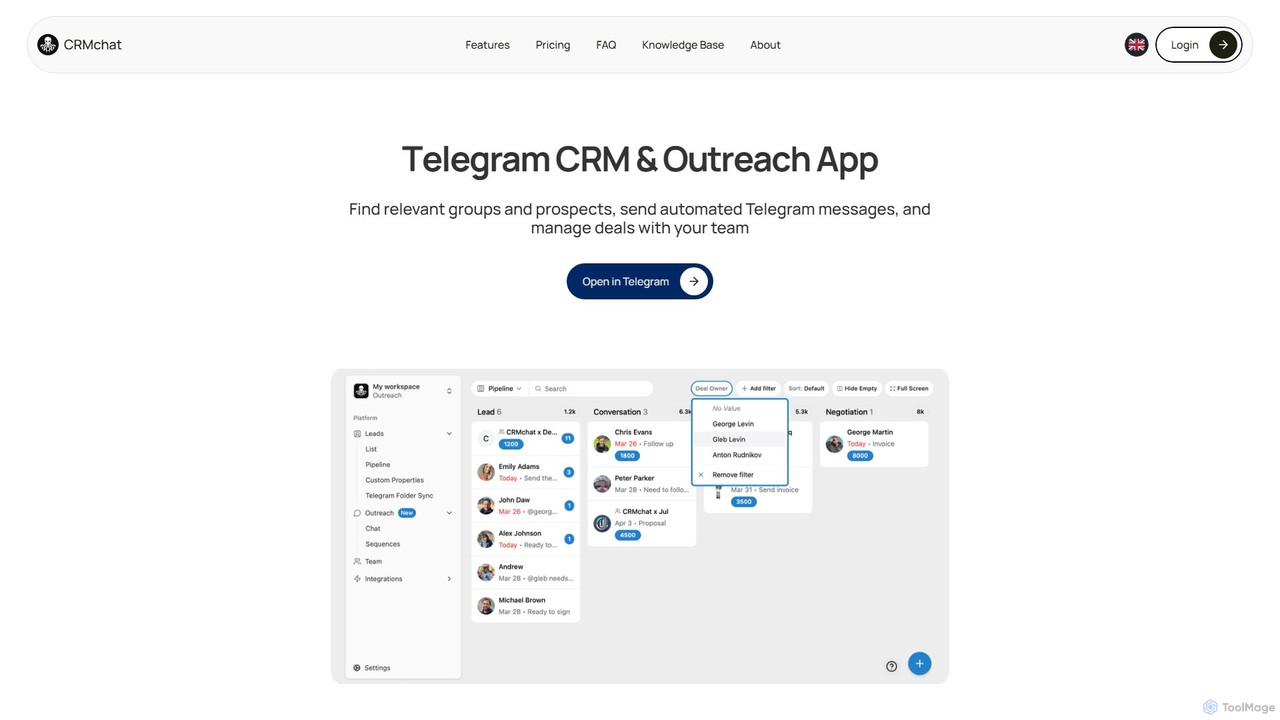
crmchat
crmchat is a specialized CRM and outreach application designed for Telegram. It helps users find relevant groups and prospects, automate personalized messaging campaigns, and manage customer relationships and deals directly within the Telegram ecosystem, boosting sales and marketing efficiency.
Messaging
Jyek
Jyek is an AI agent platform that understands objectives, creates execution plans, uses tools, and delivers verifiable results for complex, multi-step tasks.
Automation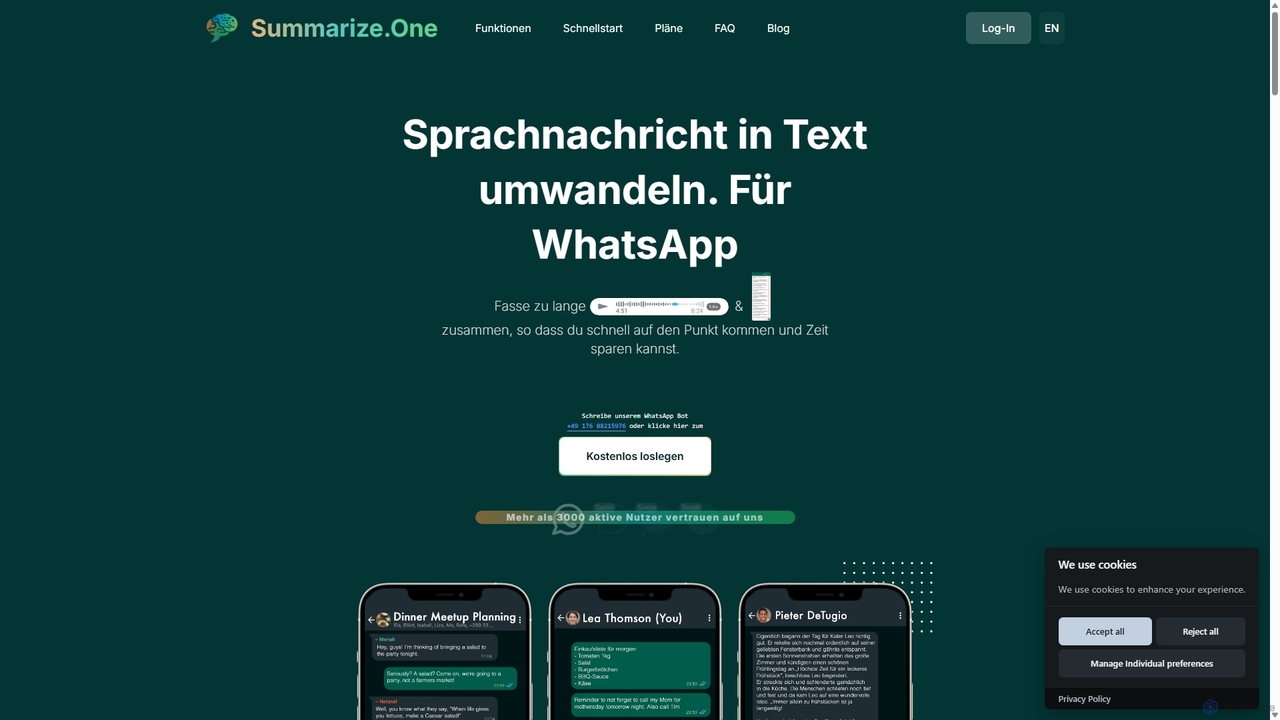
Summarize.one
An AI-powered WhatsApp bot that transcribes and summarizes long voice messages and chats. It helps you quickly grasp the key points without listening, saving time and ensuring privacy in any situation. Ideal for busy professionals, students, and anyone looking to improve communication efficiency.
Assistivetechnology
EverlynAI
EverlynAI is your intelligent personal assistant designed to streamline your daily workflow. It manages your schedule, triages emails, drafts communications, and automates repetitive tasks, allowing you to focus on what truly matters. It learns your habits and preferences to provide proactive and personalized support.
Email Assistant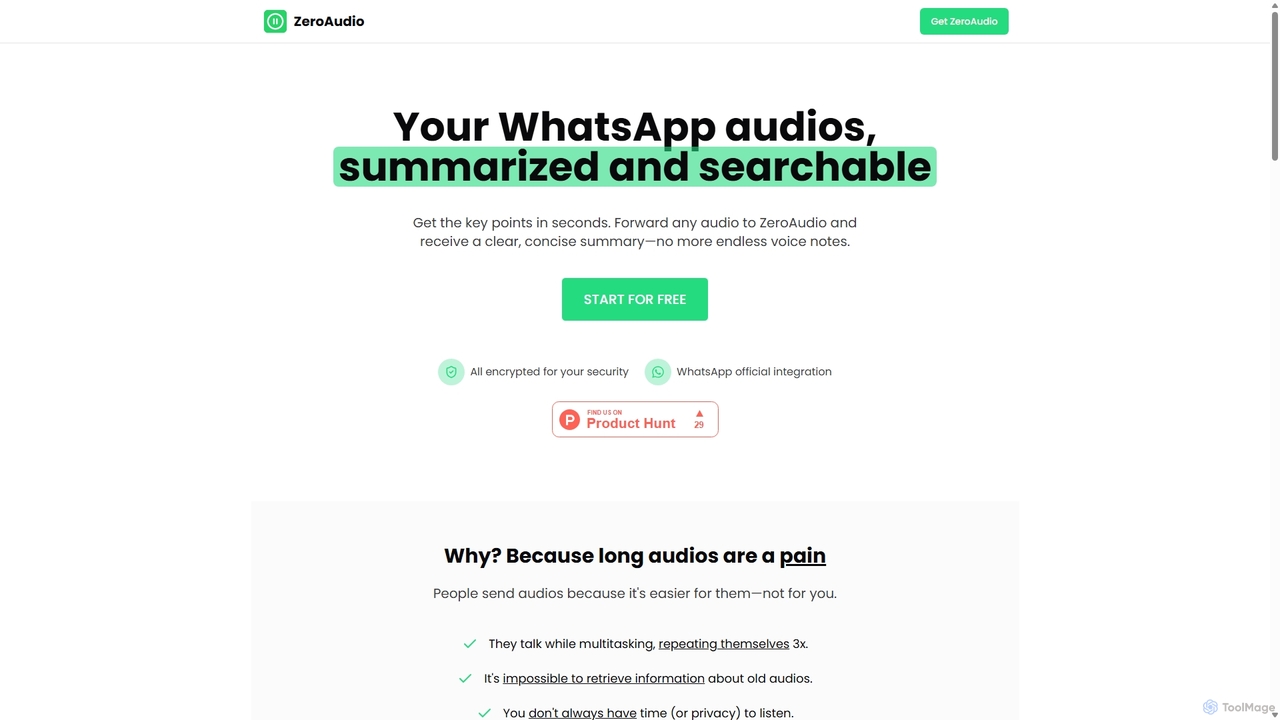
ZeroAudio
ZeroAudio is an AI-powered tool that integrates with WhatsApp to summarize long audio messages. Simply forward any voice note to ZeroAudio, and it will quickly provide a concise, text-based summary of the key points. This saves you time, allows you to "read" audios in private, and makes the information within them easily searchable, eliminating the need to listen to lengthy, rambling messages.
Speech To Text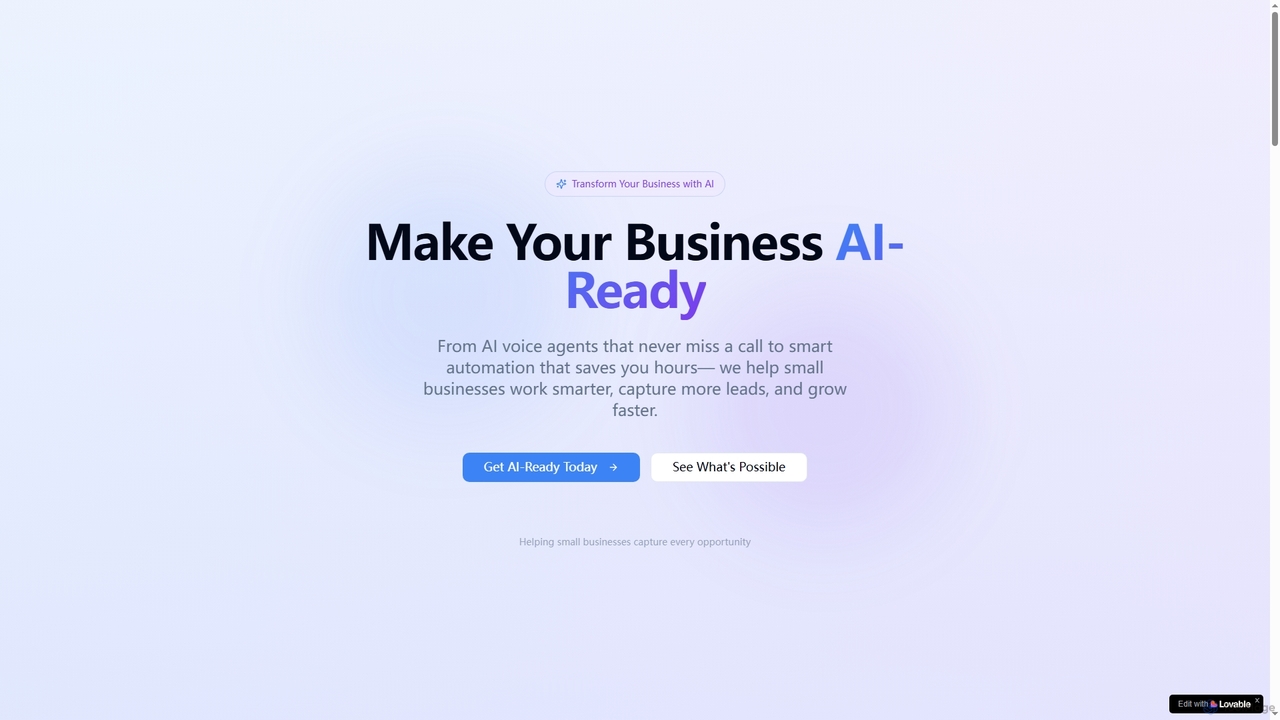
Zensky AI
Zensky AI empowers small businesses with advanced AI solutions, primarily AI voice agents, to automate lead capture, qualification, appointment booking, and customer follow-ups. It helps businesses work smarter, capture more opportunities 24/7, reduce operational overhead, and accelerate growth by transforming their customer engagement and internal processes.
3D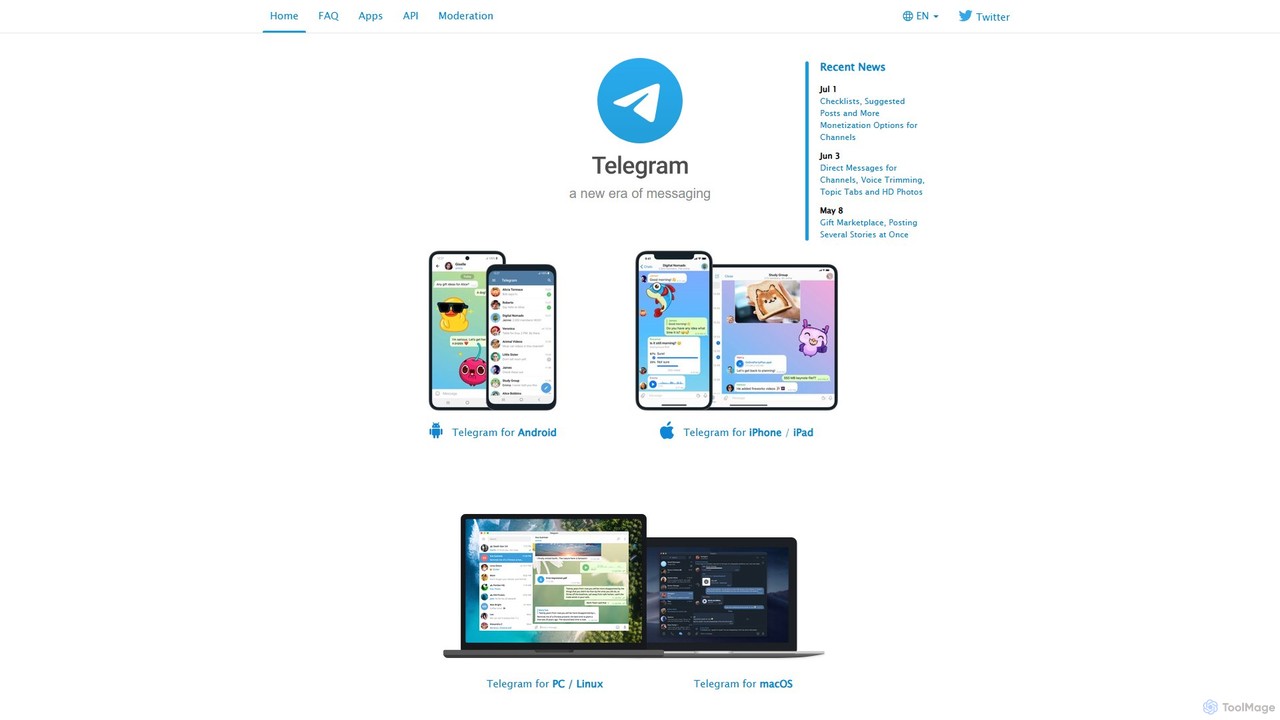
Telegram Messenger
Telegram is a globally renowned secure messaging app focused on speed and privacy. It doubles as a powerful platform for a vast ecosystem of AI-powered bots, enabling automation, community management, content creation, and direct integration with various AI services within a seamless chat interface.
Community Management
Grammarly
Grammarly is an AI-powered writing assistant that helps you communicate more effectively. It goes beyond basic grammar and spelling checks to offer suggestions on style, tone, and clarity. Trusted by millions, Grammarly integrates seamlessly into your workflow across various platforms, providing real-time feedback to enhance your emails, documents, and social media posts. Its generative AI features can also help you brainstorm, compose, and rewrite text instantly.
Communication
Make
Make is a powerful visual platform that lets you design, build, and automate anything—from simple tasks to complex workflows—without code. It connects thousands of apps and services, including advanced AI tools like OpenAI and Google Gemini, enabling you to create intelligent automations and AI agents to streamline your business operations, marketing, sales, and more.
Crm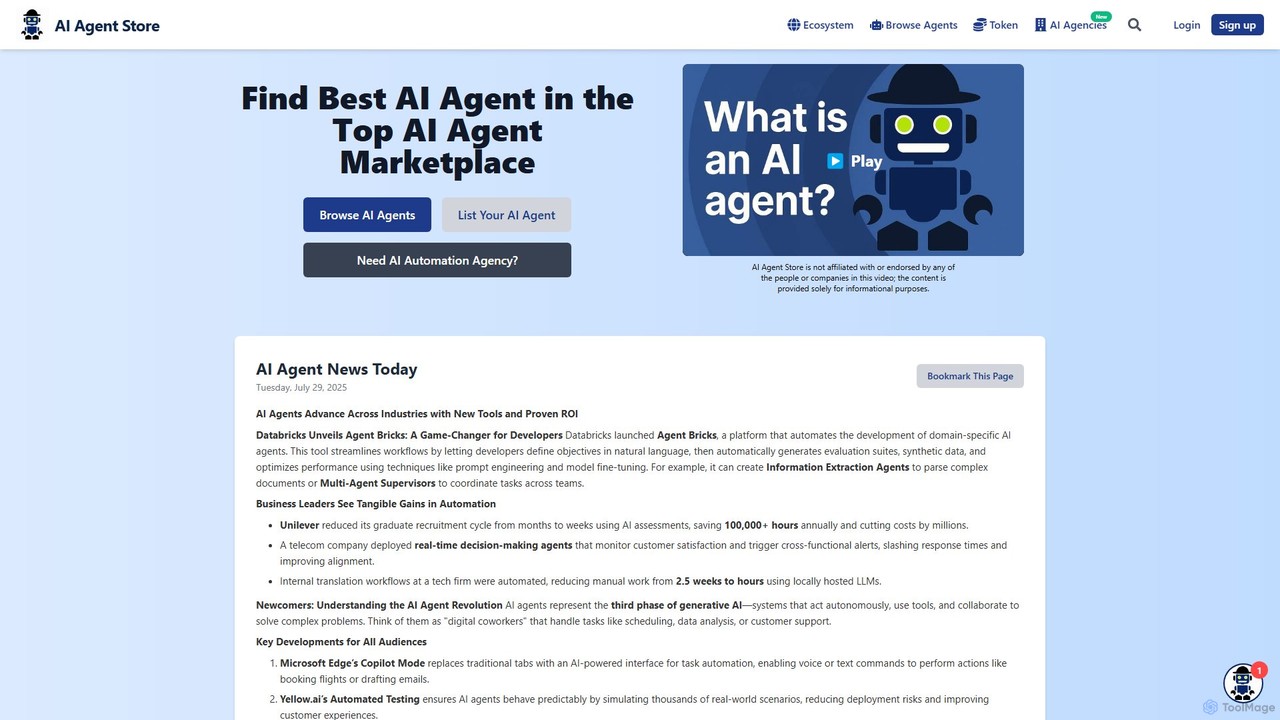
AI Agent Store
AI Agent Store is a comprehensive marketplace and directory for discovering, comparing, and acquiring AI agents. It serves as a central hub for users to find specialized autonomous agents for various tasks, from business automation and marketing to personal productivity and software development. The platform also features a list of AI automation agencies.
Ai Tools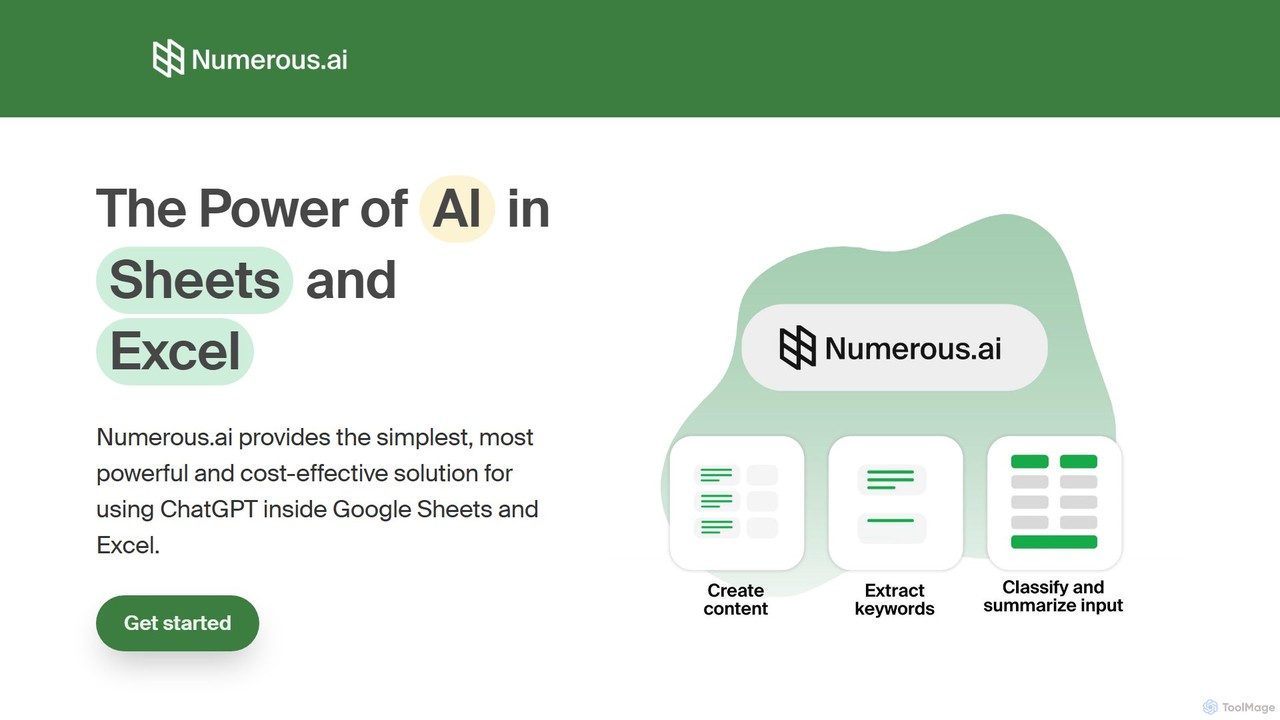
Numerous.ai
Numerous.ai is a powerful AI assistant that integrates directly into Google Sheets and Excel. It allows users to automate tasks, generate content, clean and classify data, and perform complex analysis using a simple '=AI()' function, without needing any API keys or coding skills.
Data Analysis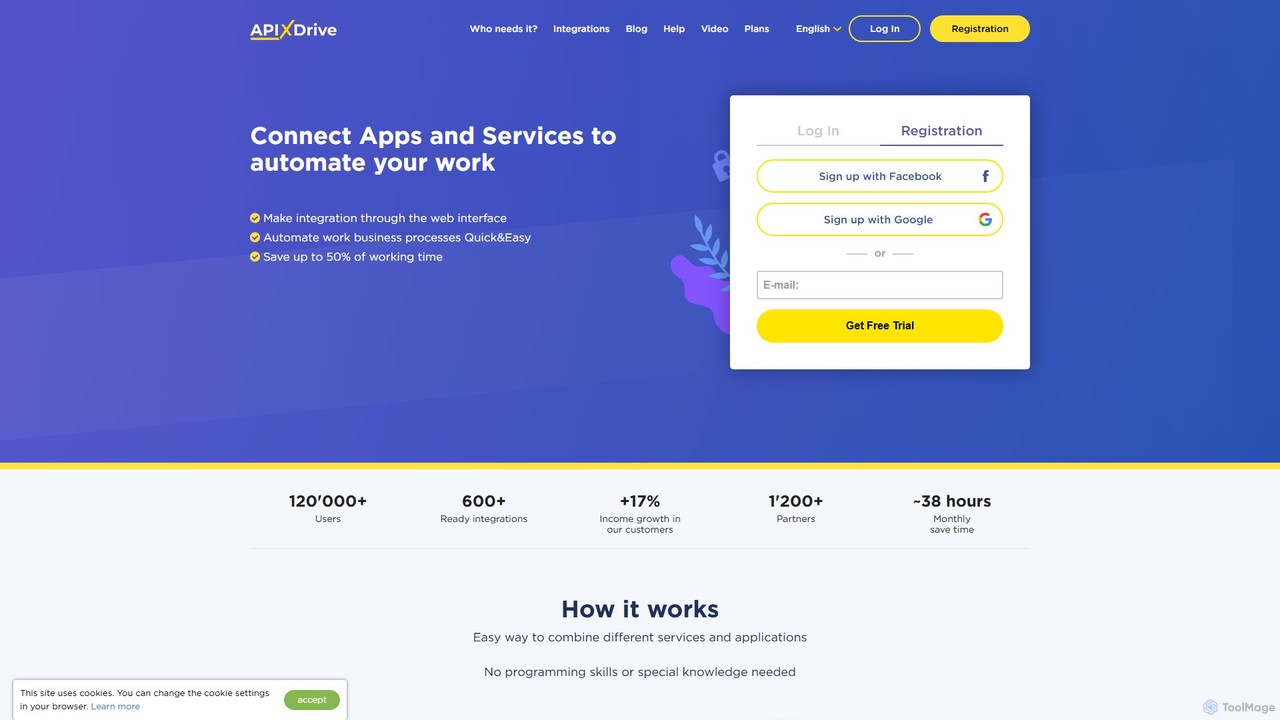
apix_drive
ApiX-Drive is a no-code integration platform that automates workflows by connecting over 600 apps and services. Easily link your CRM, marketing tools, e-commerce platforms, and AI applications like ChatGPT without any programming skills. Streamline data transfer, automate lead management, and save significant time.
Api Management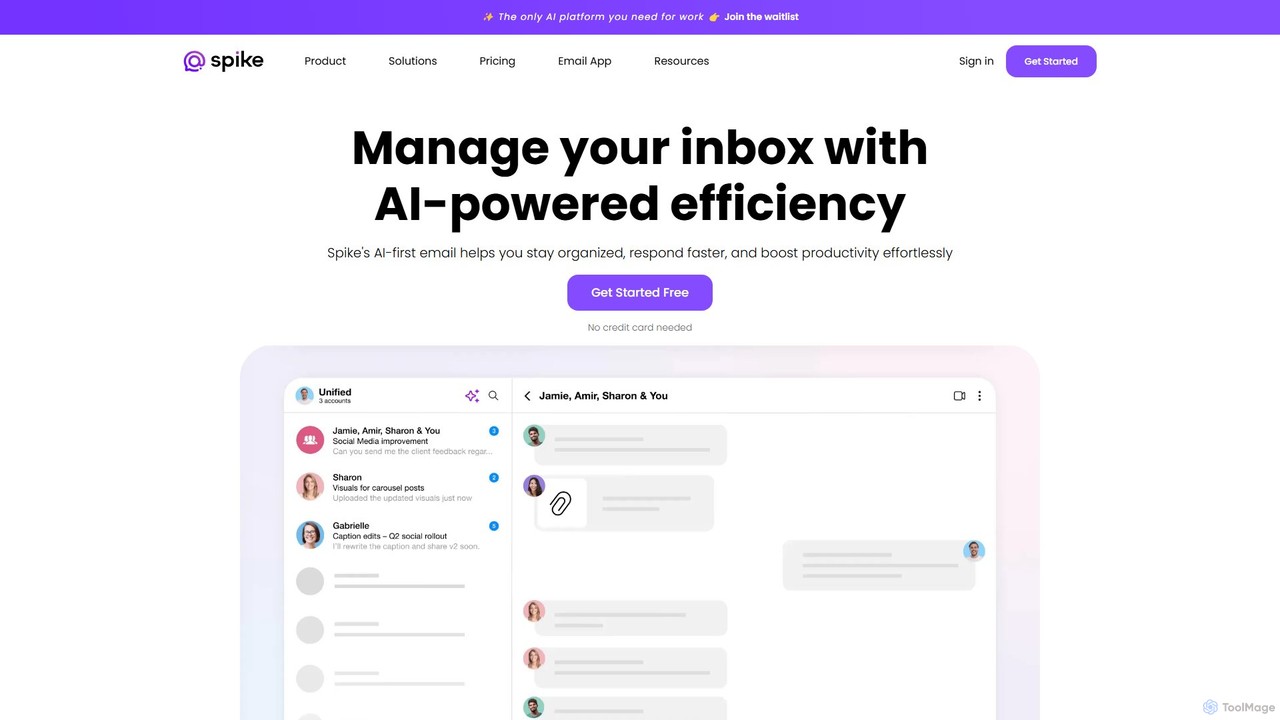
Spikenow
Spikenow is an AI-powered communication and collaboration platform that transforms your email into a dynamic, chat-like conversational feed. It unifies email, team chat, tasks, notes, and video calls into a single workspace, using AI to summarize threads, draft replies, and prioritize your inbox. It's designed to boost productivity by eliminating app switching and streamlining team workflows.
Team Collaboration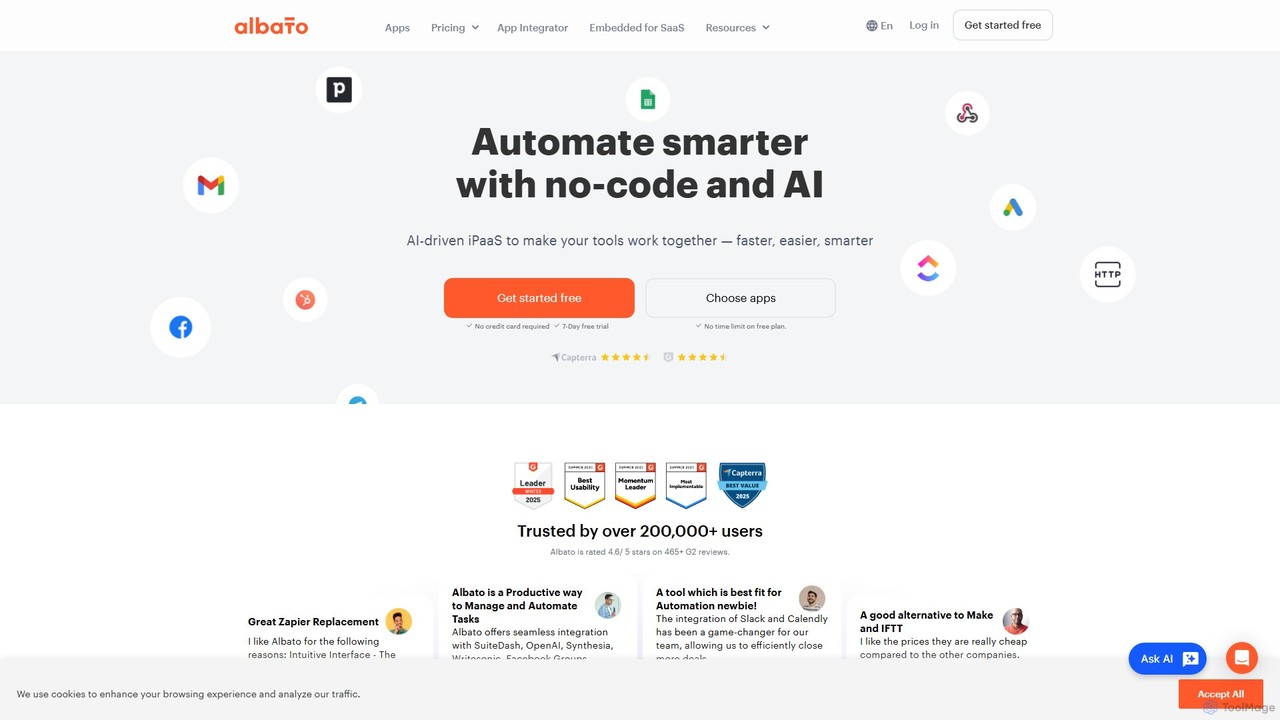
Albato
Albato is an AI-driven, no-code integration platform (iPaaS) that empowers users to connect over 800 applications and automate complex workflows effortlessly. It serves as a powerful alternative to Zapier and Make, offering an intuitive interface, extensive app library, and the ability to build custom integrations. Ideal for businesses of all sizes, Albato simplifies data synchronization, task automation, and process management, enhancing productivity and efficiency without requiring any coding knowledge.
Workflow Management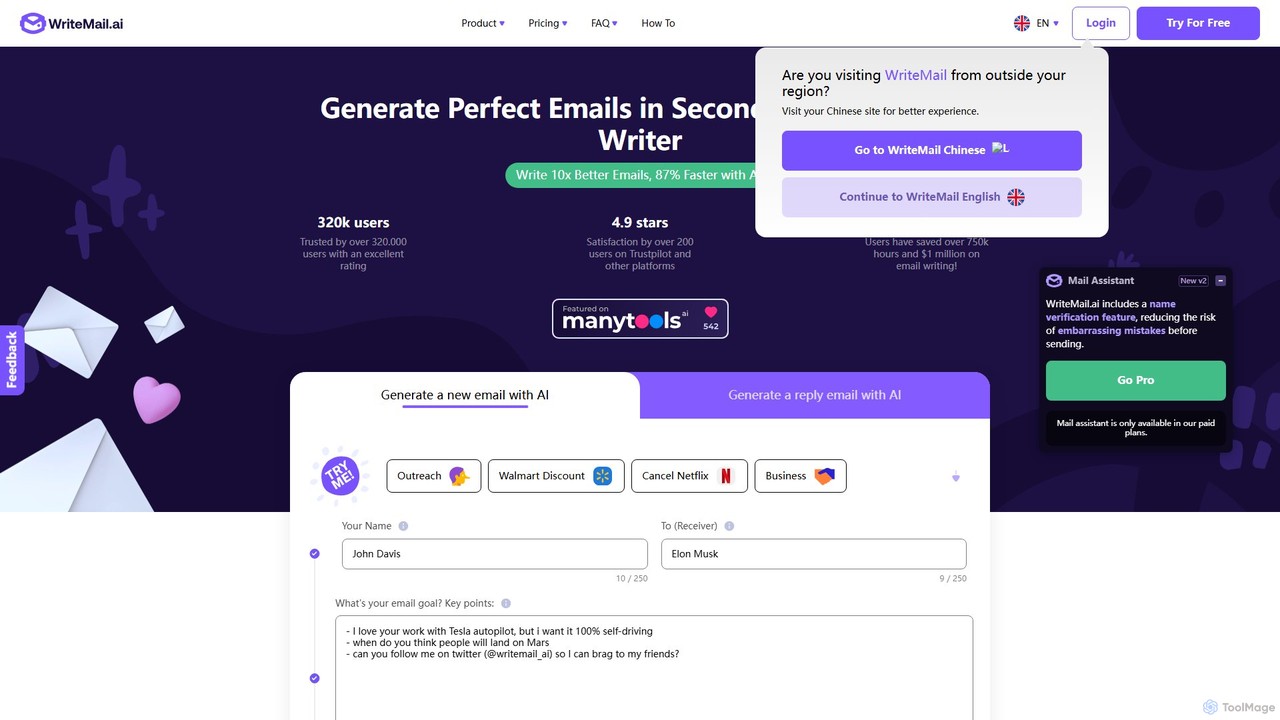
WriteMail.ai
WriteMail.ai is an AI-powered email assistant designed to help you write better emails 10x faster. It generates new emails and replies, refines tone and style, and offers real-time suggestions to improve clarity. With multilingual support and upcoming Gmail integration, it's the perfect tool for both business and personal communication, saving you time and boosting productivity.
Email Marketing
Scheduled Comments (0)
Sign in to comment.
Sign inNo comments yet.