
Slacksift Overview
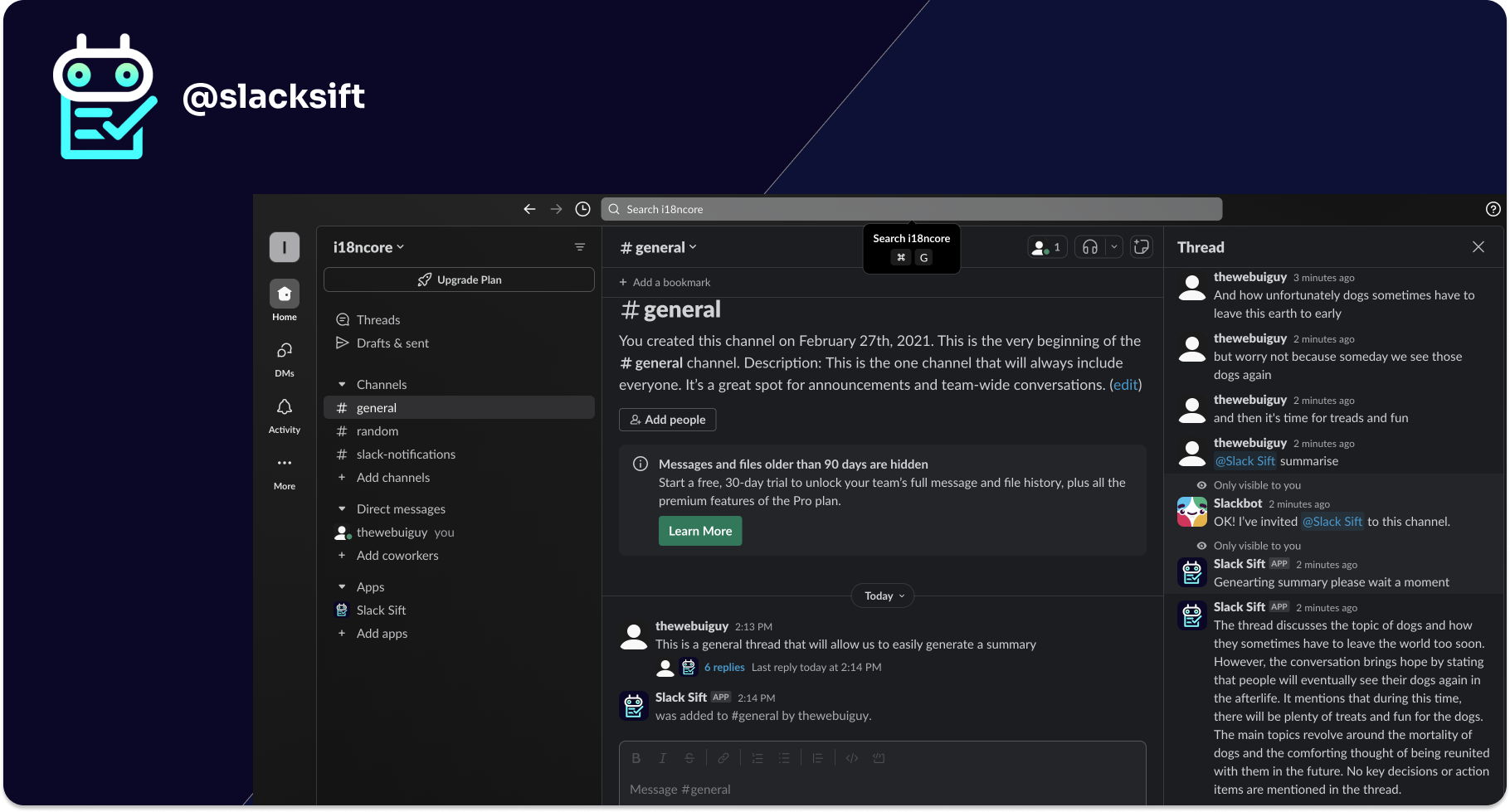
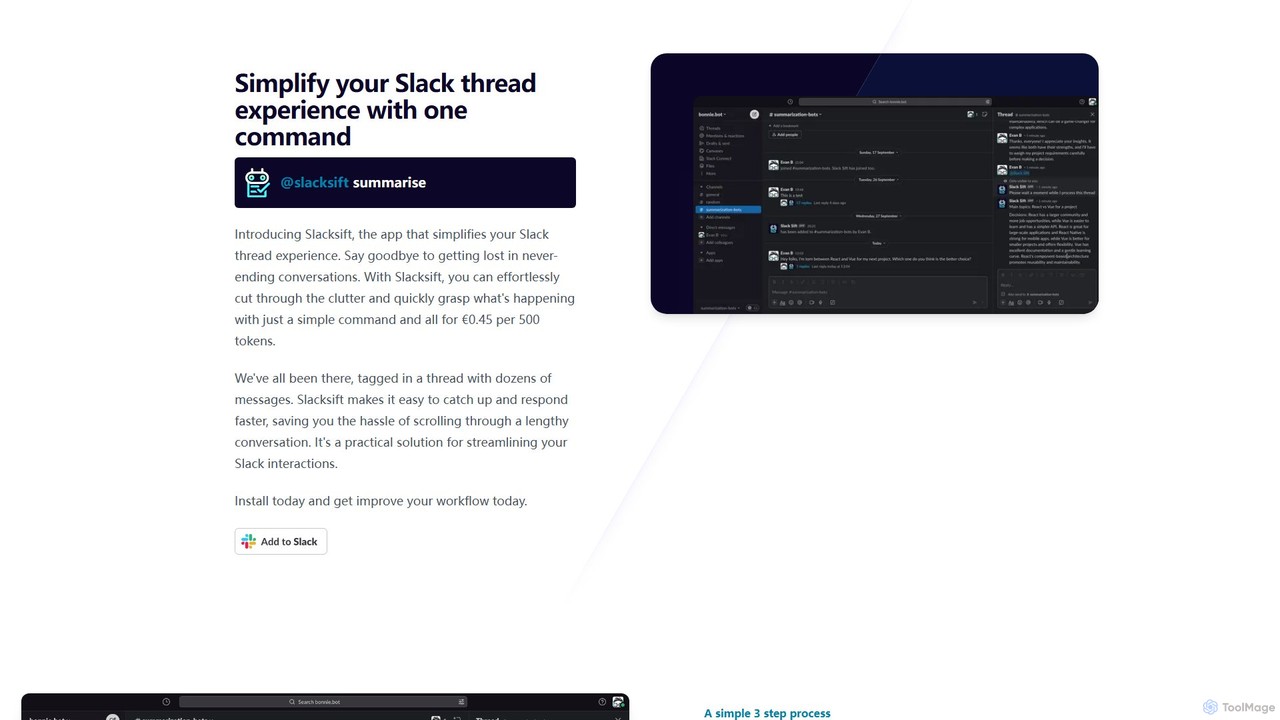
Slacksift is an intelligent Slack application designed to combat information overload and streamline your digital workspace. In the fast-paced environment of team collaboration, it's easy to get lost in never-ending Slack threads, especially when you're added to a conversation midway through. Slacksift addresses this pain point directly by leveraging artificial intelligence to provide instant summaries of any thread. With a simple command, you can cut through the clutter and get a clear, concise overview of the discussion, including key points, decisions, and action items. This allows you to grasp the context quickly, stay informed, and contribute meaningfully without spending valuable time scrolling through countless messages.
The tool is built for simplicity and efficiency, integrating seamlessly into your existing Slack workflow. There are no external dashboards or complex configurations. Once installed, Slacksift works discreetly in the background, ready to be called upon whenever you need it. Its focus on a single, powerful function—summarization—makes it an incredibly practical and user-friendly solution for busy professionals, remote teams, and anyone looking to enhance their productivity within Slack.
How to use Slacksift
Getting started with Slacksift is a straightforward, three-step process designed to take only a few moments:
- Install the App: Find Slacksift in the Slack App Directory and install it into your workspace. The installation is quick and requires standard permissions.
- Activate and Set Up Billing: In any channel, thread, or direct message within your workspace, type the command
@slacksift setup. The bot will respond with a private message containing a payment link. Slacksift uses a pay-as-you-go model, so this step connects your account for usage-based billing. - Summarize Threads: Navigate to any long or complex thread you want to understand. Simply mention the bot with the command
@slacksift summarise. Within seconds, Slacksift will post a threaded reply, visible only to you, containing a structured summary of the entire conversation.
Core Features of Slacksift
- AI-Powered Thread Summarization: Uses advanced AI models to read, understand, and condense entire Slack threads into short, accurate summaries.
- Simple Command-Based Interface: Operates entirely within Slack using intuitive commands like
@slacksift summarise, requiring no context switching. - Seamless Slack Integration: Works as a native Slack bot, making it feel like a natural part of the platform.
- Pay-As-You-Go Pricing: A transparent, usage-only billing model. You are only charged for the summaries you generate (€0.45 per 500 tokens), with no monthly subscriptions or hidden fees.
- Quick and Easy Setup: A simple 3-step installation and setup process that takes just a few minutes.
- Privacy-Focused: Summaries are posted as ephemeral messages or in-thread replies visible only to the user who requested them, ensuring conversation privacy.
- Dedicated Support: Offers a 48-hour support response time to assist with any issues or questions.
Use Cases for Slacksift
Slacksift is valuable across various scenarios and roles:
- Project Management: Project managers can quickly catch up on daily stand-up threads, technical discussions, or client feedback to identify progress, blockers, and next steps.
- Remote and Asynchronous Teams: Team members in different time zones can easily get up to speed on conversations that happened while they were offline, ensuring everyone stays aligned.
- Onboarding New Employees: New hires can use Slacksift to understand the history of important project channels or past decisions without having to bother colleagues.
- Incident Management: During a technical outage or high-priority issue, stakeholders can get quick summaries of the incident response thread to understand the status, impact, and resolution.
- Executive Catch-ups: Leaders and managers can get high-level overviews of key discussions without getting bogged down in the details.
Advantages of Slacksift
The primary advantage of Slacksift is its ability to save significant amounts of time and mental energy. By automating the process of catching up on conversations, it boosts individual and team productivity. Its simple, no-tricks pricing is a major benefit for businesses of all sizes, offering a cost-effective solution without the commitment of a recurring subscription. The seamless integration ensures high adoption rates, as it doesn't disrupt existing workflows. Ultimately, Slacksift promotes clearer communication and faster decision-making by ensuring everyone has access to the most critical information, precisely when they need it.
Pricing and Plans
Slacksift operates on a straightforward and transparent pay-as-you-go pricing model. There are no subscriptions or hidden fees.
- Pricing: €0.45 per 500 tokens used for summarization. (A token is roughly equivalent to a piece of a word; a typical summary might use a few hundred tokens).
- Billing: You are only charged for what you use. Invoices and receipts are available for easy company reimbursement.
- Guarantee: A 14-day money-back guarantee is offered if you are not satisfied with the service.
This model ensures that you have unlimited access to the tool's capabilities and only pay for the value you receive.
Slacksift Alternatives
Geekbot
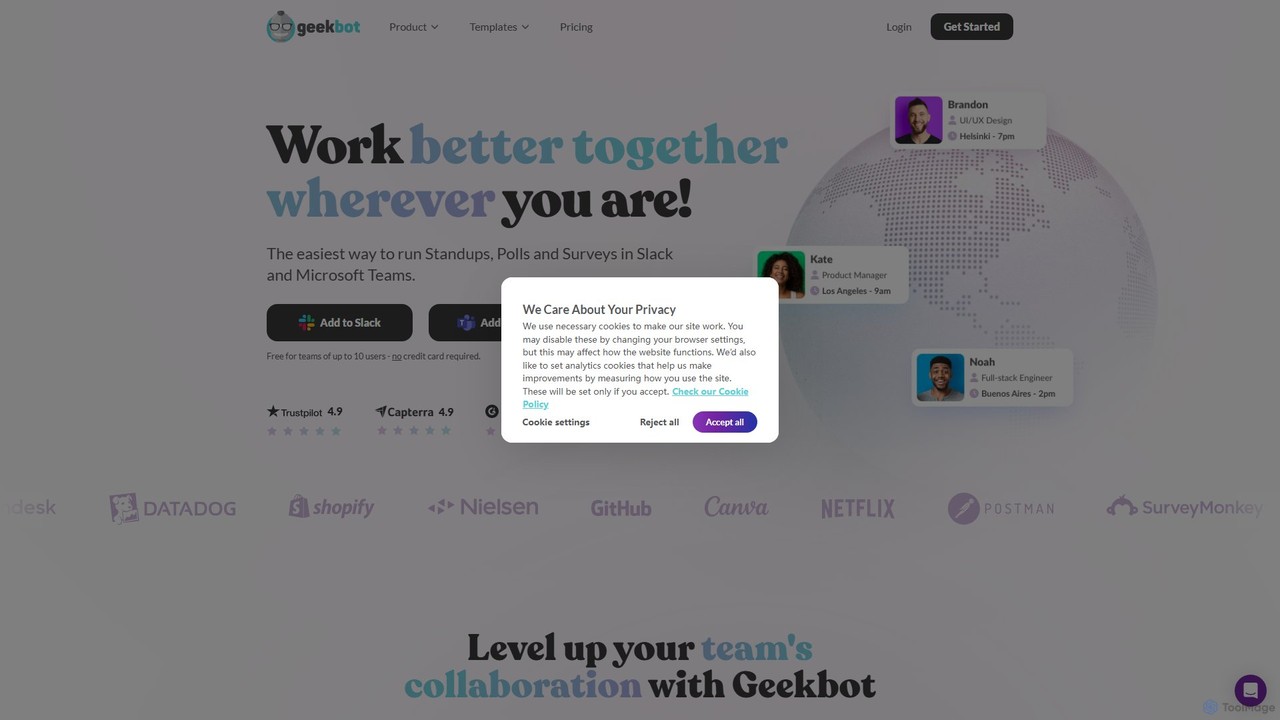
Geekbot is an AI-powered assistant for running asynchronous stand-up meetings, surveys, and polls directly within Slack and Microsoft Teams. It helps remote and hybrid teams stay synchronized, track progress, and foster a culture of transparent communication without the need for constant meetings.
Employee Engagement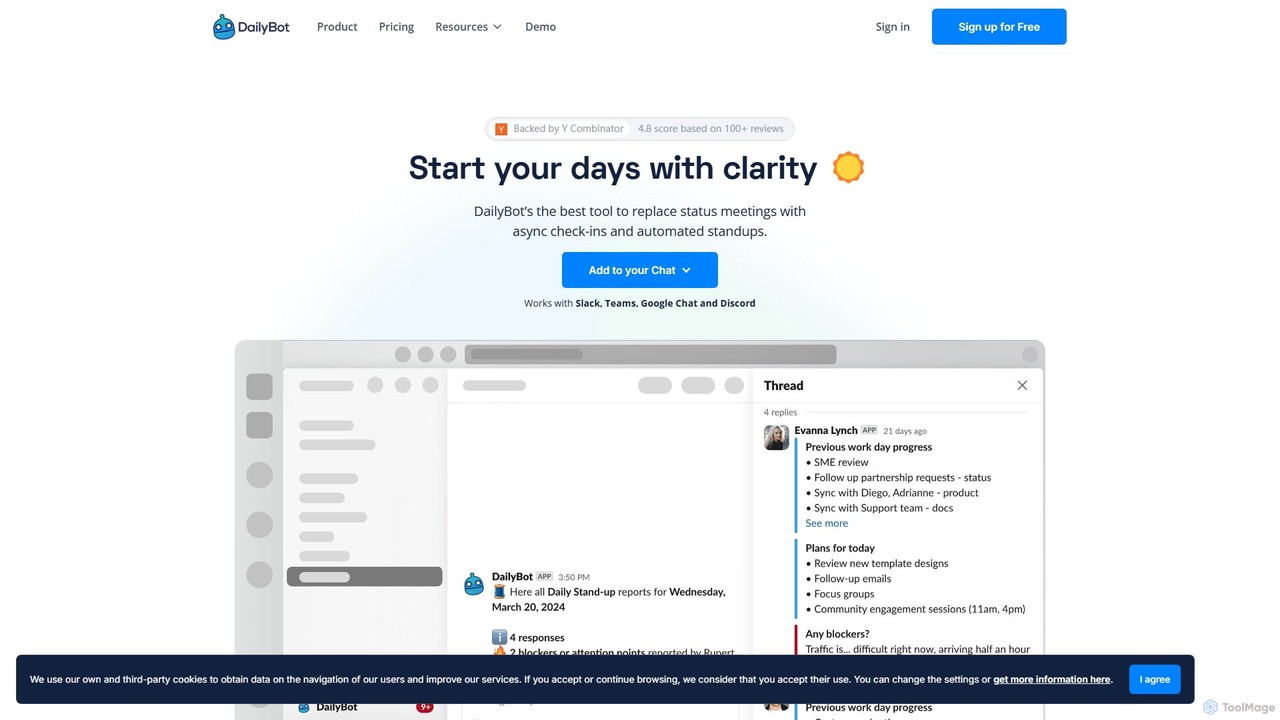
DailyBot
DailyBot is an AI-powered chatbot for agile and remote teams, automating daily stand-ups, team check-ins, and feedback collection. It integrates with Slack, MS Teams, Google Chat, and Discord to replace meetings with efficient asynchronous updates, track progress, and foster team culture.
Agile Development
Meet For Slack
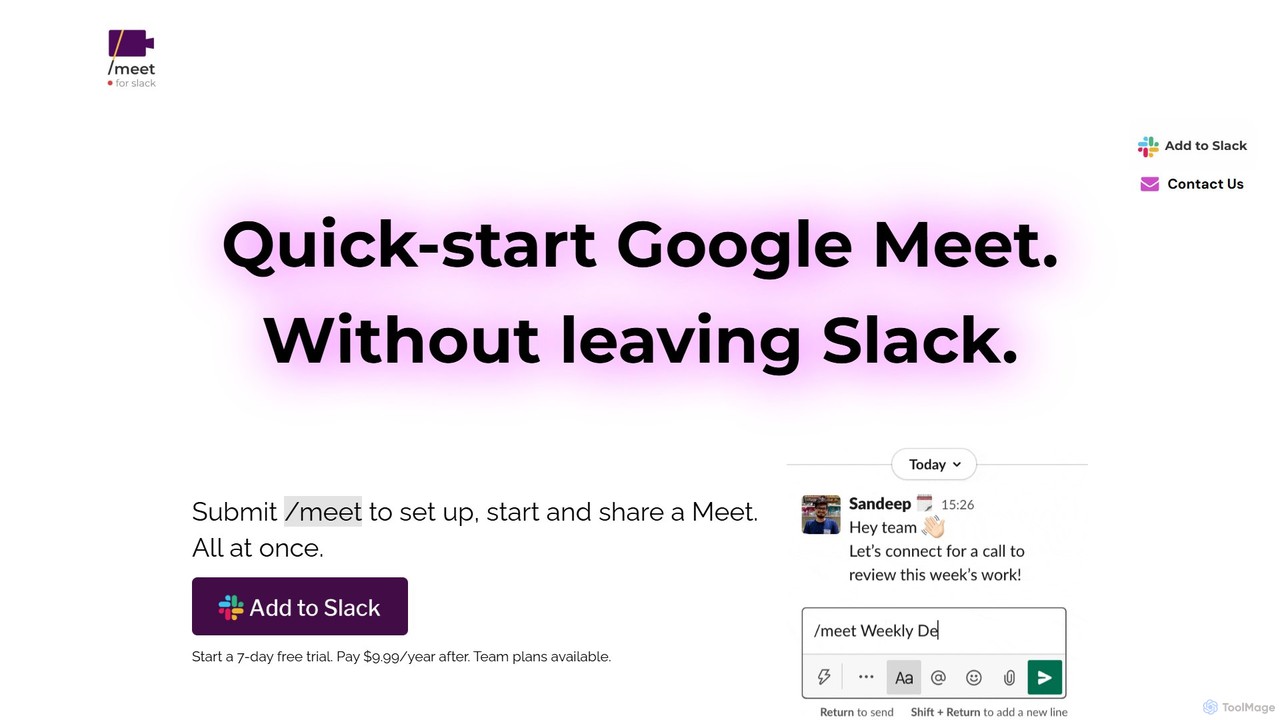
A powerful integration that allows you to instantly launch Google Meet video conferences directly from your Slack workspace. Streamline your team's communication and workflow by starting meetings with a simple slash command, eliminating the need to switch between applications.
Workflow Automation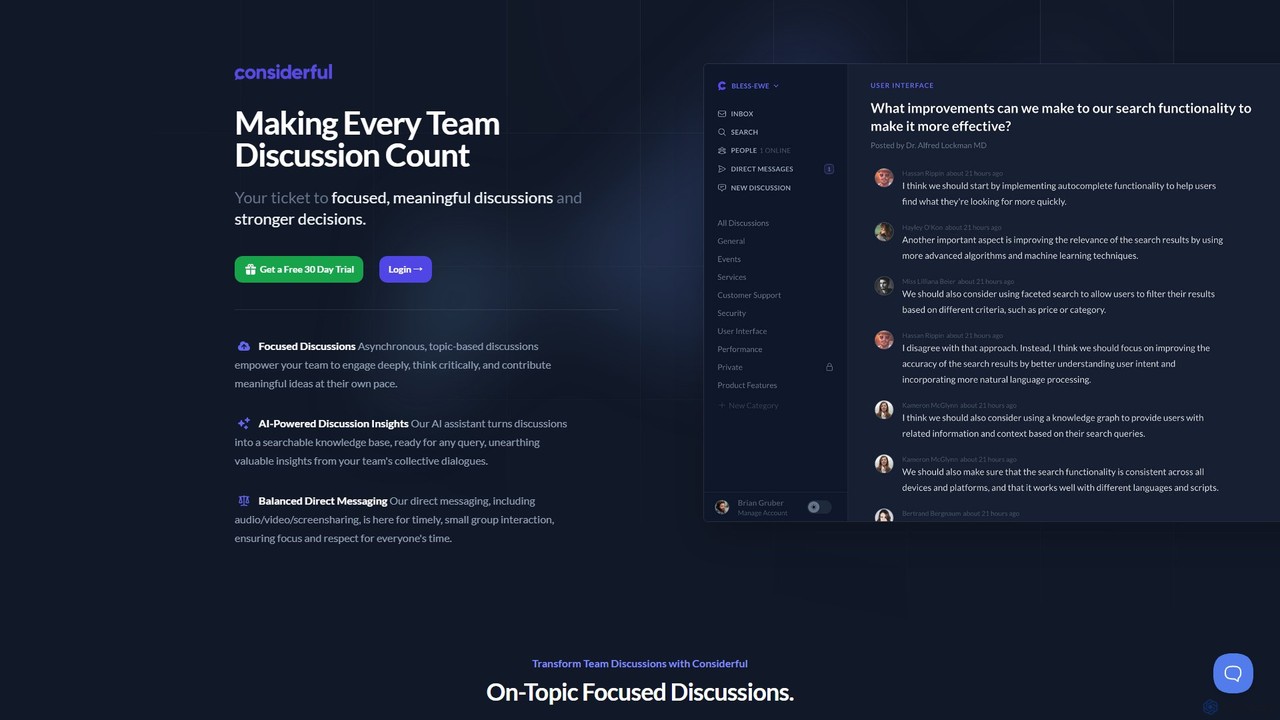
Considerful
Considerful is an AI-powered communication platform designed for productive teams. It fosters focused, asynchronous, topic-based discussions to encourage deep thinking and meaningful contributions, while its AI assistant transforms conversations into a searchable knowledge base. It also includes balanced direct messaging for timely interactions.
Project ManagementSlacksift Categories
Slacksift Embed Widget
Copy this embed code to place the badge on your blog, article, or product site and send readers directly to this ToolMage detail page.

Related AI tools
Zivy
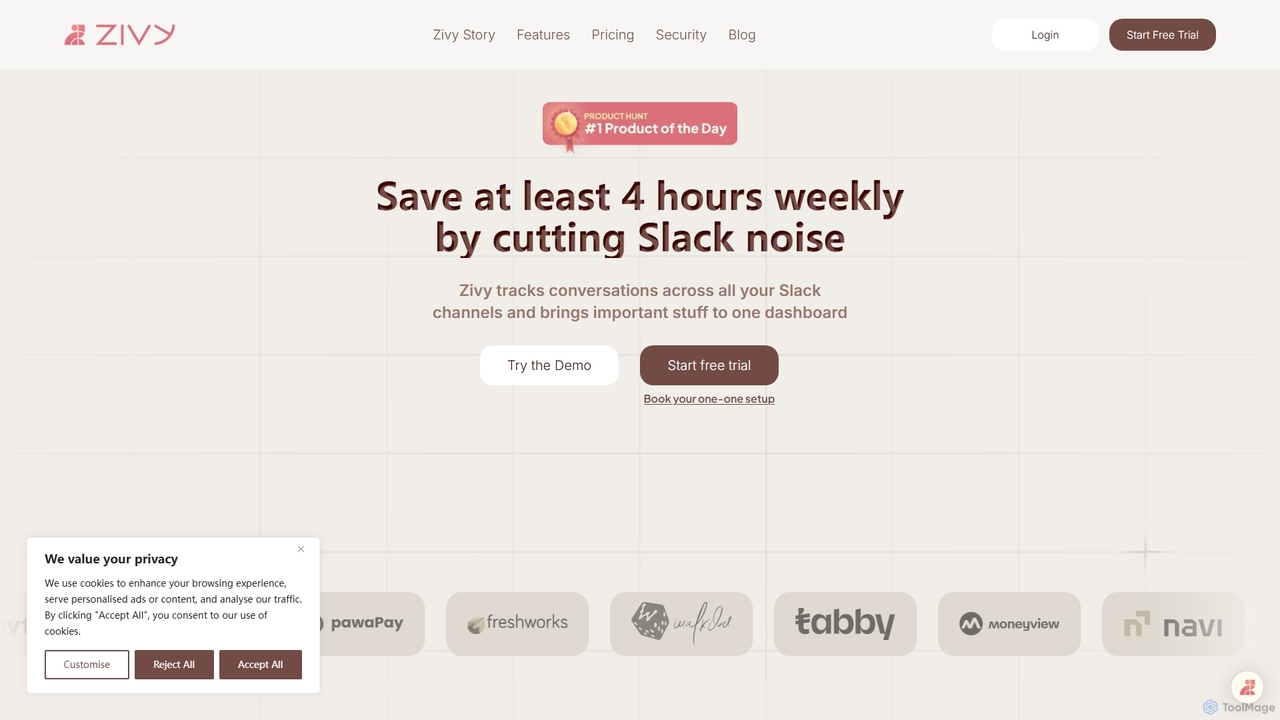
Zivy is an AI copilot for Slack designed to help managers and teams reduce noise, prioritize conversations, and automate tasks. It intelligently filters messages, summarizes long threads, automates follow-ups, and drafts replies, saving users over 4 hours per week and transforming Slack from a source of distraction into a focused productivity hub.
Task Management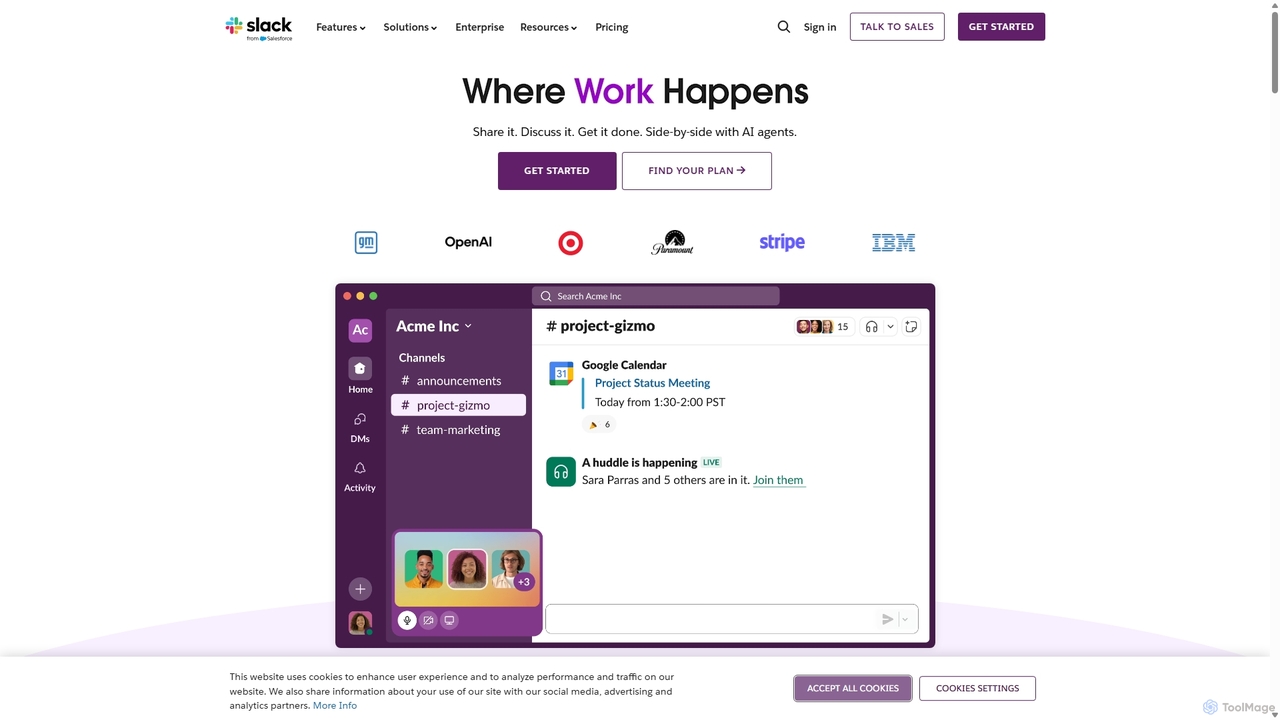
Slack
Slack is an AI-powered collaboration hub that connects your people, partners, and tools. It replaces email with faster, better-organized communication through channels. With integrated AI, workflow automation, and thousands of apps, Slack centralizes your work to boost productivity and streamline project management.
Project Management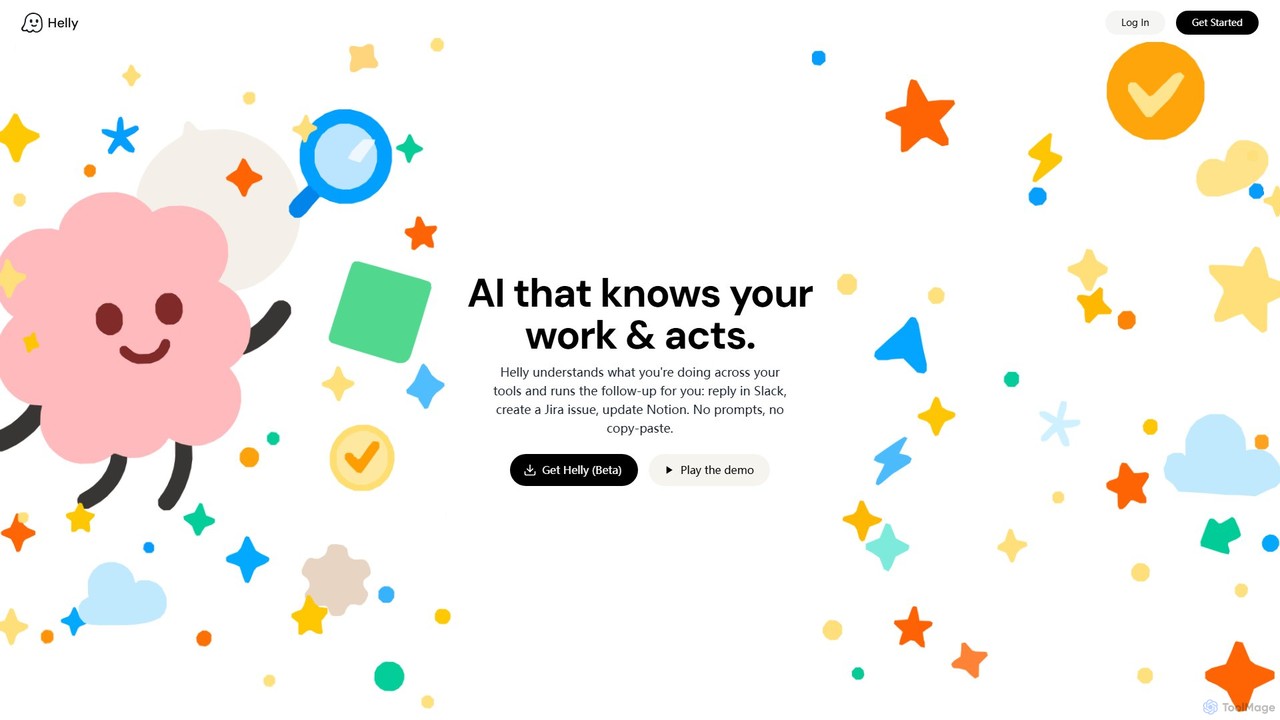
Helly
Helly is a proactive AI assistant that acts as your second brain across all your applications. It understands your work context and automates follow-up tasks like replying in Slack, creating Jira issues, or updating Notion, all without prompts or copy-pasting.
Ai Assistant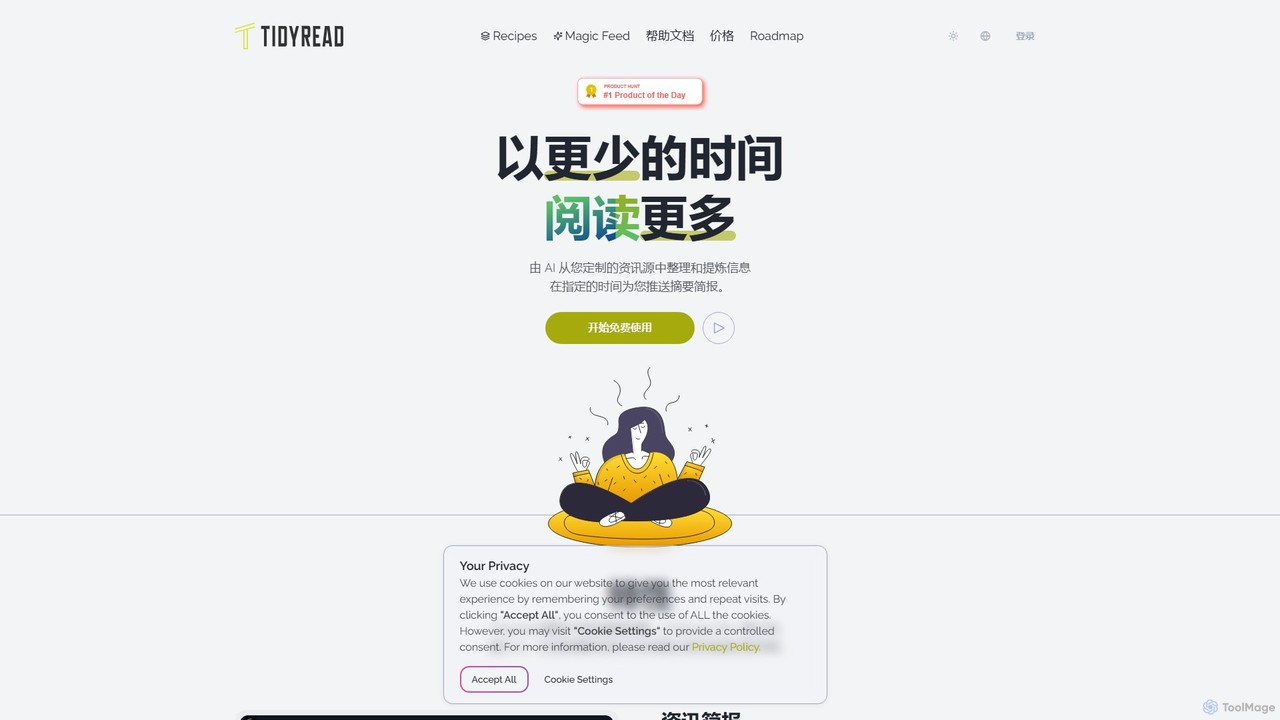
Tidyread
Tidyread is an AI-powered information digest tool that transforms your RSS feeds into clean, summarized briefings. By creating customizable "Recipes" with unique AI prompts, it helps you conquer information overload, save time, and establish an orderly reading routine. It's designed for professionals, researchers, and anyone looking to filter out the noise and focus on what truly matters.
SummarizerGeekbot
Geekbot is an AI-powered assistant for running asynchronous stand-up meetings, surveys, and polls directly within Slack and Microsoft Teams. It helps remote and hybrid teams stay synchronized, track progress, and foster a culture of transparent communication without the need for constant meetings.
Employee EngagementDailyBot
DailyBot is an AI-powered chatbot for agile and remote teams, automating daily stand-ups, team check-ins, and feedback collection. It integrates with Slack, MS Teams, Google Chat, and Discord to replace meetings with efficient asynchronous updates, track progress, and foster team culture.
Agile DevelopmentMeet For Slack
A powerful integration that allows you to instantly launch Google Meet video conferences directly from your Slack workspace. Streamline your team's communication and workflow by starting meetings with a simple slash command, eliminating the need to switch between applications.
Workflow AutomationConsiderful
Considerful is an AI-powered communication platform designed for productive teams. It fosters focused, asynchronous, topic-based discussions to encourage deep thinking and meaningful contributions, while its AI assistant transforms conversations into a searchable knowledge base. It also includes balanced direct messaging for timely interactions.
Project Management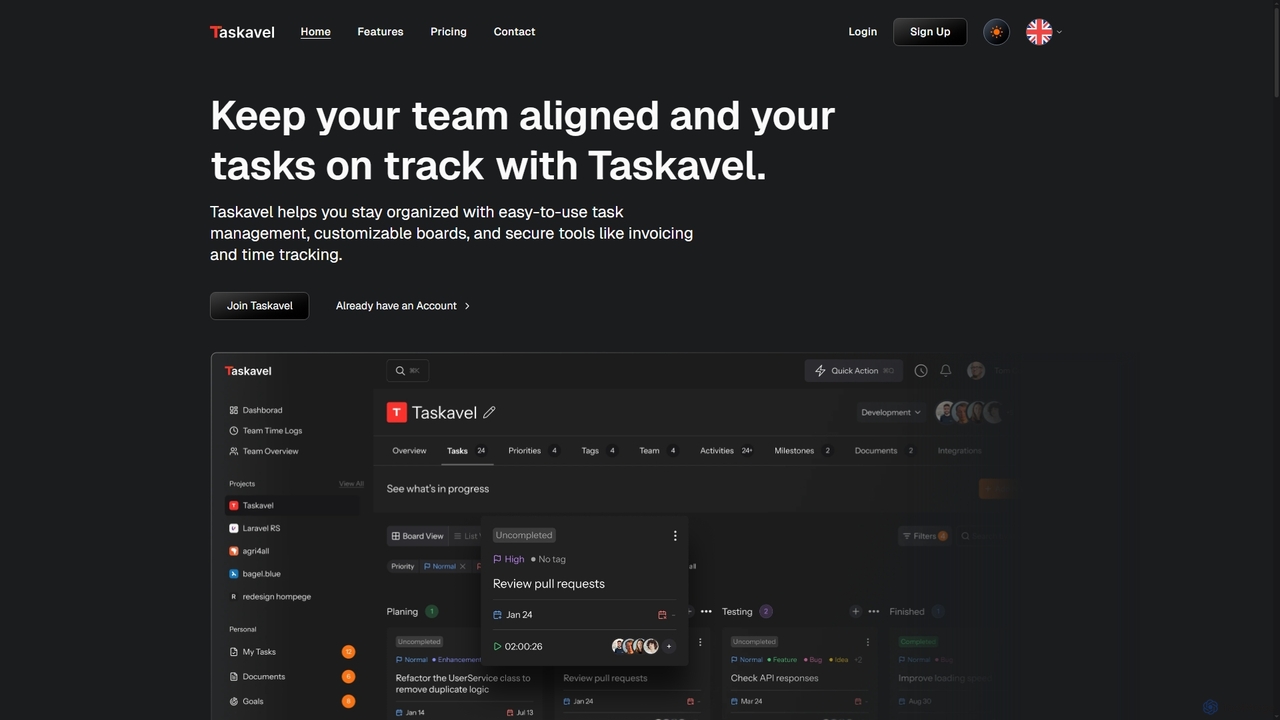
Taskavel
Taskavel is a comprehensive task and project management platform designed to keep teams aligned and tasks on track. It offers intuitive tools like customizable Kanban boards, integrated time tracking, invoicing, and robust collaboration features, especially tailored for developers and agile teams.
Workflow Automation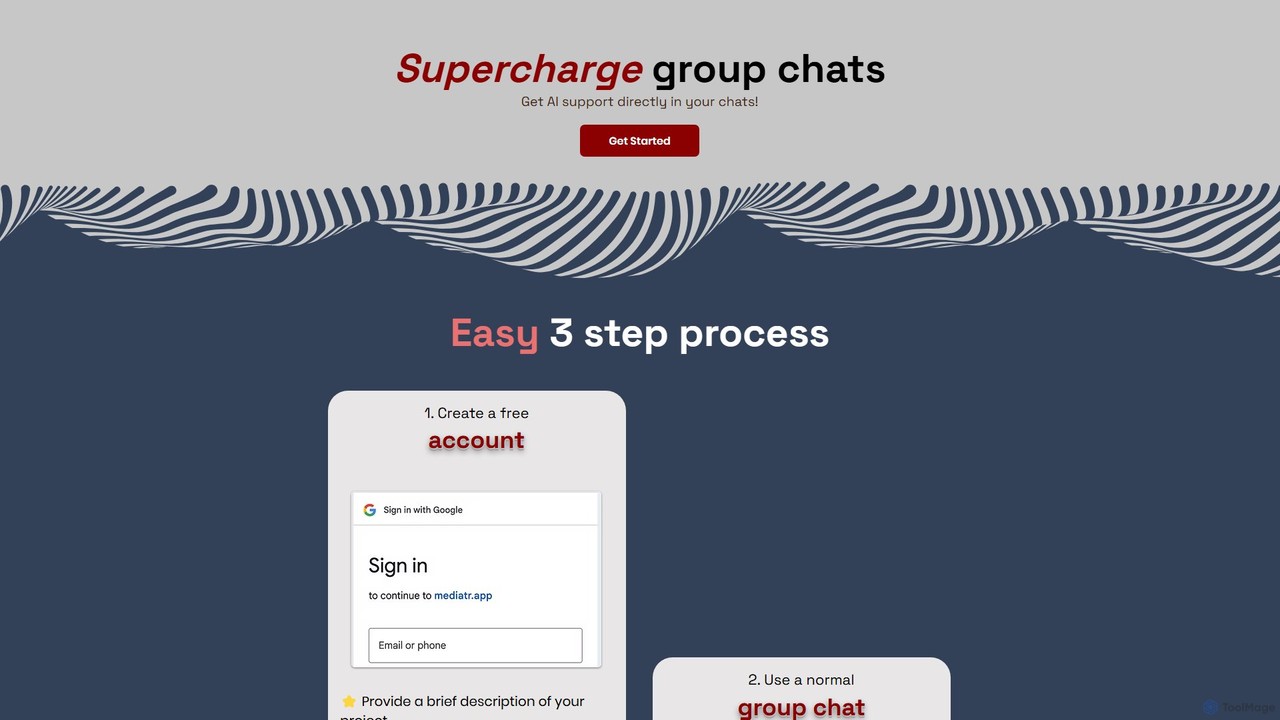
Mediatr
Mediatr is an AI-powered group chat platform designed to enhance team collaboration. It integrates an AI assistant directly into your conversations to summarize discussions, answer questions, and retrieve key information, turning your chat history into a searchable knowledge base.
Chat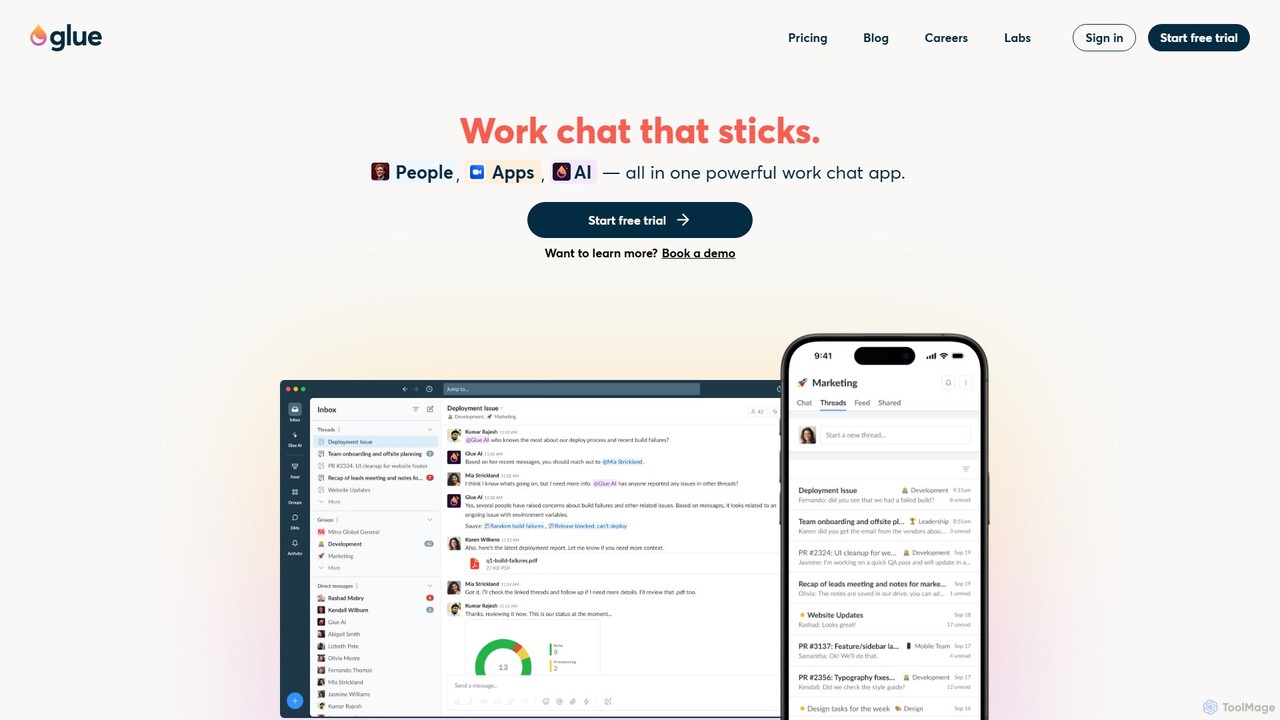
gluegroups
gluegroups is an AI-powered work chat platform designed for focused communication. It replaces traditional channels with independent, named threads to reduce noise. Featuring an integrated AI assistant (Glue AI), it supports brainstorming, collaborative problem-solving, and intelligent integrations, creating a more organized and efficient team workspace.
Chat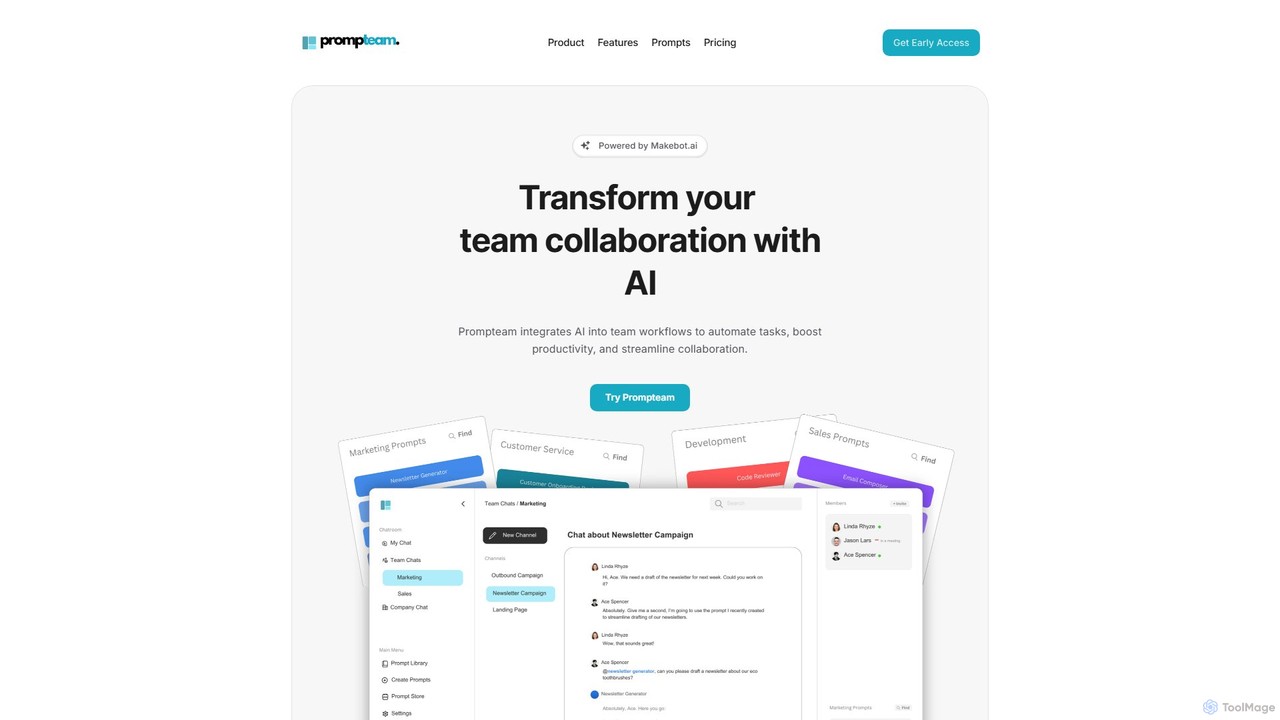
Prompteam
Prompteam is a collaborative AI platform that integrates generative AI into team workflows. It helps automate tasks, boost productivity, and streamline communication by allowing teams to create, manage, and reuse effective prompts in a centralized workspace. It acts as an AI-powered coworker for various business functions, from marketing to development.
Documentation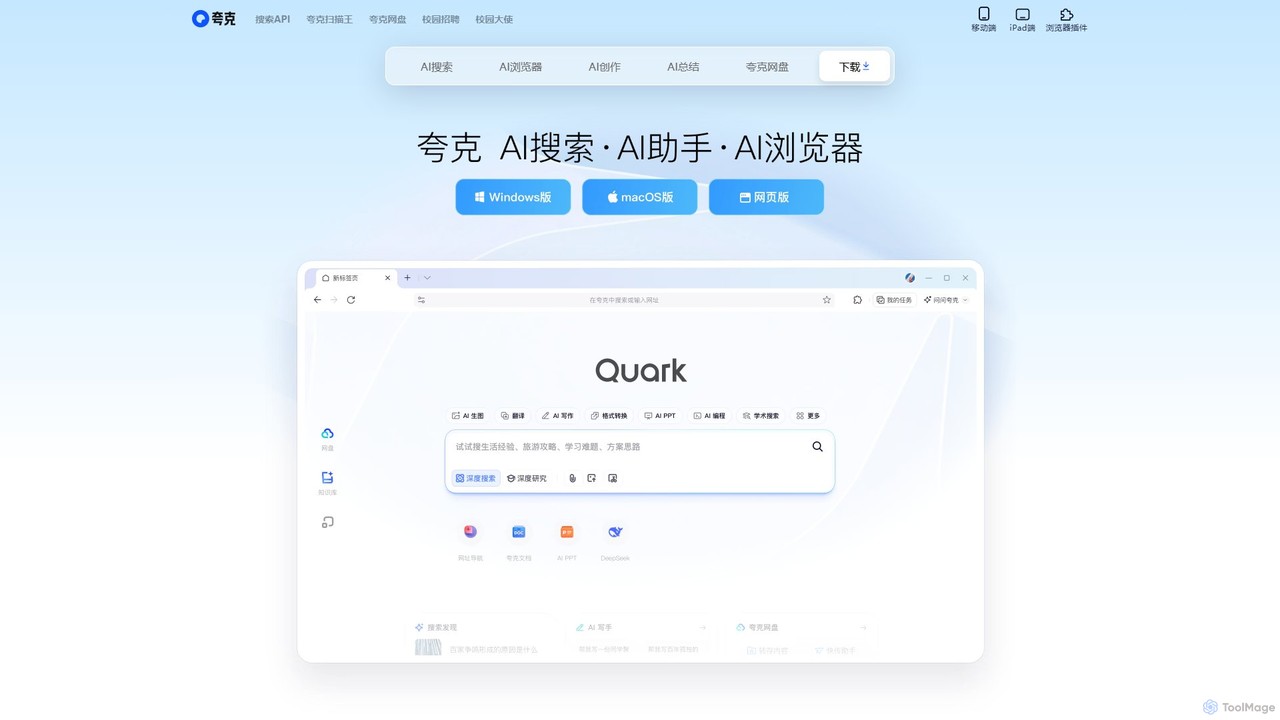
Quark
Quark is an all-in-one AI-powered suite from Alibaba, integrating a smart search engine, a fast browser, a massive cloud drive, and a suite of creative tools. It's designed to boost productivity for students and professionals with features like AI summarization, content generation, and seamless multi-device synchronization.
File Management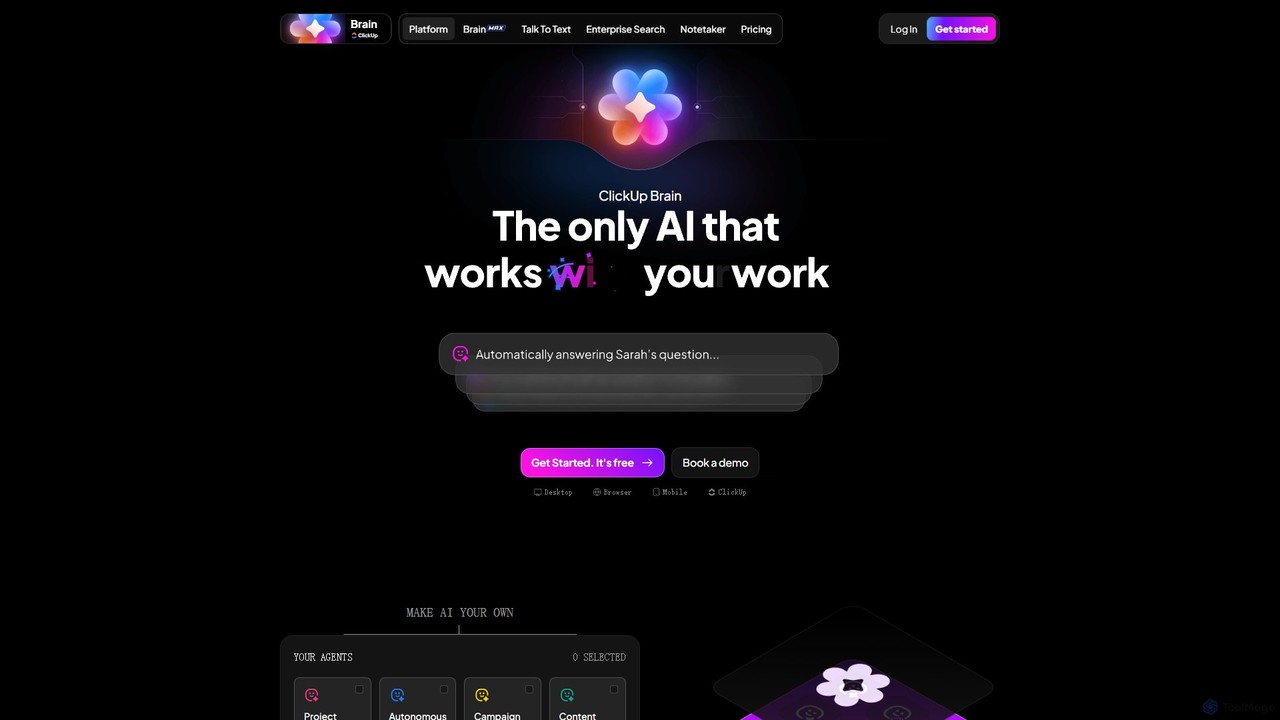
ClickUp Brain
ClickUp Brain is an all-in-one AI assistant integrated directly into the ClickUp productivity platform. It automates tasks, manages projects, summarizes meetings, and generates content by leveraging the full context of your work. It aims to replace multiple standalone AI tools by providing a unified, intelligent workspace that enhances team collaboration and accelerates project completion.
Collaboration
Slacksift Comments (0)
Sign in to comment.
Sign inNo comments yet.