
Meet For Slack Overview
Meet For Slack is an essential productivity tool designed to bridge the gap between asynchronous chat and real-time video collaboration. It seamlessly integrates Google Meet, one of the world's leading video conferencing platforms, directly into your Slack environment. This integration is built for modern, fast-paced teams that need to transition from a text-based discussion to a face-to-face conversation with zero friction. By centralizing communication, Meet For Slack helps reduce context switching, save valuable time, and enhance overall team productivity.
The core philosophy behind Meet For Slack is simplicity and efficiency. Instead of navigating away from your conversation, opening a new tab, creating a meeting, and then copying and pasting the link back into Slack, you can accomplish the entire process in seconds without ever leaving your channel. The tool may also leverage AI to understand natural language commands, making it even more intuitive to schedule and manage meetings.
How to use Meet For Slack
Getting started with Meet For Slack is a straightforward process designed for quick adoption:
- Installation: Find Meet For Slack in the Slack App Directory and click "Add to Slack".
- Authorization: Grant the necessary permissions for the app to connect to your Slack workspace and your Google Account. This is a one-time setup to ensure secure communication between the services.
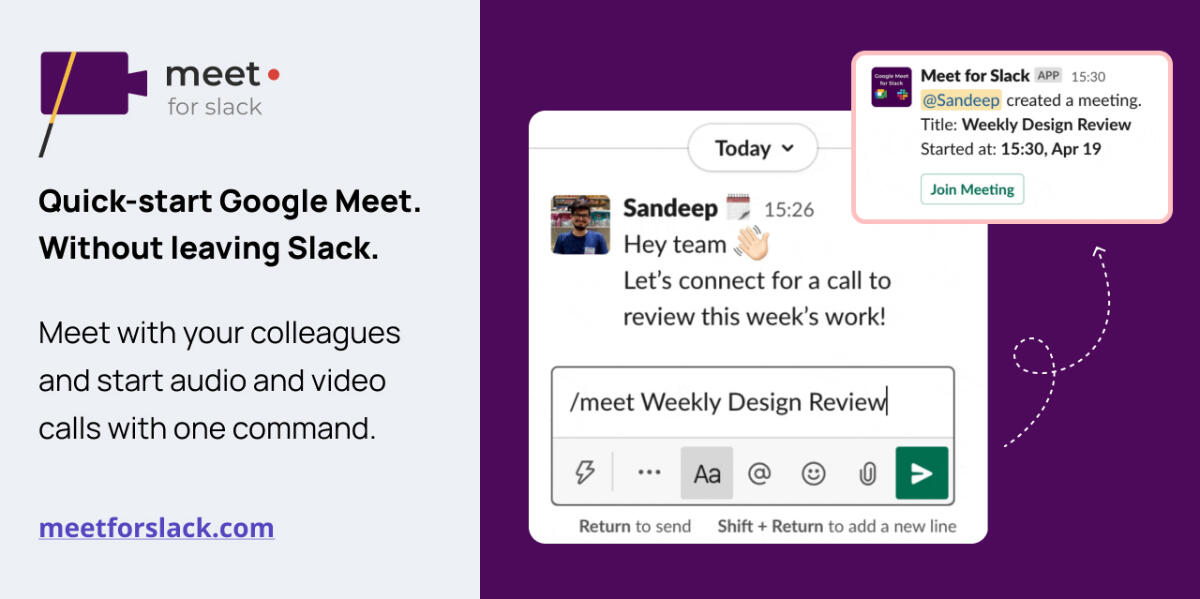
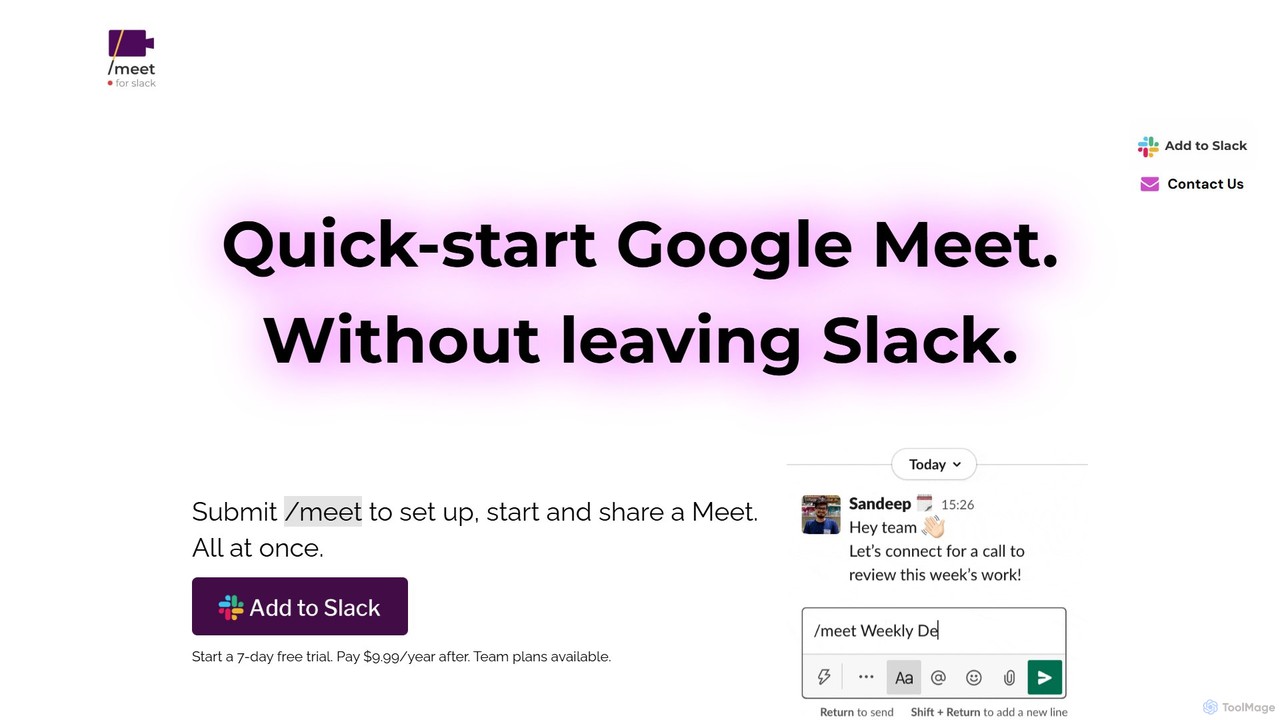
- Launch a Meeting: In any Slack channel or direct message, simply type the slash command
/meet. The app will instantly generate a unique Google Meet link. - Add a Topic (Optional): For more context, you can name your meeting by typing
/meet [Your Meeting Topic]. For example,/meet Q3 Marketing Strategy Review. - Join the Call: The app will post a message in the channel containing the meeting link and a "Join" button. Anyone in the channel can click the link to join the video conference immediately.
Core Features of Meet For Slack
- Instant Meeting Creation: Generate Google Meet links on-the-fly using the intuitive
/meetslash command. - Seamless Slack Integration: Works natively within any public channel, private channel, or direct message in your Slack workspace.
- Automatic Link Sharing: The generated meeting link is automatically posted in the conversation, making it accessible to all relevant team members.
- Contextual Meeting Titles: Easily add a topic to your meeting invitation for clarity and better record-keeping.
- Google Calendar Integration: Potentially connects with Google Calendar to schedule meetings for a future time or check team availability, turning natural language requests into calendar events.
- Secure and Reliable: Leverages the robust security and infrastructure of Google Cloud for all video conferences.
- No Context Switching: Keep your team focused by initiating and managing video calls from the same platform where you collaborate on projects.
Use Cases for Meet For Slack
Meet For Slack is versatile and valuable for various team scenarios:
- Agile & Development Teams: Quickly start an ad-hoc meeting for a pair programming session, a bug bash, or to resolve a blocker discussed in a channel.
- Remote & Hybrid Teams: Effortlessly escalate a complex text discussion to a more personal and effective video call to foster better connection and clarity.
- Client Support & Sales: Instantly create a private meeting room to provide a live demo or troubleshoot a customer's issue in real-time.
- Project Management: Launch a quick sync-up meeting directly from a project-specific channel to align on tasks and next steps.
Advantages of Meet For Slack
The primary advantage of Meet For Slack is its ability to significantly boost workflow efficiency. By embedding video conferencing into the natural flow of conversation, it removes barriers to communication. This leads to faster decision-making, improved collaboration on complex problems, and a more connected team culture, especially in remote settings. Its ease of use ensures that the entire team can adopt it without extensive training, providing an immediate return on investment in the form of saved time and increased productivity.
Pricing and Plans
Meet For Slack typically offers a freemium model to suit teams of all sizes:
- Free Plan: Ideal for small teams or for trying out the service. This plan usually includes core features but may have a limit on the number of meetings that can be created per month.
- Pro Plan (Paid): Designed for growing businesses, this plan offers unlimited meeting creation, advanced features like Google Calendar integration, and priority customer support.
- Enterprise Plan (Paid): A custom solution for large organizations requiring features like single sign-on (SSO), advanced security compliance, and dedicated account management.
Specific pricing details are available on the official website or by contacting their sales team.
Meet For Slack Alternatives
Slacksift
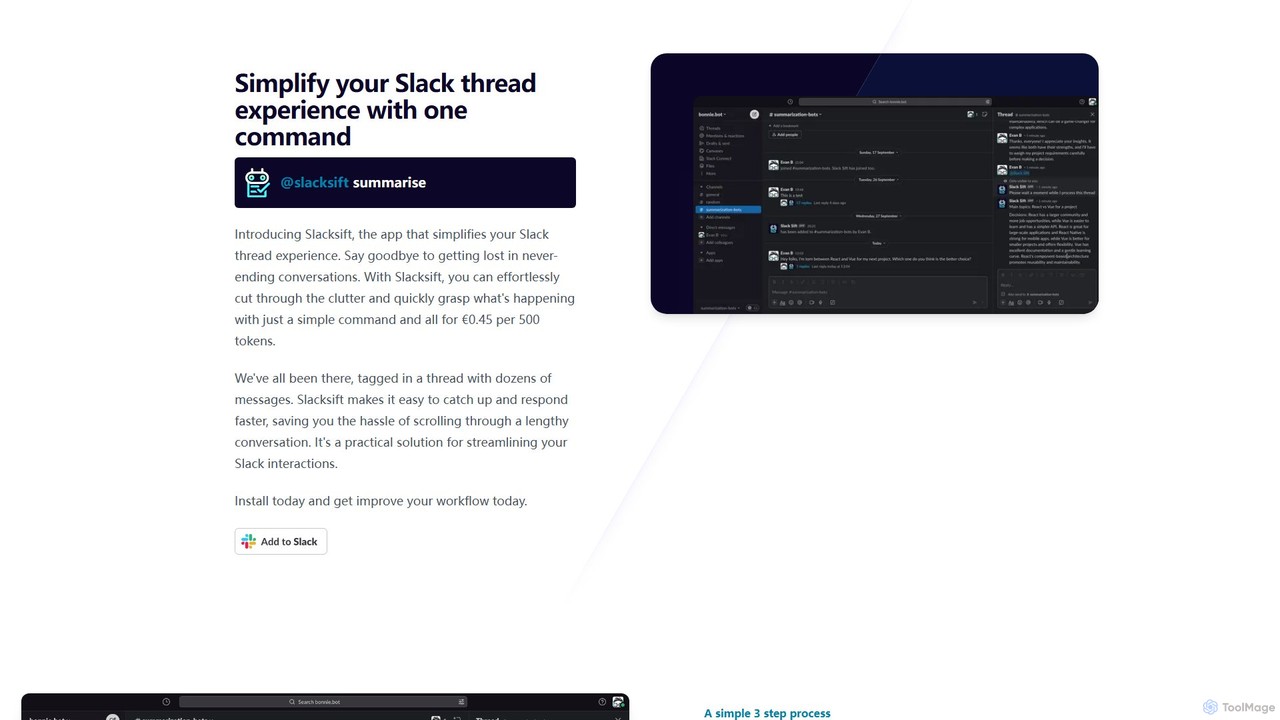
Slacksift is an AI-powered Slack application that simplifies your team's communication by summarizing long and complex threads. With a single command, it condenses conversations into concise, easy-to-digest summaries, helping you save time, catch up quickly, and respond faster. It operates on a simple pay-as-you-go model, eliminating the need for fixed subscriptions.
Workflow Automation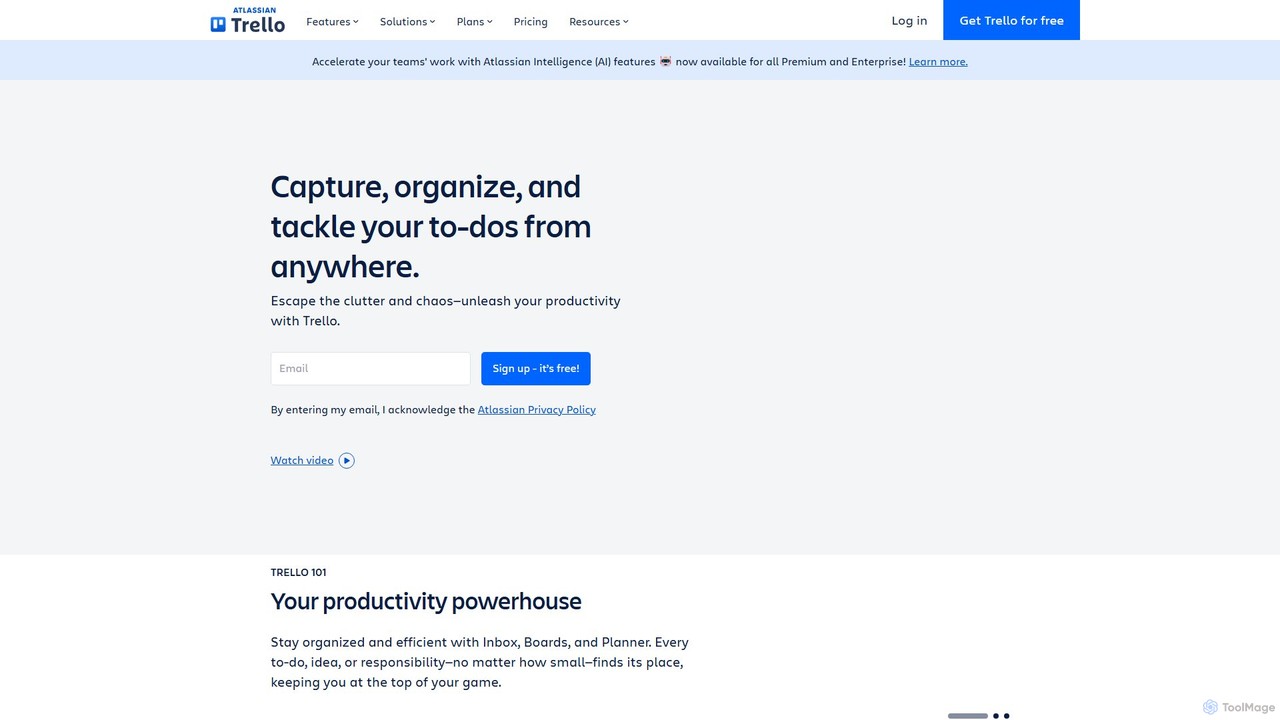
Trello
Trello is a visual collaboration and project management tool that helps teams organize tasks, collaborate on projects, and track progress using boards, lists, and cards. Enhanced with Atlassian Intelligence (AI), it streamlines workflows by turning communications into actionable items and automating repetitive tasks.
Workflow Automation
Coze Space
Coze Space is an AI-powered office assistant that leverages a team of specialized AI agents to automate complex tasks. From generating market research reports and presentations to creating podcast audio and web pages, it streamlines your workflow by handling multi-step projects within a single, integrated platform.
Workflow Automation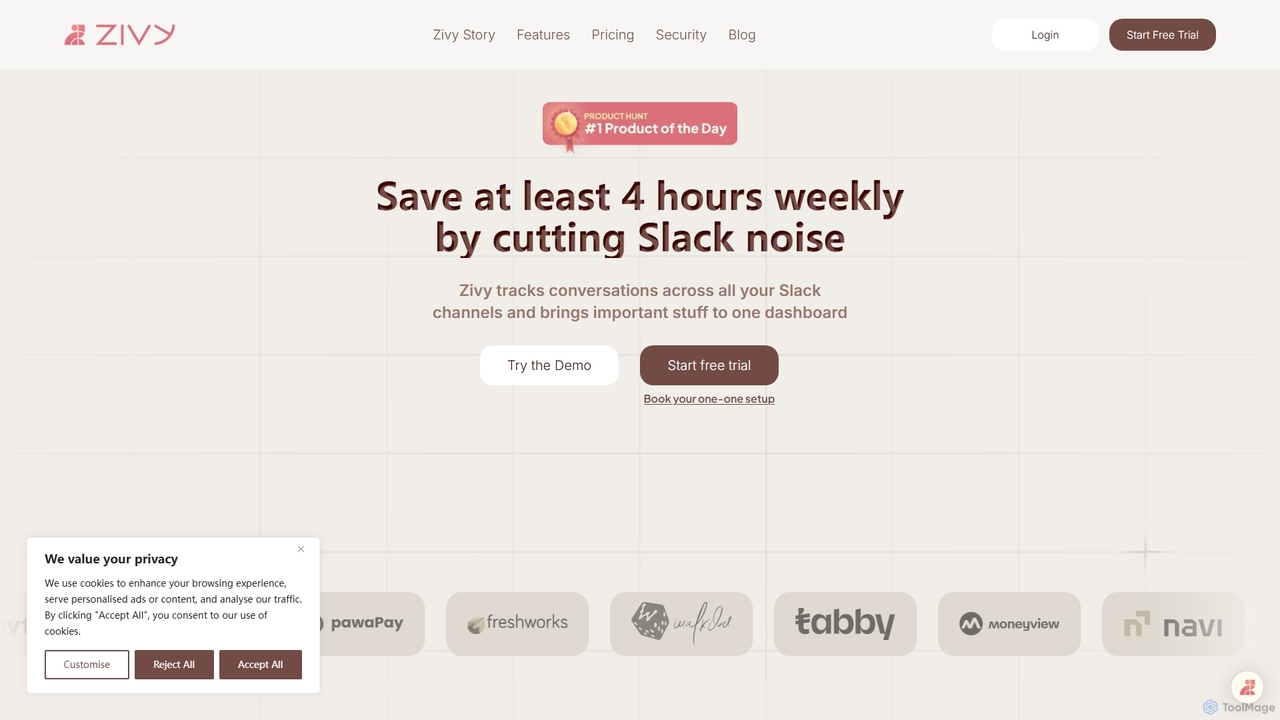
Zivy
Zivy is an AI copilot for Slack designed to help managers and teams reduce noise, prioritize conversations, and automate tasks. It intelligently filters messages, summarizes long threads, automates follow-ups, and drafts replies, saving users over 4 hours per week and transforming Slack from a source of distraction into a focused productivity hub.
Task Management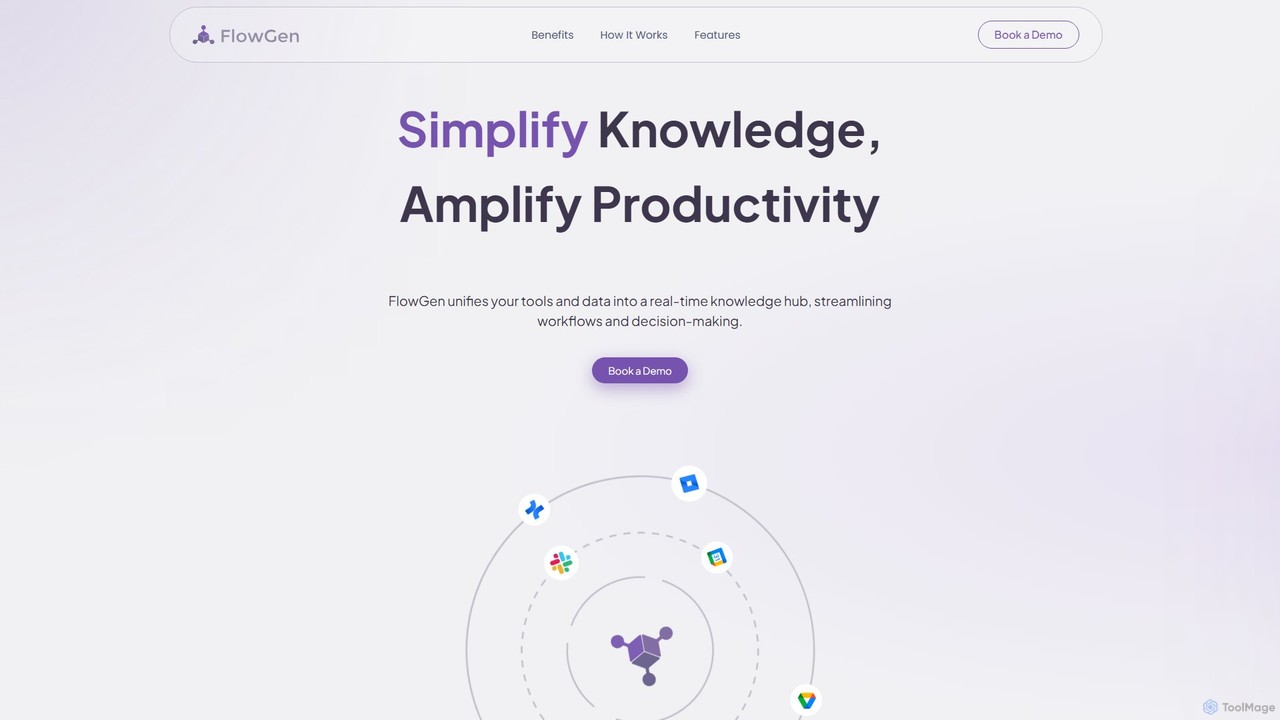
FlowGen
FlowGen is an AI-powered knowledge hub that unifies your company's tools and data into a single, real-time platform. It breaks down information silos by integrating with various apps, allowing teams to find information instantly, streamline workflows, and make faster, data-driven decisions. By providing a centralized, searchable source of truth, FlowGen amplifies productivity and enhances collaboration across your entire organization.
Workflow AutomationMeet For Slack Categories
Meet For Slack Embed Widget
Copy this embed code to place the badge on your blog, article, or product site and send readers directly to this ToolMage detail page.

Related AI tools
Slack
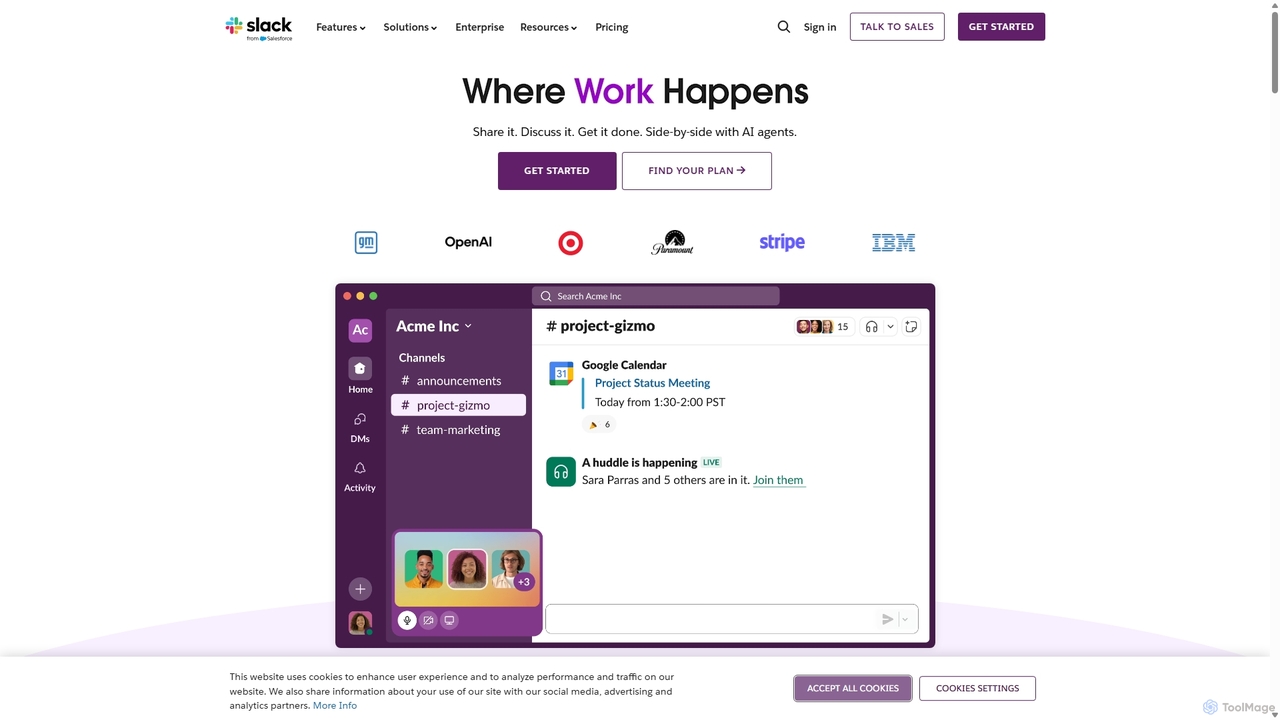
Slack is an AI-powered collaboration hub that connects your people, partners, and tools. It replaces email with faster, better-organized communication through channels. With integrated AI, workflow automation, and thousands of apps, Slack centralizes your work to boost productivity and streamline project management.
Project Management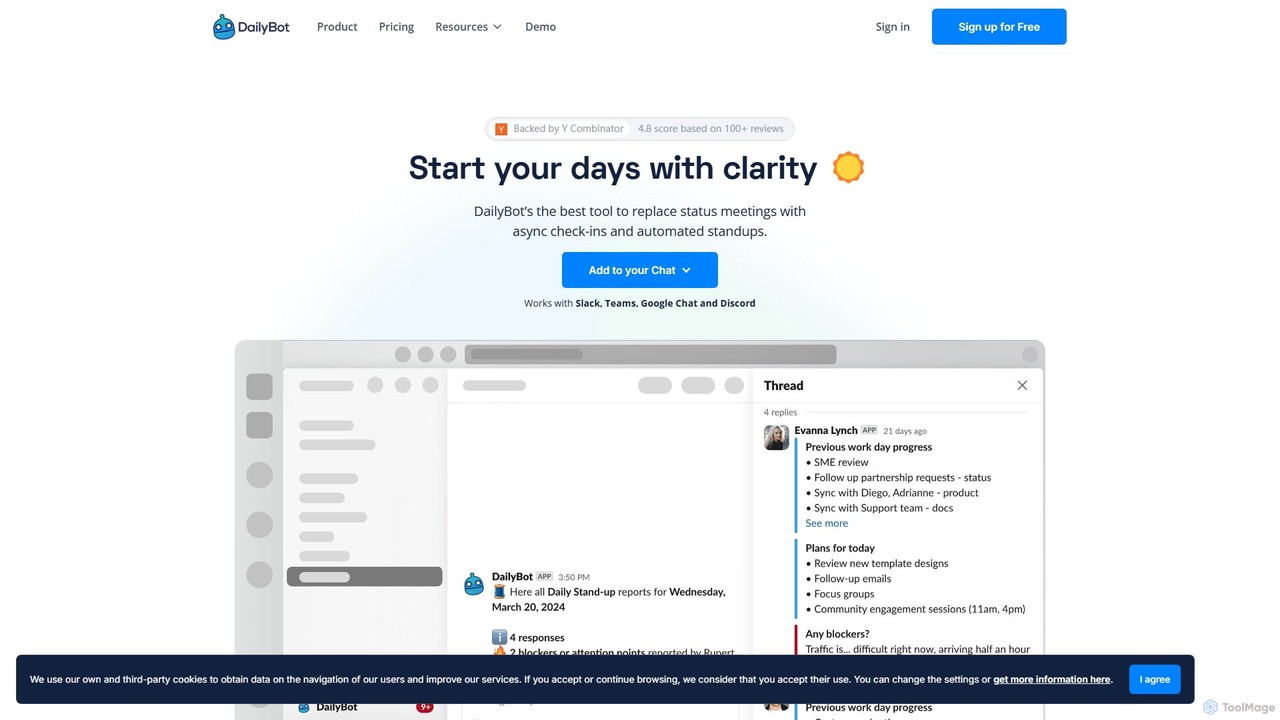
DailyBot
DailyBot is an AI-powered chatbot for agile and remote teams, automating daily stand-ups, team check-ins, and feedback collection. It integrates with Slack, MS Teams, Google Chat, and Discord to replace meetings with efficient asynchronous updates, track progress, and foster team culture.
Agile Development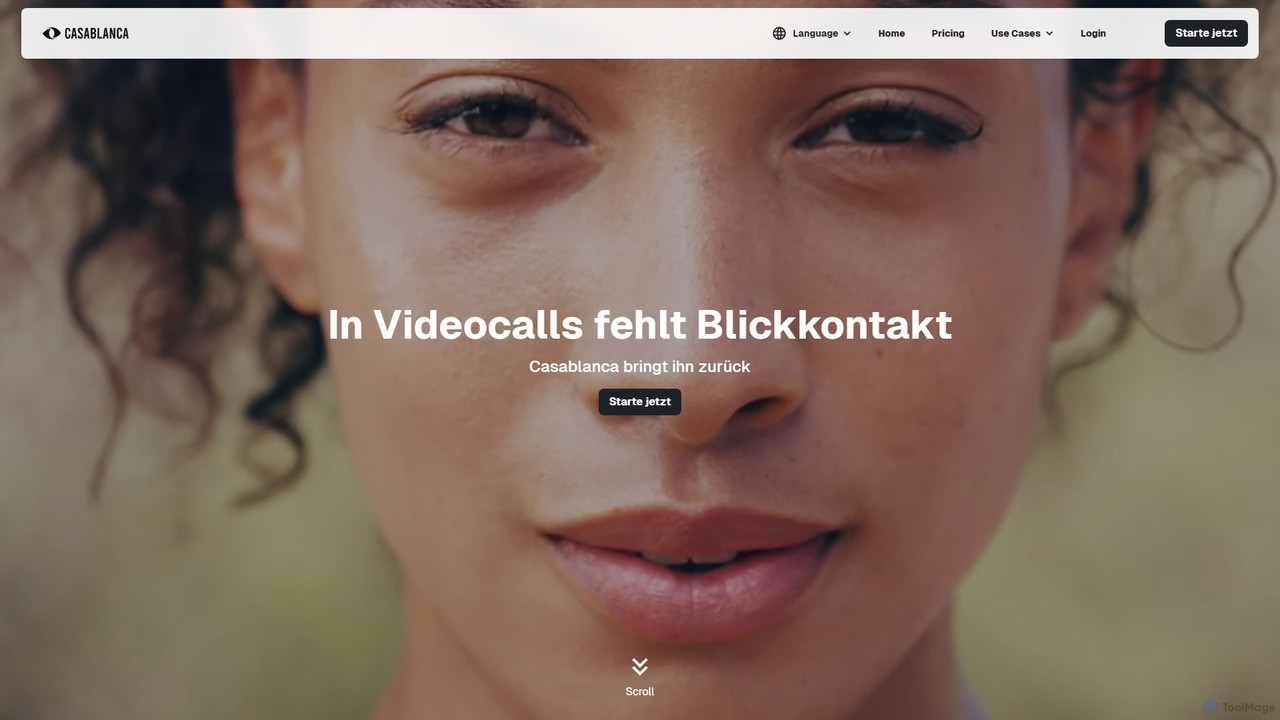
Casablanca
Casablanca is an AI-powered virtual camera that enhances your presence in online meetings. Its core feature, AI eye contact correction, ensures you always appear to be looking directly at the camera, fostering better engagement. It works seamlessly with popular platforms like Zoom, Teams, and Google Meet to make you look your best in every call.
TeleconferencingSlacksift
Slacksift is an AI-powered Slack application that simplifies your team's communication by summarizing long and complex threads. With a single command, it condenses conversations into concise, easy-to-digest summaries, helping you save time, catch up quickly, and respond faster. It operates on a simple pay-as-you-go model, eliminating the need for fixed subscriptions.
Workflow Automation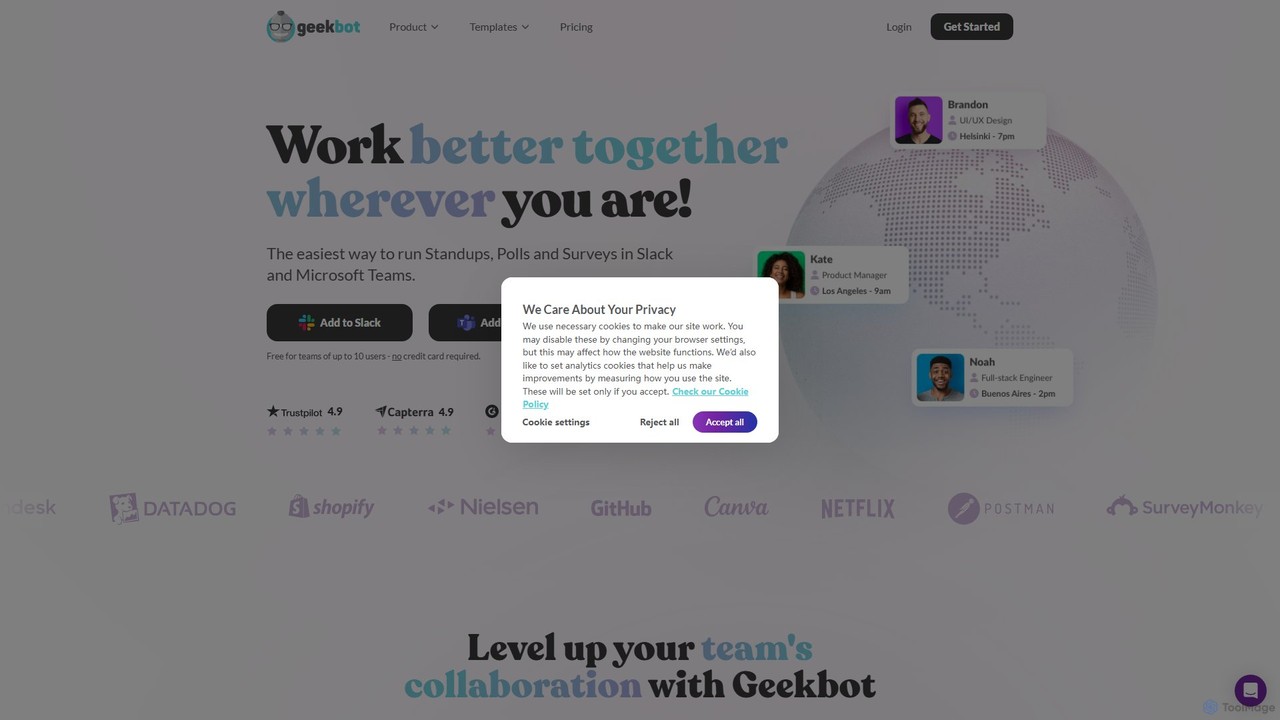
Geekbot
Geekbot is an AI-powered assistant for running asynchronous stand-up meetings, surveys, and polls directly within Slack and Microsoft Teams. It helps remote and hybrid teams stay synchronized, track progress, and foster a culture of transparent communication without the need for constant meetings.
Employee Engagement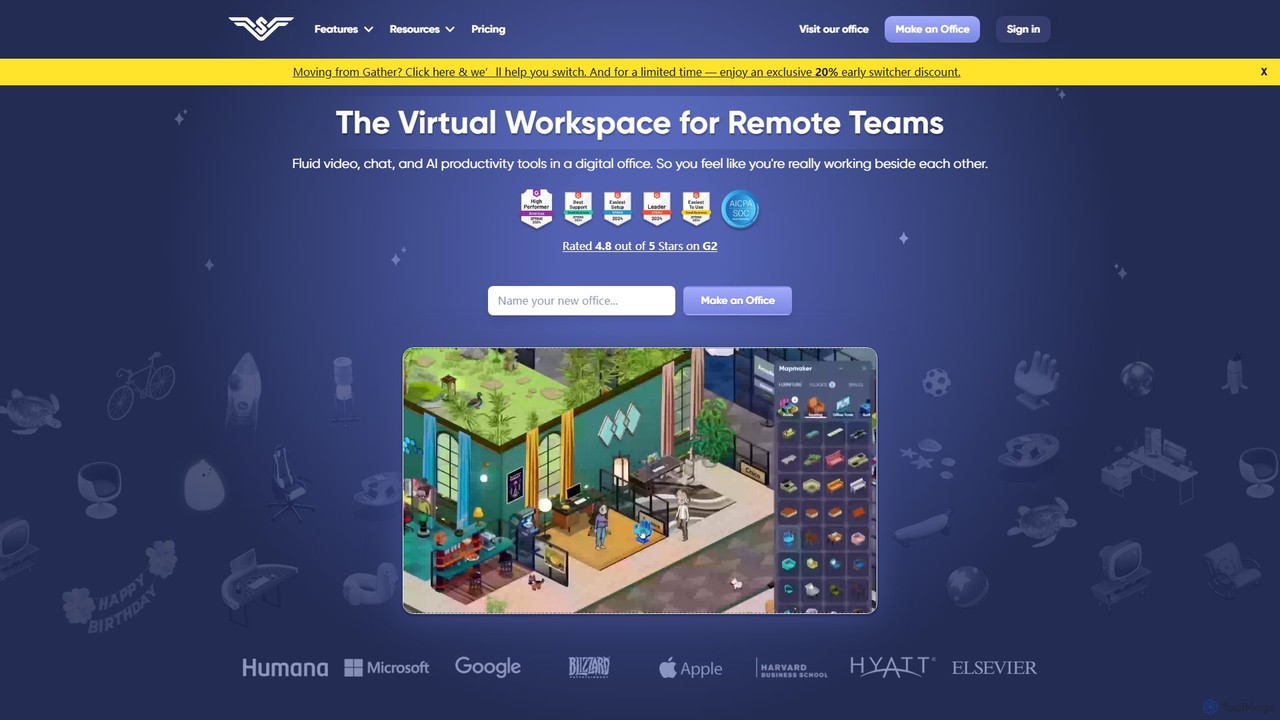
SoWork
SoWork is an AI-powered virtual workspace for remote teams, combining fluid video, chat, and productivity tools in a customizable digital office. It aims to foster a sense of presence and seamless collaboration, making remote teams feel like they're working side-by-side.
Video Conferencing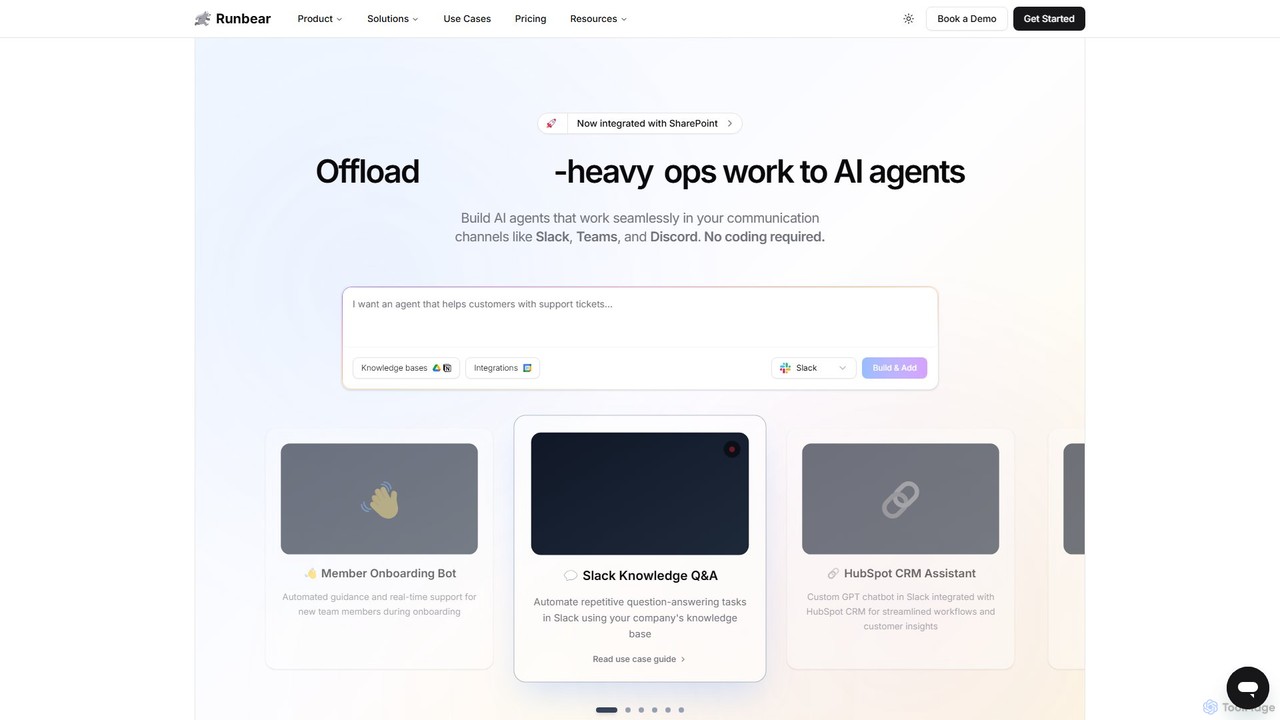
Runbear
Runbear is a no-code platform for building and deploying custom AI agents directly into your team's communication tools like Slack, Microsoft Teams, and Discord. Automate repetitive tasks, answer questions from your knowledge base, and streamline workflows by creating specialized AI teammates that integrate with thousands of apps, all without writing a single line of code.
No Code Builder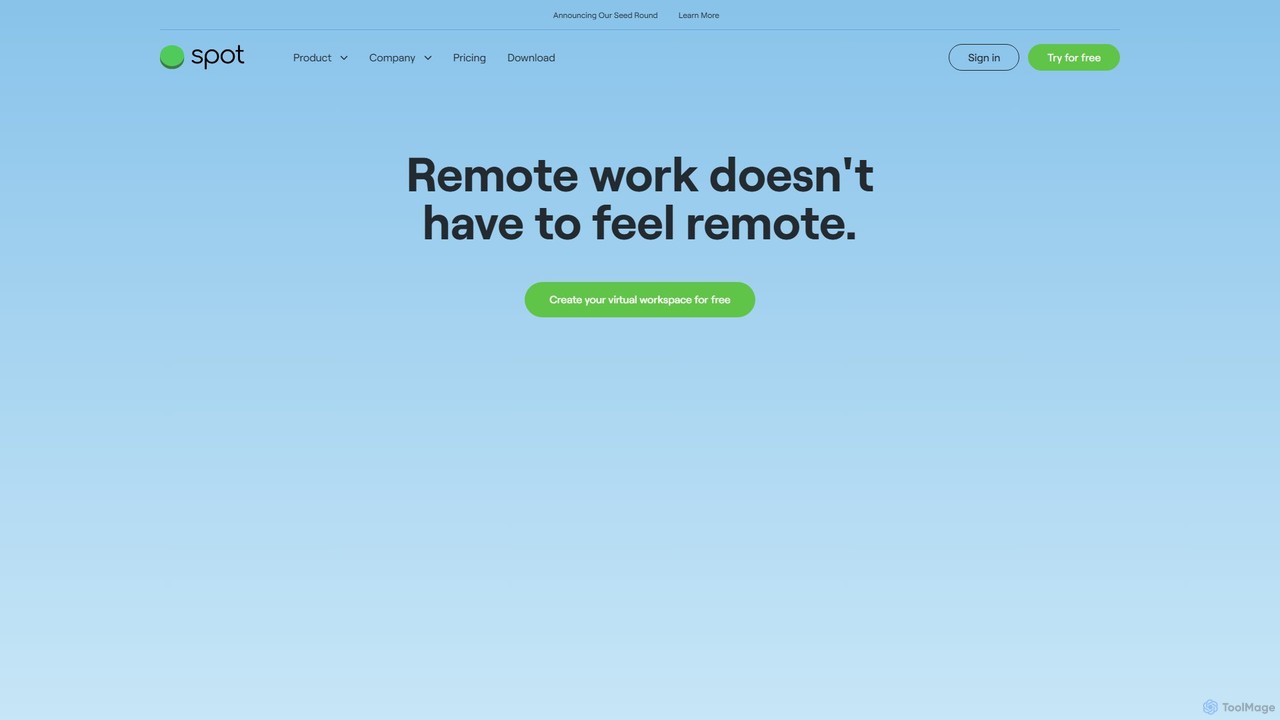
Spotvirtual
Spotvirtual is a virtual office platform that transforms remote work by creating an immersive, customizable 3D workspace. It combines the features of Slack and Zoom with the spatial presence of a physical office, allowing teams to collaborate, communicate, and connect more naturally, boosting productivity and team morale.
Team Chat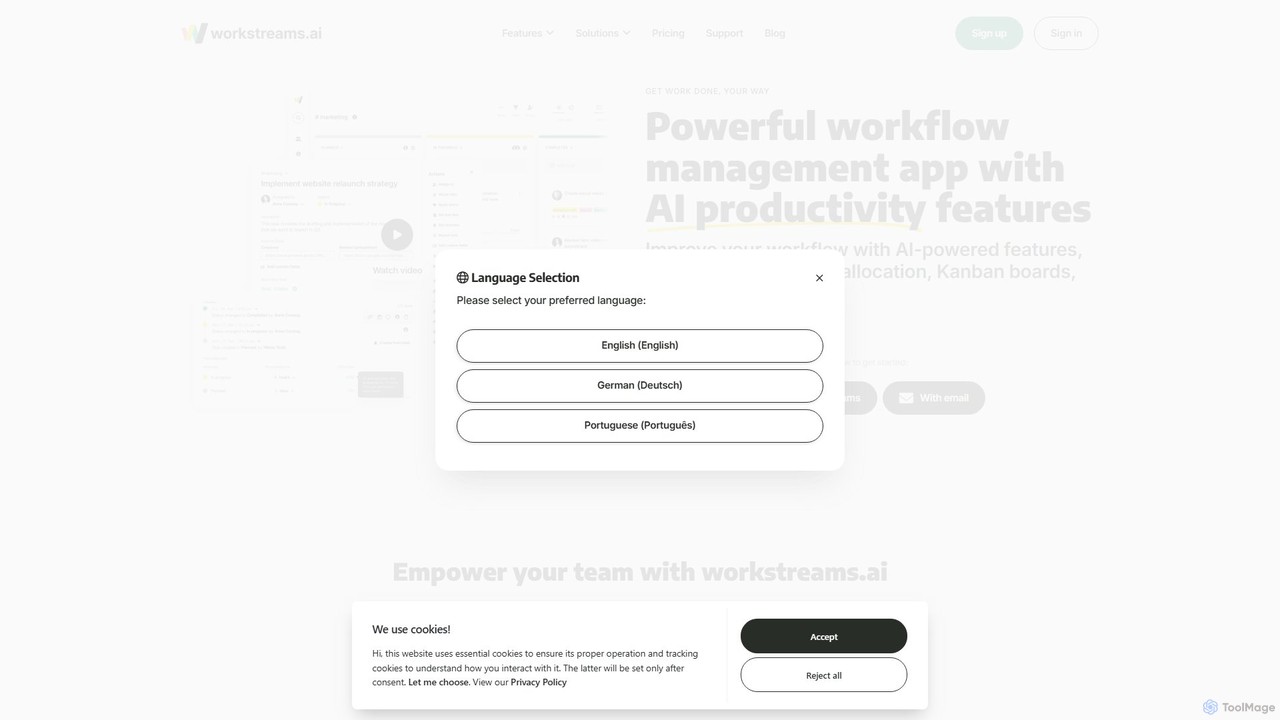
workstreams.ai
workstreams.ai is an intuitive task and workflow management app that enhances team productivity with powerful AI features. It seamlessly integrates with Slack and Microsoft Teams, allowing you to create, manage, and automate tasks using Kanban boards, AI-powered task generation, and detailed time tracking.
Team Management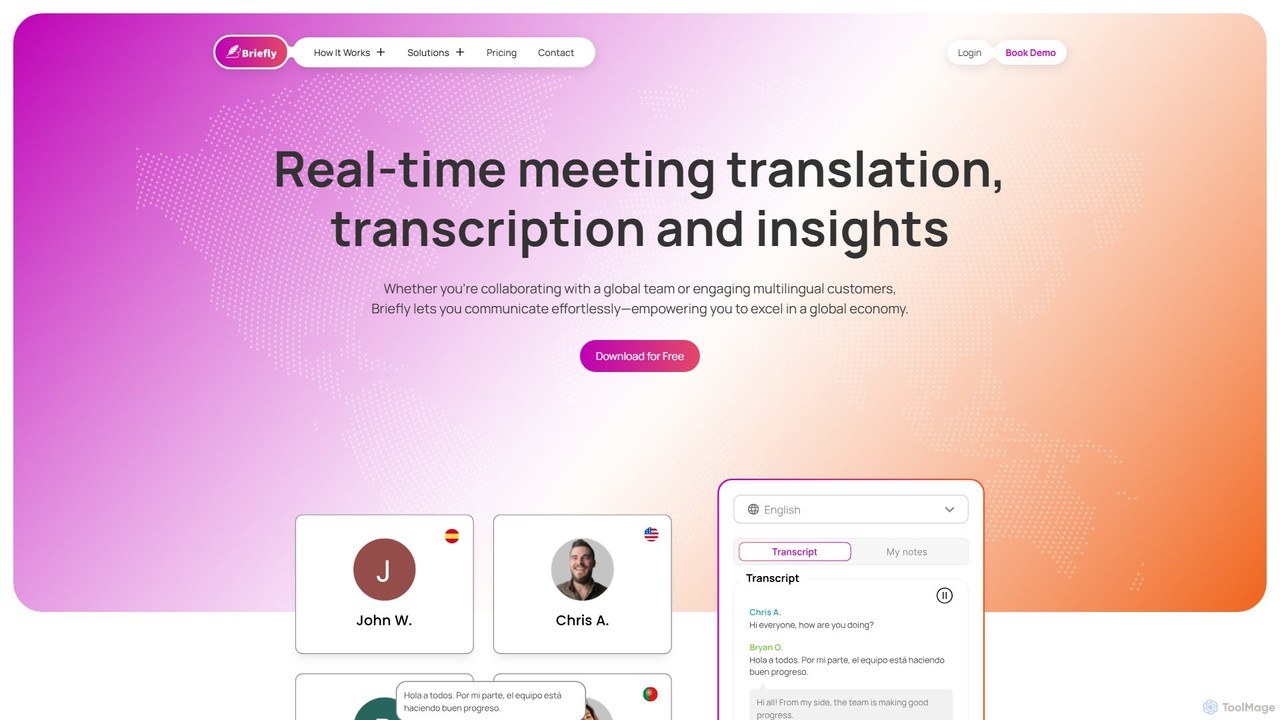
BrieflyAI
BrieflyAI is an AI-powered meeting assistant that automatically transcribes, summarizes, and generates insights from your meetings without a bot joining the call. It supports multiple languages, integrates with CRM and communication tools like Slack, and helps streamline your workflow by creating follow-up emails and action items.
Automation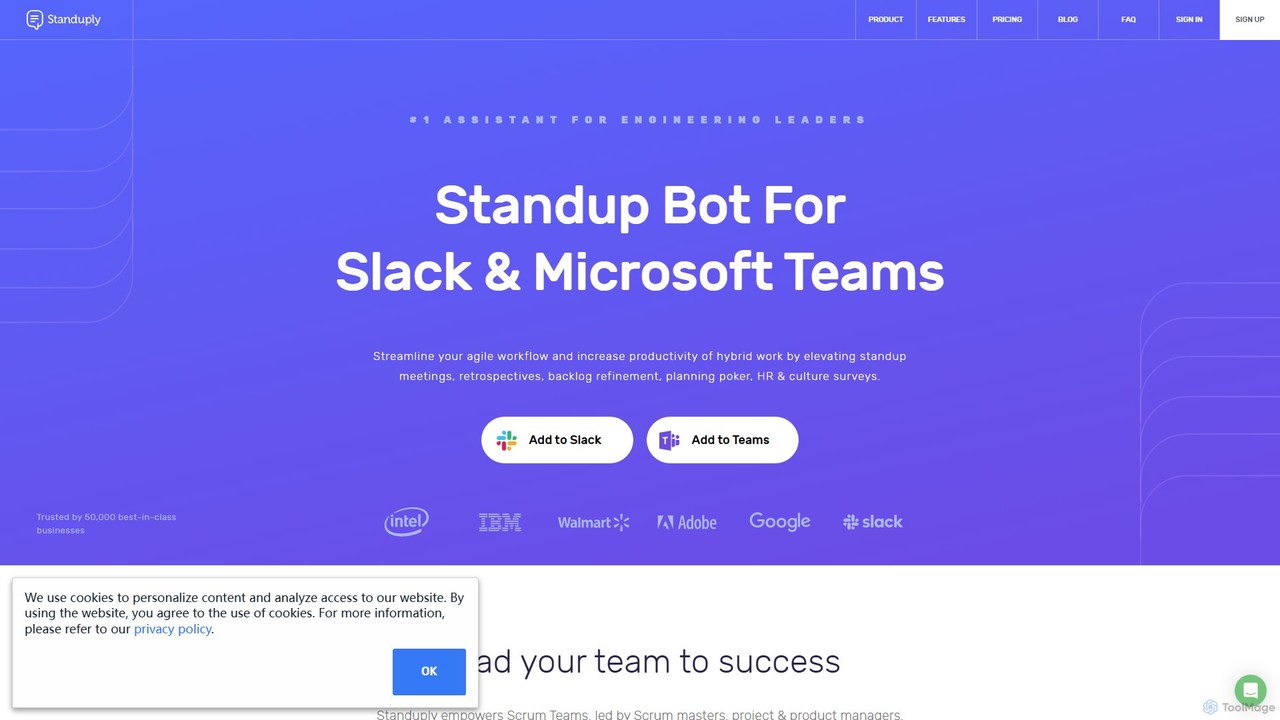
Standuply
Standuply is a digital scrum master for Slack and Microsoft Teams that automates agile processes like stand-up meetings, retrospectives, and team surveys. It helps remote and co-located teams stay in sync, track progress, and improve communication asynchronously. With integrations and AI-powered knowledge management, it streamlines workflows and boosts productivity.
Project Management
frameable
Frameable is an advanced virtual collaboration platform that integrates HD video conferencing with a persistent, interactive digital workspace. It's designed for remote and hybrid teams to communicate, brainstorm, and interact with data in a unified, immersive environment, moving beyond traditional online meetings.
Virtual Workspace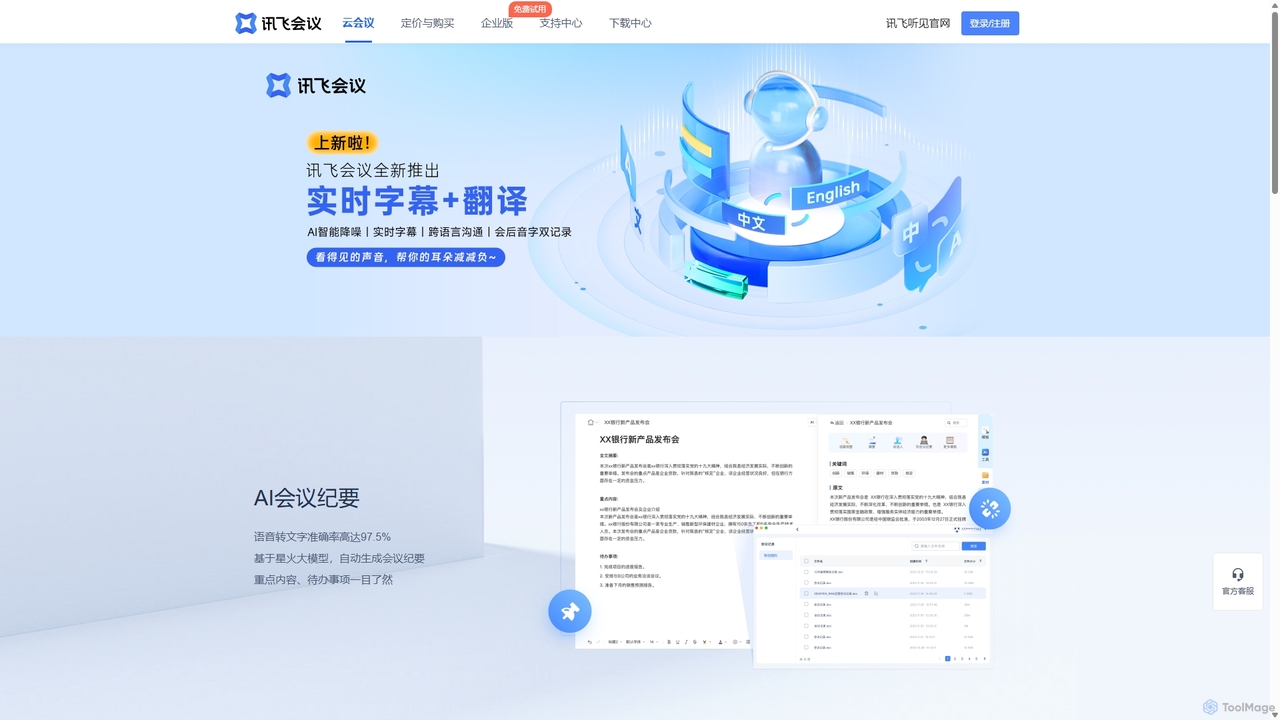
IFlytek Meeting
iFlytek Meeting is an AI-powered HD video conferencing platform. It offers high-accuracy real-time transcription, automatic meeting summaries, and to-do list generation. With features like stable HD video, cross-platform support, and robust security, it enhances meeting efficiency for individuals, teams, and large enterprises, providing a seamless remote collaboration experience.
Communication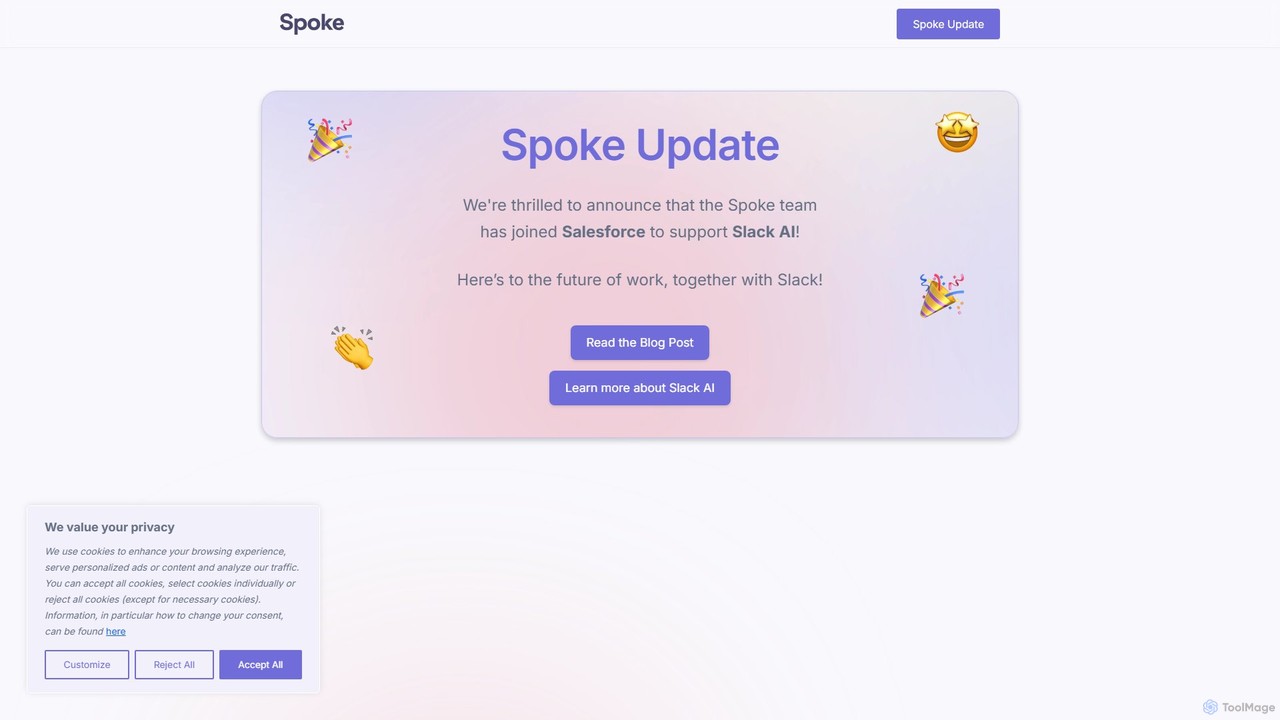
Spoke.ai
Spoke.ai is an AI-powered communication assistant that transforms team conversations into actionable intelligence. It integrates with platforms like Slack to automatically summarize discussions, track decisions, and identify action items, helping teams stay aligned, reduce noise, and accelerate their workflow.
Team Collaboration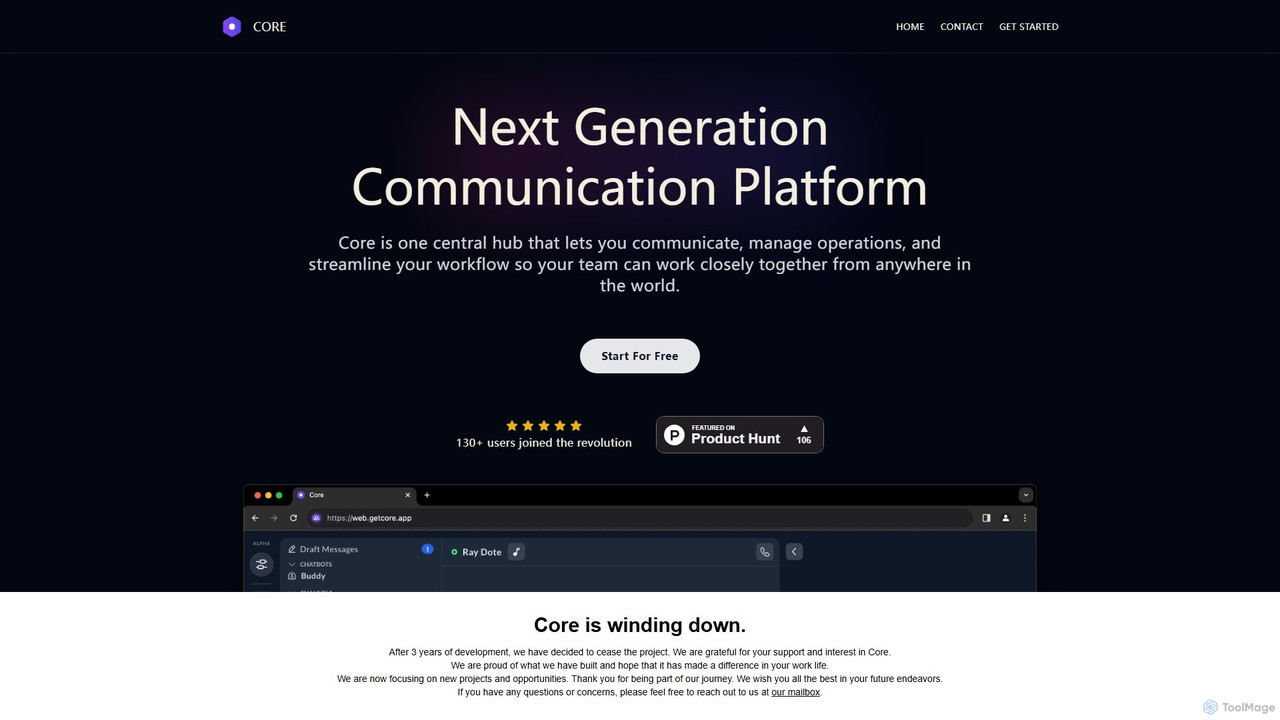
Core
Core is an AI-powered, all-in-one communication and collaboration platform for teams. It centralizes chat, video calls, calendar, and a native knowledge base to reduce distractions, streamline workflows, and boost productivity with features like process automation and AI assistants.
Team Chat
Meet For Slack Comments (0)
Sign in to comment.
Sign inNo comments yet.