

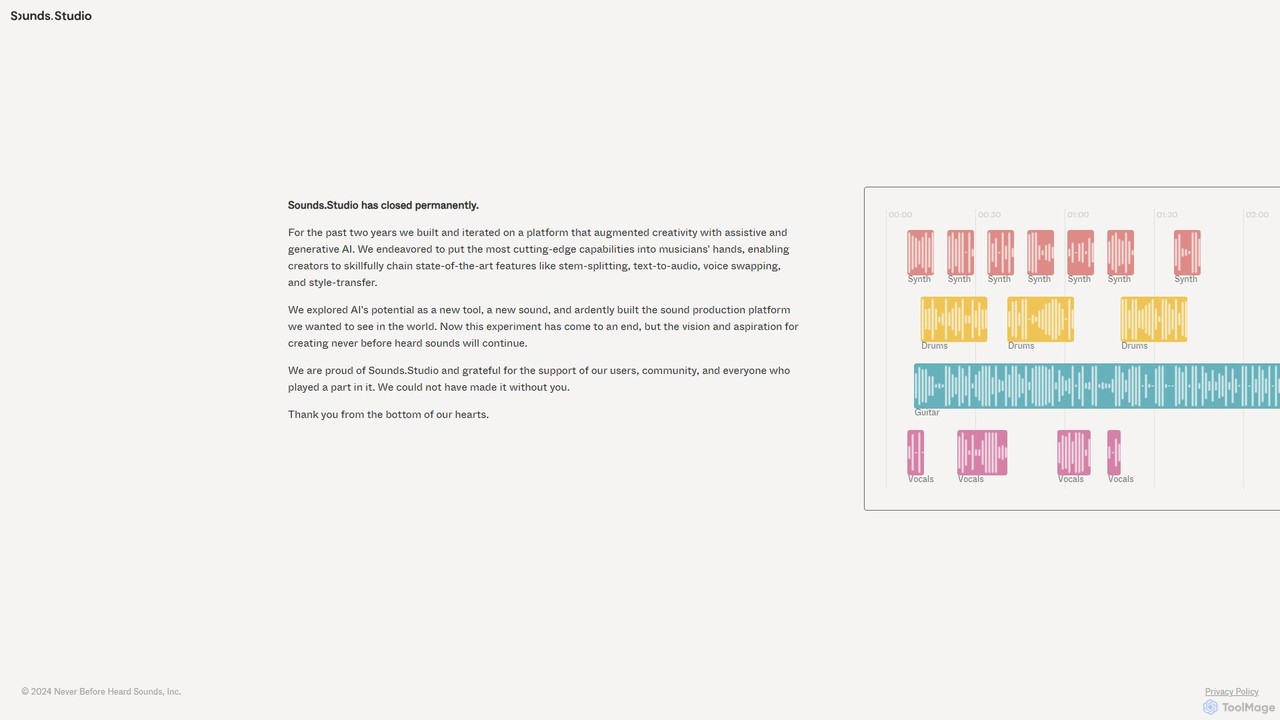
Sounds.Studio Overview
Sounds.Studio was an innovative, web-based platform that stood at the forefront of AI-driven music and sound production. Although the platform has now permanently closed, its vision was to empower musicians, producers, and sound designers by integrating cutting-edge assistive and generative AI technologies directly into their creative process. It provided a unified suite of tools that enabled the creation of previously unheard-of sounds and simplified complex audio manipulation tasks.
The core philosophy of Sounds.Studio was to act as a creative partner, augmenting human artistry with powerful AI capabilities. It allowed users to skillfully chain together various state-of-the-art features, creating a modular and flexible environment for sound exploration. The platform was celebrated for its ambition to build the next generation of sound production tools, making advanced technology accessible to a broader community of creators.
How to use Sounds.Studio
While the platform is no longer operational, the typical user workflow was designed to be intuitive and powerful:
- Project Setup: Users would start by creating a new project and could either upload their own audio files (e.g., a full song, a vocal track, or an instrument loop) or begin with a blank canvas for generative tasks.
- Tool Selection: From the main dashboard, a user could select from a range of AI tools. For instance, they could choose the 'Stem Splitter' for an uploaded track or the 'Text-to-Audio' generator to create something new.
- AI Processing: After selecting a tool, the user would configure its parameters. For stem splitting, this meant choosing which stems to isolate (vocals, drums, bass, etc.). For text-to-audio, it involved writing a descriptive prompt (e.g., "a cinematic synth pad with a slow, ethereal decay").
- Creative Chaining: A key feature was the ability to chain processes. A user could, for example, split the vocal stem from a song, then use the 'Voice Swap' tool to change its timbre, and finally apply a 'Style Transfer' to give it a vintage analog warmth.
- Review and Export: Users could preview the results in real-time and tweak parameters as needed. Once satisfied, they could export the final audio file in a high-quality format for use in their Digital Audio Workstation (DAW) or other projects.
Core Features of Sounds.Studio
- Stem Splitting: High-fidelity separation of audio tracks into their constituent parts, such as vocals, drums, bass, and other instruments. This was invaluable for creating remixes, instrumentals, or acapellas.
- Text-to-Audio Generation: A generative tool that could create a wide variety of sounds, textures, and musical ideas from simple text prompts, serving as a powerful source of inspiration.
- Voice Swapping: The ability to transform the timbre and character of a vocal performance into a different voice (either a synthetic one or modeled after another singer) while preserving the original melody and delivery.
- Style Transfer: An advanced feature that could apply the sonic characteristics of one audio file (the 'style') to another (the 'content'). This could be used to make a modern digital recording sound like a vintage vinyl record, for example.
- Modular Workflow: The platform was designed to allow these powerful tools to be used in combination, offering endless creative possibilities for sound manipulation and design.
Use Cases for Sounds.Studio
The platform was versatile and catered to various creative professionals:
- Music Producers: Isolating samples from existing tracks, creating unique new sounds with text-to-audio for their productions, and experimenting with vocal textures.
- Remix Artists: Easily obtaining clean acapellas and instrumentals from commercial tracks to create official or bootleg remixes.
- Sound Designers: Generating novel sound effects for films, video games, and other media by describing the desired sound.
- Singer-Songwriters: Prototyping different vocal styles for their songs or creating high-quality backing tracks for performance.
Advantages of Sounds.Studio
Sounds.Studio's primary advantage was its all-in-one, integrated approach. It brought together multiple, highly complex AI audio processes into a single, user-friendly web interface, removing the need for expensive software or specialized technical knowledge. It fostered creativity by focusing on exploration and allowed creators to achieve results that would have been incredibly time-consuming or impossible with traditional tools. Its commitment to providing state-of-the-art capabilities made it a true pioneer in the AI music space.
Pricing and Plans
Sounds.Studio has been permanently closed. As a result, all services have been discontinued, and pricing and plan information is no longer available or applicable.
Sounds.Studio Alternatives
Samplab
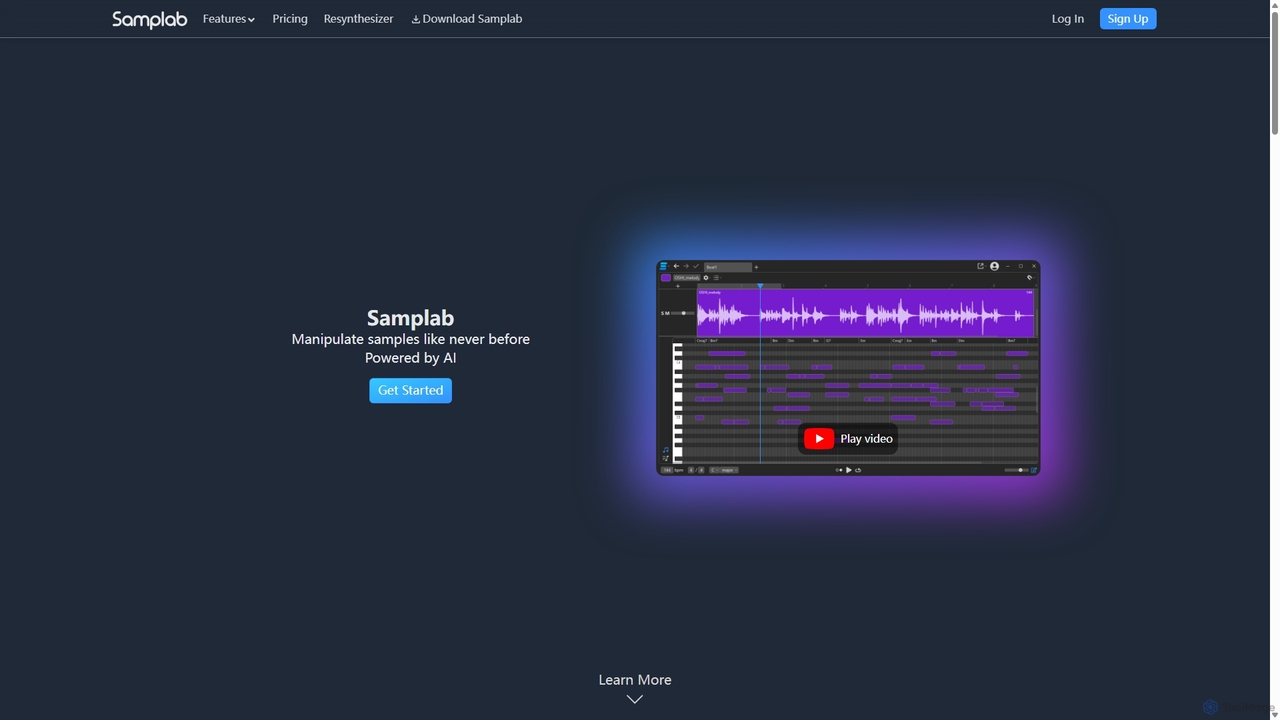
Samplab is an AI-powered audio tool for music producers that allows for unprecedented manipulation of samples. Edit individual notes in polyphonic audio, detect and change chords, split music into stems, and seamlessly match the tempo and key of different samples. It integrates directly into your DAW as a VST3/AU plugin.
Audio Editing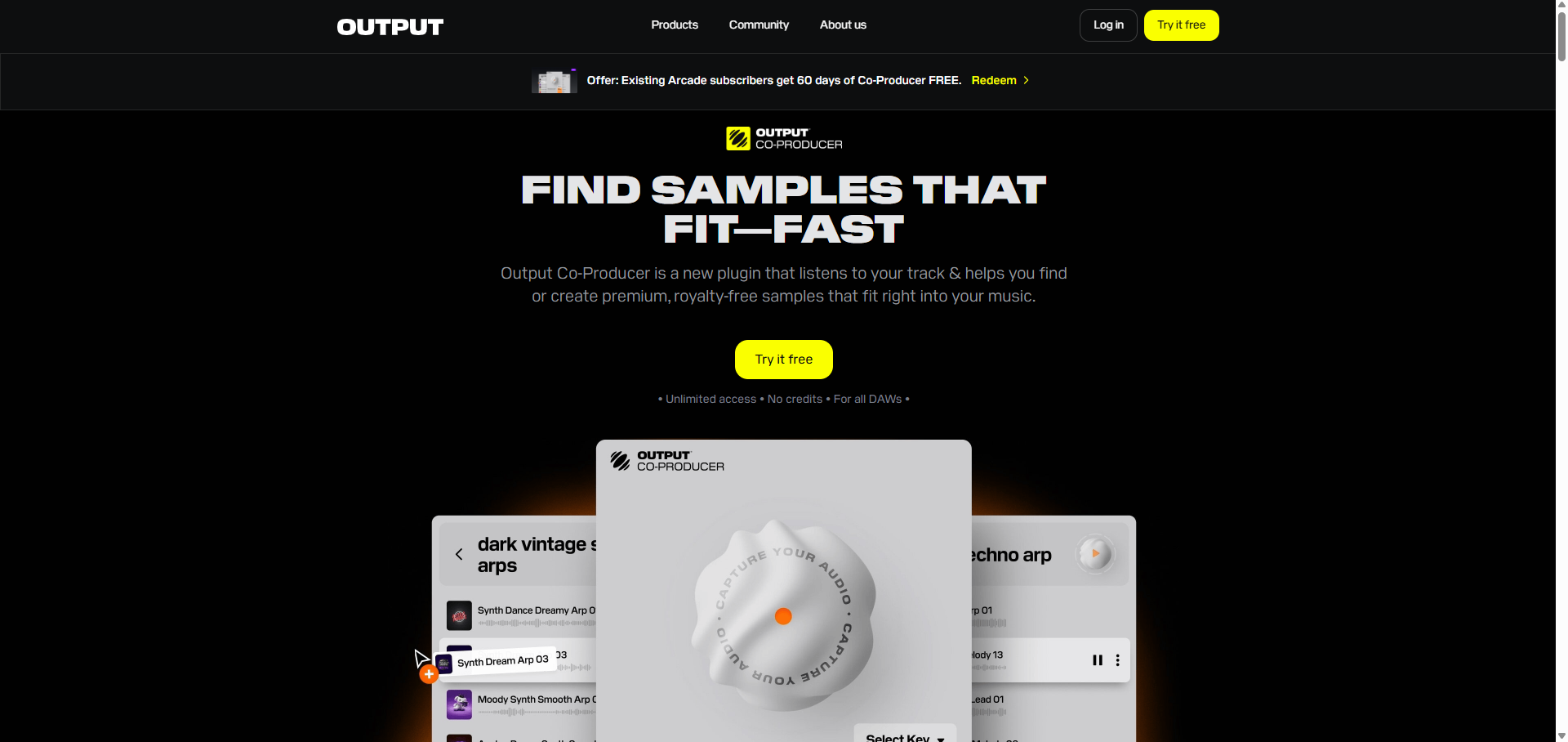
Co-Producer
Co-Producer by Output is an AI-powered music creation assistant designed to accelerate the production workflow. It helps producers find the perfect samples that fit their track instantly, generate unique, royalty-free sample packs from text prompts, and overcome creative blocks with intelligent sound suggestions. It's the fastest way to turn your musical ideas into reality.
Music Production
Splice
Splice is a cloud-based music creation platform offering a vast, royalty-free library of millions of samples, loops, and presets. It features AI-powered tools for sound discovery, seamless DAW integration, exclusive plugins, and a rent-to-own marketplace for top music software, empowering producers of all levels.
Music Production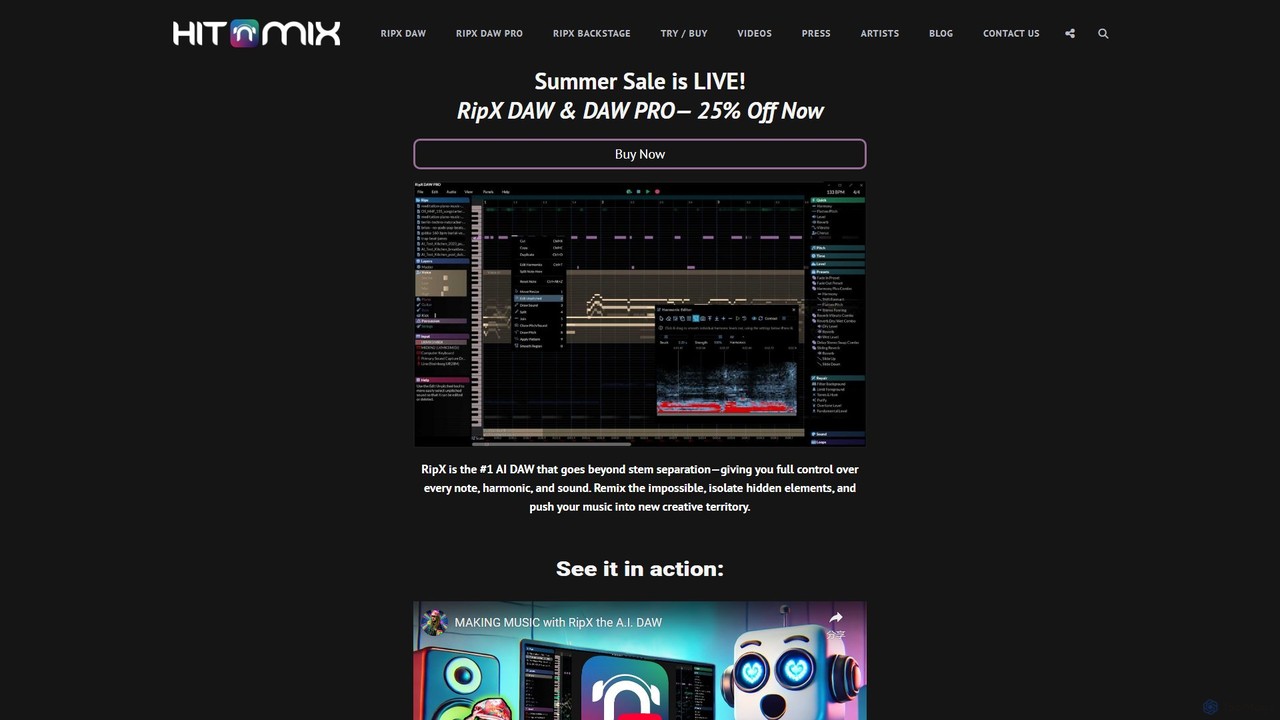
RipX DAW
A powerful AI-powered Digital Audio Workstation (DAW) that revolutionizes music production. It goes beyond standard stem separation, allowing users to split any audio file into its core components—vocals, instruments, bass, and drums—and edit them at the individual note and harmonic level for unparalleled creative control in remixing, sampling, and audio repair.
Music Production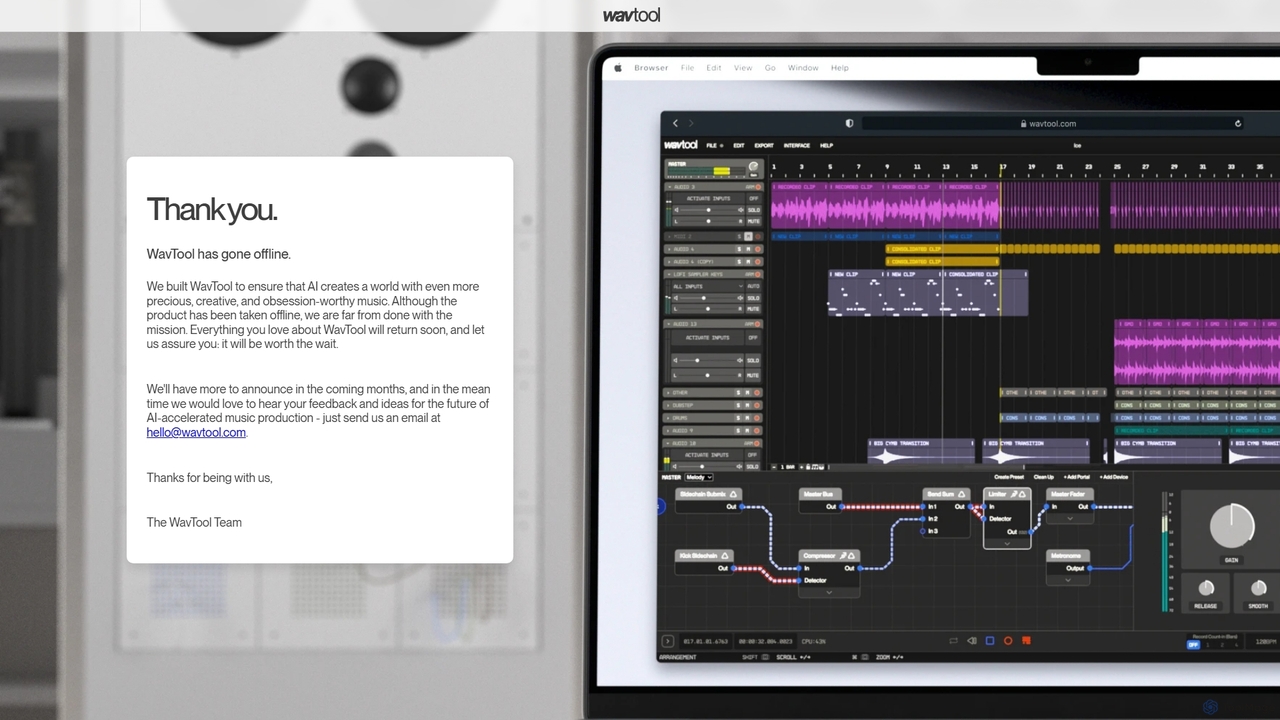
WavTool
WavTool is an innovative, AI-accelerated online digital audio workstation (DAW) designed to revolutionize music production. It combines a full-featured, in-browser DAW with powerful generative AI. Users can compose, record, edit, mix, and master music using natural language prompts and intelligent tools, making professional-grade music creation accessible to everyone from beginners to seasoned producers.
Music ProductionSounds.Studio Categories
Sounds.Studio Embed Widget
Copy this embed code to place the badge on your blog, article, or product site and send readers directly to this ToolMage detail page.

Related AI tools
Samplab
Samplab is an AI-powered audio tool for music producers that allows for unprecedented manipulation of samples. Edit individual notes in polyphonic audio, detect and change chords, split music into stems, and seamlessly match the tempo and key of different samples. It integrates directly into your DAW as a VST3/AU plugin.
Audio EditingCo-Producer
Co-Producer by Output is an AI-powered music creation assistant designed to accelerate the production workflow. It helps producers find the perfect samples that fit their track instantly, generate unique, royalty-free sample packs from text prompts, and overcome creative blocks with intelligent sound suggestions. It's the fastest way to turn your musical ideas into reality.
Music Production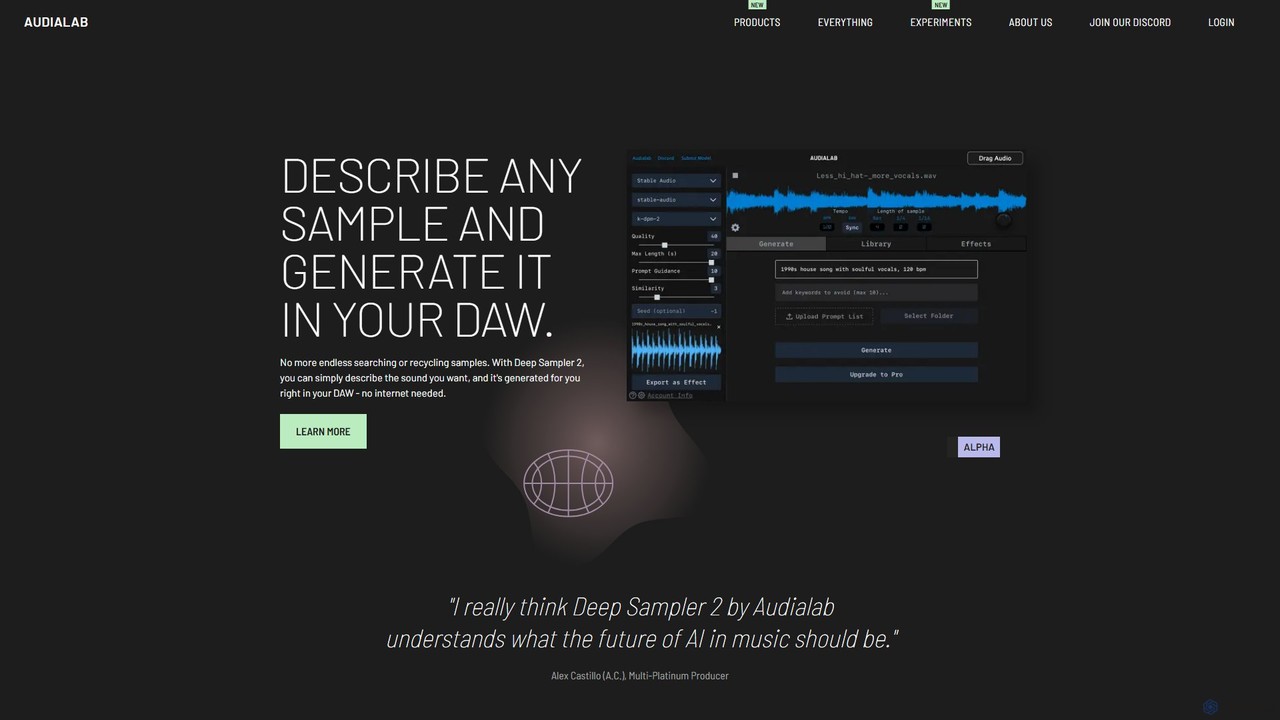
Audialab
Audialab provides a suite of ethical AI-powered audio plugins for music producers and artists. Generate unique, royalty-free samples from text with Deep Sampler, create endless drum sounds with Emergent Drums, and add a natural feel to your beats with Humanize. All tools integrate directly into your DAW for a seamless creative workflow.
Music Generation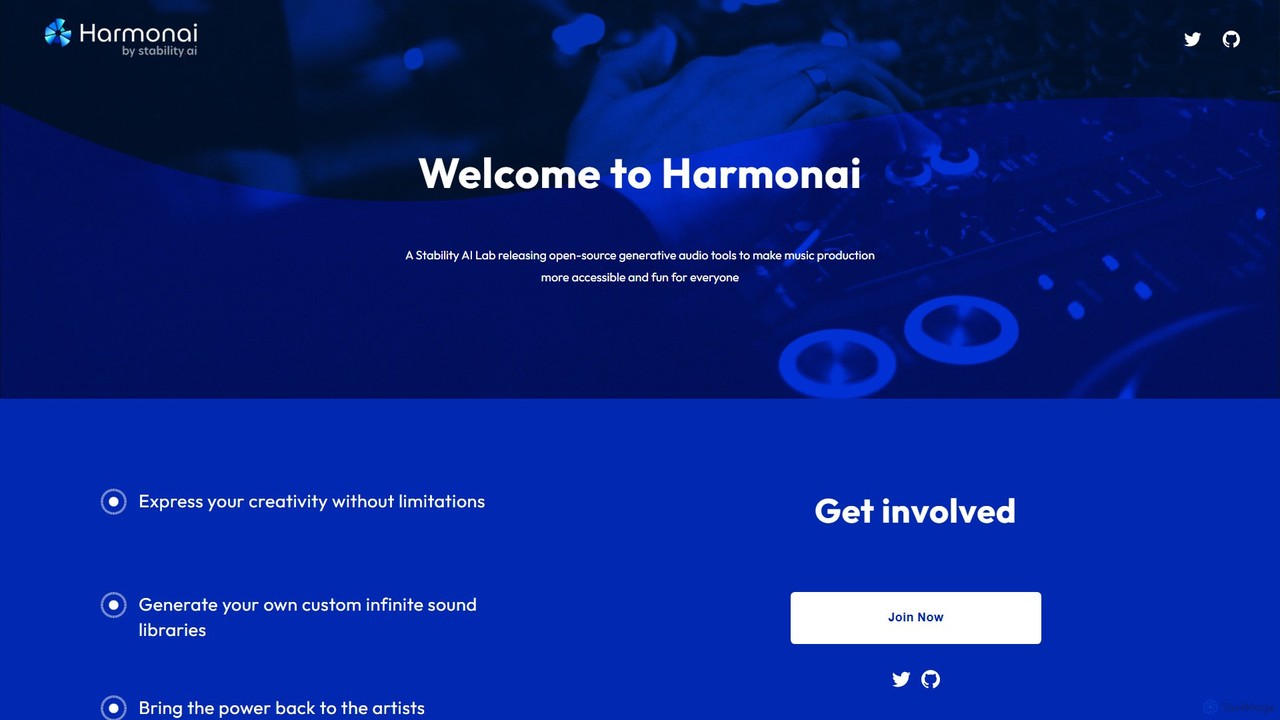
Harmonai
Harmonai is a Stability AI lab and community dedicated to creating open-source generative audio tools. It empowers musicians, developers, and artists to generate unique music and sounds, making production more accessible and fun.
Music Generation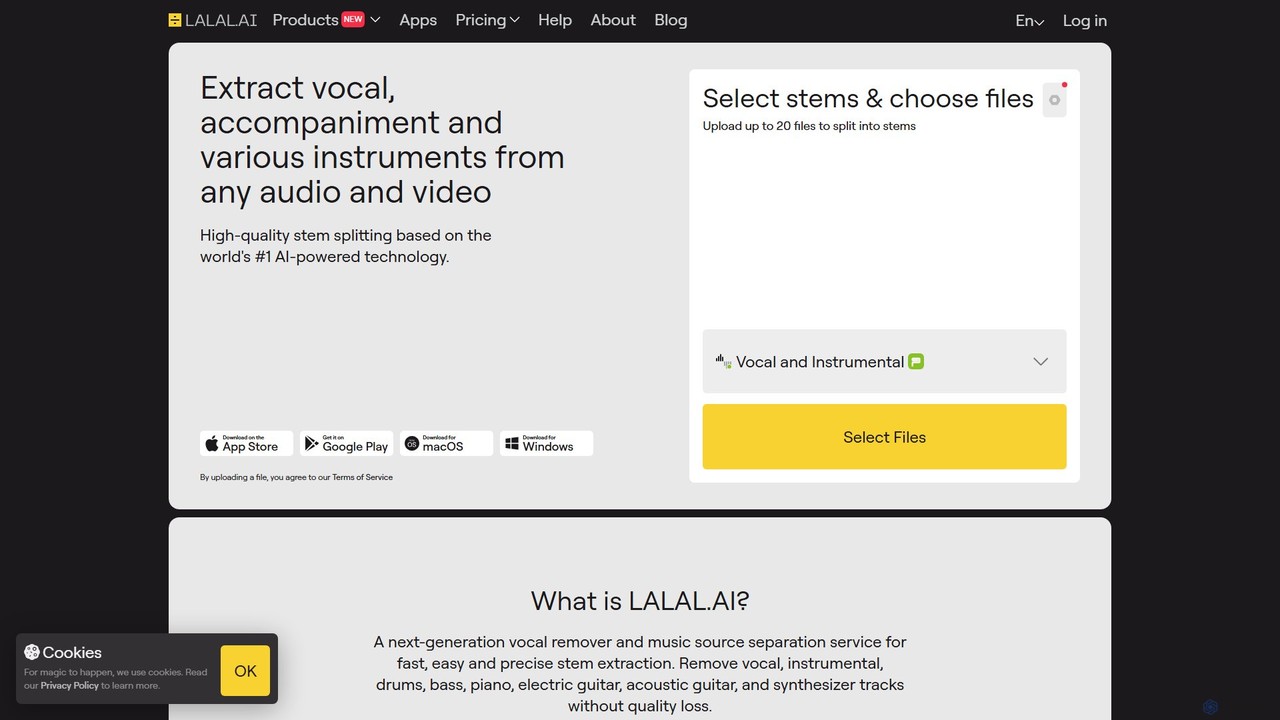
LALAL.AI
LALAL.AI is a next-generation AI-powered service for high-quality vocal and instrumental stem separation. It allows users to quickly and accurately extract up to 10 different stems—including vocals, drums, bass, piano, and more—from any audio or video file. The platform also features a Voice Cleaner for noise reduction, an Echo Remover, and a Voice Cloner, making it a comprehensive toolkit for musicians, producers, and content creators.
Music Editing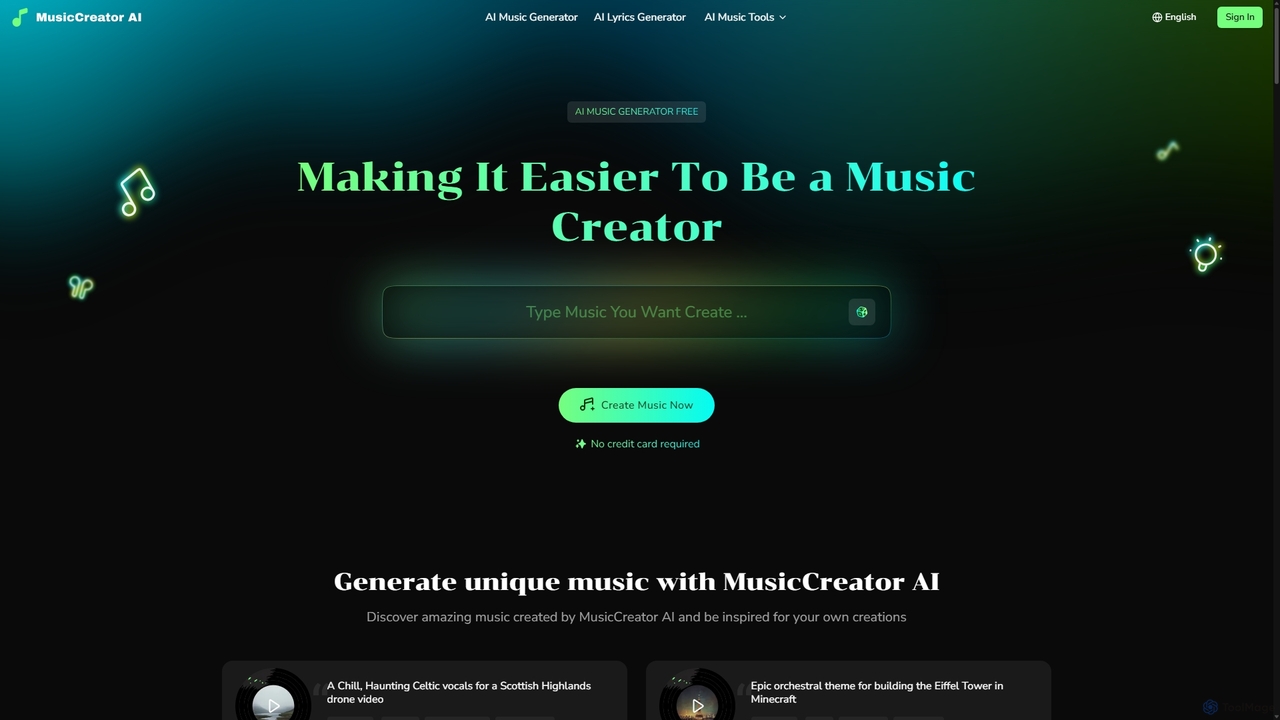
MusicCreator
MusicCreator is a comprehensive AI-powered music creation suite that allows users to generate unique, royalty-free music from text or lyrics. It also includes tools for lyric generation, vocal removal, and stem splitting, making it an all-in-one solution for content creators, musicians, and marketers.
Audio Editing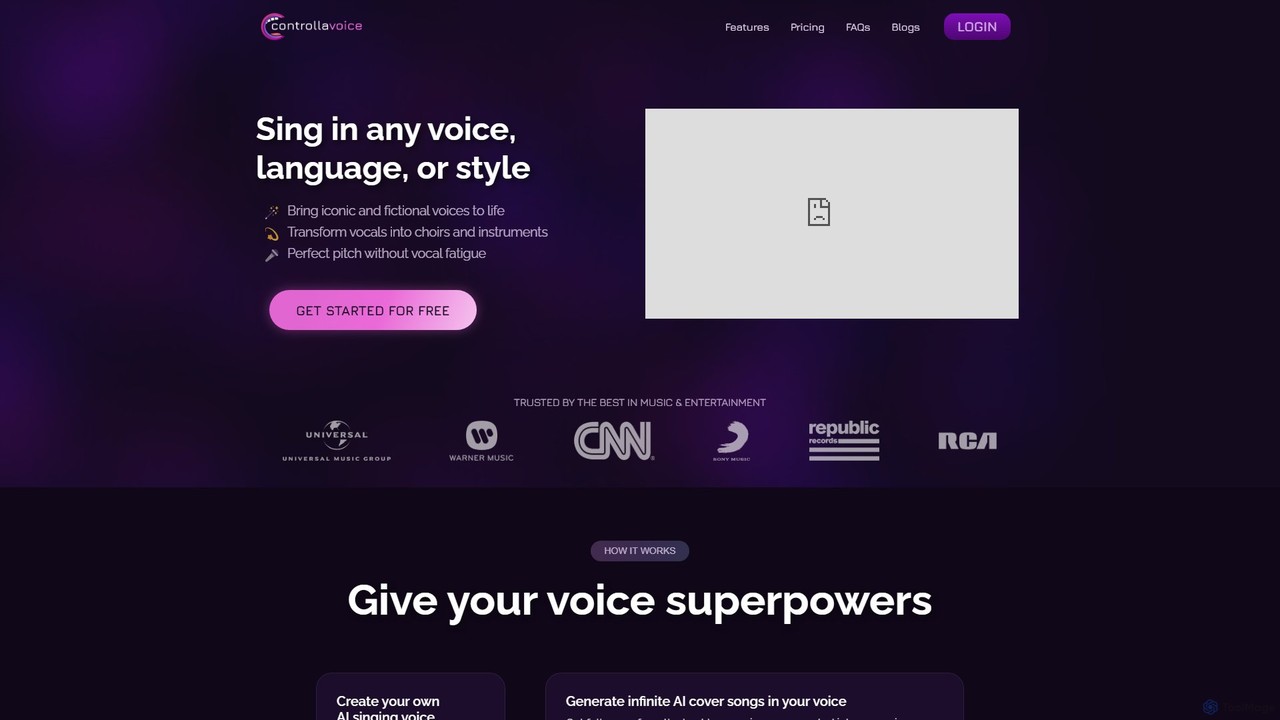
Controlla Voice
Controlla Voice is an advanced AI singing voice generator that allows users to clone their voice, create AI cover songs, transform vocals into instruments or choirs, and perform in any language. It's designed for musicians, producers, and creators to explore new sonic possibilities with ethically sourced, high-quality AI voices.
Voice Cloning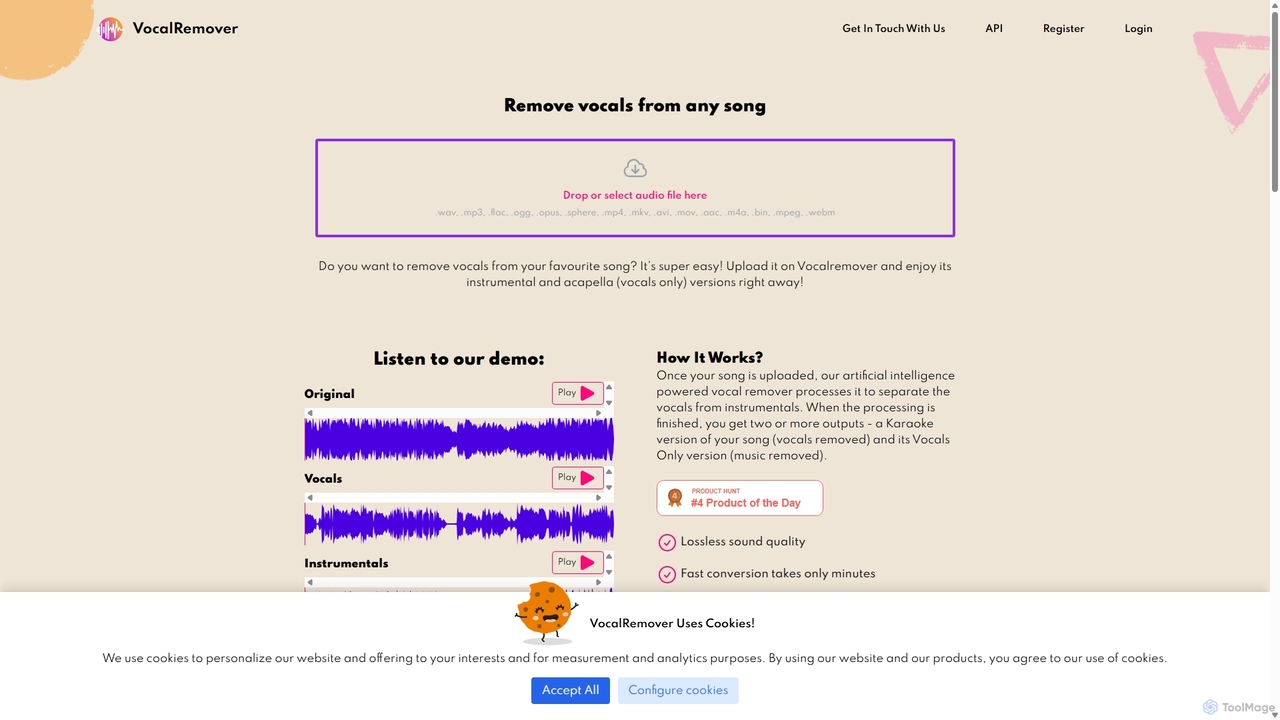
VocalRemover
An AI-powered online tool that precisely separates vocals from music in any audio or video file. It generates high-quality instrumental (karaoke) and acapella tracks. Beyond vocals, it can also isolate specific instruments like drums, bass, and piano, making it an essential tool for DJs, music producers, and karaoke lovers.
Music Editing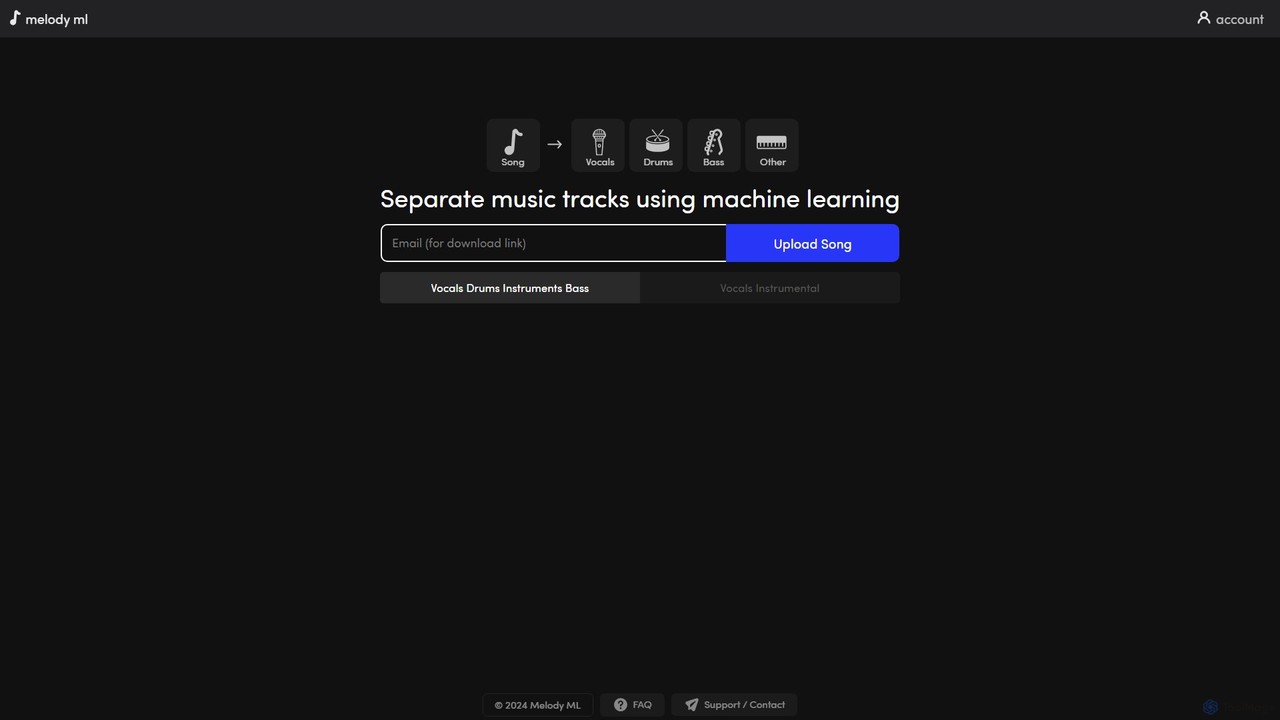
melody ml
Melody ML is an AI-powered music source separation tool that allows users to easily split any song into individual tracks like vocals, drums, bass, and other instruments. Based on the advanced Demucs model, it's perfect for DJs, producers, musicians, and karaoke fans who need high-quality stems for remixes, practice, or creating backing tracks.
Music Separation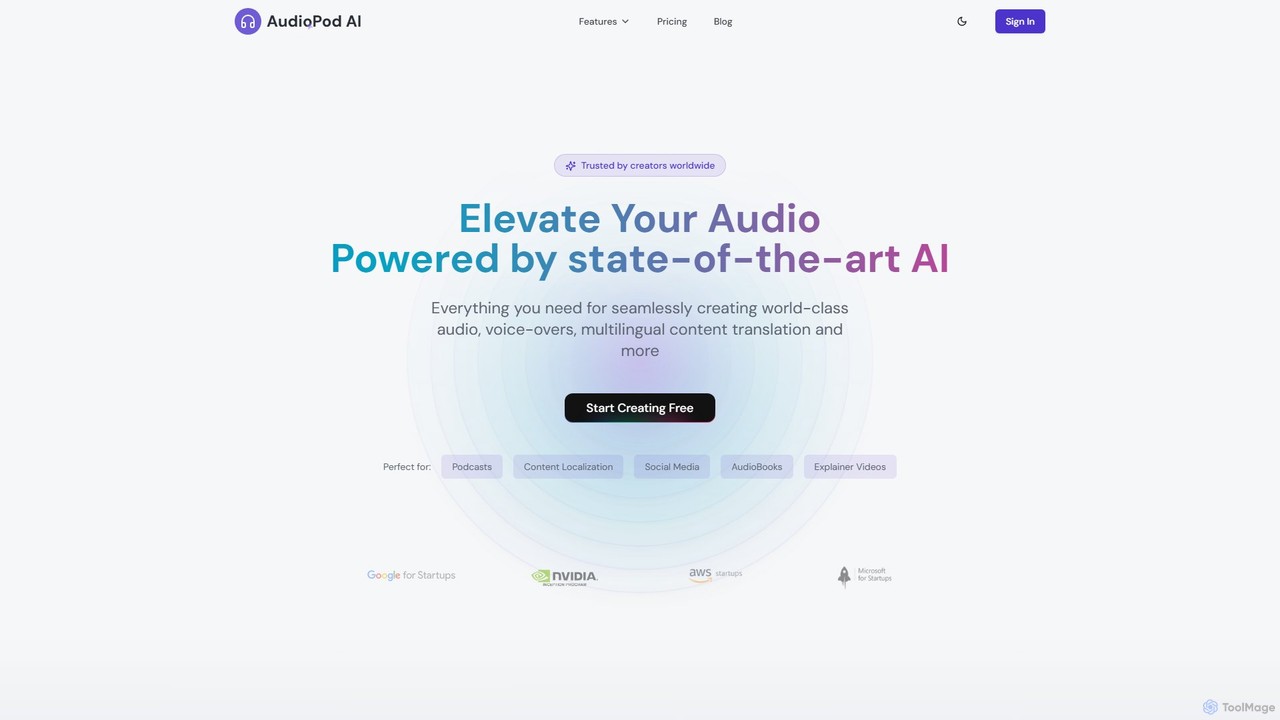
AudioPod
AudioPod is a professional AI-powered audio studio that offers a comprehensive suite of tools for creators. It features advanced voice cloning, multilingual speech-to-speech translation (AI dubbing), high-accuracy speaker separation, music stem splitting, noise reduction, and automated transcription. It's designed to streamline audio and video production workflows for podcasters, content creators, musicians, and businesses, making professional-grade audio processing accessible and efficient.
3D
SplitJoin
SplitJoin is an AI-powered audio processing tool designed for musicians, producers, and content creators. It allows users to easily separate any song into individual stems like vocals, drums, bass, and instruments. The platform also provides features to join and mix audio tracks, making it a versatile solution for creating remixes, backing tracks, or karaoke versions with high fidelity.
Audio Editing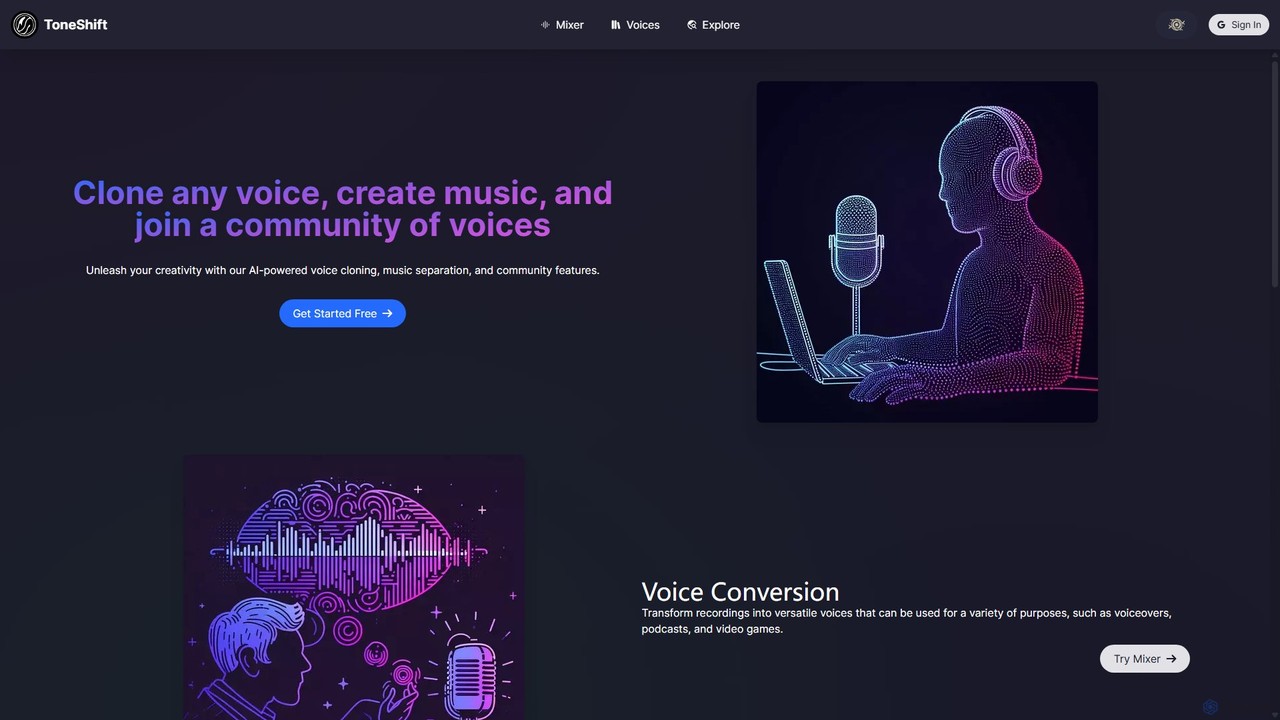
ToneShift
ToneShift is an AI-powered platform for creative audio production. It enables users to clone any voice, convert recordings into different voices, and separate music into vocals and instrumentals. With a vibrant community library, users can explore, use, and share a vast collection of voices for projects like voiceovers, music remixes, podcasts, and video games.
Music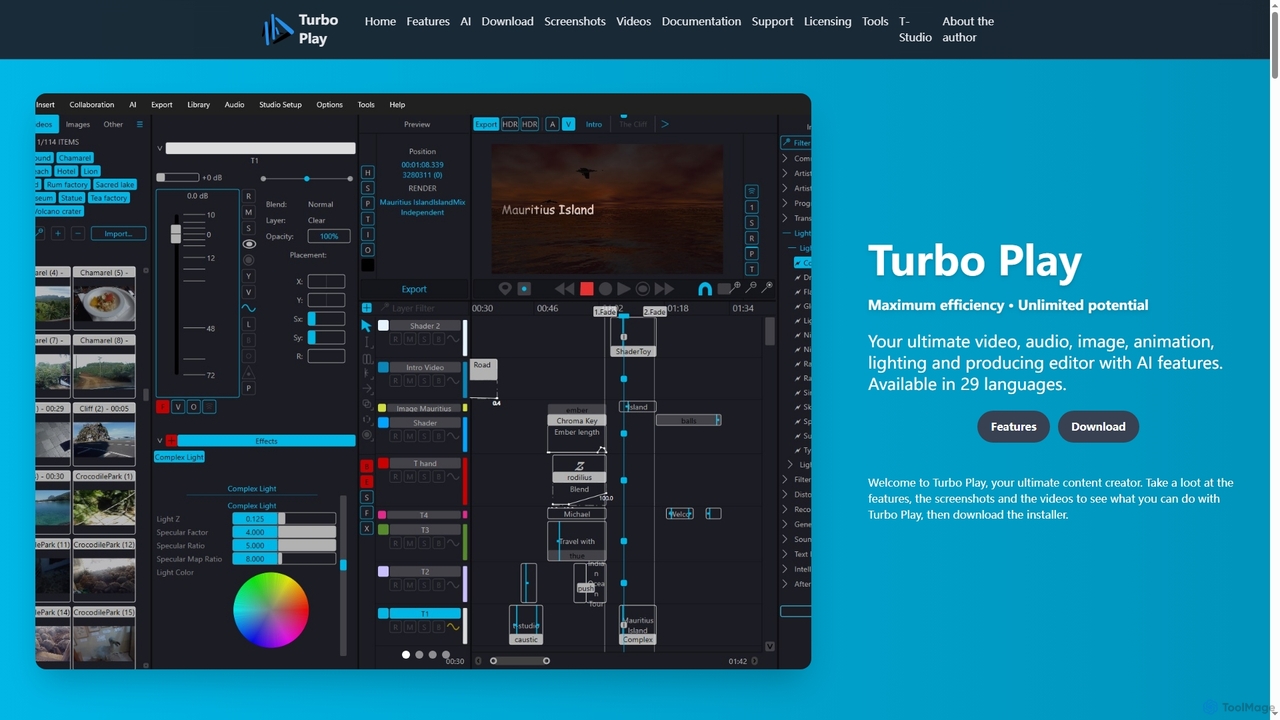
Turbo Play
Turbo Play is an all-in-one AI-powered video, audio, image, and animation editor designed for maximum efficiency and unlimited creative potential. It offers a comprehensive suite of tools for content creation, including advanced AI features for background removal, face swapping, speech separation, and text-to-image generation, catering to both casual and professional users across 29 languages.
3DSplice
Splice is a cloud-based music creation platform offering a vast, royalty-free library of millions of samples, loops, and presets. It features AI-powered tools for sound discovery, seamless DAW integration, exclusive plugins, and a rent-to-own marketplace for top music software, empowering producers of all levels.
Music ProductionRipX DAW
A powerful AI-powered Digital Audio Workstation (DAW) that revolutionizes music production. It goes beyond standard stem separation, allowing users to split any audio file into its core components—vocals, instruments, bass, and drums—and edit them at the individual note and harmonic level for unparalleled creative control in remixing, sampling, and audio repair.
Music Production
Sounds.Studio Comments (0)
Sign in to comment.
Sign inNo comments yet.