

Tiptap Semantic Search Overview
Tiptap Semantic Search is a sophisticated AI-powered extension designed for the Tiptap rich-text editor framework. It provides developers with the tools to embed next-generation AI capabilities directly into their applications. The core of this extension revolves around two main technologies: Semantic Search and Retrieval-Augmented Generation (RAG). This allows end-users to interact with their documents and text in a more intelligent and intuitive way, moving beyond simple keyword matching to understand the underlying meaning and context.
The demonstration showcases how an application can leverage a user's text to perform a semantic search against a pre-indexed knowledge base. It calculates a 'cosine similarity' score to find the most relevant documents and uses this information to enrich AI prompts. This RAG process ensures that the AI's responses are not only creative but also grounded in factual, context-specific information, significantly reducing errors and improving the reliability of generated content.
How to use Tiptap Semantic Search
For developers, integrating Tiptap Semantic Search involves a few key steps:
- Integration: Add the Tiptap editor and the AI extension package to your web application. The framework is built with modern technologies like React and TypeScript, offering hooks like
useSemanticSearchEditorfor streamlined setup. - Authentication: Implement a backend endpoint to authenticate AI requests. The extension requires a JSON Web Token (JWT) for secure communication with the AI service, as demonstrated by the
useAiAuthenticationhook example. - Data Indexing: Prepare and index your knowledge base (e.g., product documentation, articles, internal notes). This process converts your documents into vector embeddings that the system can use for semantic search.
- Frontend Implementation: Use the provided Tiptap components and hooks to create the editor interface. As a user types, the content can be debounced and sent to the semantic search engine to find relevant context in real-time.
- User Interaction: End-users can then select text to access a menu of AI commands (e.g., 'Summarize', 'Rephrase') or simply write prompts that trigger the RAG system to fetch context and generate a comprehensive answer.
Core Features of Tiptap Semantic Search
- Semantic Search Engine: Searches documents based on conceptual meaning rather than keywords, delivering highly relevant results. It displays matches grouped by similarity score.
- Retrieval-Augmented Generation (RAG): Automatically enriches AI prompts with relevant context from a specified knowledge base before generating a response, ensuring accuracy and relevance.
- Comprehensive AI Writing Commands: A rich set of one-click text manipulation tools, including Summarize, Rephrase, Shorten, Extend, Simplify, Fix Spelling & Grammar, Continue Writing, and Change Tone (e.g., 'excited').
- Multi-language Capabilities: Includes built-in translation commands to easily convert text between different languages, such as German and Swedish.
- Developer-Friendly Hooks and Components: Designed for easy integration into any application using Tiptap, with clear code examples and reusable hooks.
- Secure Authentication: Implements a JWT-based authentication flow to protect AI service calls.
Use Cases for Tiptap Semantic Search
This tool is ideal for applications where context-aware content creation and information retrieval are critical:
- Knowledge Base & Documentation Platforms: Allow users to ask natural language questions and receive answers synthesized directly from the technical docs.
- Content Management Systems (CMS): Assist writers by suggesting relevant internal links, providing research summaries, and automating content restructuring.
- Customer Support Software: Help support agents draft accurate and helpful responses by automatically pulling information from past tickets and help articles.
- Internal Wikis and Note-Taking Apps: Enable teams to semantically search their collective knowledge base and generate reports or summaries from multiple documents.
Advantages of Tiptap Semantic Search
The primary advantage is the deep integration of advanced AI into the writing process. Unlike standalone AI tools, it operates directly within the editor, creating a fluid and uninterrupted workflow. The RAG system is a significant benefit, as it grounds AI generation in a trusted data source, making it suitable for enterprise and factual applications. Its developer-centric design makes it highly flexible and customizable, allowing businesses to tailor the AI experience to their specific domain and user needs.
Pricing and Plans
Tiptap Semantic Search is demonstrated as a feature of the Tiptap ecosystem. While the core Tiptap editor is open-source, advanced extensions like this AI module are typically part of a commercial offering, such as a Tiptap Pro subscription. The pricing model is likely freemium, with a free tier for basic use or development and paid plans for production use, higher API limits, and advanced features. For specific pricing details, developers should consult the official Tiptap website.
Tiptap Semantic Search Alternatives

RewriteBar
RewriteBar is a native macOS menu bar app that acts as your personal AI writing assistant. It works seamlessly across all applications, allowing you to instantly correct grammar, change tone, translate text, summarize content, and more with a simple keyboard shortcut. It supports over 12 AI providers, including local models for ultimate privacy, offering a powerful and flexible writing enhancement experience.
Code Assistant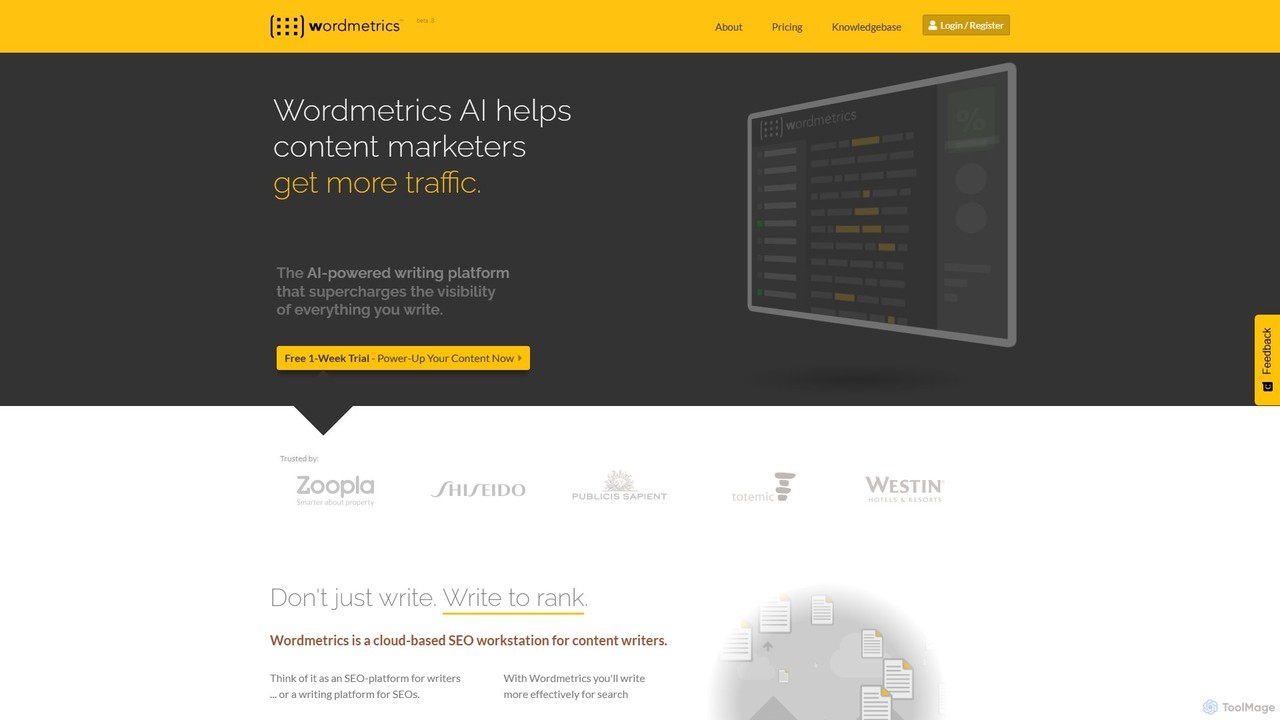
Wordmetrics
Wordmetrics is an AI-powered SEO workstation for content marketers and writers. It's not a content generator, but a sophisticated optimization tool that uses semantic analysis to help you write content that ranks higher in search engines by improving topical relevance and completeness.
Content Marketing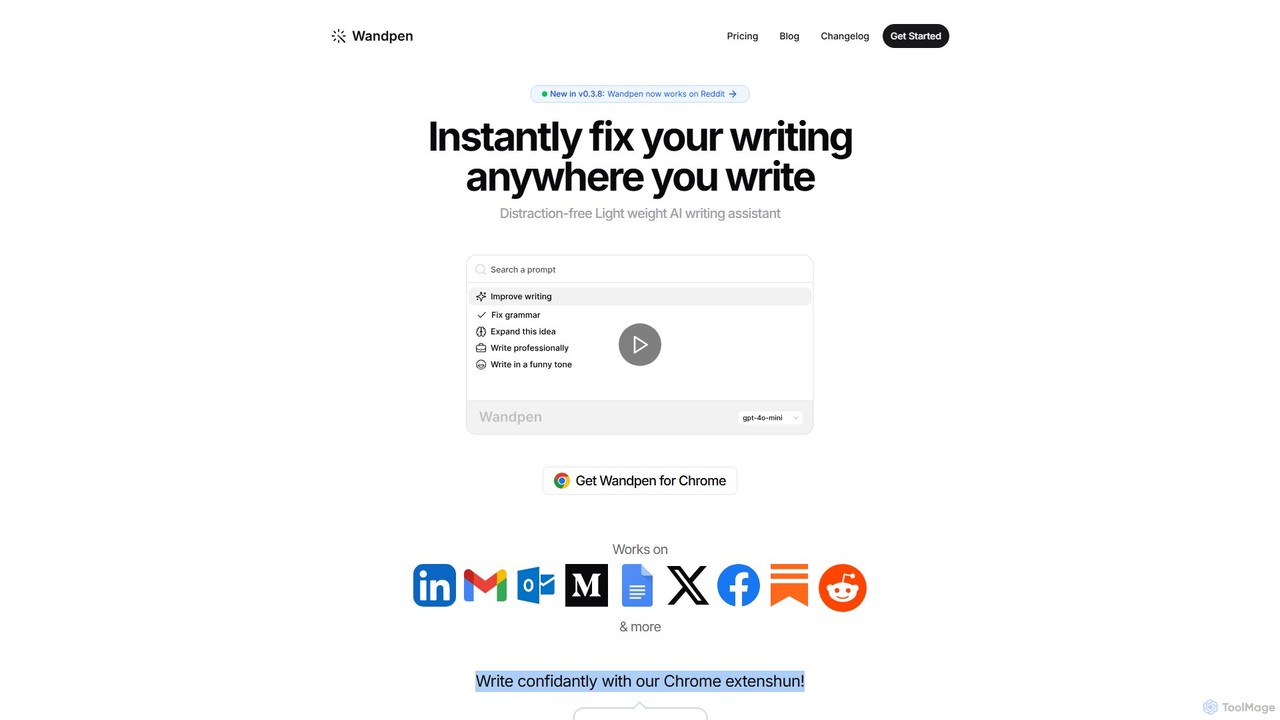
Wandpen
Wandpen is a lightweight AI writing assistant for Chrome that seamlessly integrates into your workflow. It allows you to instantly fix grammar, rewrite text, and brainstorm ideas directly on any website, including Google Docs, Reddit, and LinkedIn. By eliminating the need to switch tabs, Wandpen boosts your productivity and writing confidence using powerful AI models like GPT-4o, Claude 3.5, and Gemini.
Chrome Extensions
Effidit
Effidit is an AI-powered writing assistant from Tencent AI Lab, designed to enhance writing efficiency in both Chinese and English. It offers intelligent proofreading, text completion, rewriting, expansion, and specialized modes for general and academic writing, helping users create high-quality, error-free content.
Text Editor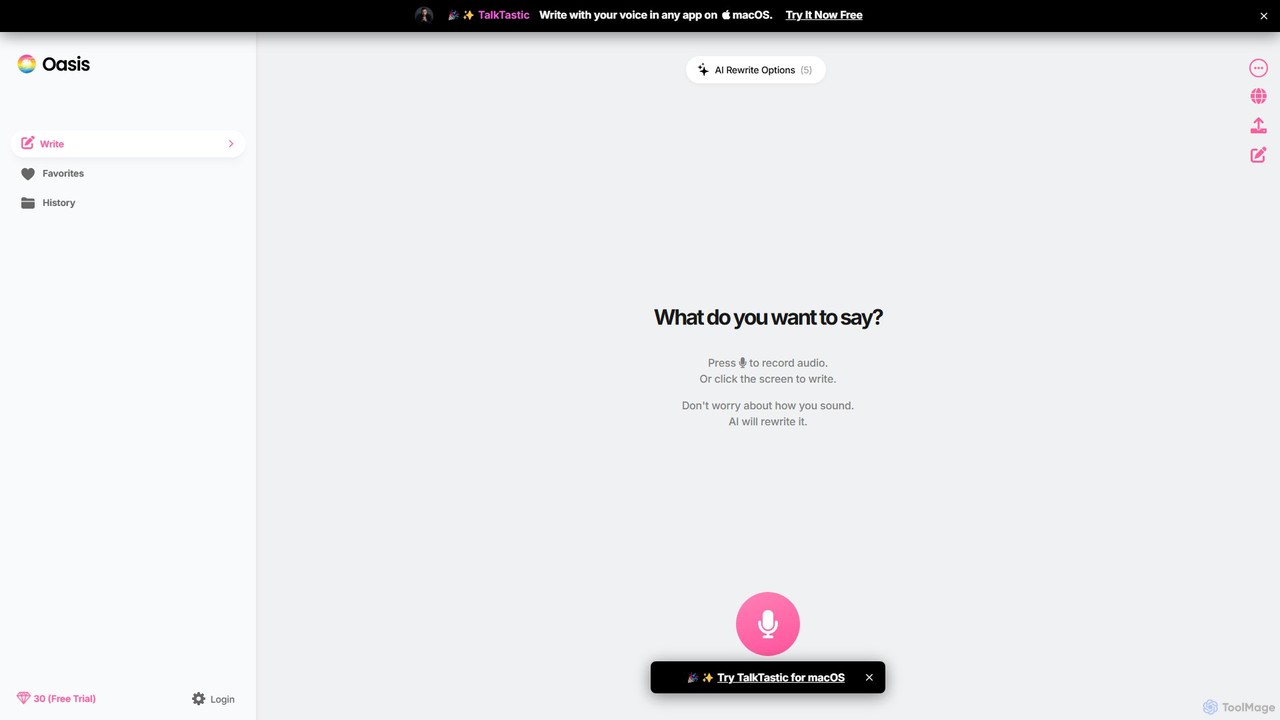
theoasis
OASIS is a revolutionary AI-powered writing assistant for macOS. It allows you to write with your voice in any application. Simply speak your thoughts, and OASIS will not only transcribe them but also use AI to rewrite and polish your text for perfect clarity, tone, and style. It's the fastest way to draft emails, create documents, and overcome writer's block with zero effort.
TranscriptionTiptap Semantic Search Categories
Tiptap Semantic Search Embed Widget
Copy this embed code to place the badge on your blog, article, or product site and send readers directly to this ToolMage detail page.

Related AI tools
Weaviate
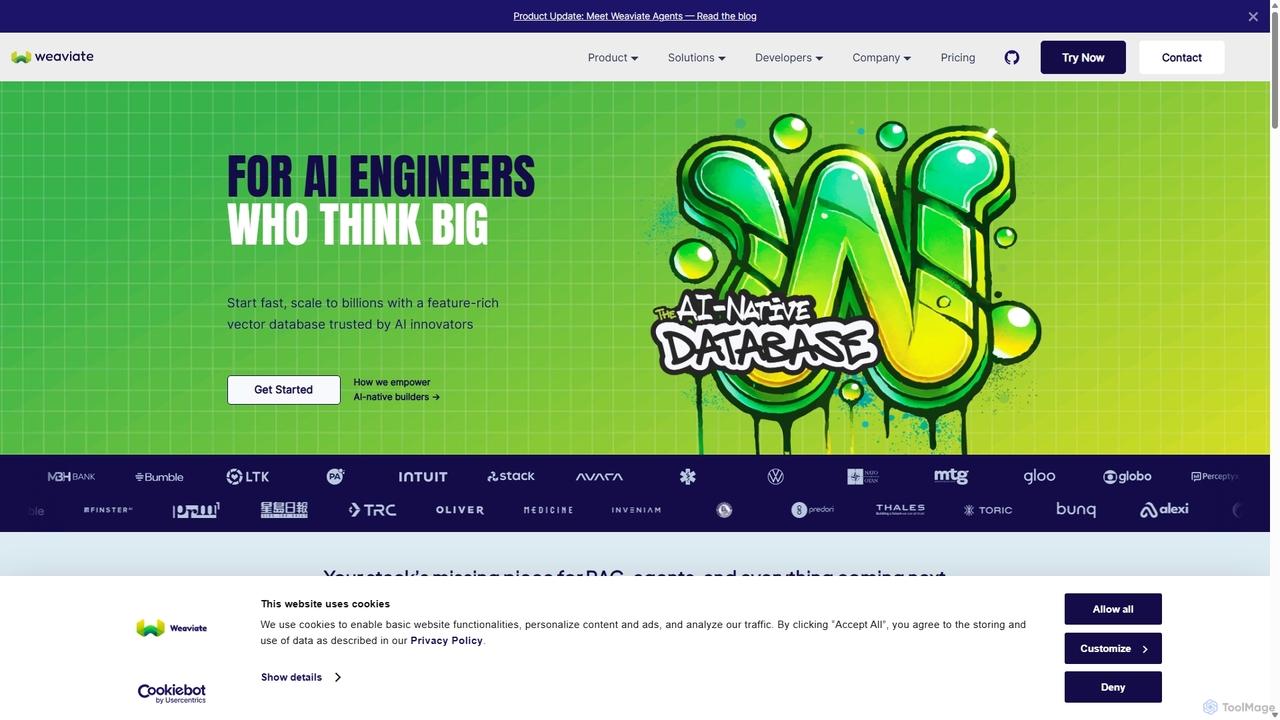
Weaviate is an open-source, AI-native vector database designed for developers. It enables scalable, low-latency vector, keyword, and hybrid search. Ideal for building AI applications like semantic search, recommendation engines, and Retrieval-Augmented Generation (RAG) systems, it integrates seamlessly with popular machine learning models to store and query data based on semantic meaning.
Vector DatabaseRewriteBar
RewriteBar is a native macOS menu bar app that acts as your personal AI writing assistant. It works seamlessly across all applications, allowing you to instantly correct grammar, change tone, translate text, summarize content, and more with a simple keyboard shortcut. It supports over 12 AI providers, including local models for ultimate privacy, offering a powerful and flexible writing enhancement experience.
Code AssistantWordmetrics
Wordmetrics is an AI-powered SEO workstation for content marketers and writers. It's not a content generator, but a sophisticated optimization tool that uses semantic analysis to help you write content that ranks higher in search engines by improving topical relevance and completeness.
Content Marketing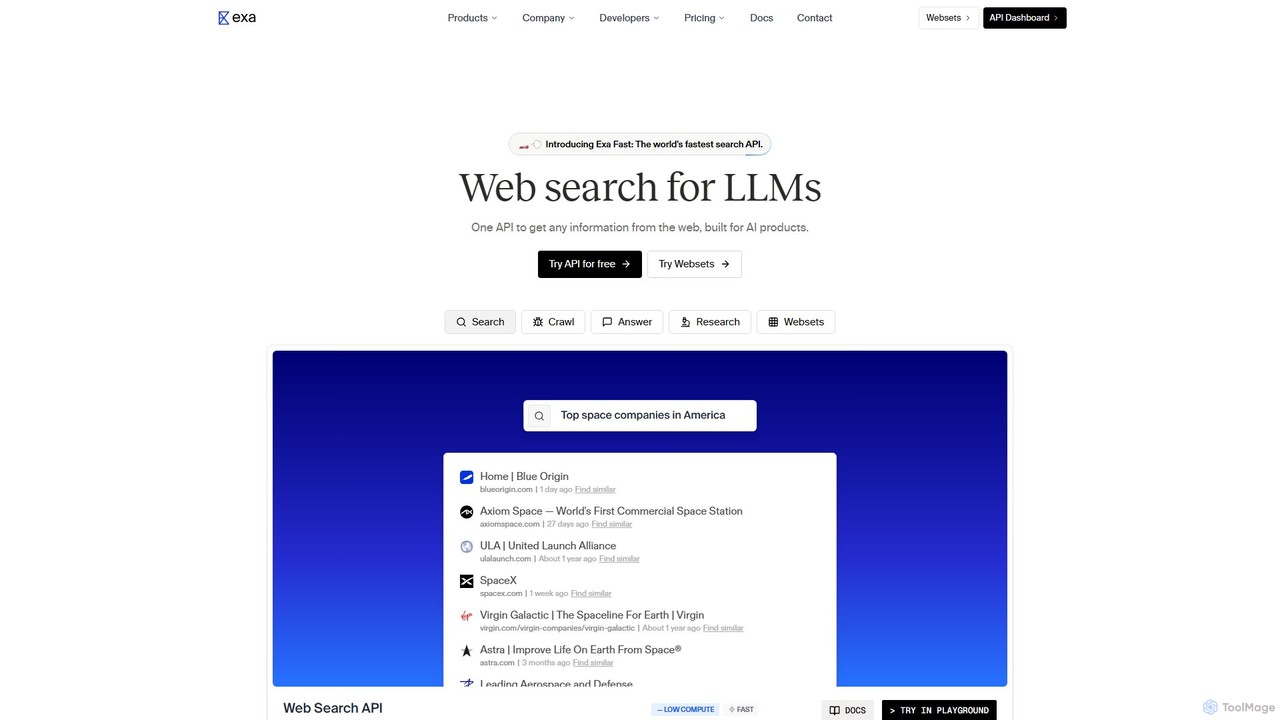
Exa
Exa is an AI-native search engine and API designed for LLMs. It provides high-quality, real-time web data through semantic search, content crawling, and agentic research capabilities to power AI applications, reduce hallucinations, and uncover insights traditional search engines miss.
Search Engine
Cohere
Cohere is a secure, enterprise-grade AI platform providing developers and businesses with access to advanced large language models. It specializes in text generation, summarization, semantic search, and retrieval-augmented generation (RAG), with a strong focus on data privacy, customizability through fine-tuning, and flexible deployment options including on-premises and private cloud.
Enterprise Solutions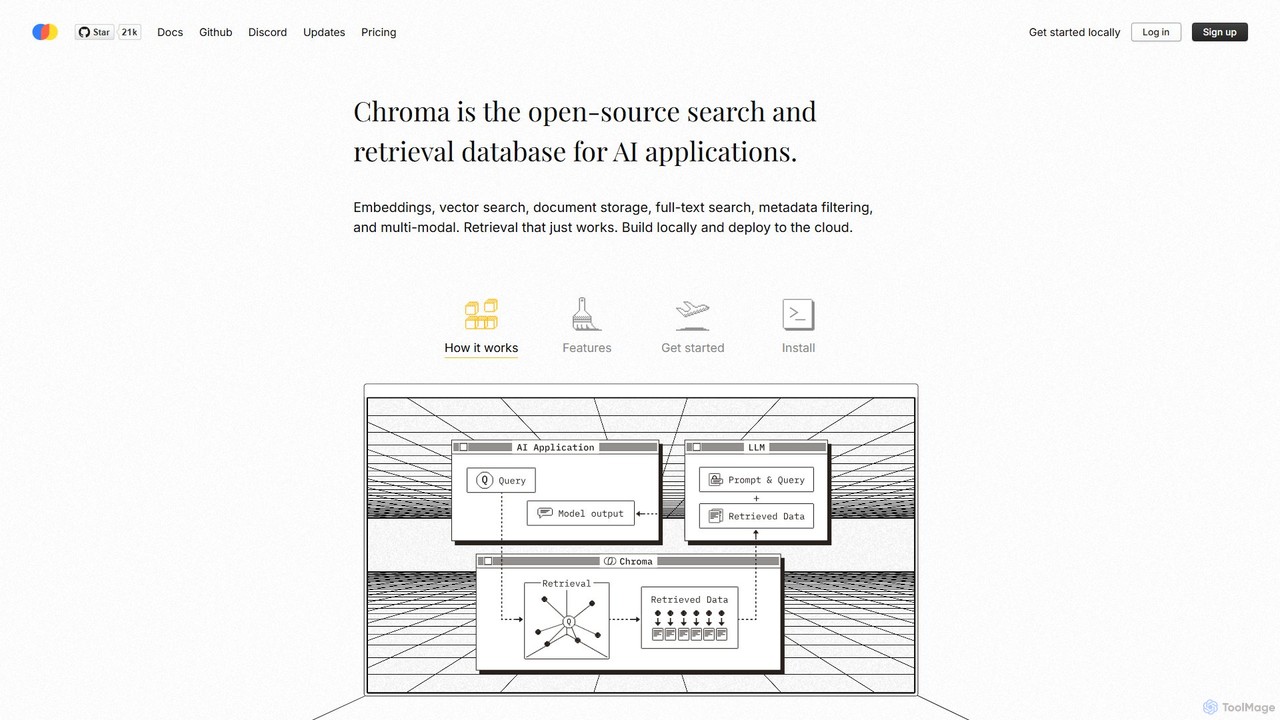
Chroma
Chroma is the open-source, AI-native retrieval database designed for building powerful AI applications with Retrieval-Augmented Generation (RAG). It simplifies storing and searching embeddings, documents, and metadata, offering vector search, full-text search, and a scalable, serverless cloud platform. It's built to be easy to use, cost-effective, and powerful, from local development to large-scale production.
Vector Database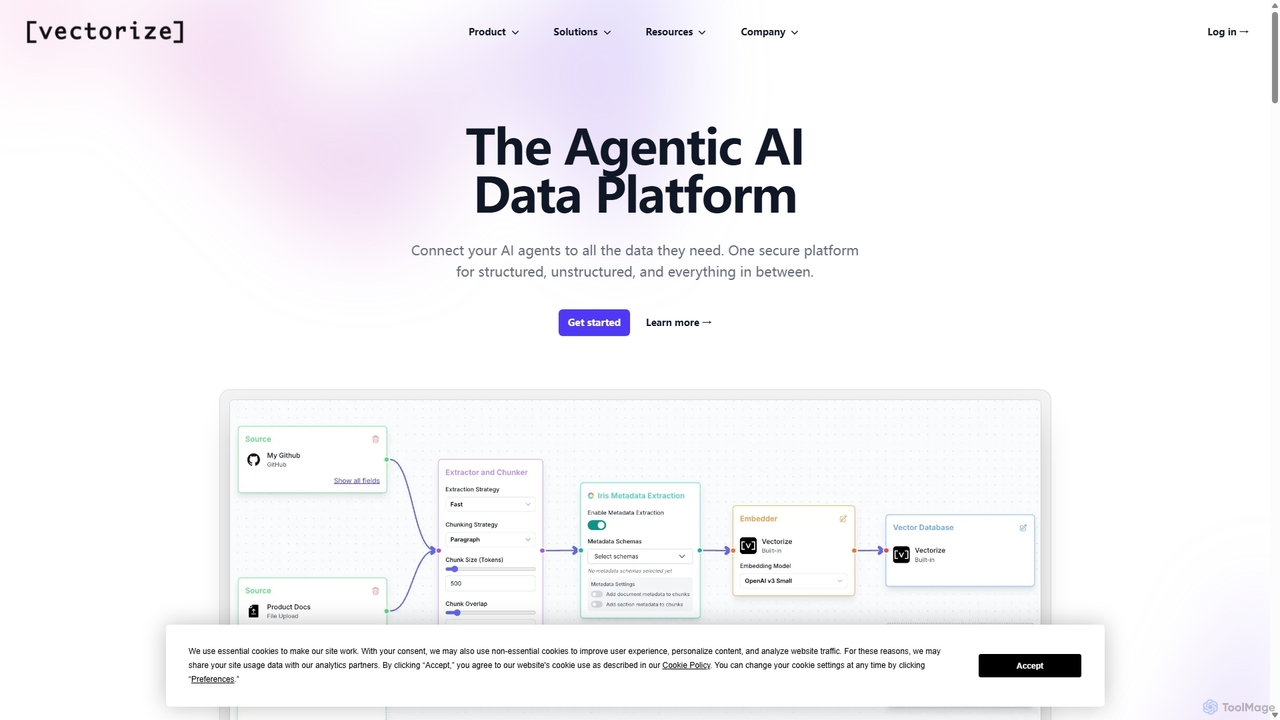
Vectorize
Vectorize is a RAG-as-a-Service platform that simplifies building AI applications on unstructured data. It offers managed RAG pipelines, extensive data source connectors, and the flexibility to use its managed vector database or connect your own, enabling developers to deploy production-ready AI solutions quickly.
Rag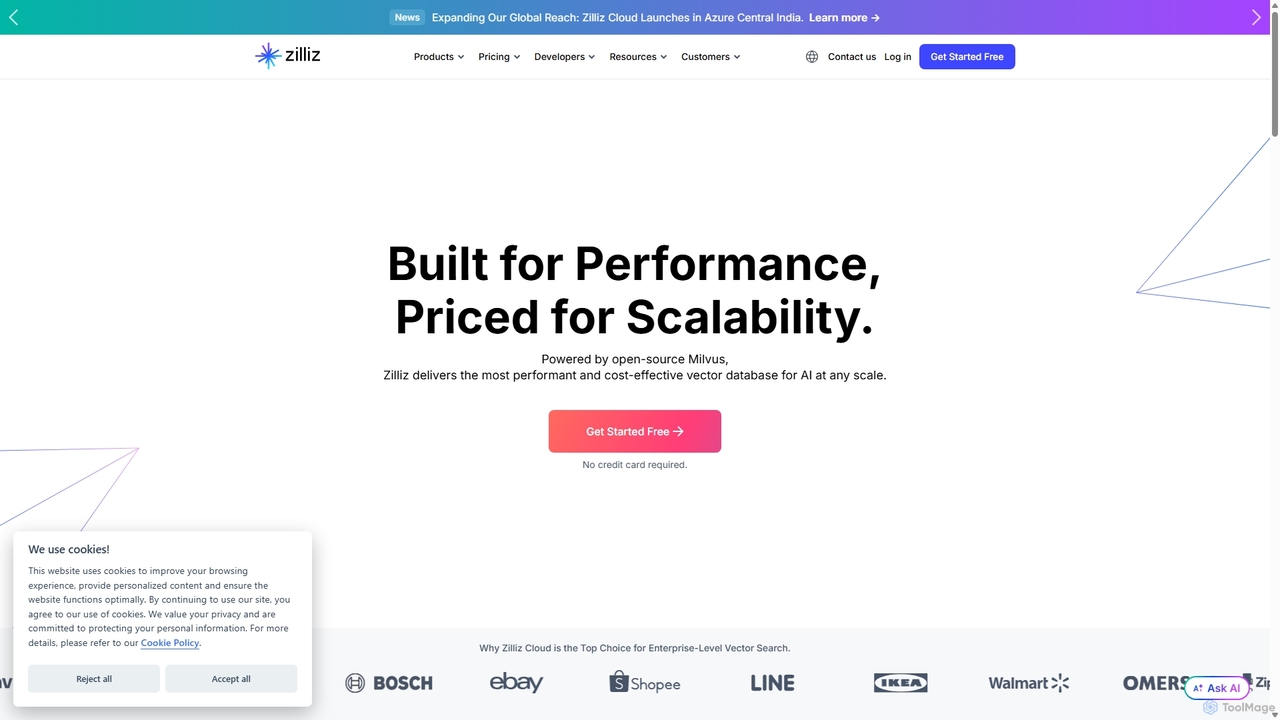
Zilliz
Zilliz is an enterprise-grade vector database built for scalable AI applications. Powered by the popular open-source project Milvus, it provides a high-performance, cost-effective, and fully-managed service (Zilliz Cloud) for storing, indexing, and searching billions of vector embeddings. It's designed to power applications like RAG, recommendation systems, and multimodal search, with seamless integrations into major AI frameworks and cloud platforms.
Machine Learning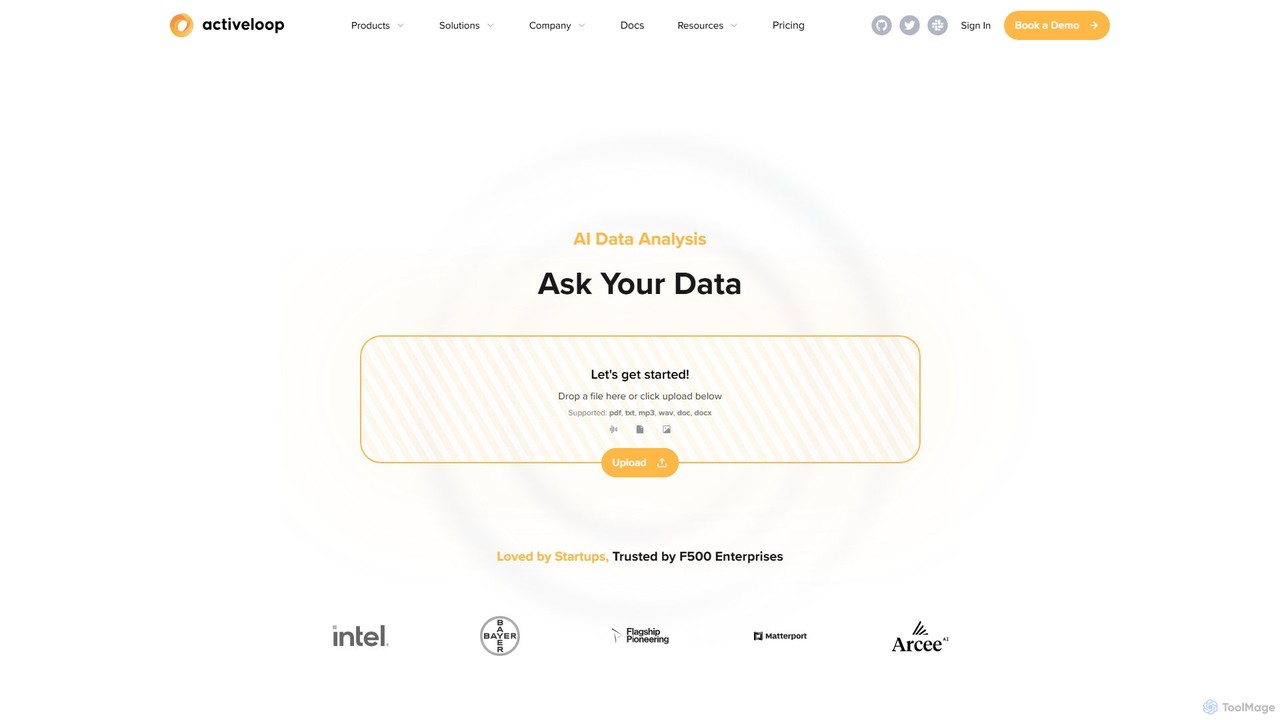
Activeloop
Activeloop provides Deep Lake, a specialized Database for AI, designed to manage, query, and stream large-scale multimodal datasets (text, images, audio, video) for building advanced AI applications. It simplifies complex data infrastructure, enabling developers to create powerful Retrieval-Augmented Generation (RAG) systems, semantic search engines, and intelligent AI agents with ease.
Data Management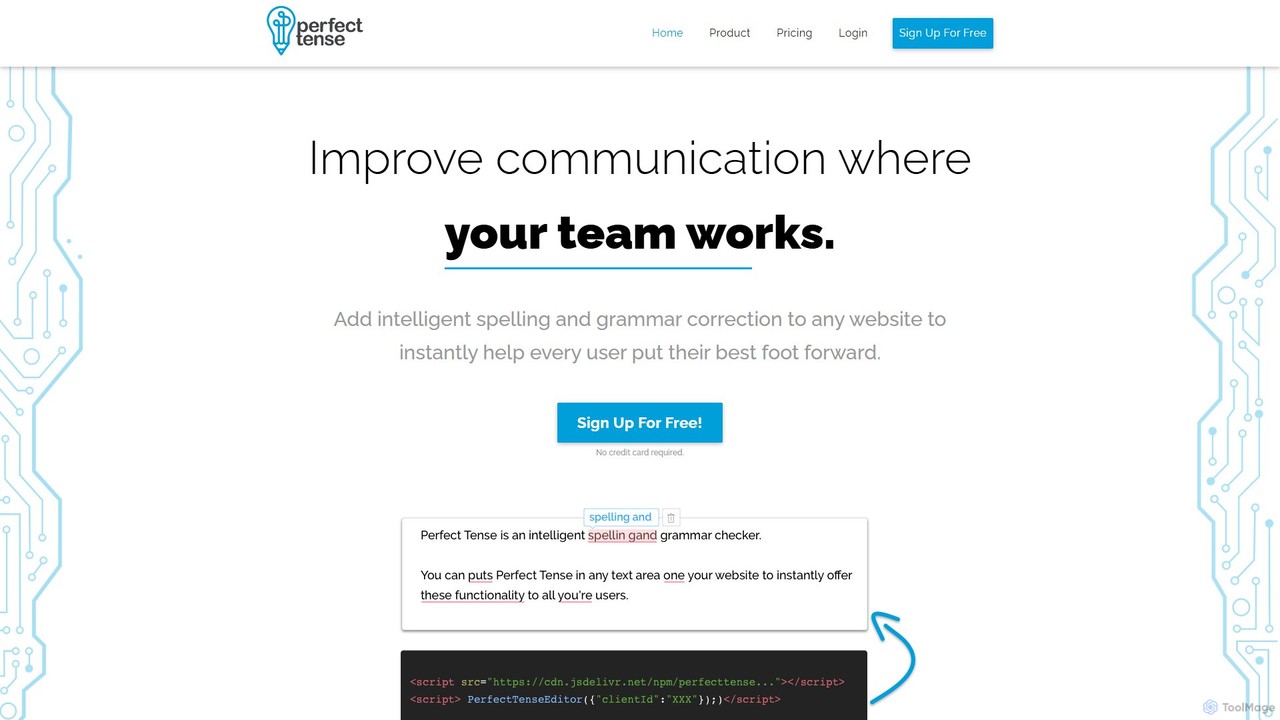
Perfect Tense
An AI-powered grammar and spelling correction API designed for businesses and developers. Perfect Tense seamlessly integrates into any platform to provide real-time proofreading, enhancing user communication and brand professionalism.
Customer Support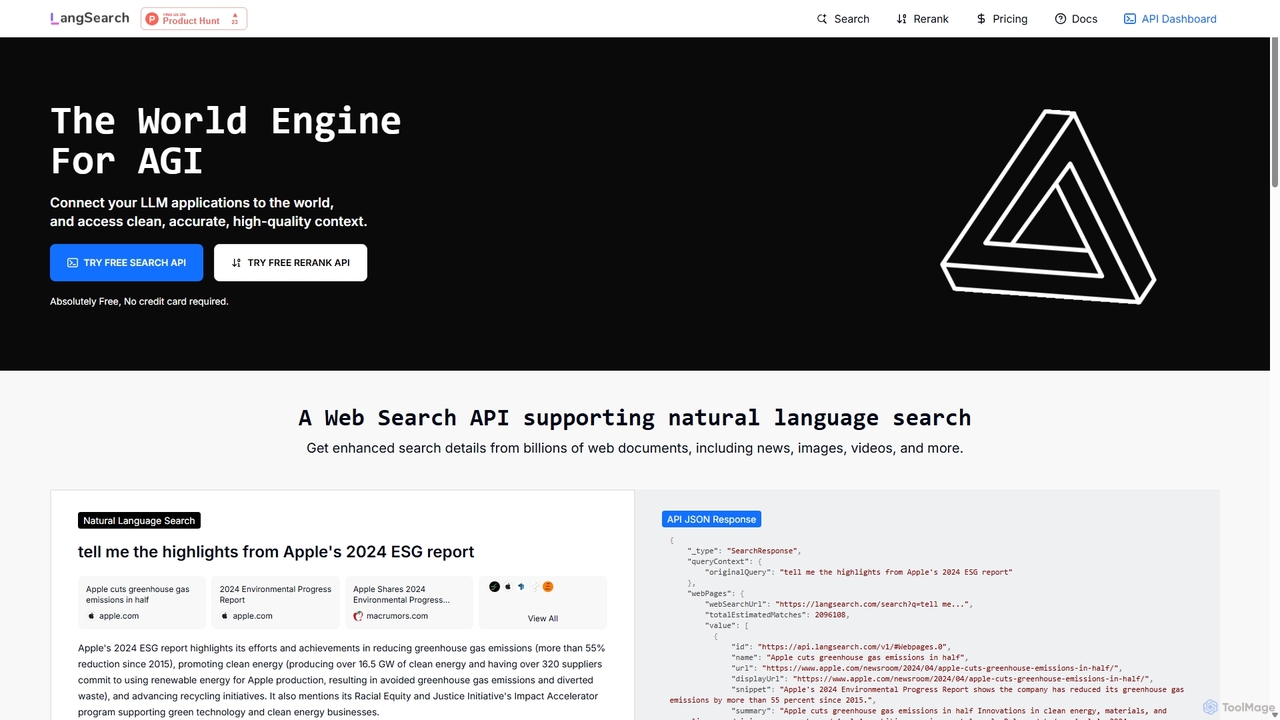
LangSearch
LangSearch provides free Web Search and Semantic Rerank APIs designed to connect LLM applications with clean, accurate, real-world context. It supports natural language queries, hybrid search, and offers a highly efficient reranker to improve result accuracy for AI agents, chatbots, and RAG systems.
Llm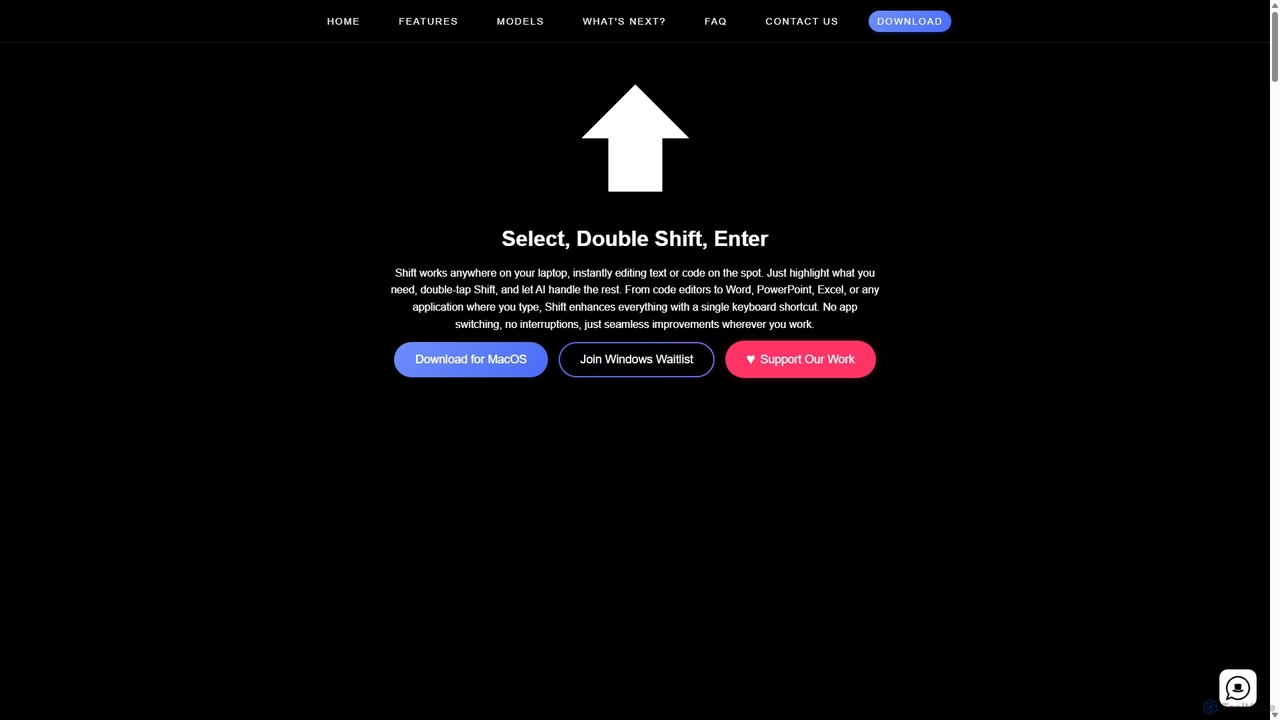
Shift
Shift is a system-wide AI assistant for macOS that enhances your workflow by allowing you to edit text and code anywhere with a simple keyboard shortcut. Just highlight text, double-tap Shift, and let the AI rewrite, debug, translate, or rephrase it instantly within any application.
Code Assistant
Asimov
Asimov provides a foundational AI search API for developers to build intelligent agents and applications. It features built-in semantic search and re-ranking for high accuracy, simple content ingestion, and robust source management. The platform is designed with enterprise-grade security and offers detailed usage tracking, making it a comprehensive solution for creating custom search experiences.
Data Management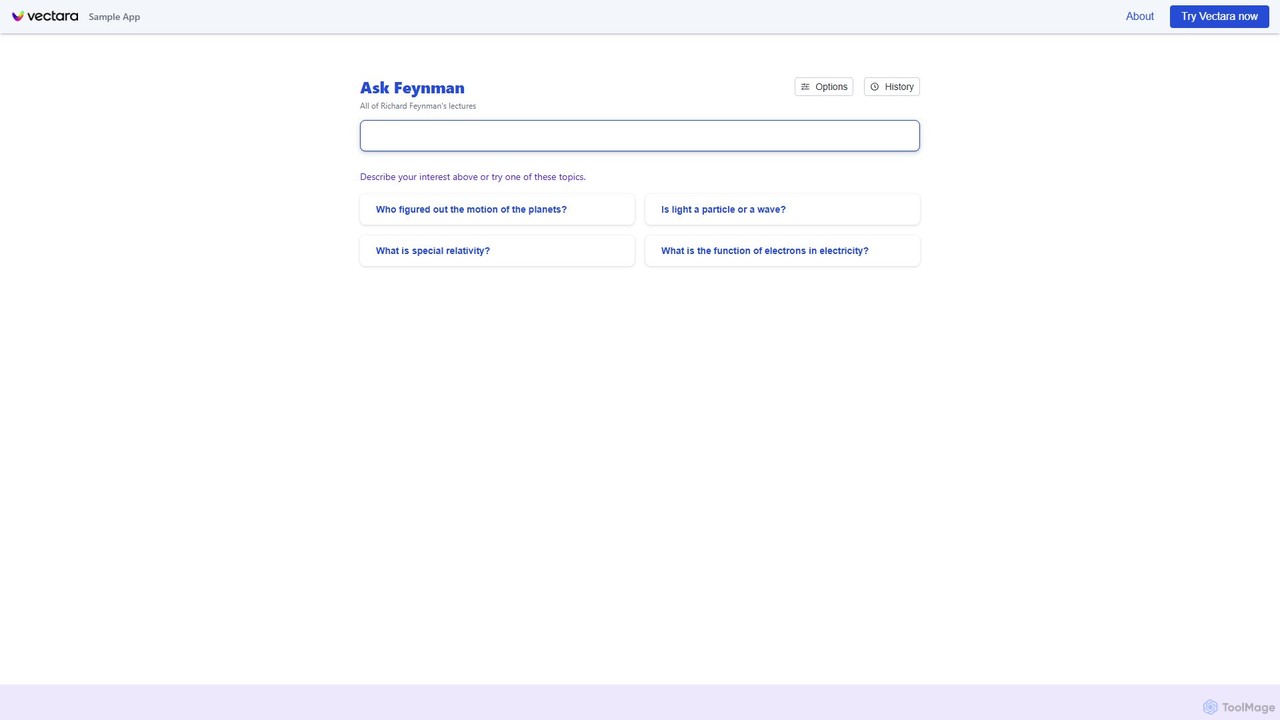
askfeynman
askfeynman is a conversational search demo powered by Vectara's trusted generative AI platform. It embodies the Feynman Technique by allowing users to ask complex questions and receive simple, understandable answers grounded in a specific knowledge base. The tool showcases the power of Retrieval-Augmented Generation (RAG) to deliver accurate, cited information, making it ideal for researchers, students, and developers.
Search Api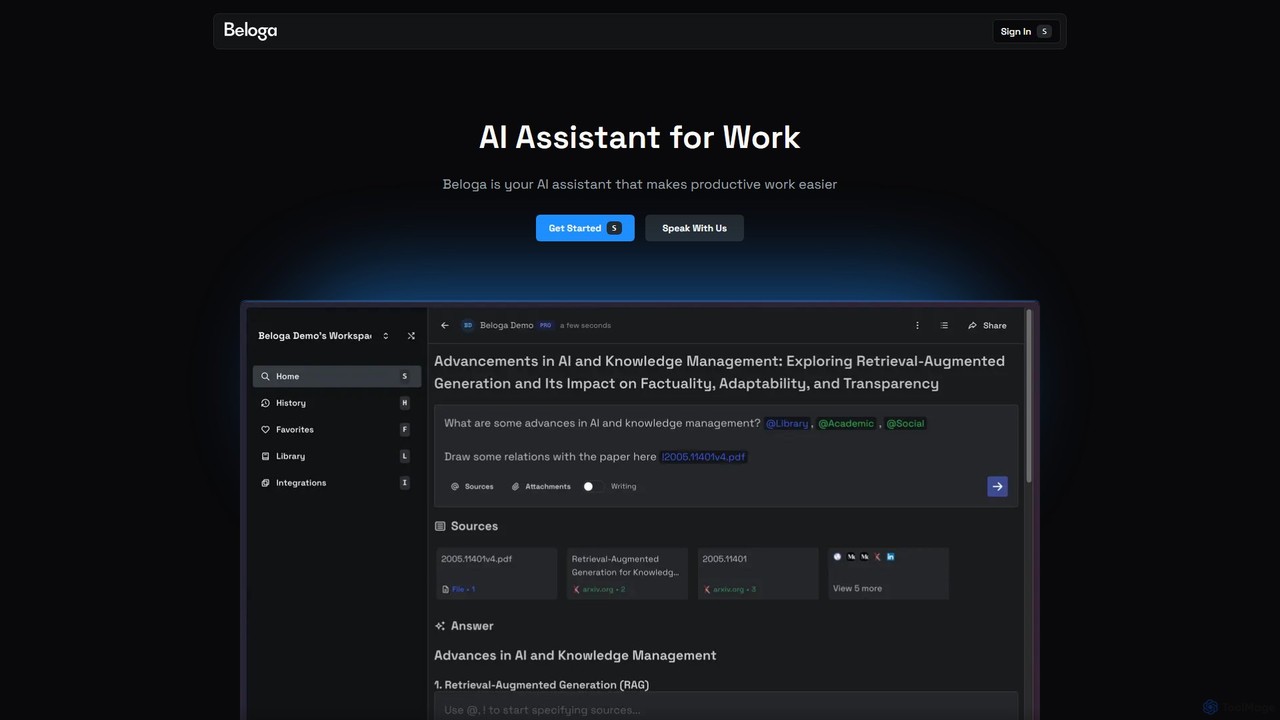
Beloga
Beloga is an AI-powered productivity platform that integrates multiple large language models (like GPT-4o, Claude 3, Gemini 1.5) into a seamless workflow. Through its command spotlight interface, users can perform intelligent searches, automate tasks, and access personalized knowledge bases, boosting efficiency for individuals and teams.
Code Assistant
Tiptap Semantic Search Comments (0)
Sign in to comment.
Sign inNo comments yet.