ToolMage
Sign in

Best 170 Ai Assistant

Popular Ai Assistant include Course Hero, FlowUs, Arc, JobCopilot, Spark Mail, Frame, Canary Mail, Shortwave, Littlebird, and Pieces, helping you work more efficiently.

aircmp
Free

aircmp

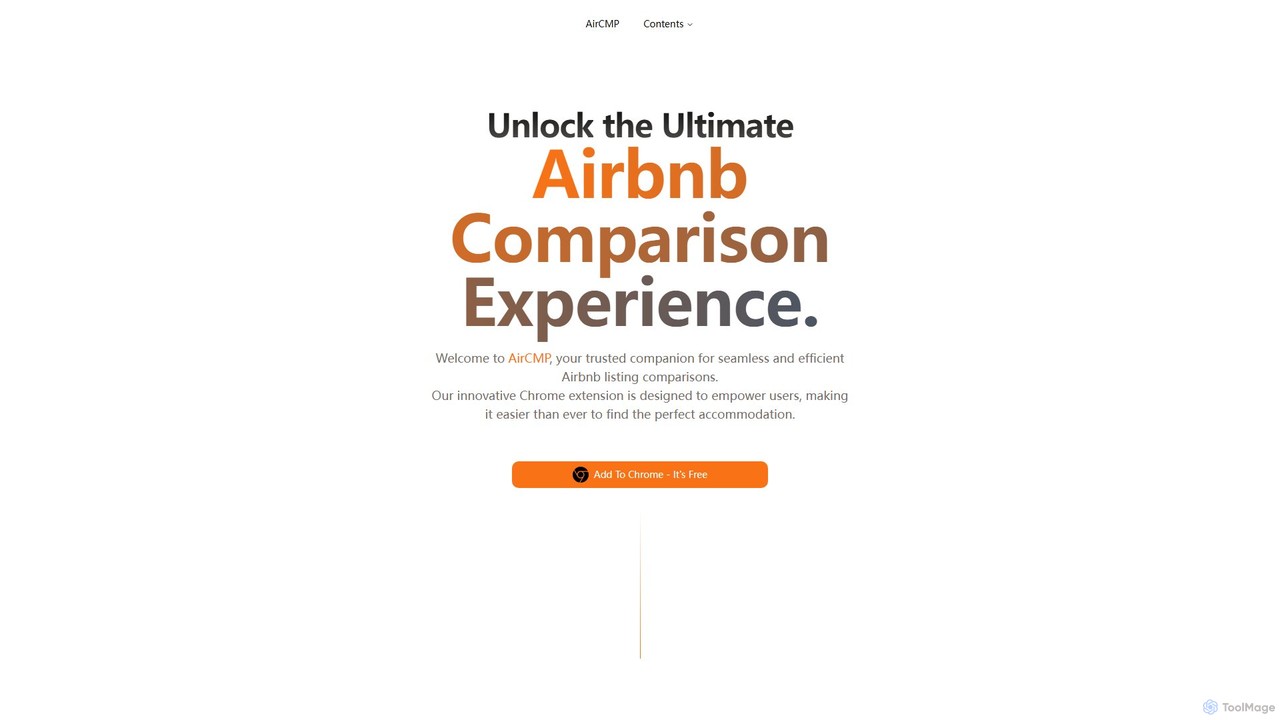
AirCMP is an AI-powered Chrome extension that simplifies finding the perfect Airbnb. It allows users to compare multiple listings side-by-side, get smart recommendations, and analyze guest reviews to make informed booking decisions efficiently.

Personal Assistant
Visits 7.2KFavorites 115Likes 111
SigmaOS
Freemium

SigmaOS

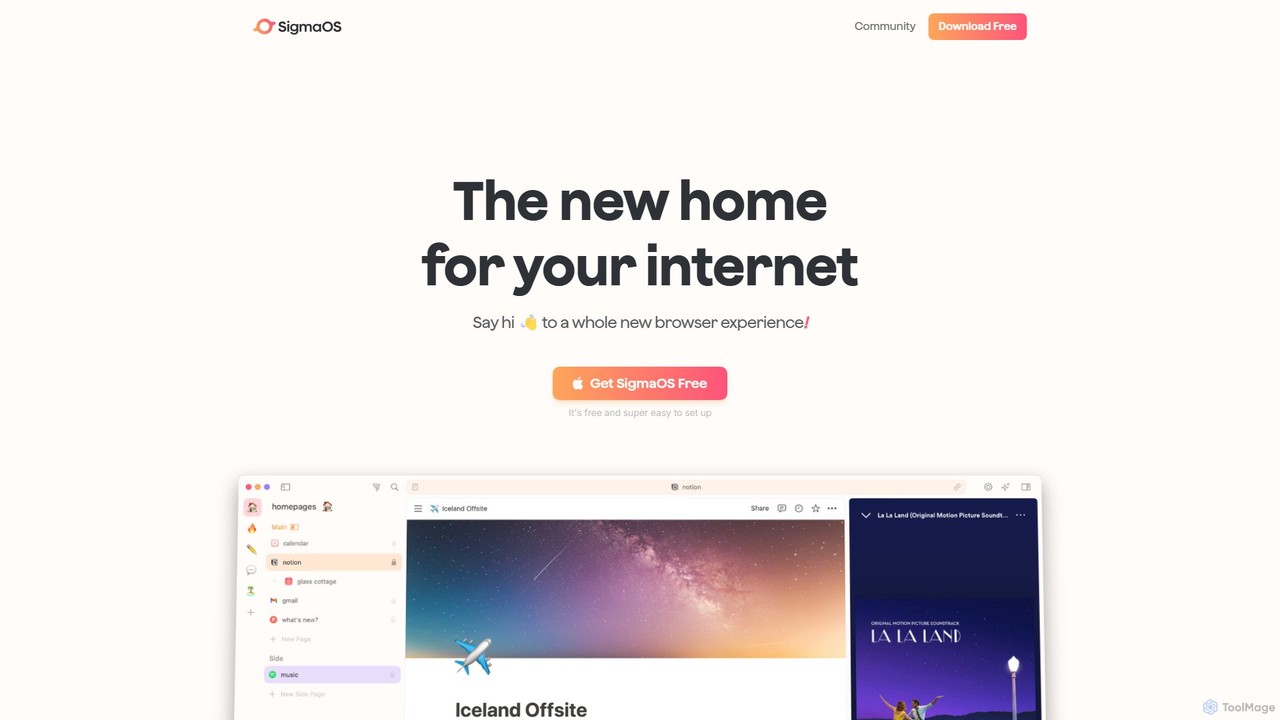
SigmaOS is a revolutionary AI-powered web browser designed for work and productivity on macOS. It reimagines the browsing experience with features like workspaces for organization, vertical tabs managed as tasks, and an integrated AI assistant named Airis. It combines the speed and security of Safari's WebKit engine with the versatility of Chrome extensions, creating a focused, efficient, and intelligent environment for students, founders, and creatives.

Search
Visits 88.9KFavorites 121Likes 124

About Ai Assistant

AI Assistants are a class of AI-powered tools designed to understand natural language commands and perform tasks on behalf of a user. They leverage technologies like Natural Language Processing (NLP) and machine learning to interpret requests, access information, and execute actions. The primary value of an AI Assistant is to automate routine activities, streamline complex workflows, and provide instant, context-aware support. Unlike simple automated scripts, they can often learn user preferences and adapt their behavior over time.

Core Features

  • Natural Language Understanding: Interprets complex user requests in conversational text or voice.
  • Task Automation: Executes actions such as scheduling meetings, sending emails, or managing to-do lists.
  • Information Retrieval: Quickly finds and summarizes data from the web or internal knowledge bases.
  • Cross-App Integration: Connects with other software (e.g., calendars, CRMs, project management tools) to perform multi-step tasks.
  • Personalization: Adapts responses and suggestions based on user history, context, and preferences.

Use Cases

AI Assistants are widely used across various professional and personal domains. In business, they help teams manage projects, automate customer support triage, and summarize meeting transcripts. For individuals, they serve as powerful productivity tools for organizing schedules, drafting communications, and conducting research. Developers also integrate assistant functionalities into their applications to create more intuitive user experiences.

How to Choose

When selecting an AI Assistant, evaluate its integration capabilities with your existing tools and platforms. Assess the scope and reliability of its task automation features for your specific needs. Consider its platform availability (desktop, mobile, web) and the provider's data privacy and security policies. Finally, examine the user interface and ease of use to ensure it aligns with your workflow.

Featured tool rankings

Ai Assistant use cases

1

Personal Productivity and Schedule Management

A project manager juggling multiple deadlines uses an AI Assistant to streamline their daily workflow. By issuing simple voice or text commands, they can schedule meetings directly from their email, set reminders for critical tasks, and block out focus time in their calendar. The assistant automatically checks for scheduling conflicts across multiple calendars and suggests optimal times. This automation saves them significant time on administrative tasks, allowing them to concentrate on strategic planning and team leadership.

2

Automated Meeting Summarization and Analysis

A remote team uses an AI Assistant integrated with their video conferencing platform. During meetings, the assistant transcribes the conversation in real-time. After the meeting concludes, it automatically generates a concise summary, identifies key decisions made, and extracts a list of action items with assigned owners. This ensures that all participants, including those who couldn't attend, are aligned on outcomes and next steps, significantly reducing the manual effort of writing and distributing meeting minutes.

3

Enterprise Knowledge Base Navigation

An employee at a large corporation needs to find specific information about the company's data security policy. Instead of manually searching through a complex intranet or multiple documents, they ask the internal AI Assistant a direct question, such as "What are the requirements for sharing data with external partners?" The assistant instantly searches across all internal knowledge bases, documents, and past communications to provide a precise, synthesized answer with links to the source documents, saving valuable time and ensuring compliance.

4

Drafting and Refining Communications

A marketing professional needs to draft a promotional email for a new product launch. They provide the AI Assistant with key product features, the target audience, and the desired tone. The assistant generates a complete draft of the email, including a compelling subject line, engaging body copy, and a clear call-to-action. The marketer can then ask the assistant to refine specific sections, such as making the tone more formal or shortening a paragraph, iterating quickly to produce a polished final version in a fraction of the time.

5

Code Generation and Debugging for Developers

A software developer is working on a new feature and needs to write a complex function. Instead of writing it from scratch, they describe the function's logic to an AI Assistant integrated into their code editor. The assistant generates the code snippet in the correct programming language and syntax. Later, when encountering a bug, they can paste the problematic code and ask the assistant to identify the error and suggest a fix. This accelerates the development cycle and helps developers learn new coding patterns.

6

Automated Customer Service Triage

An e-commerce company integrates an AI Assistant into its website's live chat. When a customer initiates a chat, the assistant first engages them to understand their issue. It can instantly answer common questions about order status, return policies, or product information by accessing the company's database. For more complex issues, such as a damaged product, the assistant gathers all necessary information (order number, issue description, photos) and creates a support ticket, routing it to the appropriate human agent. This provides 24/7 support and frees up agents to handle high-priority cases.

Ai Assistant FAQ

What is an AI Assistant?

An AI Assistant is a software tool that uses artificial intelligence, particularly Natural Language Processing (NLP), to understand and respond to human requests. It acts as a personal or professional aide, capable of performing tasks like scheduling meetings, retrieving information, managing communications, and controlling other applications. Unlike basic chatbots, advanced AI Assistants can handle complex, multi-step commands and learn from interactions to provide personalized support.

How to choose the right AI Assistant?

Choosing the right AI Assistant depends on your specific needs. Consider the following factors:

  • Integration: Does it connect seamlessly with the apps you use daily (e.g., Google Workspace, Microsoft 365, Slack, CRM software)?
  • Functionality: What specific tasks do you want to automate? Look for assistants strong in scheduling, email management, research, or coding, depending on your workflow.
  • Platform: Is it available on your preferred devices, such as desktop, mobile, or as a browser extension?
  • Security and Privacy: Review the provider's data handling policies, especially if you'll be using it for sensitive work information.
What's the difference between an AI Assistant and a standard chatbot?

The primary difference lies in capability and scope. A standard chatbot typically follows a predefined script or set of rules to answer common questions within a single platform (like a website). An AI Assistant is more advanced; it can understand context, handle complex and novel requests, integrate with multiple applications to perform actions (like booking a flight or creating a calendar event), and personalize its interactions based on past user behavior. AI Assistants aim to be proactive partners, while chatbots are more reactive problem-solvers.

Can AI Assistants work across multiple devices?

Yes, many leading AI Assistants are designed for cross-platform functionality. This allows you to start a task on one device and continue it on another. For example, you could ask your assistant on your smartphone to add an item to a shopping list, and that list would be instantly updated and accessible on your desktop computer or smart speaker. This seamless integration is a key feature that enhances their utility in daily workflows.

Are AI Assistants secure for business use?

Security is a critical consideration for business-focused AI Assistants. Reputable providers implement robust security measures, including end-to-end encryption, access controls, and compliance with data protection regulations like GDPR and SOC 2. When choosing an assistant for business, it is essential to select enterprise-grade solutions that offer detailed security documentation, data processing agreements, and administrative controls to manage user permissions and ensure company data remains confidential and protected.