ToolMage
Sign in

Best 170 Ai Assistant

Popular Ai Assistant include Course Hero, FlowUs, Arc, JobCopilot, Spark Mail, Frame, Canary Mail, Shortwave, Littlebird, and Pieces, helping you work more efficiently.

Quila
Freemium

Quila

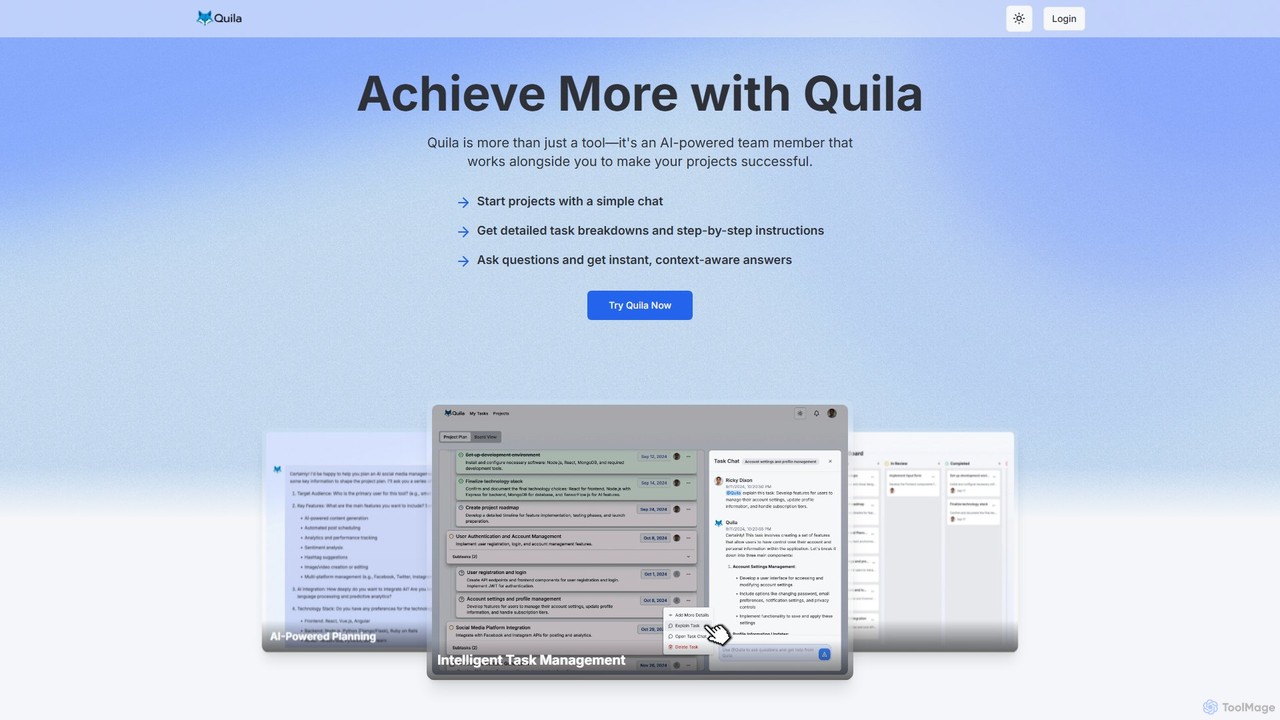
Quila is an AI-powered project management tool that acts as an intelligent team member. It transforms project ideas into detailed, actionable plans through a simple chat interface. Featuring a customizable Kanban board, AI-generated subtasks, and a collaborative AI assistant, Quila streamlines workflows, enhances team alignment, and eliminates ambiguity from start to finish.

Chatbot
Visits 10.8KFavorites 122Likes 110
Shortwave
Freemium

Shortwave

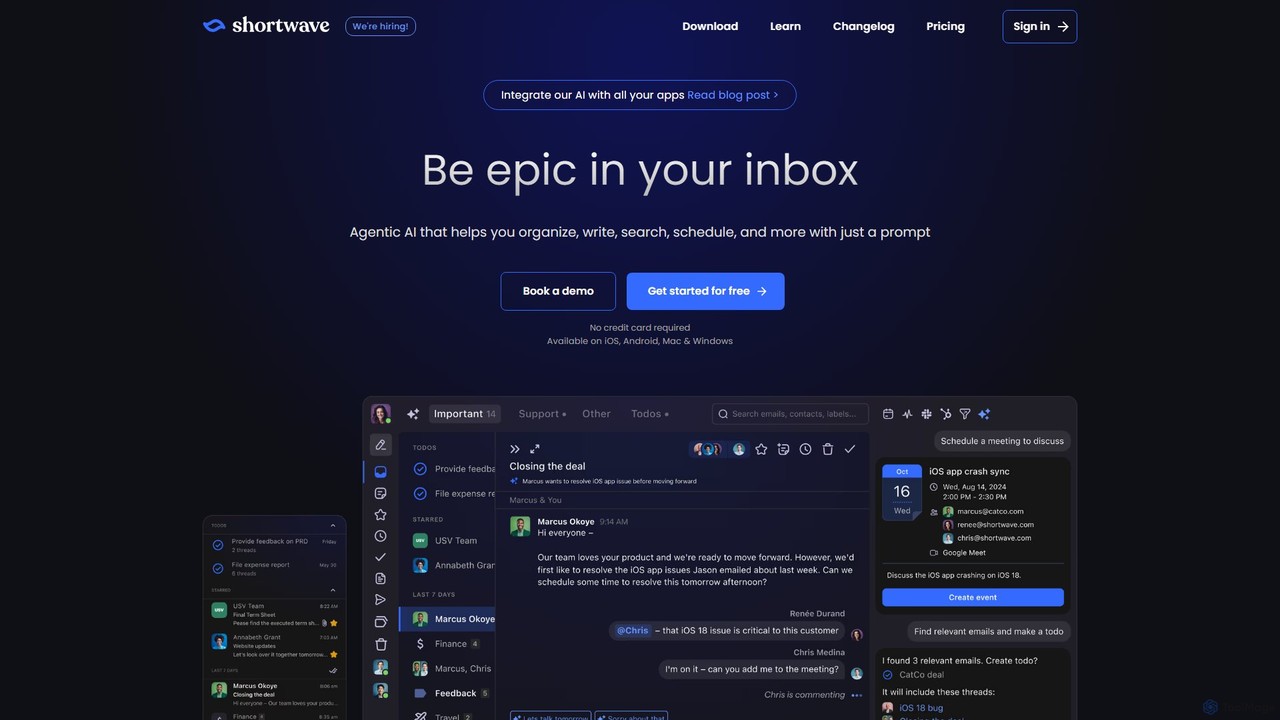
Shortwave is an AI-powered email client designed to supercharge your productivity and team collaboration. It acts as an intelligent assistant for your inbox, helping you organize, write, search, and automate email workflows. By learning your unique writing style and prioritizing important messages, Shortwave transforms your cluttered inbox into an organized workspace, helping you and your team achieve more with less effort.

Writing
Visits 235.4KFavorites 142Likes 134
SimpleApply.ai
Freemium

SimpleApply.ai

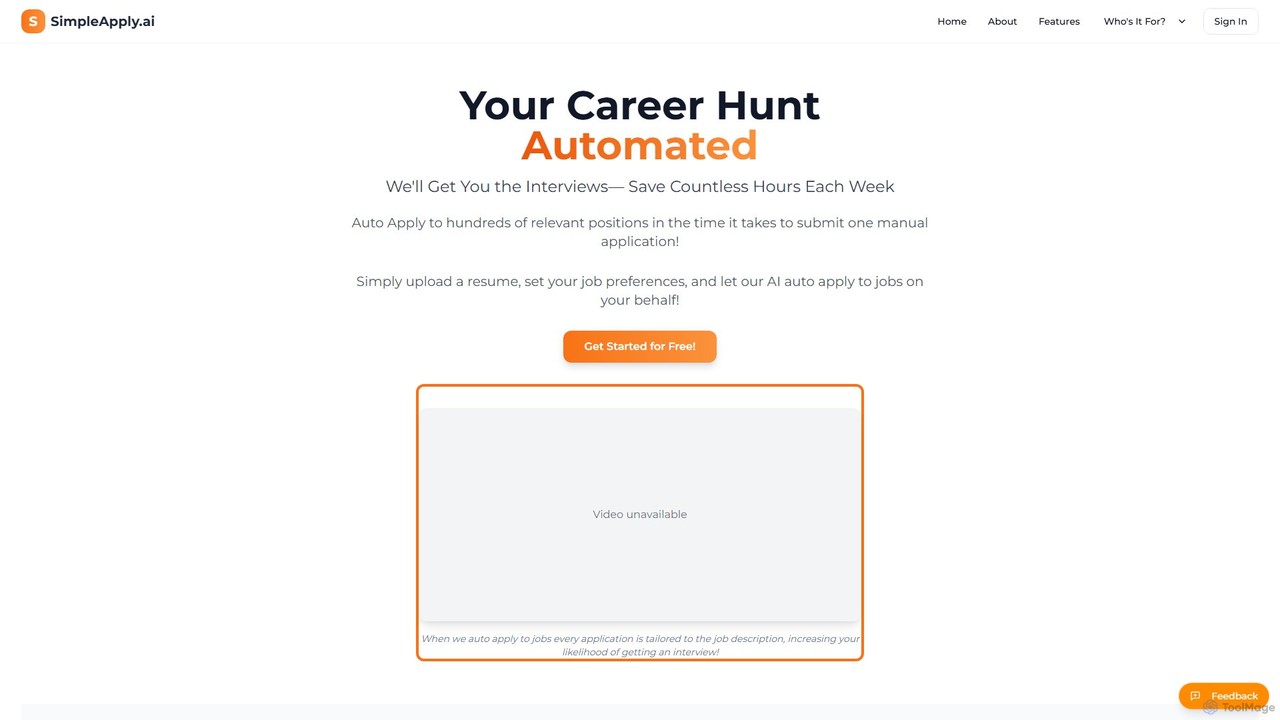
SimpleApply.ai is an AI-powered platform that automates your job search. Simply upload your resume, set your preferences, and the AI will find relevant jobs and automatically submit tailored applications on your behalf, saving you countless hours and increasing your chances of landing an interview.

Personal
Visits 50.4KFavorites 141Likes 125
GitChat
Freemium

GitChat

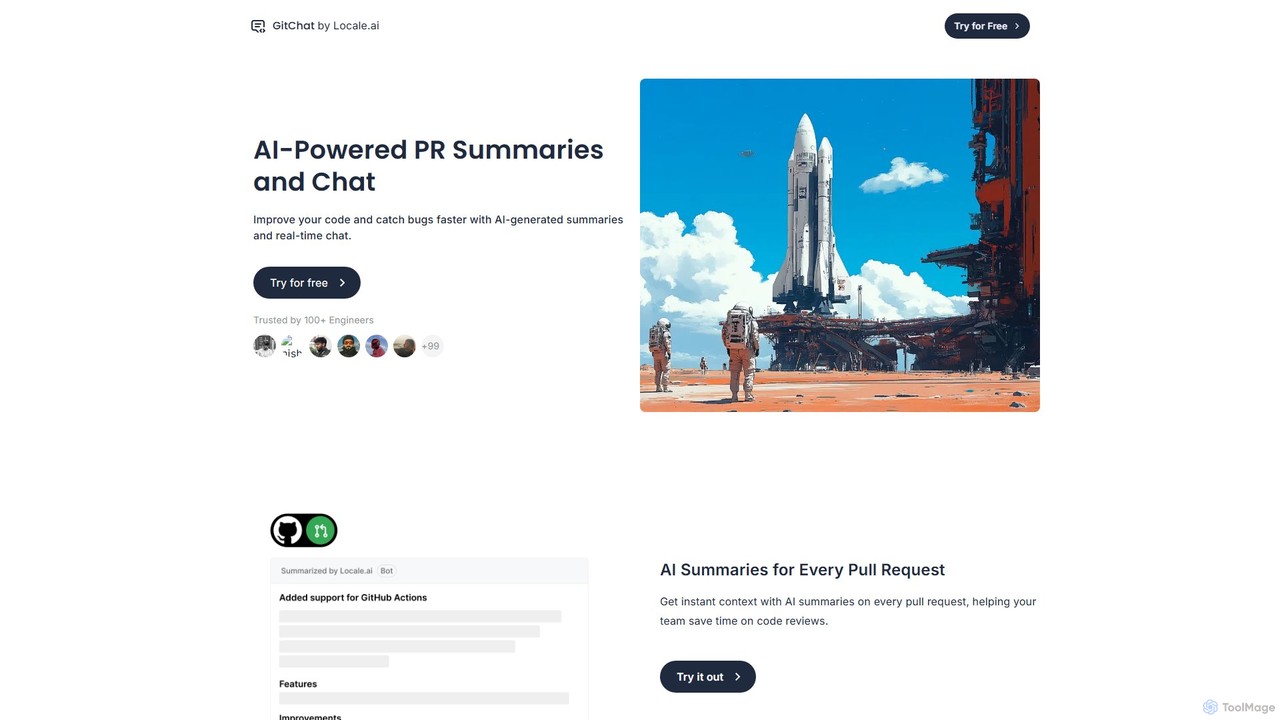
GitChat is an AI-powered assistant for GitHub that supercharges code reviews. It automatically generates summaries for Pull Requests, provides instant feedback on code, and allows developers to chat with an AI directly within PR comments to improve code quality and accelerate development.

Code Assistant
Visits 7.2KFavorites 147Likes 155
Razzle

Razzle

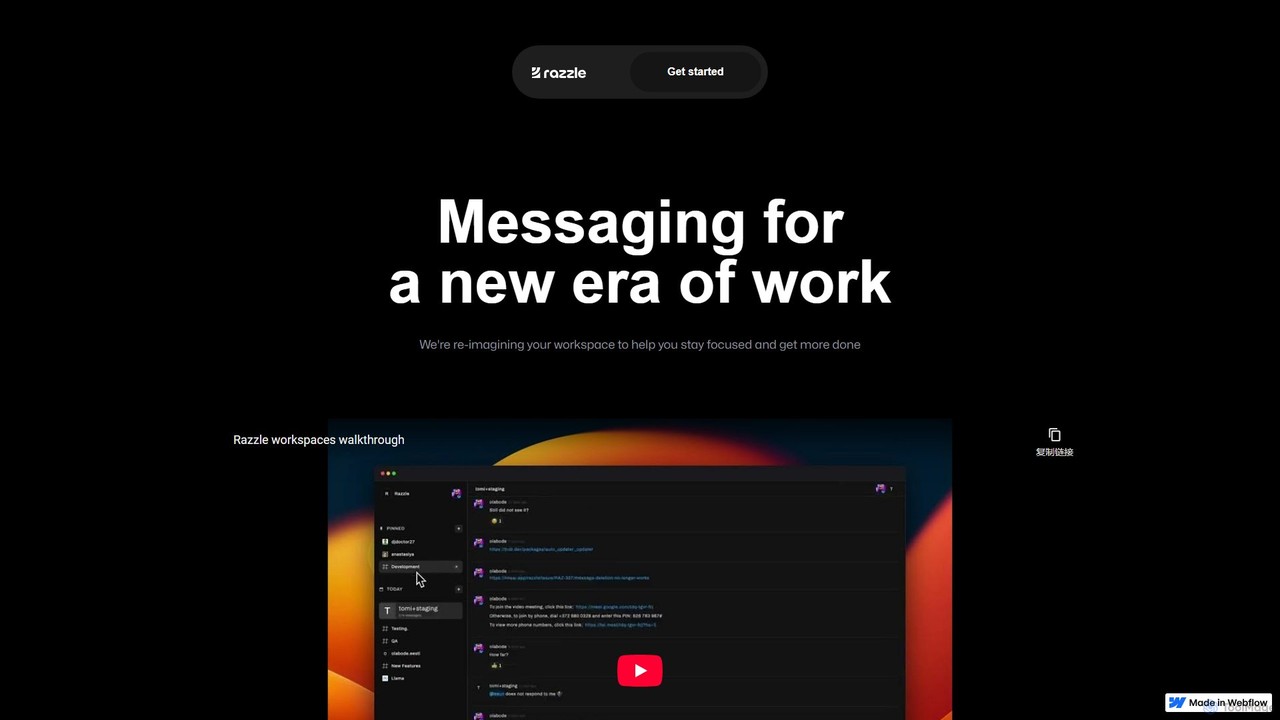
Razzle is a next-generation messaging platform designed for focused work. It integrates powerful AI tools to reduce distractions, eliminate notification anxiety, and enhance team productivity. It helps teams write marketing copy, extract data, and find information faster, creating a calmer, more efficient digital workspace.

Writing
Visits 9.5KFavorites 133Likes 135
Course Hero
Freemium

Course Hero

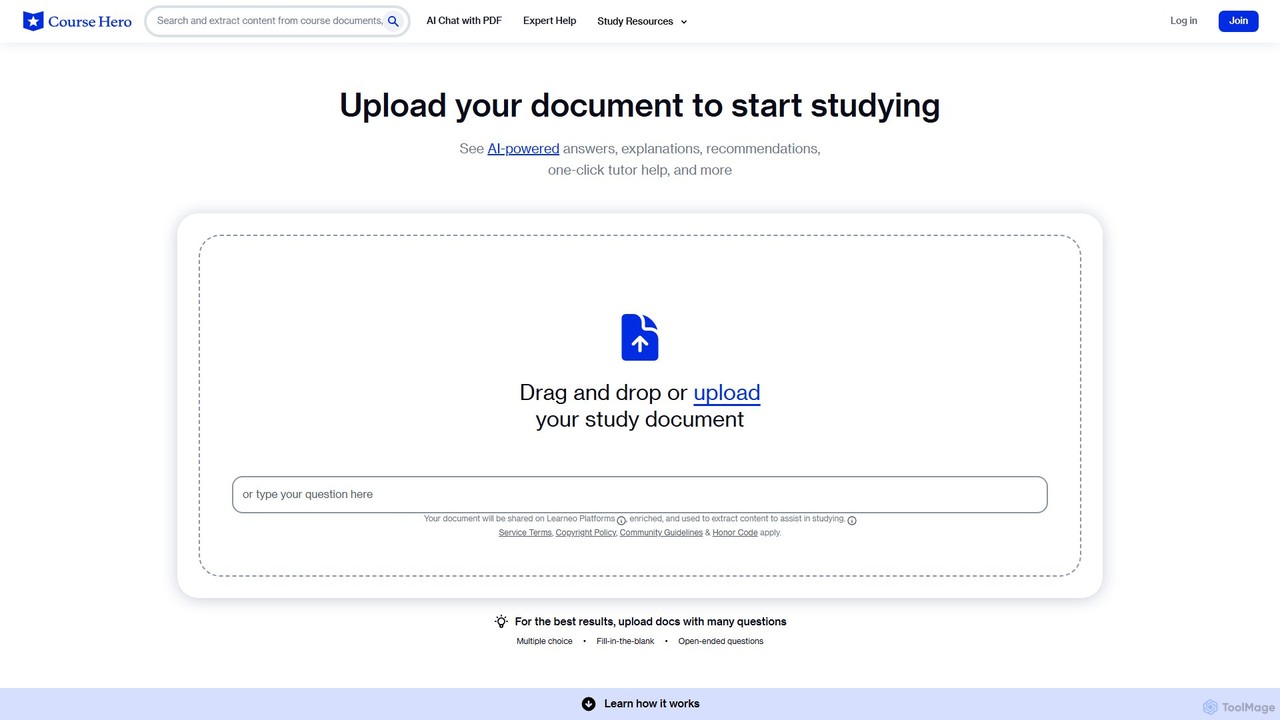
Course Hero is an AI-powered online learning platform offering a vast library of course-specific study resources. Get 24/7 homework help from expert tutors, access millions of study guides and textbook solutions, and use AI tools to interact with your documents for deeper understanding and exam preparation.

Personal
Visits 5.6MFavorites 118Likes 133
getinboxzero
Freemium

getinboxzero

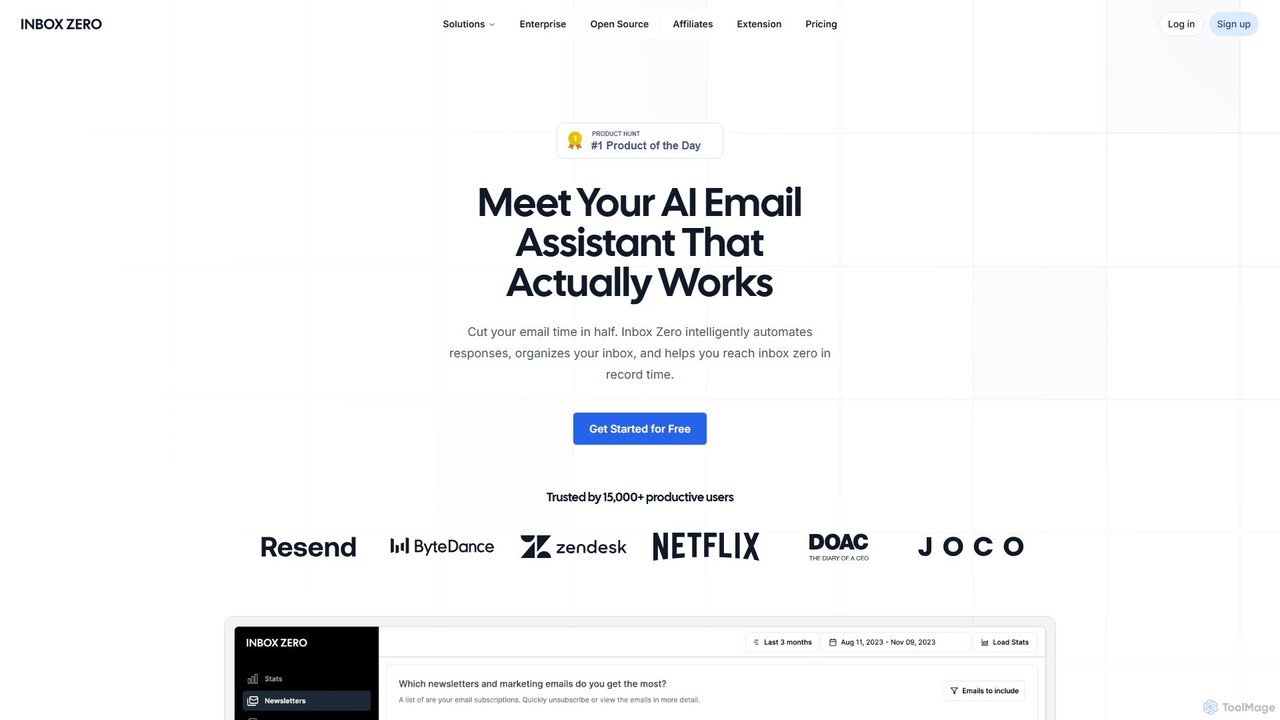
getinboxzero is an AI-powered email assistant designed to help you achieve Inbox Zero. It intelligently automates responses, organizes your inbox, blocks cold emails, and bulk unsubscribes from newsletters. By handling repetitive email tasks, it cuts your email time in half and boosts productivity for individuals and support teams.

Personal Assistant
Visits 73.7KFavorites 121Likes 129
Autojob
Freemium

Autojob

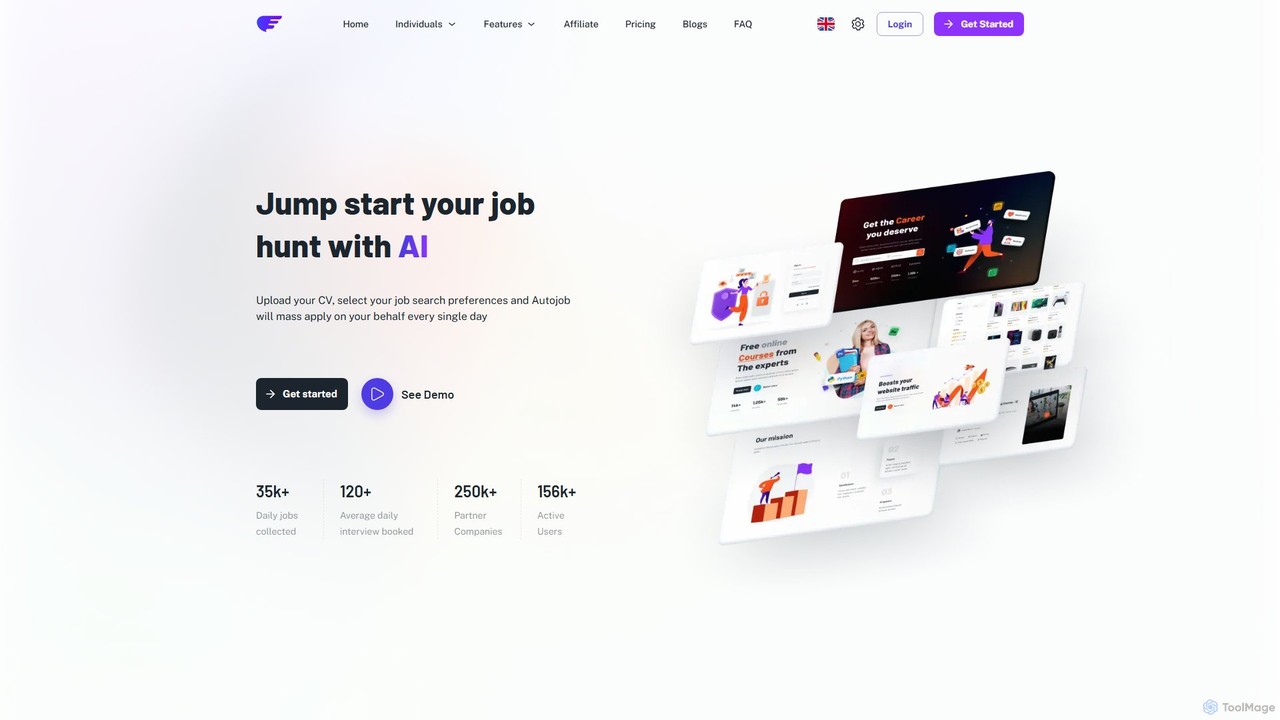
Autojob is an AI-powered platform that automates your job search. Simply upload your CV, set your preferences, and Autojob will mass-apply to relevant job openings on your behalf every day. It streamlines the application process, tracks your submissions, and helps you land more interviews with less effort, giving you a competitive edge in the job market.

Personal
Visits 9.9KFavorites 123Likes 132
Mem
Freemium

Mem

Mem is an AI-powered, self-organizing workspace designed to act as your personal knowledge base. It captures your notes, ideas, and meeting transcripts, then uses AI to connect related information, summarize content, and help you generate new insights without manual organization.

Personal
Visits 122KFavorites 134Likes 157
EmailTriager
Freemium

EmailTriager

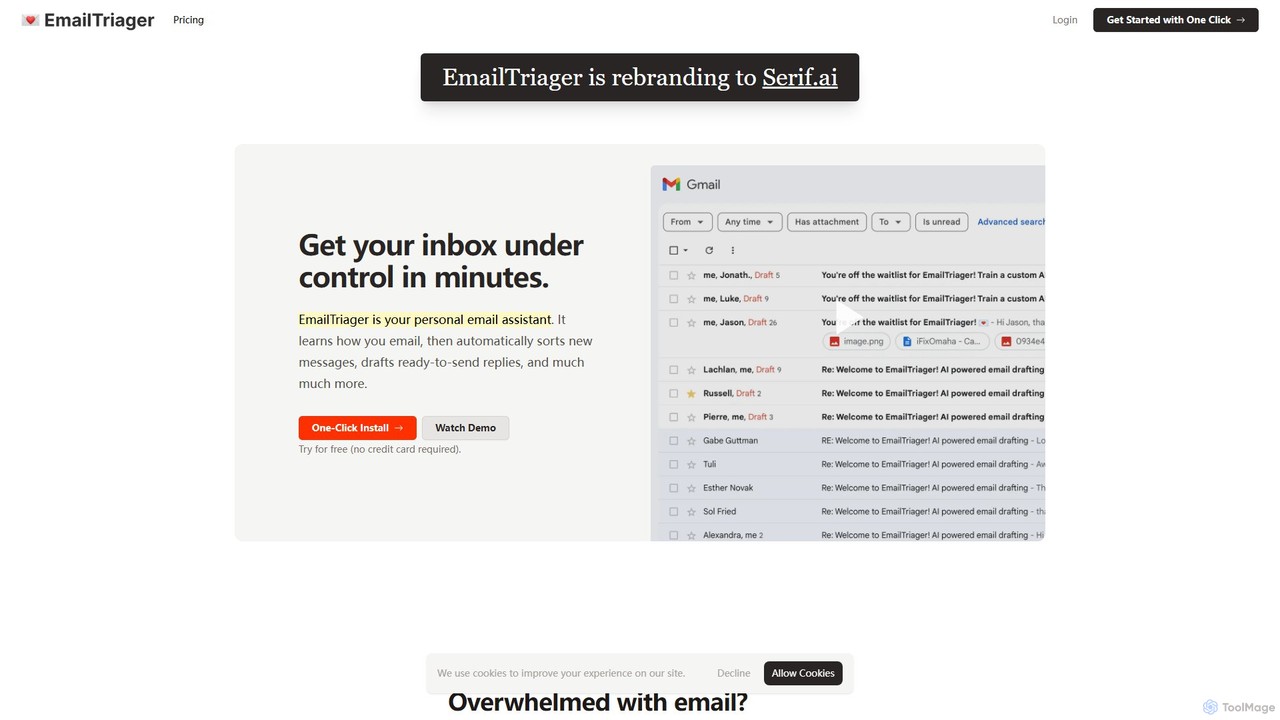
EmailTriager is a personal AI email assistant for Gmail that learns your unique writing style to automatically sort your inbox and draft personalized, ready-to-send replies. It aims to help you get through your emails 10x faster, reducing mental load and boosting productivity.

Personal Assistant
Visits 6.4KFavorites 112Likes 126
ApplyPass
Freemium

ApplyPass

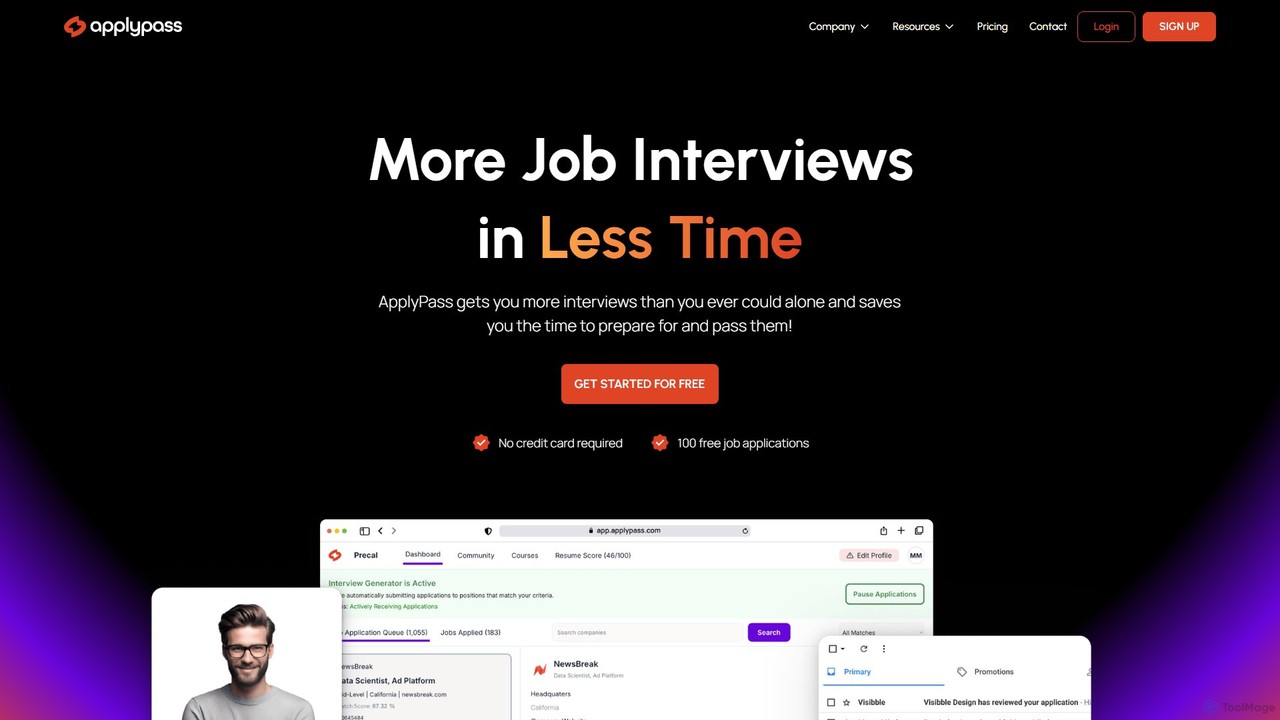
ApplyPass is an AI-powered job search automation platform designed to help professionals, especially in the tech industry, get more interviews with less effort. It optimizes your resume, finds matching jobs, and automatically applies on your behalf, saving you dozens of hours weekly and significantly increasing your interview opportunities.

Personal
Visits 23KFavorites 145Likes 146
Littlebird
Free

Littlebird

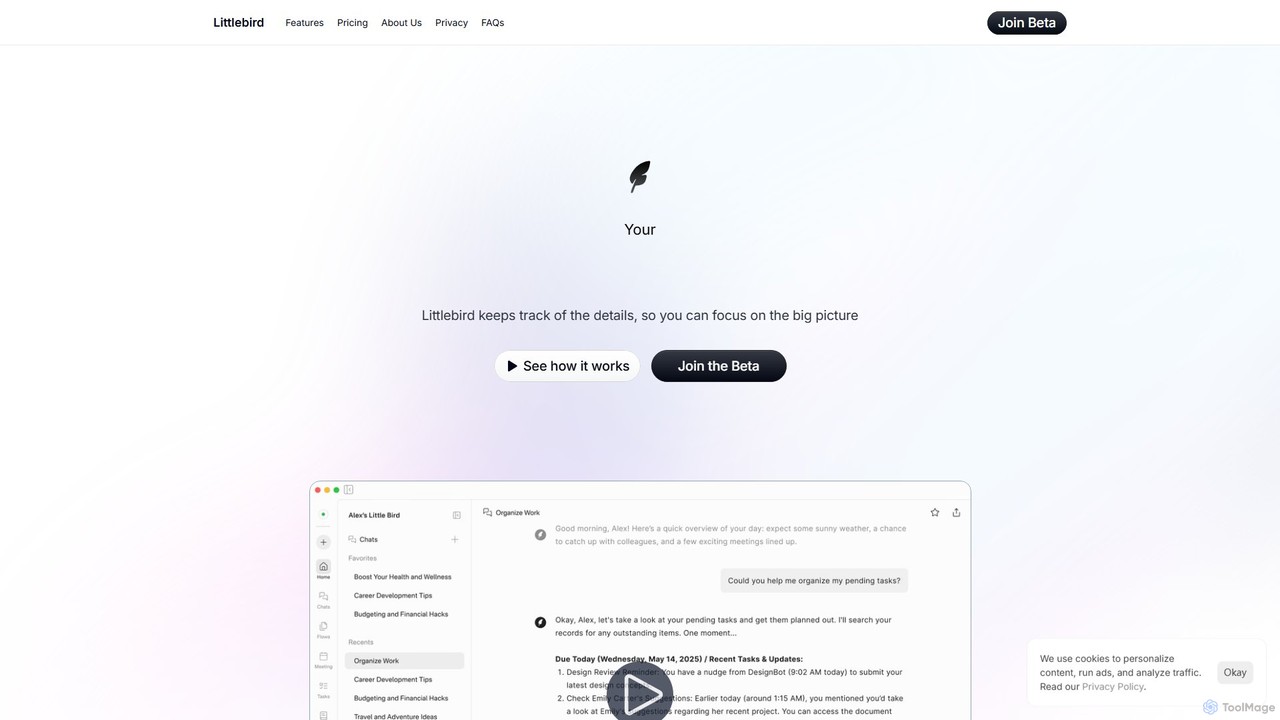
Littlebird is a personalized AI assistant that acts as your digital twin, learning your unique workflow across all applications. It automates tasks, organizes information, and provides contextual insights to help you focus on what matters most, eliminating busywork and context switching.

Personal Assistant
Visits 210.4KFavorites 148Likes 140
LiveMinder
Freemium

LiveMinder

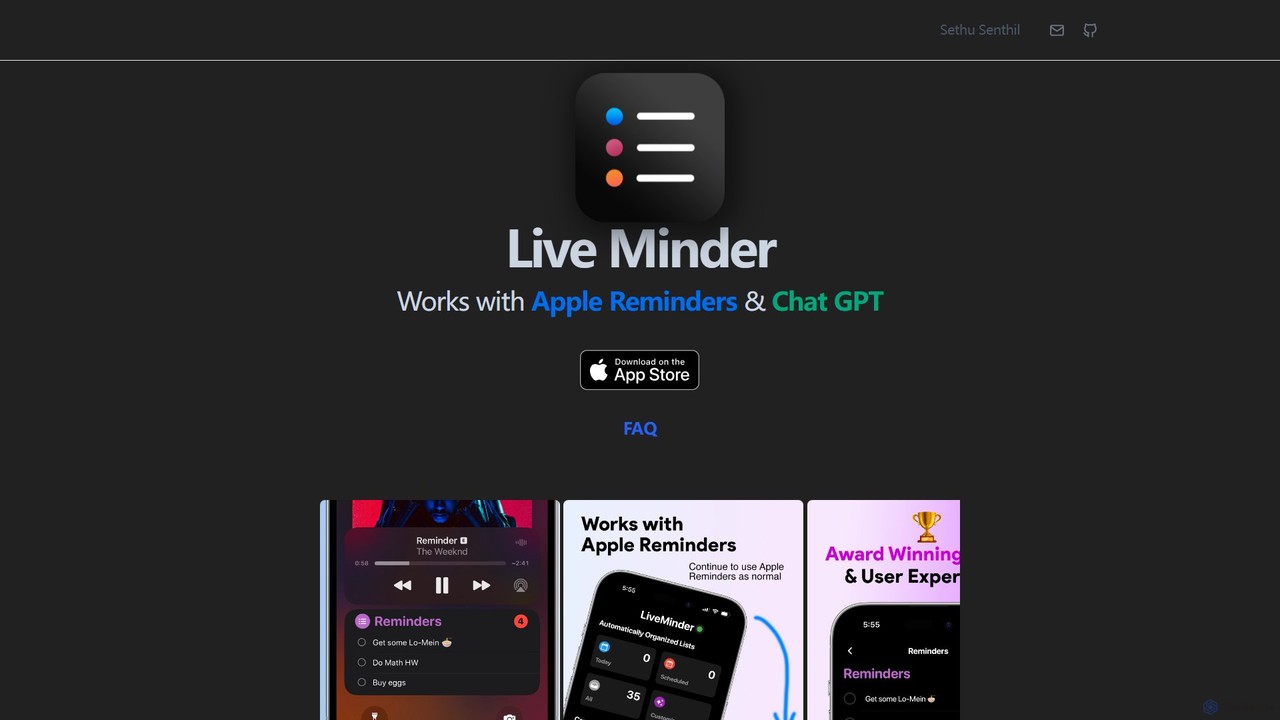
LiveMinder brings your Apple Reminders and to-do lists directly to your iOS Lock Screen, Dynamic Island, and Always On Display. It features seamless iCloud sync and integrates ChatGPT to instantly generate task lists, shopping lists, and more, enhancing your productivity without replacing your existing workflow.

List Generation
Visits 6.4KFavorites 130Likes 116
Haystack
Freemium

Haystack

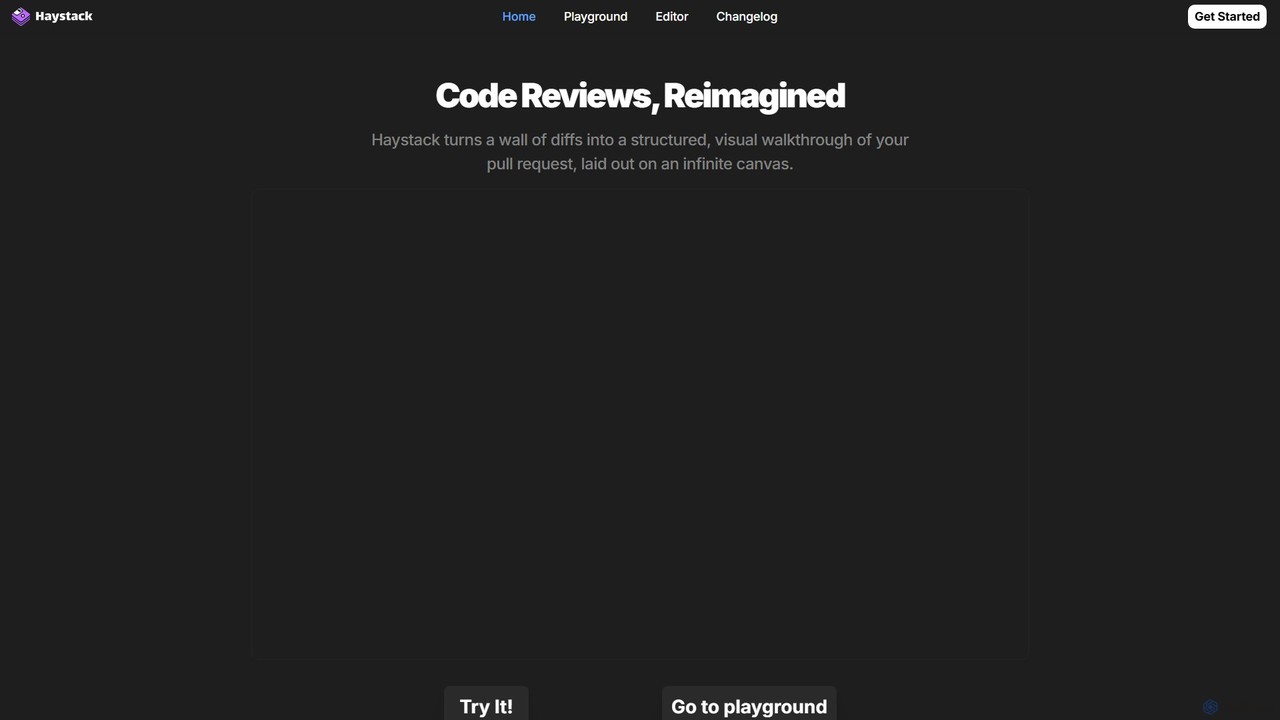
Haystack is an AI-powered code review platform that transforms complex pull requests into an interactive, visual canvas. It intelligently guides reviewers through code changes, enabling faster comprehension, in-context collaboration, and more efficient merging, supporting a wide range of programming languages.

Code Assistant
Visits 15.6KFavorites 160Likes 162
Applyindex
Freemium

Applyindex

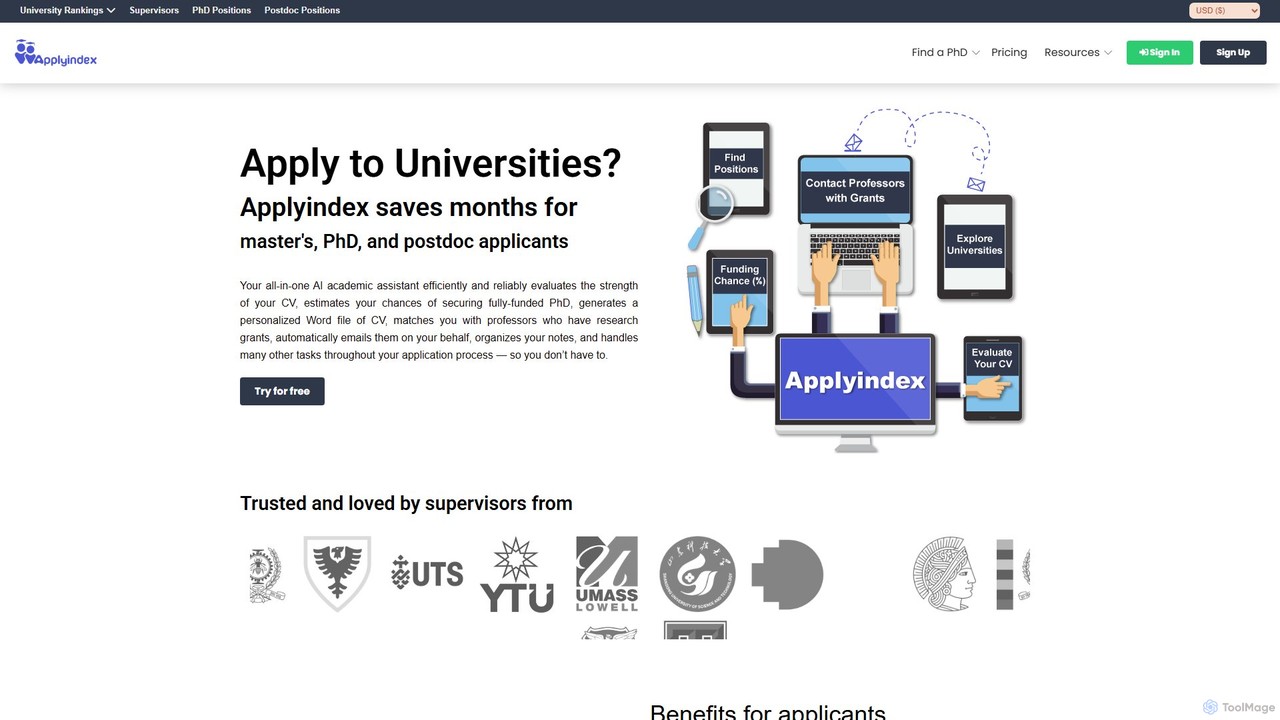
Applyindex is an all-in-one AI academic assistant designed to streamline the university application process for Master's, PhD, and postdoc candidates. It saves months of effort by evaluating CV strength, matching applicants with funded positions and supervisors, generating personalized documents, and automating communication, all on a single platform.

Personalized Tools
Visits 26.1KFavorites 113Likes 138
Canary Mail
Freemium

Canary Mail

Canary Mail is a powerful, secure email client for Mac, iOS, Android, and Windows. It features an AI assistant for writing and summarizing emails, a unified inbox for all your accounts, and enterprise-grade security with end-to-end encryption. Ideal for individuals and teams seeking to enhance productivity and protect their communications.

Writing
Visits 259.3KFavorites 149Likes 153
OwlU
Freemium

OwlU

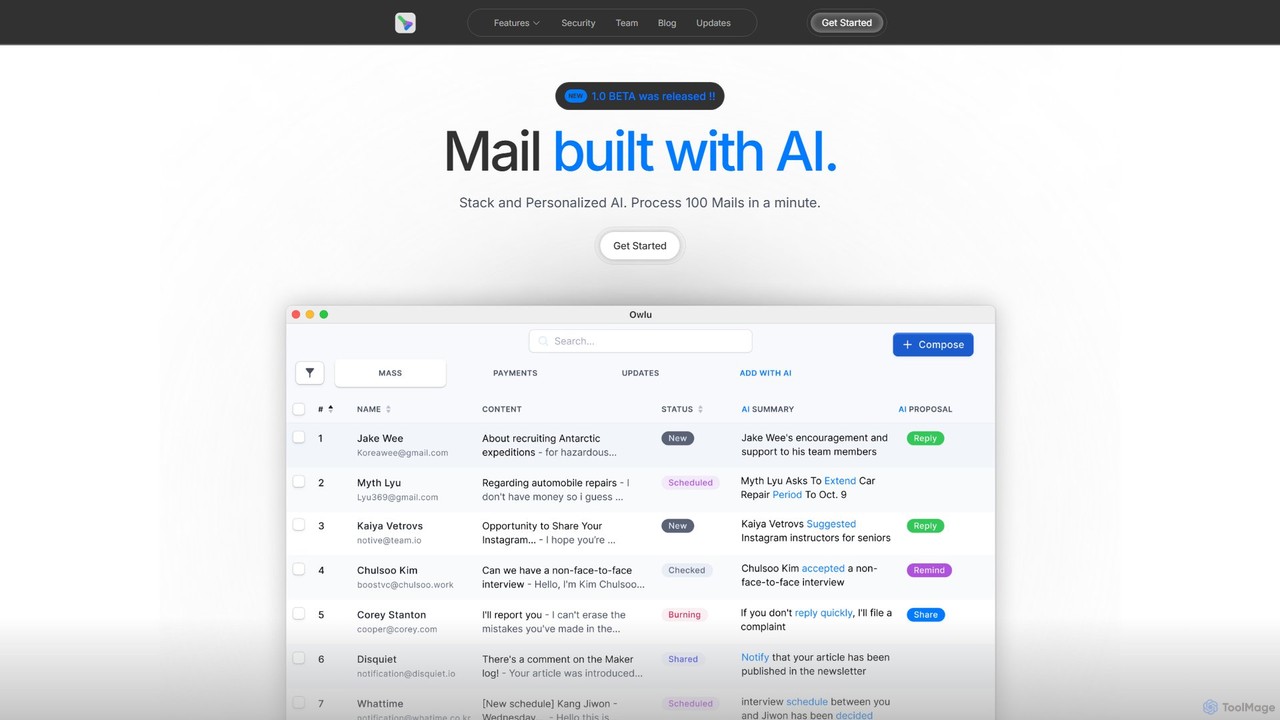
OwlU is an AI-powered email client for Mac OS designed to revolutionize your inbox. It intelligently summarizes, suggests replies, and automates tasks, allowing you to process hundreds of emails in minutes. With a personalized AI and a unified dashboard, OwlU helps you achieve unprecedented email productivity.

Personal
Visits 5.8KFavorites 118Likes 133
RoboApply
Freemium

RoboApply

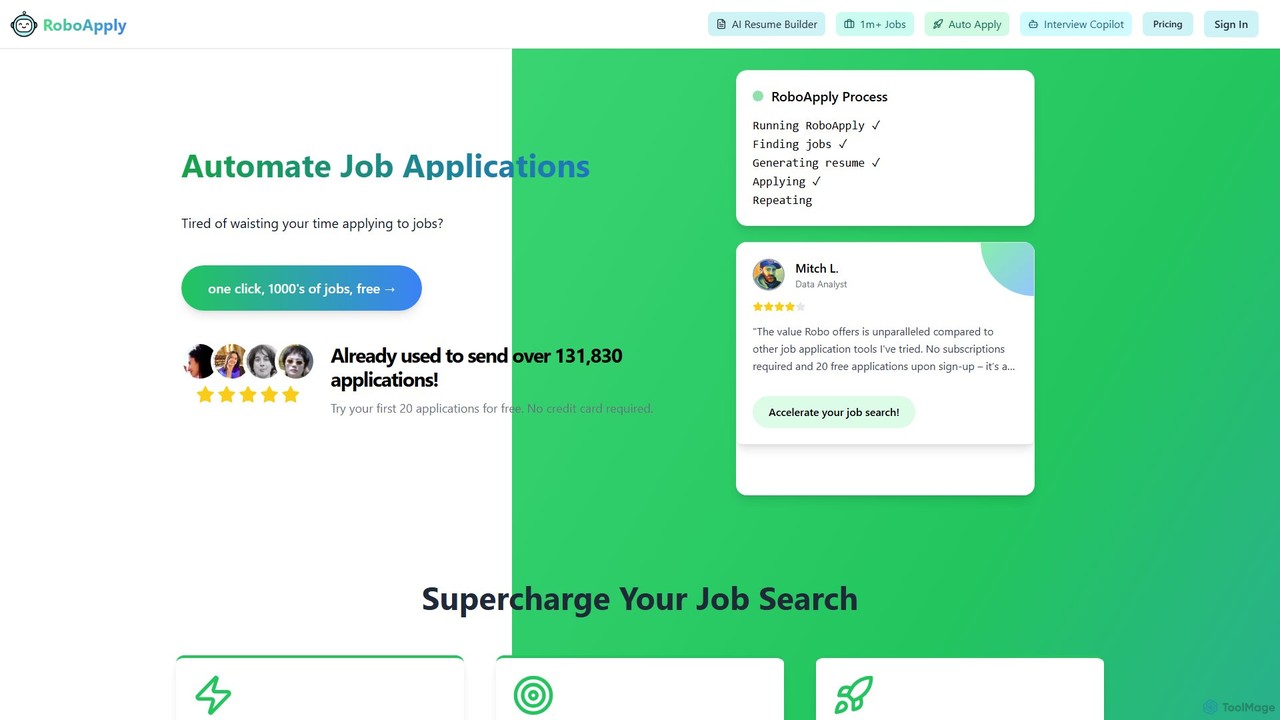
RoboApply is an AI-powered job application automation platform that enables users to apply for thousands of jobs across major job boards with just a few clicks. It uses AI to optimize resumes for Applicant Tracking Systems (ATS), customize cover letters, and aggregates listings from sites like LinkedIn, Indeed, and Glassdoor, streamlining the entire job search process.

Personal
Visits 10.4KFavorites 155Likes 149
Spark Mail
Freemium

Spark Mail

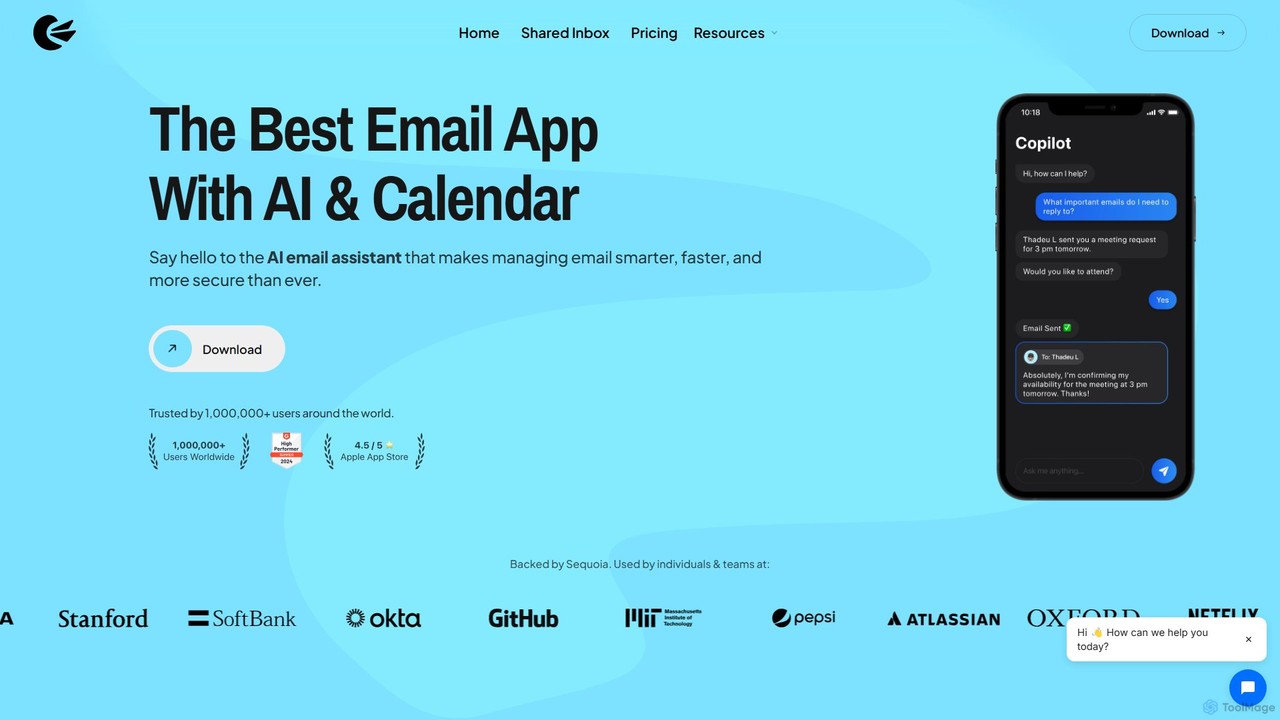
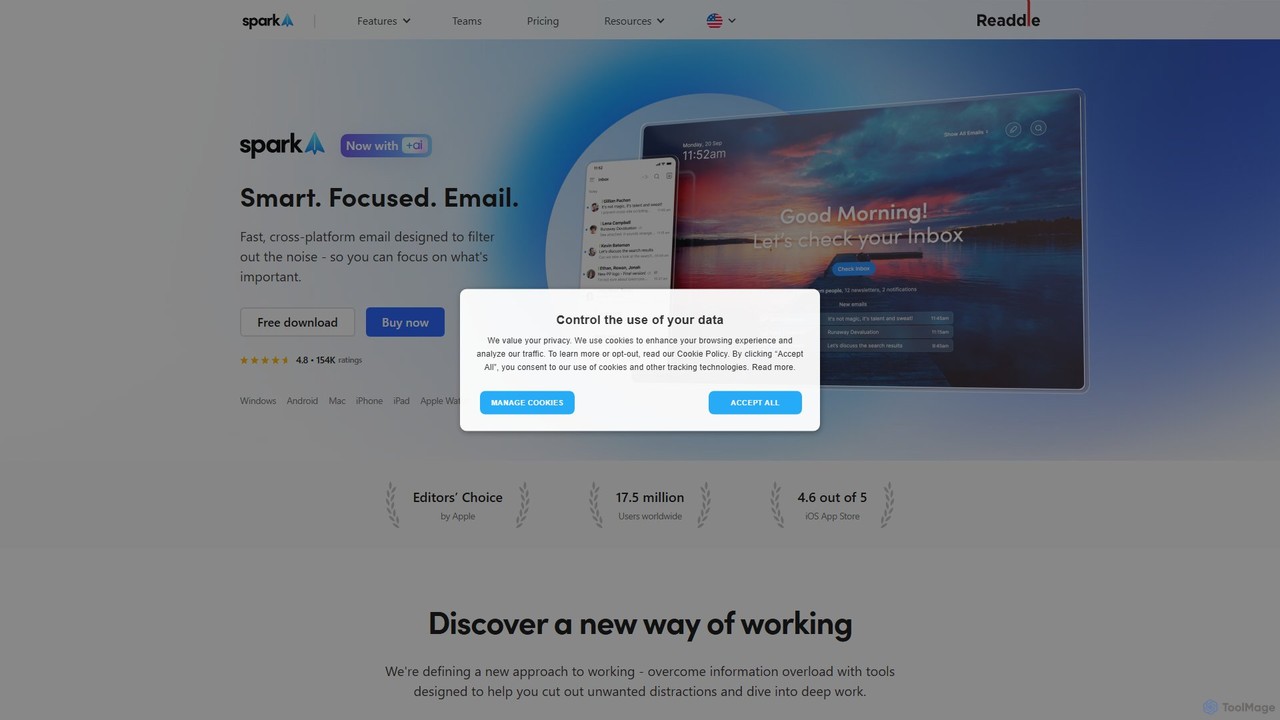
Spark Mail is an intelligent, cross-platform email client designed to help you focus on what's important. It uses AI to draft emails, summarize threads, and translate messages, while its Smart Inbox filters out noise. With powerful team collaboration features, Spark streamlines your workflow and helps you achieve inbox zero.

Writing
Visits 502.1KFavorites 120Likes 99
Wavelength Mail

Wavelength Mail

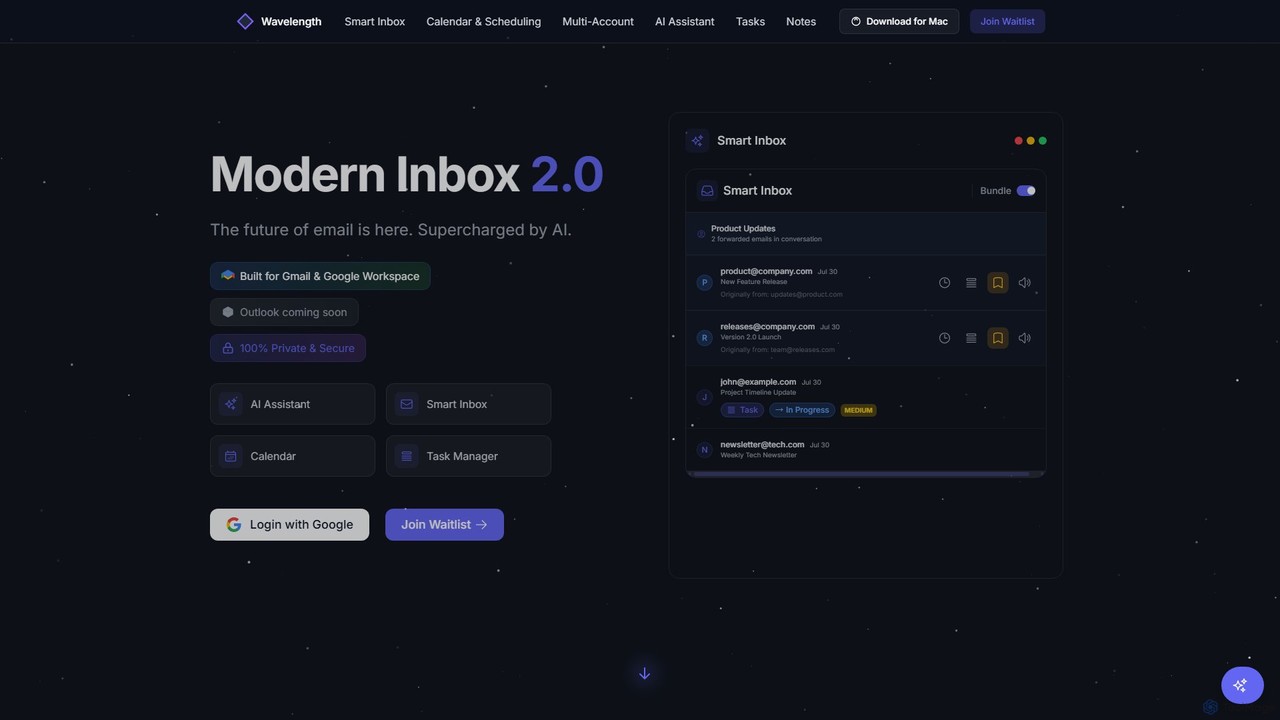
Wavelength Mail is an intelligent email workspace that supercharges your Gmail and Google Workspace with AI. It combines a smart inbox, calendar, task manager, and AI assistant to streamline your workflow, categorize emails, summarize content, and automate scheduling, all while prioritizing your privacy with local data processing.

Personal
Visits 5.7KFavorites 140Likes 150
Doogle AI
Freemium

Doogle AI

Doogle AI is a universal AI assistant that interprets your tasks in natural language and routes them to the best service. From creating websites and scraping data to booking physical services, Doogle AI acts as a single entry point to get any job done efficiently by leveraging a network of specialized AI tools and service providers.

Chatbot
Visits 5.7KFavorites 130Likes 123
Telly
Free

Telly

Telly is a revolutionary dual-screen smart TV offered completely free to consumers. It features a 55” 4K HDR main display and a secondary Smart Screen that shows ads and useful information. The device is subsidized by advertising, integrating features like an AI voice assistant, video calling, fitness tracking, and gaming.

Voice Control
Visits 71.8KFavorites 104Likes 116
Scribeberry
Freemium

Scribeberry

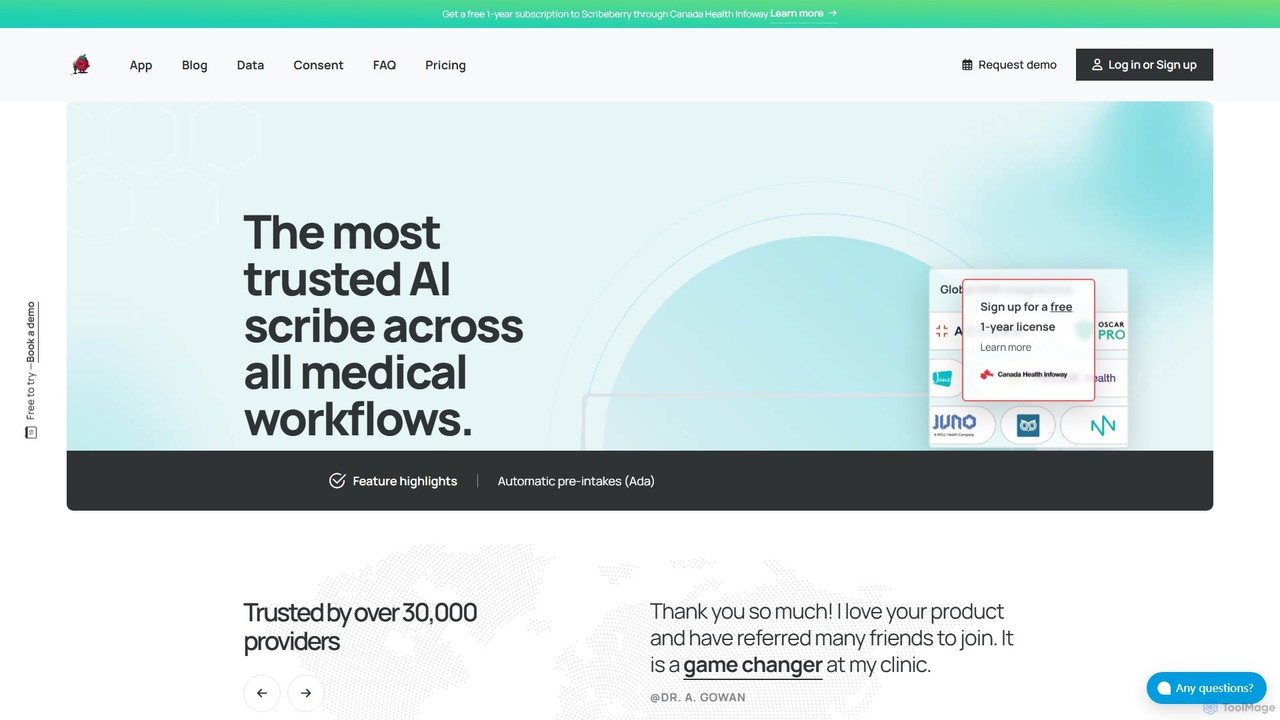
Scribeberry is an advanced AI-powered medical scribe designed for clinicians. It automates clinical documentation by listening to patient encounters, generating structured notes, and integrating seamlessly with EMRs. This saves healthcare providers hours daily, reduces burnout, and allows for greater focus on patient care.

Virtual Scribe
Visits 73.2KFavorites 129Likes 130
Teloz
Freemium

Teloz

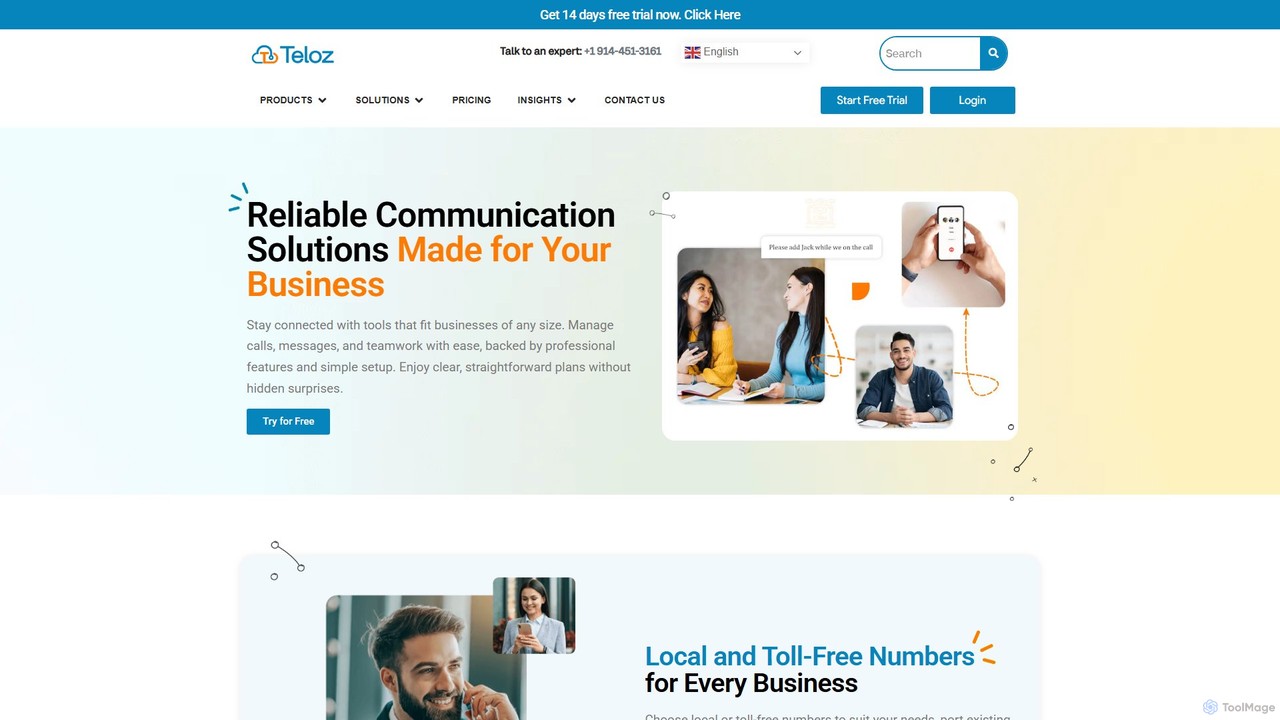
Teloz is a cloud-based business phone system and contact center solution designed for businesses of all sizes. It offers local and toll-free numbers, team collaboration tools, and AI-powered features like voicemail transcription and auto-attendant. Manage calls, messages, and teamwork seamlessly across any device, enhancing your professional presence with an easy-to-use, scalable, and affordable platform.

Voice
Visits 65KFavorites 119Likes 102

About Ai Assistant

AI Assistants are a class of AI-powered tools designed to understand natural language commands and perform tasks on behalf of a user. They leverage technologies like Natural Language Processing (NLP) and machine learning to interpret requests, access information, and execute actions. The primary value of an AI Assistant is to automate routine activities, streamline complex workflows, and provide instant, context-aware support. Unlike simple automated scripts, they can often learn user preferences and adapt their behavior over time.

Core Features

  • Natural Language Understanding: Interprets complex user requests in conversational text or voice.
  • Task Automation: Executes actions such as scheduling meetings, sending emails, or managing to-do lists.
  • Information Retrieval: Quickly finds and summarizes data from the web or internal knowledge bases.
  • Cross-App Integration: Connects with other software (e.g., calendars, CRMs, project management tools) to perform multi-step tasks.
  • Personalization: Adapts responses and suggestions based on user history, context, and preferences.

Use Cases

AI Assistants are widely used across various professional and personal domains. In business, they help teams manage projects, automate customer support triage, and summarize meeting transcripts. For individuals, they serve as powerful productivity tools for organizing schedules, drafting communications, and conducting research. Developers also integrate assistant functionalities into their applications to create more intuitive user experiences.

How to Choose

When selecting an AI Assistant, evaluate its integration capabilities with your existing tools and platforms. Assess the scope and reliability of its task automation features for your specific needs. Consider its platform availability (desktop, mobile, web) and the provider's data privacy and security policies. Finally, examine the user interface and ease of use to ensure it aligns with your workflow.

Featured tool rankings

Ai Assistant use cases

1

Personal Productivity and Schedule Management

A project manager juggling multiple deadlines uses an AI Assistant to streamline their daily workflow. By issuing simple voice or text commands, they can schedule meetings directly from their email, set reminders for critical tasks, and block out focus time in their calendar. The assistant automatically checks for scheduling conflicts across multiple calendars and suggests optimal times. This automation saves them significant time on administrative tasks, allowing them to concentrate on strategic planning and team leadership.

2

Automated Meeting Summarization and Analysis

A remote team uses an AI Assistant integrated with their video conferencing platform. During meetings, the assistant transcribes the conversation in real-time. After the meeting concludes, it automatically generates a concise summary, identifies key decisions made, and extracts a list of action items with assigned owners. This ensures that all participants, including those who couldn't attend, are aligned on outcomes and next steps, significantly reducing the manual effort of writing and distributing meeting minutes.

3

Enterprise Knowledge Base Navigation

An employee at a large corporation needs to find specific information about the company's data security policy. Instead of manually searching through a complex intranet or multiple documents, they ask the internal AI Assistant a direct question, such as "What are the requirements for sharing data with external partners?" The assistant instantly searches across all internal knowledge bases, documents, and past communications to provide a precise, synthesized answer with links to the source documents, saving valuable time and ensuring compliance.

4

Drafting and Refining Communications

A marketing professional needs to draft a promotional email for a new product launch. They provide the AI Assistant with key product features, the target audience, and the desired tone. The assistant generates a complete draft of the email, including a compelling subject line, engaging body copy, and a clear call-to-action. The marketer can then ask the assistant to refine specific sections, such as making the tone more formal or shortening a paragraph, iterating quickly to produce a polished final version in a fraction of the time.

5

Code Generation and Debugging for Developers

A software developer is working on a new feature and needs to write a complex function. Instead of writing it from scratch, they describe the function's logic to an AI Assistant integrated into their code editor. The assistant generates the code snippet in the correct programming language and syntax. Later, when encountering a bug, they can paste the problematic code and ask the assistant to identify the error and suggest a fix. This accelerates the development cycle and helps developers learn new coding patterns.

6

Automated Customer Service Triage

An e-commerce company integrates an AI Assistant into its website's live chat. When a customer initiates a chat, the assistant first engages them to understand their issue. It can instantly answer common questions about order status, return policies, or product information by accessing the company's database. For more complex issues, such as a damaged product, the assistant gathers all necessary information (order number, issue description, photos) and creates a support ticket, routing it to the appropriate human agent. This provides 24/7 support and frees up agents to handle high-priority cases.

Ai Assistant FAQ

What is an AI Assistant?

An AI Assistant is a software tool that uses artificial intelligence, particularly Natural Language Processing (NLP), to understand and respond to human requests. It acts as a personal or professional aide, capable of performing tasks like scheduling meetings, retrieving information, managing communications, and controlling other applications. Unlike basic chatbots, advanced AI Assistants can handle complex, multi-step commands and learn from interactions to provide personalized support.

How to choose the right AI Assistant?

Choosing the right AI Assistant depends on your specific needs. Consider the following factors:

  • Integration: Does it connect seamlessly with the apps you use daily (e.g., Google Workspace, Microsoft 365, Slack, CRM software)?
  • Functionality: What specific tasks do you want to automate? Look for assistants strong in scheduling, email management, research, or coding, depending on your workflow.
  • Platform: Is it available on your preferred devices, such as desktop, mobile, or as a browser extension?
  • Security and Privacy: Review the provider's data handling policies, especially if you'll be using it for sensitive work information.
What's the difference between an AI Assistant and a standard chatbot?

The primary difference lies in capability and scope. A standard chatbot typically follows a predefined script or set of rules to answer common questions within a single platform (like a website). An AI Assistant is more advanced; it can understand context, handle complex and novel requests, integrate with multiple applications to perform actions (like booking a flight or creating a calendar event), and personalize its interactions based on past user behavior. AI Assistants aim to be proactive partners, while chatbots are more reactive problem-solvers.

Can AI Assistants work across multiple devices?

Yes, many leading AI Assistants are designed for cross-platform functionality. This allows you to start a task on one device and continue it on another. For example, you could ask your assistant on your smartphone to add an item to a shopping list, and that list would be instantly updated and accessible on your desktop computer or smart speaker. This seamless integration is a key feature that enhances their utility in daily workflows.

Are AI Assistants secure for business use?

Security is a critical consideration for business-focused AI Assistants. Reputable providers implement robust security measures, including end-to-end encryption, access controls, and compliance with data protection regulations like GDPR and SOC 2. When choosing an assistant for business, it is essential to select enterprise-grade solutions that offer detailed security documentation, data processing agreements, and administrative controls to manage user permissions and ensure company data remains confidential and protected.