
PodcastWorld.io
PodcastWorld.io was an AI-powered platform designed to streamline podcast post-production. It offered automated audio enhancement, filler word removal, …
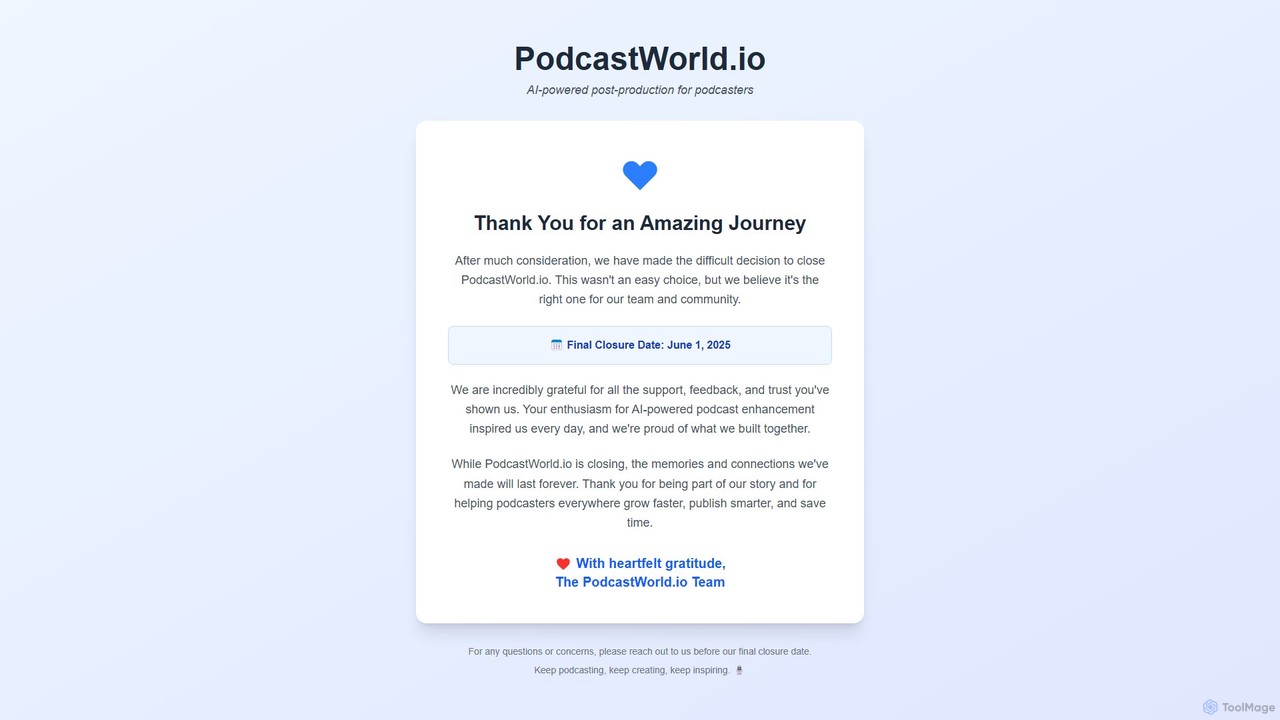
PodcastWorld.io was an AI-powered platform designed to streamline podcast post-production. It offered automated audio enhancement, filler word removal, transcription, and content repurposing tools like show notes and social media clips. The platform aimed to help podcasters save time, improve audio quality, and grow their audience. Please note: The service is scheduled to close on June 1, 2025.
About Podcast Production
AI Podcast Production tools are specialized applications that automate and streamline the entire podcast creation workflow. They leverage artificial intelligence for tasks like text-based audio editing, automatic removal of filler words (e.g., 'um', 'ah'), and one-click sound enhancement. This allows creators to produce high-quality, professional-sounding episodes with significantly less manual effort and technical expertise. These tools transform a time-consuming process into an efficient one, focusing on content rather than complex editing.
Core Features
- Text-Based Audio Editing: Edit your audio recording simply by deleting words or phrases from the auto-generated transcript.
- Filler Word & Silence Removal: Automatically detects and removes ums, ahs, and awkward long pauses to create a cleaner, more professional flow.
- One-Click Audio Enhancement: Instantly balances volume levels, reduces background noise, and applies mastering for broadcast-quality sound.
- Automated Transcription: Generates accurate, time-stamped transcripts for show notes, content repurposing, and accessibility.
- Social Media Clip Generation: Creates engaging audiograms or video clips from key moments to promote episodes on social platforms.
Use Cases
These tools are ideal for individual podcasters, content marketing teams, and corporate communication departments. For instance, a solo creator can edit a one-hour interview in minutes, while a marketing team can repurpose a webinar into a podcast, blog post, and social clips from a single recording.
How to Choose
When selecting an AI Podcast Production tool, consider the accuracy of its transcription and filler word detection. Evaluate the quality of its audio enhancement features and its workflow—whether you prefer text-based editing or a more traditional timeline. Also, check for integration with podcast hosting platforms and collaboration features if you work in a team.
Podcast ProductionUse Cases
Streamlining Editing for Solo Podcasters
A solo creator hosts a weekly interview-based podcast. After recording, they upload the audio file to an AI production tool. The tool automatically transcribes the entire conversation. Instead of listening through the hour-long recording multiple times, the creator simply reads the transcript and deletes sections of text corresponding to mistakes, off-topic chats, or awkward pauses. The AI also automatically flags and removes all 'ums' and 'ahs', saving an additional 15-20 minutes of tedious manual editing. Finally, they apply a one-click 'voice enhancement' filter to balance the audio levels between them and their guest, resulting in a professional-sounding episode ready for publishing in under 30 minutes.
Repurposing Content for Marketing Teams
A corporate marketing team hosts a monthly webinar. They use an AI podcast tool to repurpose this valuable content. After uploading the webinar recording, the tool separates the audio track and generates a full transcript. The team uses the text-based editor to trim the intro and outro, creating a concise podcast episode. Simultaneously, the marketing specialist identifies key quotes from the transcript and uses the tool's 'clip' feature to instantly generate several short audiogram videos for sharing on LinkedIn and Twitter. The full transcript is also lightly edited and published as a blog post, maximizing the reach of a single content piece across three different channels with minimal extra work.
Automating Show Notes and Chapter Creation
A podcaster focusing on educational content wants to improve accessibility and user experience. After editing their episode with an AI tool, they use its 'AI Summary' feature. The AI analyzes the entire transcript, identifies the main topics discussed, and generates a concise summary paragraph perfect for the episode description. It also suggests several potential titles. Furthermore, it automatically creates timestamps for when each new topic begins, along with a short headline for that section. The podcaster can review and quickly copy these into their hosting platform's show notes, creating clickable chapters that allow listeners to easily navigate to a specific part of the episode, significantly enhancing the value for their audience.
Improving Audio Quality for Remote Interviews
A podcast host frequently interviews guests remotely, leading to inconsistent audio quality and background noise. They use an AI production tool specifically for its audio enhancement capabilities. After uploading the interview track, which has two separate speakers, they apply a 'Studio Sound' function. The AI automatically removes the echo from the guest's room, reduces the hum from the host's computer fan, and normalizes the volume of both speakers so they sound like they were recorded in the same professional studio. This process, which would typically require complex plugins and audio engineering skills in a traditional DAW, is completed with a single click, ensuring a high-quality listening experience for the audience every time.
Collaborative Editing for Podcast Agencies
A podcast production agency manages shows for multiple clients. They use a cloud-based AI tool that supports team collaboration. The producer uploads a client's raw audio, and the AI generates the initial transcript. An assistant editor then goes through the transcript, making cuts and removing filler words. They can leave comments directly on the transcript for the senior editor, flagging sections that need a creative decision. The senior editor receives a notification, reviews the changes, and makes final adjustments. The client can also be invited with view-only access to approve the final edit before publishing. This streamlined, asynchronous workflow eliminates the need to send large audio files back and forth and allows the team to produce more episodes efficiently.
Creating Promotional Audiograms for Social Media
A podcaster wants to increase their show's visibility on Instagram and Twitter. After finalizing an episode, they identify a 60-second segment that is particularly insightful or entertaining. Using their AI production tool, they select this segment directly on the transcript. The tool then automatically generates an audiogram: a square-format video featuring the show's cover art, a dynamic waveform that animates in sync with the audio, and auto-generated captions. They can customize the colors and fonts to match their brand. Within five minutes, they have a professional, shareable video clip that is optimized for social media feeds, helping them attract new listeners who might not discover the podcast through traditional directories.