Audio Best in category 2 results Recording AI Tool

Popular AI tools in the Recording field of Audio include Bangin' Audio Recorder、TheLegacy, etc., helping you quickly improve efficiency.

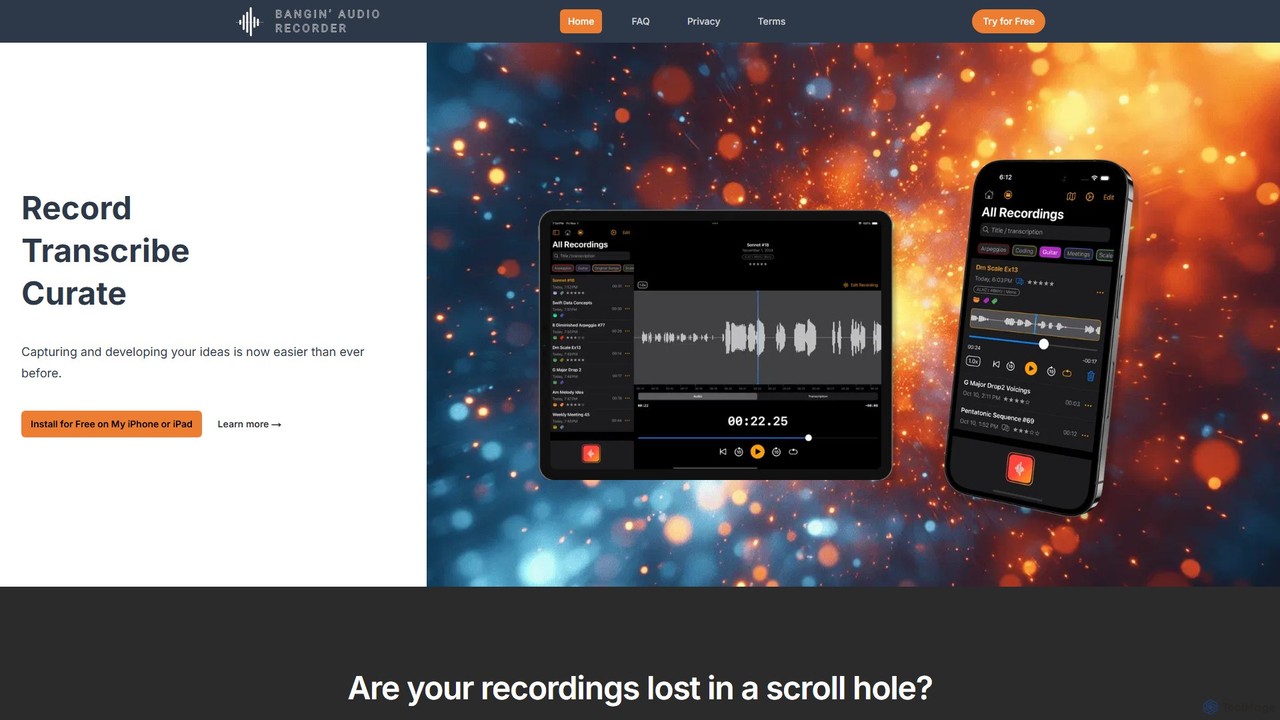
Bangin' Audio Recorder

Bangin' Audio Recorder

Bangin' Audio Recorder is an AI-powered audio recording and transcription app for iPhone and iPad. It captures high-quality …

2.7K
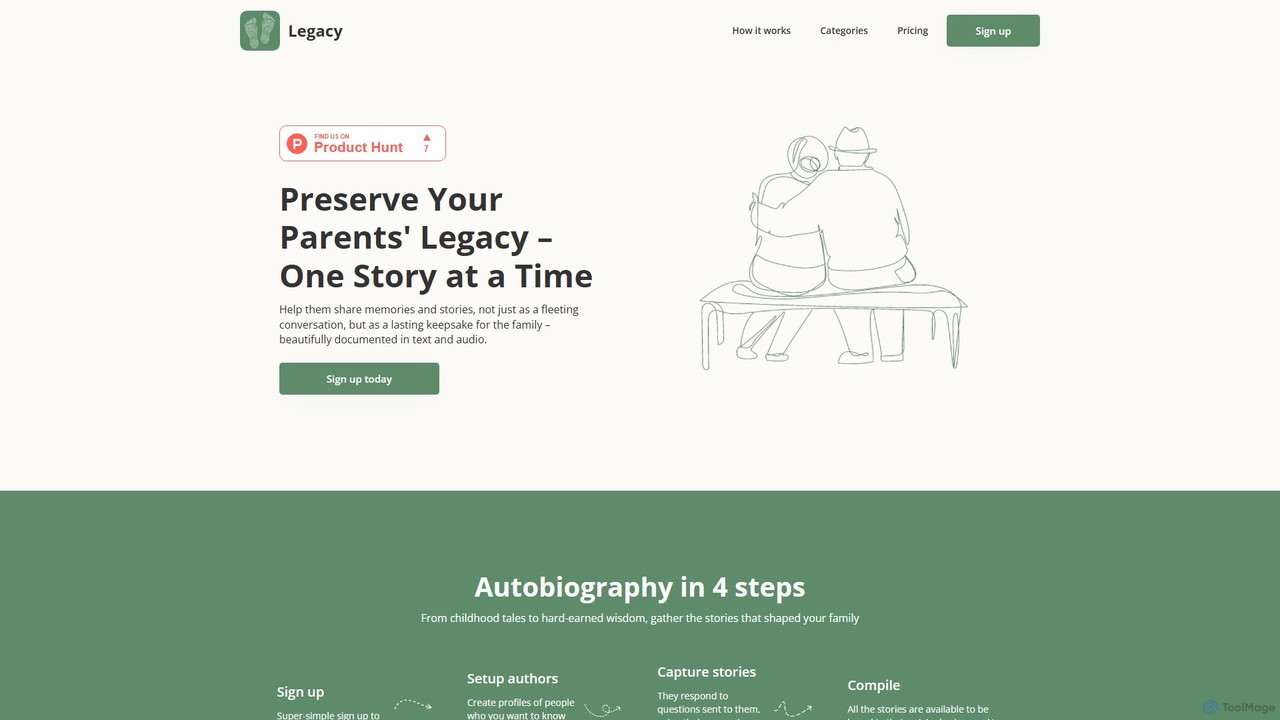
TheLegacy

TheLegacy

TheLegacy is an AI-powered platform designed to help you preserve your family's history. It allows you to capture …

2.6K

About Recording

AI Recording tools are specialized applications within the broader field of AI audio tools, designed to capture, enhance, and process spoken word or musical performances with intelligent automation. These tools leverage advanced machine learning algorithms for tasks like real-time noise reduction, automatic transcription, and intelligent sound optimization, ensuring high-quality audio capture even in challenging environments. They significantly streamline the recording workflow for professionals and enthusiasts alike, from podcast production to virtual meeting documentation.

Core Features

  • AI Noise Cancellation: Intelligently identifies and removes background noise, echoes, and hums from recordings, preserving vocal clarity.
  • Automatic Transcription: Converts spoken audio into text in real-time or post-recording, often with speaker identification and timestamping.
  • Smart Gain Control: Automatically adjusts recording levels to prevent clipping or overly quiet sections, ensuring consistent volume.
  • Speaker Separation: Differentiates and isolates individual voices in multi-speaker recordings, making editing and transcription easier.
  • Ambient Sound Removal: Specifically targets and eliminates unwanted environmental sounds while maintaining the primary audio source.

Applicable Scenarios

AI recording tools are invaluable for journalists conducting interviews, podcasters capturing dialogue, educators recording lectures, and business professionals documenting meetings. They are also used by musicians for cleaner vocal takes and by content creators needing high-quality voiceovers without expensive studio equipment. These tools simplify complex audio challenges, making professional-grade recordings accessible.

How to Choose

When selecting an AI recording tool, consider its primary function (e.g., transcription accuracy, noise reduction quality), supported audio formats, and real-time processing capabilities. Evaluate its integration with existing workflows or platforms, such as video conferencing software or DAWs. Also, assess the pricing model, user interface simplicity, and the availability of advanced features like multi-track recording or cloud storage for collaboration.

RecordingUse Cases

1

Recording Clear Remote Interviews

Journalists and podcasters often face challenges with audio quality during remote interviews due to varying internet connections and background noise from participants. AI recording tools can automatically filter out ambient sounds and enhance speech clarity in real-time, ensuring that every word from both interviewer and interviewee is crisp and intelligible. This saves hours in post-production editing and delivers a professional-sounding final product, crucial for timely content delivery.

2

Automating Meeting Minutes and Action Items

Business professionals frequently record virtual meetings for documentation, but manually transcribing them is time-consuming. AI recording tools not only capture high-fidelity audio but also provide real-time or post-meeting transcription with speaker identification. This allows teams to quickly generate accurate meeting minutes, identify action items, and share summaries, significantly improving productivity and ensuring no critical details are missed.

3

Producing High-Quality Podcast Episodes

Independent podcasters often record in home studios or less-than-ideal environments, leading to issues like room echo or HVAC noise. AI recording software can automatically clean up these imperfections during or after recording, applying intelligent noise reduction and equalization. This enables podcasters to achieve studio-quality sound without extensive audio engineering knowledge or expensive equipment, making their content more engaging for listeners.

4

Capturing Clean Voiceovers for Video Content

Video content creators, YouTubers, and e-learning developers require pristine voiceovers to accompany their visuals. Recording in a quiet environment isn't always possible. AI recording tools can isolate the speaker's voice from any background distractions, such as keyboard clicks or street noise, ensuring the narration is clear and professional. This enhances the overall production value of videos and improves viewer comprehension.

5

Documenting Lectures and Educational Content

Educators and students can utilize AI recording tools to capture lectures, seminars, or study sessions. Beyond simple audio capture, these tools can automatically transcribe the spoken content, making it searchable and easier to review. Features like speaker separation can also help distinguish between the lecturer and student questions, providing a comprehensive and organized record for future reference and learning.

6

Enhancing Live Performance Audio Capture

Musicians and performers often record rehearsals or live gigs for review or demo purposes. AI recording tools can help by intelligently balancing instrument levels, reducing stage feedback, and cleaning up ambient venue noise. This allows artists to get a clearer, more balanced recording of their performance, which is invaluable for self-critique, sharing with band members, or creating quick, high-quality demos without a full studio setup.

RecordingFrequently Asked Questions