Audio Best in category 1 results Speechtotext AI Tool

Popular AI tools in the Speechtotext field of Audio include Lugs.ai, etc., helping you quickly improve efficiency.

Lugs.ai

Lugs.ai

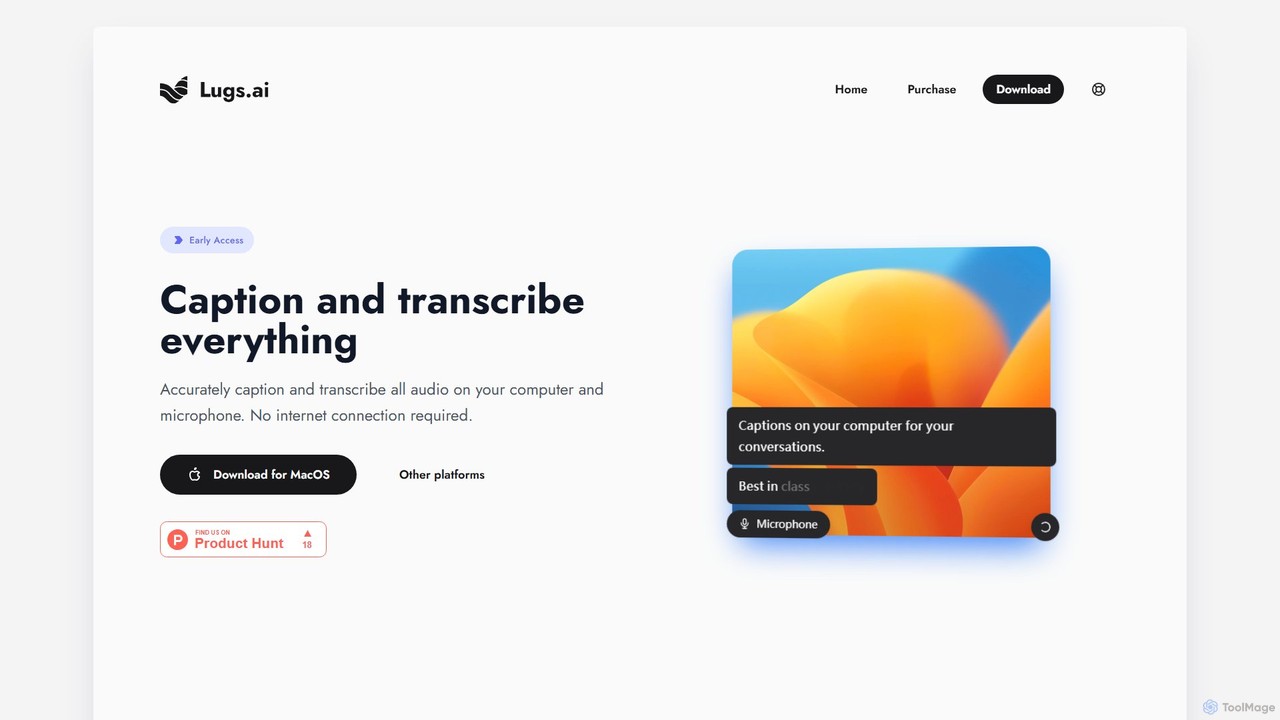
Lugs.ai is a macOS desktop application providing real-time, highly accurate transcription and captioning for all computer and microphone …

2.5K

About Speechtotext

Speech-to-text tools are a class of AI software that automatically convert spoken language from audio or video files into written text. These tools leverage advanced Automatic Speech Recognition (ASR) models to accurately identify words, punctuation, and even different speakers in real-time or from pre-recorded files. Their primary value lies in automating the time-consuming process of manual transcription, making voice data searchable and accessible. Modern speech-to-text systems offer high accuracy across numerous languages and accents, serving as a foundational technology for data analysis, content creation, and accessibility.

Core Features

  • Speaker Diarization: Automatically identifies and labels who is speaking and when in a multi-participant conversation.
  • Real-Time Transcription: Converts live audio streams into text with minimal delay, suitable for live captioning.
  • Timestamping: Aligns each word or phrase with its precise start and end time in the source audio.
  • Custom Vocabulary: Allows users to add specific industry jargon, names, or acronyms to improve recognition accuracy.
  • Punctuation & Formatting: Intelligently adds punctuation, capitalization, and paragraph breaks to enhance readability.

Use Cases

Speech-to-text technology is widely adopted across various sectors. Journalists and researchers use it to quickly transcribe interviews and focus groups. Content creators rely on it to generate accurate subtitles and captions for videos, improving SEO and accessibility. In business, it's used to create searchable archives of meetings and conference calls, while call centers analyze transcriptions for quality assurance and customer insights.

How to Choose

When selecting a speech-to-text tool, evaluate its accuracy rate for your specific language, dialect, and audio environment. Consider its support for essential features like speaker diarization and timestamping. Assess the availability of an API for integration into your existing workflows. Finally, compare pricing models—whether per-minute, subscription-based, or a tiered plan—to find one that aligns with your usage volume and budget.

SpeechtotextUse Cases

1

Automating Meeting Minutes and Action Items

For project managers and team leaders, manually taking notes during meetings is inefficient and prone to errors. By using a speech-to-text tool, they can record the entire meeting and receive a full, searchable transcript afterward. Advanced features like speaker diarization automatically attribute comments to the correct participant. This allows managers to quickly review discussions, extract key decisions, and identify action items without having to re-listen to hours of audio, saving significant administrative time and ensuring no critical information is lost.

2

Generating Accurate Subtitles for Video Content

Content creators, marketers, and educators need to make their video content accessible and engaging. A speech-to-text tool can transcribe the audio from a video file, providing a time-stamped text output. This transcript can then be easily edited for accuracy and converted into standard subtitle formats like SRT or VTT. This process drastically reduces the time required to create captions compared to manual typing, improves video SEO by making the content indexable by search engines, and enhances the viewing experience for non-native speakers and the hearing-impaired.

3

Transcribing Interviews for Research and Journalism

Researchers and journalists conduct numerous interviews that must be transcribed for analysis or reporting. Manually transcribing hours of audio is tedious and costly. A speech-to-text tool can process these recordings in minutes, providing a written record that can be easily searched for keywords, quotes, and themes. This allows professionals to spend more time on analysis and writing rather than on transcription. The ability to handle different accents and noisy environments is crucial for this use case, and many AI tools are specifically trained to manage these challenges effectively.

4

Analyzing Customer Calls in Contact Centers

For quality assurance managers and business analysts in contact centers, understanding customer interactions is key. Speech-to-text tools transcribe customer service calls at scale, creating a vast dataset of text. This text can then be analyzed using natural language processing (NLP) to identify trends, measure customer sentiment, monitor agent compliance with scripts, and detect emerging issues. This automated approach provides deeper insights than manual call sampling and helps businesses improve customer experience and operational efficiency.

5

Enabling Voice Commands and Dictation

Developers and product designers integrate speech-to-text APIs to build voice-enabled applications. This allows users to control software, search for information, or dictate text hands-free. For example, a doctor can dictate patient notes directly into an electronic health record system, or a driver can control their navigation app using voice commands. This application enhances user experience by providing a more natural and efficient way to interact with technology, particularly in situations where typing is impractical or impossible.

6

Improving Accessibility for Hearing-Impaired Individuals

For organizations and platforms focused on inclusivity, speech-to-text is a vital technology. It powers real-time captioning for live events, online meetings, and broadcasts, allowing individuals with hearing impairments to participate fully. Educational institutions use it to provide transcripts of lectures for students. By converting spoken content into a readable format, these tools break down communication barriers and ensure that information is accessible to a wider audience, helping organizations comply with accessibility standards and promote a more inclusive environment.

SpeechtotextFrequently Asked Questions