Automation Best in category 1 results Voice Assistant AI Tool

Popular AI tools in the Voice Assistant field of Automation include Vocca, etc., helping you quickly improve efficiency.

Vocca

Vocca

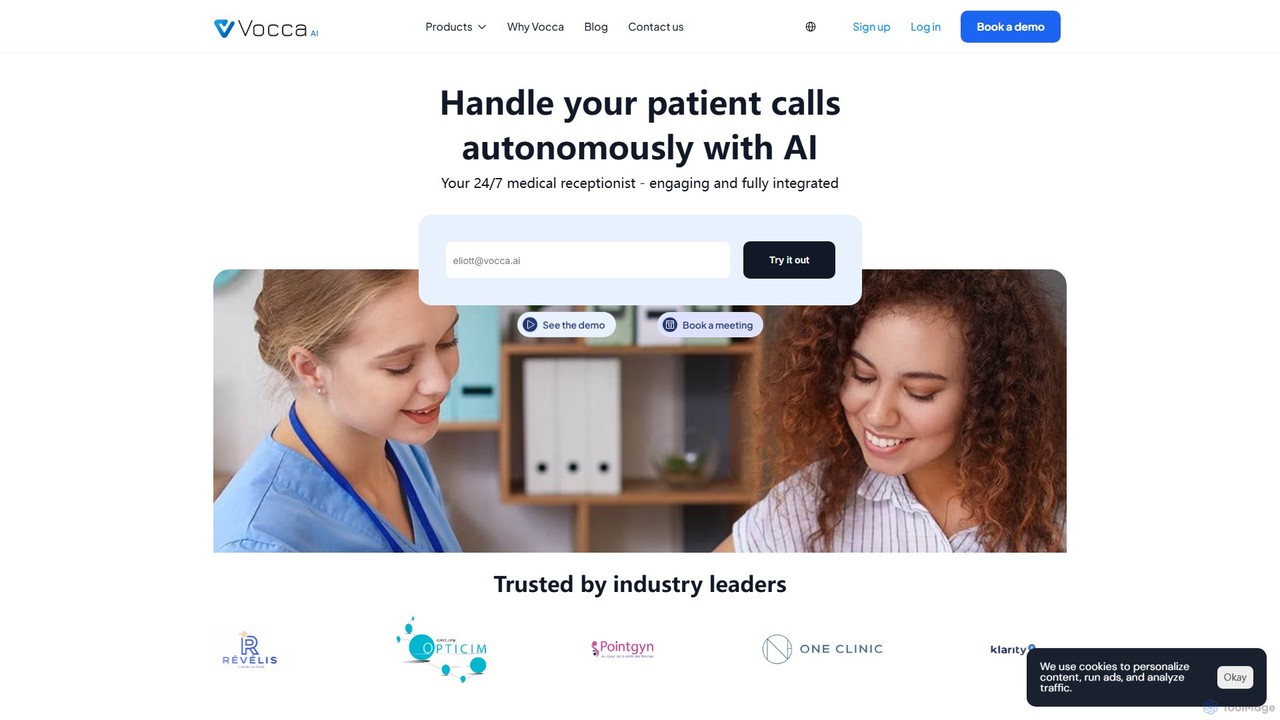
Vocca is an AI-powered call center and virtual receptionist designed specifically for the healthcare industry. It automates patient …

4.9K

About Voice Assistant

A Voice Assistant is a type of AI software that understands and responds to human speech, enabling hands-free control and task automation. Leveraging technologies like Automatic Speech Recognition (ASR) and Natural Language Understanding (NLU), these assistants can interpret spoken commands and access information to perform a wide range of actions. They serve as an intuitive interface for controlling devices, managing schedules, and retrieving data, making complex automation accessible through simple conversation. This transforms how users interact with technology in their daily lives and work environments.

Core Features

  • Natural Language Understanding (NLU): Accurately interprets the intent and context behind user commands, not just keywords.
  • Wake Word Detection: Listens passively for a specific phrase (e.g., "Hey Google") to activate without manual input.
  • Task Execution & Integration: Connects with other apps and smart devices to perform actions like sending messages, playing music, or adjusting thermostats.
  • Conversational Context: Maintains context across multiple turns of a conversation for more natural, follow-up interactions.
  • Text-to-Speech (TTS): Articulates responses and information in a clear, human-like voice.

Use Cases

Voice Assistants are widely used in smart homes for controlling IoT devices, in vehicles for hands-free navigation and communication, and on personal devices like smartphones and smartwatches for on-the-go productivity. In business, they are deployed in customer service to handle initial queries and in office environments to streamline meeting scheduling and note-taking, enhancing both personal and professional efficiency.

How to Choose

When selecting a Voice Assistant, consider its ecosystem compatibility (e.g., Apple HomeKit, Google Home, Amazon Alexa) to ensure it integrates with your existing devices. Evaluate the accuracy of its voice recognition and the breadth of its third-party app integrations (skills/actions). Also, review its privacy controls and data handling policies, as well as its support for multiple languages and accents if needed for your specific use case.

Voice AssistantUse Cases

1

Automating Smart Home Routines

A homeowner uses their voice assistant integrated into a smart speaker to streamline daily tasks. By saying "Good morning," they trigger a pre-set routine that automatically turns on the lights, adjusts the thermostat, starts the coffee maker, and reads out the day's weather forecast and calendar appointments. This hands-free automation saves time and adds convenience, allowing them to start their day efficiently without interacting with multiple apps or switches. The same system can be used for evening routines, such as locking doors and turning off all lights with a single voice command.

2

Hands-Free Control in a Vehicle

A driver uses the in-car voice assistant to manage navigation, communication, and entertainment safely while driving. They can ask for directions to a new destination, initiate a phone call to a contact, or request a specific song or playlist without taking their hands off the steering wheel or their eyes off the road. The assistant can also read incoming text messages aloud and allow the driver to dictate a reply. This application of voice technology significantly enhances driver safety and convenience by minimizing distractions.

3

Enhancing Accessibility for Users

A user with a visual impairment or motor disability leverages a voice assistant on their computer or smartphone to navigate the digital world. They can command the assistant to open applications, compose and send emails, search the web for information, and read articles aloud. This provides an essential interface for individuals who find traditional keyboard, mouse, or touch-screen interactions challenging. By converting spoken words into digital actions, voice assistants promote greater independence and digital inclusion for people with diverse accessibility needs.

4

Streamlining Business Meeting Workflows

In a corporate setting, a team uses a voice assistant designed for business to manage meetings more efficiently. Before a meeting, an employee can ask the assistant to schedule an event and invite attendees. During the meeting, the voice assistant can be activated to take notes, transcribe the conversation in real-time, and identify action items based on keywords like "I will follow up on..." After the meeting, it automatically compiles and distributes the summary and action list to all participants. This automates tedious administrative tasks, ensuring accurate records and freeing up employees to focus on strategic discussions.

5

Interactive Learning and Homework Assistance

A student uses a voice assistant to help with their studies. When faced with a complex math problem, they can ask the assistant for the formula or to perform a calculation. For language studies, they can ask for translations, definitions of words, or practice pronunciation. When researching a topic for a history paper, they can ask factual questions like "When was the Magna Carta signed?" and receive instant, audible answers. This provides a quick and interactive way to access information, supplementing traditional study methods and making learning more engaging.

6

First-Line Customer Support Automation

A company implements a voice assistant on its customer service phone line to handle common inquiries. When a customer calls, the AI assistant greets them and uses natural language understanding to identify the reason for their call, such as checking an order status, asking about return policies, or finding store hours. The assistant can provide instant answers to these frequently asked questions, resolving a significant portion of calls without human intervention. For more complex issues, it intelligently routes the caller to the appropriate human agent, providing the agent with the context of the initial conversation. This improves efficiency and reduces customer wait times.

Voice AssistantFrequently Asked Questions