ToolMage
Sign in

Best 3 Team Communication AI tools for Collaboration

Popular Team Communication AI tools in Collaboration include huly, Tettra, and Eunoia, helping you work more efficiently.

Eunoia
Paid

Eunoia

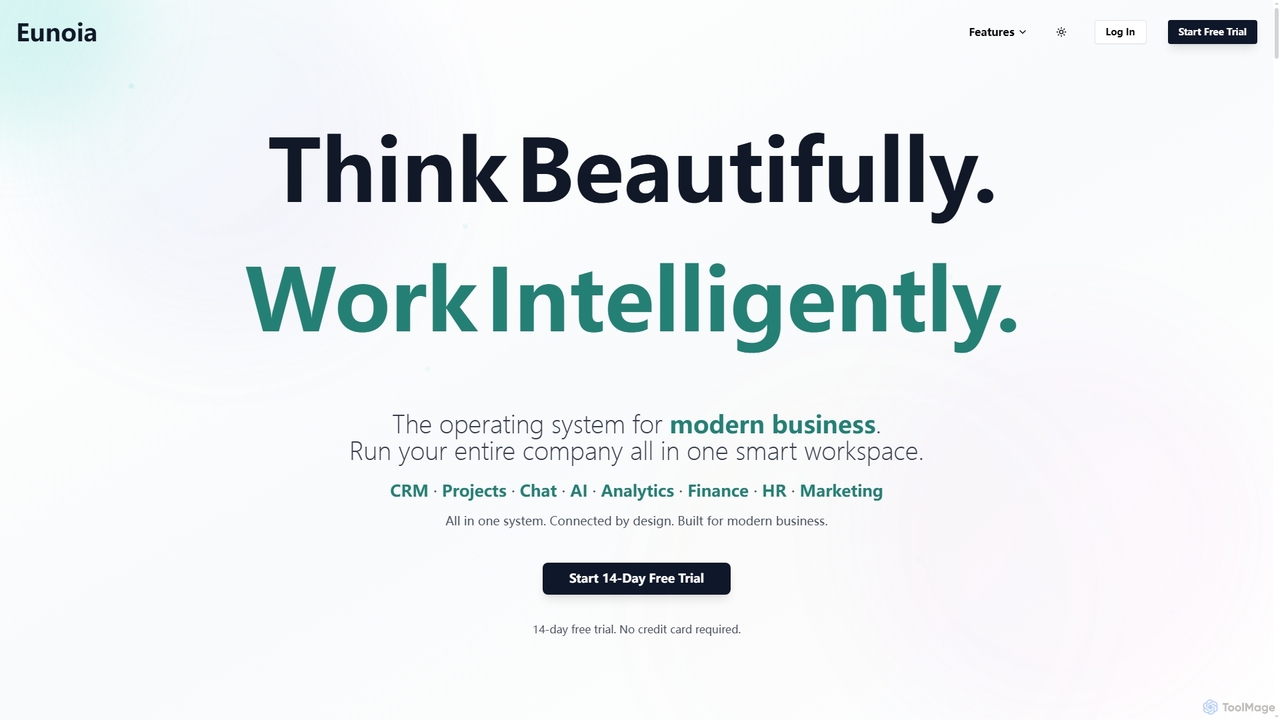
Eunoia is an all-in-one AI-powered business workspace designed to streamline operations by integrating CRM, project management, chat, AI, analytics, finance, HR, and marketing. It aims to replace numerous fragmented tools, offering a unified platform for modern businesses to think beautifully and work intelligently.

Business Automation
Visits 4.8KFavorites 106Likes 126
huly
Freemium

huly

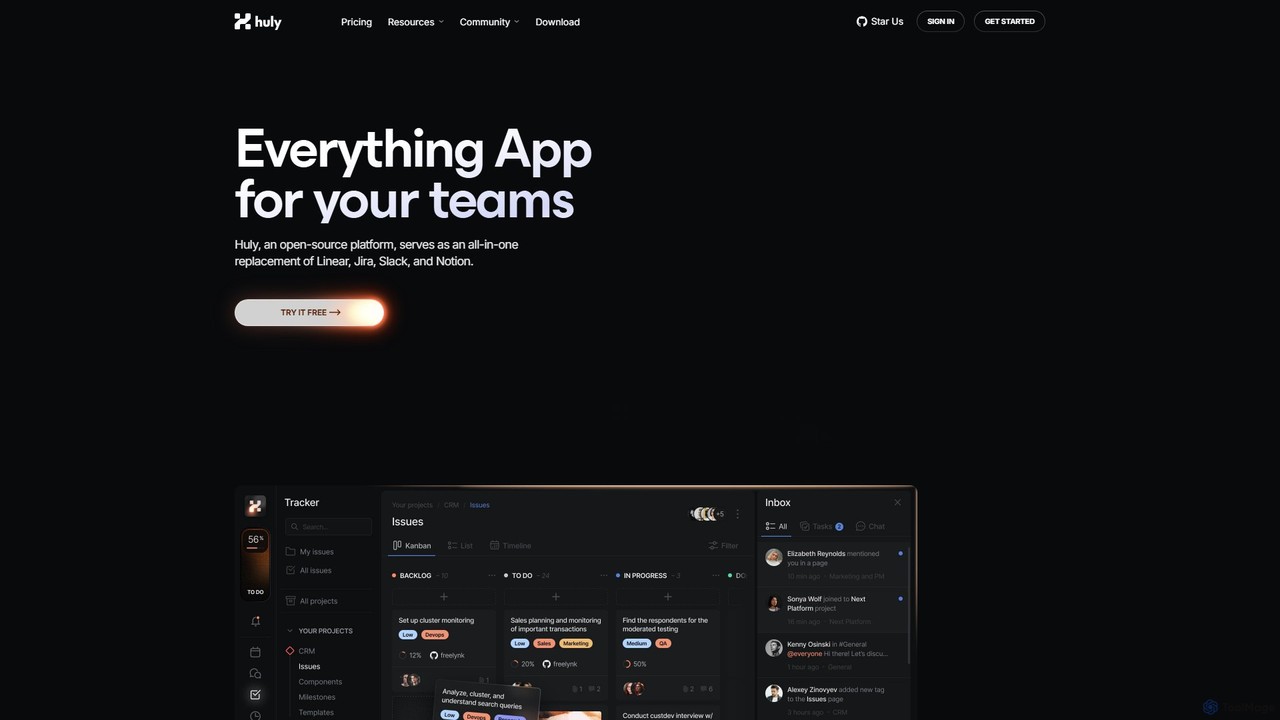
Huly is an open-source, all-in-one productivity platform designed for teams. It integrates project management, team chat, virtual offices, and a knowledge base, aiming to replace tools like Jira, Slack, and Notion. With deep GitHub integration and upcoming AI features, Huly streamlines workflows for developers and product teams, fostering unmatched collaboration and efficiency in a single, unified workspace.

Team Communication
Visits 99.1KFavorites 137Likes 132
Tettra
Freemium

Tettra

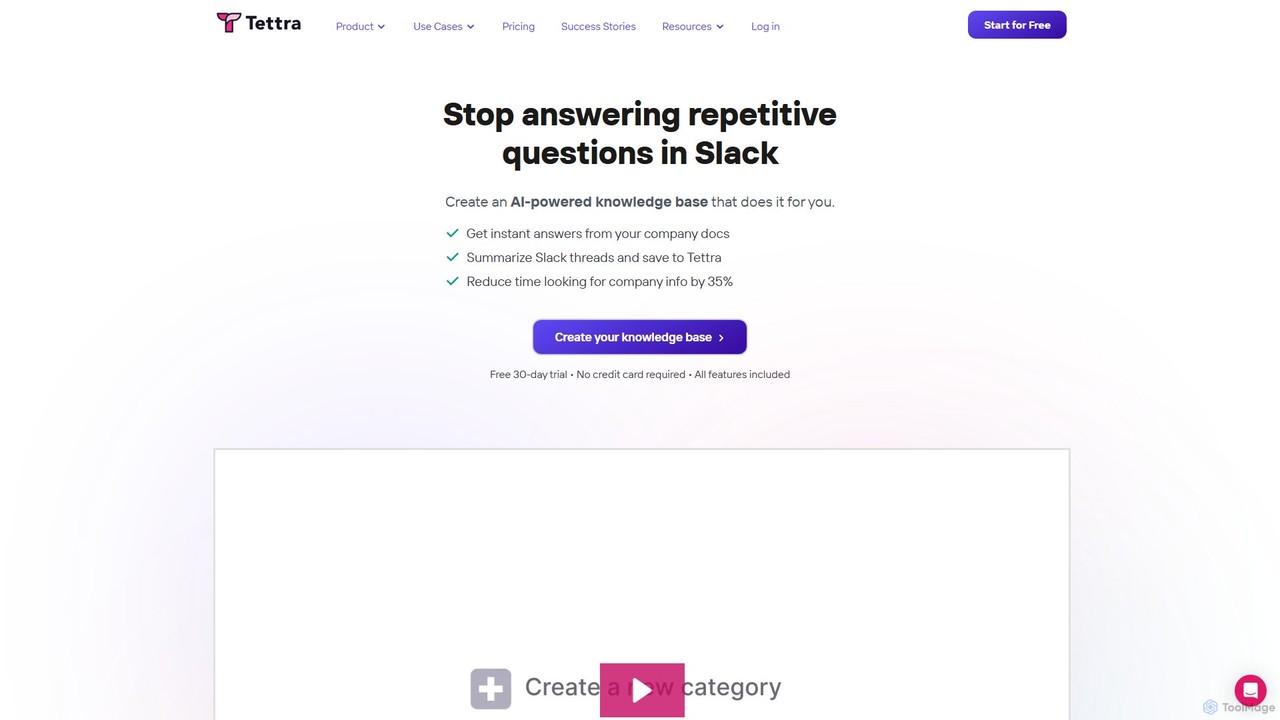
Tettra is an AI-powered internal knowledge base and management system designed to centralize your team's knowledge. It uses an AI assistant, Kai, to instantly answer questions in Slack and Tettra, reducing repetitive queries and improving productivity. It's ideal for support teams, agencies, and entire companies looking to organize scattered information into a single source of truth.

Customer Support
Visits 32.6KFavorites 126Likes 121

About Team Communication

AI Team Communication tools are platforms designed to streamline and enhance information exchange within workgroups. They leverage artificial intelligence to automate tasks like summarizing conversations, transcribing meetings, and prioritizing messages. This helps teams improve clarity, reduce communication overhead, and maintain alignment, especially in remote or distributed environments. The core technology often involves Natural Language Processing (NLP) to understand context and intent within discussions.

Core Features

  • AI Meeting Summaries: Automatically generate concise summaries, action items, and searchable transcripts from calls.
  • Intelligent Search: Instantly find relevant information, files, and decisions across all team conversations.
  • Real-time Translation: Eliminate language barriers in global teams with instant message translation.
  • Smart Prioritization: Use AI to filter out noise and highlight urgent messages or mentions.

Use Cases

These tools are particularly valuable for agile development teams, global marketing departments, and any organization practicing remote or hybrid work. They support fast-paced project collaboration and ensure knowledge is captured and accessible for the entire team.

How to Choose

When selecting a tool, consider its integration capabilities with your existing project management software, its security and compliance standards, scalability for your team's size, and the specific AI features that address your primary communication challenges.

Team Communication use cases

1

Automate Daily Stand-up Meetings

For agile software teams, manually running daily stand-ups can be time-consuming. An AI Team Communication tool can automate this process. Team members post their updates in a dedicated channel asynchronously. The AI then compiles these updates, identifies blockers, and generates a concise summary report. This report is automatically shared with the project manager and stakeholders, saving valuable meeting time and keeping everyone informed without disrupting development flow.

2

Enhance Cross-Functional Project Alignment

When marketing, sales, and product teams collaborate, critical information can get lost across different channels. These tools use AI to create a unified source of truth. For example, an AI can monitor project channels, summarize key decisions made in the marketing channel, and highlight dependencies for the product team. This ensures all departments have visibility into progress and decisions, preventing misalignment and rework.

3

Streamline Onboarding for Remote Employees

Onboarding new hires remotely presents challenges in knowledge transfer. An AI-powered communication platform acts as an intelligent knowledge base. New employees can ask questions in natural language, and the AI searches past conversations, documents, and wikis to provide instant answers. This empowers new team members to find information independently, reducing the burden on senior staff and accelerating their integration into the team.

4

Manage Global Team Communication Seamlessly

In a multinational company, language differences can hinder collaboration. AI Team Communication tools with real-time translation allow team members to communicate in their native language. A developer in Japan can type in Japanese, and a project manager in Germany will see the message instantly translated into German within the same channel. This fosters inclusivity and ensures clear, accurate communication across diverse global teams.

5

Capture Action Items from Client Meetings

Account managers and sales teams need to accurately capture client needs and commitments. After a video call with a client, the tool's AI can automatically transcribe the entire conversation. More importantly, it identifies and lists specific action items, follow-up tasks, and key decisions. This list can be directly shared or integrated into a CRM, ensuring no commitment is missed and improving client relationship management.

6

Reduce Information Overload for Leadership

Executives and managers often lack the time to read through every message in every project channel. AI can provide them with high-level, digestible insights. The tool can generate a daily or weekly executive brief that summarizes key activities, highlights potential risks identified through sentiment analysis, and flags important decisions across multiple teams. This allows leadership to stay informed and intervene where necessary without getting bogged down in details.

Team Communication FAQ

What are AI Team Communication tools?

AI Team Communication tools are platforms that use artificial intelligence to improve how teams interact and share information. They go beyond simple messaging by offering features like automated meeting summaries, intelligent search across conversations, and real-time translation. Their primary goal is to make communication more efficient, organized, and accessible for all team members.

How do AI Team Communication tools differ from standard chat apps?

The key difference lies in the intelligent layer. While standard chat apps (like basic versions of Slack or Teams) provide a platform for messaging, AI-powered tools actively analyze and process that communication. They can automatically summarize long threads, identify action items from a conversation, translate languages in real-time, and provide insights into communication patterns, features not typically found in standard chat applications.

How to choose the right AI Team Communication tool?

When selecting a tool, consider these four factors:

  • Integrations: Ensure it connects seamlessly with your existing workflow tools like project management software, calendars, and cloud storage.
  • AI Feature Set: Evaluate if its specific AI capabilities (e.g., meeting summaries, translation, search) solve your team's biggest communication pain points.
  • Security & Compliance: Verify that the tool meets your industry's data security and privacy standards.
  • Scalability: Choose a platform that can grow with your team in terms of users, features, and data storage.

What are the key AI-driven features in modern team communication platforms?

Key AI features include: automated transcription and summarization of video/audio meetings; natural language search that understands context to find information across all channels; real-time, in-line translation for global teams; smart notifications that prioritize important messages to reduce noise; and sentiment analysis to gauge team morale from communication patterns.

Can these tools ensure the security of confidential team conversations?

Reputable AI Team Communication tools prioritize security. They typically offer end-to-end encryption for messages, robust access controls to manage user permissions, and compliance with international data protection regulations like GDPR and SOC 2. When choosing a tool, it is crucial to review its security documentation and policies to ensure it meets your organization's requirements for handling confidential information.