
PI.EXCHANGE
PI.EXCHANGE is an enterprise-grade, no-code machine learning platform designed for businesses. It offers specialized studios for demand forecasting, …
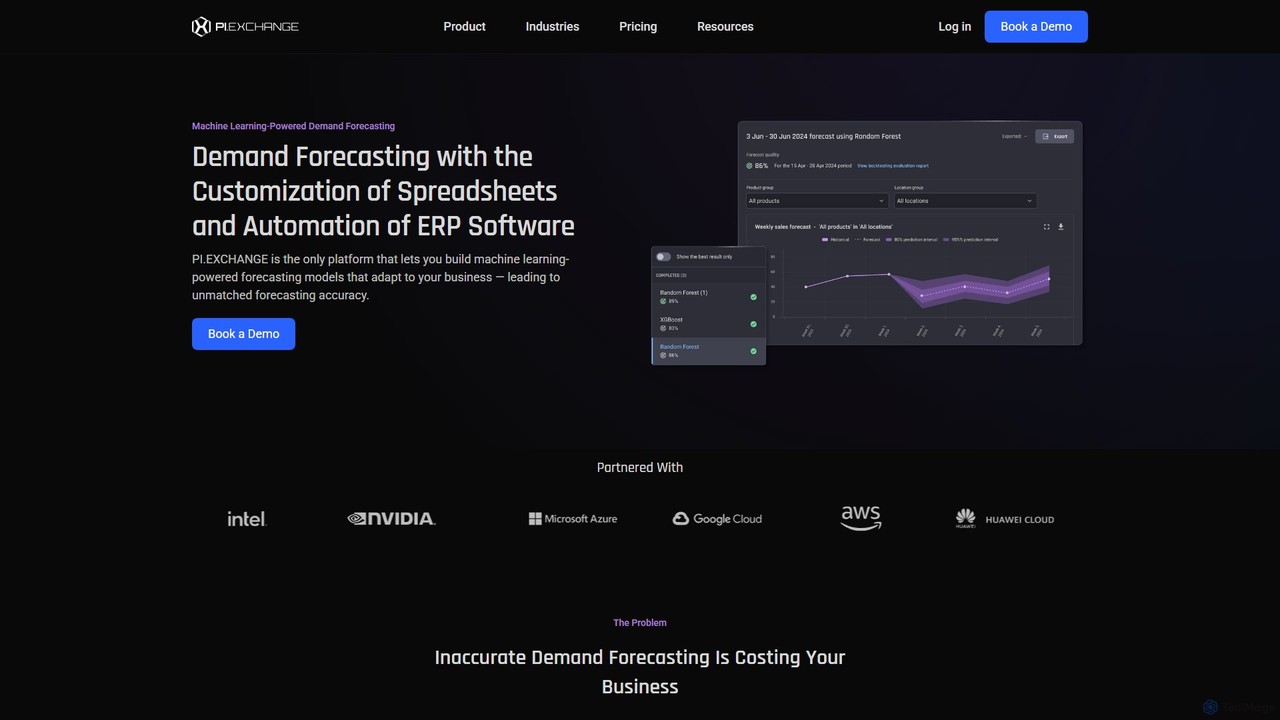
PI.EXCHANGE is an enterprise-grade, no-code machine learning platform designed for businesses. It offers specialized studios for demand forecasting, customer insights, and custom model building, enabling users to create highly accurate predictive models without writing code. The platform automates data pipelines, integrates external factors, and supports collaborative scenario planning to drive data-informed decisions and improve business outcomes.
About No Code
No Code platforms are visual development environments that allow users to build data-driven applications, automate workflows, and manage databases without writing a single line of code. These tools utilize intuitive drag-and-drop interfaces and pre-built components to construct complex logic and user interfaces. This approach empowers non-technical users, often called citizen developers, to create custom software solutions for data analysis and operational management. Consequently, it dramatically accelerates development cycles and reduces reliance on specialized engineering teams.
Core Features
- Visual Workflow Builder: Design complex business logic and data automation sequences using a graphical, flowchart-style interface.
- Database Integration: Connect to various data sources like SQL databases, APIs, and spreadsheets with pre-built connectors.
- Drag-and-Drop UI Builder: Create responsive user interfaces for web and mobile applications by arranging pre-made visual elements.
- Pre-built Templates: Start projects quickly with ready-to-use templates for common applications like CRMs, project trackers, or dashboards.
- User Authentication: Implement secure user login and role-based access controls without manual configuration.
Use Cases
No Code tools are widely used by business analysts, operations managers, and entrepreneurs. Common applications include building internal tools like custom CRMs or inventory management systems, automating repetitive data-entry tasks between different software, and creating interactive dashboards to visualize key business metrics from multiple sources.
How to Choose
When selecting a No Code platform, first evaluate its integration capabilities with your existing data sources and software stack. Consider the platform's scalability to ensure it can handle your expected user load and data volume. Assess the pricing model—whether it's based on users, workflows, or app usage. Finally, review the learning curve and available community support to ensure your team can adopt the tool effectively.
No CodeUse Cases
Automate Weekly Marketing Report Generation
A marketing manager needs to consolidate performance data from Google Analytics, Facebook Ads, and a sales CRM into a single weekly report for stakeholders. Instead of spending hours manually exporting and merging spreadsheets, they use a no-code platform. They create a workflow that automatically pulls data from each platform's API every Monday morning, aggregates the key metrics into a predefined template, and emails the final report as a PDF to the management team. This saves approximately 5 hours of manual work each week and eliminates human error in data compilation.
Build a Custom Internal Tool for Project Tracking
A small agency needs a centralized system to track project progress, client details, and billable hours, but off-the-shelf software is either too complex or too expensive. An operations manager uses a no-code platform to build a custom application. They design a database to store client and project information, create forms for team members to log their hours, and build dashboards that visualize project budgets versus actual spending. The resulting tool is perfectly tailored to the agency's workflow, improving data accuracy and providing real-time visibility into project health for the entire team.
Develop a Customer Feedback Collection Portal
A product manager wants to centralize customer feedback from various channels like surveys, support tickets, and social media. Using a no-code platform, they build a portal that integrates with these sources. An automation workflow tags and categorizes incoming feedback based on keywords (e.g., 'bug', 'feature request'). The data is then displayed on a dashboard, allowing the product team to easily identify trends, prioritize features, and link feedback directly to development tasks. This creates a single source of truth for customer sentiment and streamlines the product planning process.
Create a Simple Inventory Management System
A small e-commerce business owner struggles to track inventory across multiple sales channels like their website and a marketplace. They use a no-code platform to build a simple inventory management app. The app connects to their e-commerce platform and marketplace APIs to pull sales data in real-time. When an item is sold on any channel, the central inventory database is automatically updated. The owner can also set up low-stock alerts that trigger an email notification, preventing stockouts and improving customer satisfaction without investing in expensive, dedicated software.
Automate HR Employee Onboarding Workflow
An HR department manages new hire onboarding with a manual checklist, leading to inconsistencies and delays. An HR specialist uses a no-code automation tool to streamline the process. When a new employee is marked as 'hired' in the HR system, a workflow is triggered. It automatically sends a welcome email, creates accounts in necessary software (like Slack and Google Workspace), assigns introductory training modules, and schedules a check-in meeting with their manager. This ensures a consistent and efficient onboarding experience for every new hire and frees up the HR team for more strategic tasks.
Build a Data Dashboard for Business Analytics
A business analyst needs to provide the management team with a real-time view of key performance indicators (KPIs) from various data sources, including a SQL database and Google Sheets. Instead of relying on complex BI tools, they use a no-code platform with a UI builder. They connect the data sources, write simple queries within the platform to fetch the necessary data, and then use drag-and-drop components to create interactive charts, graphs, and tables. The resulting dashboard is accessible via a web link, providing stakeholders with self-service access to up-to-date business insights without needing technical assistance.