
ToolMage
Sign in

Best 1 Transcription AI tools for Data

Popular Transcription AI tools in Data include AudioSage, helping you work more efficiently.

AudioSage
Freemium

AudioSage

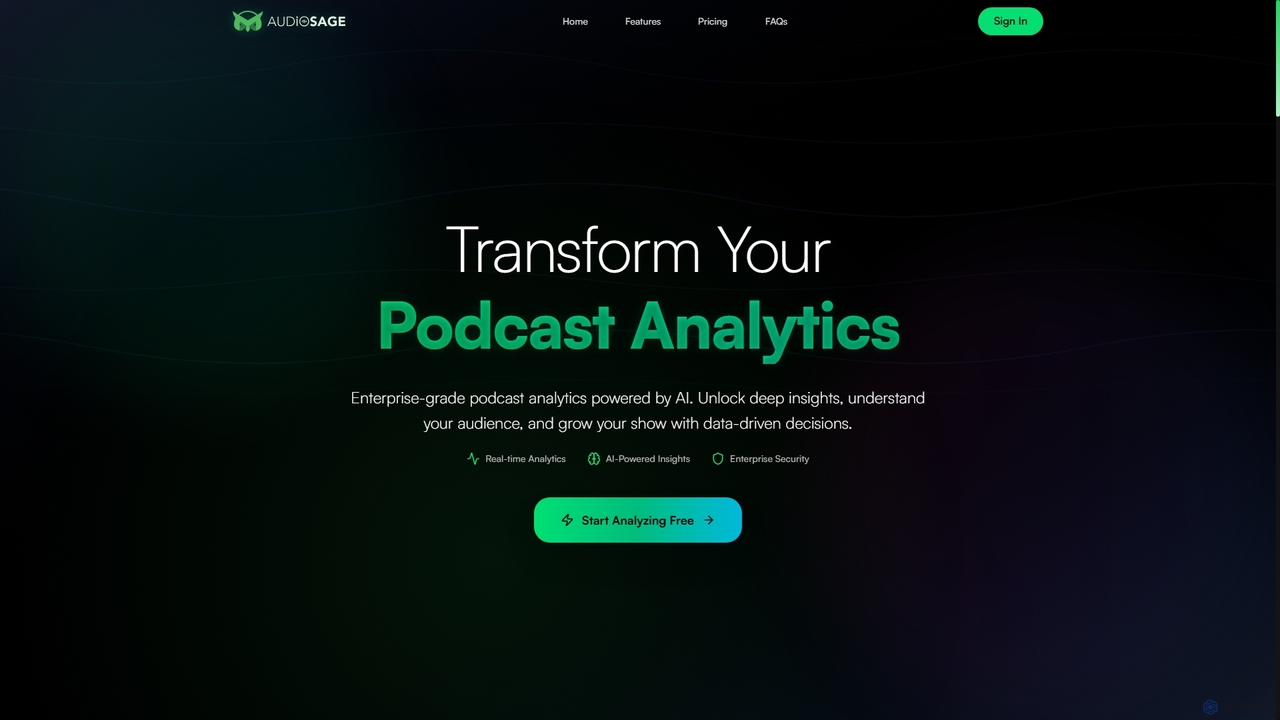
AudioSage is an AI-powered analytics platform designed for podcasters and media professionals. It delivers deep insights into content performance, audience engagement, and growth opportunities through real-time data, automatic transcription, and competitive analysis, enabling data-driven decisions to enhance your show.

Podcast
Visits 4.6KFavorites 106Likes 93

About Transcription

AI Transcription tools are a class of software that automatically converts spoken language from audio or video files into written text. These tools leverage advanced Automatic Speech Recognition (ASR) technology to identify words, punctuate sentences, and even distinguish between different speakers. Their primary value lies in making audio and video content searchable, accessible, and analyzable, transforming unstructured voice data into structured, usable text. This capability is fundamental for data processing workflows that rely on information from spoken sources.

Core Features

  • Speaker Diarization: Automatically identifies and labels who is speaking and when, creating a clear, organized transcript of conversations.
  • Accurate Timestamping: Provides word-level or sentence-level timestamps, allowing users to easily navigate to specific points in the original audio or video.
  • Custom Vocabulary: Allows users to add specific terms, names, or jargon to the tool's dictionary to improve recognition accuracy for specialized content.
  • Multi-language Support: Transcribes audio in numerous languages and can often detect the language spoken automatically.
  • Export Formats: Offers various export options like plain text, SRT (for subtitles), VTT, and DOCX to fit different workflows.

Use Cases

AI Transcription tools are widely used across various sectors. Journalists and podcasters use them to quickly create written versions of interviews and episodes. Academic researchers analyze qualitative data from recorded sessions, while legal professionals produce accurate records of depositions and court hearings. In business, marketing and sales teams analyze customer calls to extract insights and improve training.

How to Choose

When selecting an AI Transcription tool, consider several key factors. Evaluate the tool's accuracy rate for your specific audio quality and accent. Check the range of supported languages and dialects. Assess its speaker identification capabilities and the quality of its timestamping. Finally, consider integration options with your existing software (like video editors or cloud storage) and the platform's security protocols for handling sensitive data.

Transcription use cases

1

Generating Subtitles for Video Content

Content creators, such as YouTubers and online course instructors, regularly need to make their videos accessible to a wider audience, including those who are deaf or hard of hearing, or who watch videos without sound. Using an AI transcription tool, they can upload their final video file and automatically generate a time-coded transcript. This transcript can then be exported as an SRT or VTT file and directly uploaded to their video platform. This process reduces the manual effort of typing and syncing subtitles by over 90%, improves SEO by making video content indexable by search engines, and enhances user engagement.

2

Transcribing Academic Research Interviews

Academic researchers in fields like sociology, psychology, and market research conduct numerous in-depth interviews to gather qualitative data. Manually transcribing hours of recordings is time-consuming and prone to errors. An AI transcription tool allows them to upload audio files from interviews and receive a full text transcript within minutes. Features like speaker diarization are crucial for distinguishing between the interviewer and interviewee. The resulting text can be easily imported into qualitative data analysis software (QDAS) for coding and theme identification, accelerating the research cycle significantly.

3

Creating Records of Legal Proceedings

Legal professionals, including lawyers and paralegals, require highly accurate written records of depositions, client meetings, and court hearings. AI transcription services provide a fast and cost-effective alternative to traditional court reporters. By recording proceedings, legal teams can get a searchable text document quickly. Custom vocabulary features are particularly useful for ensuring the correct spelling of legal terminology, case names, and individuals involved. This allows for rapid review of testimony, easier preparation of legal briefs, and efficient archiving of case files, while maintaining confidentiality through secure platforms.

4

Analyzing Customer Feedback from Sales Calls

Sales and marketing teams in a B2B company need to understand customer pain points and objections to refine their strategy. They use an AI transcription tool integrated with their call recording software to automatically transcribe all sales calls. By converting hours of conversation into text, managers can search for keywords related to competitors, feature requests, or pricing concerns. This provides a scalable way to extract qualitative insights without listening to every call. The data helps in improving sales scripts, developing new marketing materials, and providing targeted feedback to the product development team.

5

Documenting Medical Dictations

Physicians and other healthcare professionals often dictate patient notes, summaries, and reports to save time on administrative tasks. An AI transcription tool designed for the medical field can quickly and accurately convert these dictations into text for entry into Electronic Health Records (EHR). These specialized tools feature vocabularies trained on extensive medical terminology and comply with privacy regulations like HIPAA. This streamlines the clinical documentation process, reduces the risk of manual data entry errors, and allows clinicians to spend more time on patient care rather than paperwork.

6

Improving Accessibility for Corporate Meetings

In a global company, employees often participate in virtual meetings across different time zones and with varying levels of language proficiency. An HR or operations manager can use an AI transcription tool to provide real-time captions during live meetings and a full transcript afterward. This ensures that team members who missed the meeting can catch up easily, and non-native speakers can follow the discussion more effectively. The searchable transcript also serves as an official meeting record, making it simple to recall decisions, action items, and key discussion points without re-watching the entire recording.

Transcription FAQ

What are AI Transcription tools?

AI Transcription tools are applications that use artificial intelligence, specifically Automatic Speech Recognition (ASR) technology, to convert audio and video files into written text. Unlike manual transcription, this process is automated and can produce a transcript in a fraction of the time. Key features often include identifying different speakers (diarization), adding timestamps, and supporting multiple languages and dialects. They are used to make spoken content searchable, accessible, and easier to analyze.

How do I choose the right AI transcription tool?

Choosing the right tool depends on your specific needs. Consider the following factors:

  • Accuracy: Look for tools with high accuracy rates, especially for your industry's jargon or specific accents. Many offer free trials to test this.
  • Features: Do you need speaker identification, word-level timestamps, or custom vocabulary? Choose a tool that offers the features most relevant to your workflow.
  • Supported Languages: Ensure the tool supports all the languages and dialects you need to transcribe.
  • Security and Privacy: If you handle sensitive information (e.g., medical or legal), choose a tool with strong encryption and clear privacy policies (like HIPAA or GDPR compliance).
  • Integration: Check if the tool integrates with other software you use, such as cloud storage, video editors, or collaboration platforms.
What is the difference between AI transcription and manual transcription?

The primary difference lies in speed, cost, and accuracy. AI transcription is significantly faster, often delivering results in minutes, and is generally more affordable. It's ideal for large volumes of content and quick turnarounds. Manual transcription, performed by a human, is slower and more expensive but can achieve higher accuracy, especially with poor audio quality, complex terminology, or heavy accents. Manual services can also capture nuance, context, and non-verbal cues that AI might miss. Many workflows involve using AI for a first draft and then having a human review and edit it for perfection.

How accurate are AI transcription tools?

The accuracy of AI transcription tools can vary widely, typically ranging from 80% to over 98%. Several factors influence accuracy:

  • Audio Quality: Clear audio with minimal background noise and no speaker overlap results in the highest accuracy.
  • Accents and Dialects: Strong accents or less common dialects can sometimes reduce accuracy, though many advanced tools are trained on diverse datasets to handle this.
  • Specialized Terminology: Accuracy may decrease with industry-specific jargon, product names, or acronyms, unless the tool supports a custom vocabulary feature.
  • Speaker Clarity: The speed of speech and clarity of enunciation also play a significant role.
For most common use cases with good quality audio, modern AI tools are highly accurate and reliable.

Who can benefit from using AI transcription tools?

A wide range of professionals and individuals can benefit from AI transcription. This includes:

  • Content Creators (Podcasters, YouTubers): To create subtitles, show notes, and blog posts from their audio/video content, improving accessibility and SEO.
  • Journalists and Researchers: To quickly transcribe interviews and focus groups, allowing for faster analysis and quote extraction.
  • Students and Educators: To transcribe lectures and study materials, making it easier to review and search for key information.
  • Legal and Medical Professionals: To document depositions, client meetings, and patient dictations efficiently and accurately.
  • Businesses and Marketers: To analyze customer calls, webinars, and meetings to gain insights and create records.